Field Video How‑To Guide
Max 30 Seconds
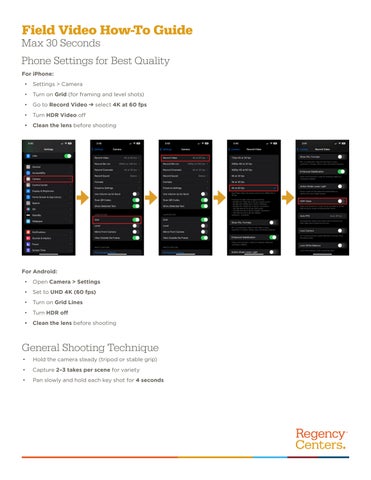
Phone Settings for Best Quality For iPhone: •
Settings > Camera
•
Turn on Grid (for framing and level shots)
•
Go to Record Video ➔ select 4K at 60 fps
•
Turn HDR Video off
•
Clean the lens before shooting
For Android: •
Open Camera > Settings
•
Set to UHD 4K (60 fps)
•
Turn on Grid Lines
•
Turn HDR off
•
Clean the lens before shooting
General Shooting Technique •
Hold the camera steady (tripod or stable grip)
•
Capture 2–3 takes per scene for variety
•
Pan slowly and hold each key shot for 4 seconds