ACCESSING YOUR TICKET TO THE INSPIRE LUNCHEON
The instructions below will guide you to: -
View your tickets Select you meal Transfer your tickets Add a credit card to expedite your check in on October 1
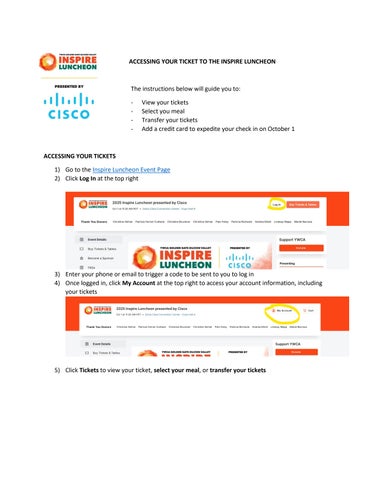
ACCESSING YOUR TICKETS 1) Go to the Inspire Luncheon Event Page 2) Click Log In at the top right
3) Enter your phone or email to trigger a code to be sent to you to log in 4) Once logged in, click My Account at the top right to access your account information, including your tickets
5) Click Tickets to view your ticket, select your meal, or transfer your tickets