One Simple Security Habit That Can Protect Your Business Email
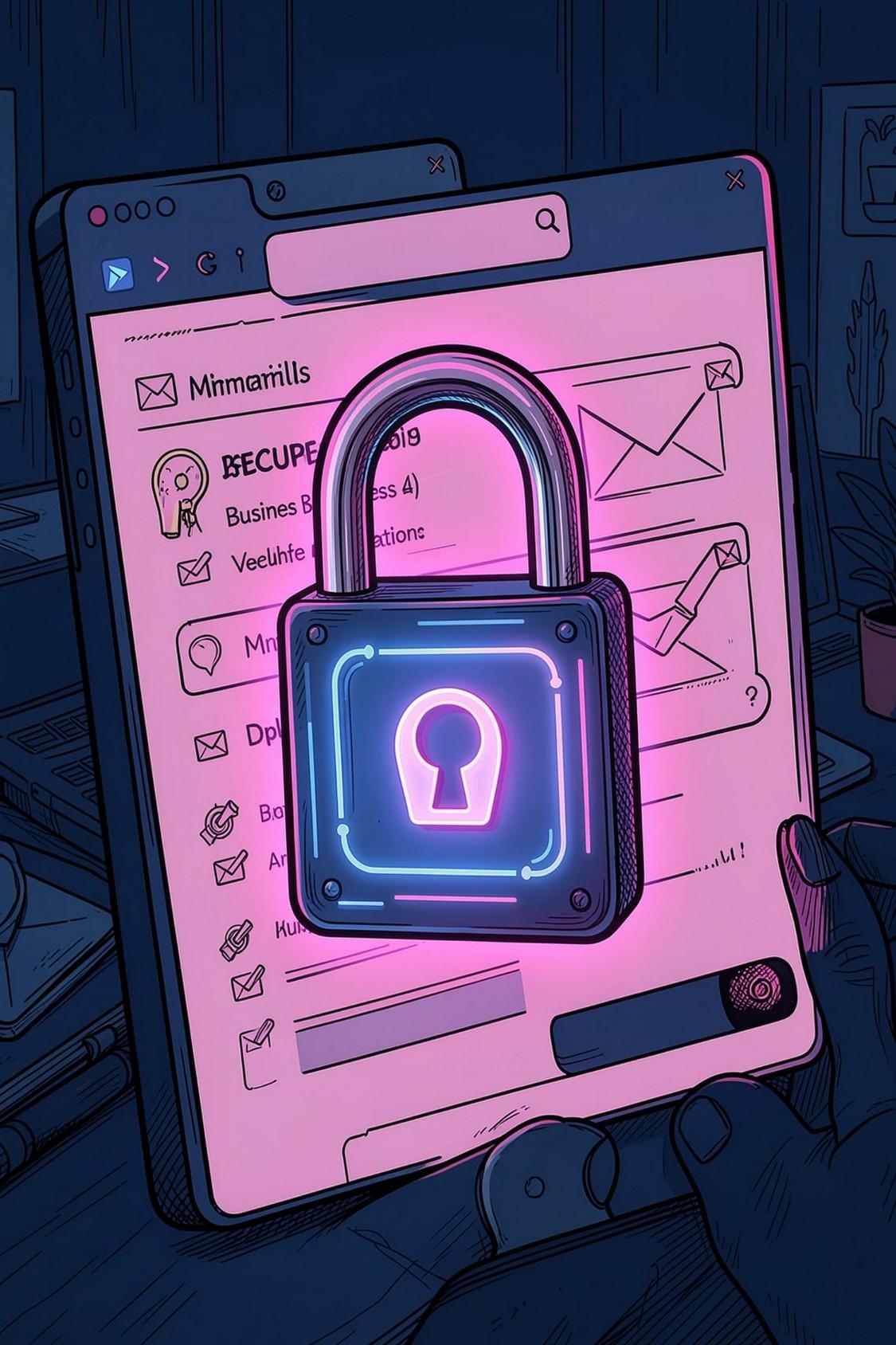
Email is the backbone of business communication — yet it remains one of the most targeted entry points for cybercriminals. The solution? Two-Factor Authentication (2FA).
Email is the backbone of business communication — yet it remains one of the most targeted entry points for cybercriminals. The solution? Two-Factor Authentication (2FA).
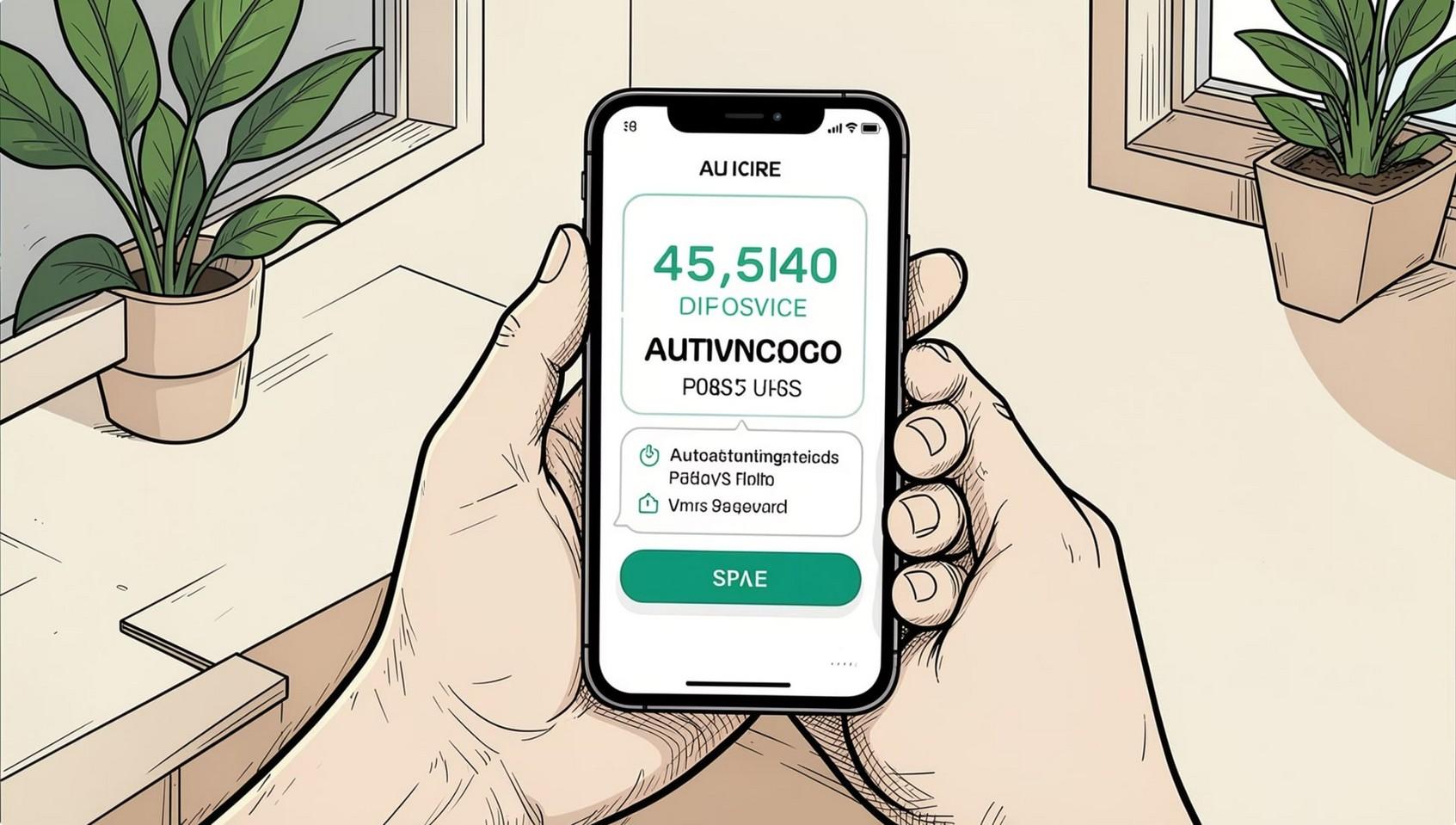
Two-Factor Authentication (2FA) requires users to verify their identity using two different methods before accessing their email — not just a password. Even if a password is stolen, attackers cannot log in without the second factor.

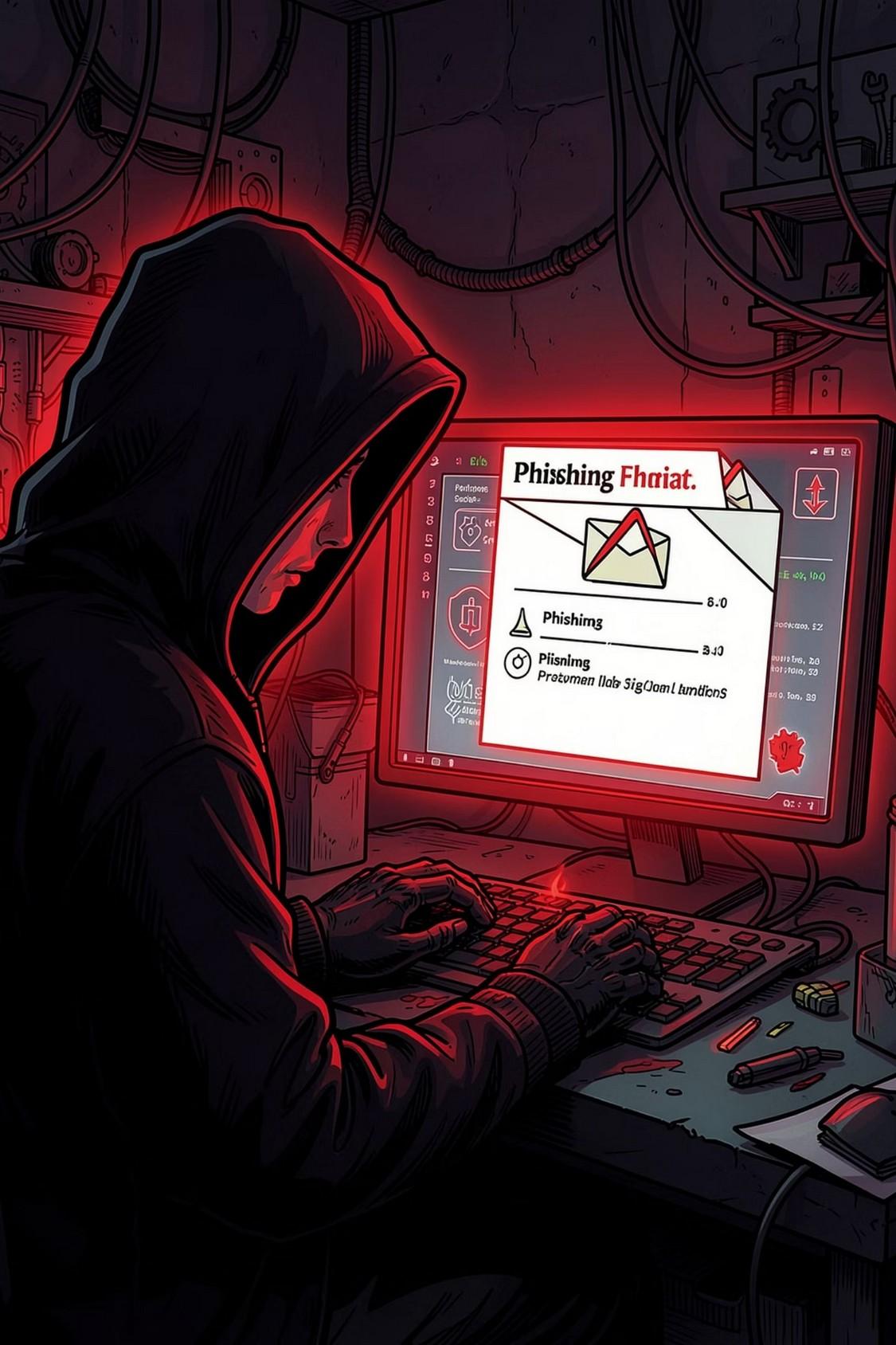
Strong passwords matter — but they're not enough. Employees reuse passwords, and cybercriminals use phishing, malware, and credential-stuffing attacks to steal login credentials silently.

Phishing Attacks
Fake emails and login pages steal credentials without users realizing it.

Password Reuse
One compromised account can expose multiple platforms.

Malware & Brute Force
Automated attacks crack or harvest passwords at scale.
Think of 2FA as a second lock on your office door. Even if someone has the key to the first lock, they still cannot enter without unlocking the second one. After entering the correct password, users must complete another verification step before access is granted. Access Granted Confirm via OTP Request 2nd Factor Enter Credentials
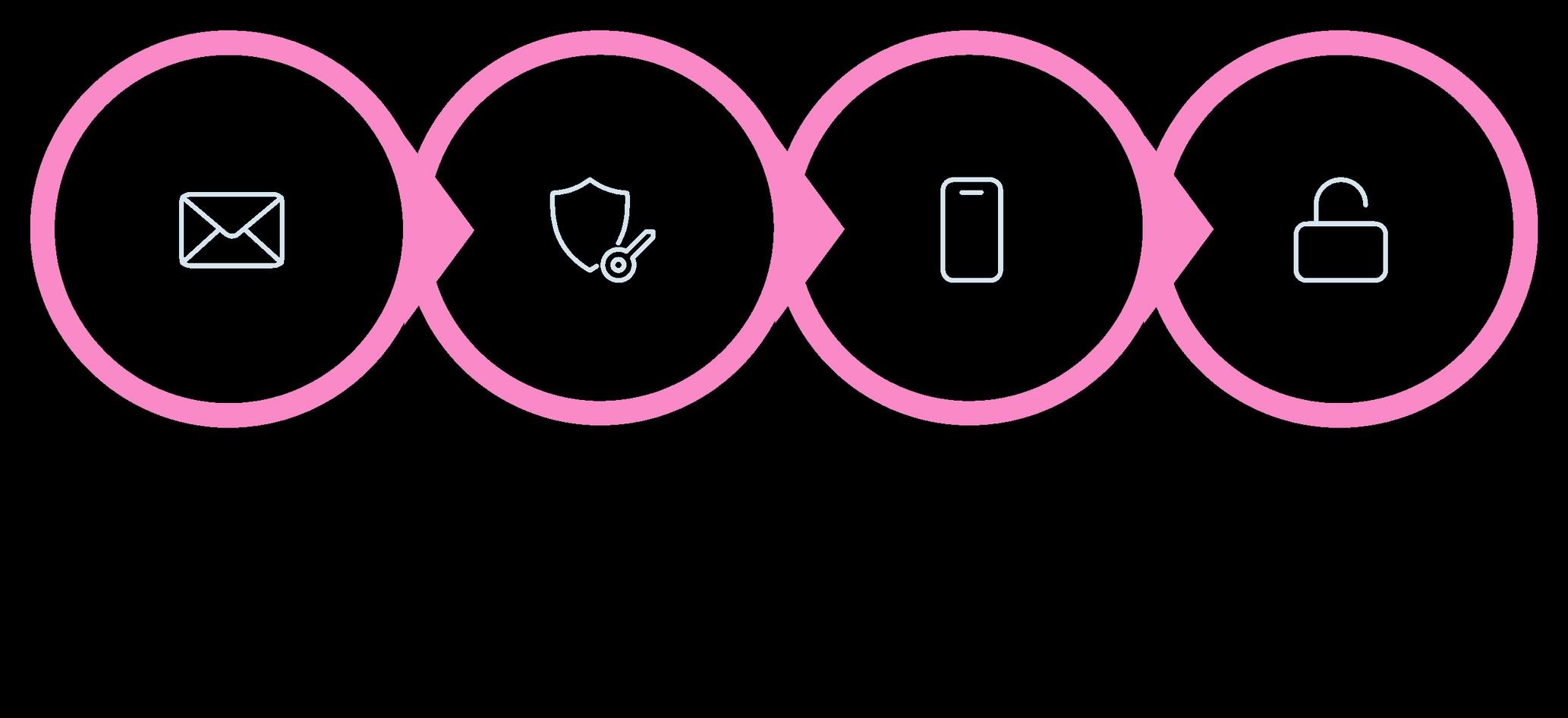
This simple process blocks many unauthorized login attempts and greatly reduces the risk of account compromise.
A compromised email account is often the starting point for larger cyberattacks — enabling impersonation, data theft, and financial fraud. Prevention is far easier and cheaper than recovery.
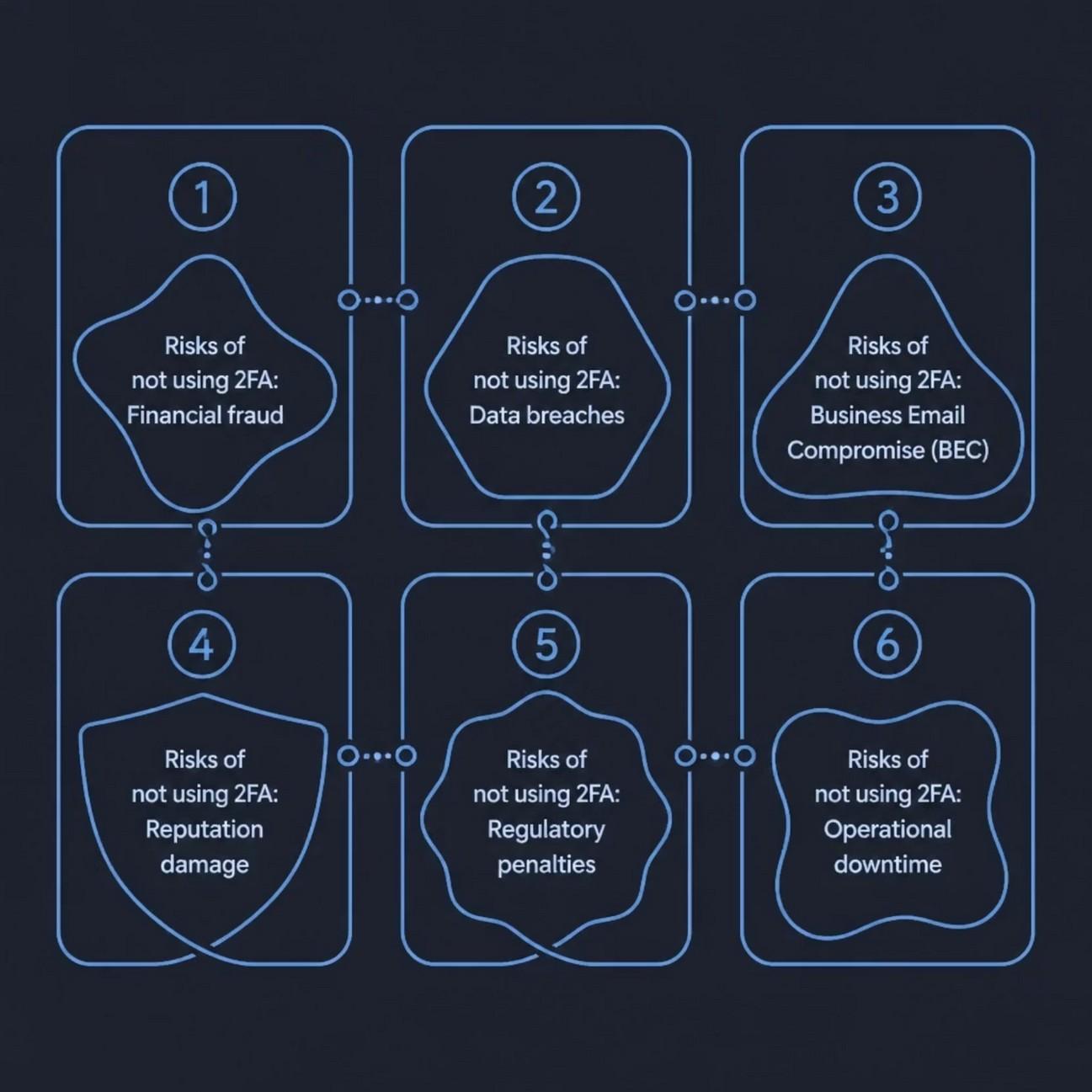

Cybercriminals target employees across every department — not just executives. A compromised HR, sales, or support account can become a gateway into the broader corporate network.
Human Resources

Finance

Sales

Marketing

Customer Support

Remote Employees

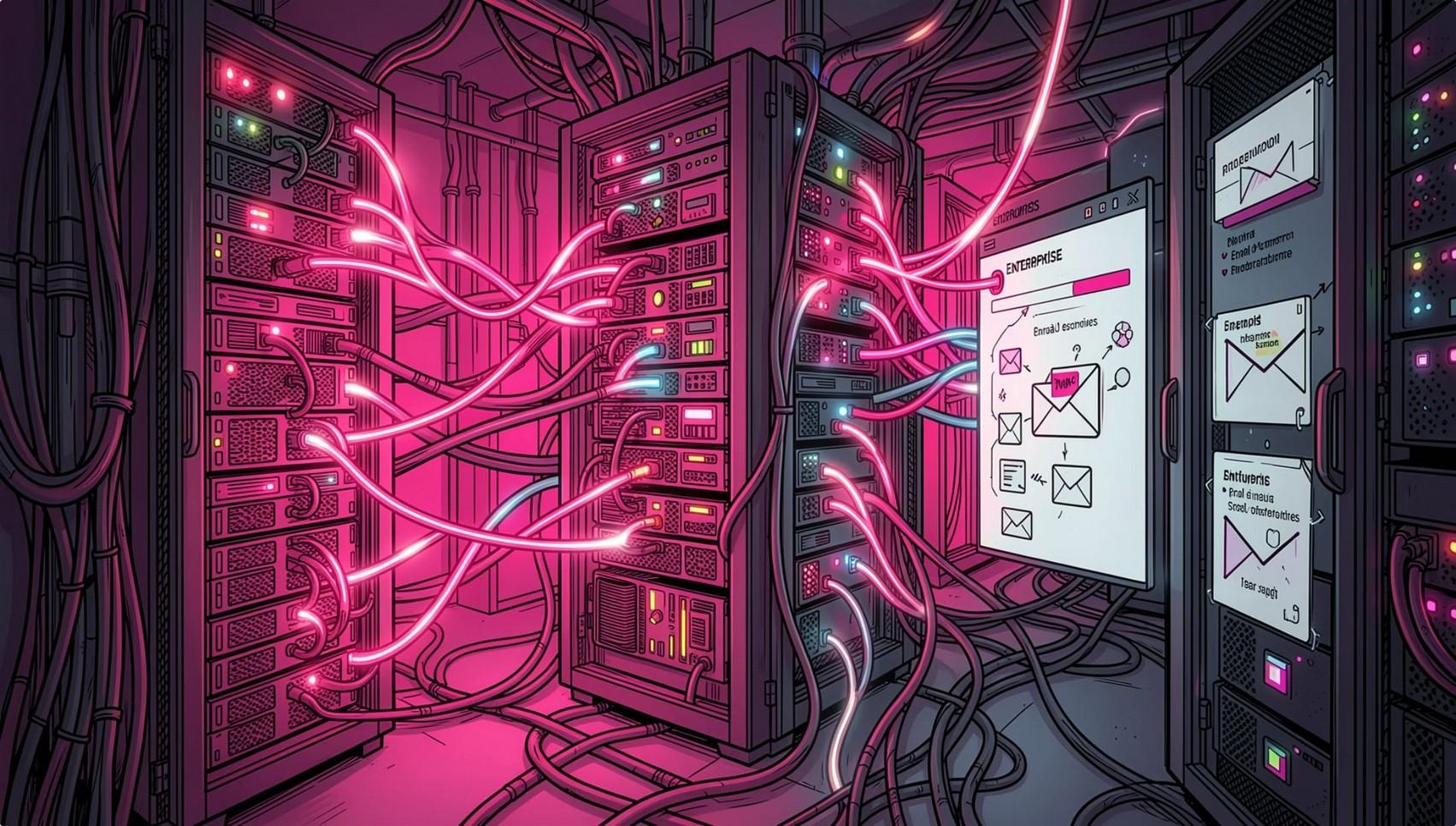

Two-Factor Authentication
End-to-End Email Encryption Digital Signing Support
Role-Based Access Controls
Organizations need to know where their data is stored and managed. XgenPlus offers private cloud and onpremises hosting, giving secure business email full control and helping meet compliance requirements.
• Enable 2FA for every employee
• Use strong, unique passwords
• Train staff to recognize phishing
• Keep devices and software updated
• Monitor login activity regularly
• Encrypt sensitive communications
• Back up important email data

"2FA slows down employees."
Most methods take only a few seconds — insignificant compared to the cost of a breach.
"Strong passwords are enough."
Even strong passwords can be stolen via phishing or malware. 2FA blocks stolen credentials.
"Only large enterprises are targeted."
Small and medium businesses are often targeted because they have fewer security controls.
"Implementing 2FA is complicated."
Modern platforms like XgenPlus make enabling 2FA simple for admins and users alike.

Cyber threats evolve, but most successful attacks still exploit compromised passwords. Waiting until after a breach is far costlier than acting today.
Enable 2FA Make it mandatory across your entire organization.
Choose XgenPlus
Enterprise-grade security, privacy, and data sovereignty built in.
Strengthen Your Culture
Build a security-first mindset for a safer digital future.

Enabling 2FA is one of the easiest and most effective steps you can take to protect your business email today.