EXPERIENCE THE FUTURE OF INTERNET
Manage your Wi-Fi network from the palm of your hand with myRTCnet.
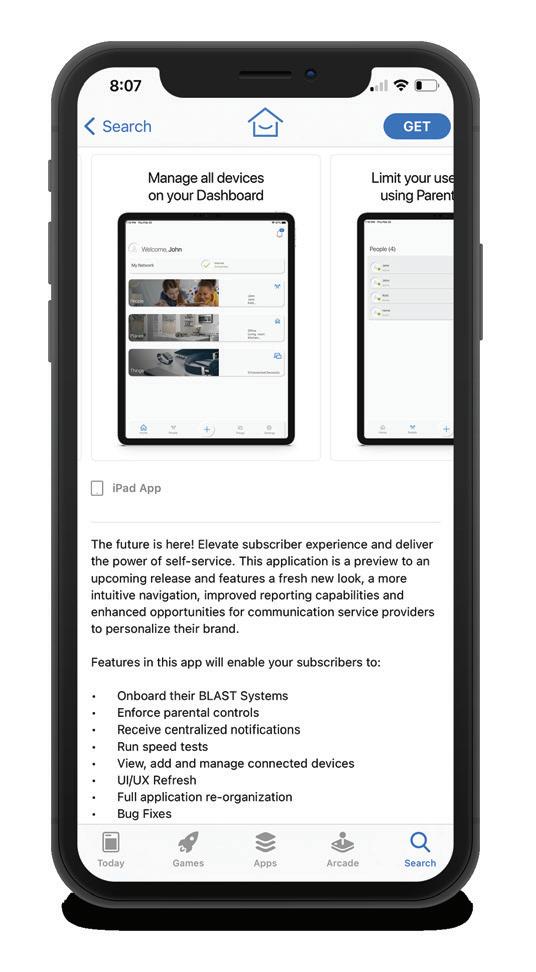
The myRTCnet app is FREE to download for all RTC Networks internet customers and gives you an instant snapshot of your home or small business network. If you are looking for network security and total control (including parental controls), activate the ProtectIQ and ExperienceIQ features for the total Wi-Fi experience!
We have an app for that!
3
gin

STEP 1
STEP 1
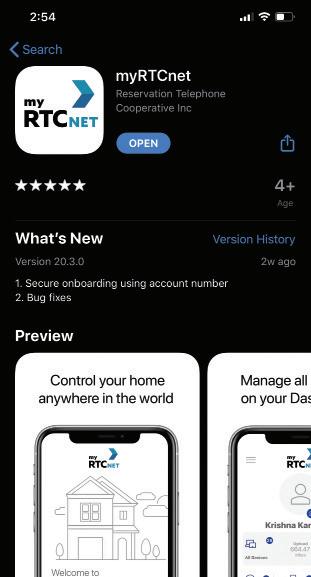
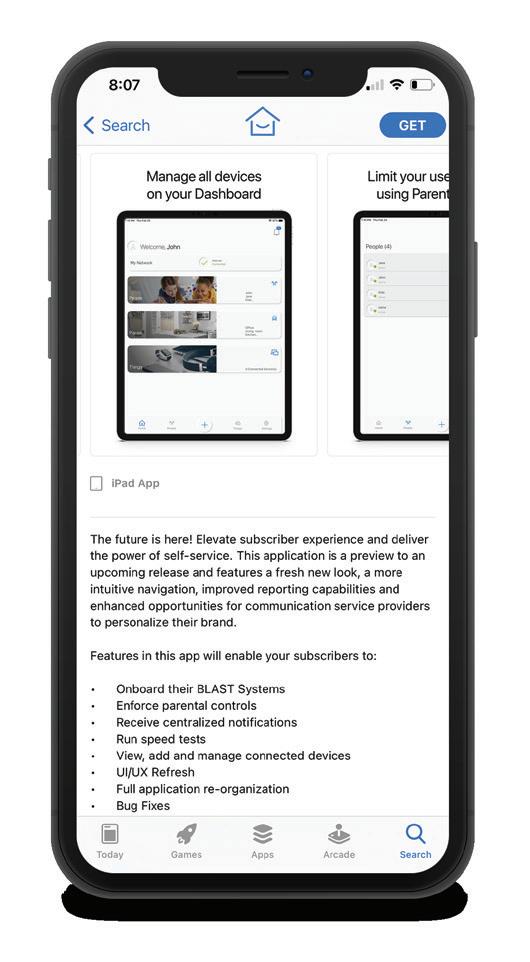
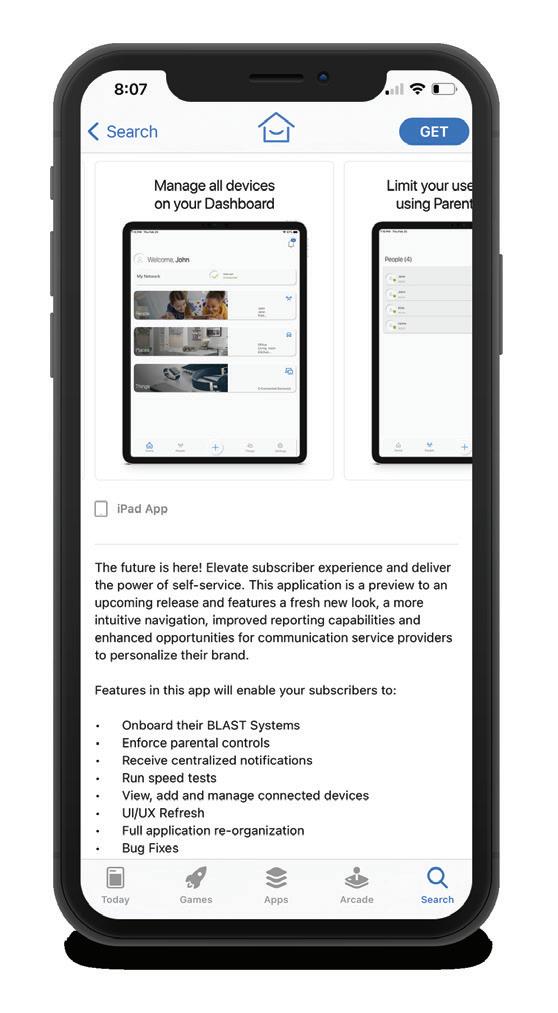
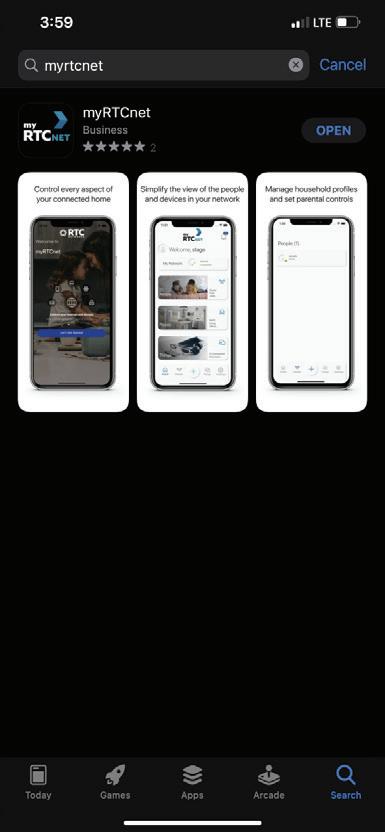
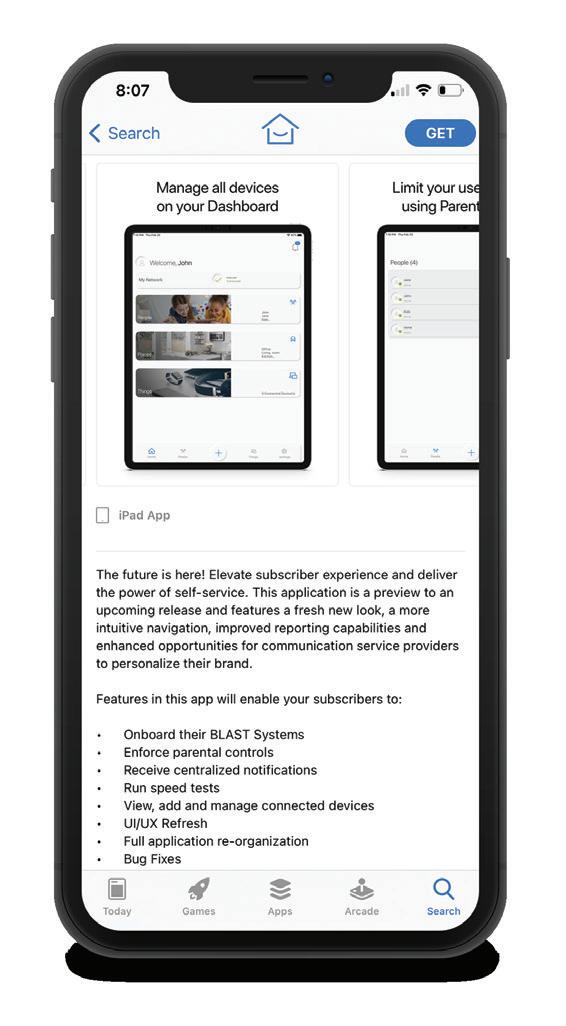
You can search either the Apple App store or Google Play Store myRTCnet, then install it on your mobile device.
Download the App
Download the App
STEP 1
DOWNLOAD THE APP
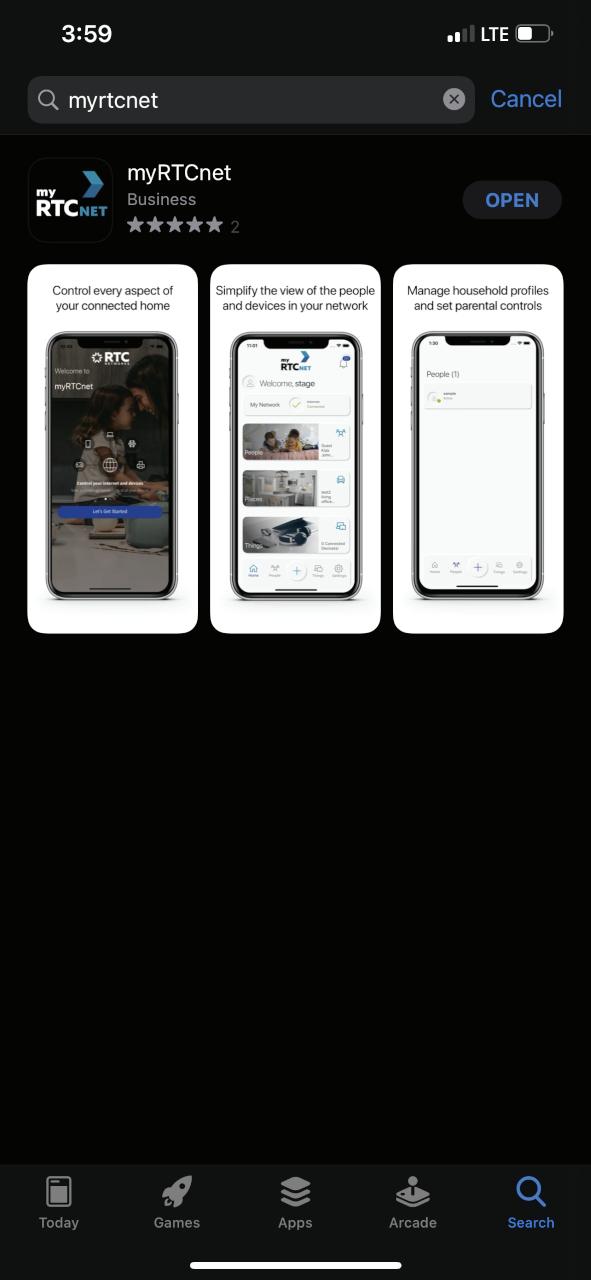
Scan the QR code below or search either the Apple App store or Google Play Store for: myRTCnet, then install it on your mobile device.
You can search either the Apple App store or Google Play Store for: myRTCnet, then install it on your mobile device.
You can search either the Apple App store or Google Play Store for: myRTCnet, then install it on your mobile device.
SET UP GUIDE MYRTCNET WI-FI APP
STEP 3
STEP 3
u already have an account, er the email and password ve set up for this app.
u’ve forgotten your sword, select got Password?”
Let’s Get Started
STEP 2
STEP 2
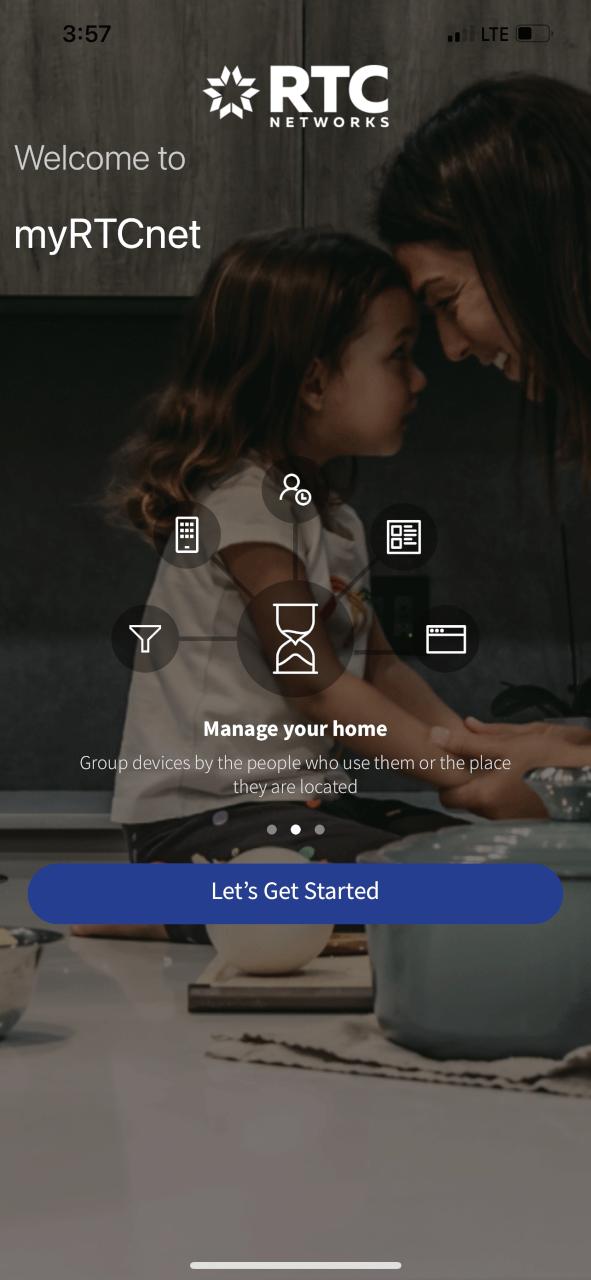
Click on the “Let’s Get Started” button to get started on your way to managing your network
Let’s Get Started
Let’s Get Started
STEP 2
LET’S GET STARTED
Click on the “Let’s Get Started” button to get started on your way to managing your network and devices.
Click on the “Let’s Get Started” button to get started on your way to managing your network and devices.
Click on the “Let’s Get Started” button to get started on your way to managing your network and devices.
Login
Login
TAKING HOME PROTECTION, NETWORK PERFORMANCE AND CONTROL TO ANOTHER LEVEL
STEP 4 NEW TO MYRTCNET? TAP “SIGN UP”
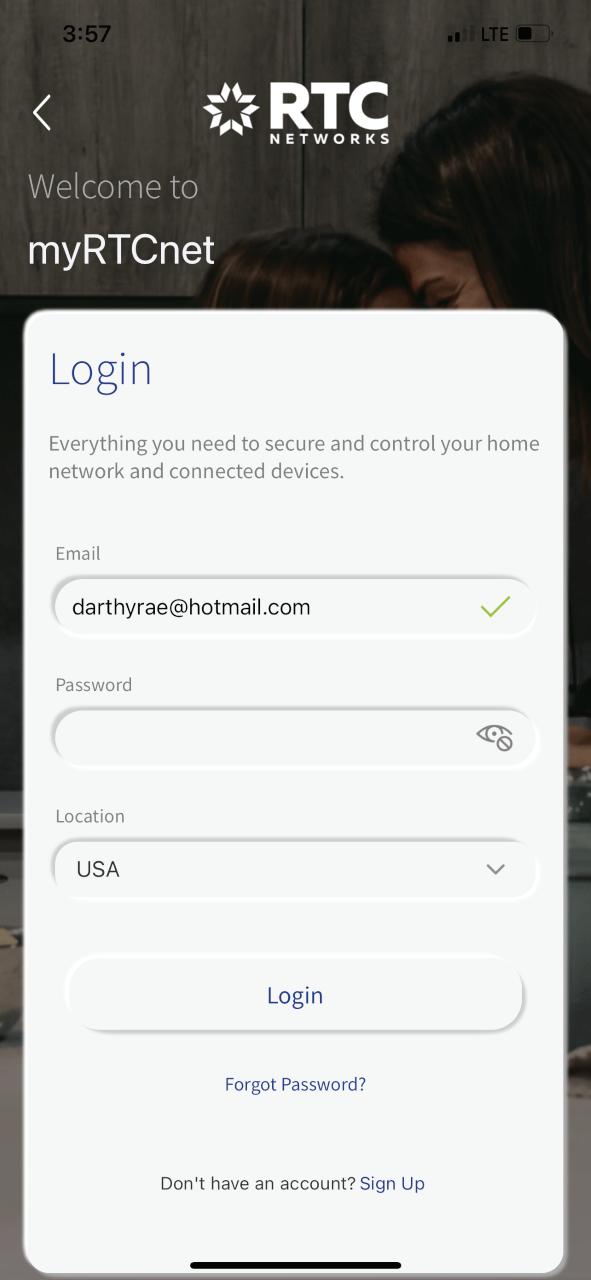
If you already have an account, enter the email and password you’ve set up for this app.
If you already have an account, enter the email and password you’ve set up for this app.
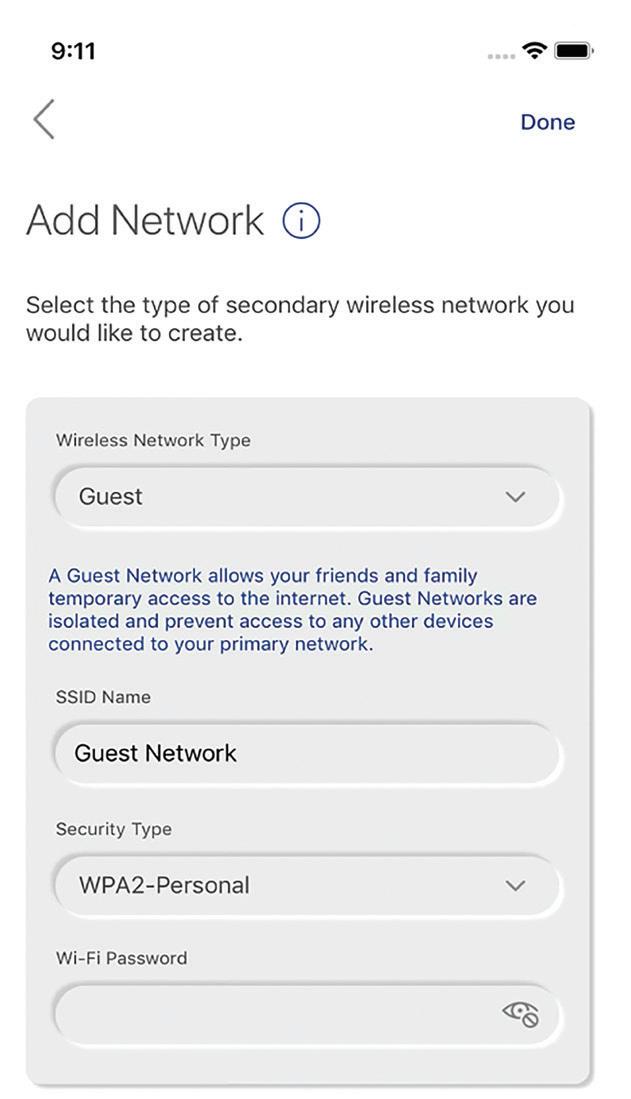
myRTCnet provides virus protection to all the devices on your network and gives you easy access to a snapshot view of your home or small business network. Through the app you can view all the connected devices on your network, set up parental controls or a guest network, change your SSID and password, and more.
If you’ve forgotten your password, select “Forgot Password?”
If you’ve forgotten your password, select “Forgot Password?”
For additional resources and information, please visit www.myRTCNetworks.com
STEP 4
STEP 4
New to myRTCnet?
New to myRTCnet?
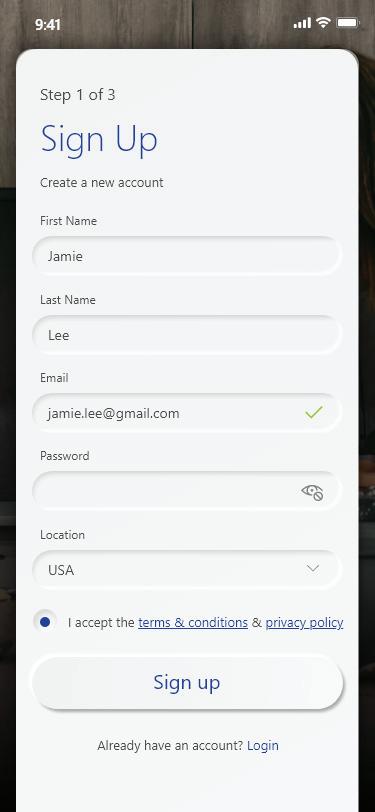
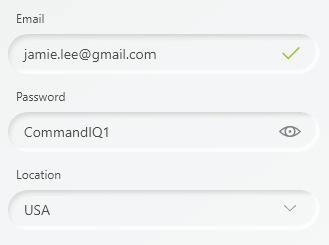
If you are new to myRTCnet you will need to create an account and set up your system to get started.
Tap “Sign Up”
Tap “Sign Up”
Tap “Sign Up” at the bottom of the screen on Step 3 and then complete the Sign Up process on this next
TCnet? p ” myRTCnet eate an p your system e bottom of p 3 and then Up process
If you are new to myRTCnet you will need to create an account and set up your system to get star ted.
If you are new to myRTCnet you will need to create an account and set up your system to get star ted.
Tap “Sign Up” at the bottom of the screen on Step 3 and then l t th Si U
Tap “Sign Up” at the bottom of the screen on Step 3 and then
STEP
3
dy have an account, mail and password up for this app. rgotten your select ssword?”
Login
y have an account, ail and password p for this app. otten your lect word?”
STEP 3
LOGIN
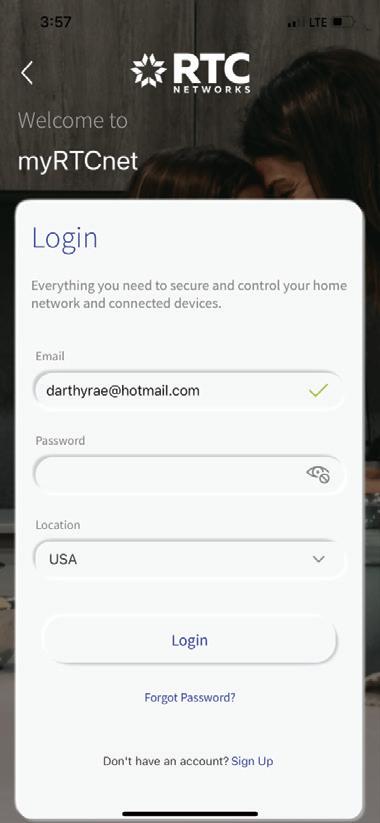
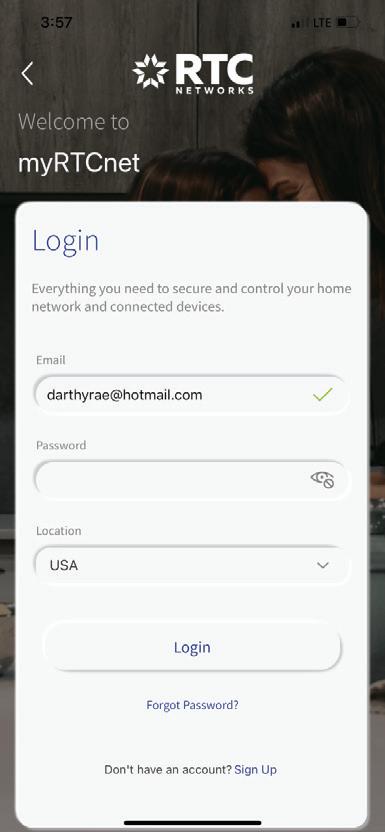
If you already have an account, enter the email and password you’ve set up for this app.
If you already have an account, enter the email and password you’ve set up for this app.
If you’ve forgotten your password, select “Forgot Password?”
If you’ve forgotten your password, select “Forgot Password?”
STEP
the QR Code
5
SCAN THE QR CODE
STEP 5
RTCnet?
yRTCnet?
STEP 4
Up” myRTCnet create an up your system the bottom of ep 3 and then gn Up process en.
Up” o myRTCnet o create an t up your system t the bottom of tep 3 and then gn Up process een.
New to myRTCnet?
Tap “Sign Up”
If you are new to myRTCnet you will need to create an account and set up your system to get star ted.
friendly. knowledgeable. helpful.
Tap “Sign Up” at the bottom of the screen on Step 3 and then complete the Sign Up process on this next screen.
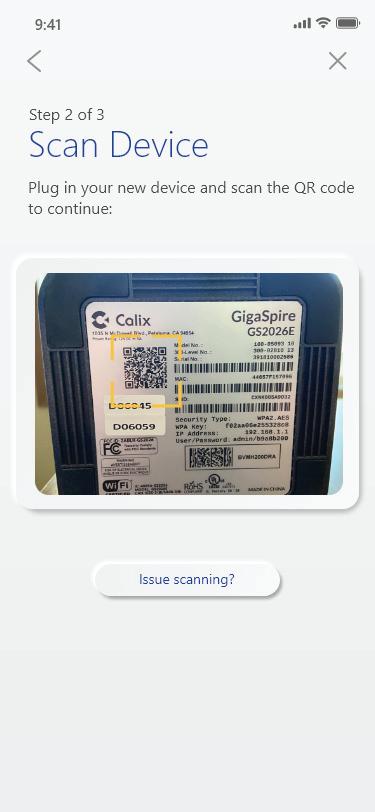
Scan the QR Code
Your system will have a metal plate on the side or bottom. Simply tap the icon and scan the QR code.
Alternately, you can enter the MAC Address and Serial Number found on the same metal plate by clicking on the “Issues scanning?” button.
the QR Code will have a metal side or bottom. e icon and scan . ou can enter the s and Serial d on the same y clicking on the ning?” button.
m will have a metal e side or bottom. the icon and scan e. you can enter the ess and Serial und on the same e by clicking on the nning?” button.
Note: If you are unable to locate the QR code on your device, please contact RTC Networks for assistance.
Your system will have a metal plate on the side or bottom. Simply tap the icon and scan the QR code. Alternately, you can enter the MAC Address and Serial Number found on the same metal plate by clicking on the
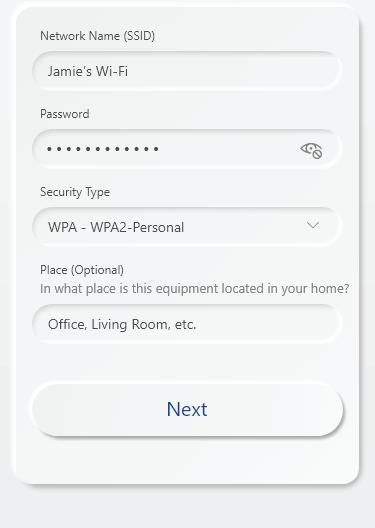
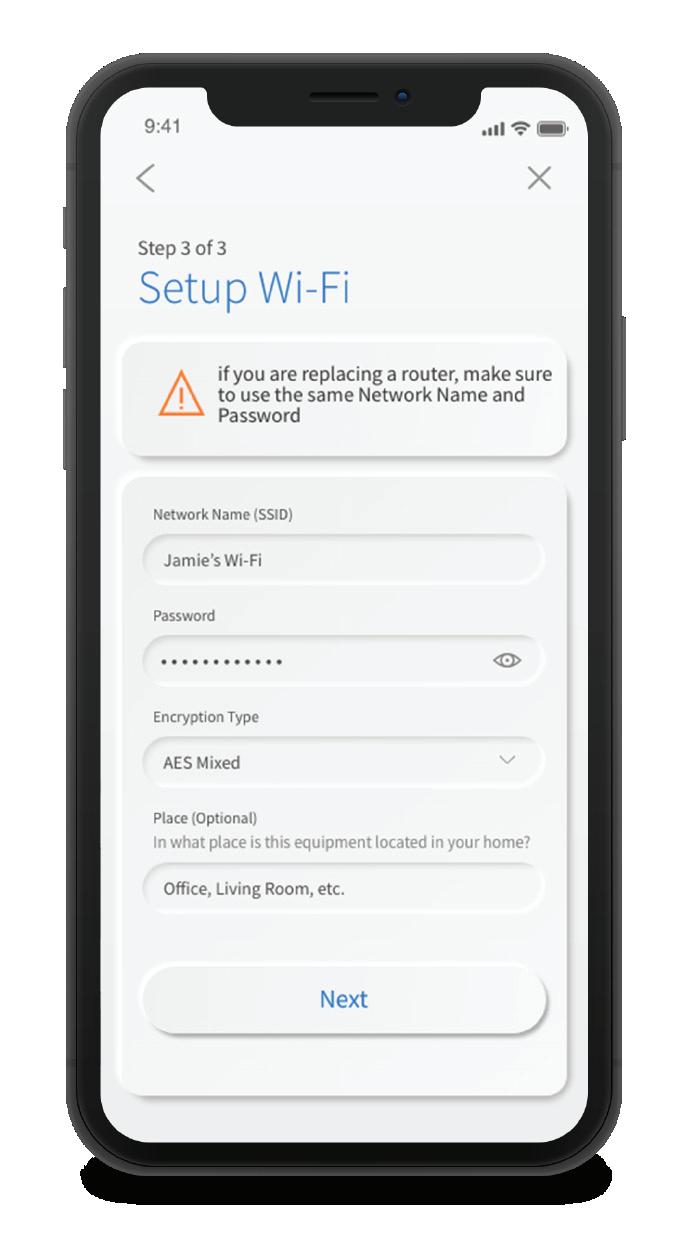
Name the Network and Create Password
STEP 6
Name the Network and Create Password
STEP 6
DETECT NETWORK AND ENTER PASSWORD
Once the network has been detected, enter the existing Wi-Fi password for your network.
Name the Network and Create Password
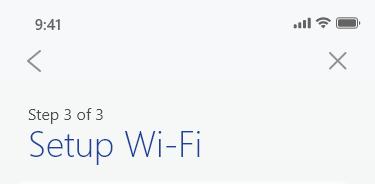
Once the network has been detected, enter the existing Wi-Fi password for your network.
Once the network has been detected, enter the existing Wi-Fi password for your network.
Once the network has been detected, enter the existing Wi-Fi password for your network.
If you are setting up your home network for the first time, call for assistance
If you are setting up your home network for the first time, call RTC Networks for assistance filling out the required items for your Wi-Fi network.
If you are setting up your home network for the first time, call for assistance
filling out the required items for your Wi-Fi network.
filling out the required items for your Wi-Fi network.
If you are setting up your home network for the first time, call RTC Networks for assistance filling out the required items for