Best Budget Monitor for Editing and Gaming Under ₹10,000
in India (2026)
KD Sharma | November 7, 2025
Are you a budget-conscious Indian gamer or content creator seeking a monitor that excels at both photo/video editing and immersive gaming, all without breaking the bank? You've come to the right place.
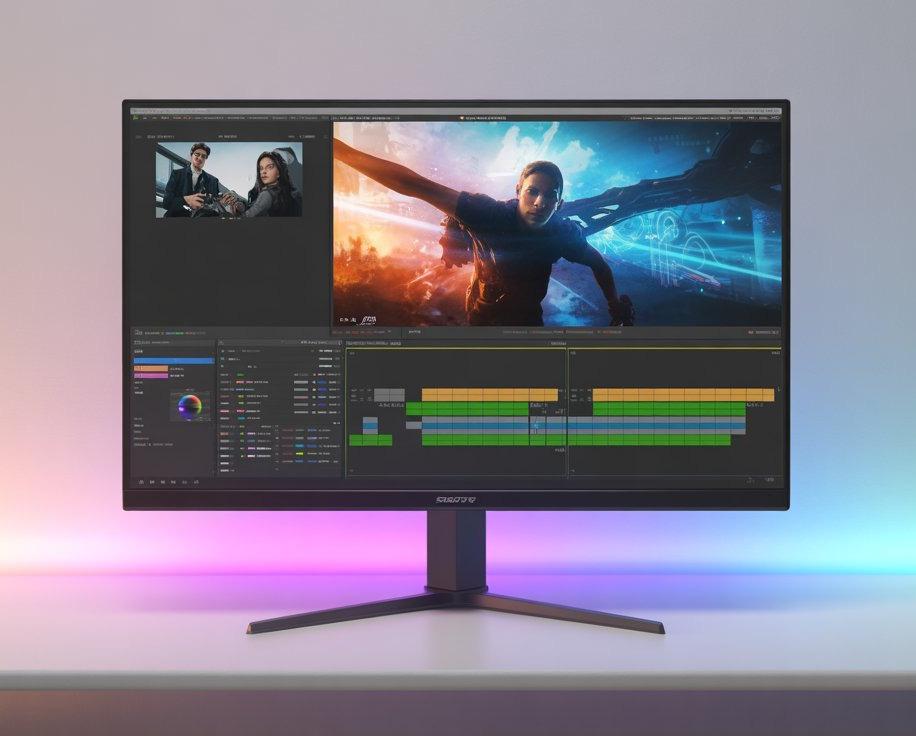

UnboxwithKD
BestBudgetMonitorforEditing&Gaming…
Discoverthebestbudgetmonitorunder10,000in Indiaforeditingandgaming.CompareLG,Acer,…

FindingtheSweetSpot
Navigating the crowded monitor market under ₹10,000 in India can be daunting. Many options offer decent color accuracy or smooth performance, but rarely both. We've rigorously tested and selected the top budget monitors for 2025 that deliver fantastic visuals for both work and play.
BUDGET-FRIENDLY DUAL-PURPOSE HIGH PERFORMANCE
ConfusiontoClarity
We cut through the noise to bring you the best options that truly meet your dual needs for editing and gaming.
Tested&Approved
Our recommendations are based on extensive testing to ensure optimal balance of performance, display quality, and value.
WhattoLookforinaBudgetMonitor
Before making a purchase, understanding key specifications is crucial. Here’s what truly matters when choosing your next monitor:
PanelType:IPS>TN>VA
IPS panels offer superior color accuracy and wider viewing angles, making them ideal for editing. TN panels are faster, preferred by competitive gamers, while VA panels provide excellent contrast but slightly slower response times.
RefreshRate:75HzMinimum
For a smoother gaming experience, especially in fast-paced titles, aim for a refresh rate of at least 75Hz. This ensures less motion blur and more fluid visuals.
Resolution:FullHD(1920×1080)
A Full HD display is the perfect sweet spot for budget monitors. It provides sharp, clear visuals without demanding excessive power from your GPU, making it suitable for both gaming and editing.
Ports&Connectivity:HDMI,VGA,AudioOut
Always check for essential ports like HDMI, VGA, and Audio Out. These ensure seamless connectivity with your laptop, desktop, or gaming console, making your setup versatile.
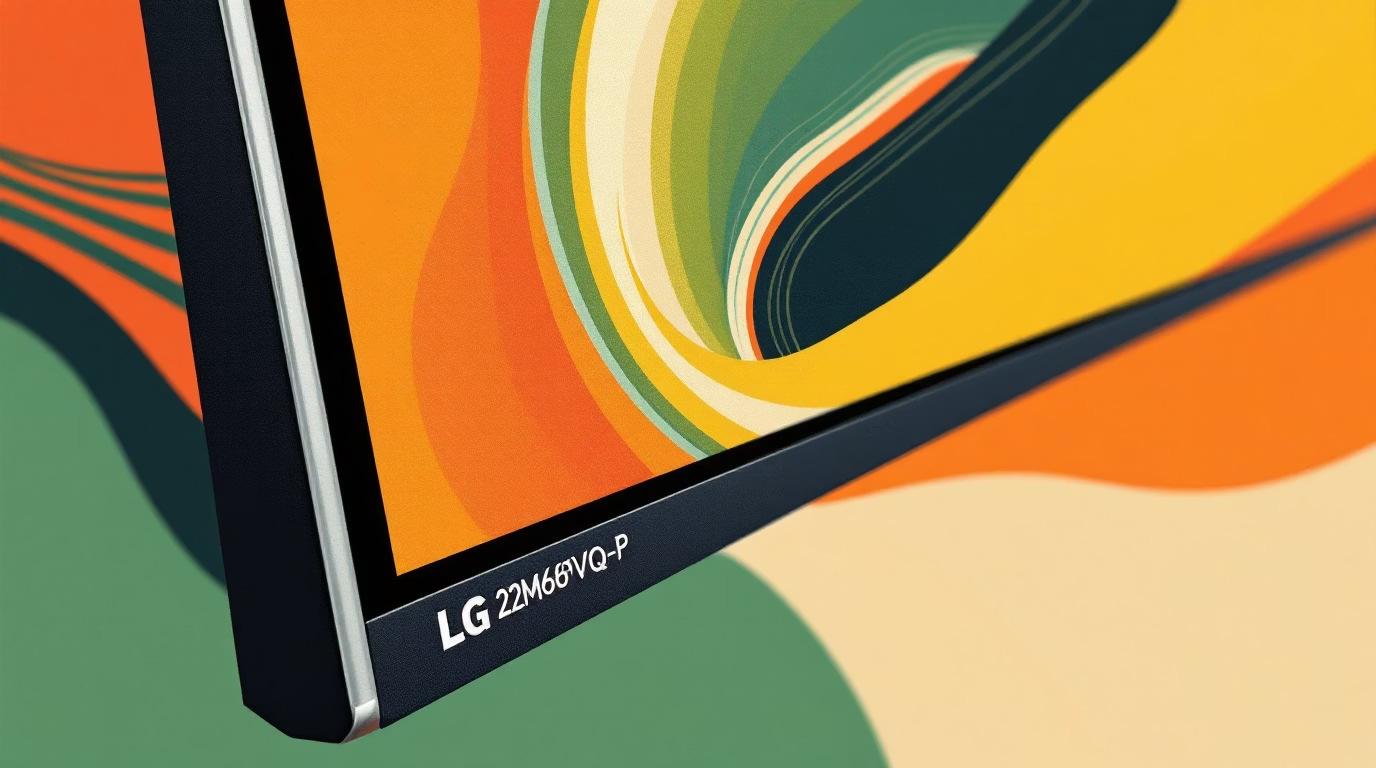
Top Pick: LG 22MP68VQ-P 22-inch Full HD IPS Monitor
Key Features:
Screen Size: 21.5 inches
Panel Type: IPS
Resolution: Full HD (1920×1080)
Refresh Rate: 75Hz
Response Time: 5ms
Ports: HDMI, VGA, DVI
Features: Flicker Safe, Reader Mode, On-Screen Control
Price: ₹8,349
Why We Love It: This LG monitor is a gem for creative work and light gaming. Its IPS panel delivers rich colors and visual clarity, while the 75Hz refresh rate ensures smooth motion. The eye-comfort features are perfect for long editing or streaming sessions.
Acer HA220Q 21.5-inch Full HD IPS Ultra Slim Monitor
Key Features:
Screen Size: 21.5 inches
Panel Type: IPS
Resolution: 1920×1080
Refresh Rate: 75Hz
Response Time: 4ms
Ports: HDMI, VGA
Design: Ultra-slim frameless body
Price: ₹8,999
Why We Love It: The Acer HA220Q is as stylish as it is functional. Its ultra-slim, frameless design enhances any workspace, while its flicker-free technology and excellent brightness levels make it ideal for editing YouTube videos or casual gaming after hours.
Samsung LF22T350FHWXXL 22-inch Borderless Monitor

Key Features:
Screen Size: 22 inches
Panel Type: IPS
Resolution: Full HD
Refresh Rate: 75Hz
Response Time: 5ms
Ports: HDMI, D-sub
Features: AMD FreeSync, Eye Saver
Mode
Price: ₹9,499
Why We Love It: Samsung is renowned for crisp contrast and vivid colors, and this model perfectly embodies that reputation. Its sleek, borderless design offers a modern aesthetic, and its smooth performance is excellent for both light gaming and creative editing tasks.
Lenovo L22e-40 21.5-inch FHD Monitor
Key Features:
Panel Type: VA
Resolution: 1920×1080
Refresh Rate: 75Hz
Brightness: 250 nits
Ports: HDMI, VGA
Features: Natural Low Blue Light
Price: ₹9,550
Why We Love It: The Lenovo L22e-40 excels for everyday tasks, streaming, and basic editing. Its VA panel delivers impressively deep blacks, while the Natural Low Blue Light mode significantly reduces eye strain, a godsend for those late-night work or gaming sessions.
Zebronics AC32FHD 24-inch Curved LED Monitor
Key Features:
Screen Size: 24 inches (Curved)
Resolution: Full HD (1920×1080)
Refresh Rate: 75Hz
Ports: HDMI, VGA
Features: Built-in Speakers, Slim Bezel
Price: ₹13,499
Why We Love It: If you've been yearning for an immersive curved display experience, the Zebronics AC32FHD delivers. Its larger 24inch screen enhances gaming and movie-watching, creating a more engaging visual field. The built-in speakers, though not premium, add a convenient touch.
OurRecommendation:FindYourPerfectMatch
Still undecided? Here's our refined guidance to help you pick the monitor that best suits your specific needs:
ForBestColorAccuracy(Editing)
Choose the LG 22MP68VQ-P for its exceptional IPS panel and vibrant color reproduction, crucial for detailed creative work.
ForSmoothGaming
Opt for the Samsung LF22T350. Its 75Hz refresh rate and AMD FreeSync ensure a fluid and tear-free gaming experience.
ForBestOverallValue
The Acer HA220Q strikes an excellent balance between performance, features, and price, making it a well-rounded choice.
ForanImmersiveCurvedExperience
Go with the Zebronics AC32FHD to dive into games and movies with its impressive 24-inch curved display.
Each of these monitors has been rigorously tested for display quality, performance, and comfort, all while staying within the ₹10,000 budget.
Elevate Your Setup Without Breaking the Bank
There you have it—the definitive guide to the best budget monitors for editing and gaming under ₹10,000 in India for 2025. Whether you're a burgeoning content creator, a casual gamer, or simply seeking enhanced visuals for daily use, these monitors offer outstanding value.
If you frequently toggle between Photoshop and Valorant, or are editing your next YouTube video, these displays will serve you exceptionally well. We hope this curated list empowers you to find your next affordable, highperformance monitor setup!