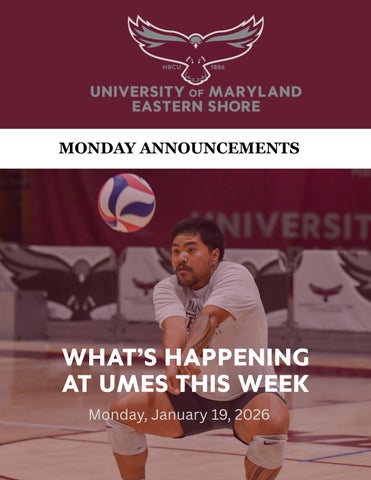
Monday, January 19, 2026
Monday, January 19, 2026
Step 1:
Open any internet browser and go to
Step 2:
Once at the login page, use your UMES username and password to sign in.
Step 3:
TheVector Solutions home page will display and at the bottom there is a box that reads "Interested in Extra Training?" Click the "View Library" box. Extra training can also be accessed with the tab on the left side of the page "Extra Training"
Step 4:
To access the individual training modules, simply click on its name. Once you have started, all instructions to complete the training will be provided to you. Please have your computer sound enabled so that you may hear the narration.
You will be able to see your completion percentage in the progress tracker. You will receive a Certificate of Completion for the training (in virtual formal, with the option to print a hard copy, if you prefer).



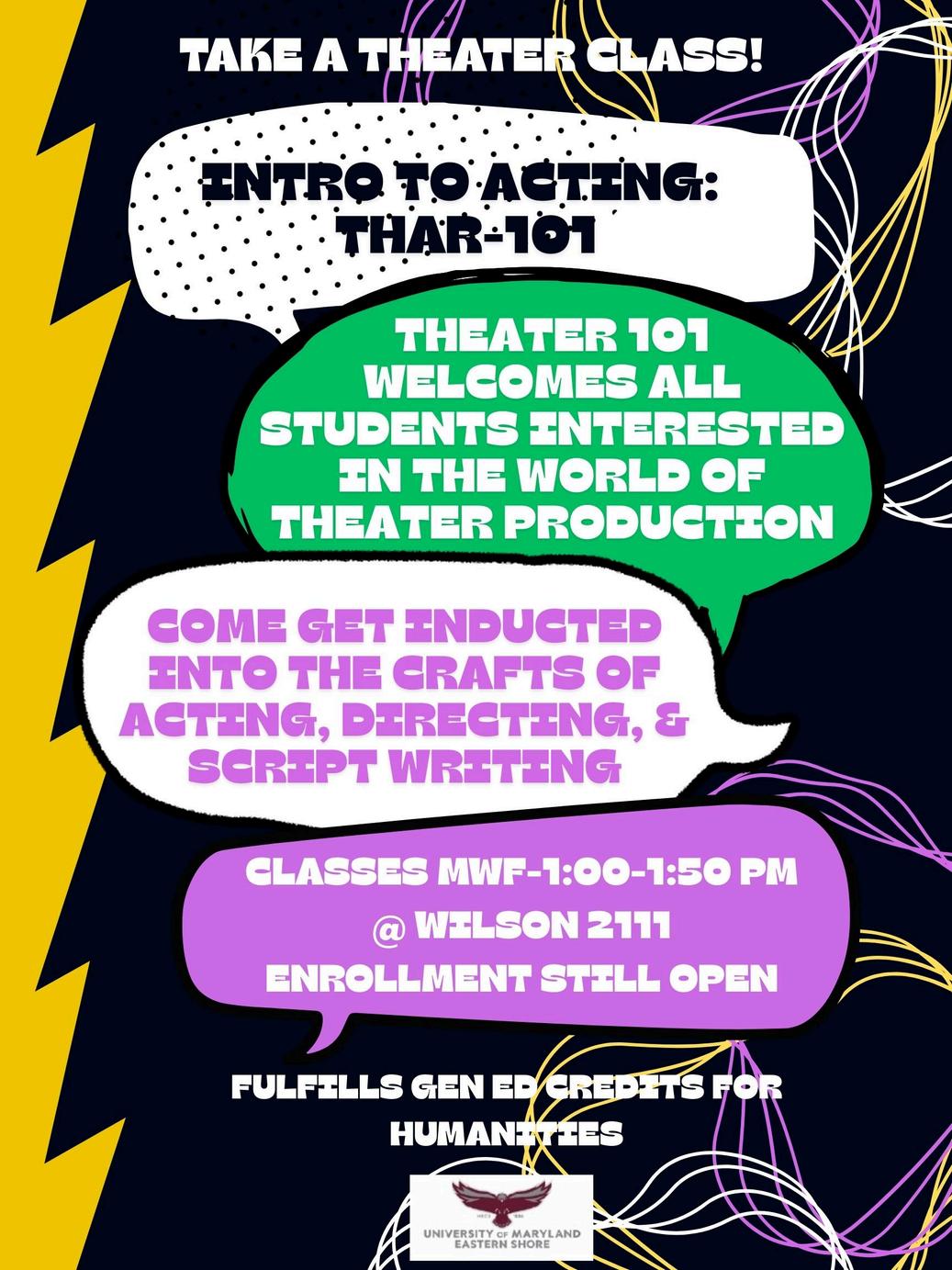
Unleash your creativity and connect with clay with these two course!
Jan. 26—May20
Mon, 9am—12:50pm
Jan. 26—May20 Mon, 1pm—4:50pm


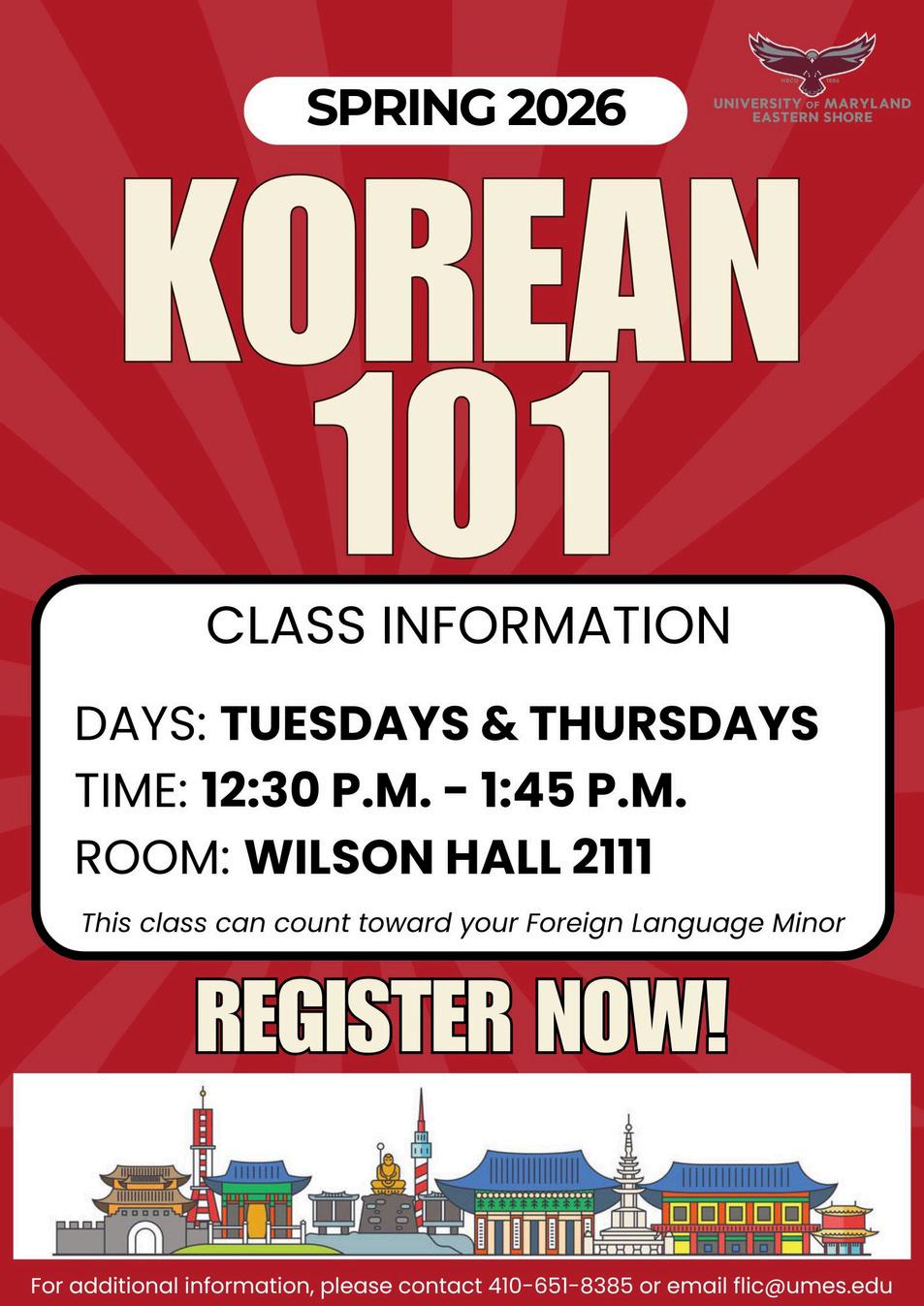


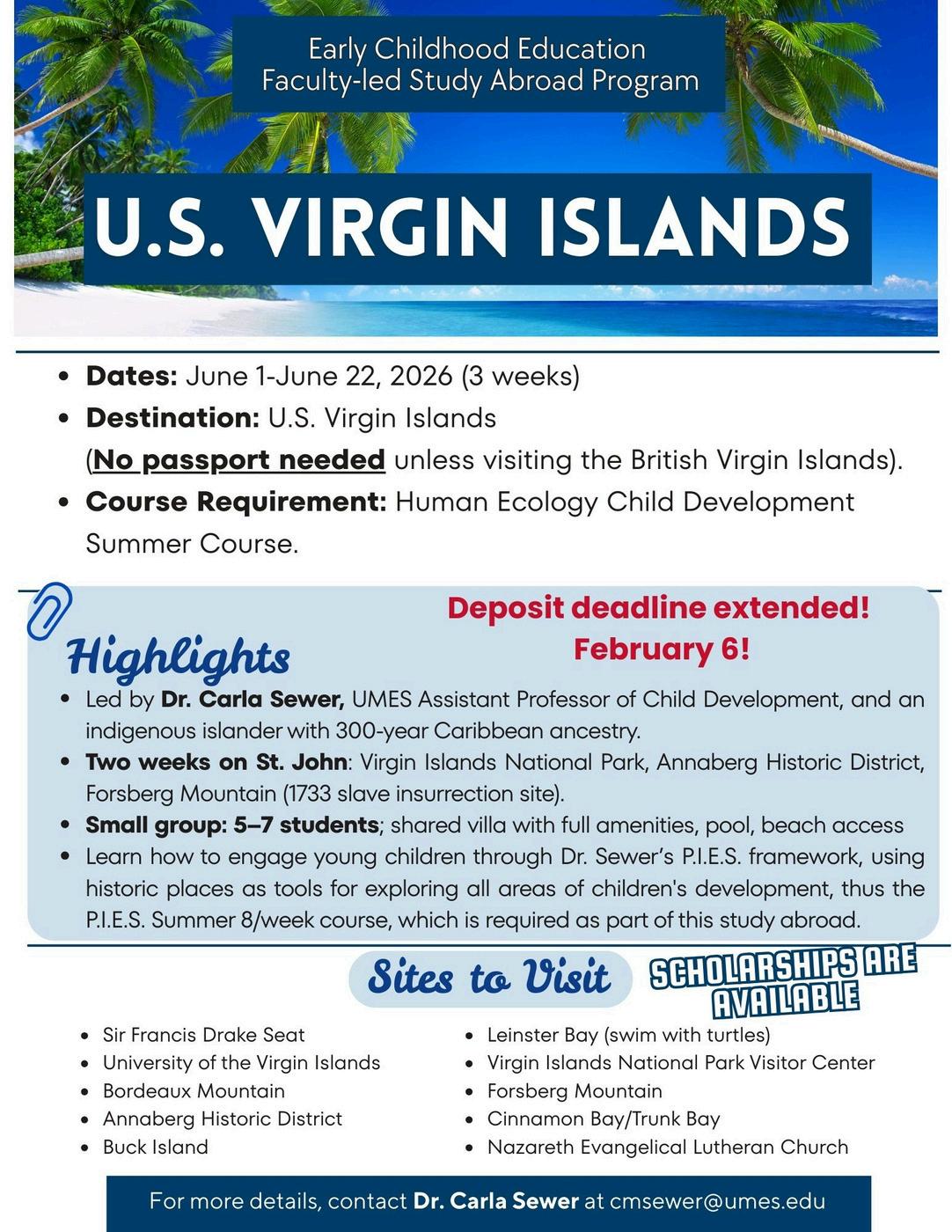
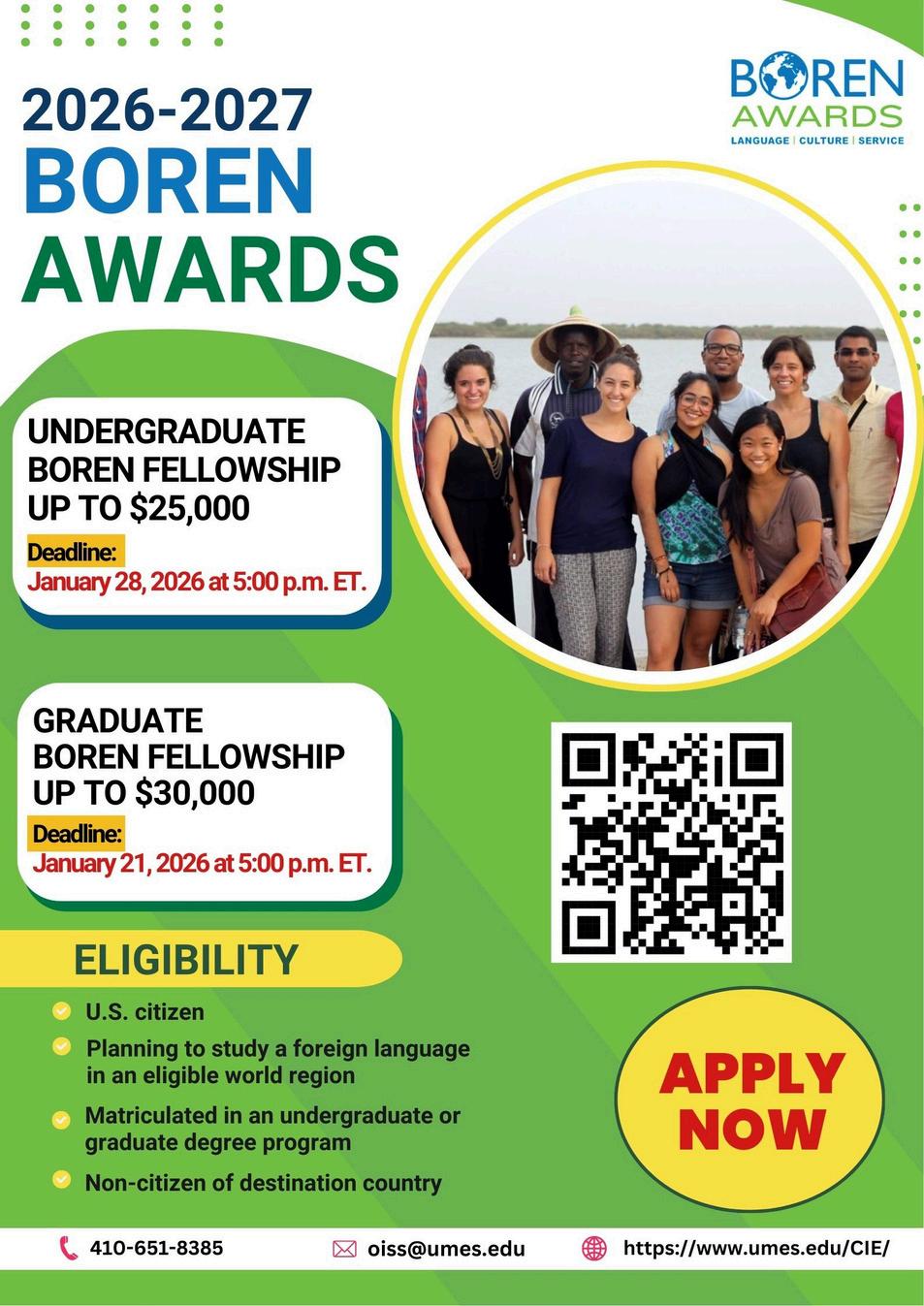



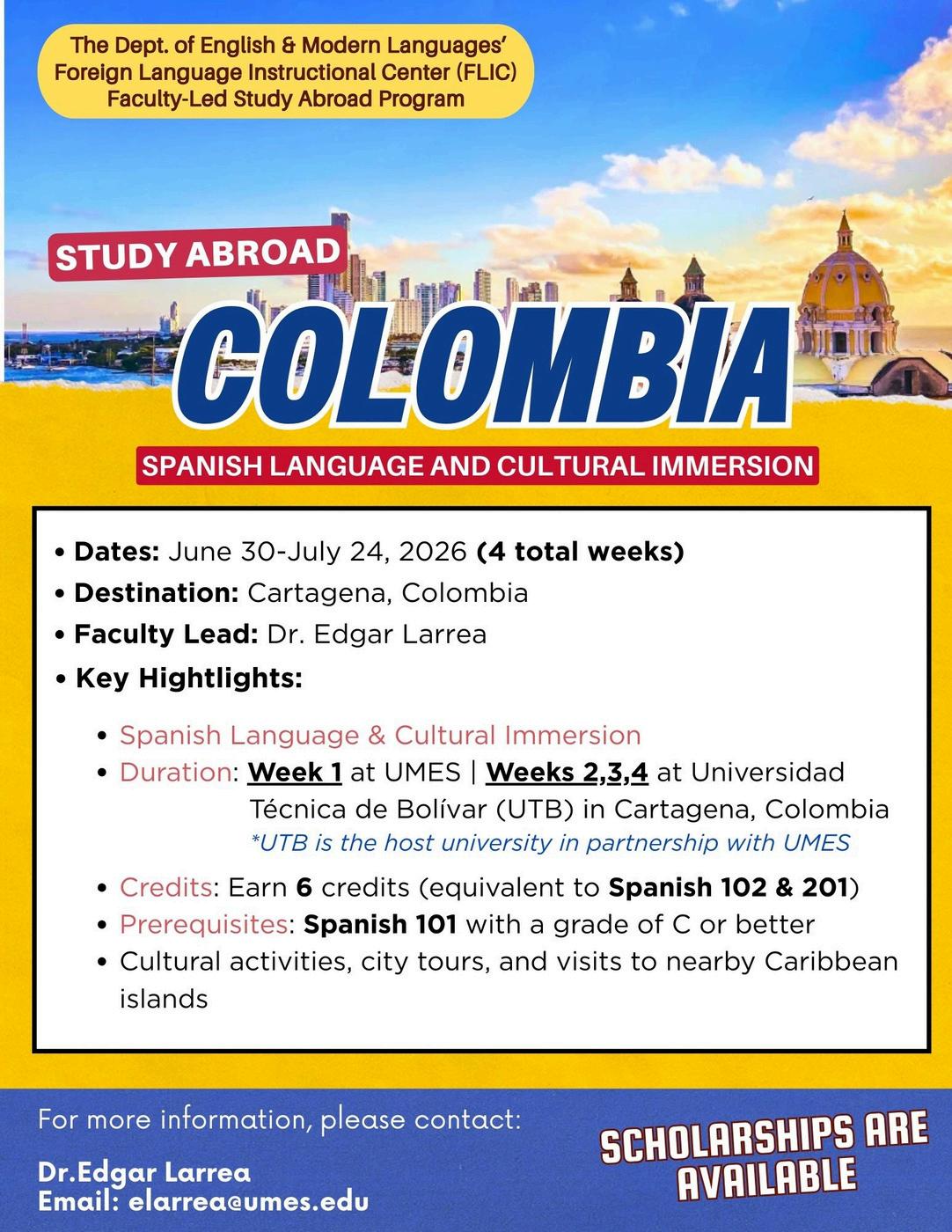
Submissions for the Monday Announcements should be sent to UMESNews@umes.edu and are due on Mondays ONE WEEK in advance of publication.
Submissions should adhere to UMES brand and logo guidelines. No submissions will run longer than a maximum of four (4) consecutive weeks. Submissions with a deadline will be removed once the deadline is reached.
Submissions should include all date, time, and location information for events and activities, as well as contact information for questions. Any links or phones numbers should be active and verified by event organizers prior to submission. Format: Standard sized (8.5x11), portrait layout flyers are recommended.