CLIPBOARD HELP FILE - ACTIVITY SELECTION
Clipboard is accessible through the below link for parents:
https://portal-api.clipboard.app/de0339c4-6962-11ee-b4a5-77d29ba7caa6/login
You will need your Parent Lounge login in details to login to Clipboard.
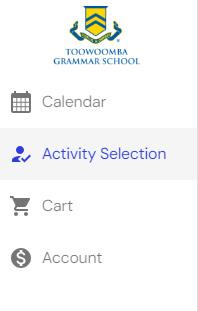
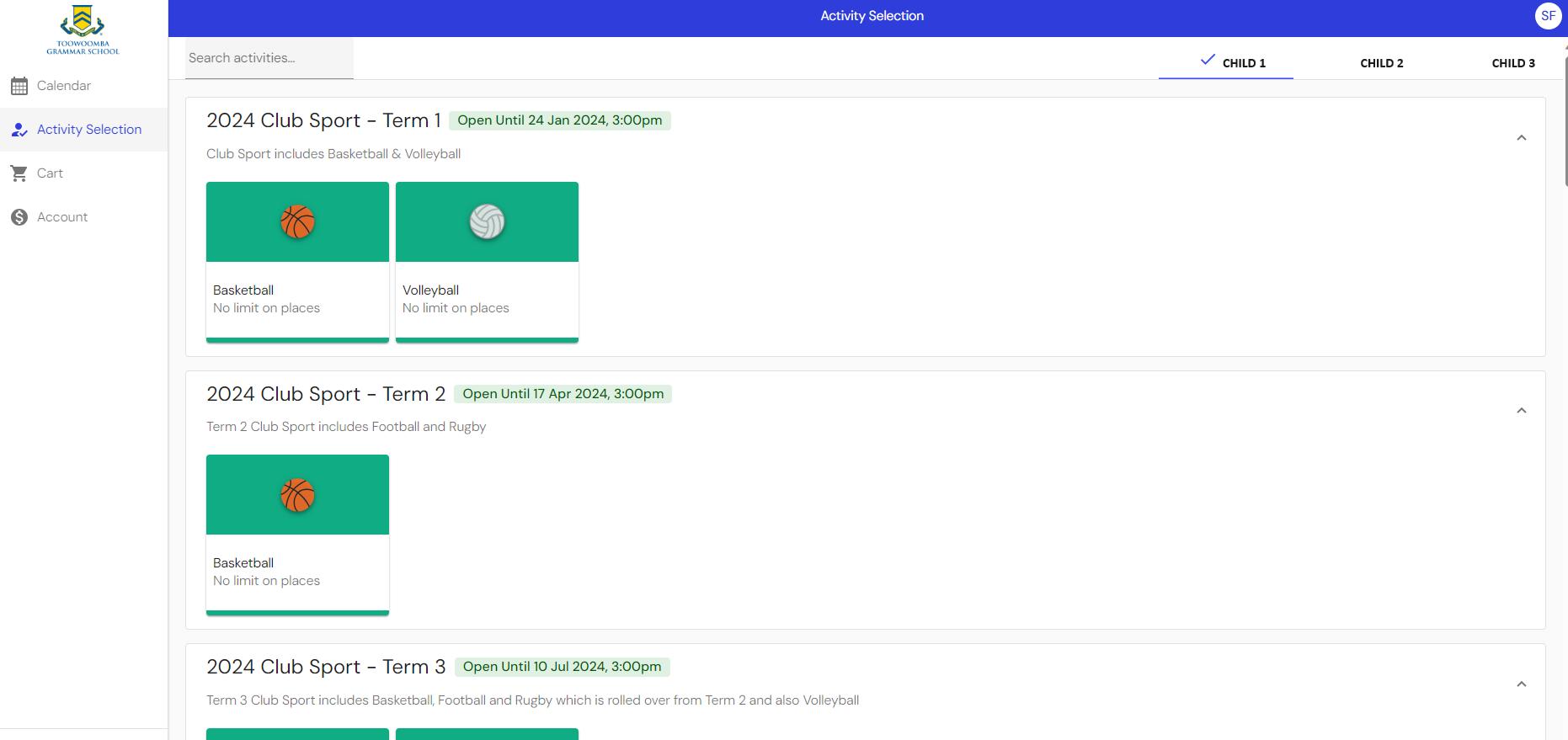
Once you’ve logged into Clipboard, select ‘Activity Selection’ from the left hand navigation bar.
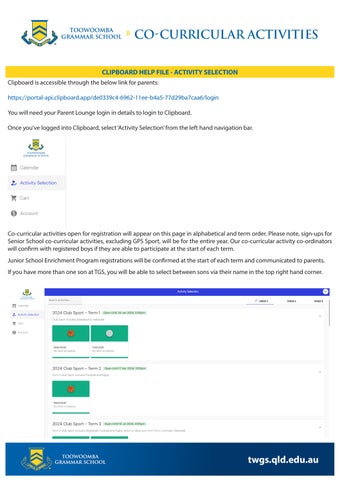
Co-curricular activities open for registration will appear on this page in alphabetical and term order. Please note, sign-ups for Senior School co-curricular activities, excluding GPS Sport, will be for the entire year. Our co-curricular activity co-ordinators will confirm with registered boys if they are able to participate at the start of each term.
Junior School Enrichment Program registrations will be confirmed at the start of each term and communicated to parents.
If you have more than one son at TGS, you will be able to select between sons via their name in the top right hand corner.
CLIPBOARD HELP FILE - ACTIVITY SELECTION
To register your son for a co-curricular activity, select the icon for that specific sport or activity under the applicable term and you will be taken to the following page:
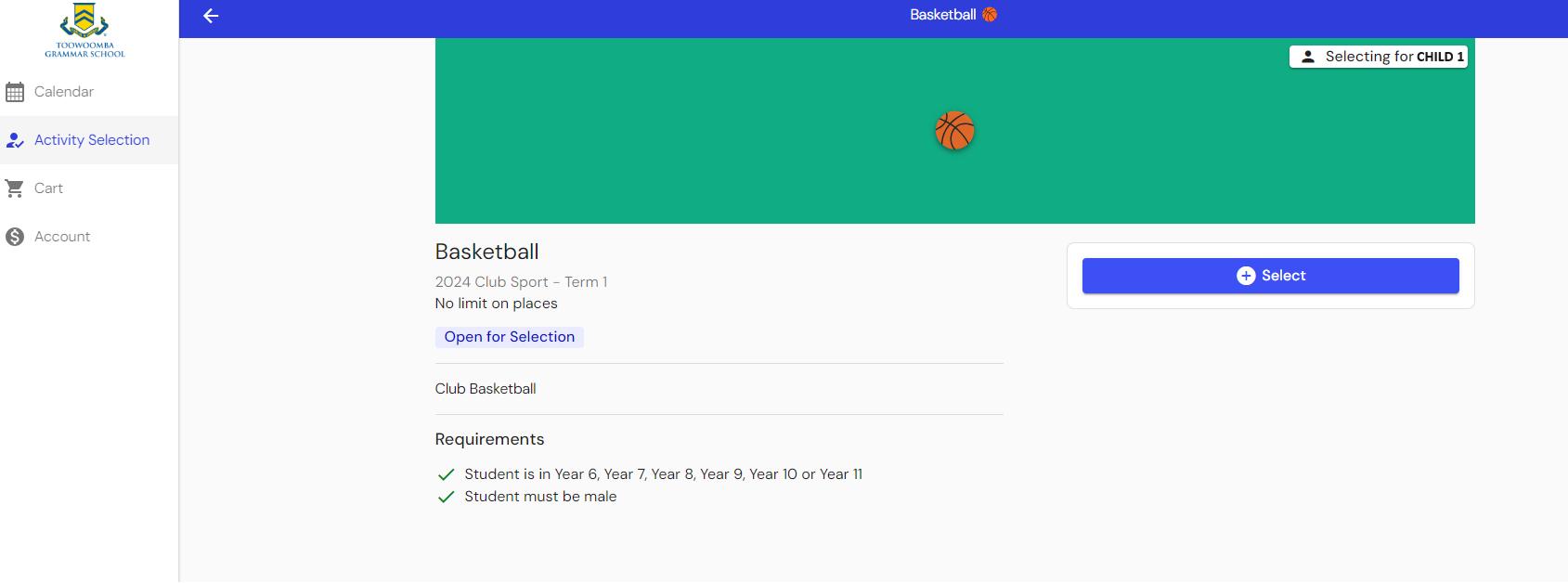
1. Check that you are selecting for the correct child. Their name will appear in the right hand corner of the icon box.
2. Click on the blue ‘Select’ button
3. You will now have two options:
• Go to Cart or
• Continue Browsing
Go To Cart
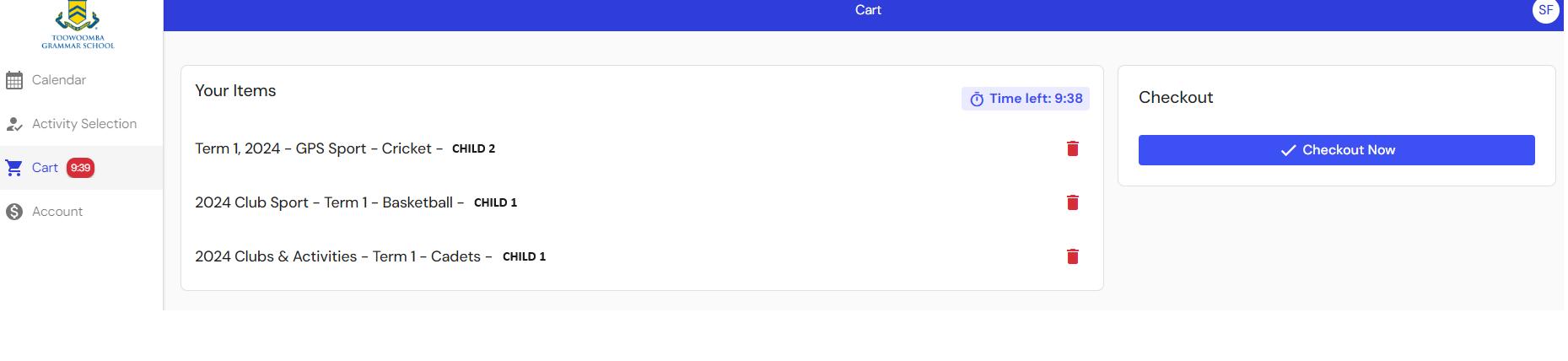
• When you select ‘Go to Cart’, you will be taken to your checkout. Please double check which sports and activities you have signed your son up for prior to selecting the blue ‘Checkout Now’ button.
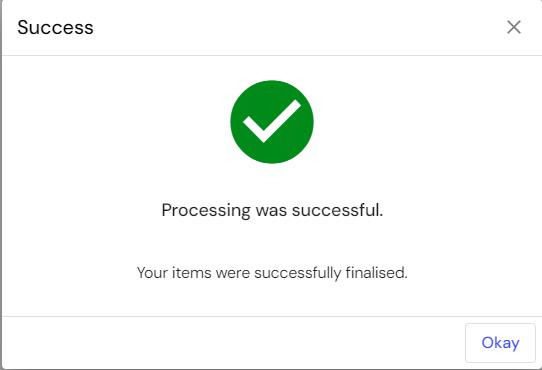
• Once you select ‘Checkout Now’, you will receive a ‘Success’ pop up box confirming that the registration was successful.
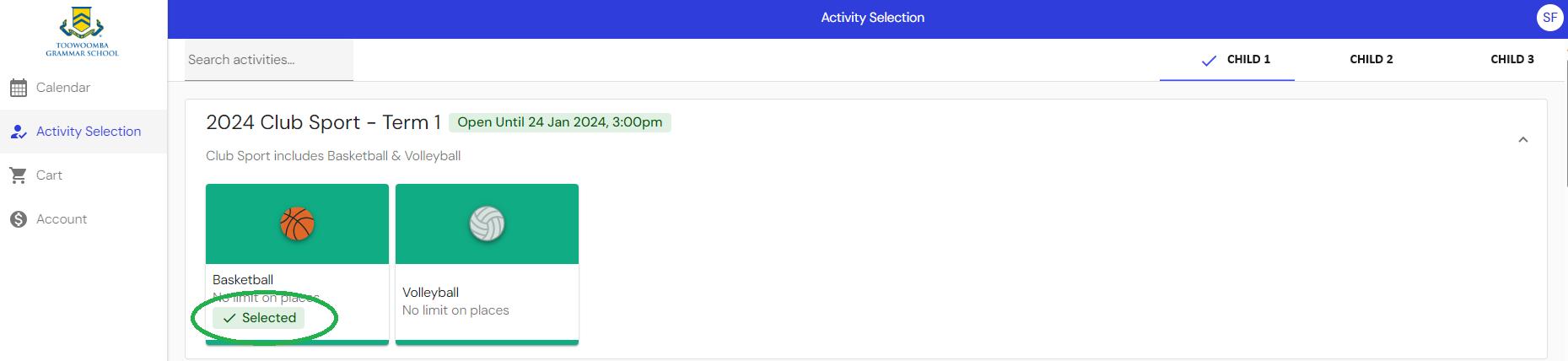
• On the Activity Selection Page, you will be able to see which Sports & Activities you have selected for your son.
Continue Browsing
• If you select ‘Continue Browsing’, the sport or activity you selected will be added to your ‘Cart’ and you will need to select ‘Activity Selection’ from the left hand navigation panel to continue to add additional sports and activities for your son/s to your ‘Cart’.
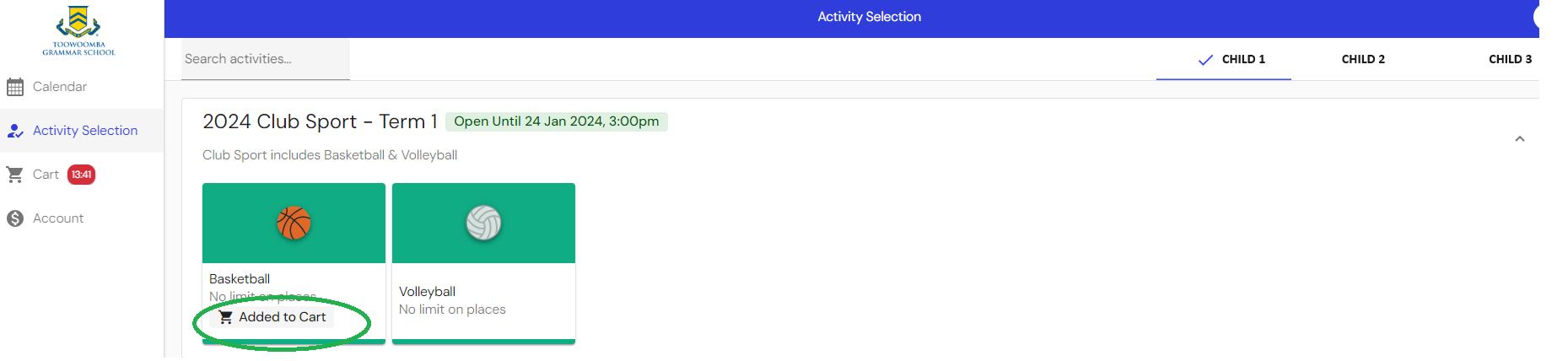
• You are able to add unlimited registrations to your ‘Cart’ for more than one child before checking out. All registrations in your ‘Cart’ will show as ‘Added to Cart’ on the ‘Activity Selection’ Page.
• The system has a 15 minute timer on items in your ‘Cart’. The 15 minute timer will continue to start over after you add a new registration to your ‘Cart’
• When you’re ready to finalise registrations for your son/s, select ‘Go to Cart’ when adding the last registration, or you can select ‘Cart’ from the left hand navigation panel
CLIPBOARD HELP FILE - ACTIVITY SELECTION