




Dear Gianna, We’re so proud of you’re learning! Watching you grow and explore new things makes us smile every day. We can’t wait to see you soon and hear all about it!
Love Nana & Pop


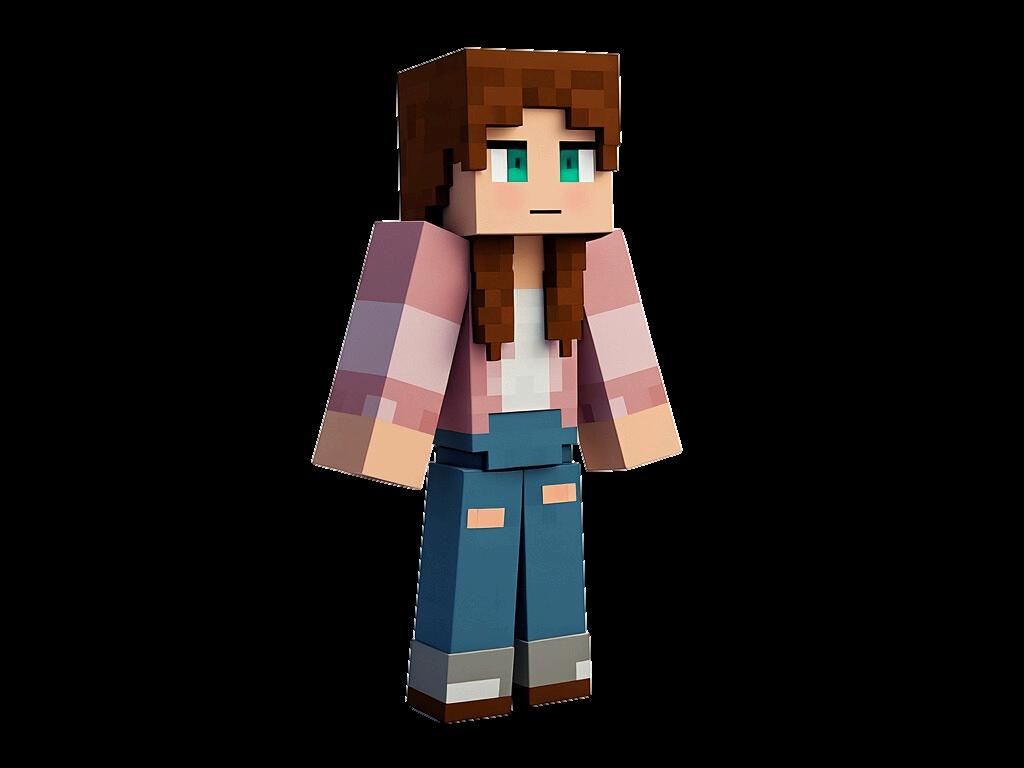
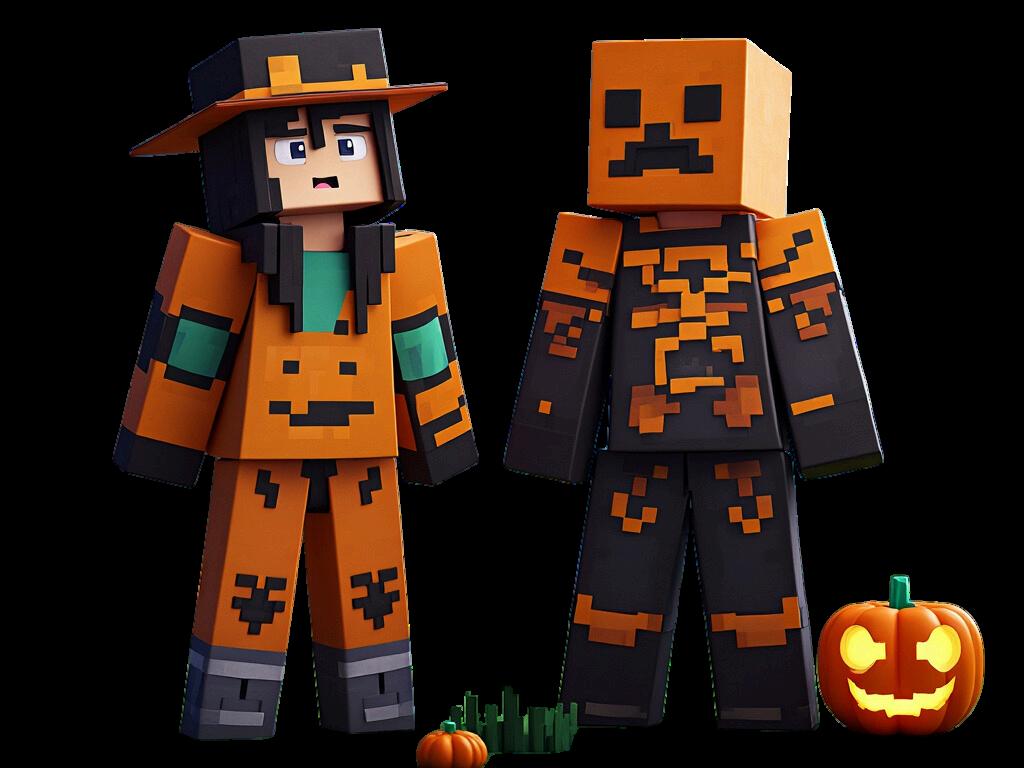
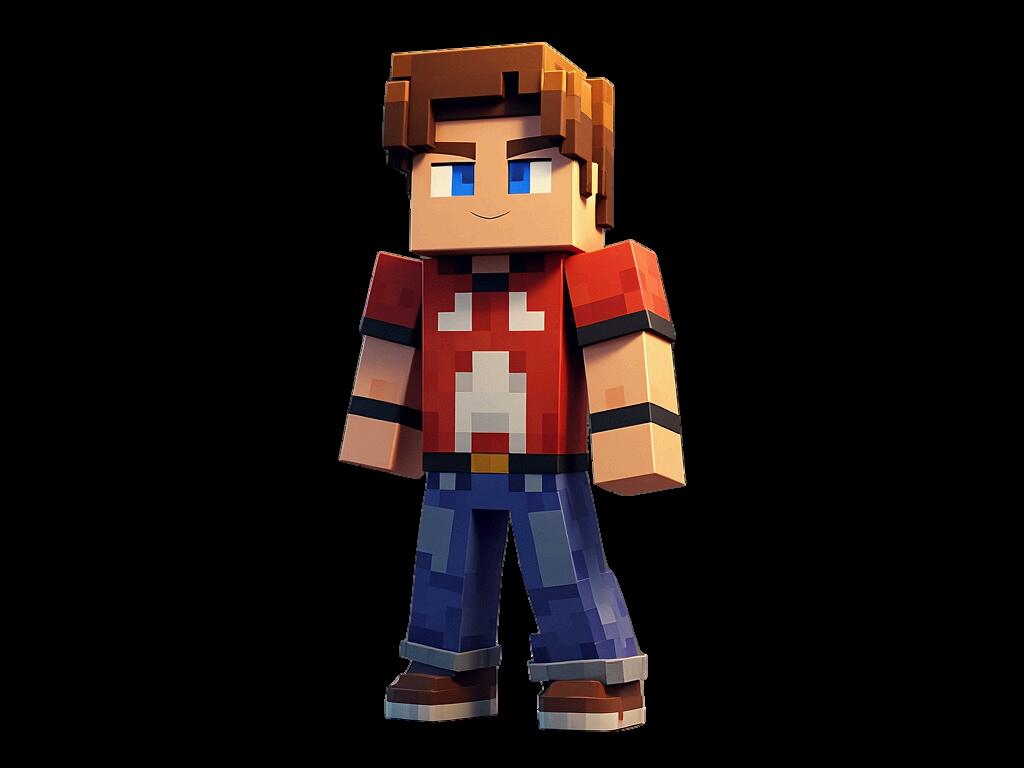
One of the best ways to make your Minecraft experience unique is by customizing your player skin. It is like putting a costume on your player and since Halloween is around the corner its perfect timing. Changing your skin allows you to express your creativity and stand out in multiplayer worlds. If you’re looking for an easy way to do this, using a Skin Pack is the way to go! Here’s a quick guide on how to customize your player skin with a skin pack.
To get started, open Minecraft and navigate to the Marketplace. Here, you’ll find tons of cool skin packs created by the Minecraft team and the community.
Step
2: Browse the Skin Packs
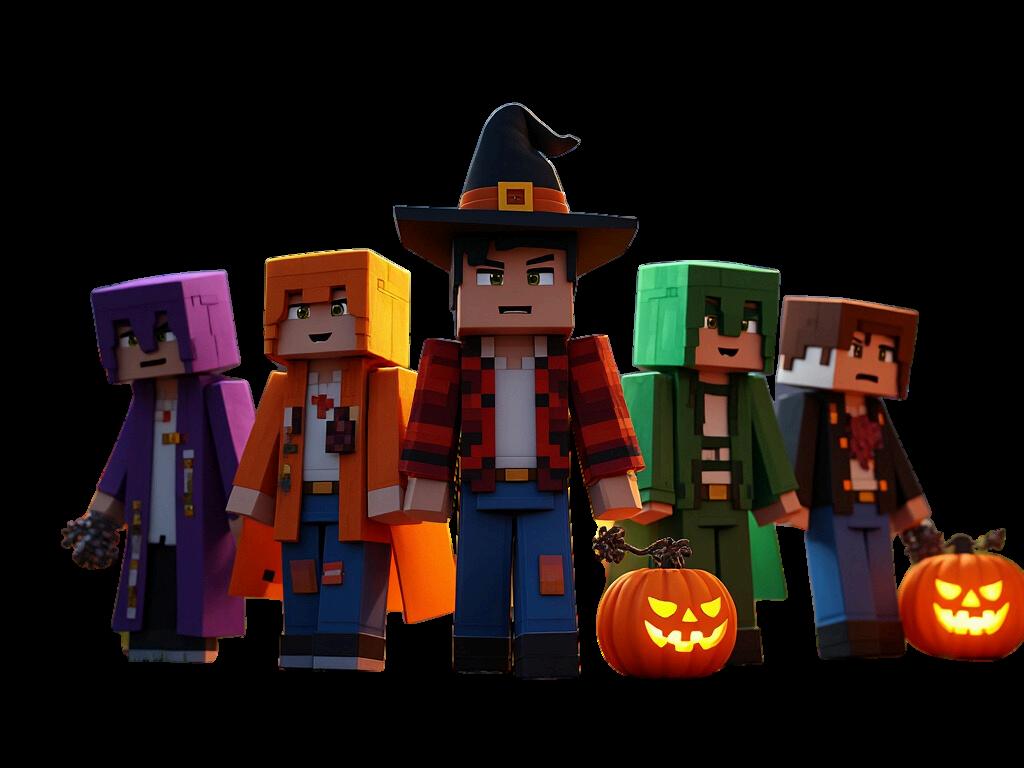
In the Marketplace, you can search for Skin Packs using the search bar or browse the Skins section. Look for packs that fit your style, whether it's superheroes, fantasy characters, or even holiday-themed skins!
4
Step 3: Download a Skin
Some skin packs are free, while others may require Minecoins. Once you find the one you like, click Download (or Purchase if it costs Minecoins). The skin pack will now be available in your Owned Items section.
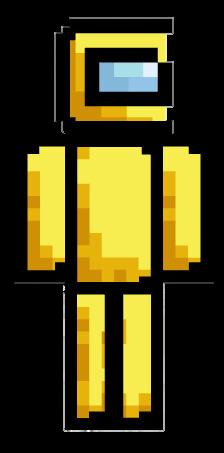
Step 4: Apply Your New Skin
Once downloaded, head to the Dressing Room in Minecraft, where you can change your skin. Browse your owned skins, select your favorite one, and hit Apply. Now your new skin will be active in the game!
5
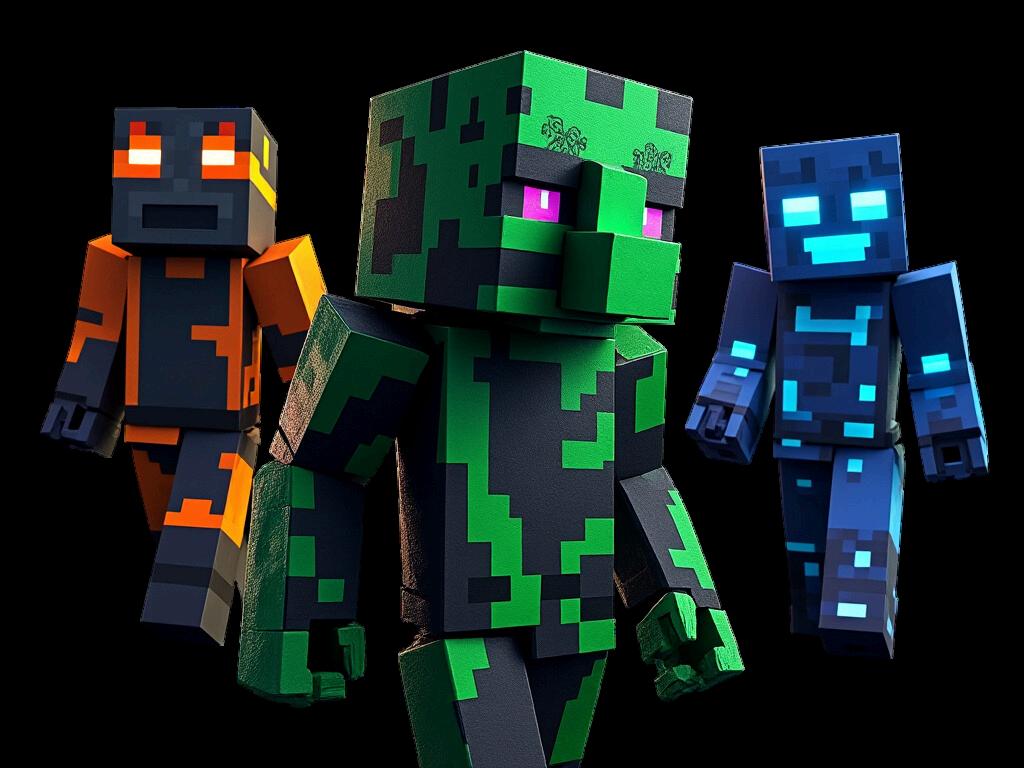
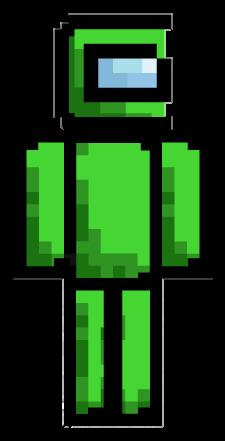
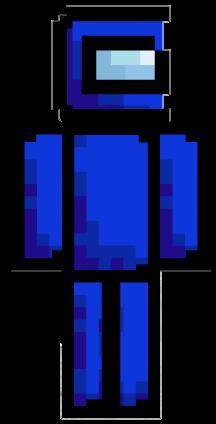
Step 5: Show It Off!
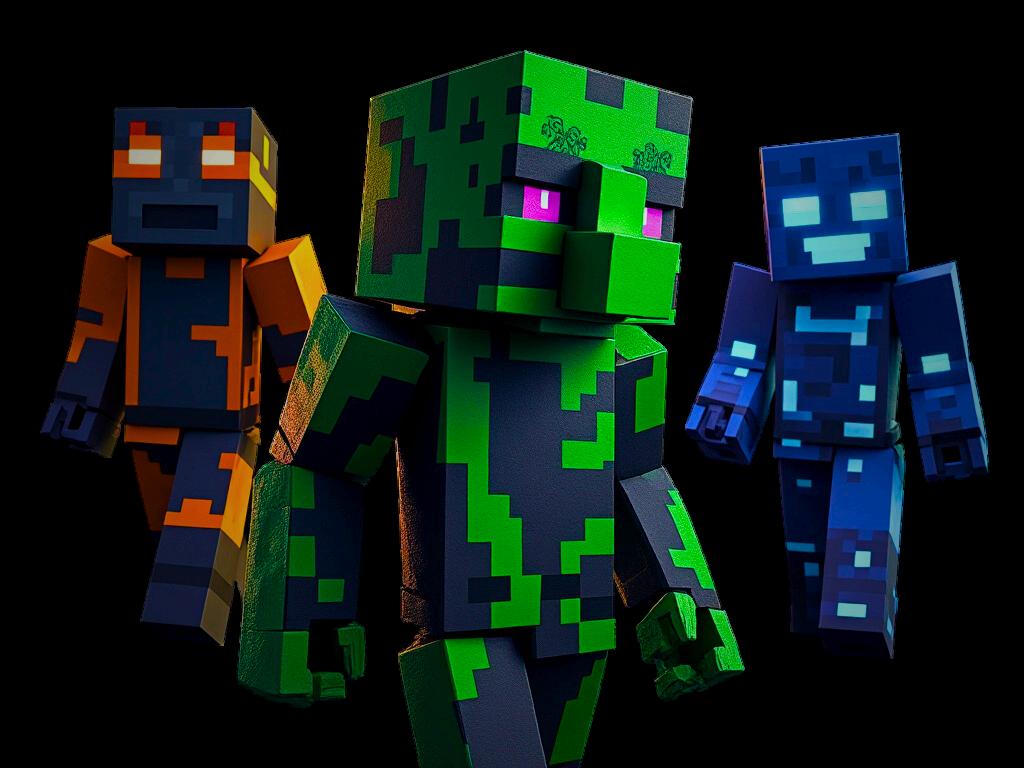
Jump into your world or a multiplayer server and show off your new look! Whether you're building, exploring, or battling mobs, your custom skin will make you stand out.
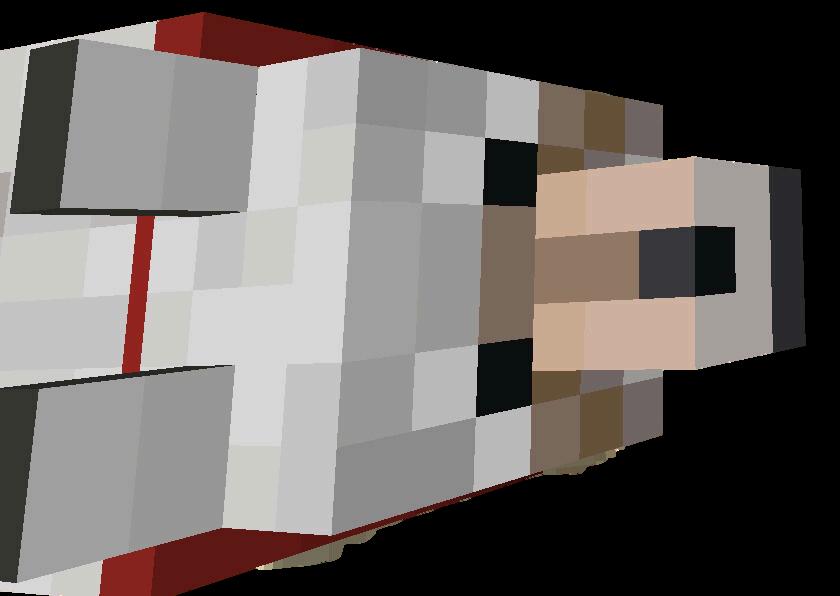
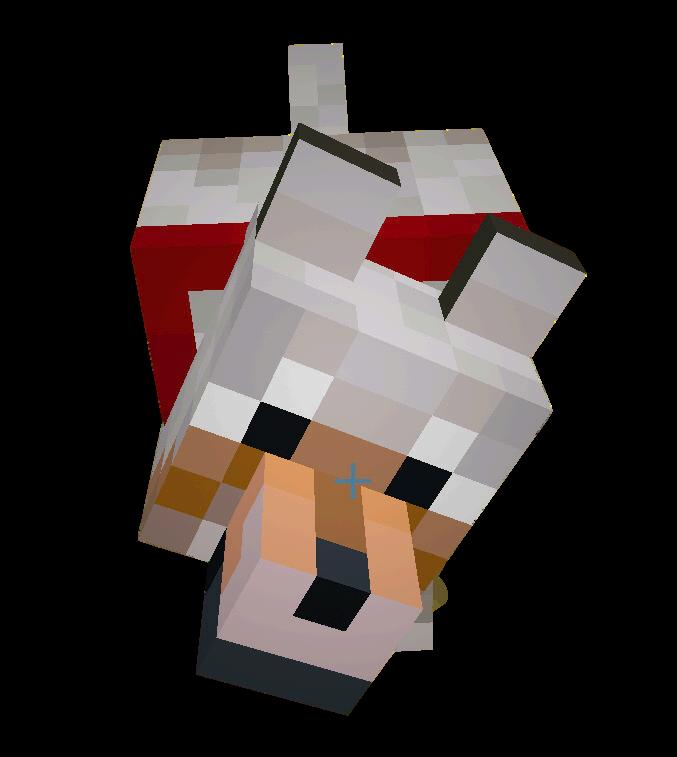
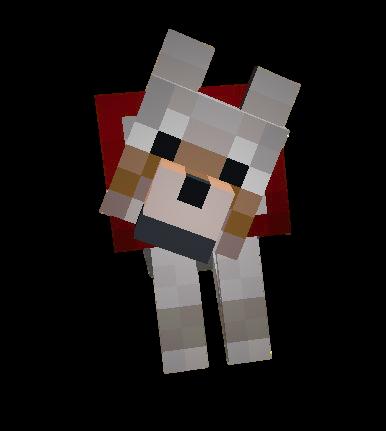
Here are some cool tricks: Summon Mobs: Want a pet wolf? Use /summon wolf! Change Weather:
Stop the rain with /weather clear. Teleport Anywhere:
Quickly travel by typing /tp @p 100 70 100.

Getting a Command Block:
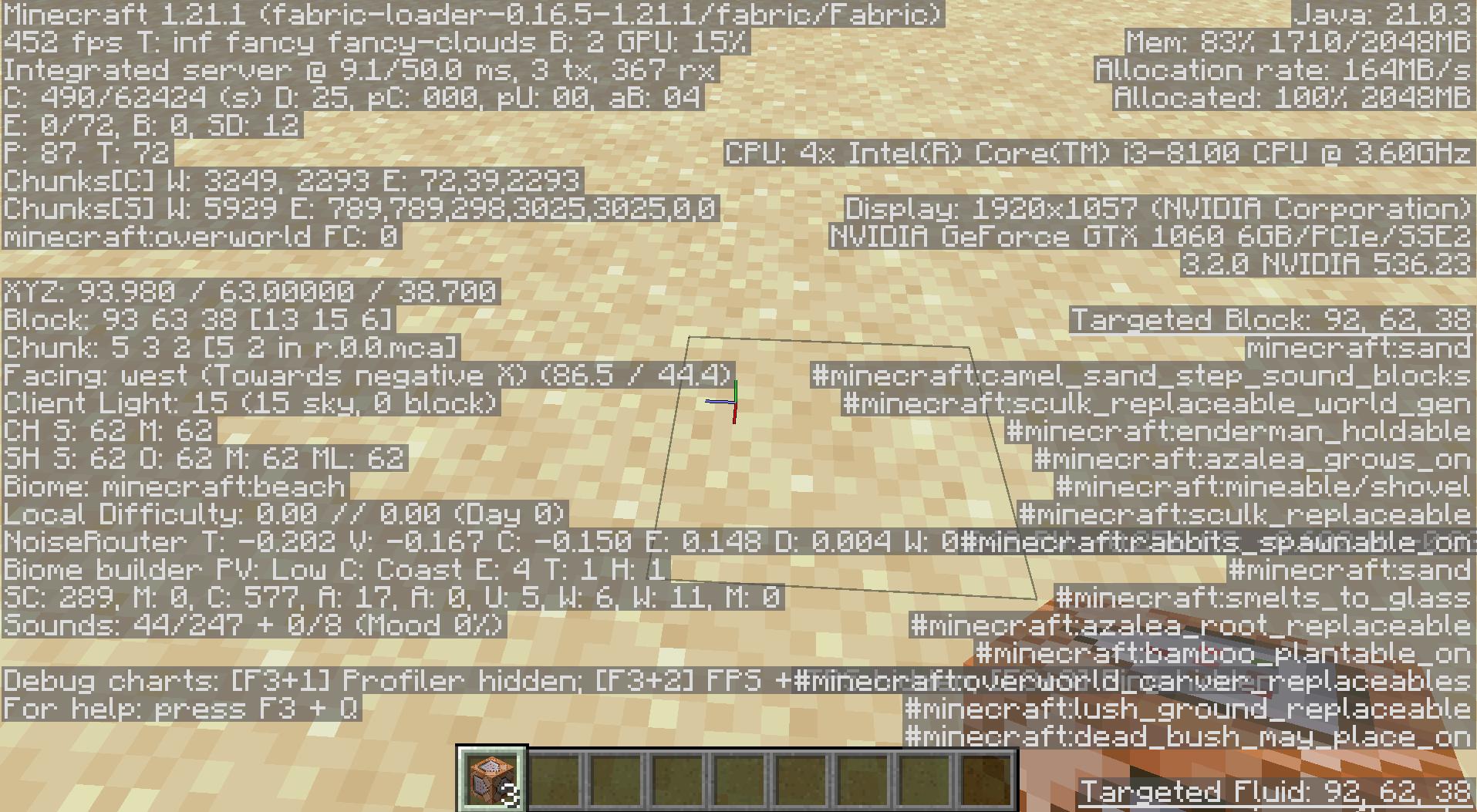
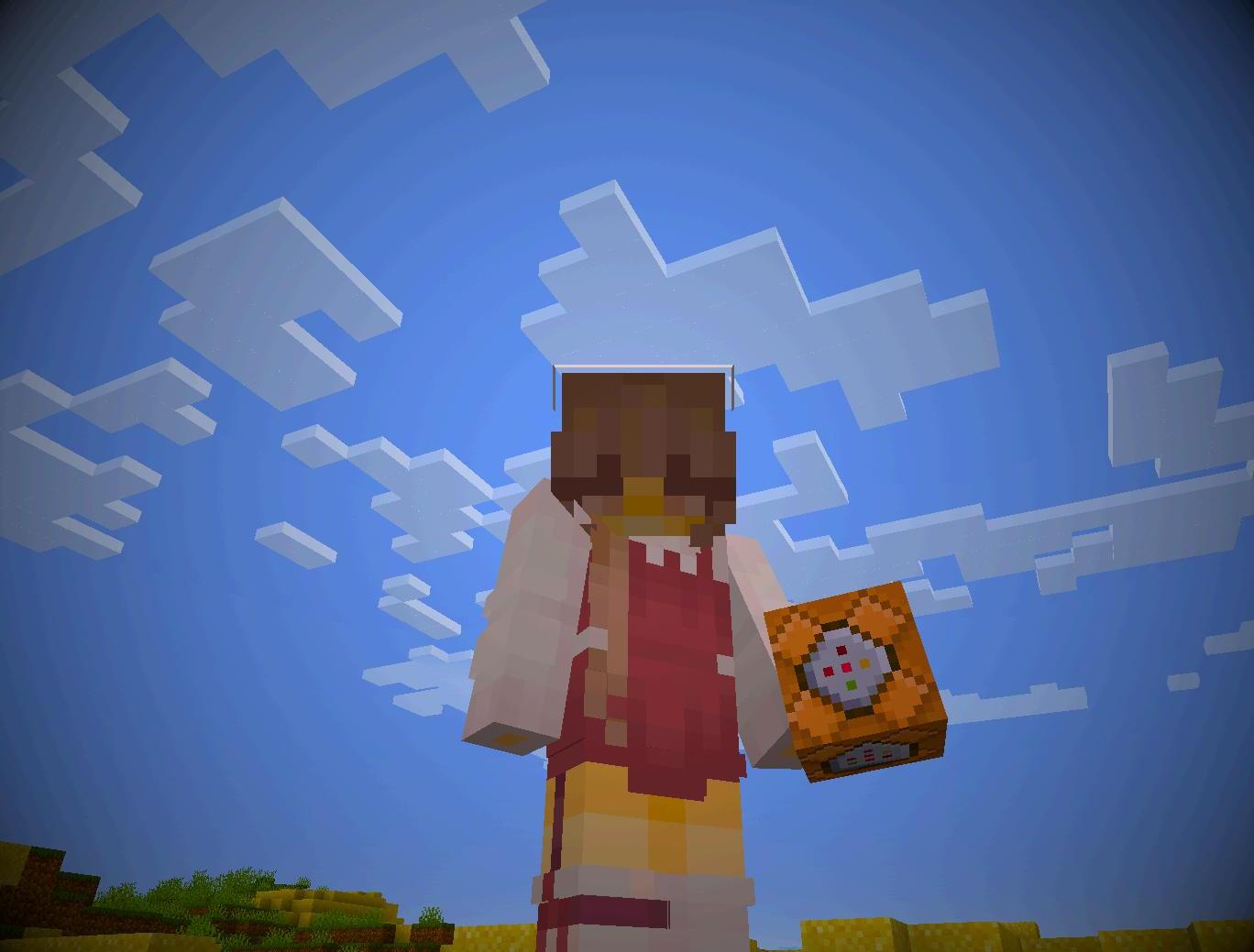
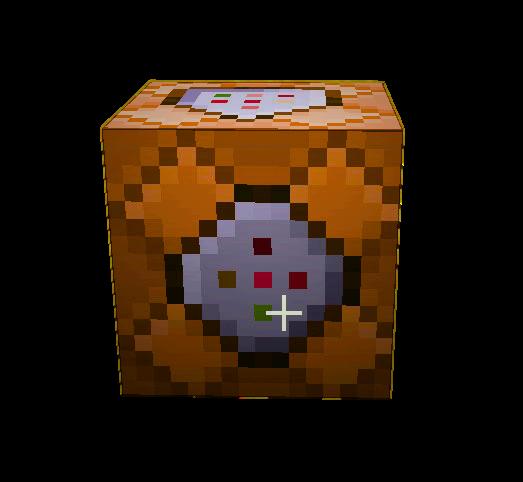
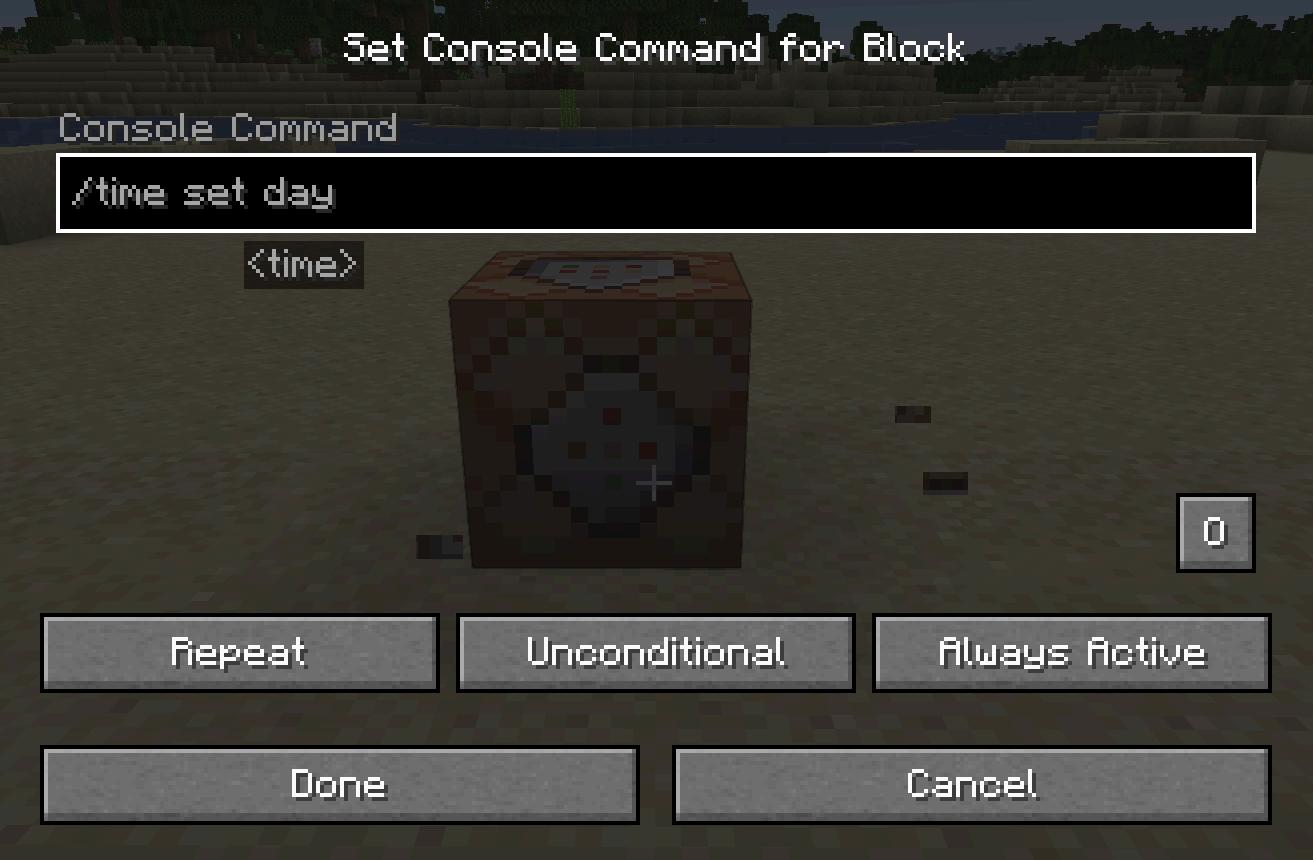
To access the mysterious Command Block, you'll need to use a special command, as it isn't available in your normal inventory. Open your chat window and type /give @p command block—this command will place a powerful Command Block into your inventory!
What is a Command Block?
The Command Block is like a super-charged block that allows you to run commands automatically in Minecraft. It can trigger cool ingame effects like teleporting, changing the time of day, or even summoning mobs! Command Blocks can only be used in Creative Mode. 8

What is a Glitch?
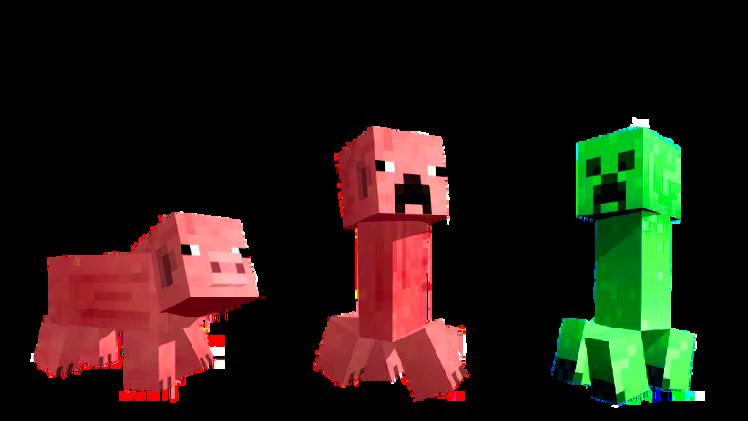
A glitch is when something in Minecraft doesn't work quite as expected—but sometimes, that can lead to hilarious and awesome surprises!
Ghost Blocks:
Occasionally, blocks look like they’re there but you can walk right through them! These invisible blocks sometimes appear during multiplayer sessions or when chunks don’t load properly.
Infinite Water Source:
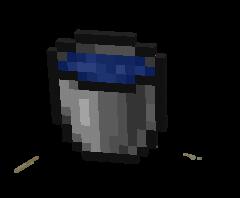
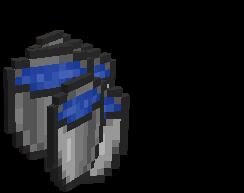
While not a glitch in the traditional sense, using just two water buckets to create an endless water source feels like bending the rules! Place two water buckets in opposite corners of a 2x2 hole, and voilà—unlimited water!
eview! rs a sneak d changes s a testing ground where Mojang tries out new content before officially adding it to the game. Players can access these snapshots and experiment with upcoming mechanics, blocks, mobs, and biomes before they go live. Here's the scoop on the latest snapshot!
Looking to the Future:
Space in Minecraft? While the latest snapshot doesn’t feature anything related to space, we can imagine a day when Minecraft introduces a full space update

How to Access a Snapshot:
1. Enable Snapshots by toggling the switch.
Open the Minecraft Launcher and click on the Installations tab.
2. Create a new installation and select the latest Snapshot version from the dropdown menu. 3. Hit Play and start experimenting with Minecraft's upcoming features! 4.
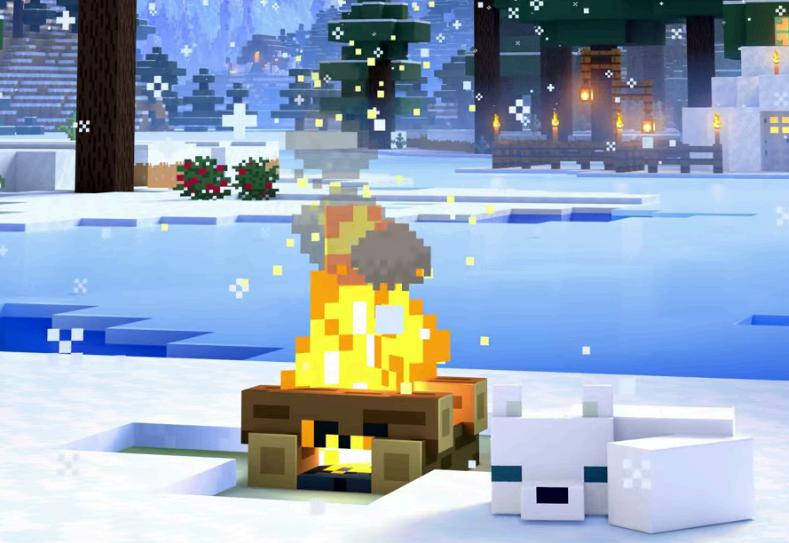
Minecraft Snapshots are test versions of the game where new features, changes, and bug fixes are introduced before they’re officially added. This gives the community a chance to test out new content, provide feedback, and help Mojang refine the gameplay.

Write about a day where everything you draw comes to life. What would you draw, and how would your day go ?
Create your own magical creature. Give it special powers and show where it lives in the magical world.
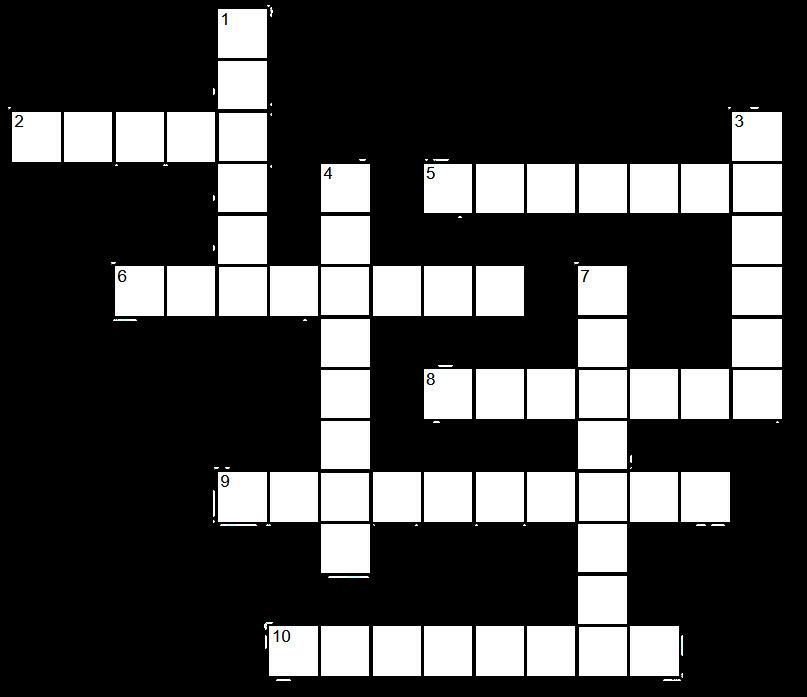
CREEPER
ENDER BLOCK MINER PICKAXE DIAMOND