The DoSeum Galaxy Digital Guide
Checking In
On your first volunteer shift, The Volunteer & Service Coordinator will give you a volunteer name tag. Please always wear your badge; this is to let the Staff know that you are allowed to go into the building. Usually, the Volunteer & Service Coordinator will be down at the front to help you get familiarized with the check-in process. However, they will not be available to be there at each check-in time.
Check In Steps:
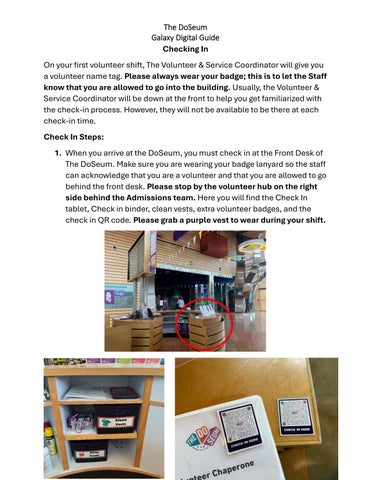
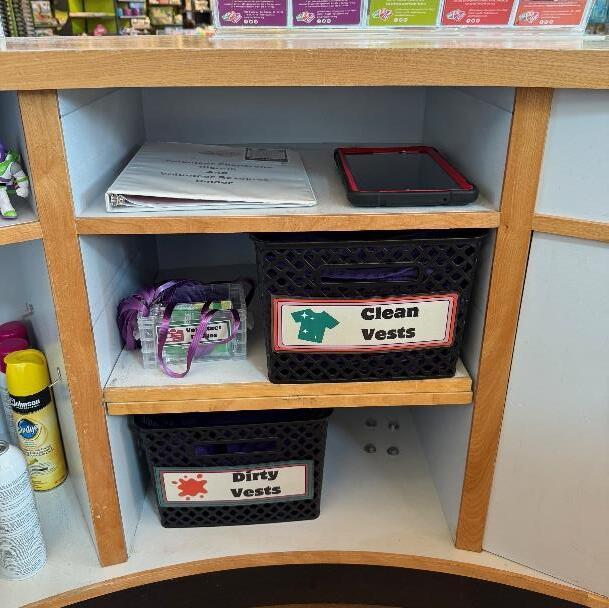
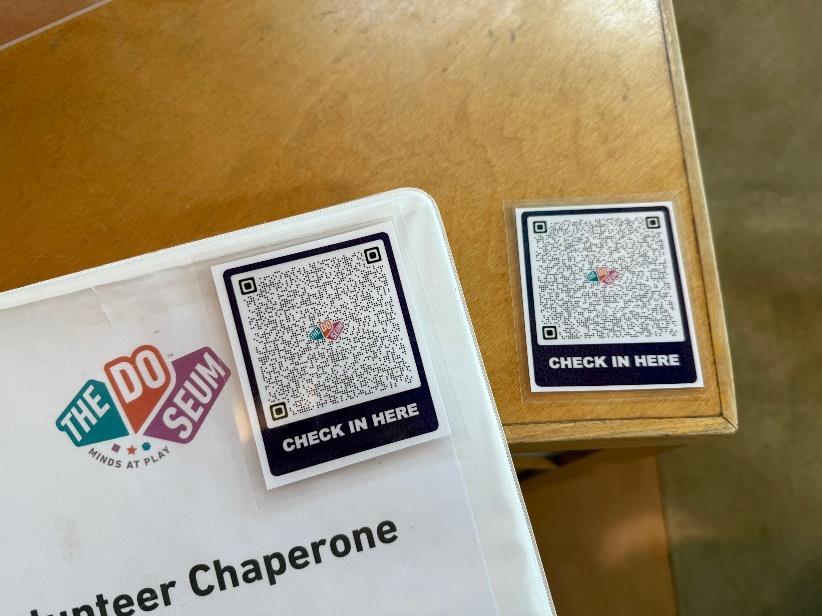
1. When you arrive at the DoSeum, you must check in at the Front Desk of The DoSeum. Make sure you are wearing your badge lanyard so the staff can acknowledge that you are a volunteer and that you are allowed to go behind the front desk. Please stop by the volunteer hub on the right side behind the Admissions team. Here you will find the Check In tablet, Check in binder, clean vests, extra volunteer badges, and the check in QR code. Please grab a purple vest to wear during your shift.

2. On the left side of the desk, you can rent out a locker for free if you need one. Please grab a key from the drawers and leave an I.D. Card in the “Locker Rentals” binder for the rental. Make sure you are leaving your I.D. in the corresponding locker slot.
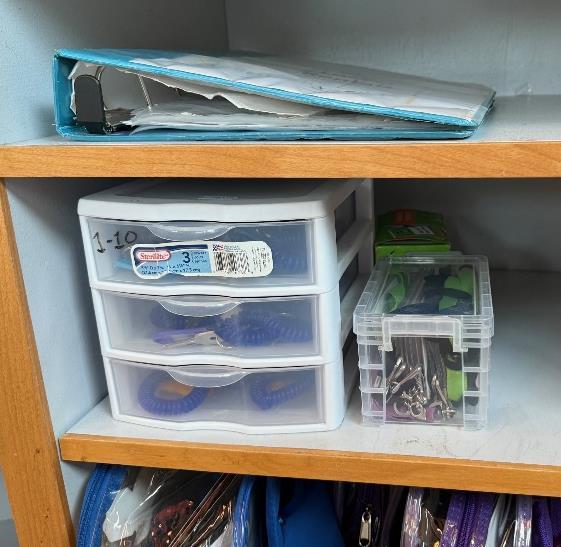
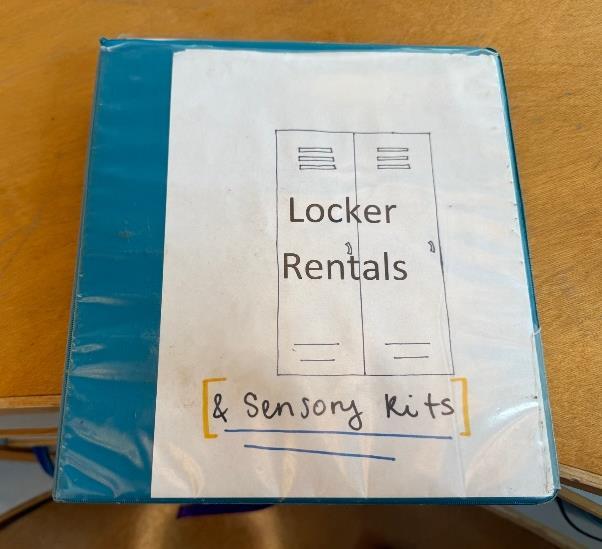
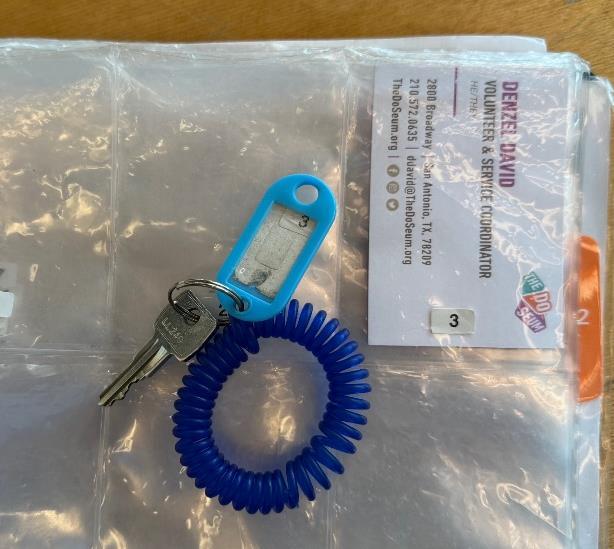
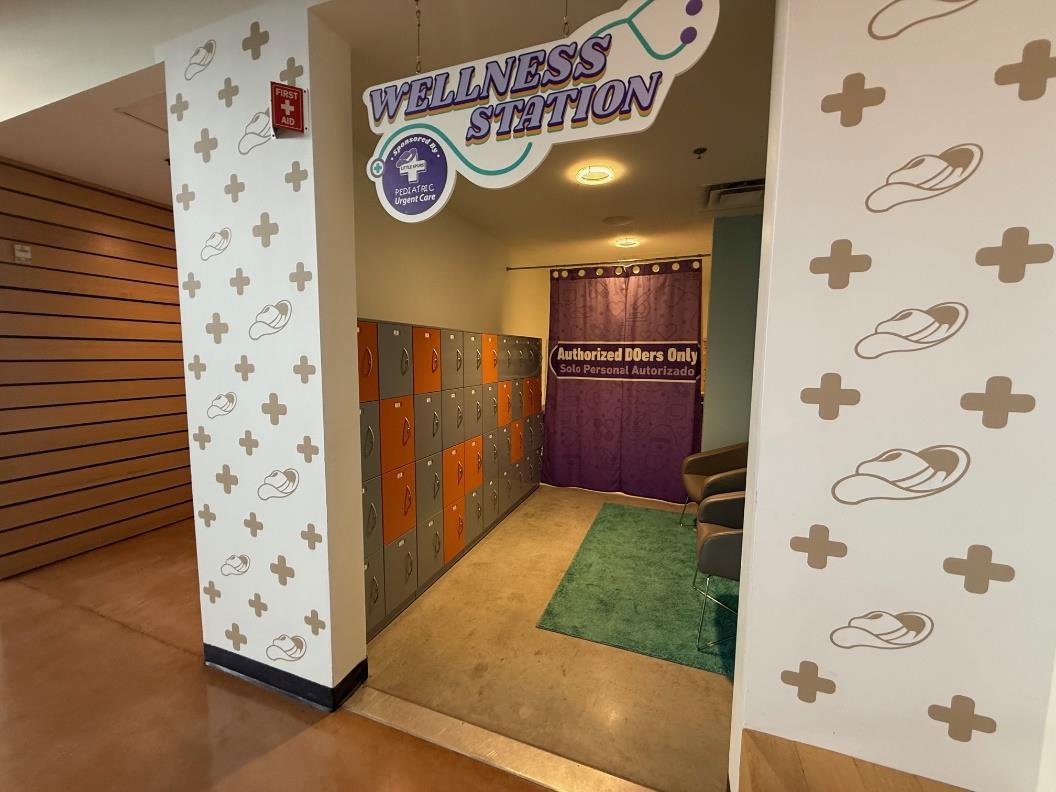
It is imperative that you bring an I.D. to rent a locker if you need to store your items. The lockers are located in the Little Spurs Wellness Station. When your shift is finished, remember to pick up your I.D. and return the key to the front desk.
3. Check out optional items, if needed. Additionally, there are other things you may check out:
• General Volunteer Lanyards (if you don’t have your named badge with you)
• Access Badge (To open the admin office for breaks)
• Radio (Available if you are radio-trained and have permission to use one)
• Gallery Engagement Cards (Physical copies of the Galleries page on the website. You can access this through your phone by scanning the QR code on the back of your badge)
If you would like to check any of these out, you can fill out the “Volunteer Materials Check-Out” Page in the binder. Make sure to fill out what item you are borrowing, the corresponding number of the item, the date of your shift, and your name. At the end of your shift, make sure to return these items and add the check-out time.
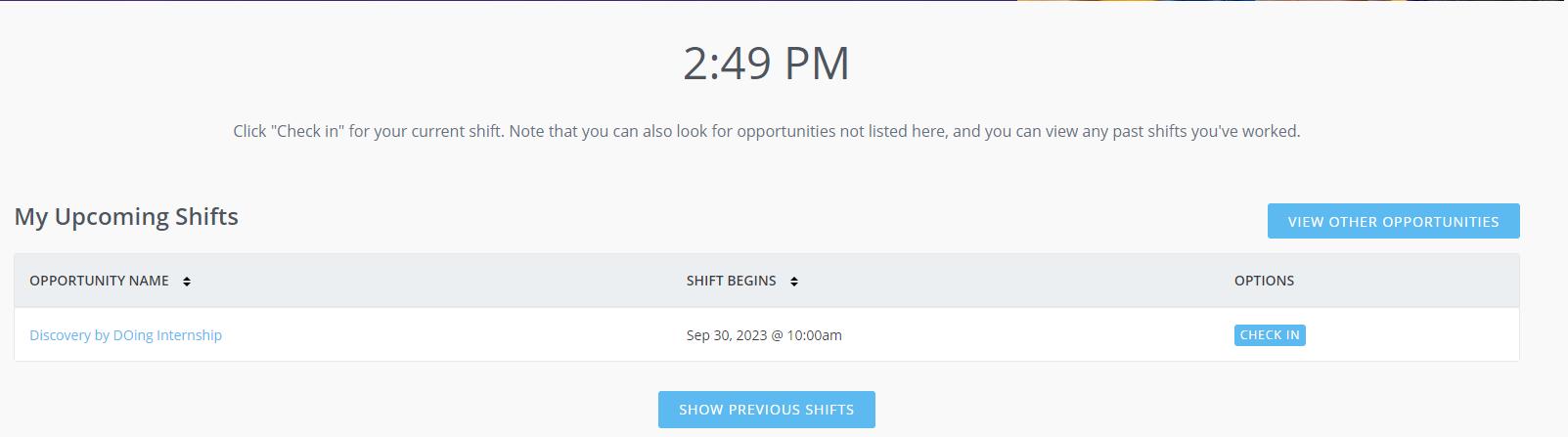
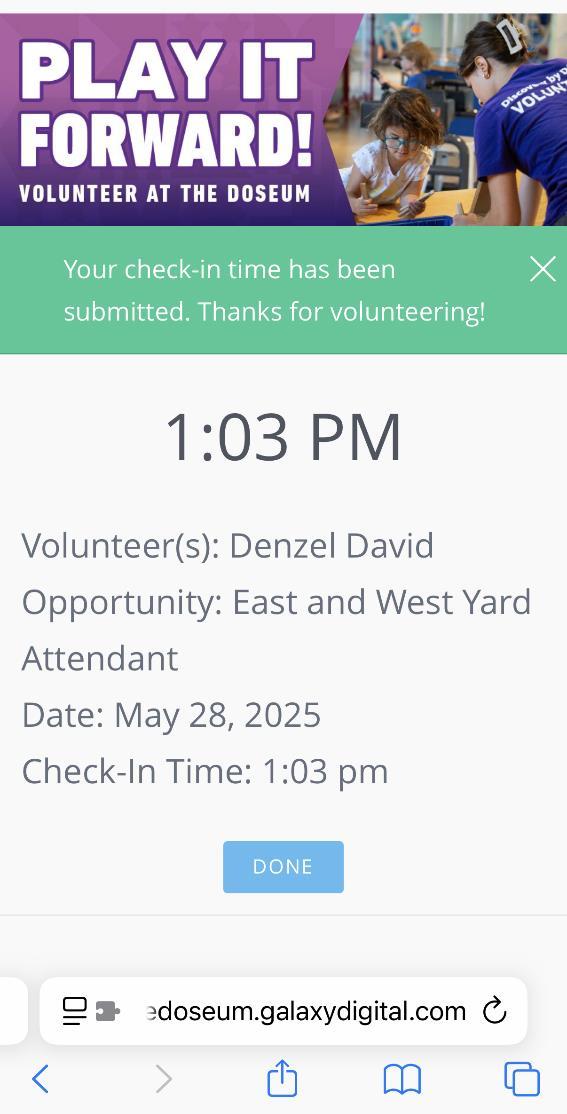
4. After getting your locker, vest, and badges situated, check in inperson by filling out the Check in Binder. Then, check in ONLINE by using Galaxy Digital.
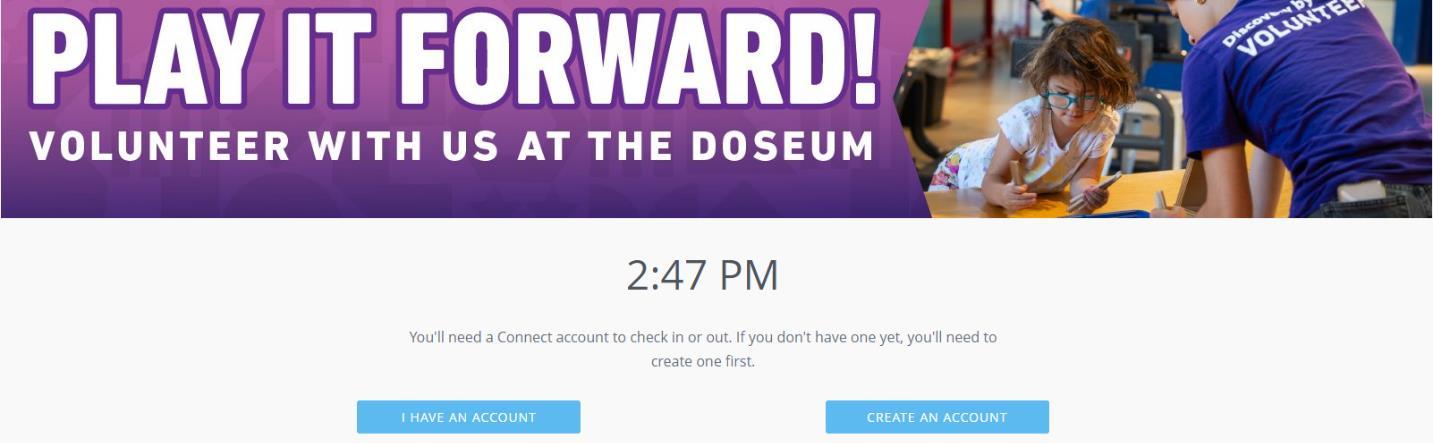
Before you check in online, please fill out the physical check in page in the binder. After checking in physically, You can check in using the tablet, which will be set to the screen shown below. You may also scan the QR code provided at the front desk and on the binder to reach this screen on your phone.