Galaxy Digital Guide - Opportunities Page and Signing up for Shifts

Page 1


The Opportunities Page & Signing up for Shifts
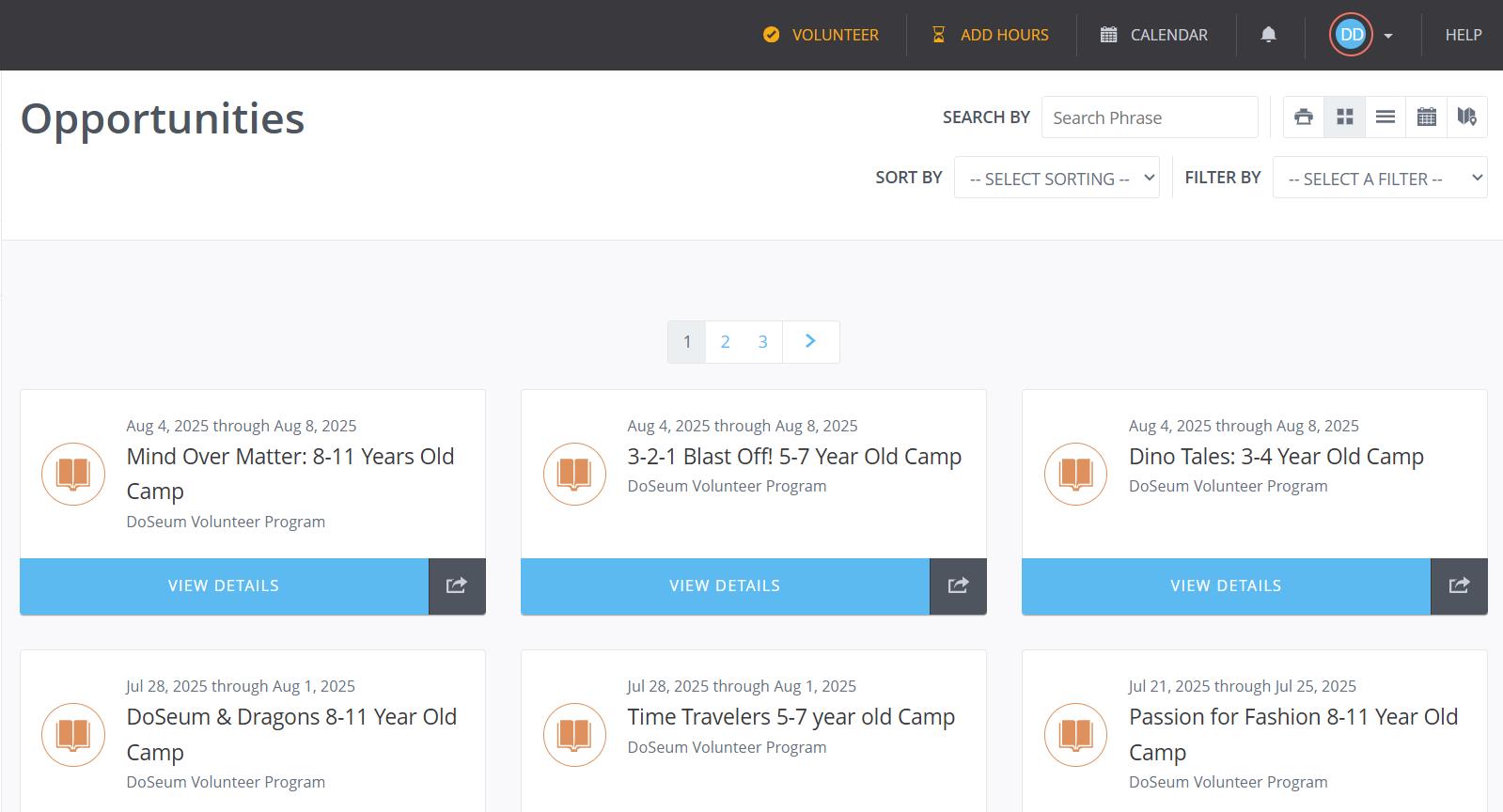
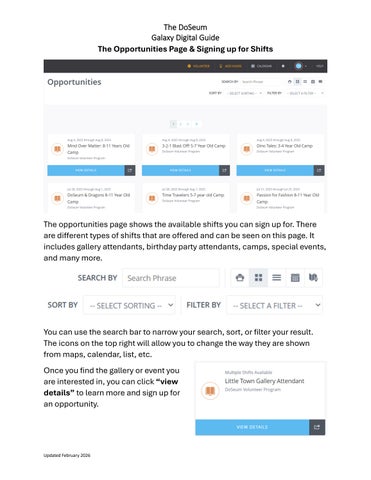
The opportunities page shows the available shifts you can sign up for. There are different types of shifts that are offered and can be seen on this page. It includes gallery attendants, birthday party attendants, camps, special events, and many more.
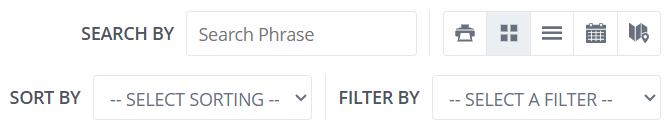
You can use the search bar to narrow your search, sort, or filter your result. The icons on the top right will allow you to change the way they are shown from maps, calendar, list, etc.

Once you find the gallery or event you are interested in, you can click “view details” to learn more and sign up for an opportunity.

The DoSeum

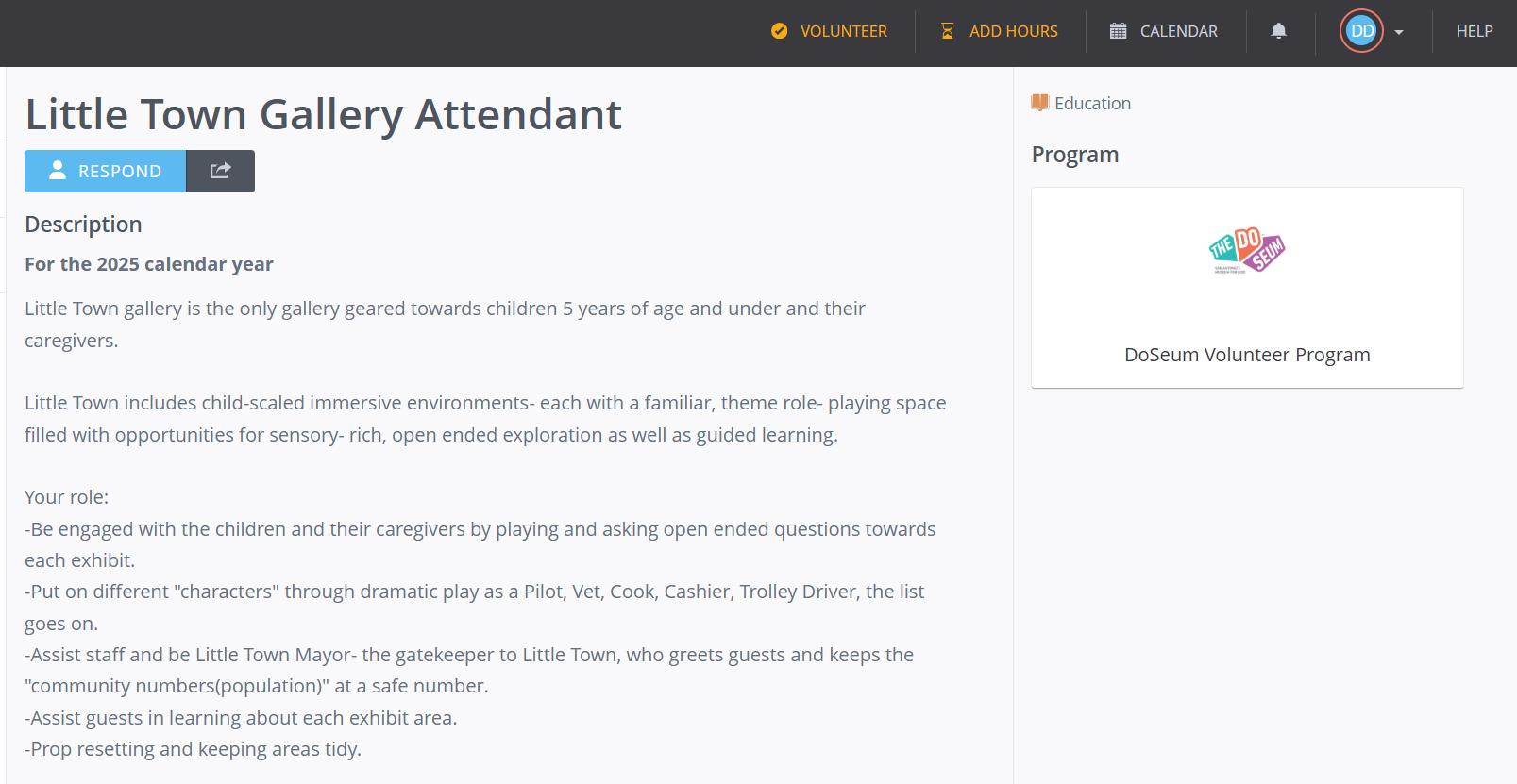
Here is an example of what an opportunity page looks like. It will have a description of the gallery, role of volunteers, and a list of available shifts.

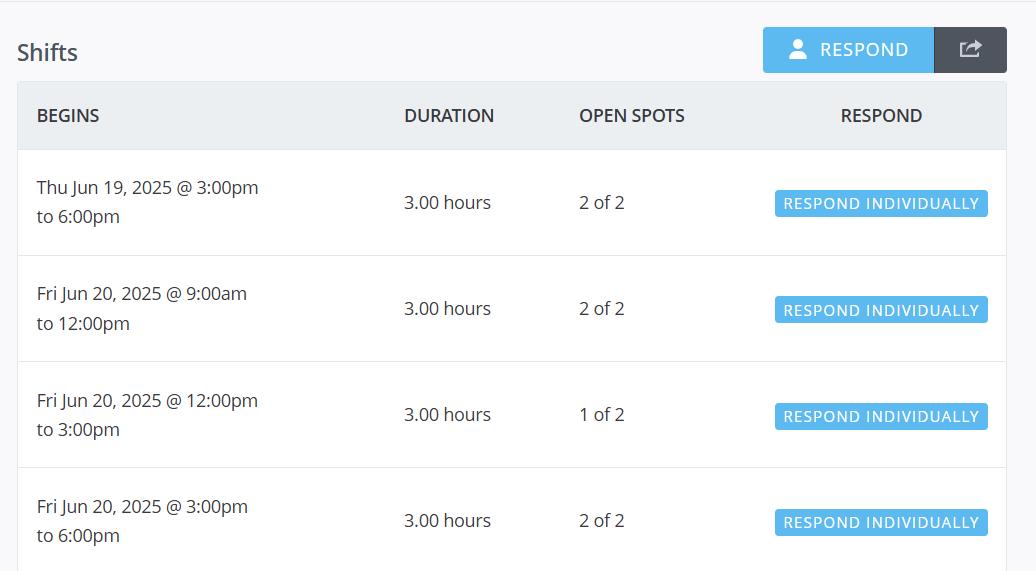
You can scroll down to see the shifts that are available. They are listed in order by date. Click “Respond Individually” to register for a single shift.

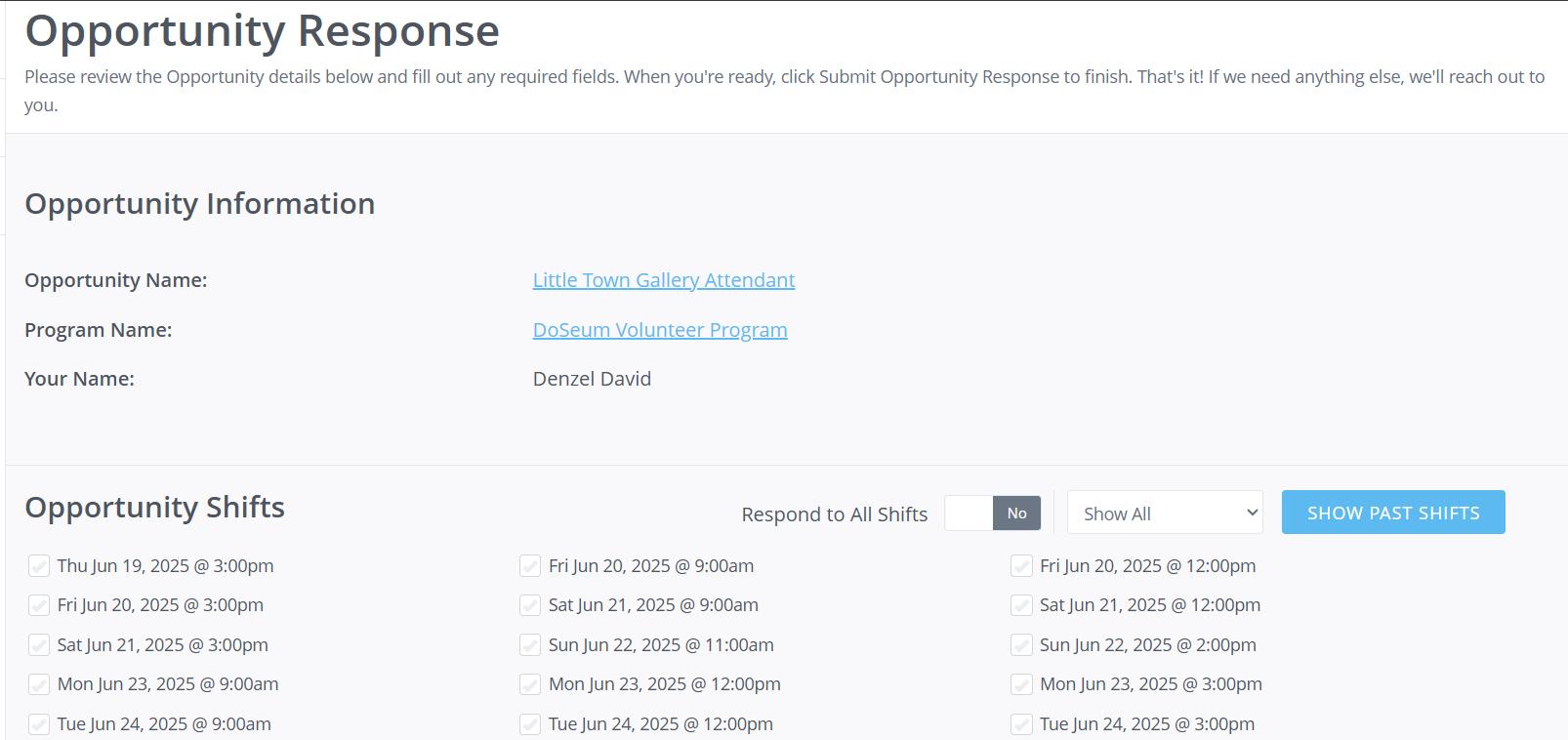
For more options or to select multiple shifts, use the “Respond” button at the top to be sent to Opportunity Response screen.

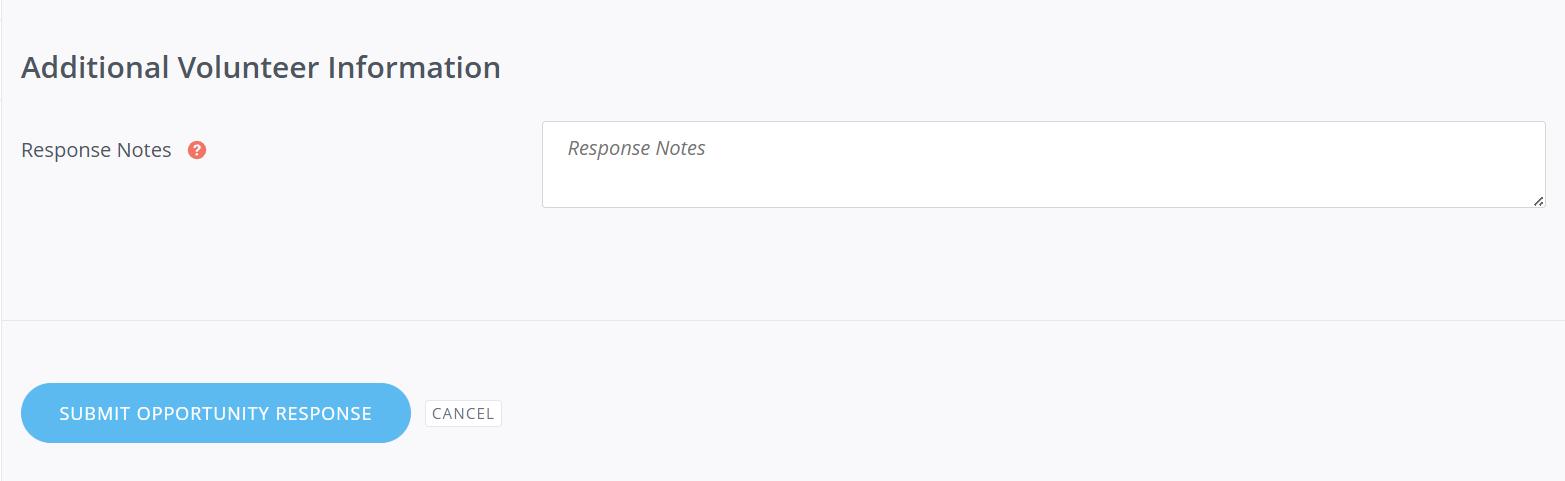
On this page you can sign up for multiple shifts in that gallery. If you have any notes, you can add a response note. To complete the sign-up process, click “Submit opportunity response”.

Congratulations! You have now signed up for a volunteer shift at The DoSeum!

Turn static files into dynamic content formats.

Create a flipbook