
SQL for Data Analytics: Top 10 Queries Every Analyst Should Know
Essential skills for modern data professionals. Transform raw data into actionable insights. 2024 SQL trends show PostgreSQL leads with 75% admiration among developers.

by Ozías Rondón

Why SQL Matters in Data Analytics
46.9%
Of developers use SQL for data manipulation 100%
Developer Usage
Industry Relevance
Critical across all data-driven fields
24/7
Decision Support
Enables precise data-driven decisions

Query 1: Basic SELECT Statement
Start With SELECT
Specify exactly which columns you need.
Identify Source Table
Use FROM to target the right data source. Execute & Analyze Review results to extract insights.
Example: SELECT customer_name, total_sales FROM sales_table
Query 2: Filtering with WHERE Clause
Full Dataset
All records in your table
Apply WHERE
Specify exact conditions
Filtered Results
Only relevant data remains
Example: SELECT * FROM employees WHERE department = 'Sales'

Query 3: Aggregation Functions
COUNT()
Counts records that match criteria
Essential for understanding data volume
SUM() & AVG()
Calculate totals and averages
Perfect for financial and performance metrics
MIN() & MAX()
Find extreme values in your dataset
Identify outliers and boundaries
Example: SELECT AVG(salary) FROM employees

Query 4: GROUP BY Clause
Sales Team
$1.2M average revenue
Engineering
$2.1M average revenue
Partnerships
$3.2M average revenue
Example: SELECT department, AVG(salary) FROM employees GROUP BY department
Marketing
$1.7M average revenue
Query 5: JOIN Operations
INNER JOIN
Returns records with matching values in both tables. Use when you need only complete data sets.
LEFT JOIN
Returns all records from left table, matching from right.
Essential when primary data must be preserved.
RIGHT JOIN
Returns all records from right table, matching from left. Less common but valuable for specific analyses.
FULL JOIN Returns records with a match in either table. Use for complete data overview.
Query 6: Subqueries
Inner Query
Executes first, provides results
Middle Processing
Filters or transforms data
Outer Query
Uses processed results
Example: SELECT name FROM employees WHERE department_id IN (SELECT id FROM departments WHERE location = 'New York')

Query 7: Window Functions
RANK()
Assigns rank to each row within a partition, with gaps for ties.
ROW_NUMBER()
Assigns unique sequential integer to rows within a partition.
LAG() Accesses previous rows without joining the table to itself.
LEAD() Accesses subsequent rows without complex self-joins.

Query 8: CASE Statements
Original ValueConditionTransformed Result
$5,000< $10,000"Low Tier"
$15,000$10,000-$20,000"Mid Tier"
$25,000> $20,000"High Tier" Implements conditional logic directly within your queries. Creates custom categories and labels based on your data.
Query 9: Common Table Expressions (CTEs)
Final Query
Combines CTE results for analysis
Intermediate CTEs
Build upon foundation CTEs Foundation CTEs
Extract and transform basic data
WITH revenue_by_region AS (SELECT region, SUM(amount) AS total FROM sales GROUP BY region) SELECT * FROM revenue_by_region
ORDER BY total DESC

Query 10: Date and Time Functions
EXTRACT()
Pull specific parts from dates like year or month
DATEDIFF()
Calculate time periods between dates
DATE_TRUNC()
Group time-series data by periods
DATEADD()
Manipulate dates for projections
SQL Skills Demand in 2024
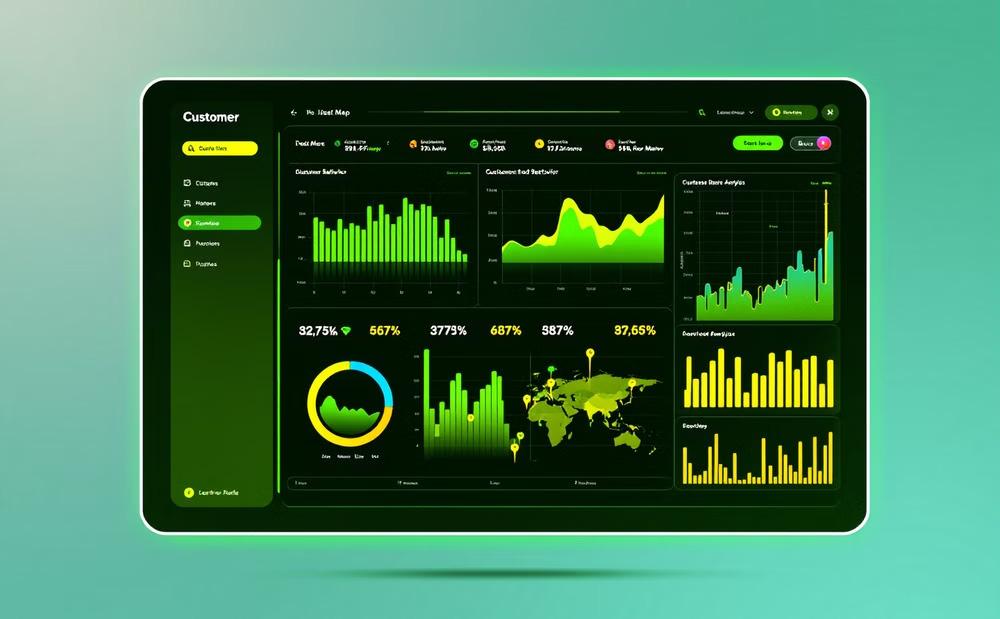
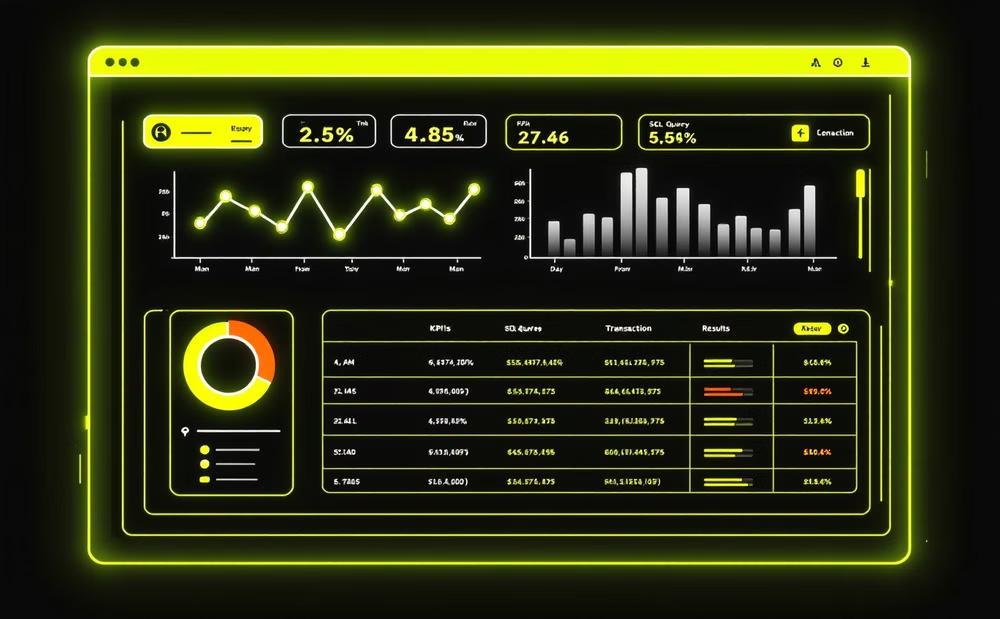
Real-World SQL Applications

Customer Analysis
Track behavior patterns and predict future purchases.
Financial Tracking
Monitor revenue streams and identify growth opportunities.
Fraud Detection
Identify unusual patterns that may indicate fraudulent activity.
Learning Path for SQL Mastery
Beginner
Master SELECT, WHERE, and basic filtering
Practice with small datasets
Intermediate
Learn JOINs, GROUP BY, aggregate functions
Work with multiple related tables
Advanced
Apply window functions, CTEs, complex subqueries
Optimize queries for performance
Expert
Design database schemas
Implement advanced analytical solutions

Common SQL Challenges

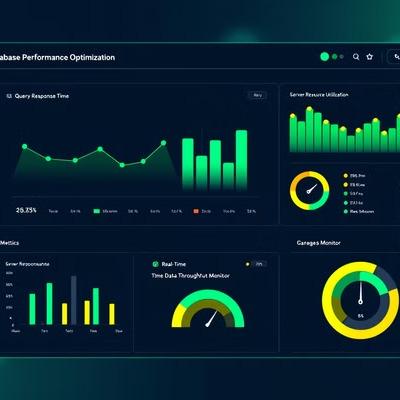


SQL analysts face challenges with large datasets, performance optimization, complex query construction, and data cleaning tasks.
SQL Tools for Data Analytics
DbVisualizer
Powerful query editor with visual explanation tools
Aqua Data Studio
Cross-platform support for diverse database environments
Cluvio
Cloud-based analytics with collaborative features PostgreSQL Robust platform with advanced analytical capabilities

Building Your SQL Portfolio
Personal Projects
Develop solutions to problems you find interesting.
Public Datasets
Analyze government, scientific, or business open data. Data Challenges
Participate in Kaggle or similar competitive platforms. Documentation Showcase your thought process and problem-solving approach.
Backend Pilot: Your Analytics Solution
Full-Featured Solution
Powerful SQL query tools
Automated reporting
Visual data exploration
Transform your data into actionable insights. Get Started Now
Perfect For Small Business
Affordable pricing
Quick implementation
No complex IT requirements

Next Steps in Your SQL Journey
Practice Daily
Even 15 minutes of coding builds skills over time.
Find a regular schedule that works for you.
Solve Real Problems
Apply SQL to actual business challenges. Building practical solutions cements your knowledge.
Stay Current
Follow database trends and new SQL features. The field evolves constantly.
Get Certified
Consider professional SQL certifications. They validate your expertise to employers.