

Login to ZENworks

Find GEMweb live application or icon
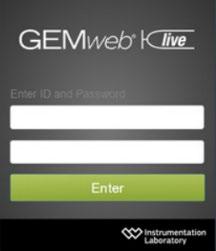

The login screen is shown Enter User ID and Password, click Enter
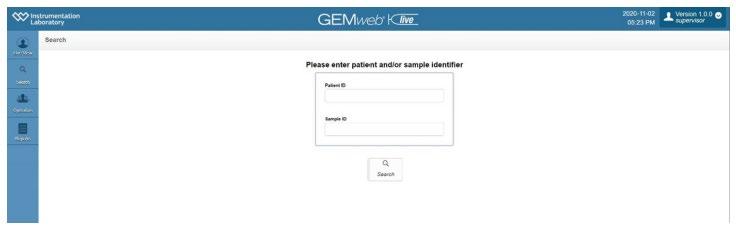
Enter patient ID and click search
The requested results are shown on the Patient View screen

Overlay-type allows to show profile overlays or patient overlays of TEMograms.
Profile overlay a TEMogram of the same test within the normal range of the selected patient profile is displayed over the currently measured TEMogram.
Patient overlay the last 4 TEMograms of the same test and the same patient (during the last 48 hours) are displayed. With each overlaid TEMogram, the starting time of the respective measurement is displayed in colour.
Patient overlays are only possible with measurements measured with the same cartridge type and lot as the one in use for the current measurement. Patient overlays are only possible with measurements that have already been saved/ cleared. Copy URL button allows a copy of the URL of the current measurement (e.g. to send via email). This URL includes the patient ID and/or sample ID and can be shared without the need to retype the respective patient / sample ID. The copied URL does not include login credentials.