
New Starters’ Handbook 2026

Introduction
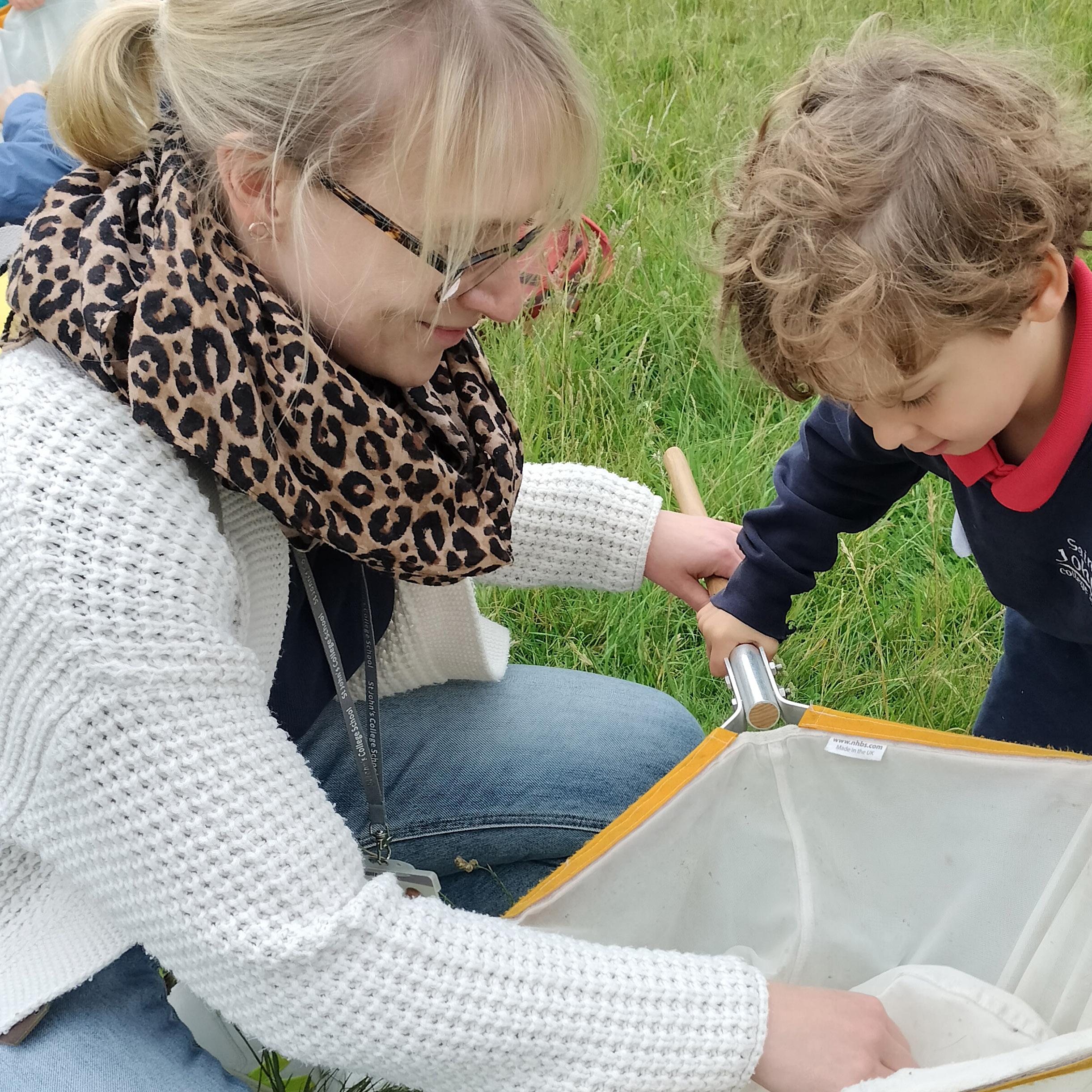
Childhood is full of exciting new experiences which we, as parents and teachers, relive through the eyes and laughter of our children. However, sometimes we have to begin to let go of our children and encourage them, through our assurance, to make increasing progress towards independence. Starting school and changing schools are significant milestones in the ‘letting go’ process and it is invariably harder for parents than for children.
If you feel your child is experiencing any problems adapting to School, please do not hesitate to contact us through your child’s Form Teacher (Byron House) or Tutor (Senior House). It is important for your child’s welfare that you let us know if there is, at any time, unhappiness associated with School, or if there is a situation at home that is likely to cause anxiety. We need to be aware of such situations in order to deal with your child appropriately and sympathetically. Conversely, if we have any concerns over your child’s academic progress or behaviour, we will contact you to discuss the situation.

“The pastoral care of the children is central to our philosophy and the nature of the pastoral system differs according to the age of the child. For most children the ‘settling in’ period is very brief, but for others the adjustment takes a little longer.”
“We believe childhood is a place of wonder, where confidence grows in small moments and learning feels like discovery, not duty. We see everything through the eyes of children, noticing and nurturing the courage it takes to try, the pride in mastering a new skill and the delight of a question asked or a problem solved.”
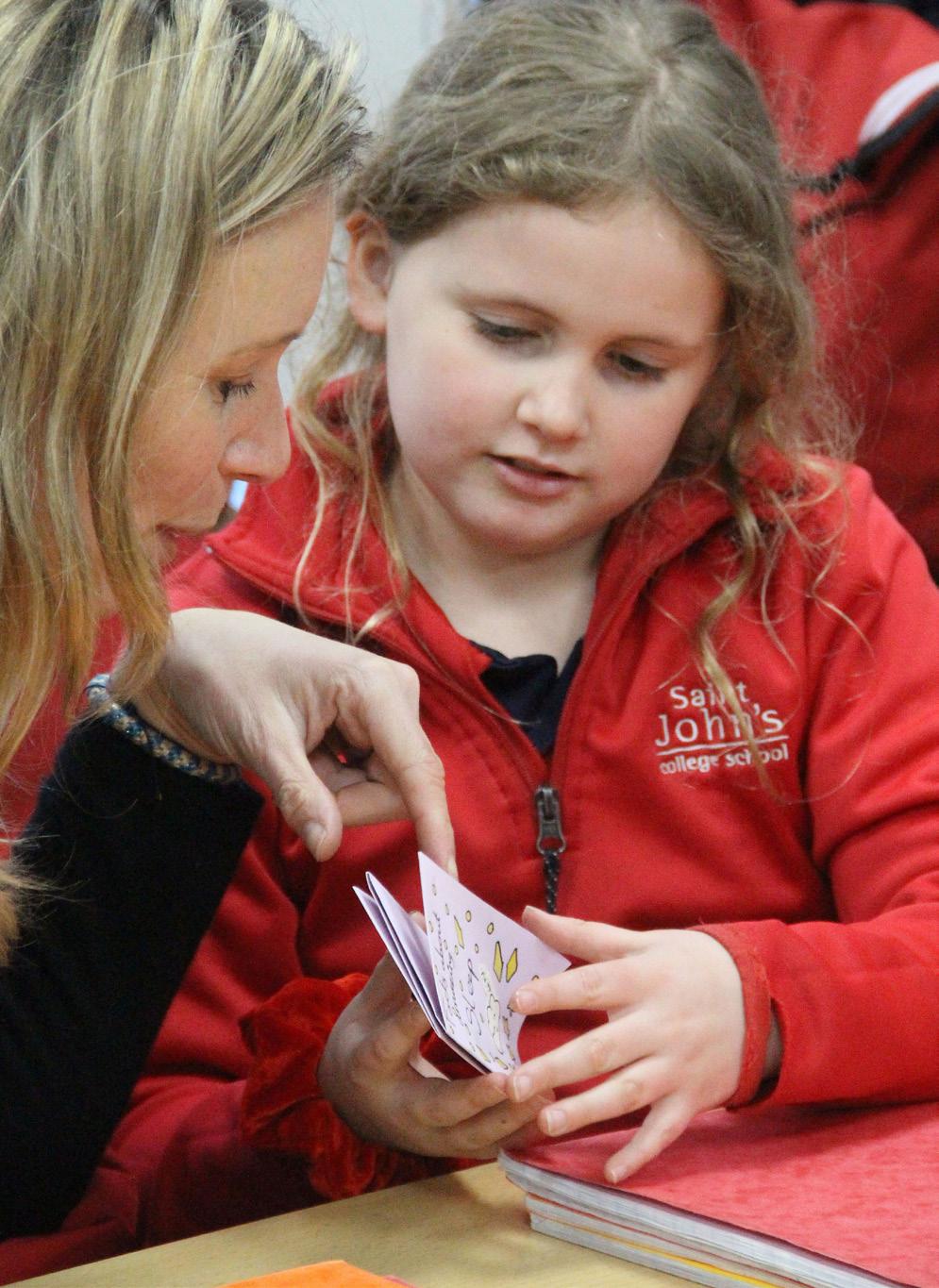
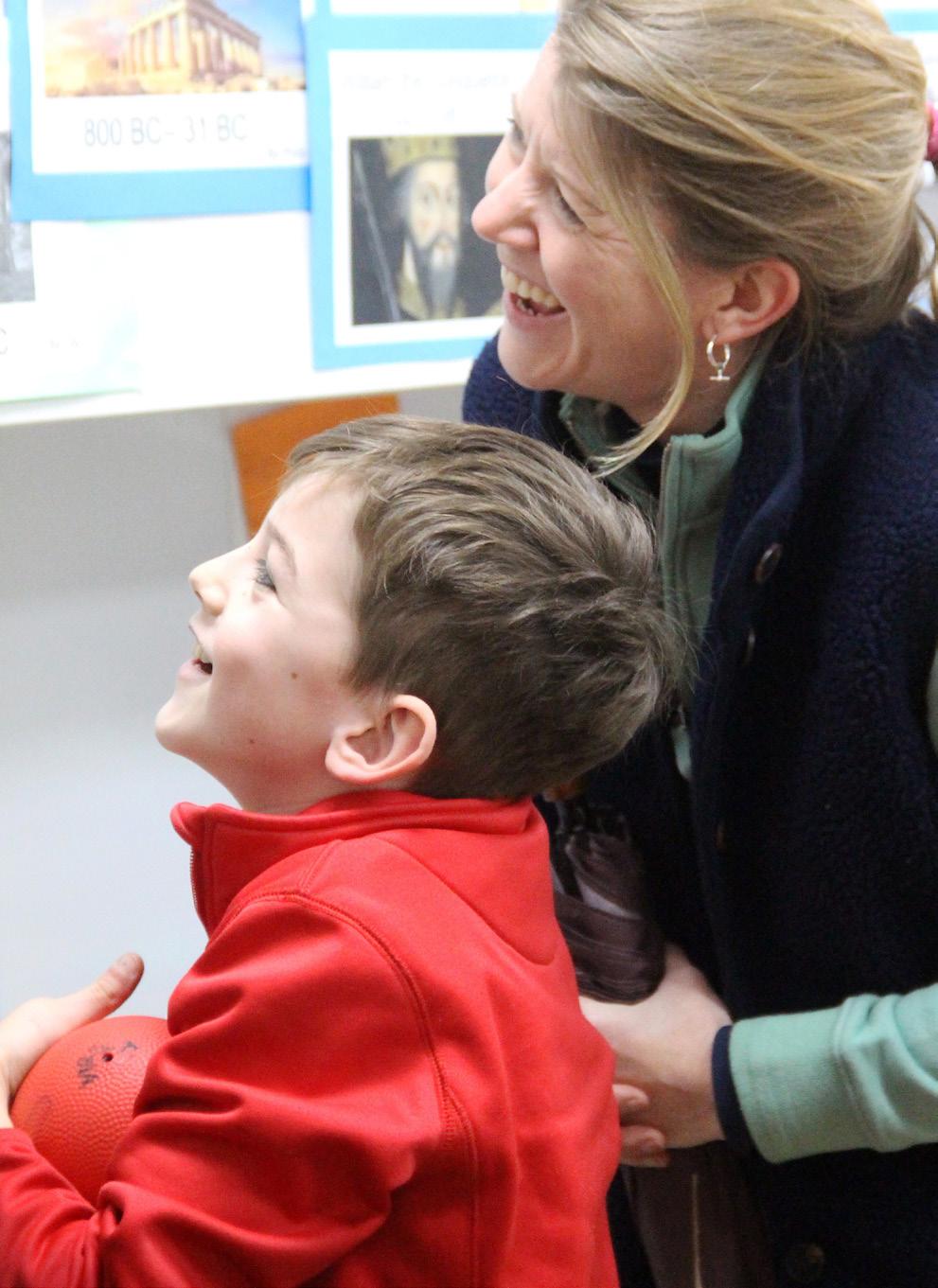
We actively encourage Home/School contact both informally and formally. If your child is in the Pre-Prep (Kindergarten to Year 2), it is likely that you will see the Form Teacher when you drop off and collect your child. On these occasions the Form Teachers may only have time for a quick word, but that may be all that is required. All staff are happy for parents to make appointments to see them via Reception or directly with the relevant member of staff via email.
In addition, written reports are sent home each year and there is an opportunity to attend a ‘Meet the Tutors’ event for Forms 1 - 6 early in the Michaelmas Term and ‘At Homes’ (led by the Class Teacher) for the Pre-Prep Department at the beginning of each term. There are Parent/Teacher evenings throughout the year; children in Forms 4, 5 and 6 are invited to attend these with their parents. In Pre-Prep, parents are welcome to drop in after school on Fridays to share their child’s ‘Learning Journal’ with them; and in Forms 1 and 2 children are invited to share their books with parents at an after school ‘drop in’ each half term.
The School Day
Start and End of the Day
The School opens at 8:00am Monday to Friday. Children go to their classrooms at 8:30am for Registration. The school day ends at different times for different year groups, as set out below. There is no formal schooling on Saturdays.
8:30am Registration
3:15pm School day ends for Pre-Prep: Kindergarten (Reception) and T1 & 2 (Years 1 & 2)
4:00pm School day ends for Forms 1 -6 (Years 3 -8)
It may be preferable for some Kindergarten children to finish at 12:15pm and we are of course happy to consider this on a child-by-child basis to reach, with you, what we consider to be the best arrangement for each child until they are able to attend full time.
Morning Arrival Times
At Byron House all Form Teachers/Teaching Assistants will be in the Form rooms at 8:30am to receive the children. Members of staff will be on duty outside from 8:00am. One of these will be at the front of the School to meet children as they are dropped off, whilst others will supervise the children who arrive between 8:00am and 8:30am in the playground.
At Senior House, teachers will be in the Form rooms at 8:30am, and staff are on duty from 8:00am.
Please do not, therefore, drop your children off before 8:00am at either Senior House or Byron House unless you have made a special arrangement with us or, as in a very few cases, your child has a Music or a Learning Support lesson commencing at that time.
We do not accept any responsibility for children who arrive on the premises before 8:00am.
At both sites, the Registers close at 8:30am. Children arriving between 8:30am and 8:45am should make their way to their Form rooms, where they will be marked in as late by the teacher. Children who arrive after 8:45am must report to the School Secretary before joining their class such that their safe (and late) arrival can be recorded in the register. (See Signing In and Signing Out)
Break Times
At Byron House break times vary by year group.
In Kindergarten and T1, children have free-flow access across both classrooms in the year group as well as the outside area for most of the day. Snack time varies across the classes according to the needs of the timetable and the children. The continual access to outside area means that they do not need to have scheduled morning or afternoon breaks on most days. However, when they have specialist lessons, they will have a break before or after the lesson either in their own classrooms / outside area, or in the playground with the older children.
T2, Form 1 and Form 2 have a morning break at 10:45 – 11am, as well as a break at lunchtime.
Forms 1 and 2 have an additional afternoon break at 2:30pm – 2:45pm, as their day is longer.
At Senior House, breaks are at 10:45 – 11:00am and 2:45 – 3:00pm, as well as a break at lunchtime.
Registration and Attendance
We wish to help ensure that children travel securely and safely to and from School. We hope that the following measures are therefore necessary and helpful.
In the mornings, until we have received parental notification of a child’s absence, we cannot be absolutely sure that a child is safe and we should be very grateful for your help. It is essential that you let us know by telephone or email if your child is unable to attend on a particular day. It is also essential that you please inform us if your child is not going to be attending a club or Senior House Waiters if they have been signed up for those after school activities. If your child was due to attend Byron House Waiters with Premier Education, please contact them directly on 01223 631310 or email office-002@premier-education.com.
With regard to planned absences, such as a visit to a school or a doctor’s appointment, please send an email request to the Byron House Secretary (bhoffice@sjcs.co.uk) or the Assistant Head (Pastoral) for Senior House (lbedford@sjcs.co.uk) and secretary (shoffice@sjcs.co.uk), as relevant.
Registers are also taken for after school activities. If your child is due to stay for after school care or a Cocurricular activity and plans change, please contact Byron House or Senior House Reception as appropriate so that a note can be made on the registers. Any unexplained absences will be followed up.
We strongly discourage requests to take children out of School during term time for holidays or events which are not important or essential family occasions. Permission to be absent during term time for holidays or nonessential events must be obtained from the Head Teacher.


Signing In and Signing Out
Should you need to take your child out of school during the day for a planned and approved absence or because they are ill and are going home, you must sign them out at the Secretary’s desk at either Byron House or Senior House as appropriate. Our aim is to be sure that, at all times, we know which children are on the school premises.
At Byron House, including our Kindergarten, we expect children to be collected by a parent or carer. If the person collecting your child is someone other than a parent or carer, then a written request for permission for this should be given in advance to your child’s Form Teacher or the BH Secretary.
Sickness Absence
If your child is in contact with an infectious illness we request that you notify us immediately. The School reserves the right to ask for his/her absence in such circumstances.
As with any absence, in cases of mild, non-infectious illness, it is essential that you telephone or email the School Office on the first morning of absence with brief details. If an absence has not been communicated to the School, the Secretary at Byron House or Senior House will contact parents of an absent child during the morning (please see Registration & Attendance and Signing In and Signing Out). A request to be ‘OffGames’ should be addressed by email to the Form Teacher at Byron House or to the School Nurse at Senior House, copied to the Byron House or Senior House Secretary as appropriate.
For Pre-Prep children who have been ill, we recommend a twenty-four hour minimum recovery period before returning to School. If a child is physically sick at School, parents will be contacted immediately and asked to collect their child as soon as possible.
The School follows the UK Health Security Agency (UKHSA) guidelines on the management of diarrhoea and vomiting-related illness. We therefore ask that you keep your child off school until at least 48 hours after the last episode of vomiting or diarrhoea. This helps to prevent spreading the illness within the school.

Uniform & Possessions
School uniform is supplied by Schoolblazer. It can be purchased online via a secure website, for delivery by post. Register and log in at www.schoolblazer.com
NB: It is important that all items of clothing, including shoes and socks, are named. Woven name tapes are recommended, and these can be sewn in by Schoolblazer before uniform is delivered.
Second-Hand Uniform
Parent volunteers run a second-hand uniform shop at 75 Grange Road. This is usually open every Friday after drop-off during term time.
The Second-hand Uniform Shop aims to avoid waste by promoting the reuse of uniform items and to offer school families an alternative to the cost of buying new uniform. It is based in what used to be the garage of Garden House, 75 Grange Road with the entrance along the passage at the side of the building.
Buying Uniform
The Second-hand Uniform Shop is typically open to customers on Fridays between 8.30 - 9 am in term time for browsing, purchasing or dropping off. If you are making a special trip, we recommend contacting the shop first to double check that they will be open as advertised (secondhanduniform@sjcspa.org). We do ask for your patience, as the parent volunteers who run the shop are not in the shop every day.
The Second-hand Uniform Shop takes immediate card payment, and does not accept cash.
New Helpers
The second-hand uniform shop is run by volunteer parents. If you’ve time to help out, please do contact (secondhanduniform@sjcspa.org).
PE & Games Kit
Byron House children should come to school wearing PE or sports kit on days that they have these activities. On swimming days, they should come to school wearing normal uniform and bring swimming kit. In practice, this means that some children will spend more time in their tracksuits than in their full school uniform, which you may like to consider when deciding on the amount of uniform to purchase.
Senior House children should come to school wearing sports kit when they have Games on a particular day. If they have PE (unless they have Games as well), they should come in wearing normal uniform and bring PE kit with them.
Byron House and Senior House children who attend Sports Clubs after school should wear normal school uniform and bring the appropriate kit with them.
Hair and Make-up
For practical and safety reasons, we ask that children with hair shoulder-length or longer wear it tied back in bunches, plaits or a pony-tail. Discreet hair ties or small scrunchies to be worn should be plain black, plain red or plain brown. Hair bands must be of material - not plastic. The wearing of make-up or nail varnish is not permitted.
Valuables and Jewellery
Children are not required to bring money into school, other than occasionally for charity events, about which parents will be notified. Children should not be sent to School with valuable items. All personal items should be named and watches name-engraved on the back. No watches which are internet-enabled, or any Smart watches even with internet turned off should be worn in School, nor should children wear Fitbits.
Although the School tries to take the greatest care of valuables (e.g. musical instruments, sports equipment), such items do, from time to time, suffer damage or theft. Musical instruments and sports equipment (including the School’s musical instruments on temporary loan) should be covered by an “All Risk” insurance policy taken out by you.
For safety reasons, no jewellery of any kind may be worn in School. We discourage the practice of ear-piercing for children. Where ears are pierced, only studs may be worn at School and must be removed or covered for any Games or PE lessons, including swimming.

Stationery
Byron House: The School provides stationery for
Senior House: If your child is in Form 3-6 we kindly list of required stationery, which should be brought
• Fountain pen & cartridges or Frixion gel
• Pencils (4)
• Rubber
• Coloured pencils (set of 12 colours)
• Felt-tip pens (set of 12 colours)
• Ruler (length 30 cm)
• Sharpener
• Protractor (180° for Forms 3 & 4, 360° for
• Pair of compasses
• Pair of scissors
• Glue stick
• Highlighter
• Scientific calculator (Forms 5 & 6 only) (a
• Small set of headphones (not wireless)
Please ensure that, where possible, items are named. bring to school any item of particular value.
Each classroom will have some stationery for those equipment. These items will need to be returned
Hymn Books
Children at Senior House are issued with their own hymn book, the cost of which is charged to the termly account. The children are asked to take good care House. Any replacement books will be charged on the termly account.
Please note: Parents are charged for loss of or damage


mobile phone. Children may only bring phones to contacted at the end of the school day, particularly if should be kept switched off and in children’s bags breaks and on transport to and from sports fixtures, contacting parents/carers. Children are responsible for that phones have access to the internet and this is during the school day. However, as an additional able to track children who have logged on using mobile data (e.g. 4G or 5G) access.
come and collect them if they are found being used during the school day without permission. Please note that the School does not allow internet enabled or
Devices Guidelines for Parents, available on the to discuss the relevant sections with your child. Policy and the Cyberbullying Leaflet which are also
after their possessions and respect those of others, missing. Please refer to the sections below in case your
All named lost property at Senior House will be put in the Form boxes that are in the locker rooms and these property will be kept in a box next to Senior House regular basis.
At Byron House, lost property is placed into boxes which are located in the entrance to the Hall closest to items to their owners. Parents are able to check every effort to keep them tidy. At regular intervals, playground. Those items which remain unclaimed will
Academic & Pastoral
Meet Your Child’s Tutor or Form Teacher
Kindergarten- Transition 2
You are invited to an ’At Home’ at the beginning of each term to meet your child’s Form Teacher. This is a very useful opportunity to learn about the term ahead and hear about some strategies to support your children in their learning. Although we like to see and talk to parents in person, a link is also always provided to join online to make it easier for parents to attend. If you are unable to attend, the information provided at each of these events is available to download from the Meet the Tutors page.
Form 1- 6
If your child is in Form 1-6 you will be invited to a ‘Meet the Form Teachers’ session (for Forms 1-2) or a ‘Meet the Tutors’ session (for Forms 3-6), which is held at the beginning of the school year. There are plenty of opportunities to meet your child’s tutor throughout the year, and it is always possible to arrange a time to meet them by contacting the Byron House or Senior House Secretaries (bhoffice@sjcs.co.uk or shoffice@sjcs.co.uk) or the child’s teacher or tutor directly
Parents of children joining Forms 1-6 can access useful introductions to the year on the Meet the Tutors page.
Form Teachers, Subject Teachers & Tutors
You will be informed who your child’s Form Teacher, Subject Teachers and Tutor will be towards the end of the Summer Term. This communication will include information on any setting arrangements, if these are applicable to your child’s year group.
“From the very beginning, the support from our son’s Form Teacher at St John’s was outstanding. They took the time to really get to know our child and helped them settle in so happily and confidently. The ‘At Home’ meeting was incredibly reassuring, it gave us such a clear understanding of what to expect, along with practical guidance and useful information. We came away feeling supported, informed, and genuinely excited for our child’s journey ahead.”

Information for Form 3 Parents
Parents of all children who are joining Form 3 in September, both those who are coming up from Form 2 at Byron House and those who are new to the School, are invited to attend a meeting at the end of the Summer Term to discuss the Third Form. Information shared at the meeting is also available in the Information for 3rd Form Parents document which is available on the School Information page.
Information for Form 6 Parents
Parents of all children who are joining Form 6 in September, both those who are coming up from Form 5 and those who are new to the School, are invited to attend a meeting at the start of the Michaelmas Term to discuss the Sixth Form Year. Information shared at the meeting is also available in The 6th Form Year document which is available on the School Information page
Homework Guidance
Early learning benefits greatly from home support and we ask parents to hear their child read their school reading book every day (as far as is possible) during their time in Pre-Prep. Alongside school reading books, creating a reading culture at home where a great variety of stories are shared and reading is valued and modelled is incredibly helpful. There is no formal amount of time designated for homework in Byron House, however children will be encouraged to complete a weekly phonics activity that reinforces the learning taking place in the classroom, allowing parents to support and join their child’s journey to becoming a competent and confident reader and writer. In T2 - F1 a weekly maths activity is also provided.
Formal homework is set for children in Form 3 upwards, with the precise amount and number of nights per week varying between the year groups. For more information, including the aim of homework, characteristics of high quality work, general advice and information on recording of homework, please read the School’s Homework (Prep) Guidance.

Library Open at Lunchtimes
The Senior House Library is open most lunchtimes for any children wishing to read or catch up on their homework. This is open to all children at Senior House but can be a particular help to those who have a very long journey, a particularly busy schedule etc.
Child Therapist
Dominique Hawksley and Laura Robson Brown are child psychotherapists used by the School. A child may be referred to Dominique or Laura for assessment and for subsequent therapeutic work, with the consent of the parents, when he or she is experiencing a problem and might benefit from their intervention.
Referral to Dominique or Laura may only be made by the Senior Deputy Head, the Assistant Head Pastoral at Senior House or the Head, with the therapist’s agreement and with the prior approval of the parents. The role of the therapist is at all times to advocate the needs of the child and, as such, although they work closely with home and School, their position is an independent one. For further information, including charges, please consult the Child Therapist document on the School Information page
“I really like that the library is open at lunchtimes because it gives me a calm place to go and get my homework done. It’s especially helpful on days when I have a club after school, as I know I can use the time wisely and not have to worry about rushing everything later. The library feels really welcoming and quiet, so it’s easy to concentrate, but it’s also nice being around other people doing the same thing.”
Instrumental Music Tuition
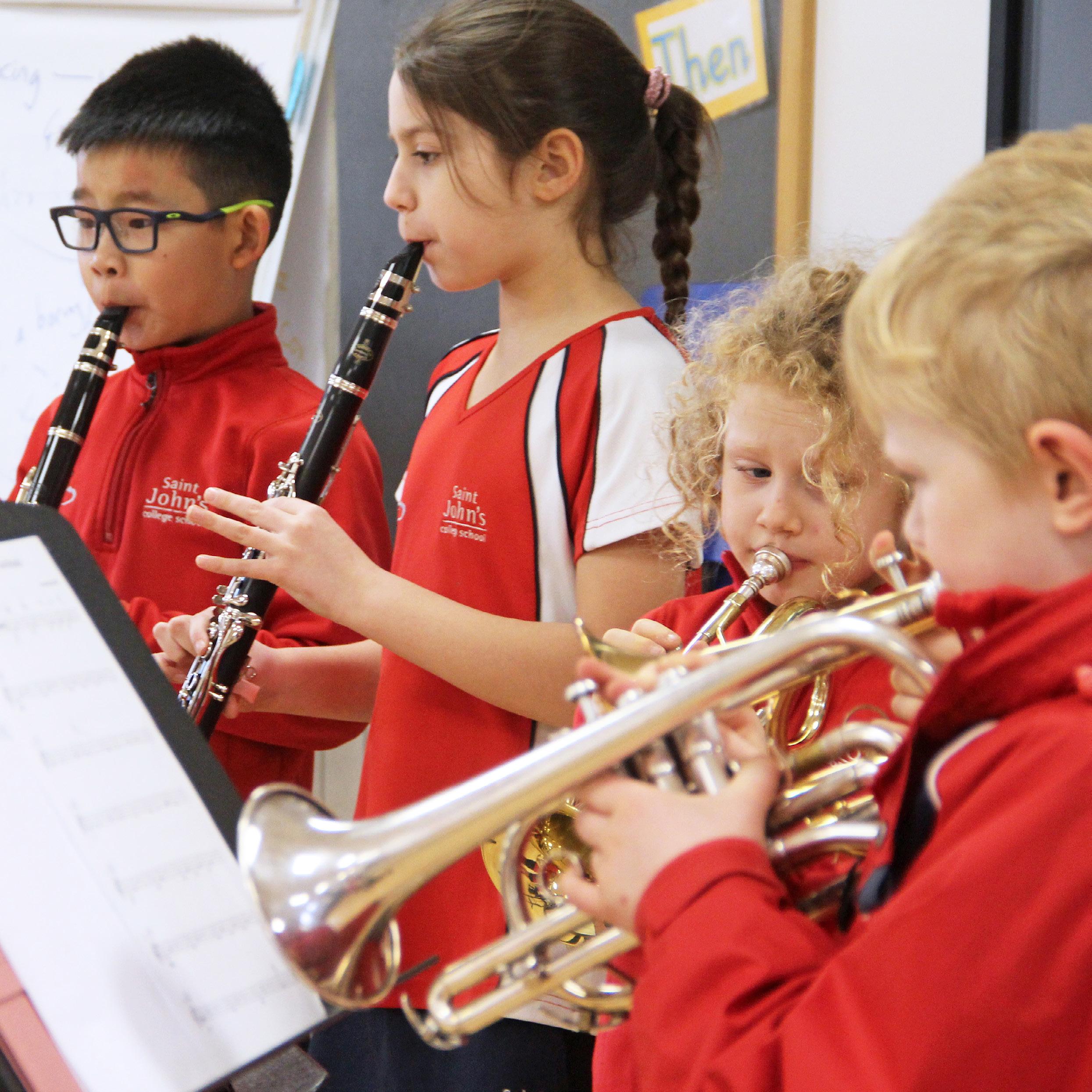
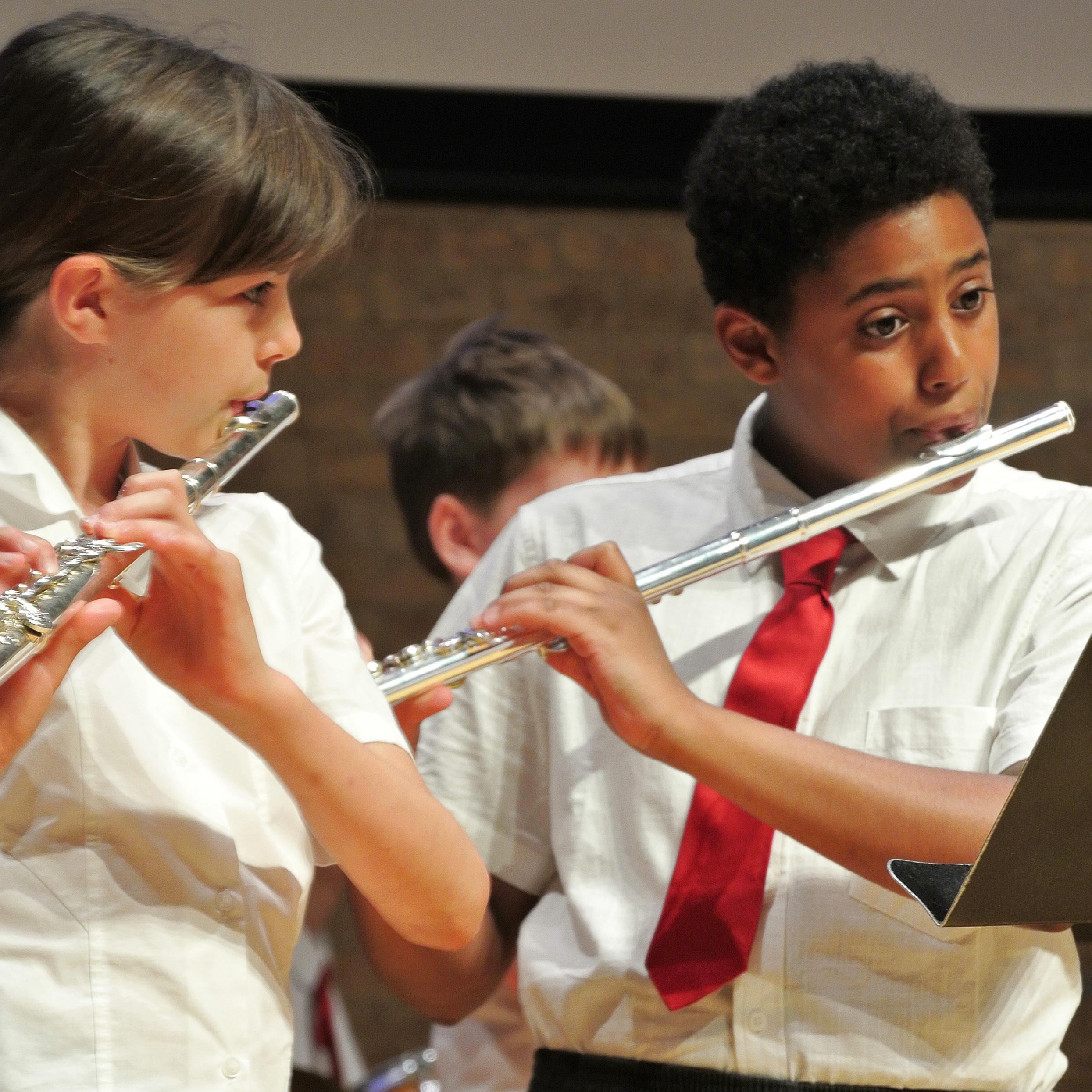
The School offers children in T2 upwards the opportunity to undertake instrumental music tuition during the school day with one of approximately 30 self-employed Visiting Music Teachers. There is a charge for lessons which is paid directly by parents to the Visiting Music Teacher. Lessons are usually thirty minutes in duration. Almost all lessons take place during the main body of the school day; children typically have a rotating lesson time, which ensures that they do not miss the same class lesson each week.
In addition, the School offers children, free of charge, the opportunity to participate in a number of music groups and ensembles. These usually take place before school, morning registration or at lunchtime. There are also multiple opportunities for the children to perform in frequent and informal lunchtime concerts and the occasional evening concert.
If your child is joining the School in T2 or above, you will receive an invitation to complete an Instrumental Tuition Request Form, but please do feel free to contact the Director of Music, Mr Simon Kirk (skirk@sjcs.co.uk) or the Music Administrator, Mrs Jo May (jmay@sjcs.co.uk) to discuss taking up an instrument at any time.
For further information on instrumental music tuition, including advice on selecting and purchasing / hiring an instrument, tips for successful music practice, Associated Board Music Exams and much more, please consult the Music Guide for Parents which is available to download from the School Information page.
Pupil Forum
At both Senior House and Byron House, we hold a Pupil Forum every week. Representatives from each class meet to discuss children’s ideas for improving the School, whether learning, pastoral or wider school development ideas. The Forums are chaired by the children themselves and any plans for change are mapped out and led by the children.
“Being part of the Pupil Forum makes you feel like your voice really matters. We get to share ideas about how to make the school even better, and teachers genuinely listen to what we think. Last year, we worked together to raise money for a new table tennis table at Byron House, which was really exciting because it was something we had suggested ourselves. It’s great knowing we can make a real difference to the school and help improve things for everyone.”
Catering
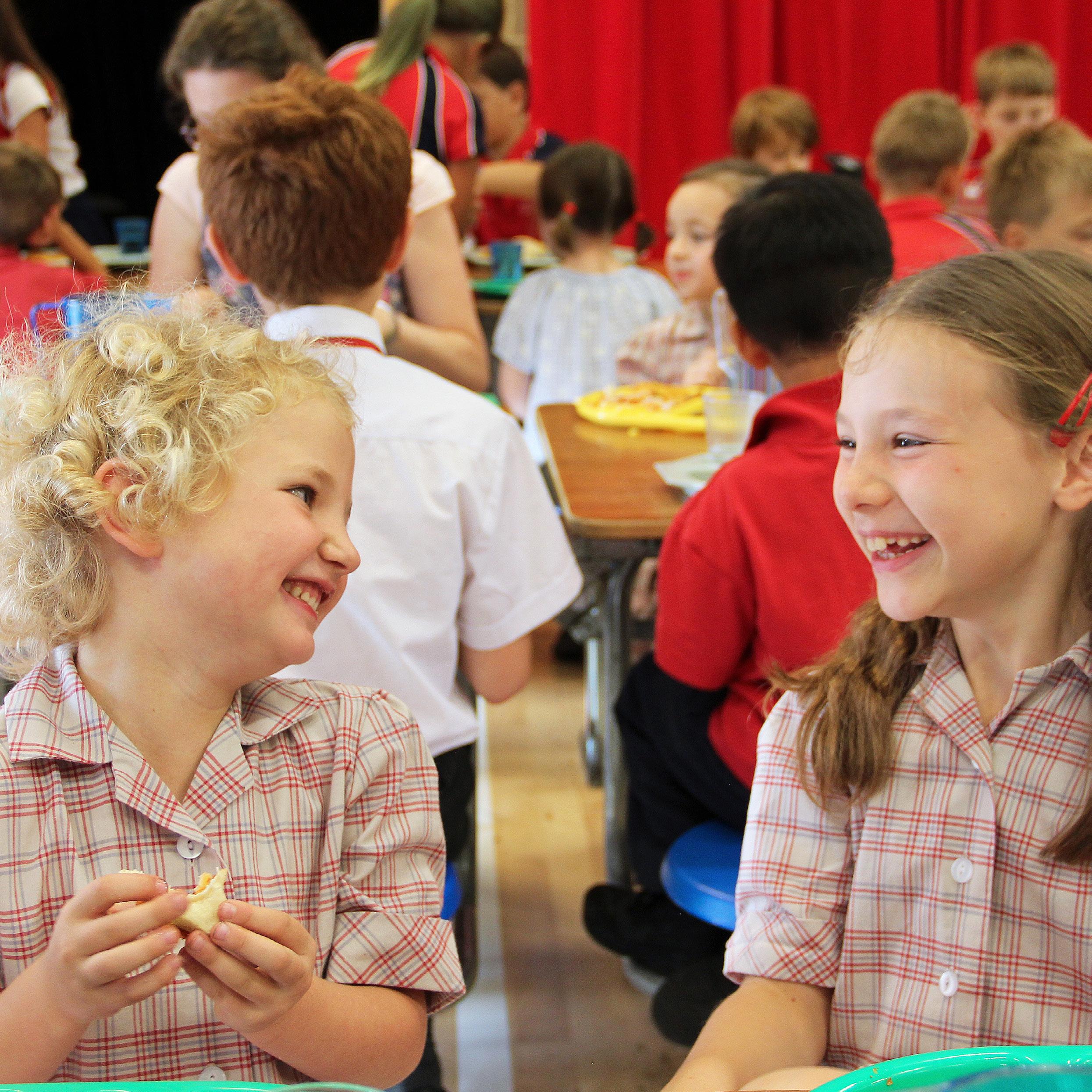
Children have the choice of two main courses every day and a salad bar (Senior House) / salad option (Byron House). Fruit is also available. Particular dietary requirements can be catered for if parents confirm their requests, in writing, to either of the Secretaries (bhoffice@sjcs.co.uk or shoffice@sjcs.co.uk).
Menus
Please visit the Catering Menus page to access the links for the current menus for the term and a list of Key Allergens. In addition to the menus available on the website, there is also a daily selection of fruit available that includes: apples, bananas, oranges, pears, other seasonal fruits.
If you have any queries, please do not hesitate to contact your child’s Form Teacher, Tutor or the Catering Manager.
Allergens
All our food is prepared in a kitchen where gluten and other allergens are present; our menu description includes symbols for all the key allergen ingredients contained in each dish. If your child has a food allergy, please let the School Nurse know, who will inform the catering department to ensure a suitable dish is available to consume. You will find a list of the key allergens below; these are also available on the Catering Menus page (www.sjcs.co.uk/catering-menus). Please note that we are a nut-aware school and nuts of any kind will not be included in any of our meals.
Snacks
Parents are asked to provide a mid-morning snack for their children. We discourage chocolate and crisps in favour of healthier options such as a small sandwich or fruit. Due to the increasing incidence of allergic reaction, no snacks or any food containing nuts should be brought into School. Children are reminded not to share snacks
Milk
Milk can be provided for those Byron House children who would like it. Please complete the relevant form to register your request or speak to the Byron House Secretary. We regret that, once ordered, milk can only be stopped at a half-term or the end of a term. Should your child no longer require milk, please inform the Byron House Secretary.
Key Allergens
Celery
Fish
Wheat/Gluten
Dairy
Shellfish
Mollusc
Eggs
Sulphur Dioxide
Lupin
Mustard
Soya
Sesame
Getting To and From School
Walking/Cycling
For families who live close to the School, walking or cycling can be the easiest, quickest and healthiest way to get to and from School. The County Council (www.cambridgeshire.gov.uk/residents/travel-roads-and-parking) provides some useful tips on travel in and around Cambridge. Cycle routes in and around Cambridge can be found on the National Cycle Route website (www.sustrans.org.uk/ncn/map/national-cycle-network). At Byron House there are sets of bicycle racks available for use by children or when dropping off and collecting. At Senior House bicycle racks are available for children along North Drive.
Travel Options
As well as the School minibuses from the Royston, Saffron Walden and Barley areas (www.sjcs.co.uk/school-bus),there are a number of bus and coach services available in the Cambridge area. The County Council website offers details on bus services (including timetables, routes, and changes to services) and Grange Road is well served by the ‘U’ service in particular. The city’s Park & Ride service (www.cambridgeshire.gov.uk/residents/travel-roads-and-parking/buses) is also a useful option for some.
Train
Cambridge’s central rail station is located to the south of the centre of the city and its second station, Cambridge North, is located on the north side of the city near the Science Park and close to the A14. There are frequent services from the Royston area from the south and from Ely to the north on the King’s Cross line and from the Saffron Walden area on the Liverpool Street line. There are also direct services to Norwich and Bury St Edmund’s.
There is a direct city bus service, the U, which operates approximately every 15 minutes from the main station. It departs from Stop 8 at the Railway Station and stops in front of Byron House and at the top end of Madingley Road, a few paces from Senior House; a timetable is available at www.travelineeastanglia.co.uk. For details on train services into and out of Cambridge, please consult www.nationalrail.co.uk.
School Bus
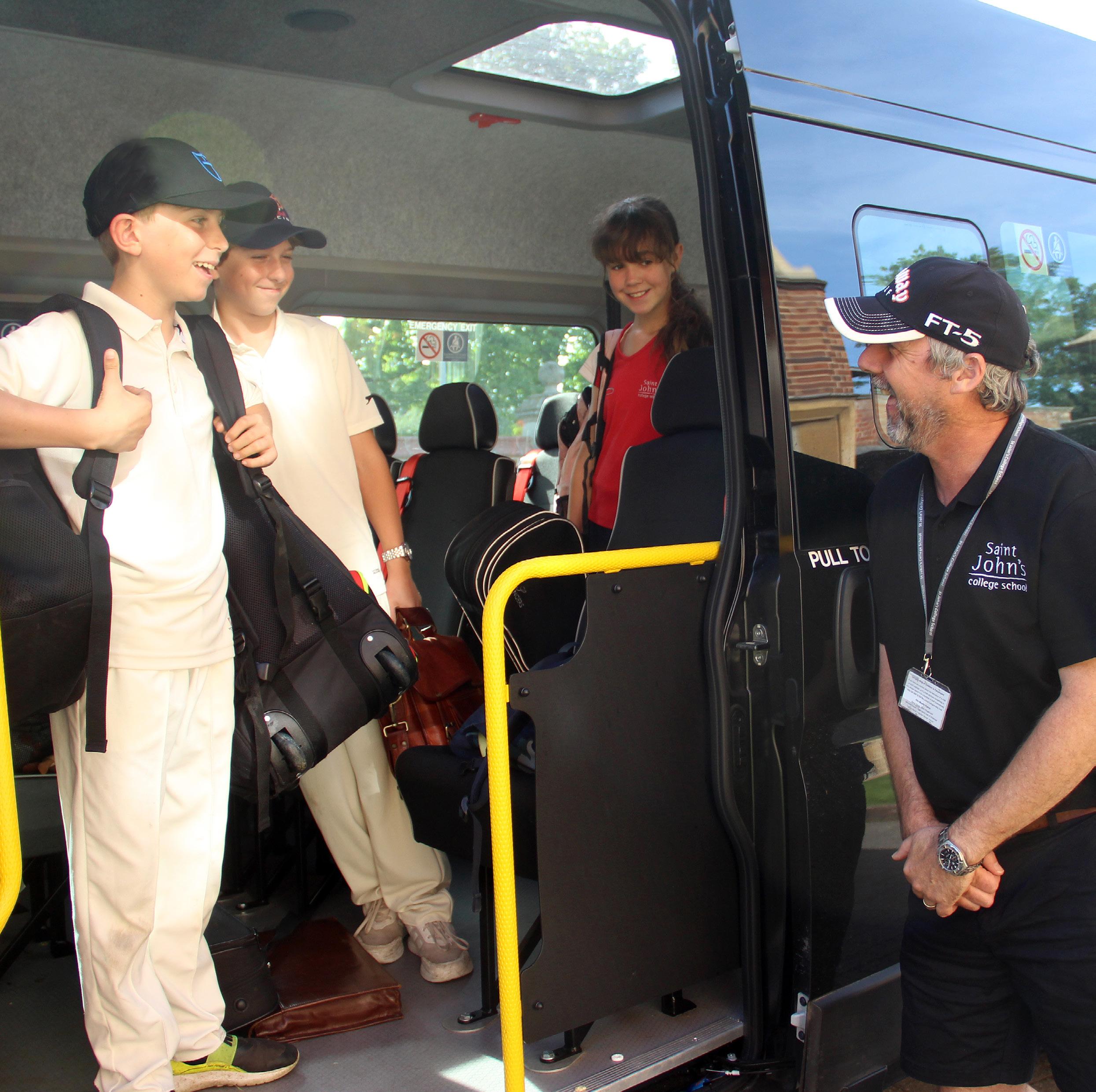
The School has partnered with Vectare, a leading provider of school transport services, to expand our bus network and offer enhanced efficiency and convenience in our minibus provision. Visit the Vectare website for booking directly, you will need to register an account before making your first booking. There is also a helpful online guide to the bus service which we have produced in collaboration with the team at Vectare; it includes detailed routes, timing, and pricing information.
Parking
As the School is located in a residential area and close to the centre of Cambridge, your co-operation is kindly requested in following some simple rules when dropping off in the morning and collecting in the afternoon to keep the flow of traffic smooth and safe.
NB: Please pay careful attention, at all times, if you are driving along Grange Road or turning into or out of School premises to keep both pedestrians and cyclists safe. Please note that Grange Road is a 20mph zone.
We operate a ‘Meet and Greet’ system in the mornings at Byron House for children arriving by car from 8.00am each day. If you are dropping children off, please observe the one-way traffic flow, turning left only into Byron House forecourt. A member of staff will be there to greet your child and show them into School.
(One-way traffic flow: if you are approaching Byron House from the Madingley Road end of Grange Road by car, please turn right down Clarkson Road before you arrive at Byron House, then follow the loop around to the left through Wilberforce Road and Adams Road which will bring you back onto Grange Road beyond Byron House such that you can turn left into the playground for morning drop-off.)
If you do need to park during morning drop-off or afternoon collection, you will find some spaces in the gravel car park in front of the Head Teacher’s House at 67 Grange Road. There are also spaces along Clarkson Road, Wilberforce Road and Adams Road, which are all within easy walking distance of both Byron House and Senior House, but please check the signage along the roads for the most up-to-date parking restriction information.
Please do not:
- Park on the cycle lane or bus dropping off zones
- Block our or our neighbours’ gateways
- Park or wait on the Playing Field side of Grange Road
- Use Cockcroft Place, the paved area in front of the College Groundsman’s House or Trinity Old Field for dropping off or parking as they are all private property
- Reverse into the School drives
Byron House- 63 Grange Road
Please do: Use the forecourt, as directed, for dropping please turn left only into and out of Byron House.
Please do not: Double bank or block the thoroughfare
The Head Teacher’s House- 67 Grange
Please do: Park against the front fence or the trellis collection times ONLY.
Please do not: Block the flow of cars, the gateways school business. Leave your car in the car park for
Senior House- 73 Grange Road
Please do: Use the forecourt, in single file, for dropping
Please do not: Park or wait in the forecourt where emergency vehicle access can be maintained at all
Garden House- 75 Grange Road
Please do: Use the forecourt, in single file, for dropping
Please do not: Park or wait in the forecourt in such absolutely necessary for short periods. If you double you can be reached to move your car for others or


No. 73 and the gate on the North Drive. These
gates accessible from the footpath and the iron gate protected by combination locks. NB: When the large gates access, please refrain from entering the site on foot via via the red gates.
key before entering the code.
all other times, parents and visitors will need to Senior House will therefore be the main entrance the gate on North Drive). The times that codes will
that you clearly identify yourself when you buzz in via and you will be advised via School Portal message.
Late Collection Arrangements
Only those children who are in a club, sports fixture, music lesson or ensemble, Waiters or Day Boarding should be in school after 4.20pm.
Late Collection KG-T2
In the event that you will be late to collect your child, we ask that you telephone the School as soon as is practicable on 01223 353817 to let us know what time you or your nominated carer expect to be able to collect your child. If we have not heard from you, we will continue to try to reach you on all the contact telephone numbers you have provided. Pre-Prep children who are not collected on time (3:15pm Monday to Friday) will be taken to Byron House Reception. If we have not heard from you, a late collection fee will be charged as per the Fees Schedule.
In the event that you will be late and need to book your child into Pre- Prep Waiters or Late Waiters with Premier Education, please contact them directly on 01223 631310. Please see the Premier Education Wrap Around Care Handbook for further details regarding late collection from Pre-Prep Waiters.
Late Collection Forms 1&2
Form 1 and 2 children who are not staying for a club or who are not booked into Late Waiters with Premier Education or Whitfield Waiters should be collected at 4pm.
In the event that you will be late to collect your child, we ask that you telephone the School as soon as is practicable on 01223 353817 to let us know what time you or your nominated carer expect to be able to collect your child. If we have not heard from you, we will continue to try to reach you on all the contact telephone numbers you have provided. Any children who are not collected on time (4pm Monday to Friday) will be taken to Byron House Reception. If we have not heard from you, a late collection fee will be charged as per the Fees Schedule. Please see the Premier Education Wrap Around Care Handbook for further details regarding late collection from Late Waiters.

Late Collection Forms 3-6
Only those children who are in a club, music lesson or ensemble, Senior House Waiters or Whitfield Waiters should be in school after 4:10pm. Children who are still in school and are not in any of the above activities, or who have not been collected, will be taken to join Study Club, to which there may be a charge.
Any children not collected by 6:00pm will be taken to the Senior House Dining Room to join the Boarding House staff and children who will be having supper. If your child has not been collected by 6:30pm they will be taken to the Boarding House following the end of supper and supervised by the boarding staff. In both instances there will be an hourly charge (as per the Fees Schedule) per child until they are collected from the Boarding House.
Please see below for details of arrangements in the event that your child has not been collected from the Boarding House by 7:30pm.
NB: If you are collecting your child after 6pm you will need to ring the Boarding House mobile number to call a member of staff to let you enter the site as at that time the keypad will be disabled and reception will not be staffed. We recommend storing the Boarding House mobile number in your favourites to always have it to hand. The number is 07731816843.
Collection after Clubs and Matches
At the conclusion of clubs and matches all children who are normally collected from school will be taken to North Drive to wait (please see the Collecting Children From Matches section below). Children will not be allowed to wait for you outside school. This is also the case for Byron House Clubs that take place on the field or at the swimming pool. Clubs that take place at Byron House itself, however, will end at Byron House and therefore children should be collected from the main playground there.
If your child has attended a Co-Curricular Club and has not been collected, they will be taken to wait at Senior House Reception. Any children not collected from Reception by 6pm will be taken to the Senior House Dining Room to join the Boarding House staff and children who will be having supper. If your child has not been collected by 6:30pm, they will be taken to the Boarding House following the end of supper and supervised by the boarding staff. In both instances there will be an hourly charge (as per the Fees Schedule) per child until they are collected from the Boarding House. You can contact the Boarding House staff to update them with arrival times or find out where the children are on 07731 816843. Please see page 33 for details of arrangements in the event that your child has not been collected from the Boarding House by 7:30pm.
Arrangements for children who have not been collected by 7:30pm
As mentioned above, children who have not been collected by 6pm will be taken to the Boarding House to be looked after by the boarding house staff. In this instance, there will be an hourly charge (as per the Fees Schedule) per child until they are collected from the Boarding House.
In the very unlikely event that your child has not been collected by 7:30pm and we have not heard from you or been able to contact you, the Head and the Designated Safeguarding Leads will be informed and a decision will be made as to whether the School will need to contact children’s social care services.
Collecting Children from Home Matches
Children who finish their matches early are expected to stay to support the teams still playing matches. After all matches have finished, children will be taken back to school.
After matches, there may be a match tea with the opposition in the Dining Hall. All children playing in school teams are expected to accompany the opposition to tea and host the visiting school at the dining tables. Children should be encouraged to sit with the opposition at all times, and direct them where to collect/return trays and cutlery etc. If there is no match tea, you may take your child directly from the field, provided you have informed the member of staff in charge of the team so that they can make a written note of who has been collected, by whom and at what time. NB: If your child is expected to stay for an after school club after a match and you choose to take them home instead, please ensure you inform the member of staff on duty at the front desk.

Collecting Children from Home Matches
The member of staff in charge of teams playing away will always provide an estimated arrival time at St John’s on the team sheet. Should the estimated arrival time change significantly, a member of staff will notify the member of staff on duty at reception and wherever possible, arrange for an SMS alert to be sent. Please note that you must actively register to receive SMS alerts via the website and you will be sent instructions on how to do this (which are also available in the School Information section of the Portal).
You are permitted to take your child directly from the host venue following the conclusion of all matches and tea provided you have informed the member of staff in charge so that they can make a written note of who has been collected, by whom and at what time.
Collection from School after Fixtures
Children are allowed to leave school by their normal means of collection (e.g. walk, cycle, bus, etc.). Children who are normally collected from school and whose parents are not waiting should stay in North Drive where they will be supervised by a member of staff until you arrive. If children are still waiting 10 minutes after the published collection time they will be taken to wait in the Library with Senior House Waiters if before 5:30pm, between 5:30 - 6pm at Reception, between 6 - 6:30pm with the Boarding staff in the dining hall or thereafter in the Boarding House from where you can collect them. NB: If you are collecting your child after 6pm you will need to ring the Boarding House mobile number to call a member of staff to let you enter the site as at that time the keypad will be disabled and reception will not be staffed. We recommend storing the Boarding House mobile number in your favourites to always have it to hand. The number is 07885 202086.
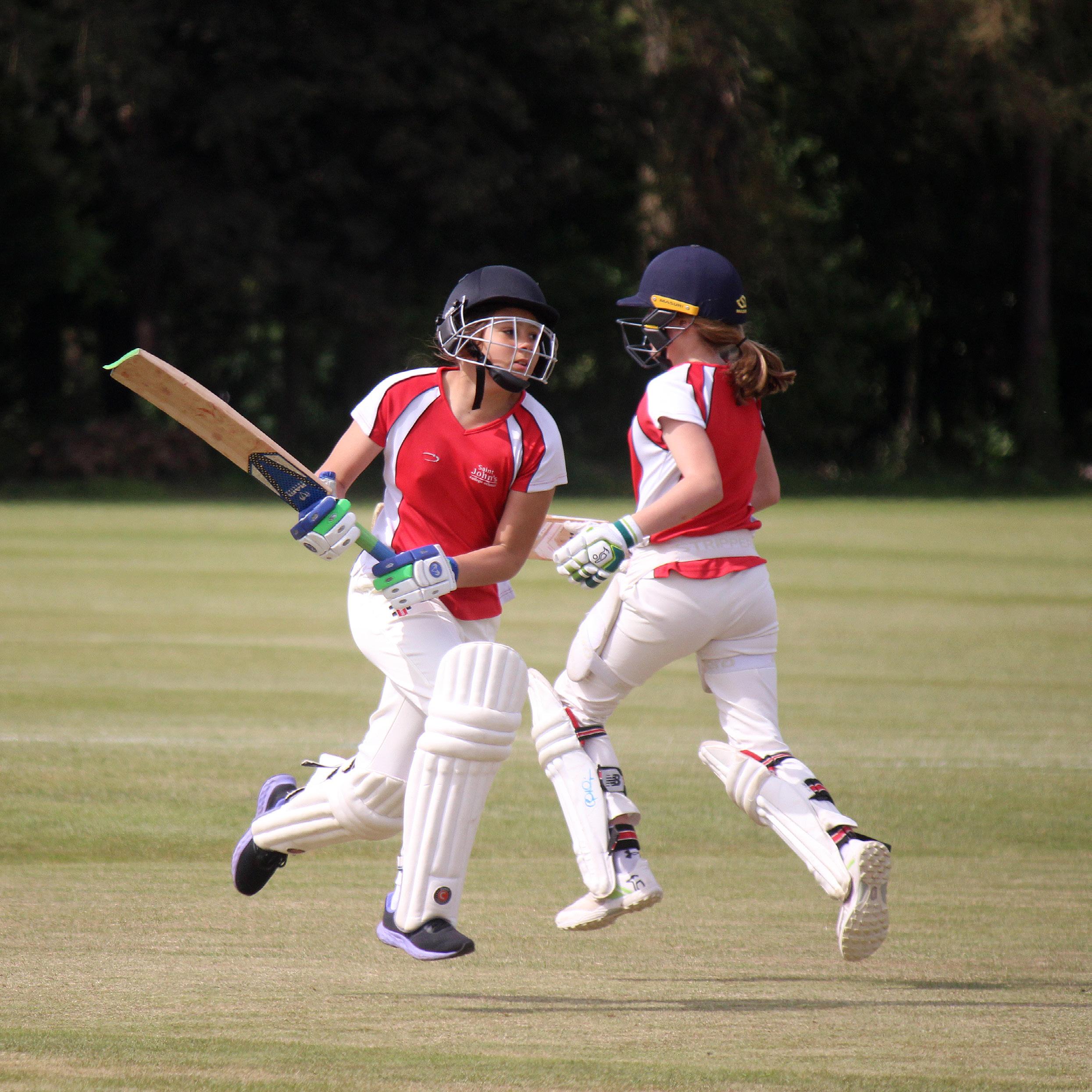
Collection of Children from School Cricket Matches
Most cricket matches are scheduled to finish at 6pm. Due to the nature of the game, the finishing time can vary and may sometimes finish significantly earlier than arranged. If this is the case, you may take your child at the end of their match. If you collect your child early please inform the member of staff in charge of the team so that they can make a written note of who has been collected, at what time and by whom.
Whenever possible, we will alert you by SMS of any significant changes to the finishing time and school will be informed. Upon arrival back at school, the procedure as outlined above (Collection from School after Fixtures) should be followed. Please note that you must actively register to receive SMS alerts via the website.
Wrap Around Care
Breakfast Club Provision
From September, we will be trialing a new Breakfast Club provision from 7:30am – 8:00am, located in the Senior House Dining Room. The Breakfast Club will be run by St John’s staff, ensuring continuity of care and a familiar environment for our pupils. This provision will be available for children across the school, including Byron House pupils, who will be escorted down to Byron House for supervised play at 8:00.
Please note that KG pupils will only be able to attend breakfast club after October Half Term, following an initial period of settling into the new school environment.
There is a daily charge of £4.50 for SJCS Breakfast Club. This is totaled at the end of the term and added to your account. If you have booked a place in Breakfast Club and subsequently find you do not need it, please cancel it at the latest by 7am on the day in question or you may still be charged.
Places will be allocated on a first come, first served basis and are limited to a maximum of 20 children per day while we run it as a trial in the first term. Breakfast Club 2026/27 Booking Form.
Byron House & Senior House Waiters with Premier Education KG – Form 6
We are delighted to partner with Premier Education to provide ‘Pre Prep Waiters’ and ‘Late Waiters’ provision at Byron House and Senior House. Premier Education are an Ofsted registered provision, who a range of stimulating activities in a safe, secure and fun environment.
Children in Forms KG to T2 are able to stay on after the end of the school day for ‘Pre Prep Waiters’, from 3:15-4:00pm and then ‘Late Waiters’ 4:00-6:00pm, Monday to Friday.
Children in Forms 1-6 are able to stay on after the end of the school day for ‘Late Waiters’ 4:00-6:00pm, Monday to Friday.
Further information about how to book can be located in the Premier Education Wrap Around Care Handbook or on their website.
Whitfield Waiters - Forms 1-6, 4pm to 8pm
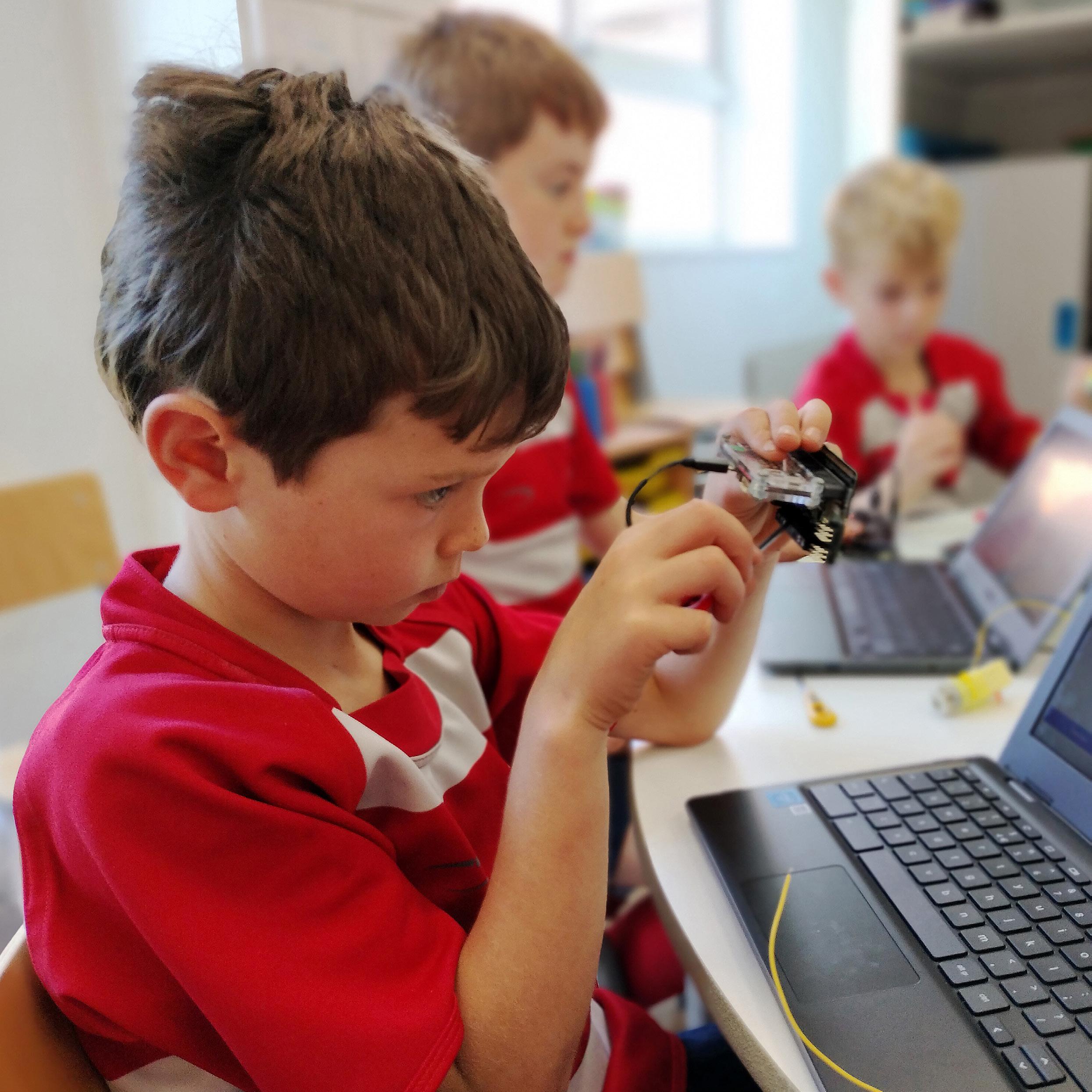
Whitfield Waiters, open to children in Forms 1-6, provides after school care within the Boarding House until 8:00pm Monday to Thursday. It may be used on a permanent or occasional basis. The children form part of the Boarding House for the evening, having their prep supervised with other boarders and attending After School clubs and/or joining in with Boarding House activities. There is a set limit to the number of children that can make use of this facility.
The names of the children staying on any particular night needs to be confirmed in good time for both security and safety reasons and we ask you to inform us in advance if your child will not be using the facility on a particular night. Please let us know in advance if your child requires supper on any given day. Also, when you arrive to collect your child please call the Boarding House mobile (07731816843) to ascertain where your child is located, please sign-out with a member of the Boarding House staff before departing with your child for the evening.
If your child is involved in an after-School club, he or she will be signed into the Boarding House once the Club has finished.
Whitfield Waiters follows the routine below:
Boarders’ Tea 4:10pm
After School Activities 4:00 - 5:50pm
Boarders’ Supper 6:00pm
Supervised Homework 6:30 - 7:10pm
Supervised Homework (Forms 5 & 6) 7:10 - 7:40pm
Evening Activities 7:10 - 8:00pm
Weekly Whitfield Waiters
Parents wishing to book the same night of the week for the entire term can do so by completing and returning the appropriate form available on the website or by contacting the Senior House Secretary (shoffice@sjcs. co.uk or 01223 353532). Places are allocated on a first come, first served basis and are limited to a maximum of 10 Whitfield Waiters children per evening. This facility must be booked on, or before, the first day of term and we cannot accept changes after that date. Weekly Whitfield Waiters is charged on the end of term account (please consult the Fees Schedule for the current rate). Weekly Whitfield Waiters fees are payable even if you subsequently find that you do not need the facility.
Occasional Whitfield Waiters
We also welcome children to use the Boarding facility on one-off occasions during the term and bookings can be made via the Senior House Secretary (shoffice@sjcs.co.uk or 01223 353532) up to 4:00pm on the day in question. Please consult the Fees Schedule for the cost of occasional Whitfield Waiters.
Senior Study Club
We are pleased to offer the after-school facility, Senior Study Club, for day pupils in Forms 3-6. Supervising teachers will support homework tasks, guided reading, and independent project work in a Senior House Classroom. From 4.30pm, children can be signed out from the club and collected by their parents. You may find that you will need this facility on a regular basis or only occasionally.
For those requiring supervised care until later in the afternoon or evening we are pleased to offer Whitfield Waiters for children in Forms 1-6 from 4:10-8pm Monday to Thursday. Please refer to the Whitfield Waiters section below for more information.
Boarding Options
We offer further flexible boarding options for your child should you need to take advantage of the boarding facilities overnight. Please consult the Boarding Options page for further details.
Co-Curricular Clubs
The list of clubs and sign-up forms for next term are published around Half Term during the preceding term. You will be notified via the Portal. We would ask you to decide which, if any, clubs your child would like to apply to attend and complete the online reply form by the deadline stated for each term in the notice. Links to the lists for the current year are available on the Co-Curricular Clubs page.
You are kindly asked to rank your preferences across the week in advance of the deadline. Once all club prerequisites have been met (e.g. previous term waiting list, etc.), places will be allocated in waves (all first choices will be considered, then all second choices, all third choices, etc.) until the club is full or there are no more requests to process. If a club is oversubscribed, we will use an automated random selection system to allocate the places available. In the absence of an alternative definition of priority, the following will apply: priority will be given to those children on the waiting list first, then those who have never attended the club previously followed by those who have not attended the club in the previous term.
Open Clubs
The majority of clubs are open to all children in the relevant year groups (working within any priorities or preference as stated on the clubs list) and you are asked to complete the form to show which clubs your child would like to attend. We aim to accommodate as many children as possible but there are constraints on numbers due to space and supervision.
Invitation Clubs
The list includes those clubs which are by invitation only; these do not appear on the reply form. You will receive a separate Portal message if your child has been invited to join or continue with one of these clubs to help you avoid any unfortunate double-bookings. We will assume your child is starting or continuing with these clubs unless we hear otherwise.
Play Rehearsals
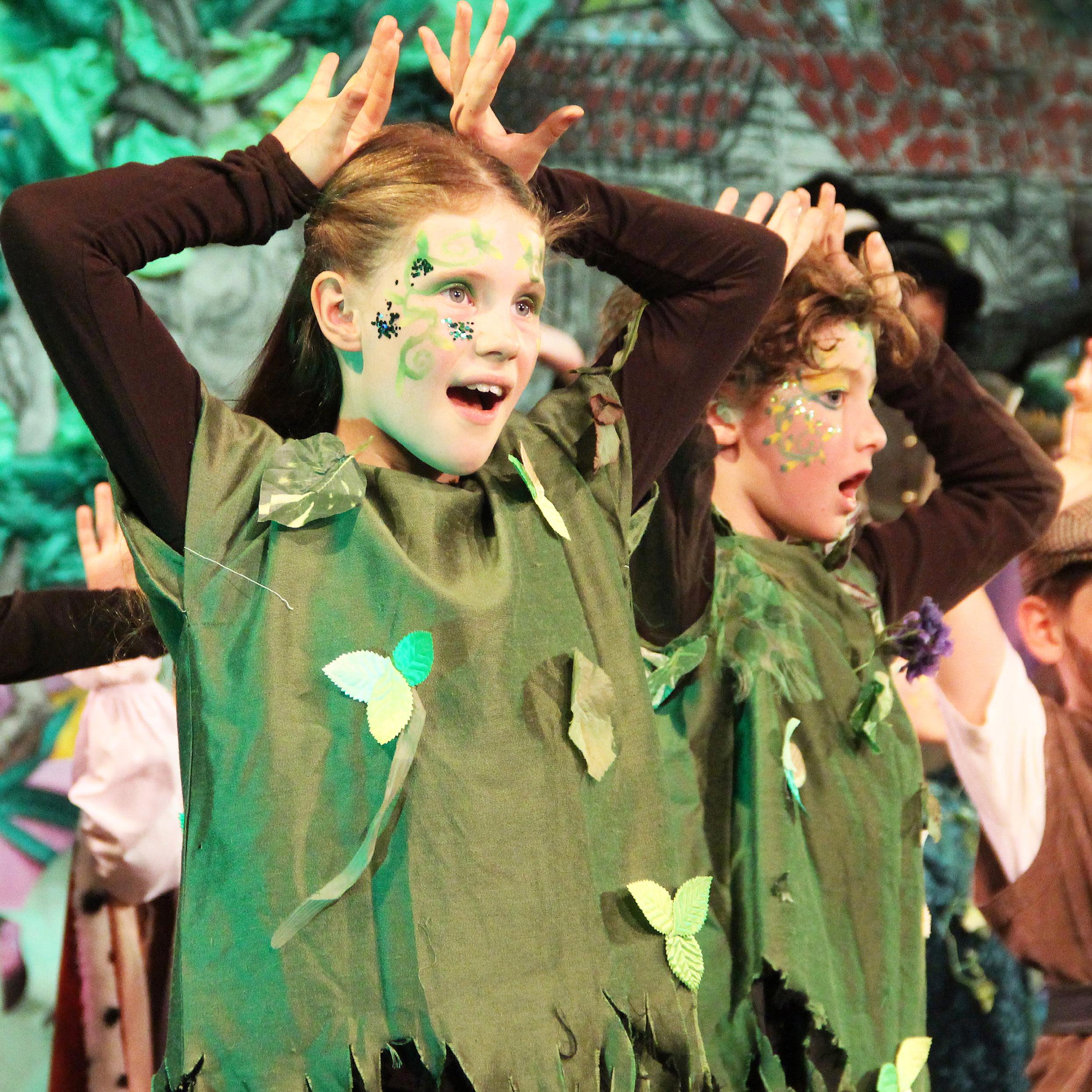
Depending on the term, your child may be involved in additional play rehearsals. These may occur after school and run to a schedule that will be sent out separately by the Drama Department. If your child is involved in a play rehearsal (in yellow) this must take priority over any other Co-curricular activity, but they are able to choose to do another club on the same night and miss this on the nights they are needed for a play rehearsal.
Please note the following:
If there is a cost attached to a particular club because external staff have to be used, or facilities have to be hired, please do not send in a cheque with your application form. The Bursary will bill in arrear for these clubs. Some of these clubs will be invoiced directly by the organisation running the club or you may be required to log into their website to submit payment online. This will be noted on the clubs list.
Club membership for any club implies that your child will attend regularly throughout the term. Please give us notice if your son or daughter is unable to make a particular session. Notification of non-attendance should be sent to the club organiser and copied to clubs@sjcs.co.uk and bhoffice@sjcs.co.uk or shoffice@sjcs.co.uk.
If a club cannot take place in a particular week you will be contacted by email and via the Portal. Last minute cancellations will also be communicated by text message, if you have previously registered to receive text message alerts.
While every attempt is made to minimise the impact of sports fixtures on clubs this is often unavoidable. The list of which clubs will need to be cancelled on which days will be communicated via the Portal as soon as the staffing for fixtures has been confirmed.
Please refer to the Portal notice inviting you to sign up for further details of the selection, allocation and waiting list process.
If your child wishes to stop a club at any point please contact clubs@sjcs.co.uk to record the change.
Sports Fixtures
At St John’s, our aim is to provide all children with the opportunity to represent the School on the sports field. To arrange the right mixture of matches, we predominantly organise fixtures against Prep Schools in the region. There is a great amount of care taken over the selection of teams for matches. The selection process is always based on merit from what we see during Games lessons and matches. If not selected for a match, children will participate in a normal Games lesson. Generally, as children move up the School, they will have the opportunity to compete in more matches and tournaments. The number of teams we can facilitate depends on the number of children in the year group and, of course, the number of children the opposition has available.
Parents are always welcome to come along and support the team for matches or tournaments. Children at Senior House will also have the opportunity to represent their House in termly Inter-House competitions in all of the main team sports as well as swimming and a number of other events.
We aim to post the team sheets for matches on the sports notice board at Senior House and the School website at least 24 hours in advance of a match. We will provide earlier notice for any special tournaments.
Sports Fixtures on the Website
If your child’s name has been added to a team list for a fixture, a link to that fixture will appear in the Fixtures Tab on the Portal homepage. If a sports fixture appears in your list, barring last minute cancellations or substitutions due to absence, injury or illness, your child will be participating. Click on the link for that fixture to bring up the team sheet and more details (e.g. team members, start time, end time, kit requirements and any special instructions). You can download a team sheet by clicking on the PDF link at the bottom of the team sheet page.
You will find a list of a wide range of the sports grounds on the website, including contact details, addresses and maps (where available).
Please note that, as mentioned above, as the team lists for fixtures are not confirmed until approximately 24 hours ahead, the fixture won’t appear in the Portal view for you until the Games staff have published this information, so please check this section regularly.
In the event of a match cancellation (due to bad weather or other reasons) we will aim notify relevant you as soon as possible by email and SMS alert (NB: you need to register online to be able to receive alerts).

Parents’ Association
All parents of children and all members of staff are automatically members of The Parents’ Association (PA). The PA is administered by a committee of current parents and staff. Parent members of the committee are appointed to represent a year group, both to reflect the views of parents in their group, but also to organise informal termly events for parents to get together socially and to welcome new families to the School. The list of current PA committee members and year group representatives is available on the website.
The PA organises a number of key events for the whole school community to enjoy throughout the year (e.g. Macmillan Coffee Morning, Fireworks night, the Lent Term event, Charity Fun Day, Family Evensong and the Summer Garden Party). Details can be found on the PA Events page and invitations will be sent closer to each date, including ticketing instructions.
To allow the PA representatives to be able to contact you directly and also to allow other parents of children in your child’s Form/year group or who simply live near you to contact you, the School provides a Parent Contact list in the secure area of the website, the password protected Portal, where you can share your contact details. Under the General Data Protection Regulations, we need to obtain your consent in order to be able to share your details in this way. Please indicate on the ‘Contact Details Form’ you have been sent which contact details you would be happy to share with other parents. You can change your mind about this at any time either by editing your privacy settings within your website account or by contacting us to make a request to change which information is shared.
“Joining as a new parent, the Parents’ Association events made all the difference with such a range of brilliantly organised events from Fireworks Night and the Summer Fun Day to the Macmillan Bake Sale, Evensong and Garden Party. They were such a warm and relaxed way to meet people. There’s a real sense of community at St John’s, and through events like Evensong and tea or the Garden Party, I quickly felt welcomed and part of something special.”
The Parent Portal
The School’s website includes a secure ‘Portal’, a which the School will share information with you. (www.sjcs.co.uk/portal) and a link to login is also
The Portal content has been personalised for you. our ability, to only show you that which is relevant and Fixtures. We hope this will make it easier for can still read other content which hasn’t been filtered Events and All Fixtures links in the right hand menu.
Navigating around the Portal
The Portal works as a series of tabs which you can want to consult. To get back to the Portal from a Portal Home link in the right hand menu. Links to the right hand menu.
Messages
Messages are added to the list in the order in which one at the top. Beneath the title of each will be want to read right away or come back to later. Once ‘read’. You can also mark a message as ‘read’ by
Messages have an expiry date; if you haven’t opened after the expiry date the message will be automatically your message list tidy and manageable. You can still going to the “All Messages List”. Recent read messages message you’d like to mark as ‘unread’, using the Search and Bookmark facilities to find and store
Both the Portal Message tab and the All Messages locate messages more easily.


homepage is filtered to only show those fixtures in which As the team lists for fixtures are not confirmed appear in the Portal view for you until the Games staff the team lists, the fixture will appear in both the
All Fixtures link in the right hand menu (www.sjcs. future. Previous fixtures can be viewed either by expanding the calendar drop down on the All Fixtures page and scrolling back through the calendar, or they is available either on the All Fixtures page or the filtered by relevance to you or whole school and range.
substitutions due to absence, injury or illness, your child bring up the team sheet and more details (e.g. team and any special instructions). You can download a team sheet page. To help you with locating where Sports Grounds page of the Portal. The link to Sports homepage, the All Fixtures page and the Previous
form is posted, you will receive a message in the contain a link to the reply form. You can also skip down published.
bottom of the Replies tab. This will show you a full Edit and View buttons. You can resubmit a reply if forget to click ‘Submit Changes’ at the bottom of the (required). The majority of reply forms will be optional we need a specific reply from those who’ve been accept an additional charge). If the replies tab is resubmit a reply you’ve already sent, click the View
Calendar
The Calendar tab will show you a week-to-view, pre-filtered to only display, as far as is possible, the events and fixtures which are relevant to you. This is set to show you the current week each time you visit the Portal. Use the small left and right arrows either side of the week dates to move backwards and forwards through the weeks. Please note that the calendar is uploaded to the site termly, so events beyond the current term won’t appear until the new calendar has been added to the site.
Fixtures will only appear in the calendar approximately 24 hours ahead, or as soon as the Games staff have published this information online. For some events, e.g. concerts, it is not possible to know at the start of term who will be participating. These events will therefore not appear in your calendar tab until the specific membership list has been made available and an invitation has been published.
You can still view the full list of all calendar events by going to the All Events tab in the right hand menu. You can filter this by year group, event category (e.g. Drama) and date range, using the dropdown lists and date selectors at the top of the screen.
The calendar view is set out in a diary format to show from top to bottom on any day: All Day events, Before School events (before 8:30am), Morning events (8:30am - 12:30pm), Afternoon events (12:30 – 4:00pm) and After School events (after 4pm). This is designed to provide a visual reminder of when things are taking place during the day. You can apply an additional filter to your personalised calendar view by selecting an Event Category from the dropdown list on the left.
The full termly calendar is also published for you both in hardcopy (a copy will be sent home with your child on the first day of term). The hardcopy version will be correct at the time of printing, but should it be necessary to amend calendar events throughout the term, these will be added to the online calendar and we will alert you via a notice in the message list. We recommend therefore that you take advantage of the synchronisation facility which allows you to synchronise the Portal calendar with your own personal calendar system (please see page 52 for further details).
News
Should you choose to skip straight to the Portal page and bypass the public homepage, we would still like to give you the opportunity to keep up to date with the latest news. The articles which appear here are therefore the same ones which appear on the main SJCS homepage for the general public to read. The latest four articles will show by default and you can load another four with the Load More link. You can see the full archive list of articles by clicking on the News link in the top level menu at the very top of any page.
Bookmarks
We recognise that each family will have a different set of favourite pages which they’d like to access frequently. The Bookmark feature allows you to save a quick shortcut to a page to save you having to search for it the next time you need it. If you find a page you think you’ll need to visit again, simply click on the bookmark icon in the footer of the page. The next time you visit the portal you’ll find that page added to your bookmark list. If a bookmark is no longer relevant to you, you can remove it from your list by clicking on the bookmarked icon on the right hand side.
Notification Emails
When new content has been added to Portal (e.g. messages, calendar events, sports fixtures, reply forms, etc.) by default the system, after 7pm on the day the item(s) have been published, will send you an email with the title of the item(s) and a short extract, with a link to read the full item online. By default, notification emails provide filtered content to only send you links to information which is relevant to you, but it is possible to change your notification settings should you wish to receive unfiltered content or to stop receiving notifications altogether.
SMS Alerts
In addition to the nightly Portal Update emails we offer an optional SMS alert service which allows us to inform you of things such as travel delays and sports fixture changes which affect collection times as well as last minute cancellations. The system is linked to your Portal account and allows for one mobile number per account to receive messages. To be able to receive messages you will need to register your chosen number online and activate it using a verification code. For detailed instructions please see: Managing your SMS Alerts.
School Information and A-Z
The information contained in this handbook and more can also be found in the Portal on the School Information (or A-Z pages. On the School Information page the links to individual sections are arranged in categories (e.g. Catering; Getting to School; After School; Sports Fixtures; etc.). The same links are presented in alphabetical order on the A-Z page giving you two routes to the same content, depending on which you find easier to navigate.
Search
Should you not find the content you are looking for on the School Information of A-Z pages, there is also a Search facility which works on key words. This will search all website pages, messages, calendar events and fixtures.
If you are searching for contact details, there is a separate search bar on the Parent Contact page.
Calendar Synchronisation
It is possible to synchronise the Portal calendar and Fixtures calendar with your own personal calendar system (e.g. Outlook calendar, iCal, Google Calendar, etc.). Subscribing allows you to view events and/or fixtures from the Portal on your other devices so that you can see them in context with your other diary commitments, and depending on your chosen calendar application, changes and updates from the Portal will be added automatically.
The link to subscribe is visible at the bottom of the Calendar tab of the Portal and within the Calendar View tab on the All Events page. Clicking on the link to subscribe will open your device’s default calendar application with the option to subscribe using an .ics calendar file. When prompted you may need to agree to subscription of this calendar.
Depending on your chosen calendar application, subscribing to an ics calendar URL allows events to be periodically updated and added. For full instructions on how to configure or add an .ics subscription to your preferred calendar application please refer to their documentation.
Managing your Account - Passwords
On the login page, simply click on the ‘Request new password’ link. You will be prompted to enter your email address. Click ‘Email new password’ to complete the process and receive your new password. Please note that the email address you use here must be the same as the one which is normally used to login.
To choose your own password, login and follow the ‘My User Account Details’ link in the right hand menu in the Portal. On the My Account page, select the Edit button. On the edit page enter your current password in the top box and then further down enter your new password twice before clicking Save. You can also access the ‘Request new password’ link on this page. Please note that user accounts are shared between parents who live together. This is to facilitate the replies to invitations. The system will record one email address for the purpose of logging in and password resets, though all relevant email addresses can still be recorded in the Contact Details section to be shared with other parents.


Contact Details
When your web portal account is set up your contact details are automatically filled in from the information you provided on your Contact Details form. You can edit your details directly on your ‘Parent Profile’ page and this will send an alert to the School Secretaries with details of the change for the School’s database to also be kept up to date; you will also receive a copy as confirmation. Updating your details via this route removes the need to contact the School separately.
To change your contact details (home address, email addresses, telephone numbers, etc.), go to ‘My User Account Details’ in the right hand menu on the Portal homepage. Select the ‘Edit’ button from the three options at the top of the screen below your name (View / Bookmarks / Edit). Then select ‘Parent Profile’ from the further two options which appear at the top of the screen (Account / Parent Profile). From this page you can also alter your privacy settings.
On the Edit / Parent Profile page you will find the following contact details:
Field Description / Example Options
Salutation Mr and Mrs Smith n/a
Parent name(s) Your first name(s) n/a
Home Address Your postal address Private - tick this to hide your home address from the parent contact list
Home Telephone Your home telephone Private - tick this to hide your home telephone number from the parent contact list
Email Address(es) & Telephone Number(s)
Label Mother’s Email Select this to completely remove this entry from your profile
Add another item- select this to add another address or number
Privacy Details
If you decide to mark some of your details as private they will not be visible to you on the Parent Contact details page (the page which is visible to all other parents) or in the Contact List PDF. You are still able to view and edit all of your contact details, including those set to private, via the Parent Profile page as described above.
Finding Other Parents’ Contact Details
To locate parent contact details, follow the links to Parent Contacts in the right hand menu on the Portal homepage. Contact details are listed by child in alphabetical two ways of searching by the links at the top of each of the Parent Contacts page to search for parent contact details by surname.
If the contact details you are searching for do not ‘private’ or have not been supplied. Please contact sjcs.co.uk) if you have any queries.
Finding Staff Contact Details
To locate staff contact details, follow the links to Staff Staff are listed in alphabetical order. You can jump of the page. Alternatively, use the filter on the left looking for does not appear in the list, please contact shoffice@sjcs.co.uk).
Managing Your Email Notifications
Email notification messages are automatically generated system sweeps the website to see what new content has been added to the Portal and sends you a personalised email with links to each item and a short description. receive if there are any new messages, events, fixtures, just new messages and reply forms (not event reminders events in the next 7 days.
Daily New Content Emails
The daily emails look very much like a snapshot of
• New messages- Included the first day when
• New events in the next 7 days
• New fixtures- Included the day your child’s
• New reply forms- Included the day a new form has been published
• Reply form reminders – Included on the
You can choose this to be set for mandatory


the new ones.
access to select a number of options for each of the have two addresses listed, whether or not they are notification options for each address). To edit these, go to Scroll down to find the email addresses recorded
Daily New Content Emails (Reply Forms and Reply choose to: for you
Events and Fixtures?
relevant to me
events or fixtures (messages, events or fixtures) has been added to the an email.
Receive Daily Emails for New Reply Forms or Reply Form Reminders?
Daily emails will only be sent on days when new content (reply forms and/ or reply form reminders) has been added to the Portal. If no new content has been added you won’t receive an email. Please specify your options:
• Yes, for all mandatory forms
• Yes, for all mandatory and optional forms
• No, don’t send me daily emails for reply forms or reply form reminders
Receive Weekly Calendar Emails?
Weekly calendar emails are sent each Friday and will show you a summary of events coming up in the next 7 days. Please specify your options:
• Yes, but only items relevant to me
• Yes, all events across the whole school
• No, don’t send me a weekly calendar of events
You can edit your preferences at any time and have different preferences for different email addresses.
Classlist App
The School and Parents’ Association are pleased to invite you to download and join the Classlist app. As well as being a tool for the Parents’ Association year group reps to keep in touch with you, the app also offers you the chance to keep in touch with each other, post questions, join groups, arrange lift shares, send party invitations, place and find items for sale and much more. And while the Portal will still remain the main the communication tool for School messages, calendars, fixtures, reply forms, etc., Classlist is an additional tool available to the School to communicate with you (e.g. in the event that the Portal is temporarily unavailable).
As well as offering a well-designed app with many useful features, Classlist has the advantage over open social media platforms as being fully GDPR compliant. This means that you can choose how much personal data you share and are not obliged to share data in order to participate.
• Classlist is used widely in schools across the UK and abroad. With Classlist you can:
• Decide exactly what contact information you wish to share with other families;
• View a list of children in the class and year, and contact their parents via the app;
• Find which families live nearby on a map (if they opt in to share their address);
• Communicate with your class and year in a chat group on the Classlist app;
• Find, join and create other interest groups amongst parents;
• Send invitations to children’s parties and parent social events, request dietary info, manage RSVPs;
• Stay in the loop on events/activities run by the PA and year group reps and answer calls for volunteers;
• Place and find items for sale on a private school ‘marketplace’;
• Report any content you feel is inappropriate to parent moderators (our Classlist Ambassadors), who can take immediate action to remove messages;
• Decide how many notifications you need: from every comment being notified, to a single weekly digest email from Classlist on Thursdays covering everything relevant to you.
Leading up to your child joining the School you will receive an invitation from Classlist to download the app and create an account (the email will come from: no-reply@classlist.com). While we encourage everyone to do so (the app works best when everyone is on it), this is entirely optional. If you have been invited but choose not to create an account or download the app, you will still be able to receive copies of some email announcements from the School and Parents’ Association (and can of course unsubscribe from these), though you won’t be able to benefit from the features mentioned above.
We encourage everyone joining the app to view the video tour of Classlist and read the Classlist Community Guidelines as well as various tutorials which are all available at www.classlist.com.
Administration
Office Hours & Contacts
The office hours for both Byron House and Senior House are 8:00am – 4:30pm during term time. It would be most helpful if parents could make calls on School business during these hours. Should you need to contact the School outside of these hours, voicemail is available on both the Byron House and Senior House numbers (see below).
If you are calling outside of office hours and urgently need to speak to someone between 4:30 – 6:00pm, there is a member of staff on duty at Senior House Reception (contact details below). If you need to speak to someone after 6.00pm, or need to access the site once the keypads have been disabled and reception is not staffed, please contact the Boarding House on 01223 327007 or 07885 202086.
Senior House Byron House (01223) 353532 (01223) 353817
shoffice@sjcs.co.uk bhoffice@sjcs.co.uk
Should you need to contact the reception staff by email, please use the generic addresses above rather than their individual email addresses. This is to ensure that your message can be picked up in the event that the two secretaries are unwell or otherwise away from school.
Calendar
The Calendar is published for you in the Portal, as described above, with events filtered to only show those which are relevant to you. In addition, at the start of each term you will receive a printed version of the full calendar in a convenient week-to-view diary format, with space to write in notes and summarised lists of Cocurricular clubs, sports fixtures, music events and drama events. While every attempt is made to ensure that the content of the printed is correct at the time of going to print, corrections and changes to events (new events, cancellations and changes of time or venue) are sometimes necessary during term. Should a change be required, the online version of the calendar will be updated and if necessary you will also receive a message via the Portal to alert you to the change.
Term Dates
Term Dates for the current academic year are published on the and in the digital key dates. Whenever possible we will also publish term dates for future academic years on the website.
Policies
Our statutory policies and procedures are always accessible to you via the Policies link in the footer of every website page. Links to policies are also available via the Provision of Information page accessed from the ‘Admissions’ dropdown menu on the homepage. Please contact the Registrar, Mrs Maria Mosher, (admissions@ sjcs.co.uk or 01223 353652) if you would like to receive printed copies of any of the documents listed on the Provision of Information page, free of charge.