Cue Cards Here are a few ideas...
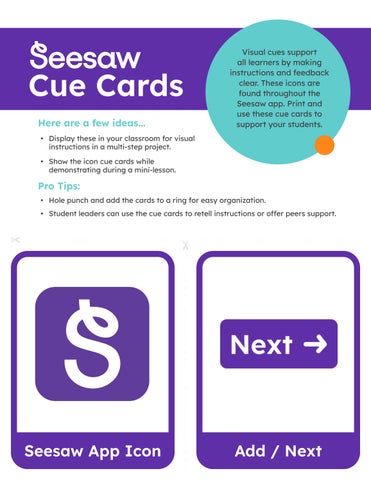
Visual cues support all learners by making instructions and feedback clear. These icons are found throughout the Seesaw app. Print and use these cue cards to support your students.
• Display these in your classroom for visual instructions in a multi-step project. • Show the icon cue cards while demonstrating during a mini-lesson.
Pro Tips: • Hole punch and add the cards to a ring for easy organization. • Student leaders can use the cue cards to retell instructions or offer peers support.
Seesaw App Icon
Add / Next
Video
Photo
Drawing
Upload
Note
Link
Folder
Play
Journal
Activities
Inbox
Blog
Label
Mic
Shapes
Three Dots
Check Work
Pencil
Pen
Glow Pen
Highlighter
Eraser
Move
Arrow
Hide
Camera Roll
Add Page
Caption
Comment
Undo
Redo
Pages
Done / Check
Like
Draft / In Progress
Pause
To Do / Plus
Add Response
Delete
Background
Record Voice
Zoom
Flip Camera
Frames: Photo
Frames: Record
Frames: Upload
Frames: Video
Frames: Voice
Frames: Student Choice
Frames: Label / Text
Read-with-Me
Drag & Drop
Multiple Choice
Flex Card