PD Session: Implementing Universal Design for Learning with Seesaw

Page 1

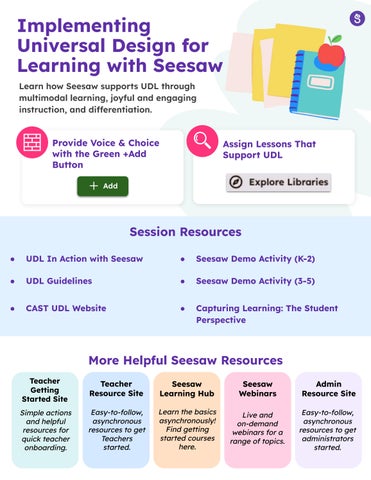
Implementing Universal Design for Learning with Seesaw Learn how Seesaw supports UDL through multimodal learning, joyful and engaging instruction, and differentiation.

Reduce Barriers and Provide Voice & Choice with the Green +Add Button

Assign Lessons That Support UDL

Session Resources ●

UDL In Action with Seesaw

Seesaw Demo Activity (K-2)

UDL Guidelines

Seesaw Demo Activity (3-5)

CAST UDL Website

Capturing Learning: The Student Perspective

More Helpful Seesaw Resources Teacher Getting Started Site

Teacher Resource Site

Seesaw Learning Hub

Seesaw Webinars

Admin Resource Site

Simple actions and helpful resources for quick teacher onboarding.

Easy-to-follow, asynchronous resources to get Teachers started.

Learn the basics asynchronously! Find getting started courses here.

Live and on-demand webinars for a range of topics.

Easy-to-follow, asynchronous resources to get administrators started.


Turn static files into dynamic content formats.

Create a flipbook
PD Session: Implementing Universal Design for Learning with Seesaw by seesawlearning - Issuu