
Introducing Seesaw to Your Students
Start your journey strong using one or more suggested strategies.
Seesaw Welcome Post

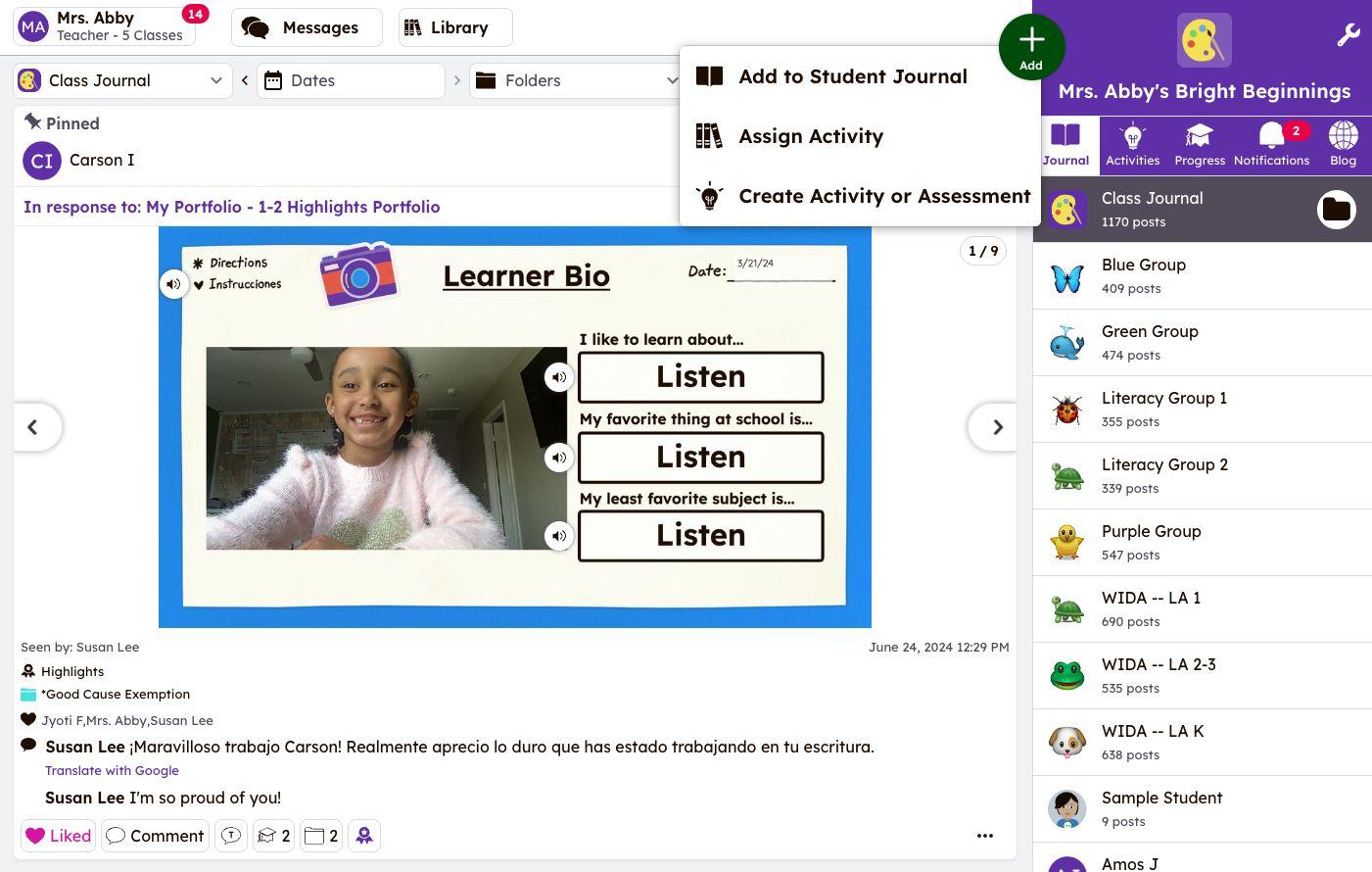
Use the Green Add Button to post a Welcome Message for students & families to view when they log in to Seesaw!
After selecting the Journal tab, tap the button, then Add to Student Journal. From here, explore your creativity with a combination of photo, video, drawing, or text!
Helpful Resources:
● Help Center Article: How to Add Posts to Seesaw
● Tutorial Video: Capturing Learning

Welcome Activity


Seesaw Tools 101 Lessons
Teach students how to use Seesaw's multimodal tools through ready-made lessons from the Seesaw Essentials section of the Seesaw Library!
Learn together with the Present to Class option or assign lessons for students to complete independently.
Helpful Resources:
● Collection: Seesaw Tools 101
● Help Center Article: The Seesaw Library
Create an activity to welcome your class to Seesaw! Prompt students to snap a selfie, complete an ‘About Me’ bio, or go on a Seesaw scavenger hunt.
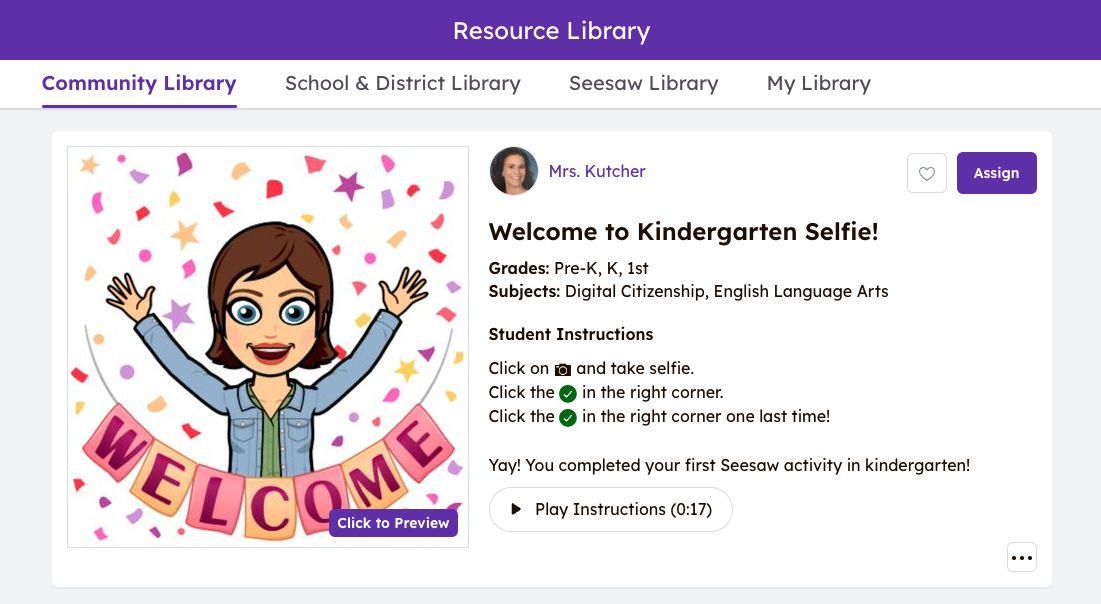
Check out ideas from other teachers in our Community Library like this Welcome to Kindergarten Selfie or The Great Seesaw Challenge!
Helpful Resources:
● Help Center Article: How to edit Seesaw Library Activities
● Help Center Article: How to use Activities in Seesaw

www.seesaw.com/teacher-resources