Get Your Students STAAR Ready
with Seesaw

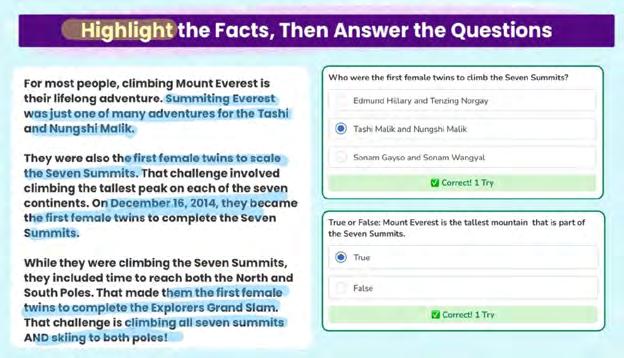
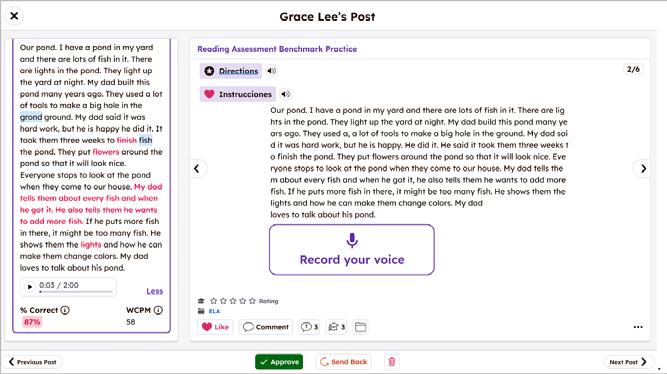
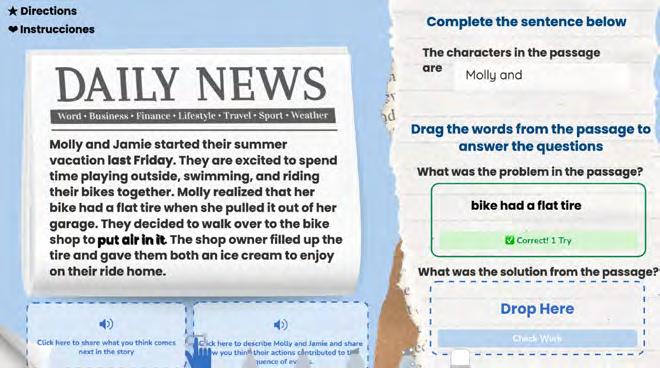
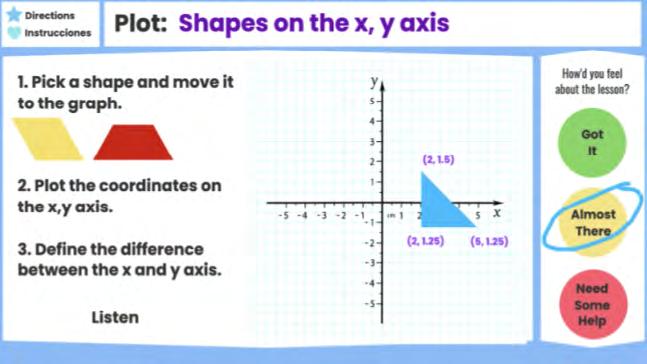
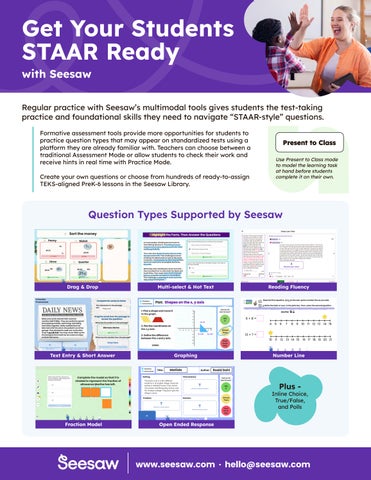
Regular practice with Seesaw’s multimodal tools gives students the test-taking practice and foundational skills they need to navigate “STAAR-style” questions.
Formative assessment tools provide more opportunities for students to practice question types that may appear on standardized tests using a platform they are already familiar with. Teachers can choose between a traditional Assessment Mode or allow students to check their work and receive hints in real time with Practice Mode.
Create your own questions or choose from hundreds of ready-to-assign TEKS-aligned PreK-6 lessons in the Seesaw Library.
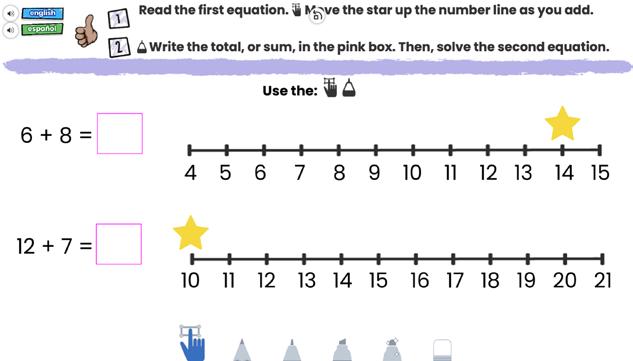
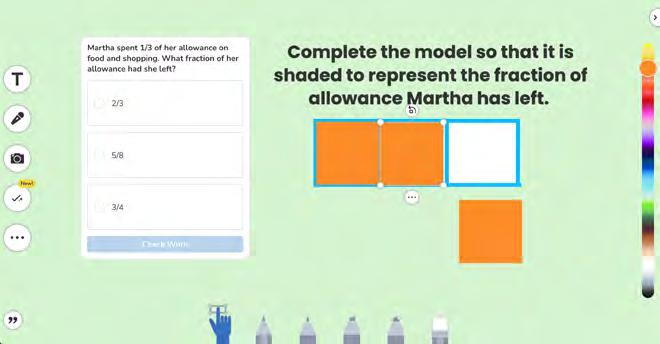
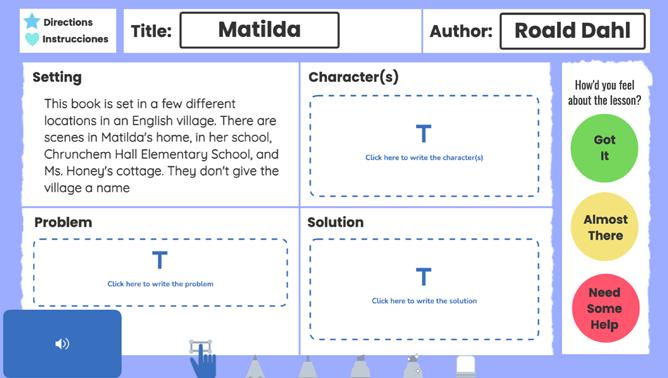
Question Types Supported by Seesaw