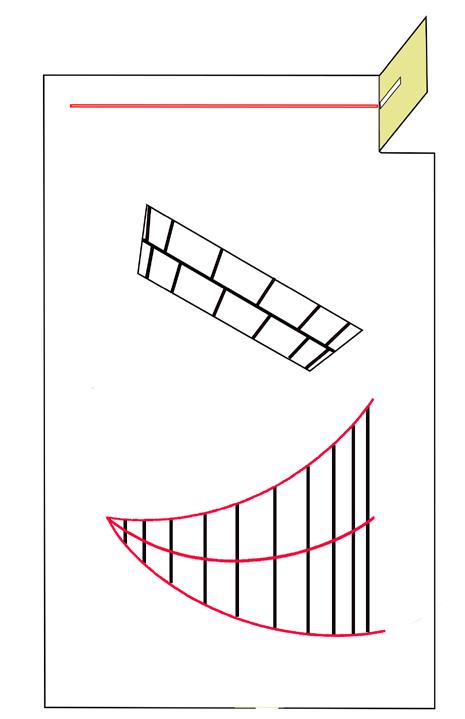
Print off a sundial based on where you live
Visit this website https://www.sundialzone.com/en/sundial.php
The site is simple to use - first select the type of sundial you want, you can choose between two types - wall mounted and window mounted. Next click ‘make a sundial’ button and it will present a page with a google map - enter your address - it will zoom to your location. ‘Click’ on your house and it will present a small square showing the sides of a box a,b,c,d,. Select the side where your window is and it will create a printable sundial.
Click on the PDF option.
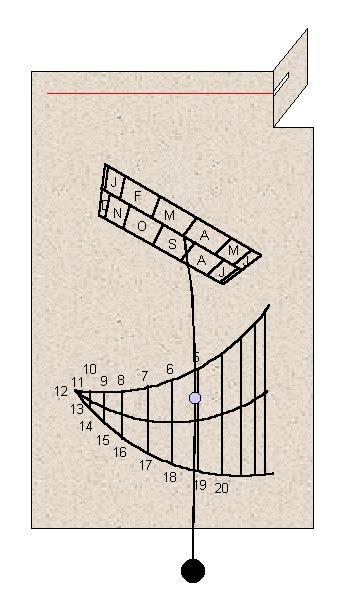
It will then generate a printable page that you fold down and paste on your window and watch it work.
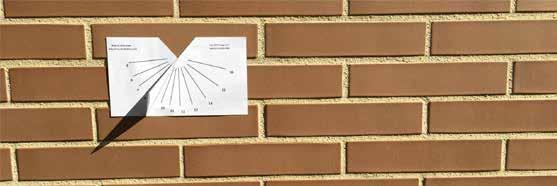
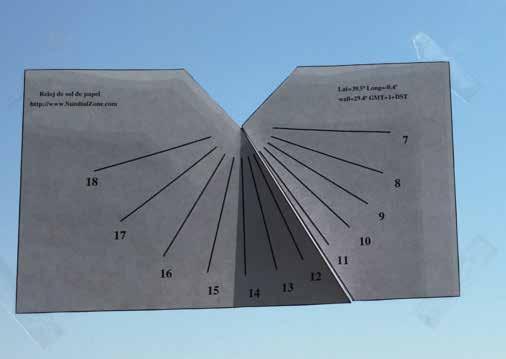
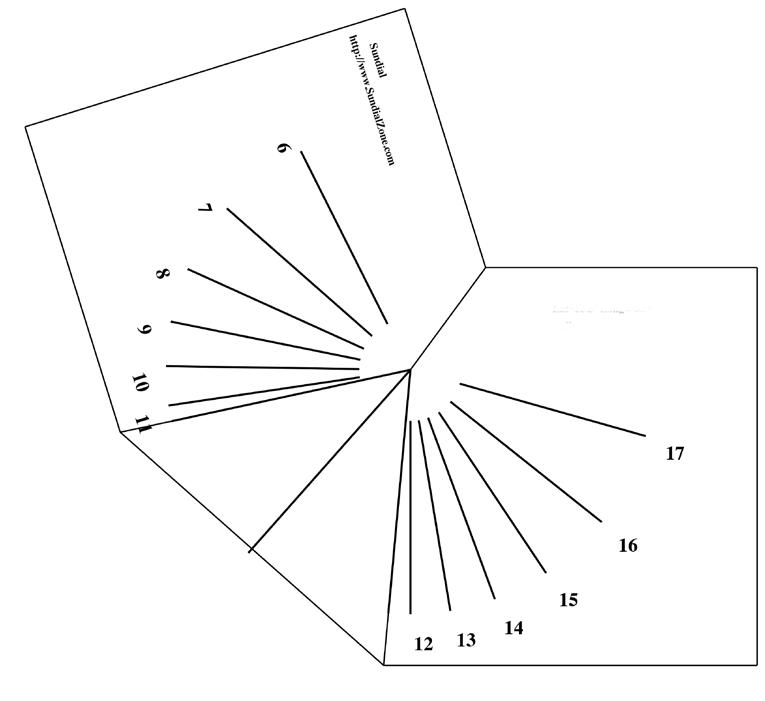
Printed page looks like this sample and will be particualr to your location. You need to fold up triangle section up to create gromon to cast the shadow.