Online Safety Newsletter
January 2023
Video Chatting
up
settings Most parental eir eans to your y how to
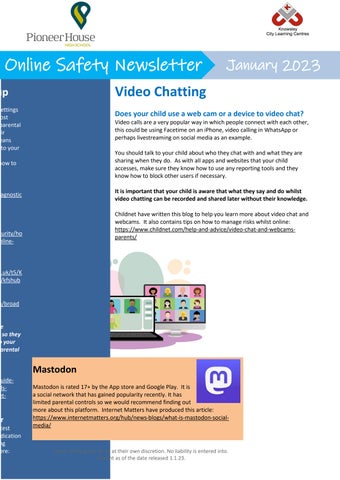
Does your child use a web cam or a device to video chat? Video calls are a very popular way in which people connect with each other, this could be using Facetime on an iPhone, video calling in WhatsApp or perhaps livestreaming on social media as an example. You should talk to your child about who they chat with and what they are sharing when they do. As with all apps and websites that your child accesses, make sure they know how to use any reporting tools and they know how to block other users if necessary. It is important that your child is aware that what they say and do whilst video chatting can be recorded and shared later without their knowledge.
iagnostic
Childnet have written this blog to help you learn more about video chat and webcams. It also contains tips on how to manage risks whilst online: https://www.childnet.com/help-and-advice/video-chat-and-webcamsparents/
curity/ho nline-
o.uk/t5/K p/kfshub
m/broad
ve , so they o your parental .
guideolset-
er
test ndication ng ere:
Mastodon Mastodon is rated 17+ by the App store and Google Play. It is a social network that has gained popularity recently. It has limited parental controls so we would recommend finding out more about this platform. Internet Matters have produced this article: https://www.internetmatters.org/hub/news-blogs/what-is-mastodon-socialmedia/
Users of this guide do so at their own discretion. No liability is entered into. Current as of the date released 1.1.23.