Website Instructions
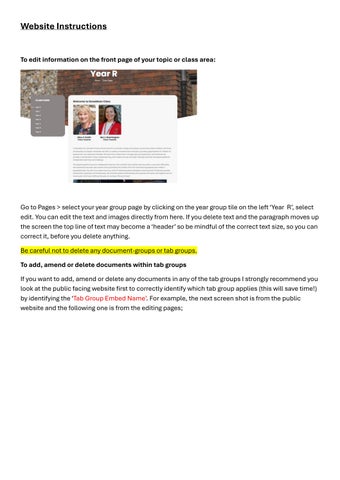
To edit information on the front page of your topic or class area:
Go to Pages > select your year group page by clicking on the year group tile on the left ‘Year R’, select edit. You can edit the text and images directly from here. If you delete text and the paragraph moves up the screen the top line of text may become a ‘header’ so be mindful of the correct text size, so you can correct it, before you delete anything. Be careful not to delete any document-groups or tab groups. To add, amend or delete documents within tab groups If you want to add, amend or delete any documents in any of the tab groups I strongly recommend you look at the public facing website first to correctly identify which tab group applies (this will save time!) by identifying the ‘Tab Group Embed Name’. For example, the next screen shot is from the public website and the following one is from the editing pages;