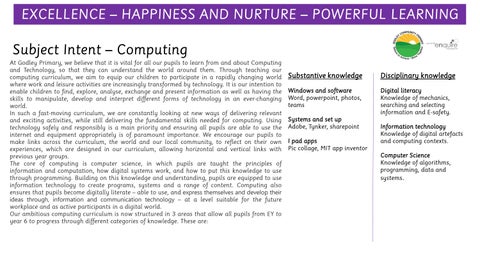
EXCELLENCE – HAPPINESS AND NURTURE – POWERFUL LEARNING Subject Intent – Computing At Godley Primary, we believe that it is vital for all our pupils to learn from and about Computing and Technology, so that they can understand the world around them. Through teaching our computing curriculum, we aim to equip our children to participate in a rapidly changing world where work and leisure activities are increasingly transformed by technology. It is our intention to enable children to find, explore, analyse, exchange and present information as well as having the skills to manipulate, develop and interpret different forms of technology in an ever-changing world. In such a fast-moving curriculum, we are constantly looking at new ways of delivering relevant and exciting activities, while still delivering the fundamental skills needed for computing. Using technology safely and responsibly is a main priority and ensuring all pupils are able to use the internet and equipment appropriately is of paramount importance. We encourage our pupils to make links across the curriculum, the world and our local community, to reflect on their own experiences, which are designed in our curriculum, allowing horizontal and vertical links with previous year groups. The core of computing is computer science, in which pupils are taught the principles of information and computation, how digital systems work, and how to put this knowledge to use through programming. Building on this knowledge and understanding, pupils are equipped to use information technology to create programs, systems and a range of content. Computing also ensures that pupils become digitally literate – able to use, and express themselves and develop their ideas through, information and communication technology – at a level suitable for the future workplace and as active participants in a digital world. Our ambitious computing curriculum is now structured in 3 areas that allow all pupils from EY to year 6 to progress through different categories of knowledge. These are:
Substantive knowledge
Disciplinary knowledge
Windows and software Word, powerpoint, photos, teams
Digital literacy Knowledge of mechanics, searching and selecting information and E-safety.
Systems and set up Adobe, Tynker, sharepoint I pad apps Pic collage, MIT app inventor
Information technology Knowledge of digital artefacts and computing contexts. Computer Science Knowledge of algorithms, programming, data and systems.