iPad Basics Series
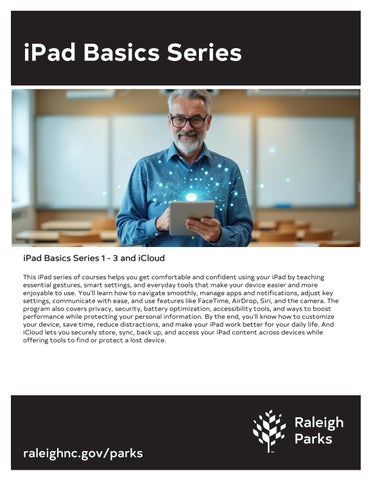
iPad Basics Series 1 - 3 and iCloud This iPad series of courses helps you get comfortable and confident using your iPad by teaching essential gestures, smart settings, and everyday tools that make your device easier and more enjoyable to use. You’ll learn how to navigate smoothly, manage apps and notifications, adjust key settings, communicate with ease, and use features like FaceTime, AirDrop, Siri, and the camera. The program also covers privacy, security, battery optimization, accessibility tools, and ways to boost performance while protecting your personal information. By the end, you’ll know how to customize your device, save time, reduce distractions, and make your iPad work better for your daily life. And iCloud lets you securely store, sync, back up, and access your iPad content across devices while offering tools to find or protect a lost device.
raleighnc.gov/parks