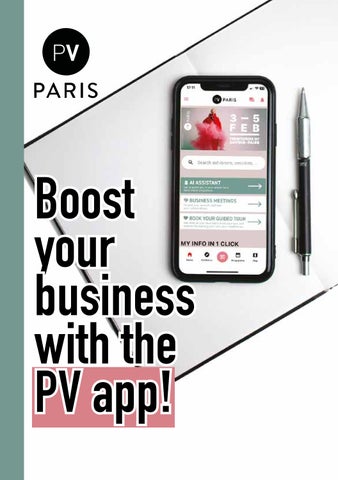
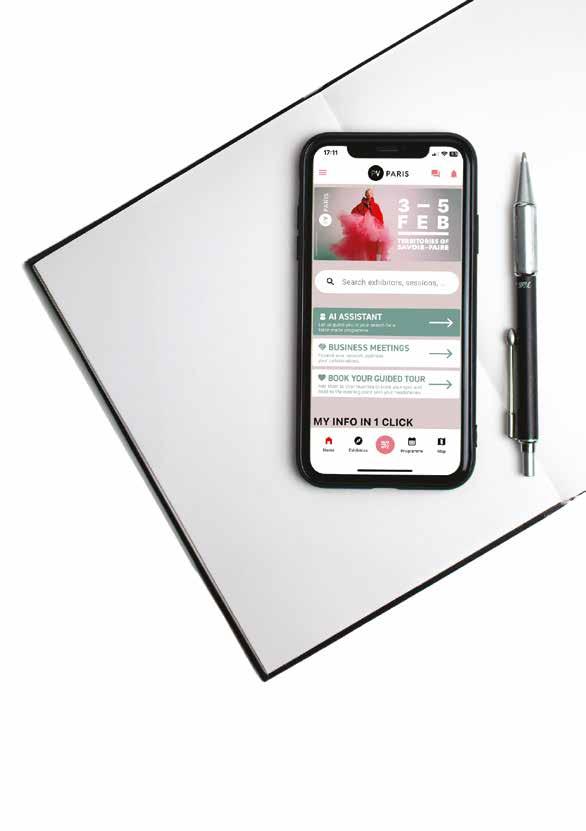
Boost your business with the PV app!
Why theusePV app ?
1- Save time
Use the e-pass scanner to quickly collect contact details.
2 -Stay organized
Keep track of all your meetings and contacts in one place for easy follow-ups after the event.
3- Stay informed
Browse the full event schedule, including conferences, exhibitions, and on-site happenings.
4- Enhance your experience
Explore practical tools designed to simplify your day-today activities, from ordering meals to luggage check-in and more.


Download the Première Vision app or update it if you already have it installed

Explore the next pages to learn how to take full advantage of the app’s features.
Connect to unlock advanced features
Once on the app, here’s the log-in process
Step 1
Don’t click on the community menu.
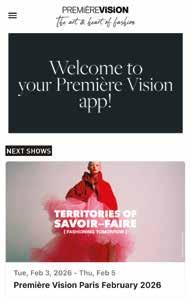
Instead, log in via the “Première Vision Paris February 2026” event area.
Step 2
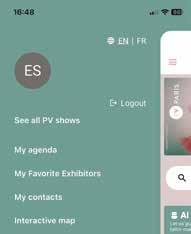
In the event section, open the top-left menu.

Step 3
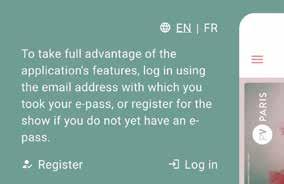
Tap the “Log In” button.
Step 4
Enter the email address you used to receive your pass:
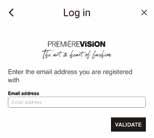
If you’ve logged in before, simply enter your password.
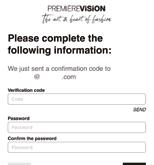
If this is your first time, use the temporary code provided and create a new password.
Collect every contact you meet Free business opportunities
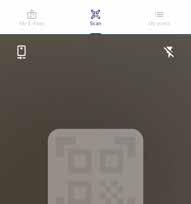
Capture contacts at the event with the Pass Scanner. Stay organized and make follow-ups seamless with this easy-to-use feature!
Simply scan the badges of the people you meet during the show.
All your scanned contacts are automatically saved in the app, ensuring you never lose track of important connections.
At the end of the event, you can easily export your contact list as an Excel file and share it with your colleagues.
The exported file includes detailed information such as:
- First name and last name
- Email address
- Job title
- Company name
- Participant category
- Country
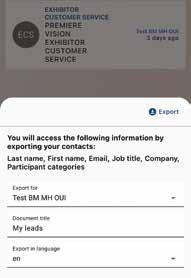
After the show, find all the scans of everyone in your team in your Business Meeting Space, accessible via Desktop.
Download all your contacts in Excel format
Contacts generated via the Business Meetings
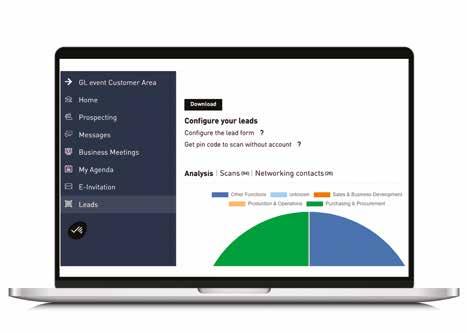
Summary graph of your lead profiles
People scanned during the show
Manage your Business Meetings
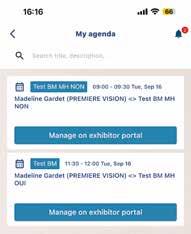
In ‘My agenda’ section, you will find all your confirmed appointments, whether they were requested by you or by visitors via Business Meetings
The features of Business Meetings differ between the desktop version and the mobile application:
- Appointment management (accept, modify or cancel) is done exclusively from the web version, accessible via ‘Manage on exhibitor portal’.
-From the mobile app, you can request and view your appointments and receive all related notifications by clicking on the bell icon in the top right corner.
From your Business Meetings space on Desktop, access the following features:
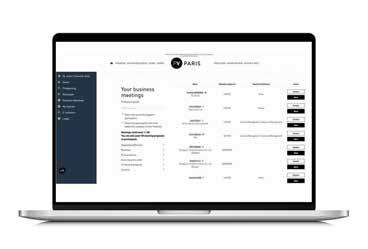
- Strategic prospecting before, during, after of the event: Access the list of visitors, use filters, and perform advanced searches.
- Send messages and schedule appointments in advance.
- Keep the connection going: Access your contact list and continue networking even after the event.
- Find all the scans taken at the show by all the team members.
Need more information about the Business Meetings option?
Find all the details about the features on Desktop by scanning this QR code
Smart tools available on the app
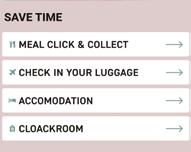
1. Order meals with ease
Use
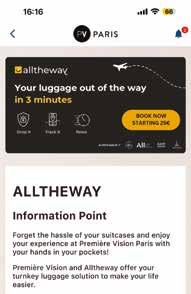
2. Alltheway Service
Check
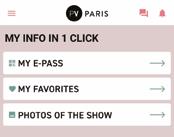
3. Access to event photos
Download and share the photos of the show with just one click to easily post them on social media.
4. Discover the full programme
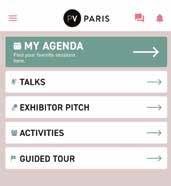
Browse the complete schedule of talks, exhibitor pitches, animations and exhibitions.
Stay
Any questions? Visit your Exhibitors’ Office in Hall 5 or Hall 6 for any assistance.