STEP-BY-STEP EVENT BOOKING GUIDE If you need additional guidance, please reach out to events@pooganshospitality.com and we will gladly assist you.
STEP
1
STEP
2
STEP
3
STEP
4
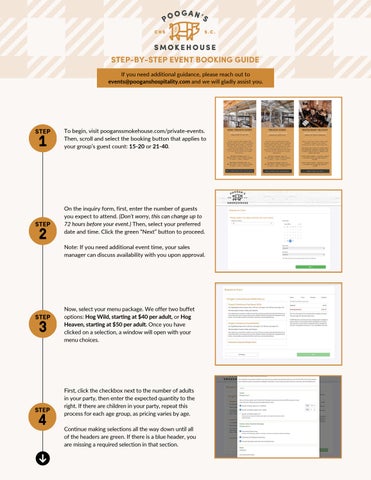
To begin, visit pooganssmokehouse.com/private-events. Then, scroll and select the booking button that applies to your group’s guest count: 15-20 or 21-40.
On the inquiry form, first, enter the number of guests you expect to attend. (Don’t worry, this can change up to 72 hours before your event.) Then, select your preferred date and time. Click the green “Next” button to proceed. Note: If you need additional event time, your sales manager can discuss availability with you upon approval.
Now, select your menu package. We offer two buffet options: Hog Wild, starting at $40 per adult, or Hog Heaven, starting at $50 per adult. Once you have clicked on a selection, a window will open with your menu choices.
First, click the checkbox next to the number of adults in your party, then enter the expected quantity to the right. If there are children in your party, repeat this process for each age group, as pricing varies by age. Continue making selections all the way down until all of the headers are green. If there is a blue header, you are missing a required selection in that section.