OpenSciEd Bulk Downloader Instructions
Updated July 23, 2024

OpenSciEd provides a variety of methods for teachers to access the instructional materials, including via PDF download and a view-only preview of Google Document formats. To make the use of the materials even easier for educators, we also now provide an option to make a copy of units using a Bulk Downloader application. This app has been approved by Google and is designed to make a copy of the entire unit to the Google Drive folder of a user’s choice. In order to do this, users will need to complete a few steps and give permission to Google to access their Drive. Our privacy policy ensures that the bulk downloader application will never be used to access data in the user's Google Drive: it only writes new data there. It also never reads a user's data files out or stores them anywhere. The application does read the folder structures to help users navigate where to put the downloaded files. Users can also remove permissions immediately after the files they want are downloaded.
Step 1: Click “Copy to my Google Drive” on the OpenSciEd.org website.
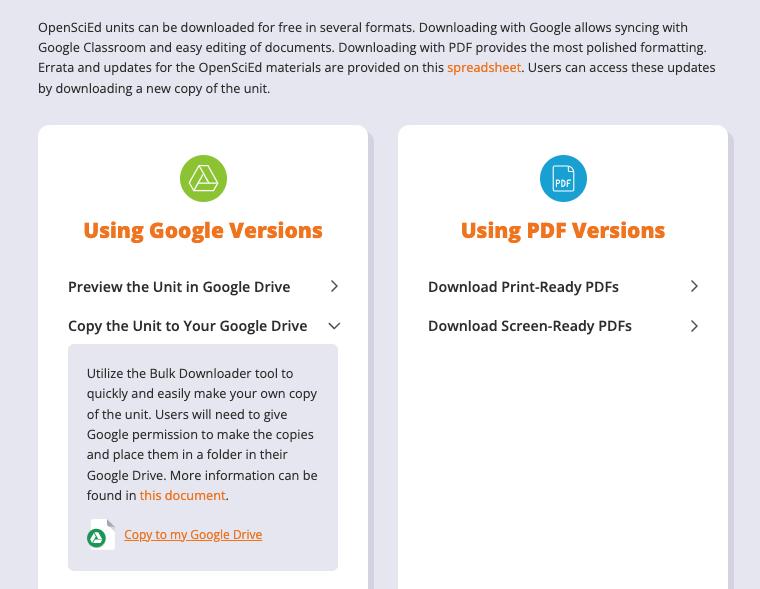
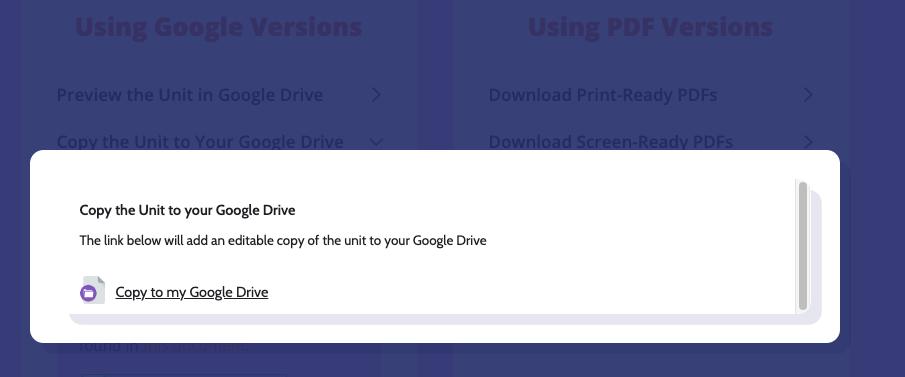
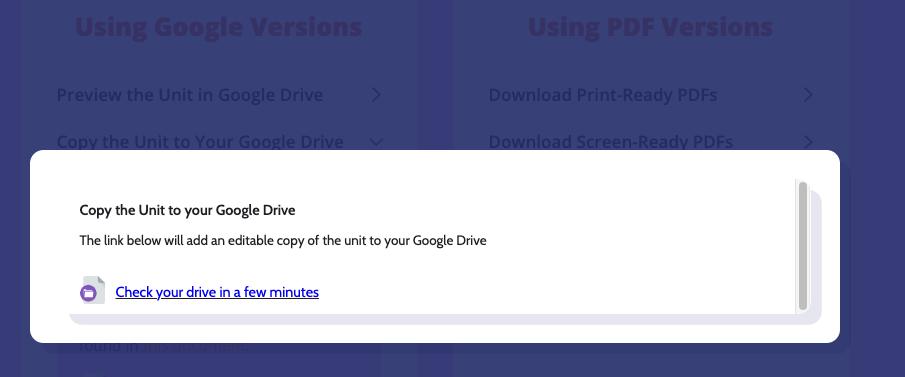
Step 2: Click on “Copy to my Google Drive”
Clicking on this link will begin the process described below If Step 3 doesn’t begin, you may need to check and make sure that your popup windows aren’t being blocked
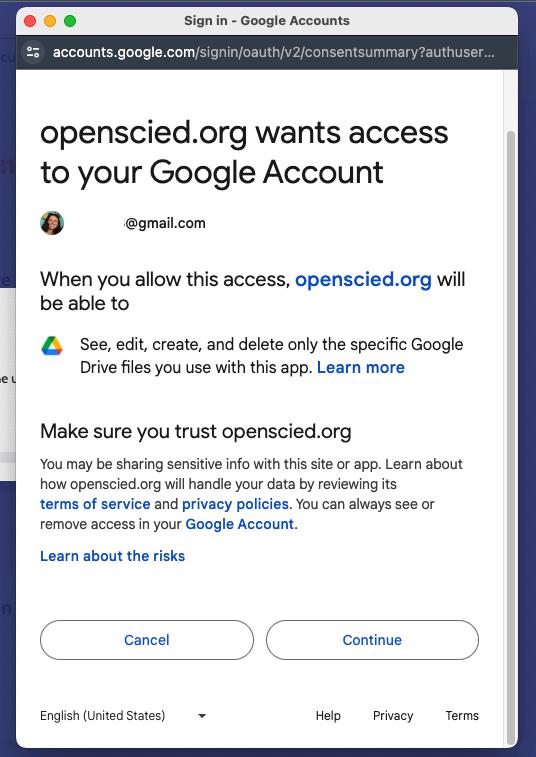
Step 3: When prompted, sign in with your Google account with your email and password or select the account you would like to use if already signed in.
The copy will be placed in the Drive owned by the account you put in at this point.
Step 4: Grant OpenSciEd’s Bulk Downloader permission to see and download all your Google Drive files.
This step sounds scary Know that this is not information that OpenSciEd sees or stores; it is information that the application uses to install the unit’s folder structure and files If you are uncomfortable, you can always access our view-only version of the unit and make your own copies


Step 5: Wait
The Bulk Downloader can take between 5-30 minutes to fully copy all of the folders and files for the unit
The lessons that start with the number 1 will be copied first (1, 10, 11, 12, etc), followed by the rest of the lessons
Step 6: Go to your Google Drive to find your very own copy. Enjoy!
The Bulk Downloader will have made a folder structure as follows in your Drive
● OpenSciEd Bulk Downloader Output ○ Grade-[ ] ■ Unit Name


For more information about the Bulk Downloader, visit our website.
Problem-Solving
All Files .DOCX If your Bulk Uploader is adding DOCX documents instead of Google Doc versions, one solution is to adjust the settings in your Drive Open a Drive window and select the gear in the top right of the screen Then select “Settings” Scroll half-way down the settings page and click the box under “Uploads” that says “Convert uploads to Google Docs editor

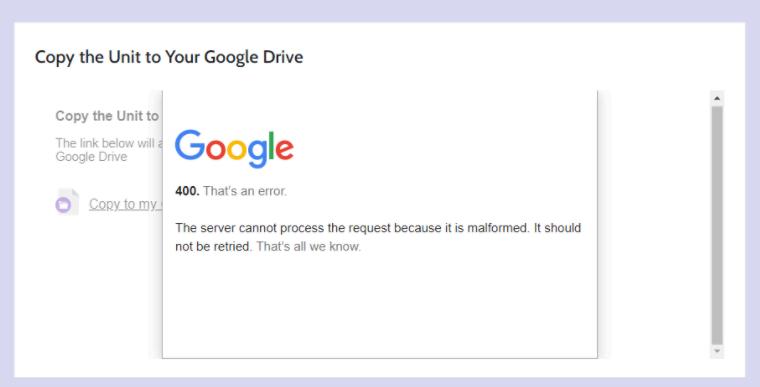
Error 400
If you see this error while making a copy of the unit, ensure you have agreed to all the access requests the app asks for The Bulk Downloader will only work if everything has been agreed to If you are uncomfortable with giving permission, you can always manually copy the view-only version of the unit or download the PDF version of the unit.