• Dual Credit Student Guidelines
• Northwest Network Account Login Information
• Payment Center Basics
• Northwest Laptop Check-Out Procedures
• Contact Northwest
• Dual Credit Student Guidelines
• Northwest Network Account Login Information
• Payment Center Basics
• Northwest Laptop Check-Out Procedures
• Contact Northwest
Congratulations! We are happy to have you as a Bearcat! We are confident that you will find your Dual Credit experience both challenging and fulfilling. Dual Credit is designed for high school students to get a jumpstart on their college degree by completing college courses at a significantly discounted rate.
Dual Credit students at Northwest are entitled to specific benefits:
■ Earning college credit while still in high school
■ A discounted tuition rate
■ Access to your course instructor during regular classroom hours and instructor office hours
■ Access to student and academic support
■ Access to Northwest Online learning management system
■ Access to a Northwest email account
■ Textbooks and laptop provided at no additional cost
■ A Bearcat Card* that gives you access to the library, athletic events, performing arts and other activities
■ Access to your online degree audit, showing how your Dual Credit classes will apply to a degree at Northwest
*You may obtain your Bearcat Card by visiting the I.D. Office on Northwest’s campus, on the second floor of the J.W. Jones Student Union.
As a Dual Credit student, you are required to follow the same policies and guidelines as traditional students. The number of credit hours you are eligible to enroll in each semester may not exceed 18 academic credit hours. For additional information about student conduct policies such as academic integrity, consequences of plagiarism and academic dishonesty, visit nwmissouri.edu/studentaffairs
Grades and credit hours are recorded on your Northwest transcript and included in your cumulative GPA. Grades are assigned on an A, B, C, D or F scale. No pluses or minuses will be assigned. Please refer to the specific course syllabus for grading standards. Upon completion of your course, you will utilize Parchment to send your transcript. Printed and electronic transcripts can be requested online through parchment.com. For students enrolling at Northwest after high school graduation, Northwest agrees to apply Dual Credit courses to any baccalaureate degree or certificate program.
Northwest will not limit the number of Dual Credit courses accepted in transfer from any Missouri higher education institution. This Dual Credit transfer policy is consistent with Northwest’s articulated transfer agreements with other institutions.
Drop: if a student is taking multiple courses at Northwest and they want to leave one of the courses, they would need to initiate a drop.
Withdraw: if a student would like to drop all their courses, or they are only in one course and they would like to leave it, that is considered withdrawing from the University.
A student may drop or withdraw from a semester-long course before the 80% point or until the last day of fall semester finals for yearlong courses. Those dates are available on the Registrar’s website nwmissouri.edu/registrar/calendar.htm. In the event of an on-time withdrawal, all tuition charges will be removed except for a $50 processing fee When a student withdraws, a ‘W’ grade will be recorded on the
student’s Northwest transcript for each course. If a student drops a course but remains enrolled in at least one course, the tuition will be removed, and the processing fee will not be assessed.
A change to a student’s high school schedule does not automatically change their status at Northwest.
If a student wants to drop or withdraw, that process begins with the student contacting Dual Credit at dualcr@nwmissouri.edu to retrieve the link to the online form.
If you plan to enroll at Northwest following your high school graduation, you must complete the first-time freshman application. You will be contacted if additional items are needed to process your application. If you have questions about how a Dual Credit course would apply to a degree at Northwest, contact the Student Success Center at studentsuccess@nwmissouri.edu or 660.562.1695 or check your online degree audit. If you plan to enroll at a college other than Northwest following your high school graduation, contact that college to learn its major course requirements, general education course requirements and the transferability of Northwest coursework. Some majors have directed Core 42 education requirements or specific courses that students must take. Students should verify with the college of their choice that the Dual Credit course will fulfill degree requirements.
Your Northwest Network Account is your key to accessing computers and electronic resources at Northwest. This credential is unique to you and is comprised of a username and a password
■ Allows login to Northwest-issued computers
■ Allows access to Northwest-specific online services like Northwest Email, Northwest Online and CatPAWS
■ User name always begins with an “S” for students
Students will typically be given their Northwest Network Account username in their Northwest acceptance letter. Approximately 1 business day after the acceptance letter has been emailed out, a series of
2 emails will be sent to the same email address that the acceptance letter was sent to. The emails will be from noreply@nwmissouri.edu. The first email message will contain the Northwest Network Account username. The second email will contain the initial Northwest Network Account password that is comprised of 25 random characters.
■ Student Example – Northwest Network Account username: s500500
■ Student Example – Northwest email address: s500500@nwmissouri.edu
Note: You can not change your assigned Northwest Network Account username
Visit nwmissouri.edu/login/ to access Northwest’s electronic resources.
Your Northwest email is provided on your class schedule. You will use the same password to access email that you use for Northwest Online and CatPAWS.
Provides access to online courses and supplemental course content for in-person Dual Credit courses.

Access the myNorthwest portal to view internal information and forms.
Enables students to easily request and manage learning accommodations.
CatPAWs provides your student schedule, records, transcripts, and tuition bill. Your login username and password for CatPAWs are the same as your Northwest Online and email.
Access secure electronic forms you have already completed. This includes application and enrollment forms for Dual Credit and student petition forms.
Identify your success network, sign up for appointments, and view services.
Students are able to utilize Self Service Password Reset (SSPR) or contact Northwest Technology Service Center at 660.562.1634 or helpdesk@nwmissouri.edu for assistance.
Schedule a tutoring session with the Student Success Center or Writing Center
The library’s website provides access to materials for currently enrolled students, faculty and staff through the library’s robust catalog and databases. The library provides books, eBooks, documents, and electronic periodicals Through the EBSCOhost platform, eBooks are available with
Visit the Northwest Missouri State University login page using the following link: nwmissouri.edu/login. To log in, you will use your Northwest Network Account (S#) provided on your class schedule and password. Remember, you will receive an email from NoReply@nwmissouri.edu containing your initial password and login instructions. This email was sent to the address you provided on your application. Once you have set your password, you are able to log in to CatPAWS/Payment Center.
• Go to the Bearcat Login page.
• Click the CatPAWS button.
• Click the CatPAWS Login button to login.
User ID: s# (without the @nwmissouri.edu)
Password: Email password
• To view your current charges and payments in real-time:
Click on the Account Summary link in the Account card.
• To make a payment:
Click on the Payment Center link in the Account card
• Click on the Pay Now button.
Read and follow the steps to pay towards your account.
Click here if you need assistance with your initial login.
The IT Help Desk can be reached at 660.562.1634 or by email: helpdesk@nwmissouri.edu
Please include your 919 in all communication for efficient service. For more information, contact the Office of Student Account Services at SAS@nwmissouri.edu or 660.562.1583.
Bill due date: Due in full on this date. Any unpaid balance on the 16th of each month will incur a 1% (12% APR) finance charge.
Bobby Bearcat 800 University Drive
Maryville, MO 64468
This is your student ID and can be used for making payments.
Date the bill was generated. Charges added after this date will be on the next bill.
When mailing check or money order, cut at this line and send the top portion with the payment. Write the student ID on the check memo.
1 2 3
If you owe from a previous balance, it will show here.
Total charges for this bill cycle. Any payments or other credits for this bill cycle.
2
3 Due Date: August 15, 2025
Total charges minus total credits.
5 4
Different departments are responsible for different questions.
your installment amount due in the Payment Center
Term of the charge. Date of charge. Description of charge. Amount of charge. If you had multiple charges on your account, they would each be listed individually. Important comments posted here.
Payment Center Authorization
• Go to the Bearcat Login page.
• Click the CatPAWS button.
• Click the CatPAWS Login button to login.
• User ID: s# (without the @ nwmissouri.edu)
• Password: Email password
• Click on the Payment Center link in the Account card
• On the User Onboarding page, enter the email address of the authorized user.
• Answer questions about the type of access you want to give the authorized user.
The account balance from the last monthly billing statement.
New charges billed and refunds processed during this billing cycle. The account summary shows the total of the amounts detailed.
New payments and credits issued during this billing cycle include personal payments, private scholarships, financial assistance and any other mode of payment. The account summary shows the total of the payments and credits on the bill.
The total amount due on the student’s account for the current billing period.
Students can authorize Payment Center access to parents or third-party individuals. This will allow the parent or third party to view account balances and make payments, with their own access.
AUTHORIZE ONLINE ACCESS TO VIEW STUDENT ACCOUNT AND PAY BILLS
• Go to the Bearcat Login page.
• Click the CatPAWS.
• Click the CatPAWS Login button to login.
■ User ID: s# (without the @nwmissouri.edu)
■ Password: Email password
• Click on the Payment Center link in the Account card
■ On the User Onboarding page, enter the email address of the authorized user.
■ Answer questions about the type of access you want to give the authorized user
This will create an ‘Authorized User’ for the Payment Center. Once the authorization is complete, an email will be sent to the new authorized user with login instructions. The username is the authorized user’s email, and the password will be sent in a separate email.
Important information is included in this area such as important dates, new policy changes, preregistration dates or verification information. Be sure to read this each month.
BEARCAT TIP Your bill will not reflect your payment plan. To view monthly minimum payment:
■ Go to the Bearcat Login page.
■ Click the CatPAWS button.
■ Click the CatPAWS Login button to login.
• User ID: s# (without the @nwmissouri.edu)
• Password: Email password
■ Click on the Payment Center link in the Account card
• If you have not completed the 5 User Onboarding pages, follow instructions to complete.
• Once you see your Student Account information, click on the Payment Plans tab.
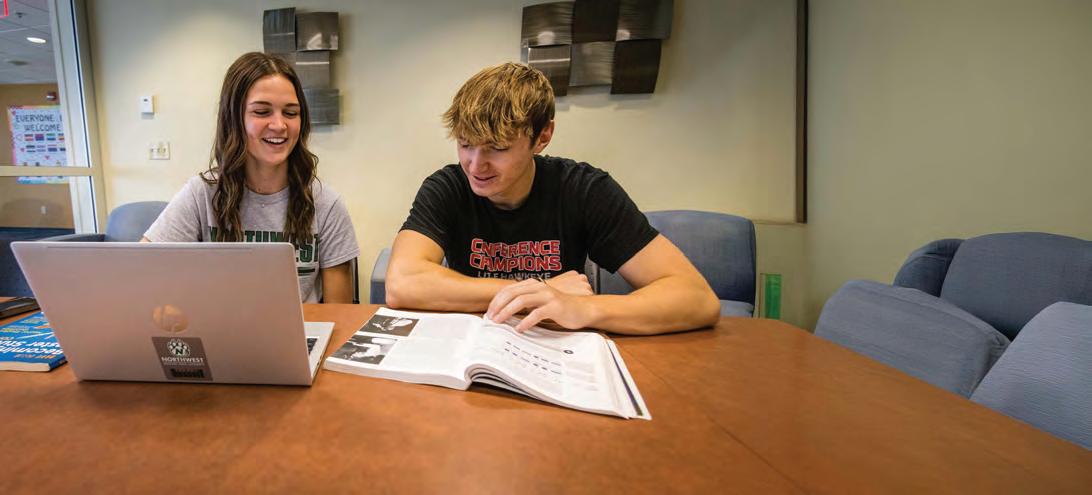
Northwest Missouri State University can check out a laptop to Dual Credit students enrolled for credit. Students must complete the following to receive a laptop:
1. Retrieve Northwest Email Address and Password (see email from NoReply@nwmissouri.edu that was sent to you following your admission; email was sent to the address you provided on your application)
2. Complete Laptop Agreement in CatPAWS
3. Pick up a Bearcat Card
The first two steps above should be completed before your arrival on campus. To sign the laptop contract:
Go to the Bearcat Login page.
• Go to the Bearcat Login page.
• Click the CatPAWS button.
• Click the CatPAWS Login button to login.
■ User ID: s# (without the @nwmissouri.edu)
■ Password: Email password
• Click on Complete Laptop Agreement in the Personal Information card.
Upon arrival to campus, you will retrieve your Bearcat Card by visiting the I.D. Office on the second floor of the J.W. Jones Student Union in the Student Engagement Center. You will need your Student ID number (919#) to obtain your Bearcat Card. Your Student ID can be found on your class schedule. Your Bearcat Card is required for laptop check out.
After retrieving your Bearcat Card, visit the Jon T. Rickman Electronic Campus Support Center to receive your laptop.
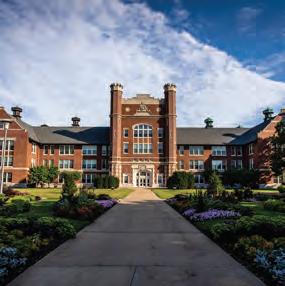
Please feel free to use the campus maps.
NORTHWEST DUAL CREDIT PROGRAM
660.562.1491
dualcr@nwmissouri.edu nwmissouri.edu/dualcredit
Dual Credit program at Northwest Missouri State University is accredited by the National Alliance for Concurrent Enrollment Partnerships.
STUDENT SUCCESS CENTER
660.562.1695
studentsuccess@nwmissouri.edu nwmissouri.edu/studentsuccess/index.htm
REGISTRAR’S OFFICE
660.562.1151
registrar@nwmissouri.edu nwmissouri.edu/registrar/
STUDENT ACCOUNT SERVICES
660.562.1583
sas@nwmissouri.edu nwmissouri.edu/studentaccounts/index.htm
ACCESSIBILITY AND ACCOMMODATIONS
660.562.1639
ada@nwmissouri.edu https://nwmissouri.edu/titleixequity/accessibility/index.htm
OFFICE OF ADMISSIONS
660.562.1148
apply@nwmissouri.edu nwmissouri.edu/admissions/index.htm

660.562.1148
apply@nwmissouri.edu
nwmissouri.edu
nwmostate @nwmostate @nwmostate /nwmissouri
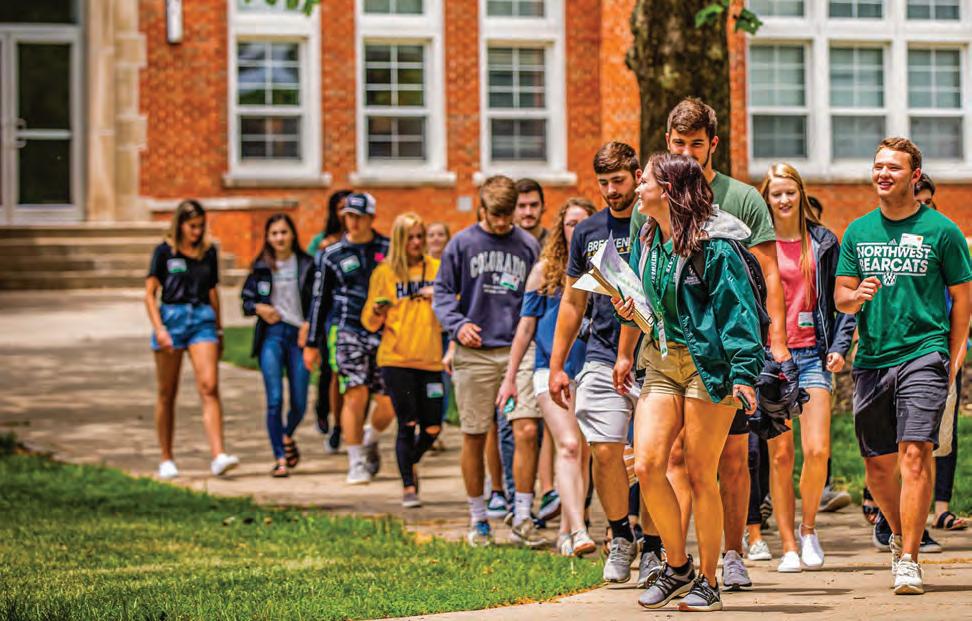
Walking campus tours are offered Monday through Friday and on select weekends. To schedule your campus visit, go