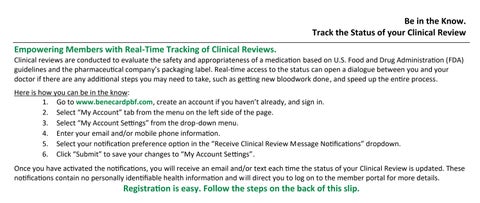
Be in the Know. Track the Status of your Clinical Review Empowering Members with Real-Time Tracking of Clinical Reviews.
Clinical reviews are conducted to evaluate the safety and appropriateness of a medica�on based on U.S. Food and Drug Administra�on (FDA) guidelines and the pharmaceu�cal company’s packaging label. Real-�me access to the status can open a dialogue between you and your doctor if there are any addi�onal steps you may need to take, such as ge�ng new bloodwork done, and speed up the en�re process. Here is how you can be in the know: 1. Go to www.benecardpbf.com, create an account if you haven’t already, and sign in. 2. Select “My Account” tab from the menu on the le� side of the page. 3. Select “My Account Se�ngs” from the drop-down menu. 4. Enter your email and/or mobile phone informa�on. 5. Select your no�fica�on preference op�on in the “Receive Clinical Review Message No�fica�ons” dropdown. 6. Click “Submit” to save your changes to “My Account Se�ngs”. Once you have ac�vated the no�fica�ons, you will receive an email and/or text each �me the status of your Clinical Review is updated. These no�fica�ons contain no personally iden�fiable health informa�on and will direct you to log on to the member portal for more details.
Registra�on is easy. Follow the steps on the back of this slip.
To Register Online at www.benecardpbf.com: 1. Click on “Members” on the naviga�on toolbar at the top of the website and select “Register Here.” 2. Enter your personal informa�on, including your Rx Group (RxGRP) and Member ID number from your member ID card. 3. Set up your Security Ques�on, Security Answer, User ID, and Password. Be sure to read and agree to the Terms of Use, then click the “Submit” bu�on when finished. 4. To ensure your privacy, an account ac�va�on email will be sent to your email address. Please Note: You will be locked out of your benecardpbf.com account if you try to access it without following the instruc�ons in the email. 5. Open the e-mail from BeneCard and click on the link to ac�vate your account. 6. To complete your registra�on, verify your account by entering your password and security answer, and then select “Submit.” You are now registered!