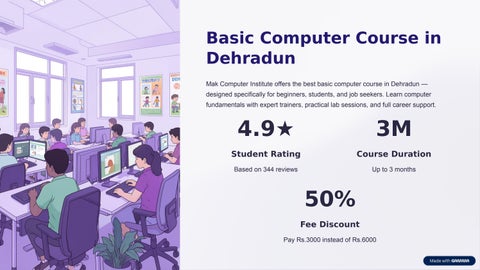
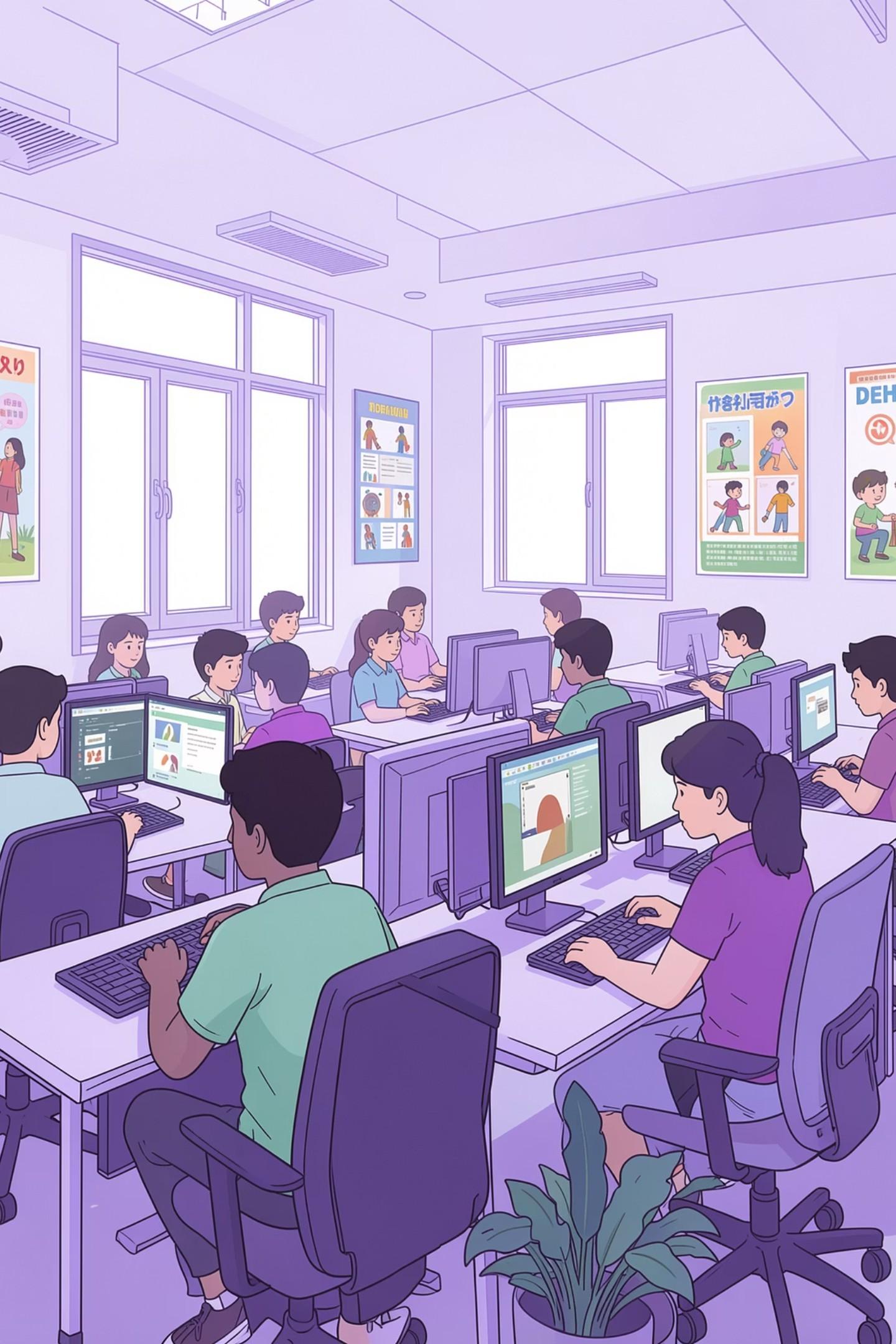
Basic Computer Course in Dehradun
Mak Computer Institute offers the best basic computer course in Dehradun — designed specifically for beginners, students, and job seekers. Learn computer fundamentals with expert trainers, practical lab sessions, and full career support.
4.9★
Student Rating
Based on 344 reviews 3M Course Duration Up to 3 months
50% Fee Discount Pay Rs.3000 instead of Rs.6000

Course Highlights at a Glance
Everything you need to start your computer journey — from flexible timings to bilingual instruction.

3-Month Duration
Short-term, focused learning with daily practice sessions.
Certification
Physical & digital certificate awarded on course completion.
Bilingual Training
Learn in English or
whichever suits you best.
Job Assistance
Interview preparation and career support included.
What You Will Learn
After completing the Basic Computer Course in Dehradun, you will be fully equipped to handle office and daily computer tasks with confidence.

Computer & OS Basics
Introduction to computer hardware, operating systems, and file management.
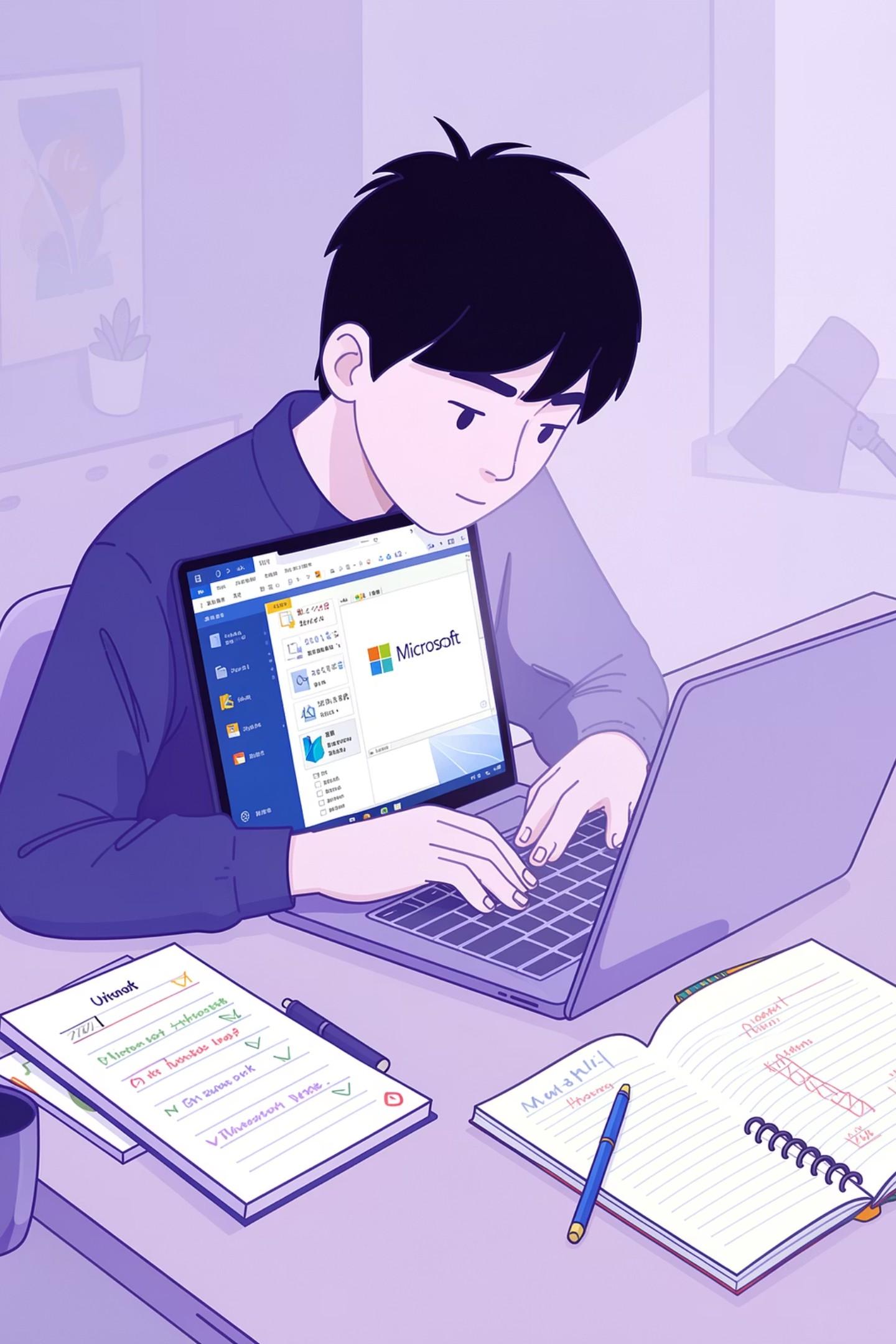
MS Office Suite
Microsoft Word, Excel, and PowerPoint — fully covered with practical assignments.
Internet & Email
Browsing, email management, online forms, and digital services.
Typing & Data Security
Typing skills, speed & accuracy, internet safety, and data protection.
Full Course Syllabus
The curriculum is structured across seven key modules, covering everything from office productivity tools to internet safety and image editing.

MS Office — The Core of the Course
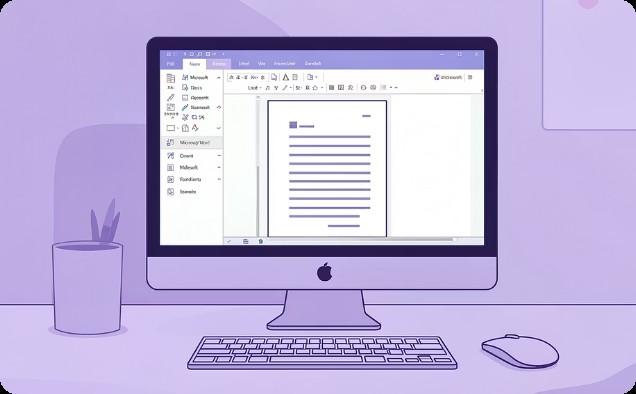
MS Word
Typing, formatting, page layout, tables, images, and printing documents professionally.
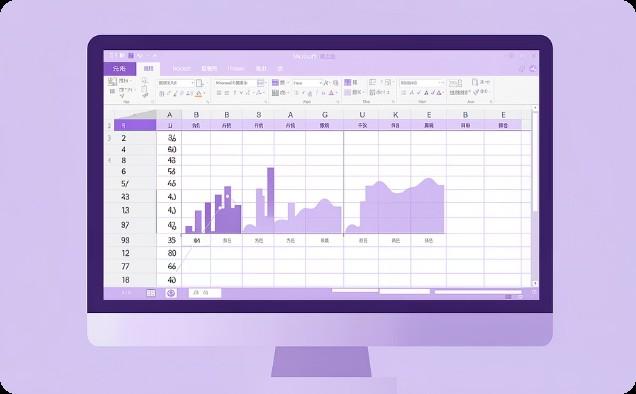
MS Excel Worksheets, formulas, functions, data formatting, charts, and basic calculations.
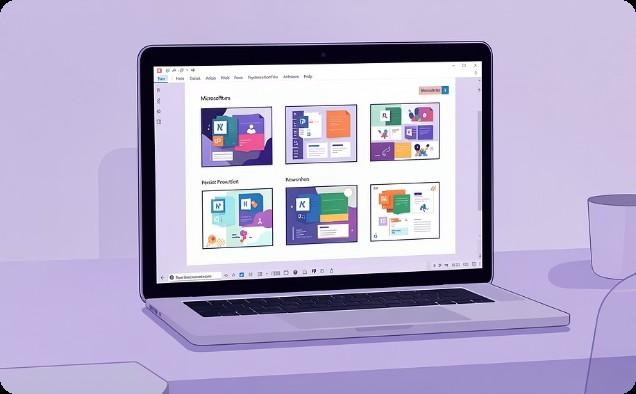
MS PowerPoint Creating slides, adding text & images, animations, and delivering slide shows.
Internet, Email & Digital Skills
Internet Skills
• Browsing & searching the web
• Downloading & uploading files
• Filling online forms
• Internet safety & security
Email & Digital Services
• Creating an email ID
• Sending & receiving emails
• Managing attachments
• Email settings & digital services

Fees & Batch Options
Mak Computer Institute maintains complete transparency in pricing — no hidden charges, with an installment facility available.
Fee Structure
• Current Price: Rs.3,000 (50% off Rs.6,000)
• Installment facility available
• No hidden charges
• High-value practical training included
Batch Details
• Duration: 3 Months or 6 Months
• Weekday batches available
• Online & Offline modes
• Flexible batch timings for all age groups

�� New batches starting Mon 27 Apr onwards — Register now and save Rs.3,000!
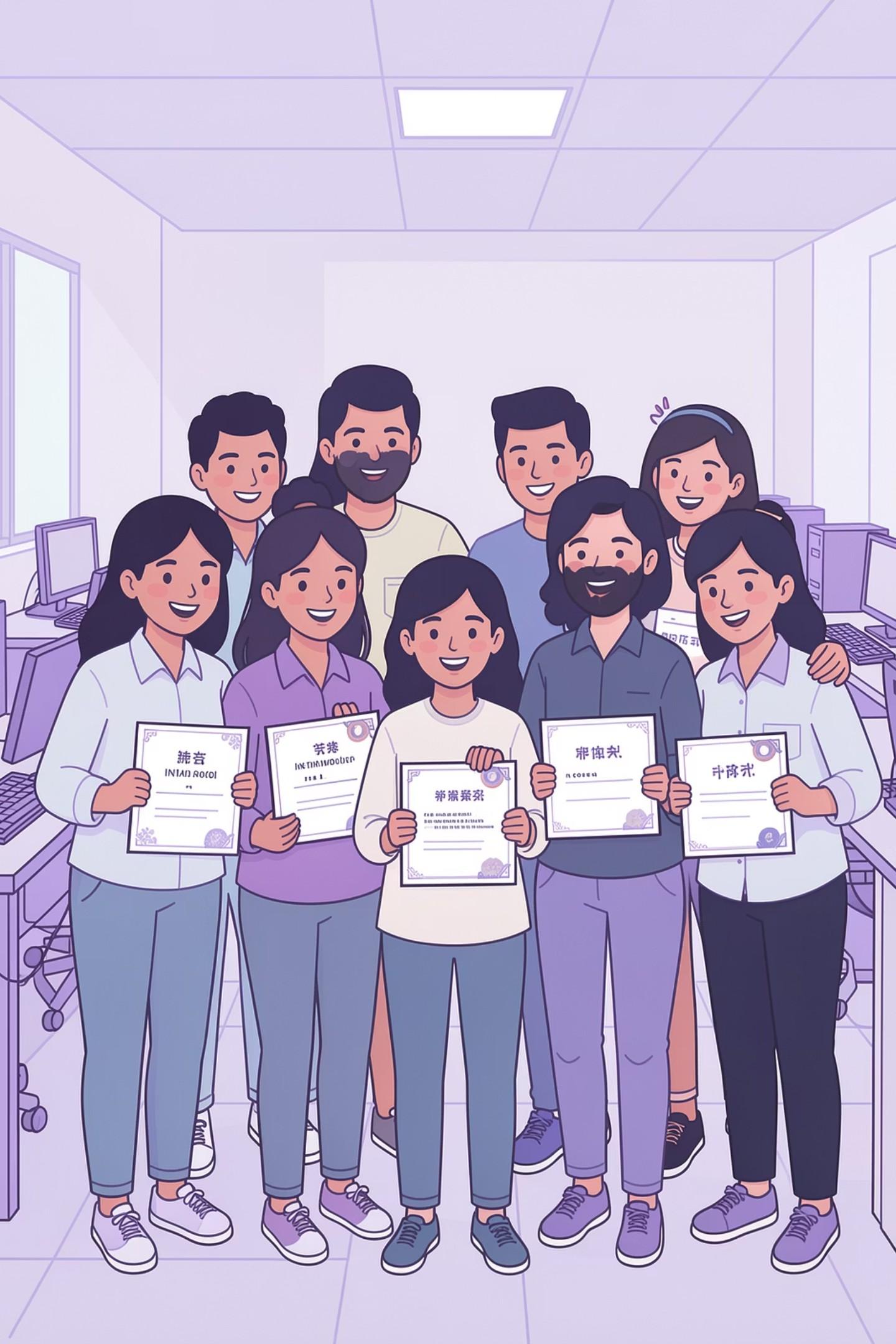
Why Choose Mak Computer Institute?
Beginner-Friendly Curriculum
No prior computer knowledge required. The course starts from absolute basics and progresses gradually.
Practical Lab-Based Training
100% practical sessions with daily practice, live projects, and real-world office skill building.
Industry-Level Expert Trainers
Experienced, bilingual trainers (English &
with industry-level knowledge and teaching expertise.
Career & Interview Support
Interview preparation support to help you land roles like Computer Operator, Data Entry, or Office Assistant.
Career Opportunities After the Course
Once you complete the Basic Computer Course, you are eligible to apply for a range of entry-level office and computer roles.

Data Entry Operator
Enter and manage data accurately using MS
Excel and Word in corporate environments.
Computer Operator
Operate computer systems, manage files, and handle day-to-day digital tasks in offices.
Office / Back Office Assistant
Support office operations with document preparation, email management, and internet tasks.
Frequently Asked Questions
Who
can join this course?
Anyone — students, job seekers, housewives, office workers, and beginners with zero prior computer knowledge.
Is the training practical?
Yes, 100% practical. Daily lab sessions and real assignments ensure hands-on learning throughout.
Will I receive a certificate?
Yes, a physical and digital certificate is awarded upon successful course completion.

Does it include MS Office?
Yes — MS Word, MS Excel, and MS PowerPoint are fully covered as core parts of the curriculum.
�� Book your FREE Demo Class today and experience the training before you enrol. Contact Mak Computer Institute, Dehradun.