HYDRANTS AND ACCESS UNIT o submit plans forWild Fire Projectsto the LAFD Hydrants and Access Unit, T please follow the instructions provided below.
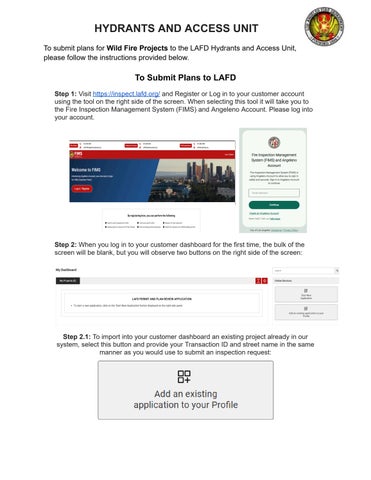
To Submit Plans to LAFD tep 1:Visithttps://inspect.lafd.org/and Registeror Log in to your customer account S using the tool on the right side of the screen. When selecting this tool it will take you to the Fire Inspection Management System (FIMS) and Angeleno Account. Please log into your account.
tep 2:When you log in to your customer dashboardfor the first time, the bulk of the S screen will be blank, but you will observe two buttons on the right side of the screen:
tep 2.1:To import into your customer dashboard anexisting project already in our S system, select this button and provide your Transaction ID and street name in the same manner as you would use to submit an inspection request: