
The product message, guidance, and resources for Yeastar channel partners
Date: Nov 25, 2025


Selling a new solution is no easy task.
This playbook provides you with insights and resources to understand Yeastar product positioning, optimize your customer outreach, continue customer conversation, and drive profitability.
The material is meant to be straightforward and centers on the marketing and sales of Yeastar P-Series Phone System to your SMB and enterprise customers.


Sales Marketing Brand Manager
This playbook will be updated regularly. Be sure to bookmark and check for updates. Check now →

The value positioning, key selling points, buyer journey, and resources to accelerate the pipelines.
Before start selling Yeastar P-Series Phone System, get to know the solution and stay at the forefront of new updates. Here are 5 initial steps to get yourself prepared.

Get to know the product and set up your demo PBX.
Read P-Series value positioning & key selling points. Learn what makes us stand out and tailor your sales pitches.
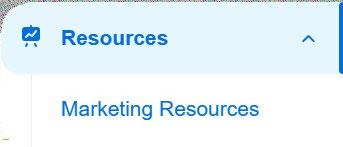


From customer brochures, presentation slides, battlecards to case studies and video playlist, download your sales resources at Partner Portal > Resources.
Copy and save your unique P-Series Free Trial Referral link. It's used to autocreate free trial PBX (P-Series Cloud/Software) for your leads.
Stay updated with Yeastar new features and optimization that will help your sales. Follow Yeastar social media or subscribe to Yeastar email.


Focusing on delivering "easy-first unified communications", Yeastar P-Series Phone System is an easy-to-use, easy-to-manage, easy-to-integrate, and easy-to-adopt solution that offers companies of all sizes with a complete package for calls, video, messaging, and integrations, out of the box.
With simple user apps, inbuilt visual call management, integrated video conferencing, advanced contact center features, and ready-made CRMs, WhatsApp, SMS, Microsoft Teams, and more platform integrations, Yeastar P-Series connects dispersed teams, level up customer experience, streamline IT, and boost efficiency at all levels.

Primary Message
Establish Yeastar P-Series as uniquely positioned to deliver easyfirst unified communications at lower costs.
Business Value & Impact
For Business Owners
• Future-proof business with UCaaS + CCaaS in one platform
• Omnichannel communications to boost customer engagement and sales
• Slash telco costs and streamline duplicative services to one bill
For Employees
• One simple app for all call, meet, message anywhere, on any device

PBX | Call Center | Live Chat | Omnichannel Messaging | Lite Video Meeting | 3rd-party Integrations | AI-Powered
• Work more efficiently with integrations & automation
For IT and System Admins
• Simplify setup, admin, and IT management
• Protect, control and manage access easily
• Maximize uptime in case of unforeseen events
Customers will request features based on what they know, however as a Yeastar partner you can advise them on topics and Yeastar advantages they could have missed.
> Improve Employee Efficiency
From must-have to nice-to-have, Yeastar includes 100+ enterprise-level features as standard.

Linkus U C Cli ents
Industry-leading apps for iOS, Android, Windows, macOS, and web browsers. Keep your team connected and using the office number anywhere, on any devices with one app for all: call, chat, message, meet, and more.

Handle company-wide call reception more efficiently than ever. See all inbound/ outbound call activities in one screen, dragand-drop to route calls, and many more.
Suggested Sales Assets
• P-Series Phone System: Web Page | Customer Brochure
(Download the editable version in the Partner Portal > Resources) | Datasheet | Product Video in English, Español, Français, Italiano, Deutsch
• Linkus UC Clients: Web Page | Brochure | Solution Video | Beginner Guide

Free embedded calling app for Teams. Click to call, check voicemails, and find contacts right within Teams. Bring enterprise calling to Teams and avoid expensive Teams Phone license.

Add AI-powered voice transcription minutes to your PBX. Enjoy features like voicemail transcription, real-time call transcription & summary, and more.
• Call Operator Panel: Blog | Video
• Teams Integration Solution: Web Page | Brochure | Video
• AI Transcription: Video






From call center to omnichannel, enjoy all with no extra cost or admin.
Engage with customers proactively and handle both inbound and outbound interactions with a complete call center solution.
Add live chat to your website. Supporting both chat & call, pre-chat form, custom styling, etc.




From live chat to SMS, WhatsApp, and Facebook, manage all your messages in one single inbox.
Send and receive SMS text messaging for notifications, promotions, etc. Easily reach customers via bulk messaging campaign.
Pull customer information ahead of call and chat & automating the call logging.
• Call Center Solution: Inbound | Outbound Brochure | Video
• Omnichannel Messaging: Web Page | Video
• CRM Integration: Web Page | Video | Integration Demo Video for Zoho | Zoho (PhoneBridge Integation) | Salesforce | Hubspot | Bitrix24 | Odoo | Zendesk | Microsoft Dynamics 365

Work on the go with the best iOS, Android, Windows, MacOS, and Web apps in the market.

Allow employees to hot desk anywhere.
Inbuilt remote access service to avoid risky, complex port forwarding.
No extra costs on advanced features.
Re-use existing hardware and make huge savings (freedom on choosing SIP trunks and peripheral hardware).
Streamline duplicative services to one bill.
Greater return on investment.
>
Open-standard, intuitive PBX. No vendor-locked-in.
Point-and-click configuration. No special training is required.
Control and manage users easily: User roles and permissions, identity management through Microsoft Azure AD & Active Directory, Google SSO, Red
Hat SSO integration, etc.
Inbuilt multi-layer secuirty. All in control.
Automate call handling with Call Flow Designer.
A visual CDR timeline for complete oversight.

Yeastar's over 100 R&D experts push new features & optimization almost every quarter, keeping you always at the forefront.
Global ecosystem: Open APIs and 100+ ready-made business applications, platforms, and infrastructure integrations
Easy Scalability: Almost unlimited capacity with P-Series Cloud or Software Edition.
For more features & highlights of P-Series Phone System, please refer to the customer brochure here.

Learn the best practices to sales outreach and what resources you can leverage to accelerate customer decisions.
Understanding buyer's journey is crucial to sales success. Below is a general buyer journey with aligned marketing and sales touchpoints to speed up the pipelines. Awareness
Buyer Stage
Sales & Marketing Goal
Looking for solutions to their pain points. Enter the prospect's mindset and drive a call to action.
Learning solutions and build detailed requirements. Identify the prospect's needs and provide information better than that of competitors.
Narrow down options and validate the choice
Provide evidence on being the best fit.
Suggested

Vendor/Reseller Websites/Online Community


& Marketing Follow-ups


While marketing outreach (discover how-tos here) can bring in substantial leads, turning leads into sales requires quality follow-ups. Here are some sales outreach tips to increase your chance to win.


Research the nature of the business as well as the size and number of employees. Take a look on their company website or linkedin profile. Consider how they’re likely to use their phone system, what features will appeal to their sector, and what challenges and goals they are likely to have. If you've helped similar clients in the past, use them as reference or download some relevant case studies* we have for you.


Based on your research, mention a pain point (or more) in your initial conversation and highlight the selling points that’s mostly likely to benefit their businesses. If you have data on their current provider, read up on their solutions and think about the benefits of Yeastar. You might use our battlecards* as tools. We also provide some sample scripts* to get you started.

Be a social media "influencer" yourself. Send your leads a connection request through LinkedIn, Facebooks, etc. to build a customer network. Post regularly about informative content that customer cares and share your company success stories (i.e. awards, case studies, pictures of new installments, etc. ) to grab attention. If you think of posting Yeastar solutions, ultilize the social media images* we have for you.
*Download these resources on the Partner
Not all leads are the same. Use the following questions to guide your initial conversations with your prospects and uncover their unique needs. A customized sales pitch tailored to the pain points is most likely to convert.

• Why do the customer want a new phone system?

Opening new office

Current system cannot meet the needs
Migrate to modern unified communications
Reduce maintenance costs
Others
• What needs are not being met?
• What issues are users facing?
• What obstacles is the PBX admin facing?
• What are the current costs of calls & maintenance?
• How is this affecting the business overall?
• What is the customer's existing user number, business site number, and growing needs in the next 5 to 10 years?
• Do they need to keep existing phone lines? What are the line types and new trunk requirement?
• Do they need to re-use existing hardware? Any specific device integration requirement?
• What are the percentage of remote workers? Any security concerns towards remote working?
• What customer service channels (call center, live chat, WhatsApp, Facebook, SMS, etc.) & business apps/platforms (CRM, PMS, Microsoft 365, etc.) are used? Any integration potential to help customer streamline workflows and enhance efficiency?
• Do they have high requirement on system uptime?
• How do they measure performance? What features can help with that process?

Asking the pain points before delving into specific product requirement can help you better understand the customer's current situation and identify sales opportunities.
A tailored consultancy centering on "how to solve the issues" also demonstrates your care and build customer loyalty.
Customers may evaluate multiple solutions at the same time. At this stage, use following materials can help prove Yeastar is a better choice and instill customer confidence.


• Yeastar vs 3CX*
• Yeastar vs Bicom Systems *
• Yeastar vs Grandstream*
• Yeastar vs NEC*
• Yeastar vs Panasonic*
• Yeastar vs Sangoma*
Provide relevant or customer case studies by industry, business size, or unique business needs to convince customer on the results.
Find customer stories here
*Download the battlecards and certificates on the Partner Portal > Resources > Sales Tool Kits
Position Yeastar as a industry-leading, trust-worthy brand by showcasing Yeastar's certicates, awards, and recognitions received from renowned organizations.
Awards & Recognitions | Certificates*
Register your projects on the Yeastar Partner Portal and involve in Yeastar resources for special support on pricing, solution building, and more to speed the conversion.
Register project on partner portal

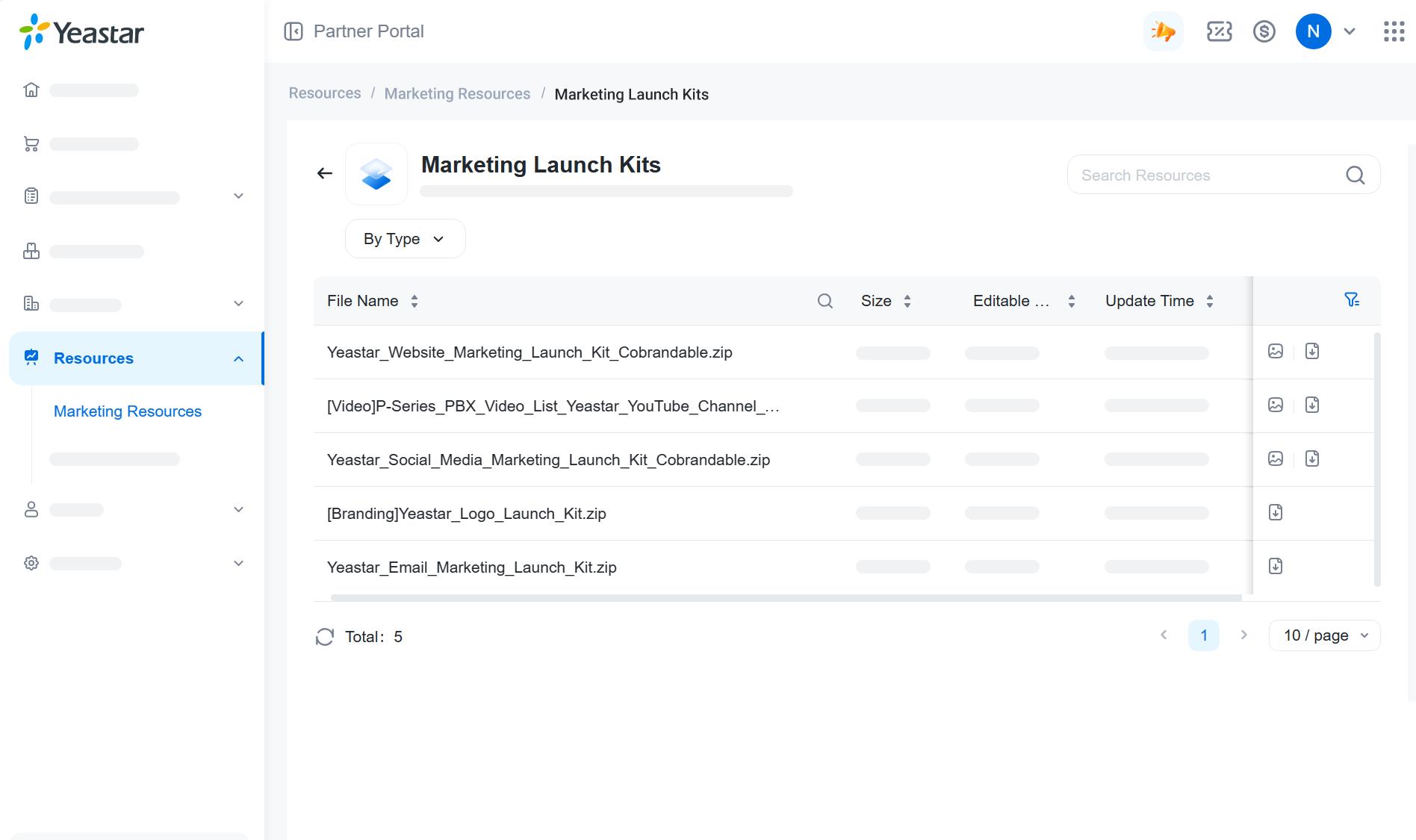
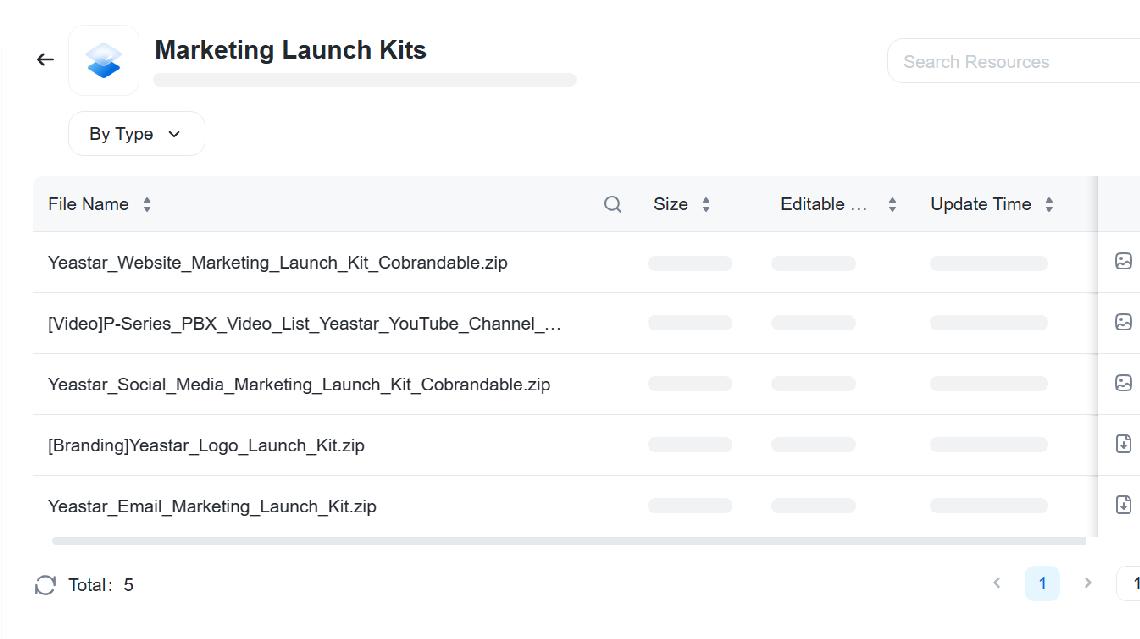
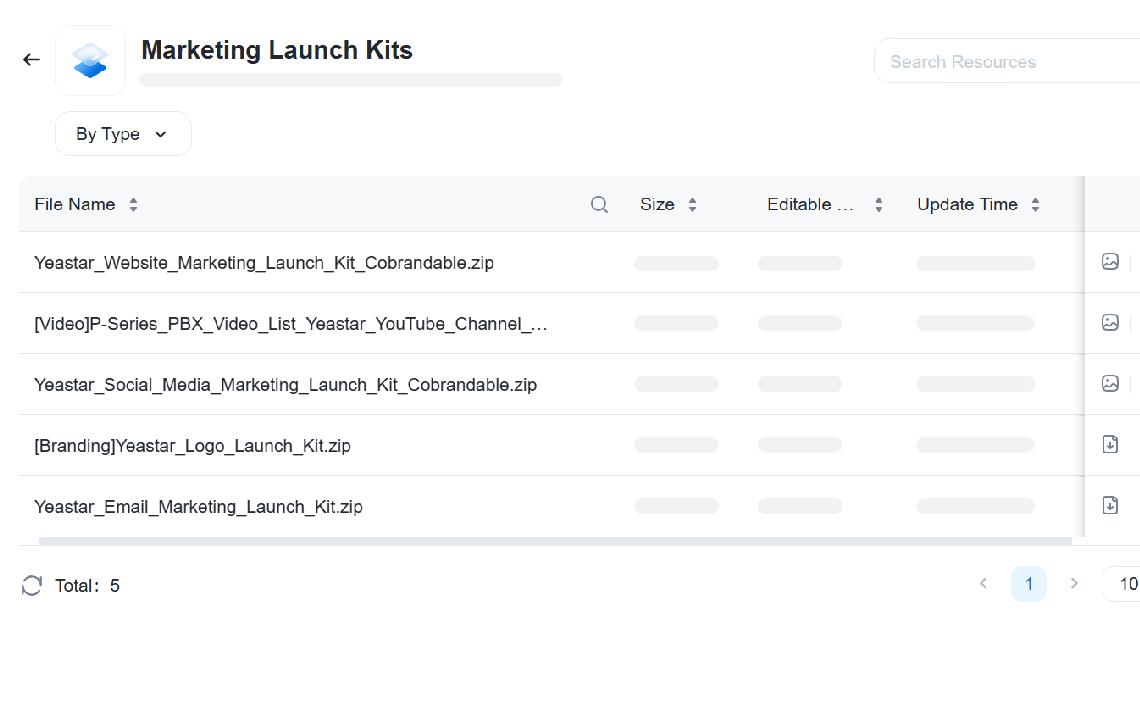
For your easy marketing, Yeastar offers partners with 5 practical marketing launch kits. Download them on Partner Portal and follow the guides on this documents to get started. Downloa d o n Partn e r P orta l > Resou rc e s >
What ' s included:

Website Marketing Launch Kit
Social Marketing Launch Kit

Email Marketing Launch Kit


Logos & Brand Guideline

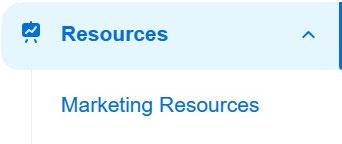
Marketin g Launch Kits
Tips: On the partner portal, you can filter marketing resources by categories, types, products, etc. All resources in the launch kits have editable version, you can add your logo or contact info easily.


Create product pages with provoking content for your potential customers and use web forms to capture their contact info. These contacts are brilliant prospects for sales follow-ups as they were acquired organically. Follow 4-step best practices to get started:

What's included in the kit:
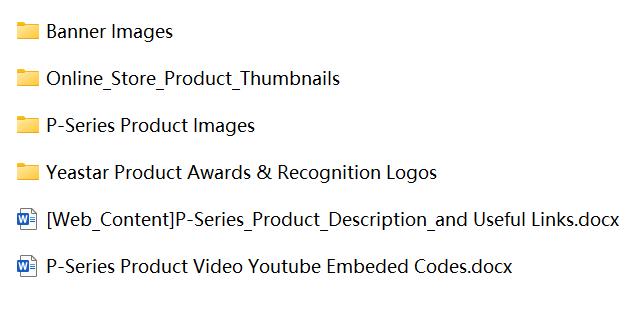
Use Website Marketing Launch Kit to build the product page. In the page, highlight Yeastar P-Series' key selling points, embed product video to grab attention, and build brand trust by listing the images of Yeastar product awards or testimonials from your success customers.
To collects leads, insert a "contact us" web form or a “30-day Free Trial” button (link it to your unique P-Series Free Trial Referral link, which will auto-create free trial P-Series PBXs for your leads upon their application).
Utilize social media, advertising, and other digital tactics to drive traffic to the web page.
Consider optimizing your SEO (customers tend to google first when purchasing a new product). You may use these suggested keywords to better target potential customers:

82% of the world’s population have a social media account so the chances are your target audience is on there somewhere. To expand your outreach in social media, it's recommended to post and share content regularly. Here are some best practices to follow.
Leverage Yeastar's co-brandable social media assets to get started. The launch kit includes sample post copies and images. There are also monthly updates of new social media images on the Image Library category of partner portal marketing resources.

Social Media Launch Kit
Fit-to-all post contents and images for launching and promoting P-Series Phone System.

Editable and cobrandable square size images on products, features, solutions, etc.
Share informative and relevant content, not just ads. Think of it as an opportunity to showcase your expertise. If you don't know that to share, simply follow Yeastar social media channels (Linkedin, Facebook, Twitter, Youtube, etc.), see what contents are fit for your audience, and share or repost them to keep your followers engaged.
Tailored videos for product overview, solution/feature highlights, configurations, etc.
PDFs to show how Yeastar helps customers solve their pain points. Ideal to post on Linkedin.
Follow Yeastar social media:


Downloa d th e m o n Partn e r P orta l > Resources
Take advantage of 4-point email journey Welcome Email, Nuture Email, Offer Email, Follow-up Email to nuture news leads and send to existing contacts. Yeastar offers editable product intro & solution highlight emails to support your marketing campaign.

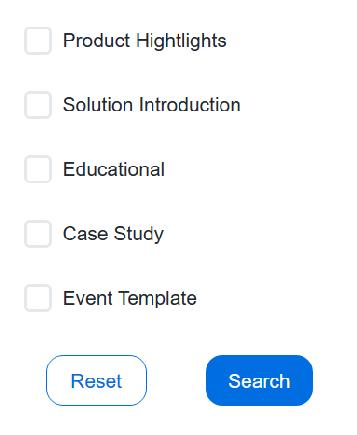
For Product Launch & Introduction:
Yeastar Email Marketing Launch Kit includes 3 email templates to introduce P-Series Phone System to end customers. Partners can use and customize the copies & images included in kit to showcase the advantages of Yeastar P-Series and call for an action.
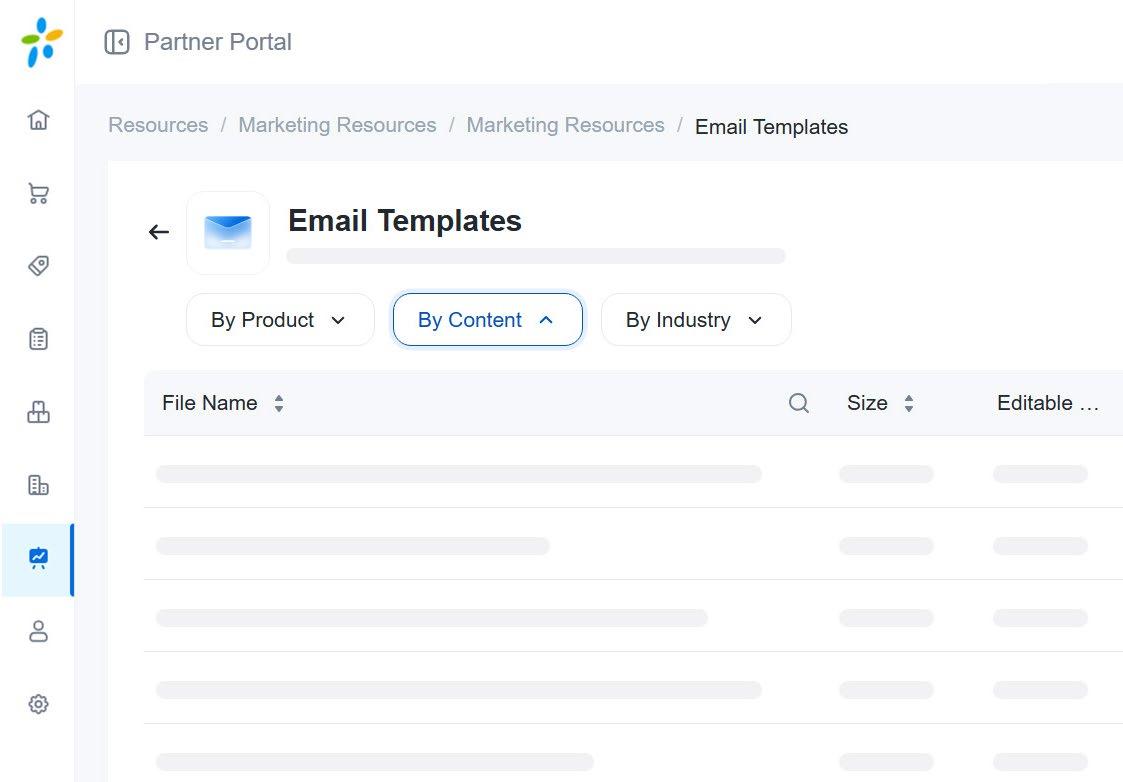
In addition to the launch kit, you can find more email copies in the Email Templates category of the partner portal marketing resources. These copies cover various types of emails that cater to different stages of the buyer journey, including both top-of-funnel Educational email likes "why you should swiching from analog to voip" and middle-of-funnel emails that introduce customer success stories.

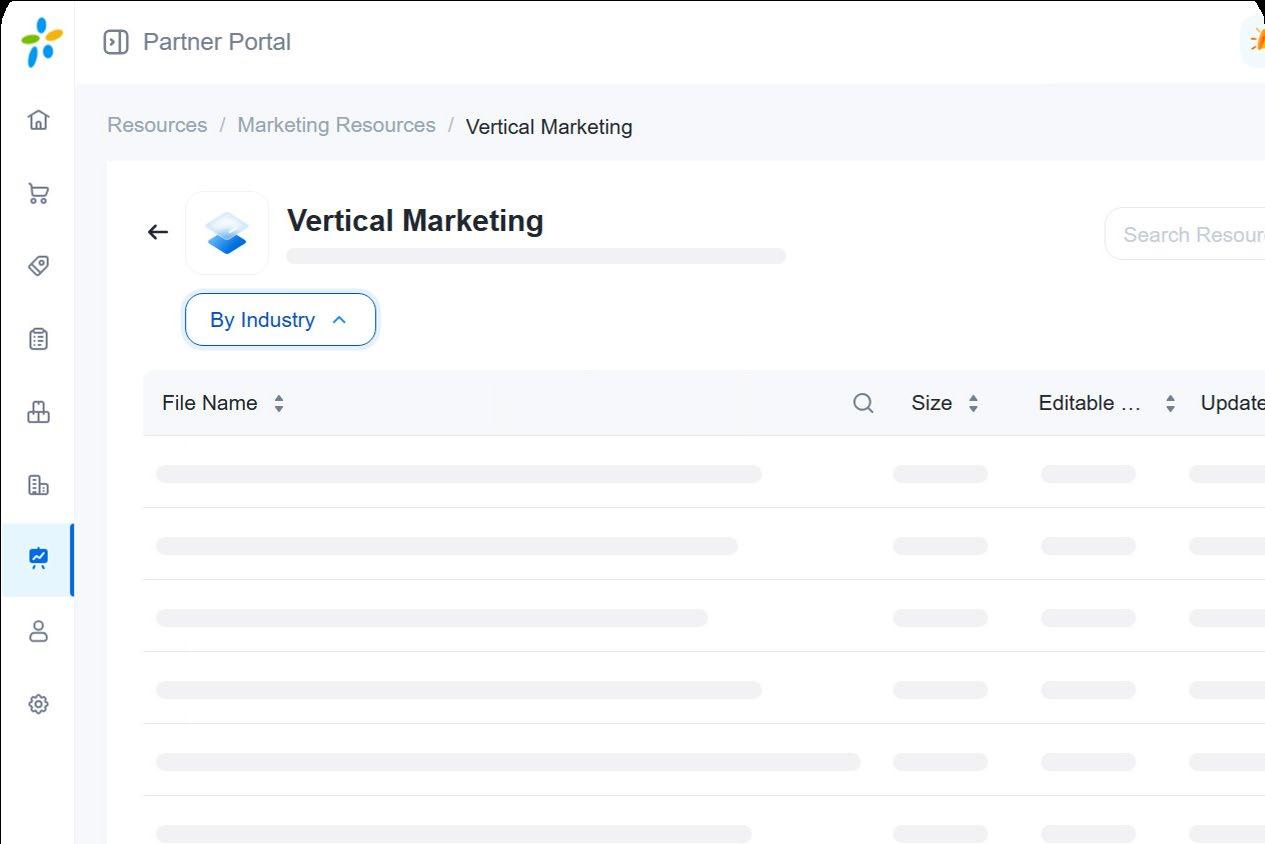
Market and sell Yeastar to specific industries with targeted campaign. Yeastar provides a set of co-brandable vertical marketing resources to help you boost sales, reach targeted verticals, and attract valuable new customers.
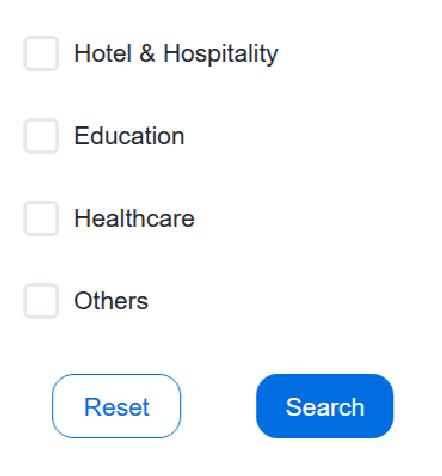
In the Vertical Marketing category of the partner portal marketing resources, you can find and download the following resources for industries like hospitality (hotel), education, healthcare, etc.
Solution Brochure
4-pager brochure tailored for each industry, including solution highlights, features, use cases, general deployment topology, logos of success customers, etc.
Web Banner Images
Social Media Templates
Solution Intro Emails
Case Studies
Download on Partner Portal > Resources > Vertical Marketing


Become a Yeastar expert requires indepth learning. Take Yeastar level-based training courses that cover everything from Yeastar PBX learning and operating to mastering. Use Yeastar document centers for all product user manuals, and join Yeastar Support Portal, where you can have free, open discussion with Yeatar partners worldwide. Join Yeastar Support Portal Visit Yeastar Document Center
Take Yeastar Academy Certification Courses
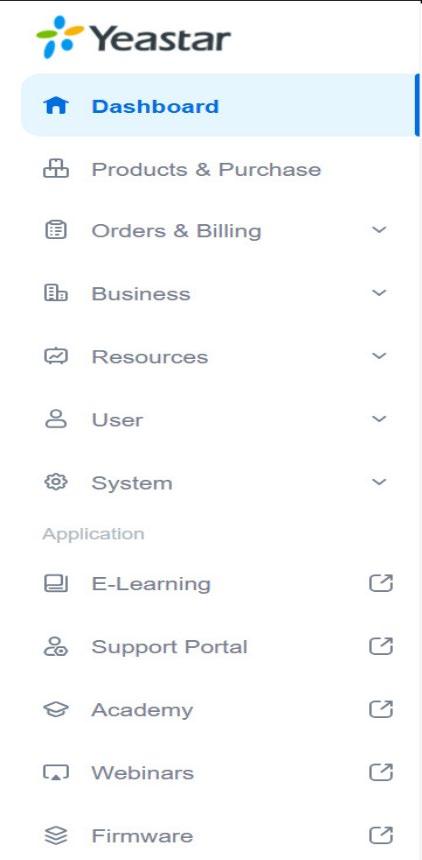
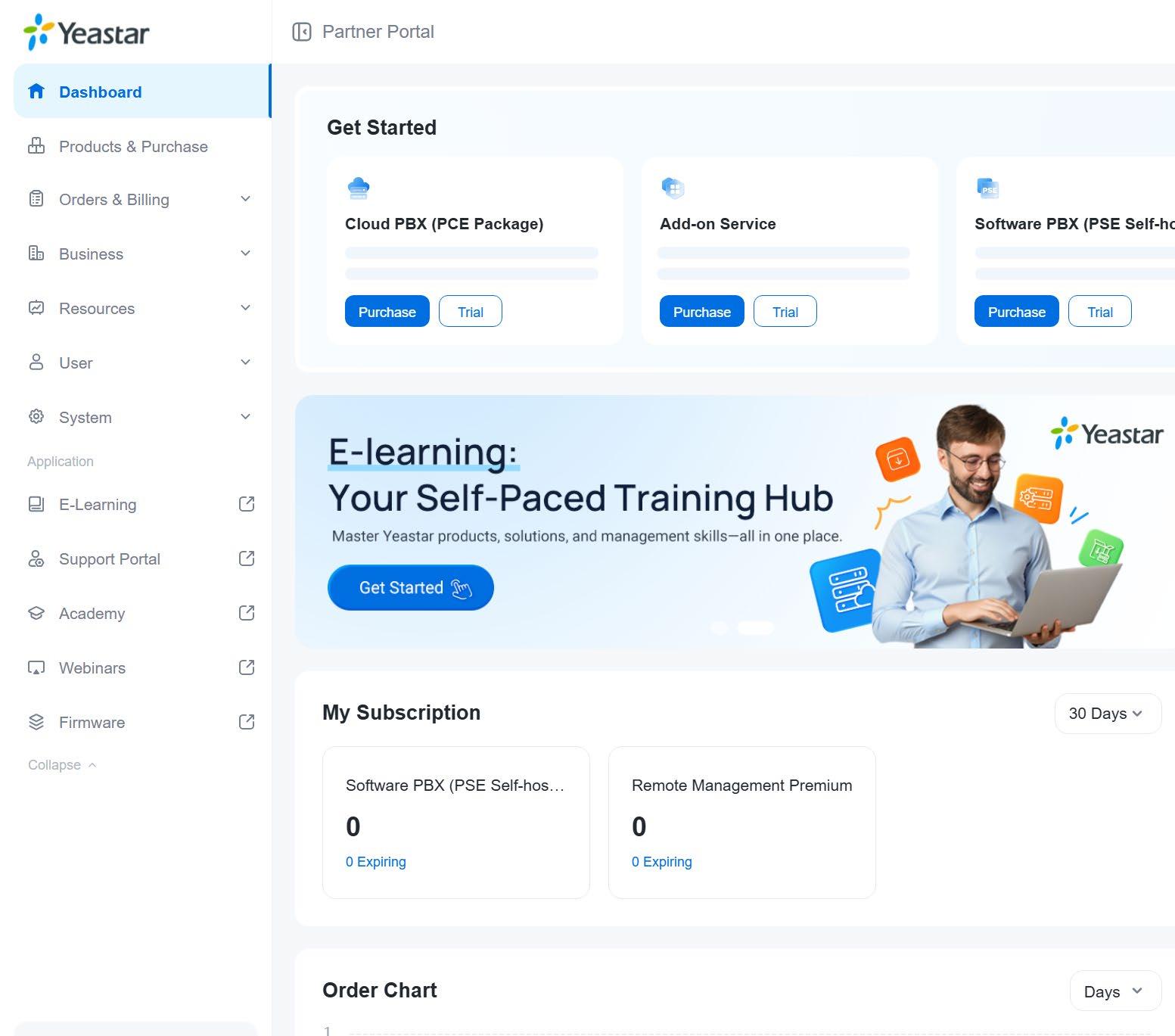
As your ultimate Yeastar business sidekick, the partner portal is a sales, resources, and information hub, where you can try & purchase all Yeastar subscription-based licenses available for your region, access the latest Yeastar resources, and manage everything related:


Try & purchase Yeastar products
Manage subscriptions & licenses
Track real-time license info & status
Register project for additional support
Download marketing resources
Access live chat tech support
Lookup product warranty period
And more


Learn Marke t

• P-Series web page
• P-Series datasheet in English, Français, Deutsch, Italiano, Español, Русский
• P-Series product video in English, Español, Français, Italiano, Deutsch, Русский, แบบ ไทย, Arabic
• Linkus UC Clients solution video
• Yeastar brand video in English, Español, Français, Italiano, Deutsch, Русский, Arabic
• P-Series essential FAQs: document center for Cloud Edition, Software Edition, Appliance Edition
• Linkus UC Clients Beginer's Guide
• Yeastar Academy video courses: learn everything from P-Series deployment to management
• TDM PBX upgrade accelerator kit: learn how to persuade customers to upgrade their legacy PBX
Sell

All marketing resources can be downloaded from the Partner Portal Here's an overview of the key resource categories:
• Marketing Launch Kits: website/social media/email marketing launch kits
• Vertical Marketing: everything about vertical targeted marketing.
• Documents: product catalog, datasheets, solution brochures, ebooks, etc.
• Image Library: product pictures, banners, social media images, email signatures, etc.
• Video Library: product videos, brand videos, and demo videos for events and others.
• Presentation Slides: product and solution presentation slides.
• Case Studies: case study PDF, presentation slides, and emails.
• Email Templates: all kind of marketing email templates.
Visit the Yeastar Partner Portal > Resources to learn more

• Sales Tool Kits: customer brochures, presentation slides, battlecards, etc. (Download on Partner Portal > Resources)
• P-Series document center (technical guides) for Cloud Edition, Software Edition, Appliance Edition
• P-Series customer stories | videos
• P-Series free trial referral link
• P-Series to-customer brochure (download the editable version in the Partner Portal)
• P-Series call center solution brochure
• P-Series Microsoft 365 integration solution brochure
• P-Series solution brochures by industry: hospitality, healthcare, education, general vertical solution brochure
• P-Series cloud edition security feature book
• Videos: P-Series PBX quick start guides
• Videos: P-Series integration how-tos
• Linkus UC Clients Beginer's Guide (quick start guide for mobile client, desktop client, web client) share with customers to help them start using Linkus apps