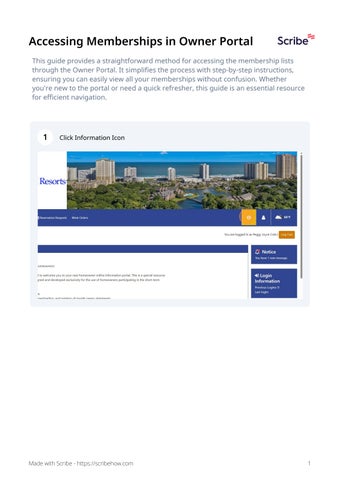
Accessing Memberships in Owner Portal This guide provides a straightforward method for accessing the membership lists through the Owner Portal. It simplifies the process with step-by-step instructions, ensuring you can easily view all your memberships without confusion. Whether you're new to the portal or need a quick refresher, this guide is an essential resource for efficient navigation.
1
Click Information Icon
Made with Scribe - https://scribehow.com
1