


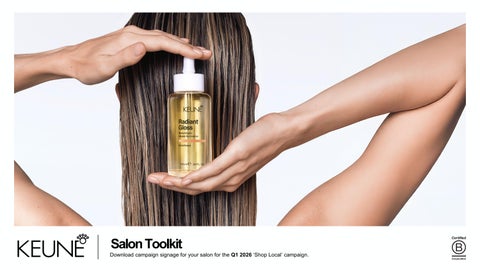
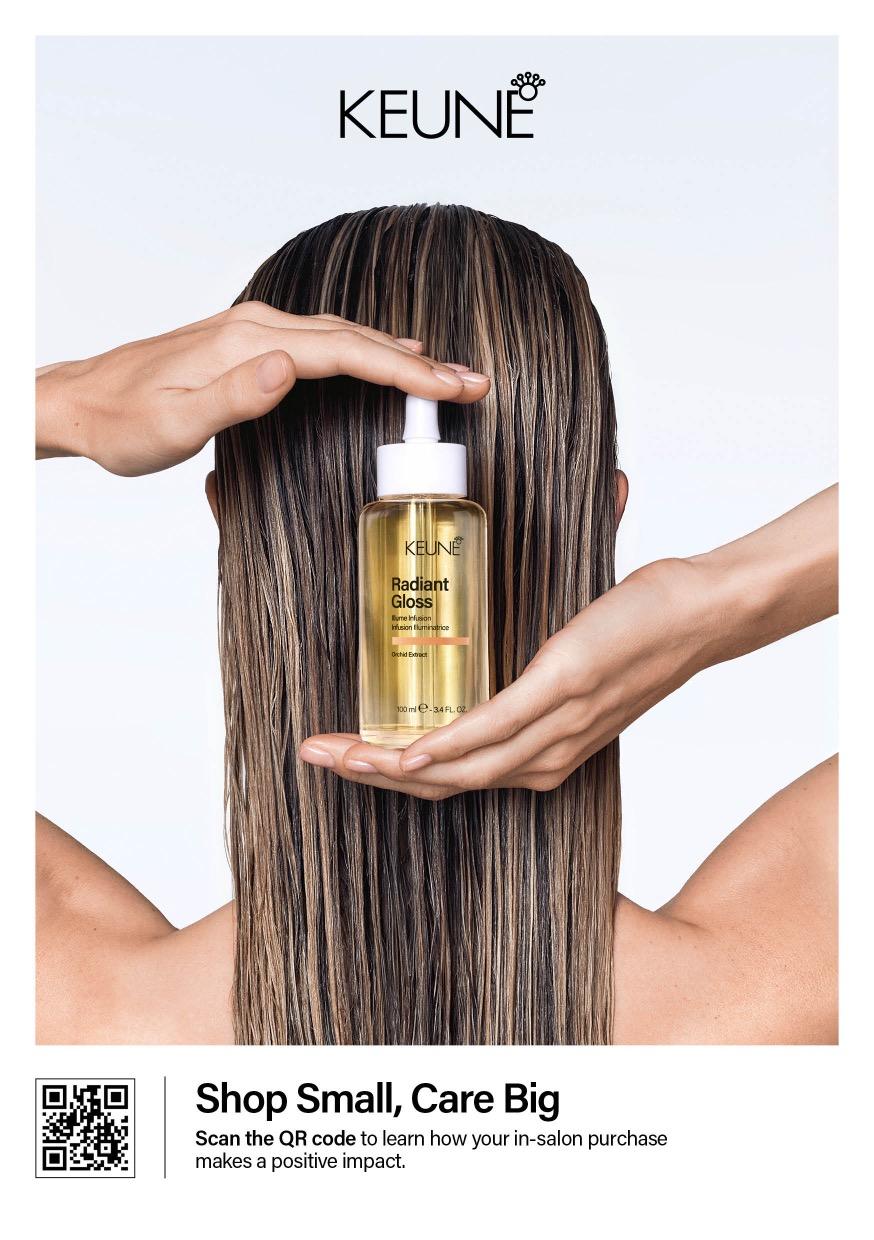
Place this sign at checkout, on product displays, or in other high-traffic areas so clients see the promotion right awayeither as they enter the salon or alongside featured products.
Dimensions: A5
Format: PDF + JPG
Print: See print instructions on last slide
Download Template
QR code linked to this digital document
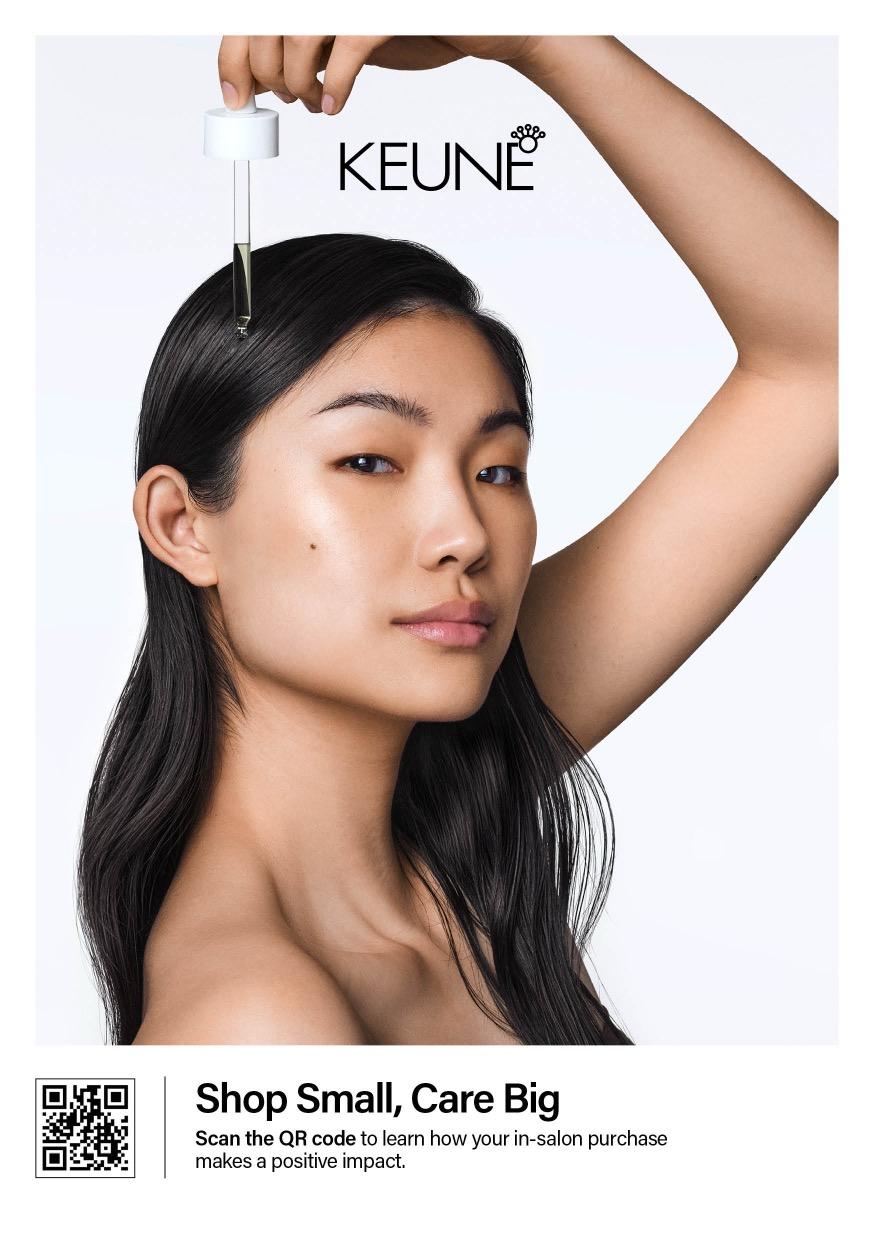
Place this sign at checkout, on product displays, or in other high-traffic areas so clients see the promotion right awayeither as they enter the salon or alongside featured products.
Dimensions: A5
Format: PDF + JPG
Print: See print instructions on last slide
Download Template
QR code linked to this digital document
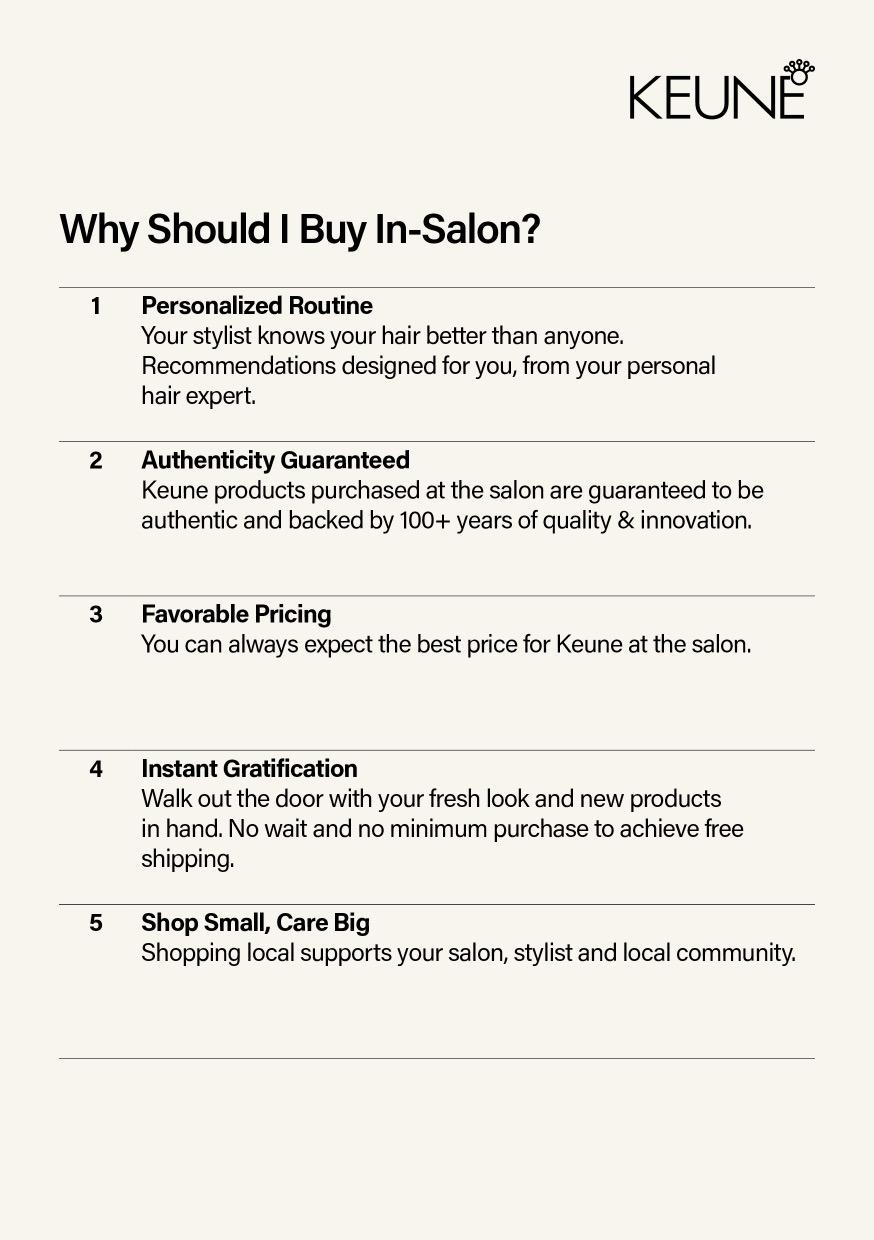
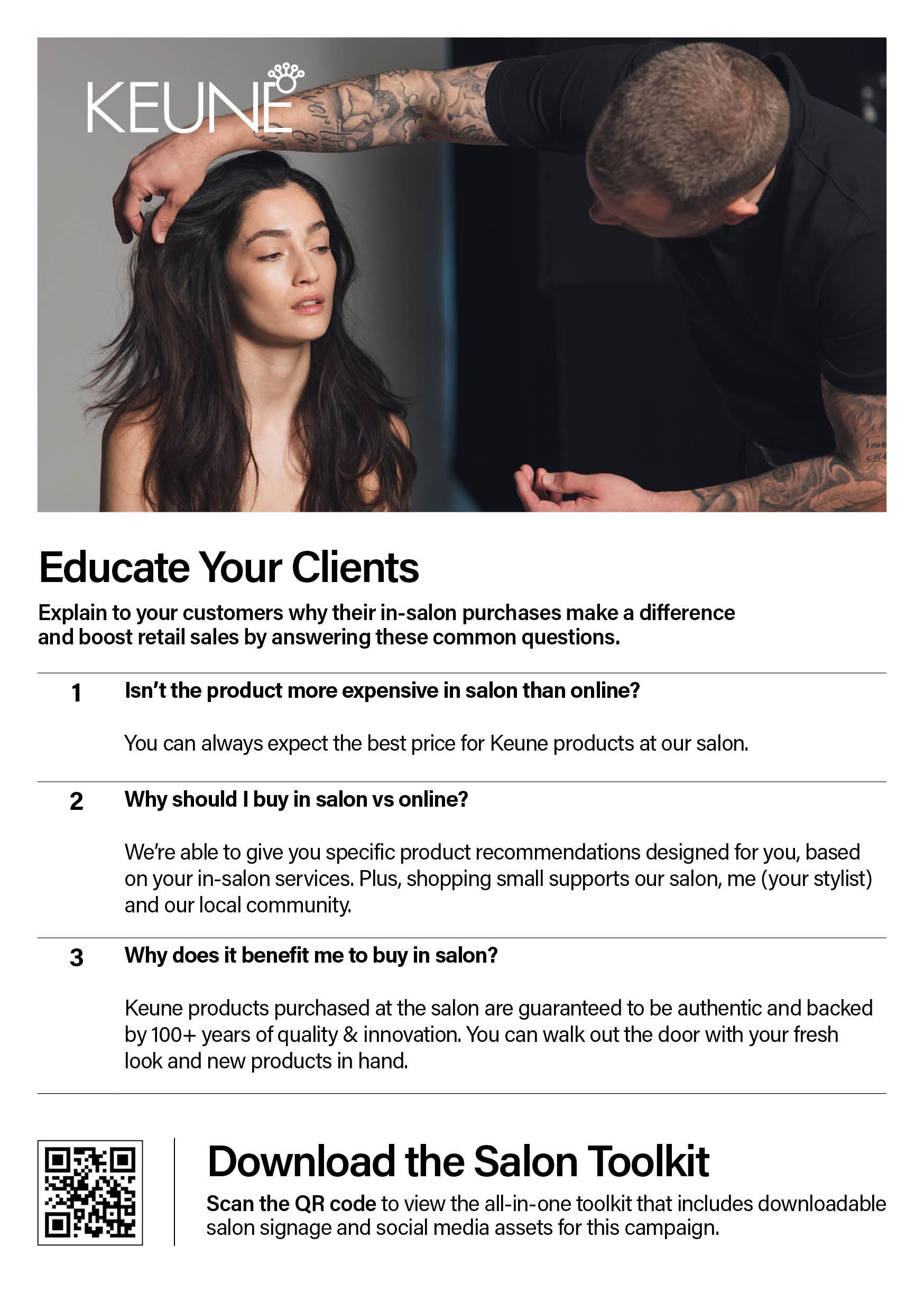
Place this sign at checkout or behind the counter so it’s staff-facing and not directly visible to clients. Use it as a guide for educating clients on why buying in-salon is best and scan the QR code for tips and pointers on how to share this information effectively.
Pro Tip: Print the sign out and place it in your backroom for stylists to utilize!
Dimensions: A5
Format: PDF + JPG
Print: See print instructions on last slide
This digital asset is sized for Instagram and is designed to help you promote consumerfacing retail to your clients.
Slide 1 (Cover Image): Choose one of the two options provided for the first slide of your carousel.
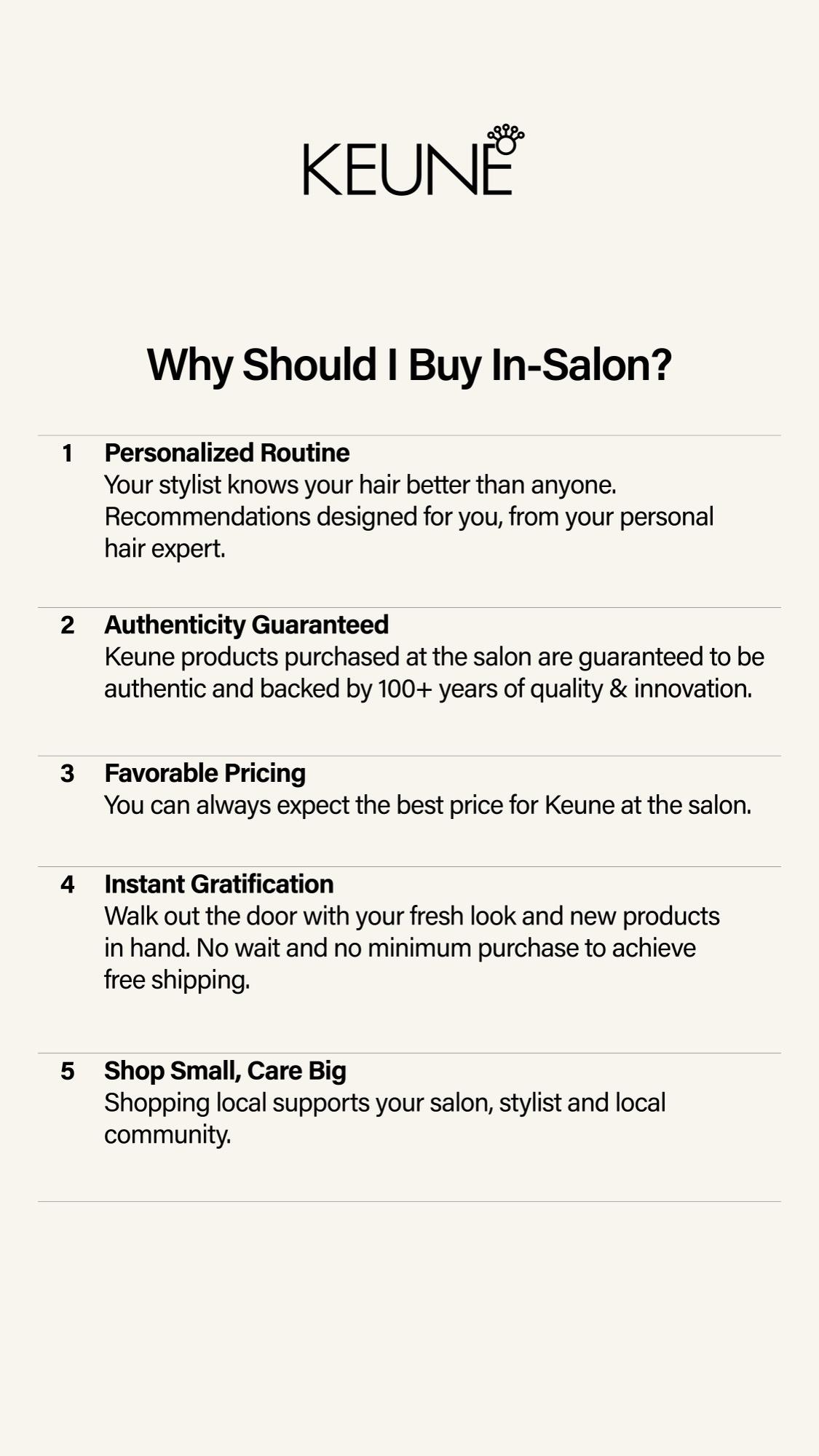
Slide 2 (Info Image): Use the single informational image provided for the second slide.
Dimensions: 4:5 (1080px x 1350px) Format: JPG

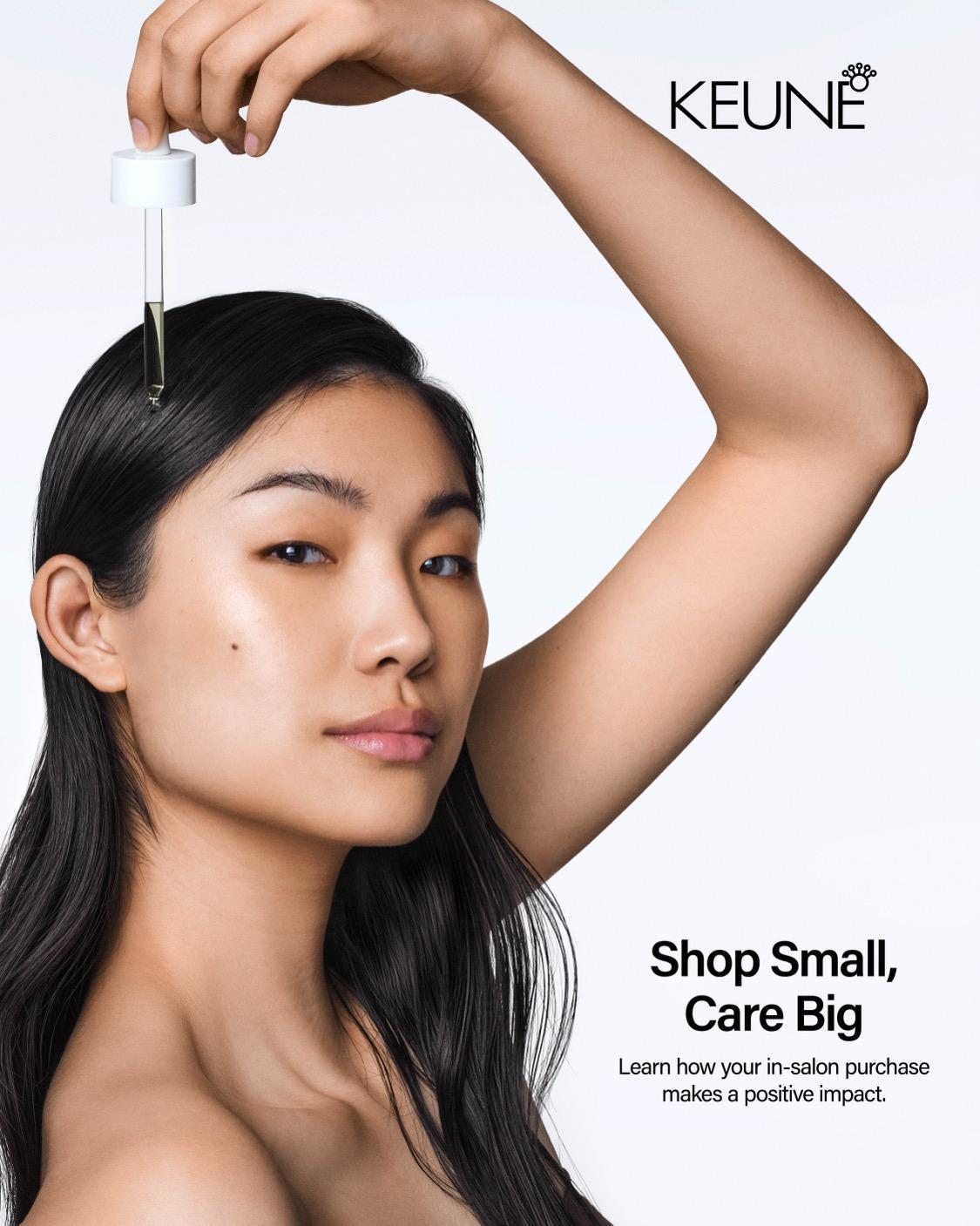
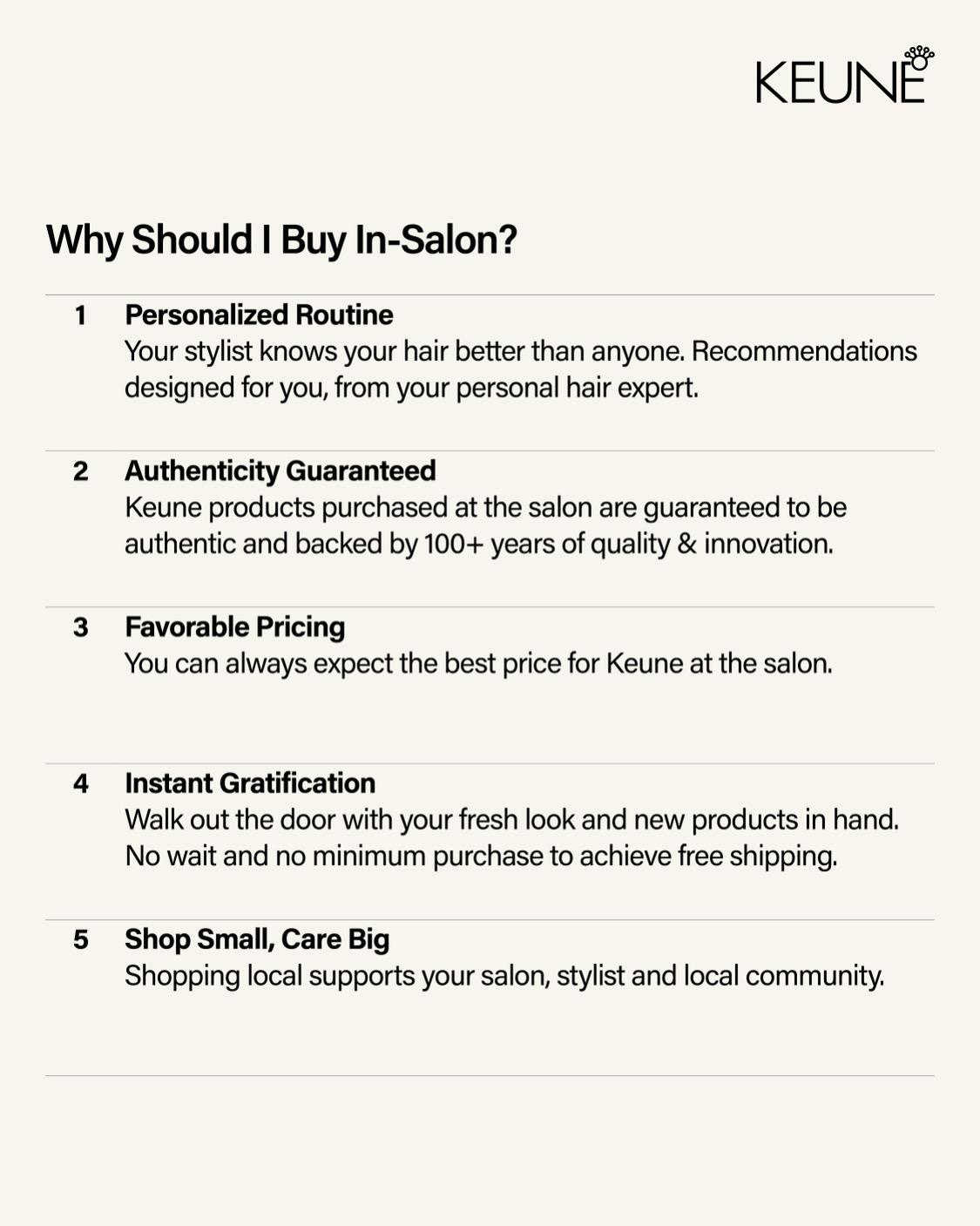
This digital asset is sized for Instagram and is designed to help you promote consumerfacing retail to your clients.
Slide 1 (Cover Image): Choose one of the two options provided for the first slide of your carousel.
Slide 2 (Info Image): Use the single informational image provided for the second slide.
Dimensions: 9:16 (1080px x 1920px)
Format: JPG



Click on the shared link box to “Download Assets”. Once in the asset collection on the Keune Brand Portal, click on the asset needed. Once selected, you will be able to download “additional files” which will include print-ready PDFs or a JPG to share digitally.
All signage is created at a A5 size to fit inside our Keune acrylic display. You can print this on an in-house printer with cardstock paper or send the PDF to your local printer.
Contact us at marketingna@keune.com