Complete Guide to 4G Modem Routers:
What You Must Know
In today’s fast-paced digital world, staying connected to the internet is more important than ever. Whether you're working remotely, streaming your favorite shows, or managing smart devices, having a reliable internet connection is a must. That’s where 4G modem routers come in. These devices are a powerful alternative to traditional wired broadband, offering flexibility, mobility, and surprisingly fast speeds without the need for a physical cable connection.
But what exactly is a 4G modem router? Why is it becoming such a hot topic in tech circles? And is it the right choice for your internet needs? Let’s dive in.
What is a 4G Modem Router?
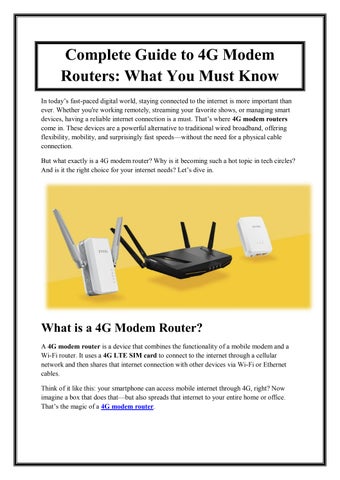
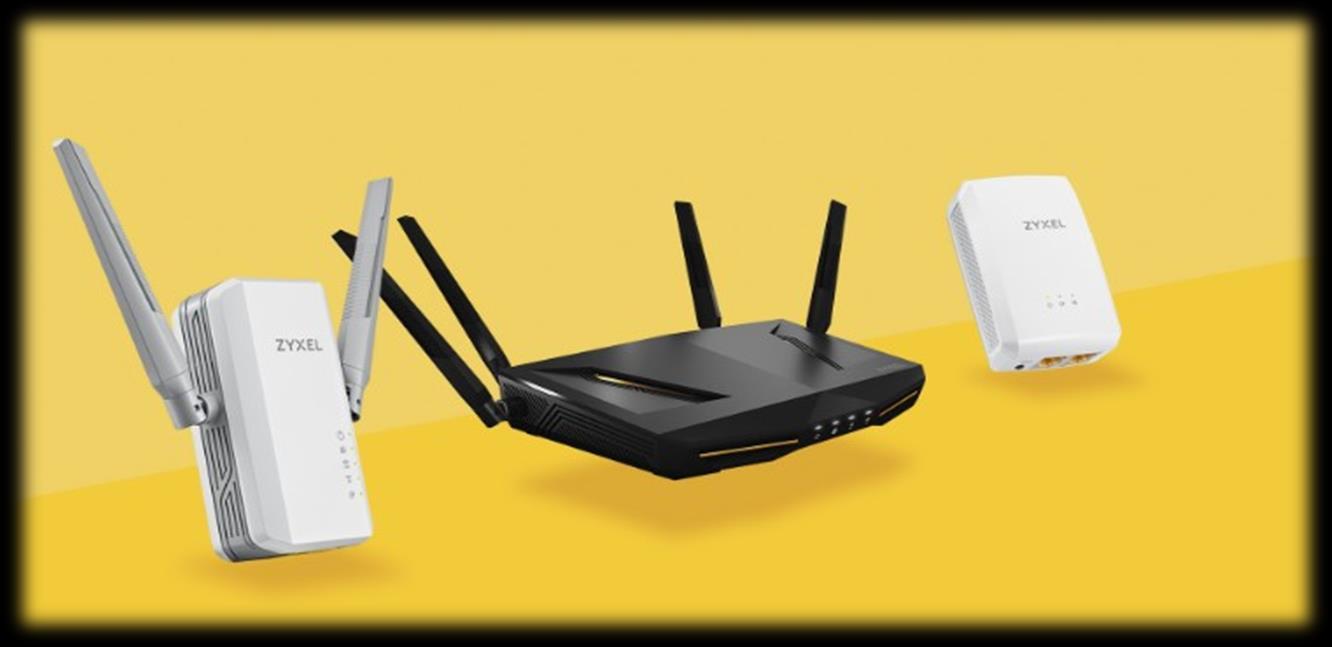
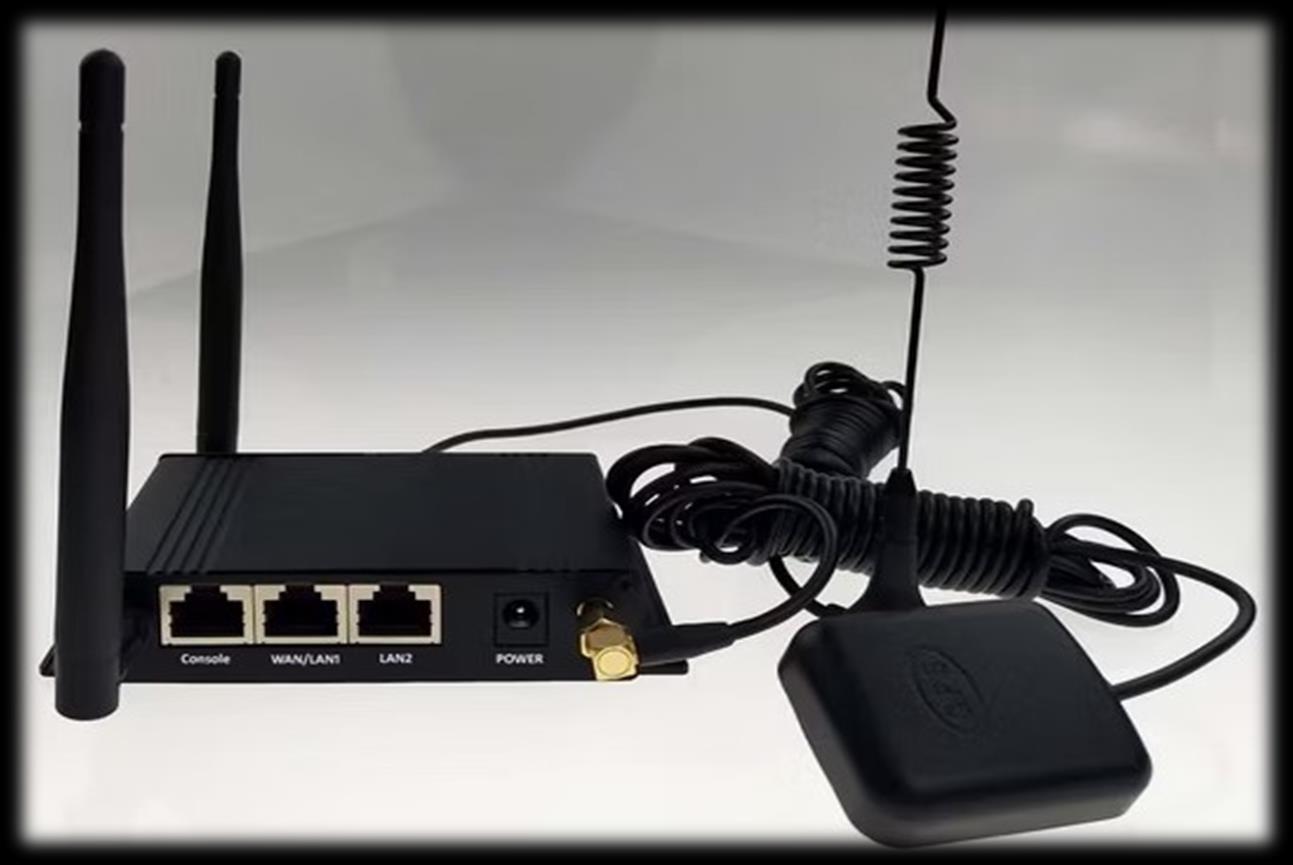
A 4G modem router is a device that combines the functionality of a mobile modem and a Wi-Fi router. It uses a 4G LTE SIM card to connect to the internet through a cellular network and then shares that internet connection with other devices via Wi-Fi or Ethernet cables.
Think of it like this: your smartphone can access mobile internet through 4G, right? Now imagine a box that does that but also spreads that internet to your entire home or office. That’s the magic of a 4G modem router
Remote workers
Digital nomads
Travelers and RV users
Small business owners
Event organizers
Students living in shared housing
Home users looking for backup internet
4G Modem Router vs. Mobile Hotspot
You might be wondering why not just use my phone’s hotspot?
Well, here’s a quick comparison:
Feature 4G Modem Router Mobile Hotspot (Phone)
Speed Faster, more stable
Battery Life
Longer or constant power
Slower, depends on phone
Drains phone battery
Feature 4G Modem Router Mobile Hotspot (Phone)
Number of Devices Up to 32+ Limited (usually 5–10)
Network Range Stronger antennas, longer range Short range
Heat Generation Low High when used long-term
Bottom line: mobile hotspots are good for quick access. 4G routers are better for long-term, multi-user environments.
Popular 4G Modem Routers to Consider
Here are a few high-performing models:
1. TP-Link TL-MR6400
Easy setup
Good price-to-performance ratio
Supports most 4G SIMs
2. Huawei B535
Dual-band Wi-Fi
Excellent global band support
Clean, compact design
3. Netgear Nighthawk M1
High-end LTE speeds
Travel-ready with a built-in battery
Great for heavy users
4. ZTE MF286R
Excellent coverage
External antenna ports
Affordable and reliable