Becoming a




o The Importance of Becoming a Real Estate Area Expert
o Staying Informed on Local Market Conditions
o Becoming the Source of the Source
The Importance of Becoming a Real Estate Area Expert
Geographic Competency
• To be competent, a license holder must be informed on local market issues and conditions affecting real estate in the geographic area where a license holder provides services to a client.
• Geographic competency means the agent knows the benefits and pitfalls of the community.
• Incompetency could lead to discipline under TRELA Section 1101.652(b)(1).

• Deed Restrictions
• EPA Regulations
• Flood Zones
• Historic District Rules
• Homeowner Associations
• Market Conditions
• Planning Changes
• Pricing
• Topography
• Water Districts
• Special Purpose Districts
• Zoning
• Listing Appointments
• Buyer Appointments
• Correct Pricing
• Overcoming Appraisal Issues
• Marketing: Video Content, Newsletters, Blogs & Articles
• Networking Talking Points
• Increasing Your Business!

Staying Informed on Local Market Conditions
When it comes to state and national market conditions turn to the experts in that area.

Leverage the knowledge of market experts to stay well informed on market conditions.
• Texas A&M Real Estate Center
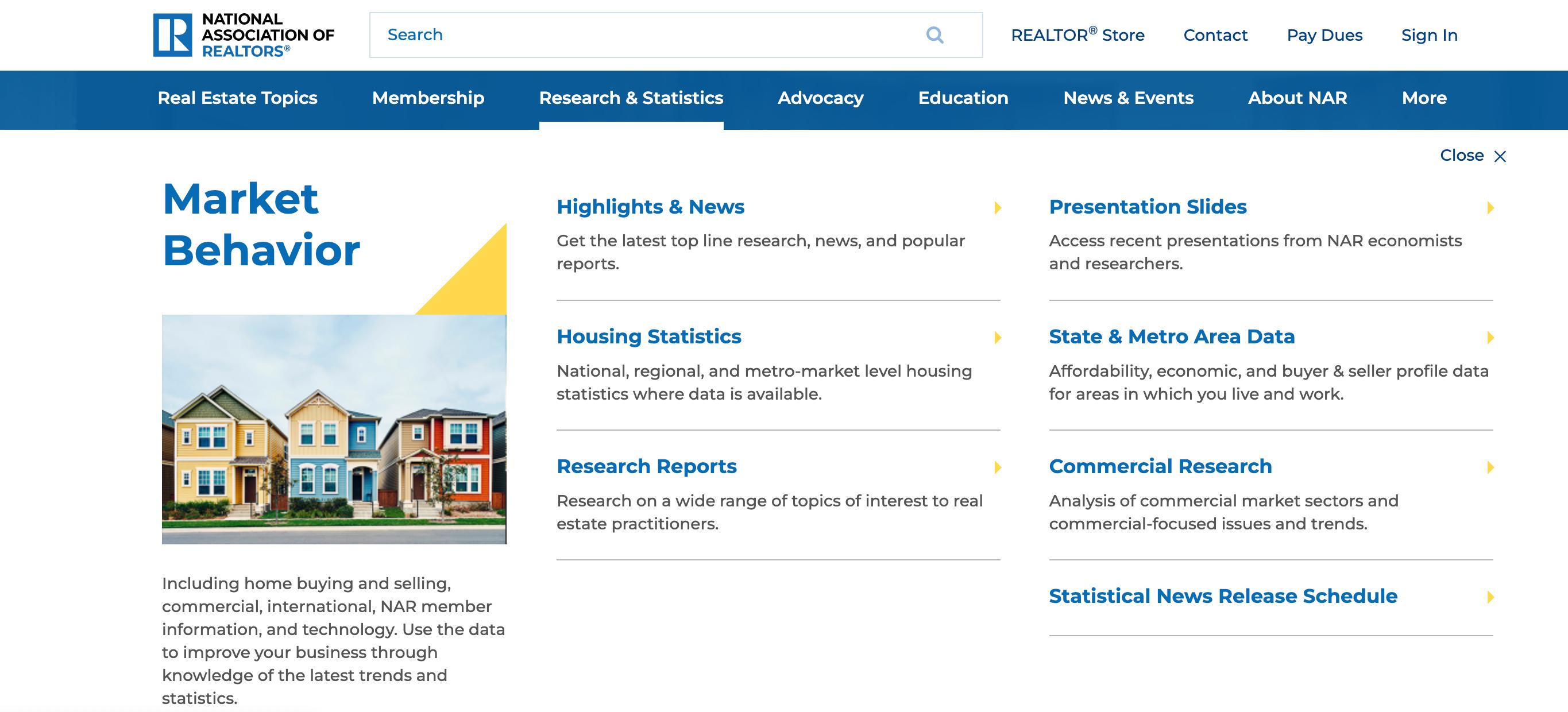
• National, State and Local Boards
• Real Estate Articles & Blogs
• Real Estate Vlogs & Podcasts
• Market Updates
o Independence Title
• Mark Sprague- In-house Economist


• Use auto-emails to stay informed on Active, Pending and Closed in the area.
• Preview properties as they come on the market.
• Review listing remarks & docs for indicators of multiple offer situations.
• Stay updated on expired listings. They can be an opportunity for you.
• The goal is to know every property in the area that has been on the market!

Hot Sheets help you track market activity by geographic area.
• Customize the area and listing change type each hot sheet will monitor.
• Change type options:
• New Listing
• Price Decrease or Increase
• Back on Market
• Status Changes


• Number of Listings
• Number of Sales
• Number of Leases
• Number of Expired
• List Price & Closed Price
• Original List to Close Price Ratios
• Days on Market or Days to Sell
• Historic Sales by Price
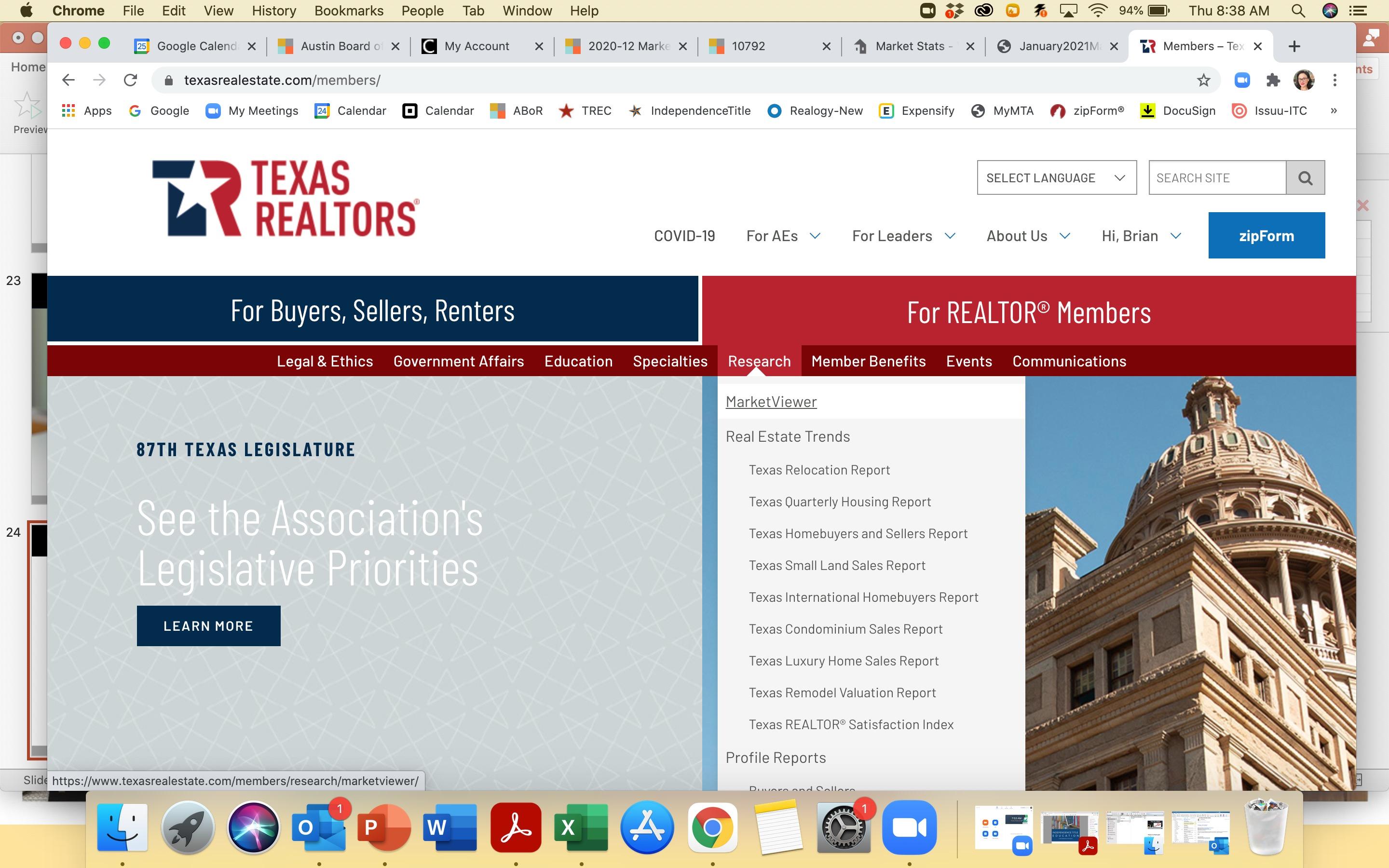
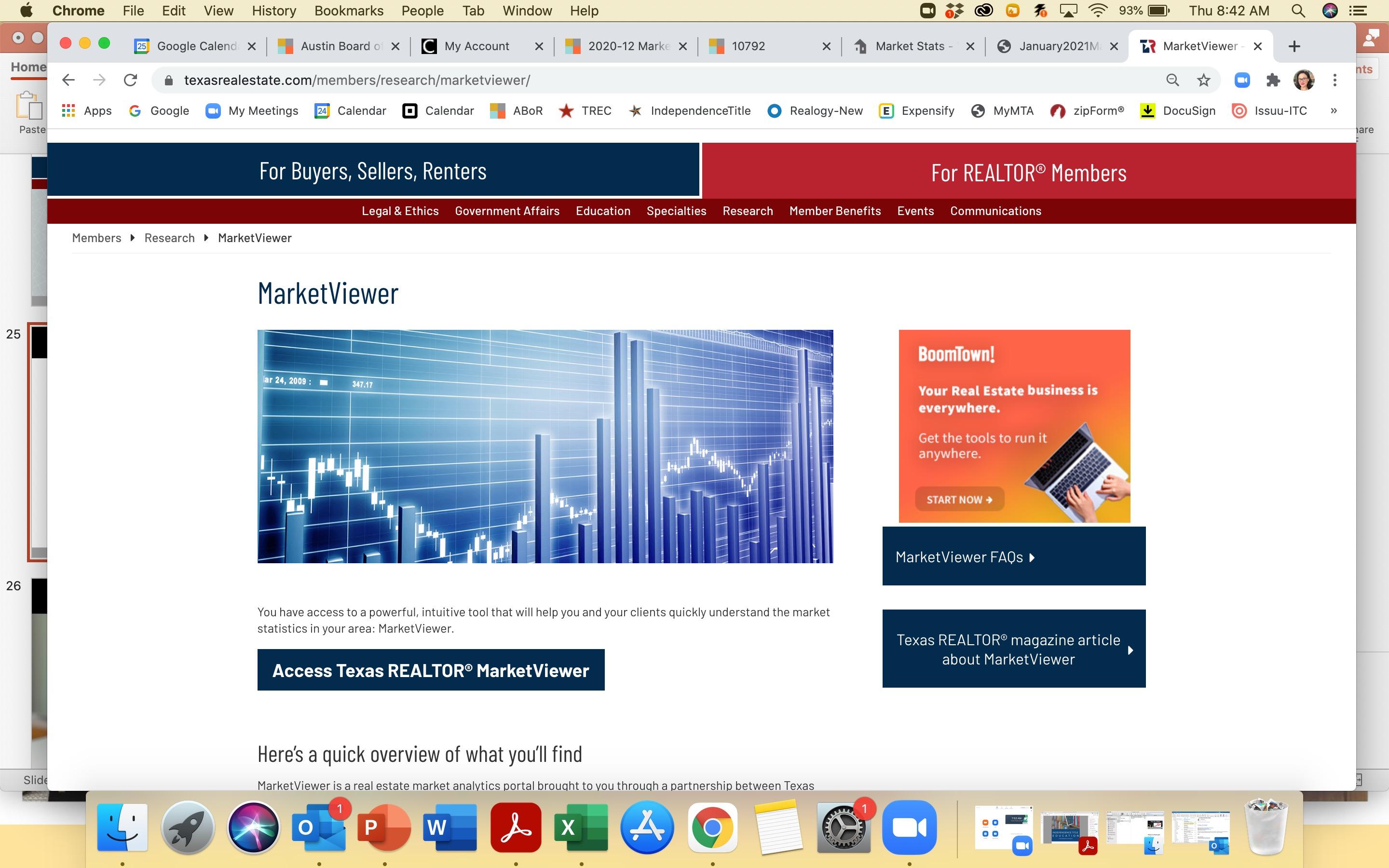
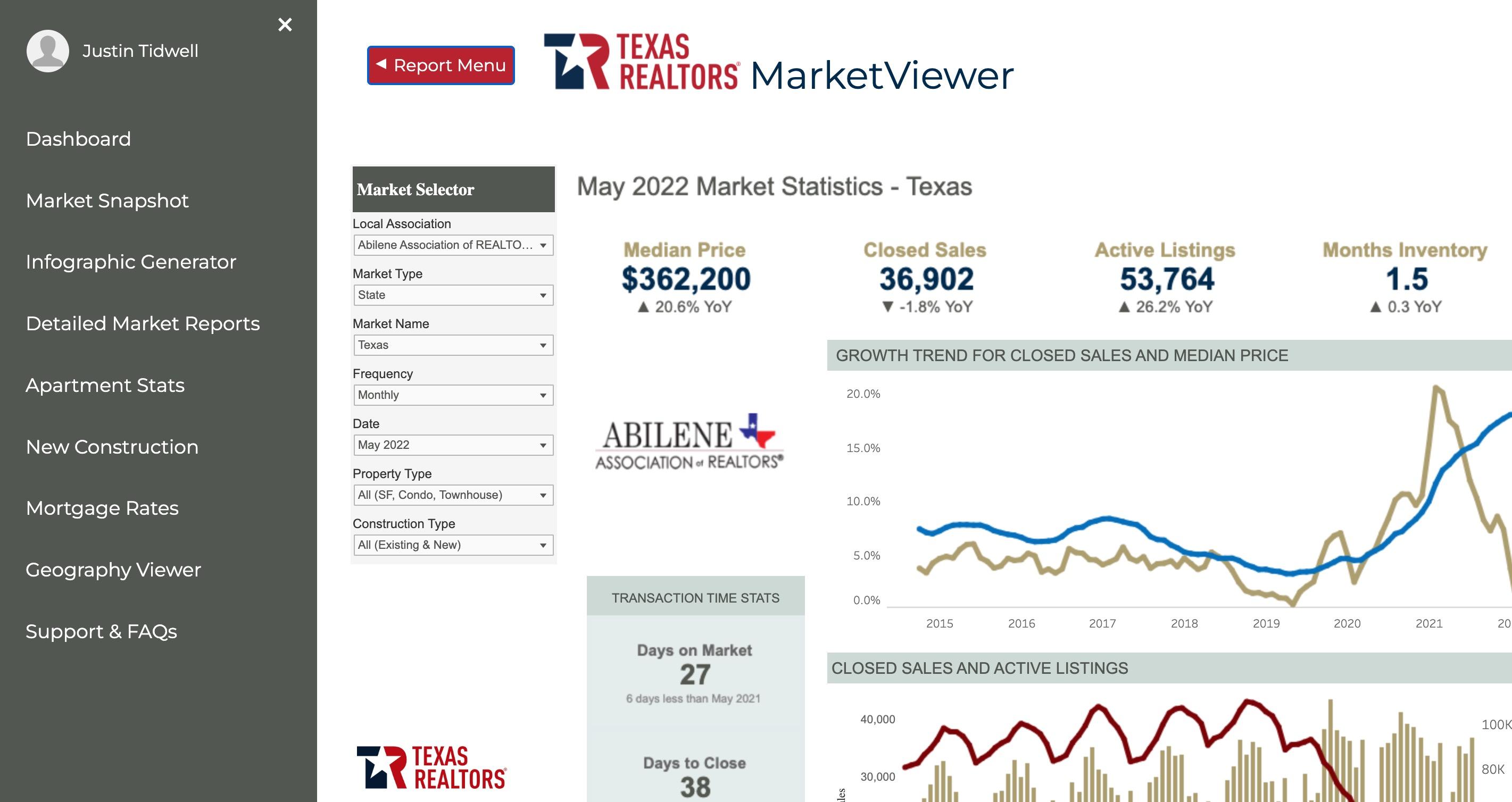
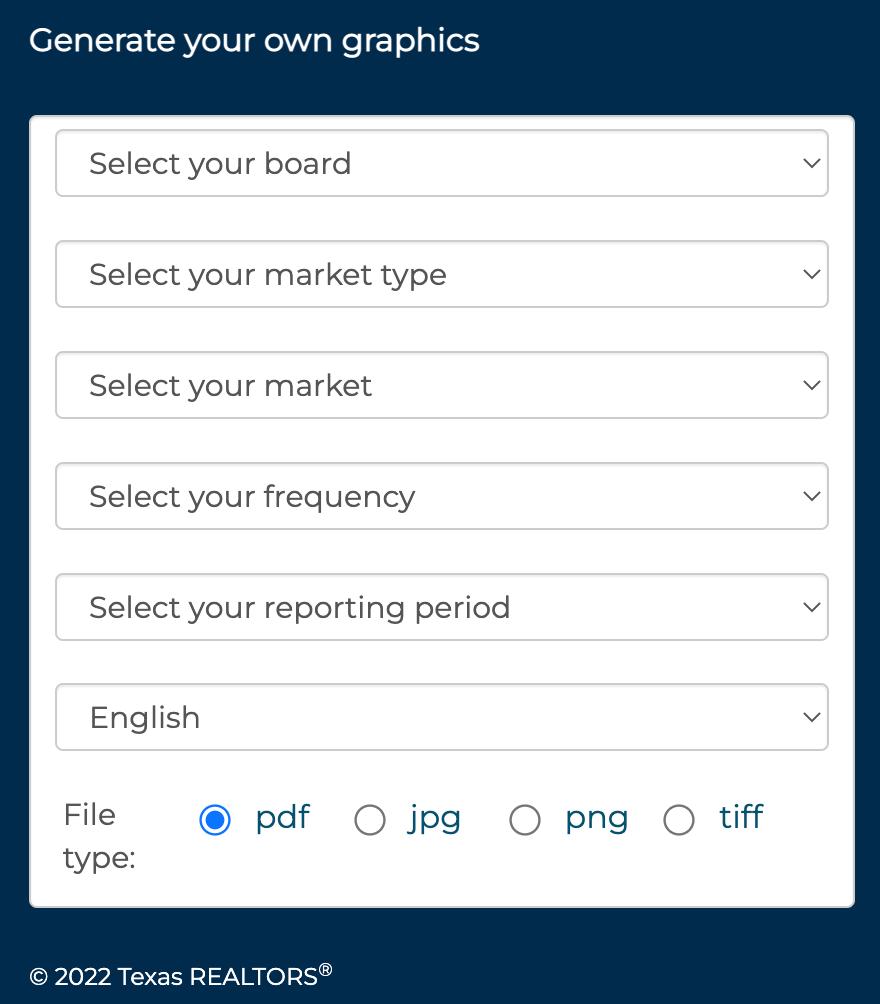
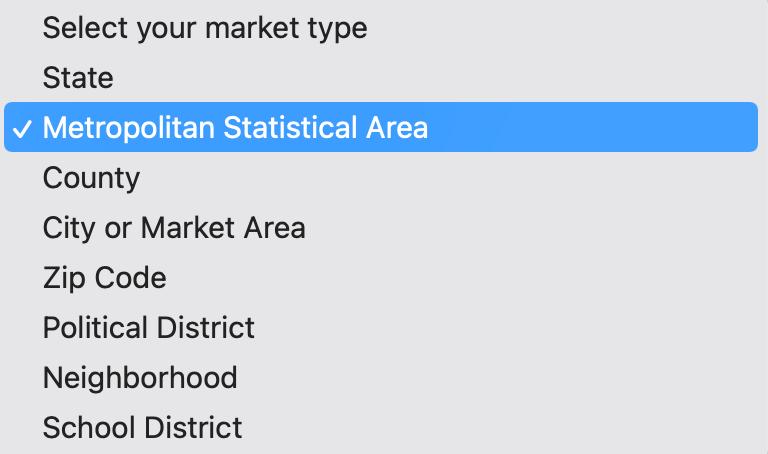
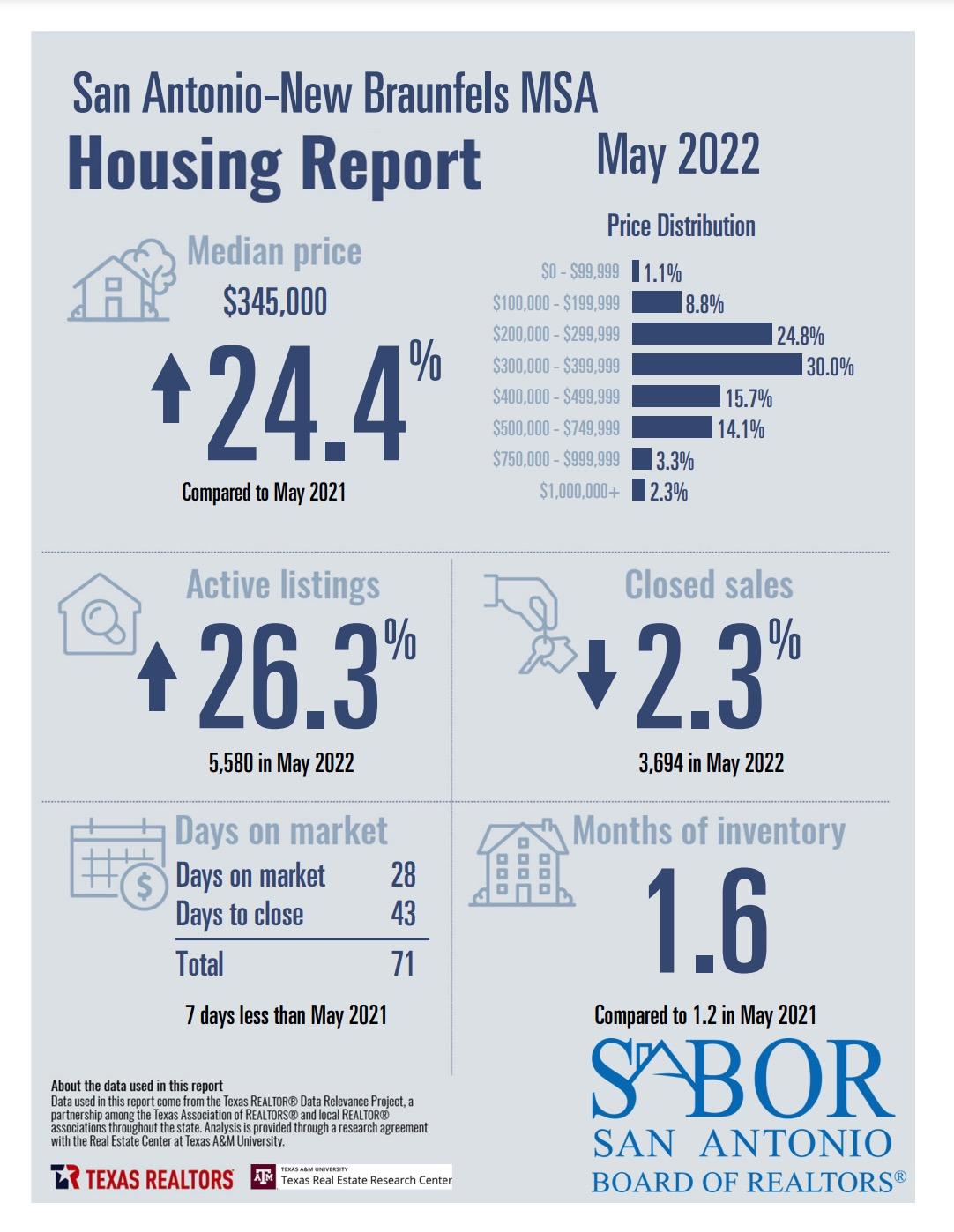
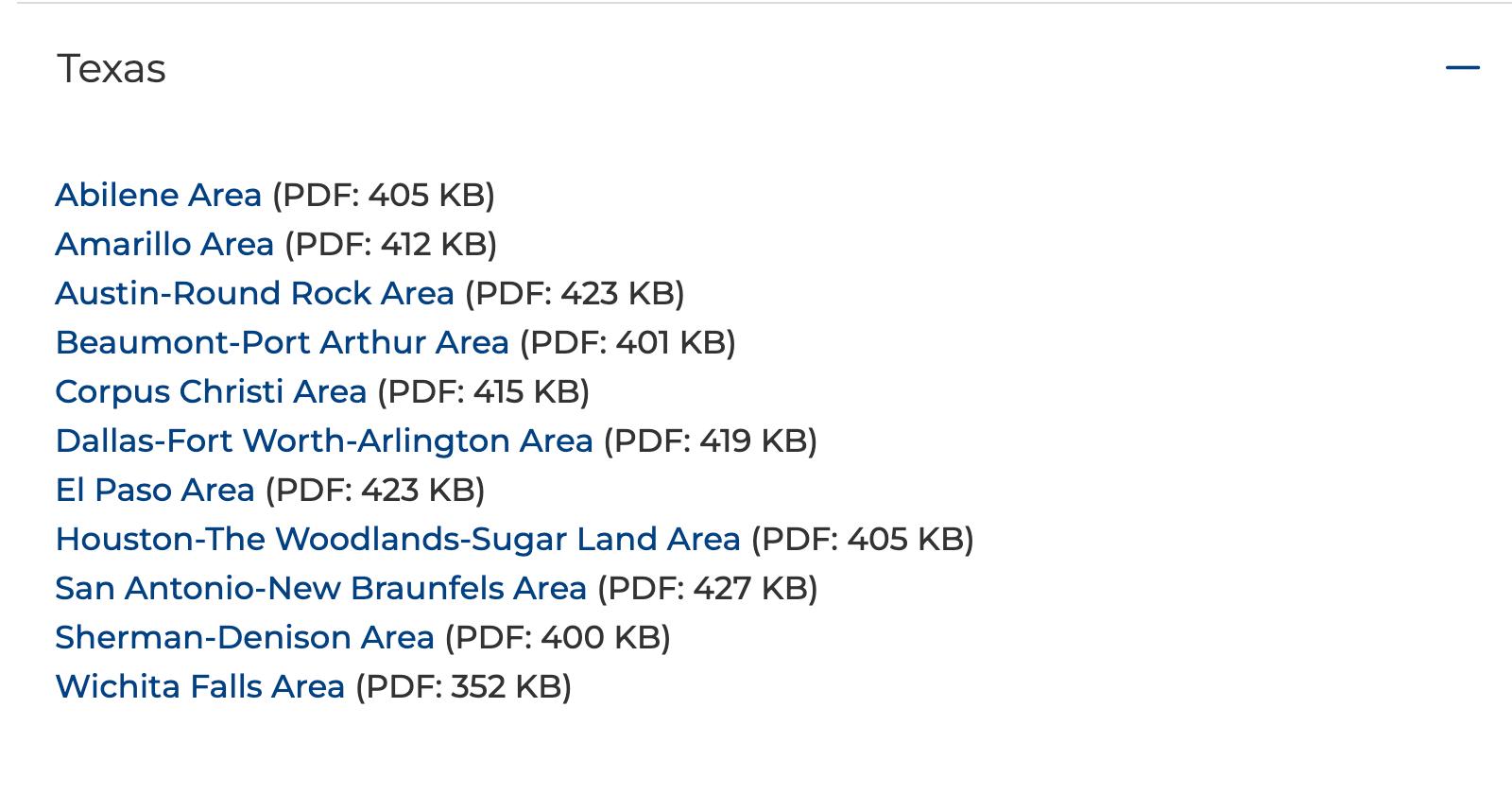
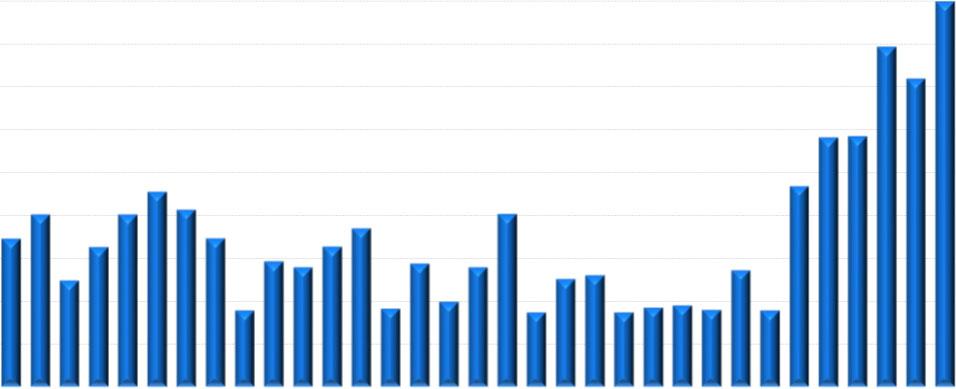
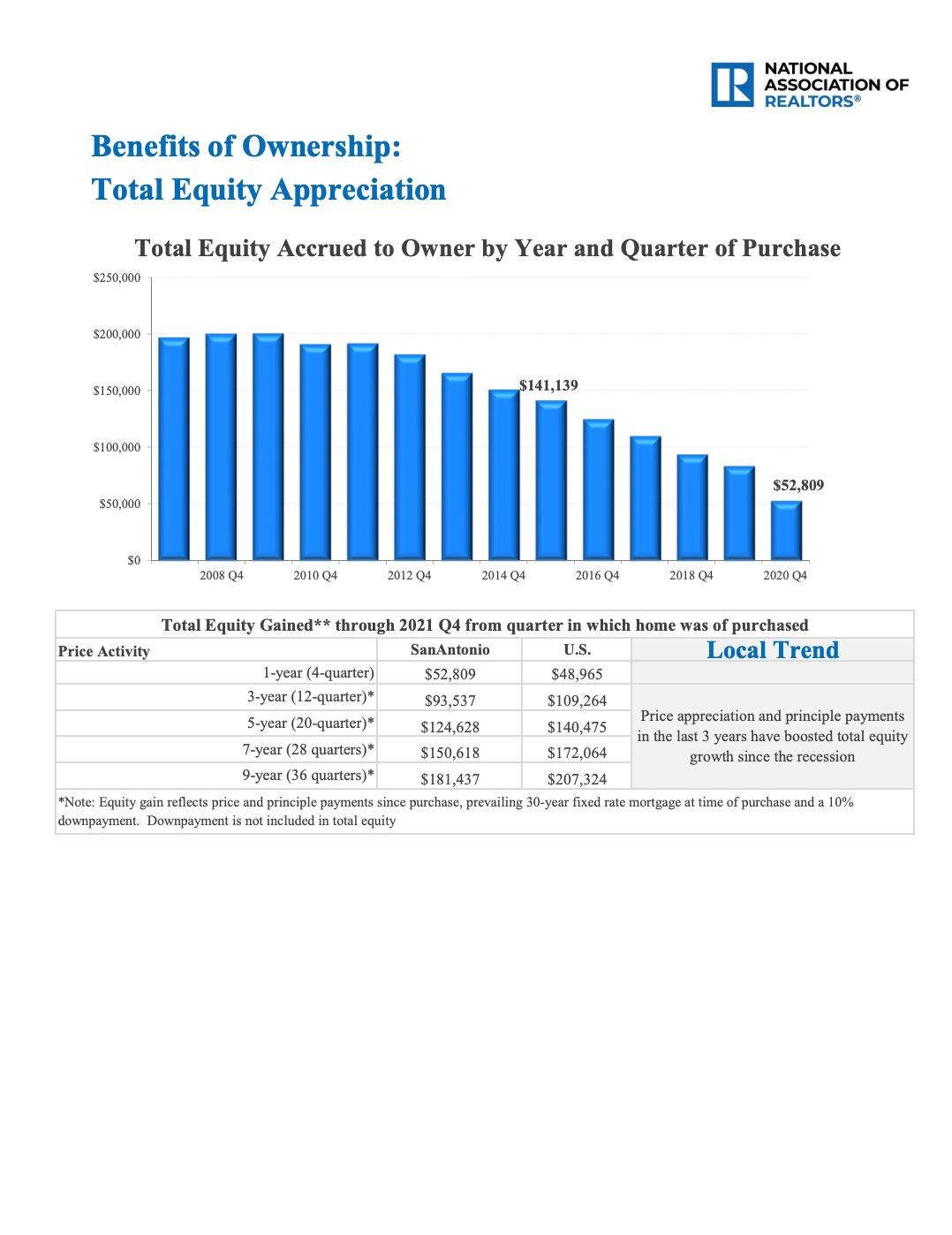
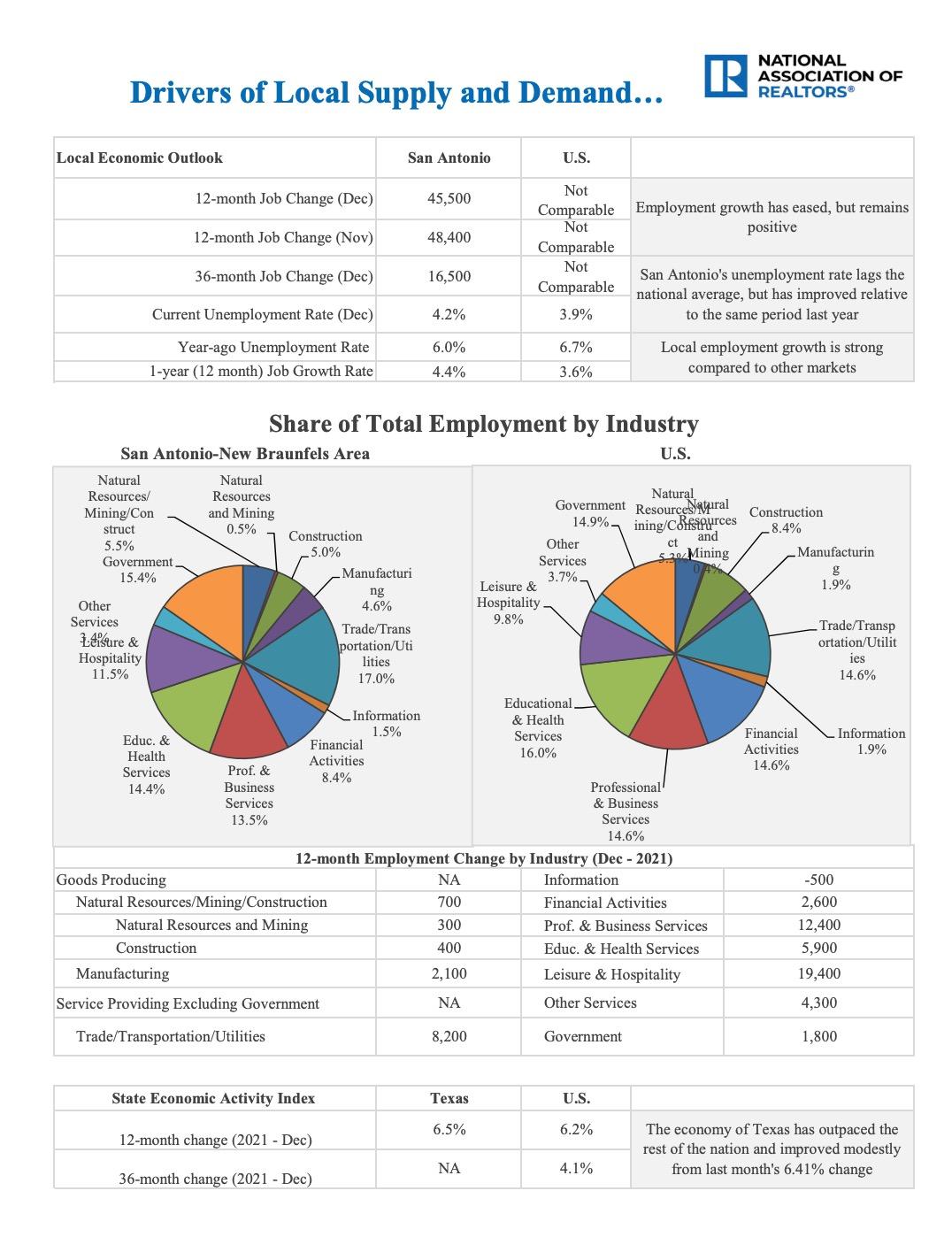
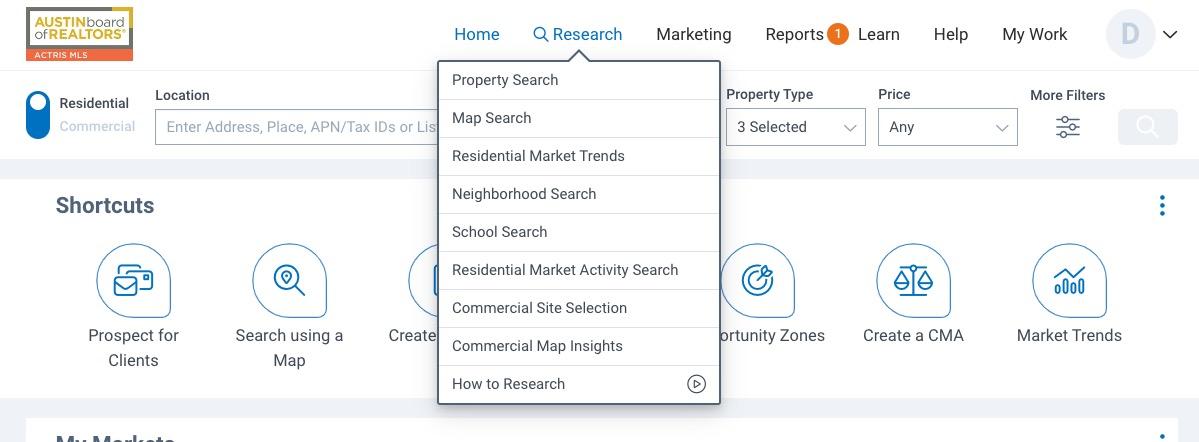
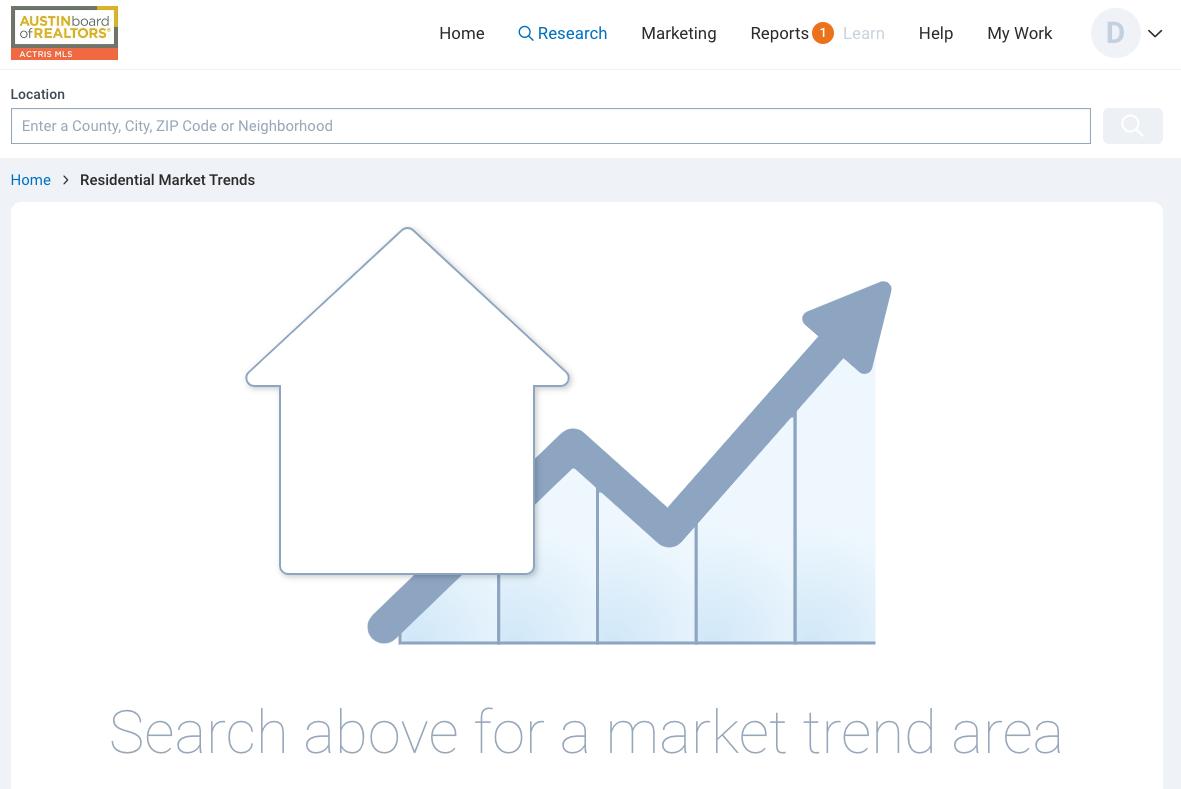
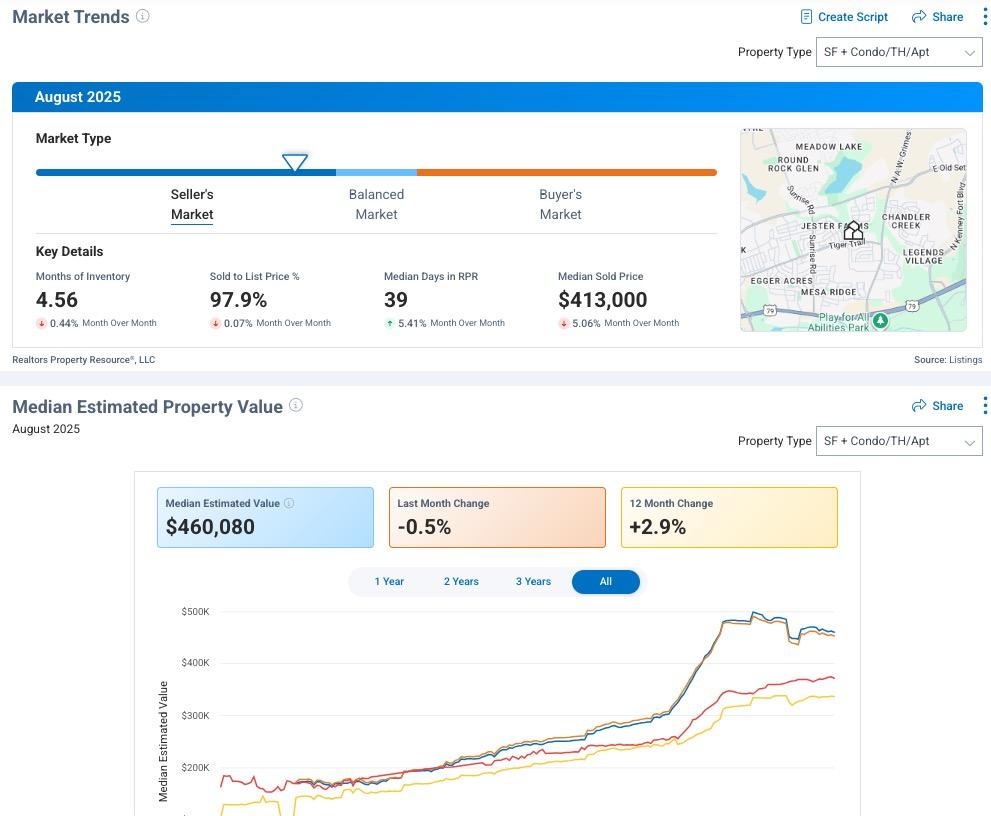
MarketViewer Infographics
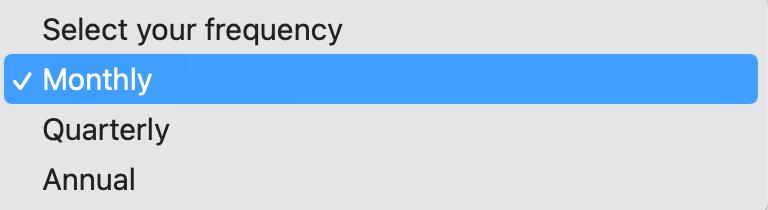
MarketViewer Infographics
MarketViewer Infographics
MarketViewer Infographics
MarketViewer Infographics





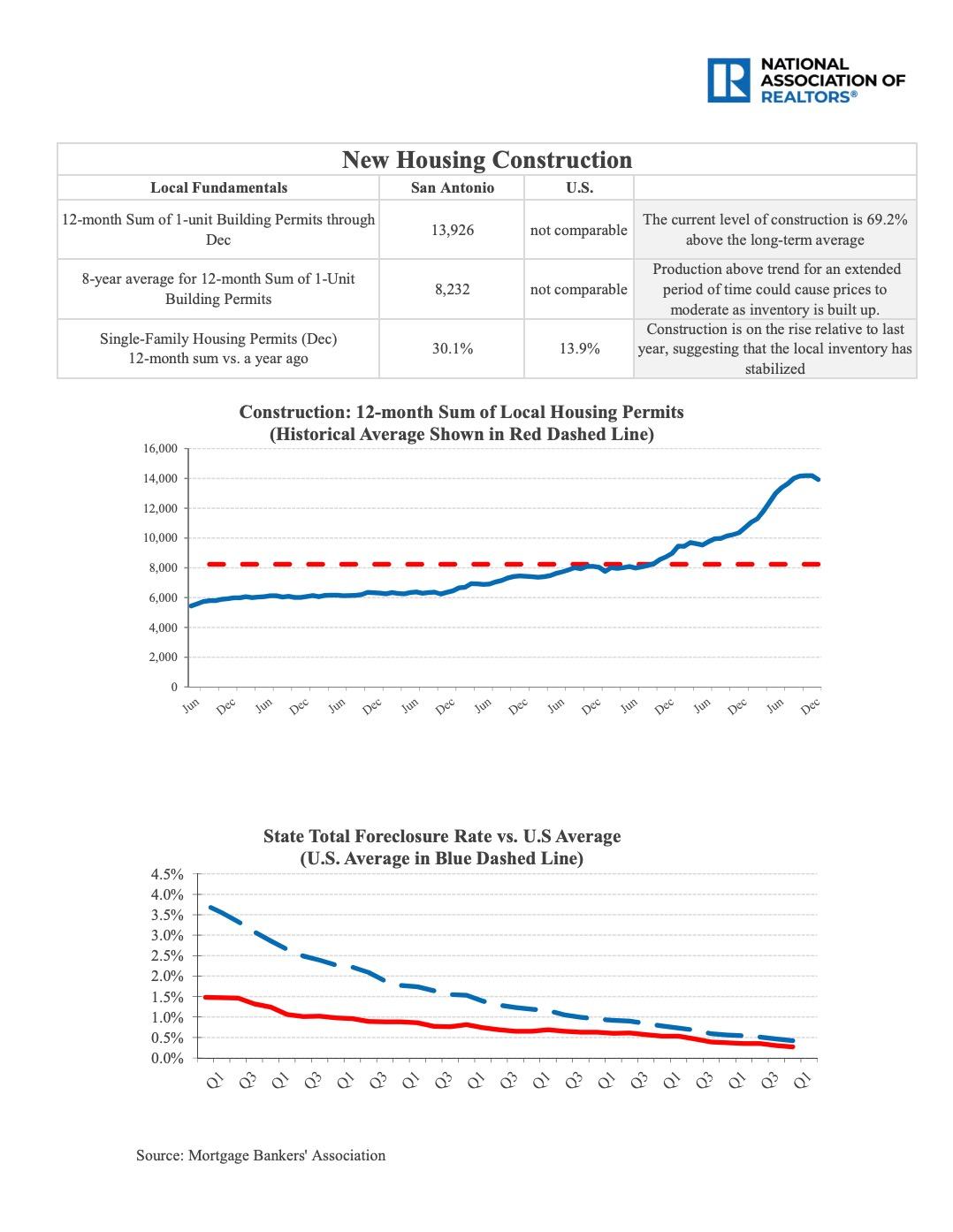

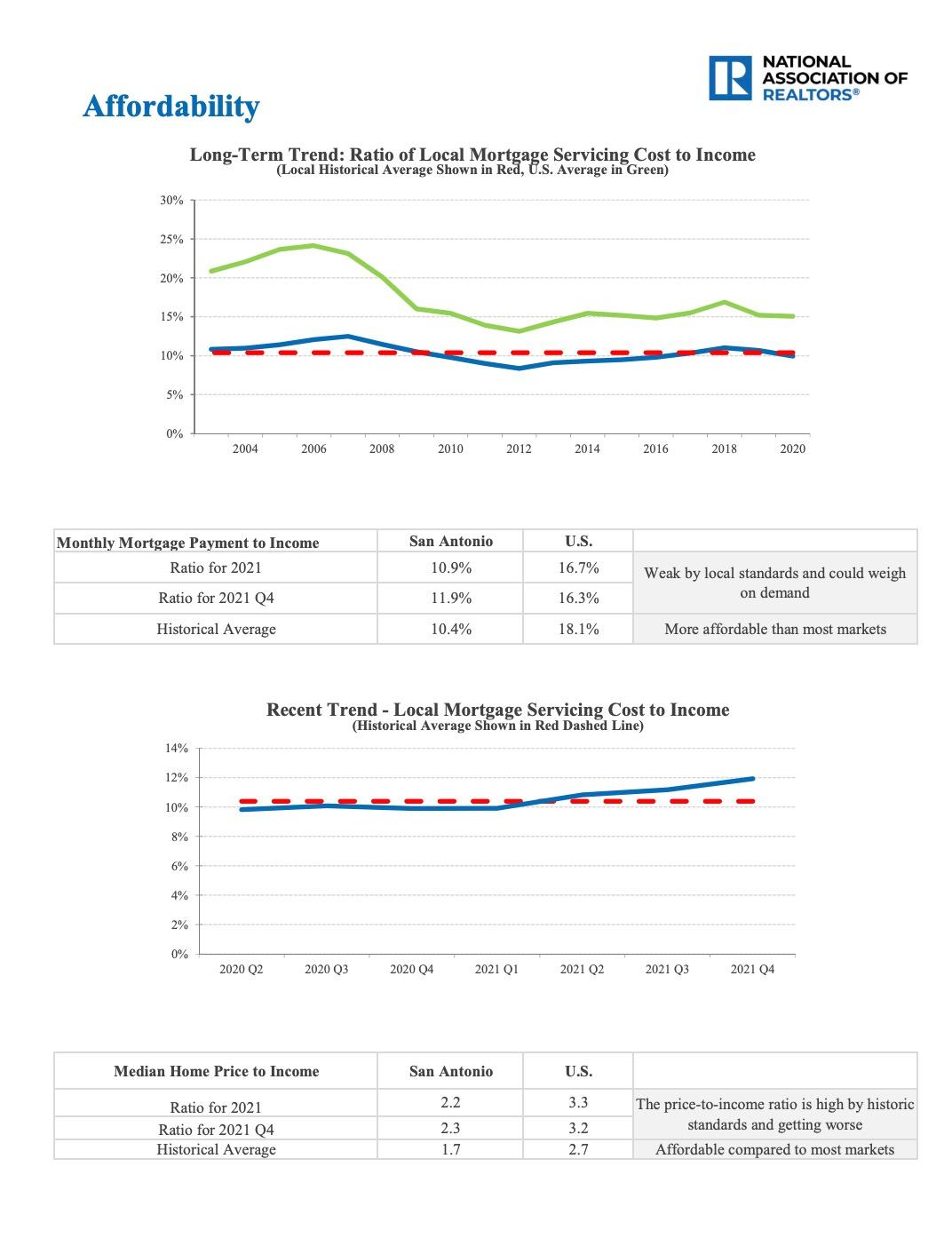
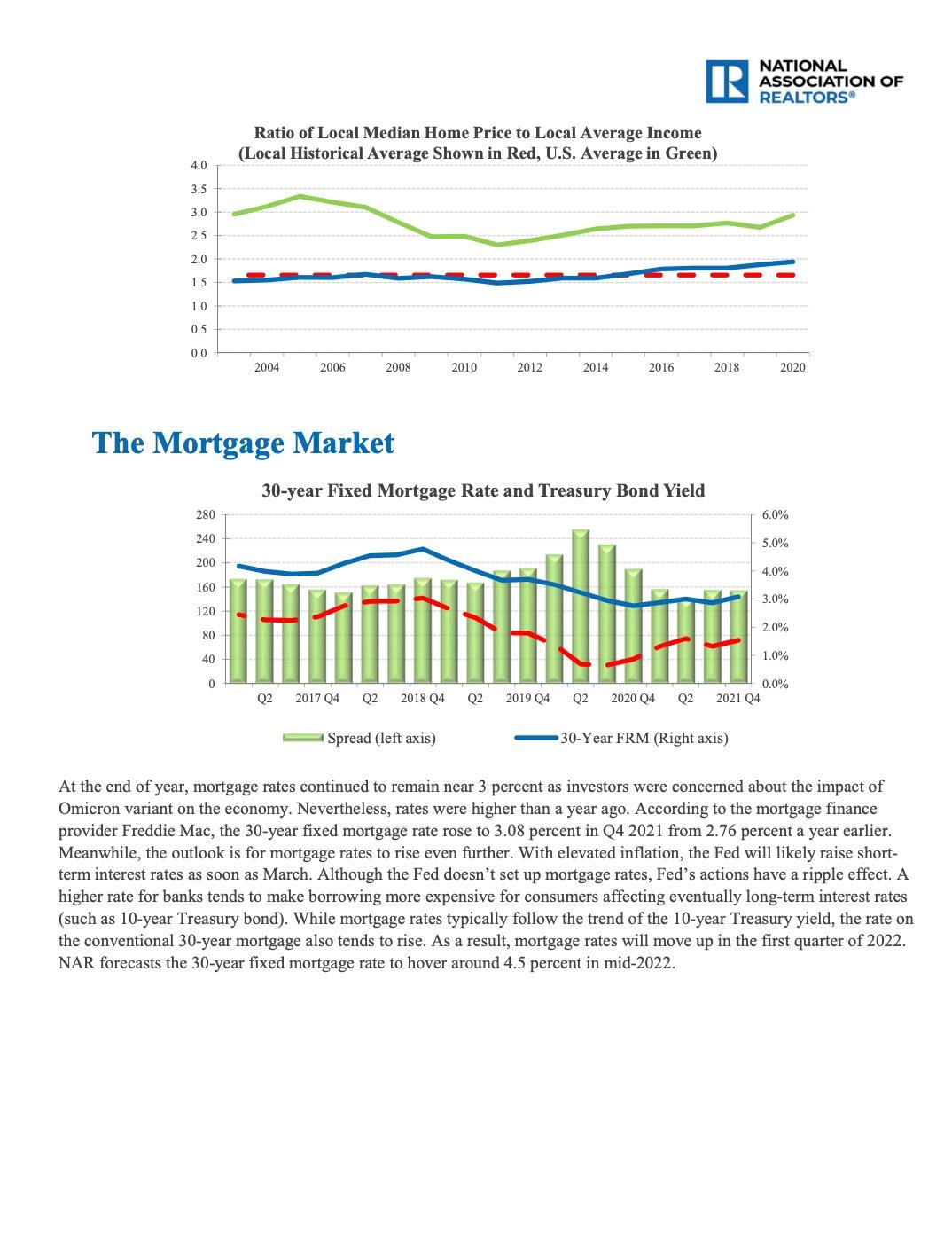
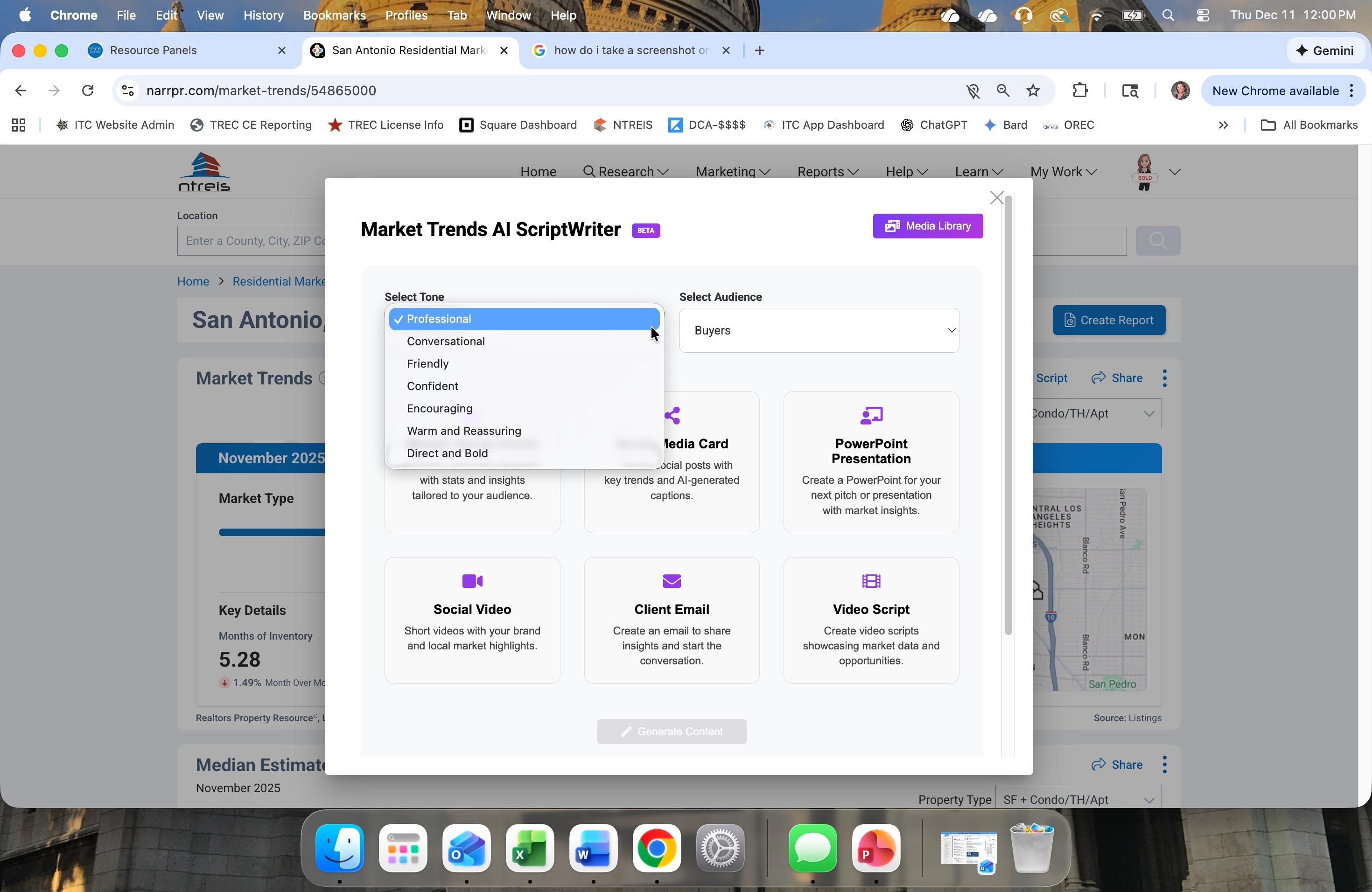
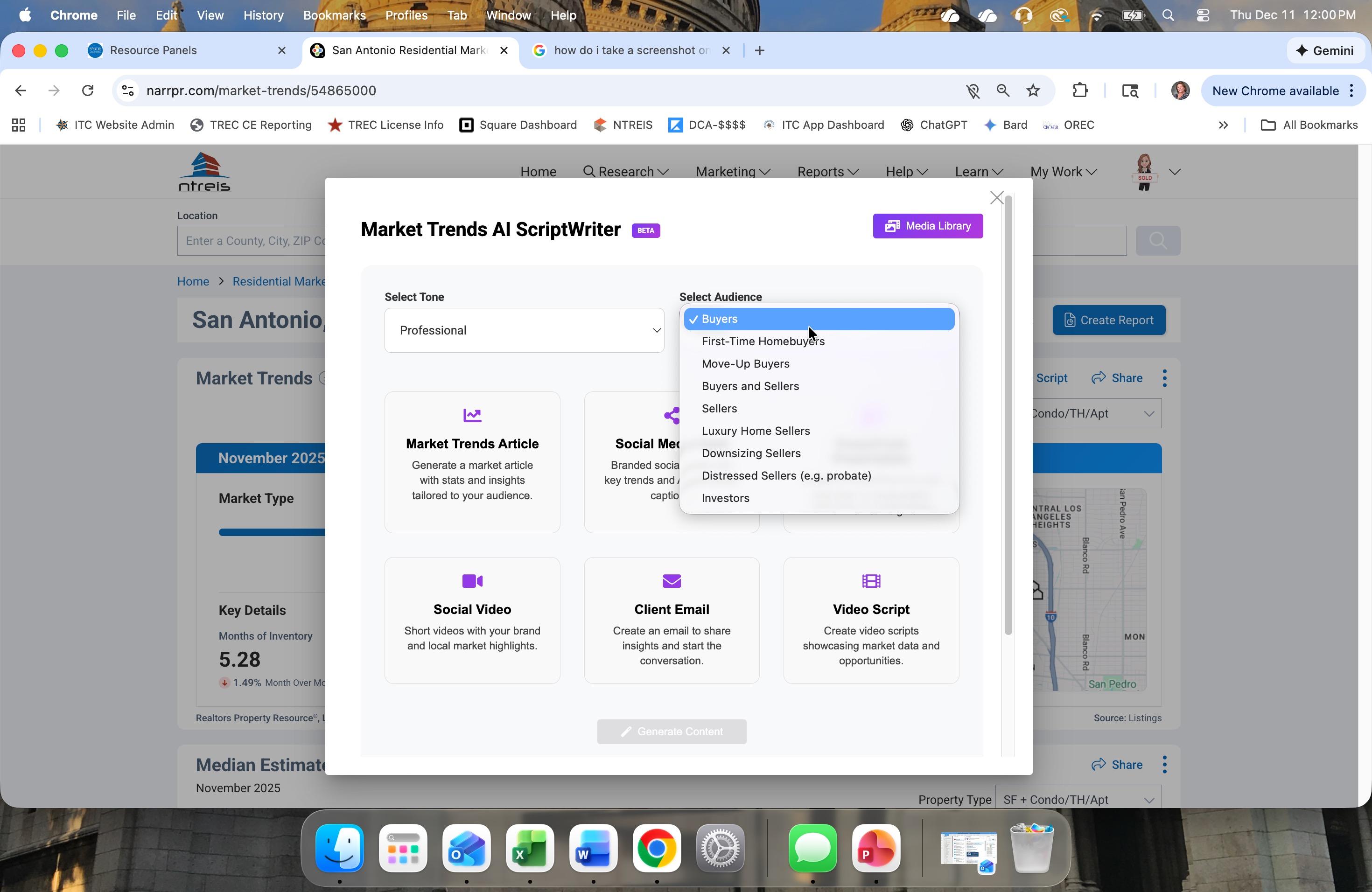
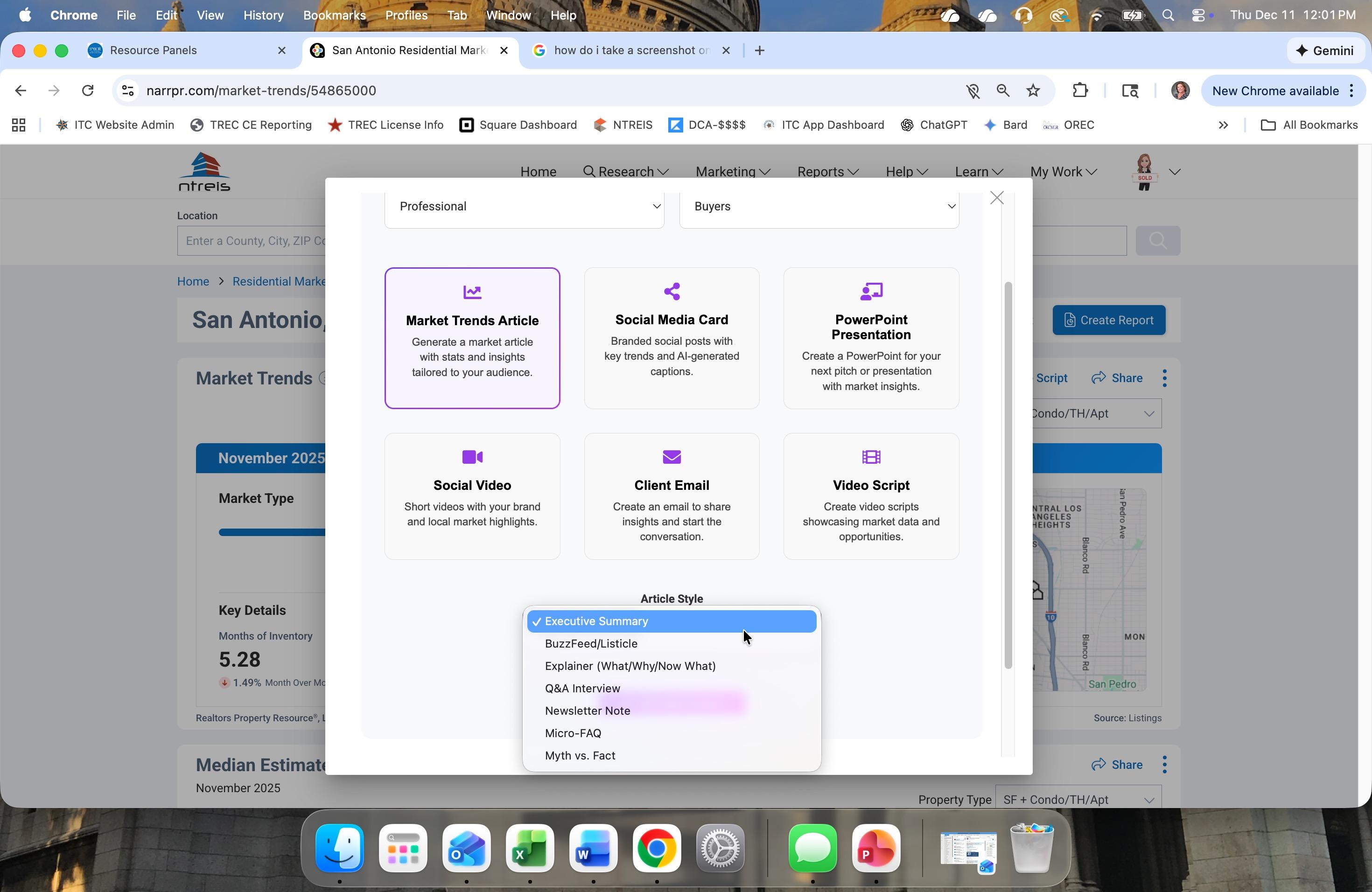

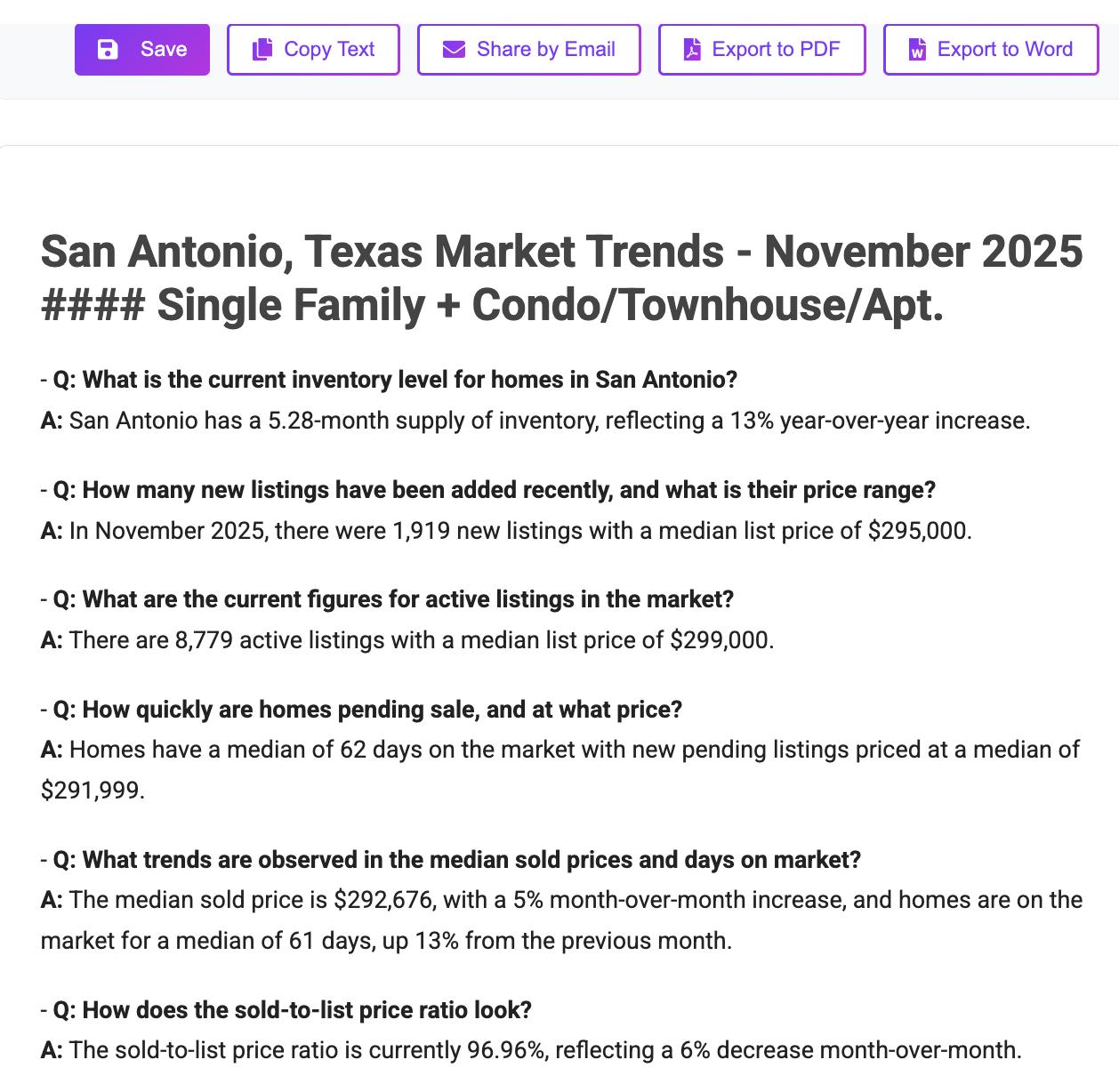
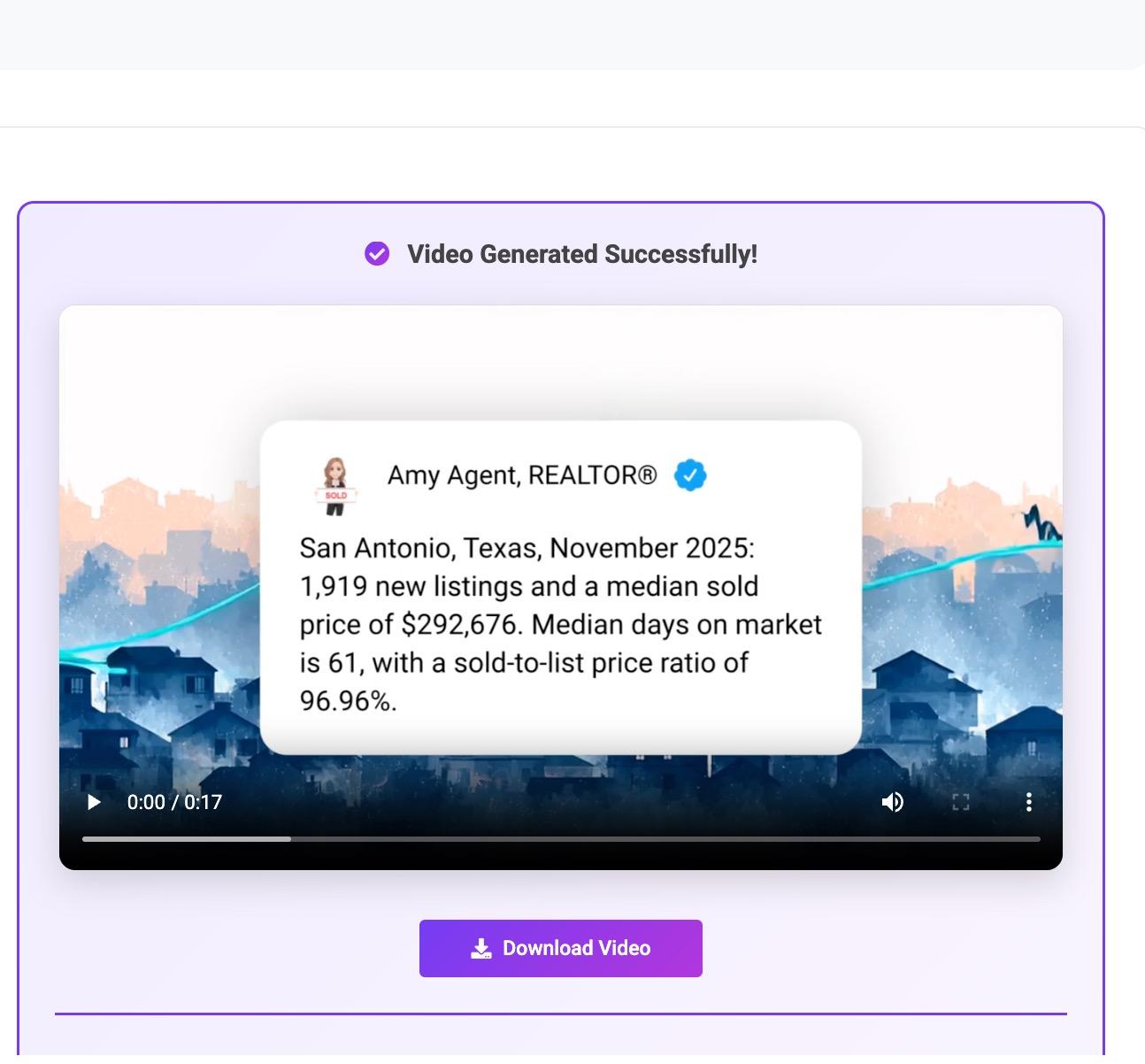
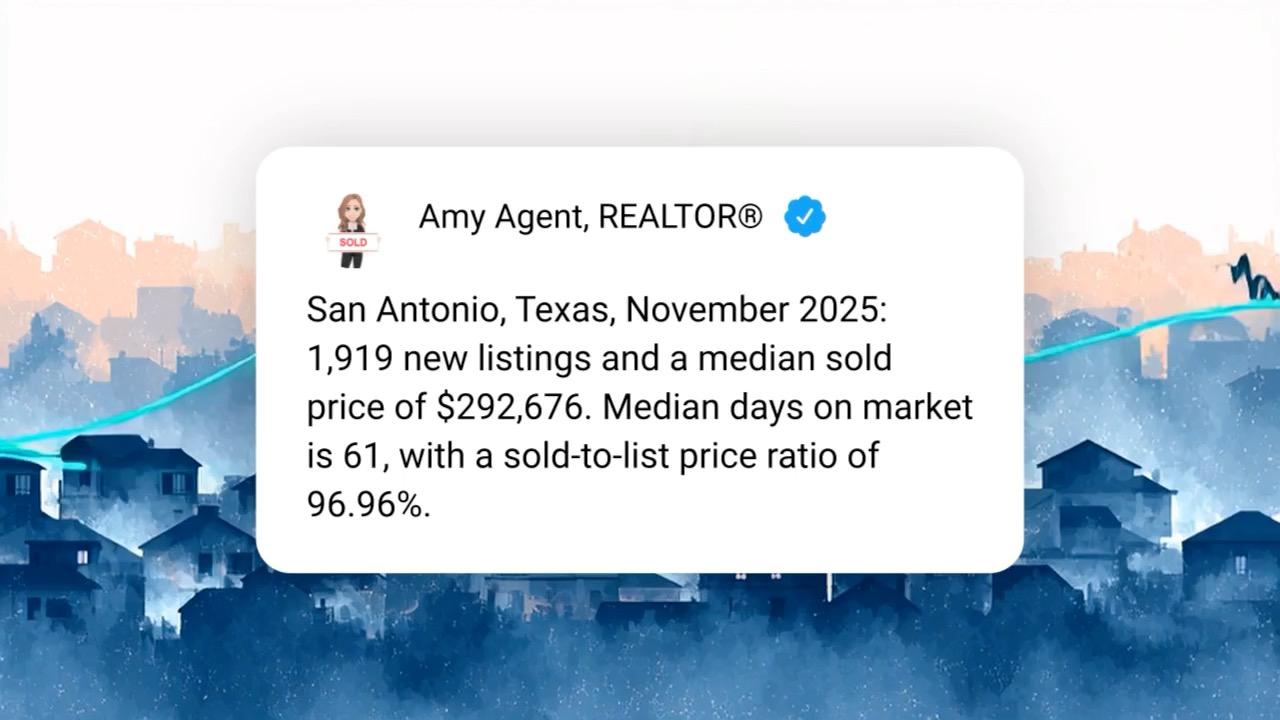
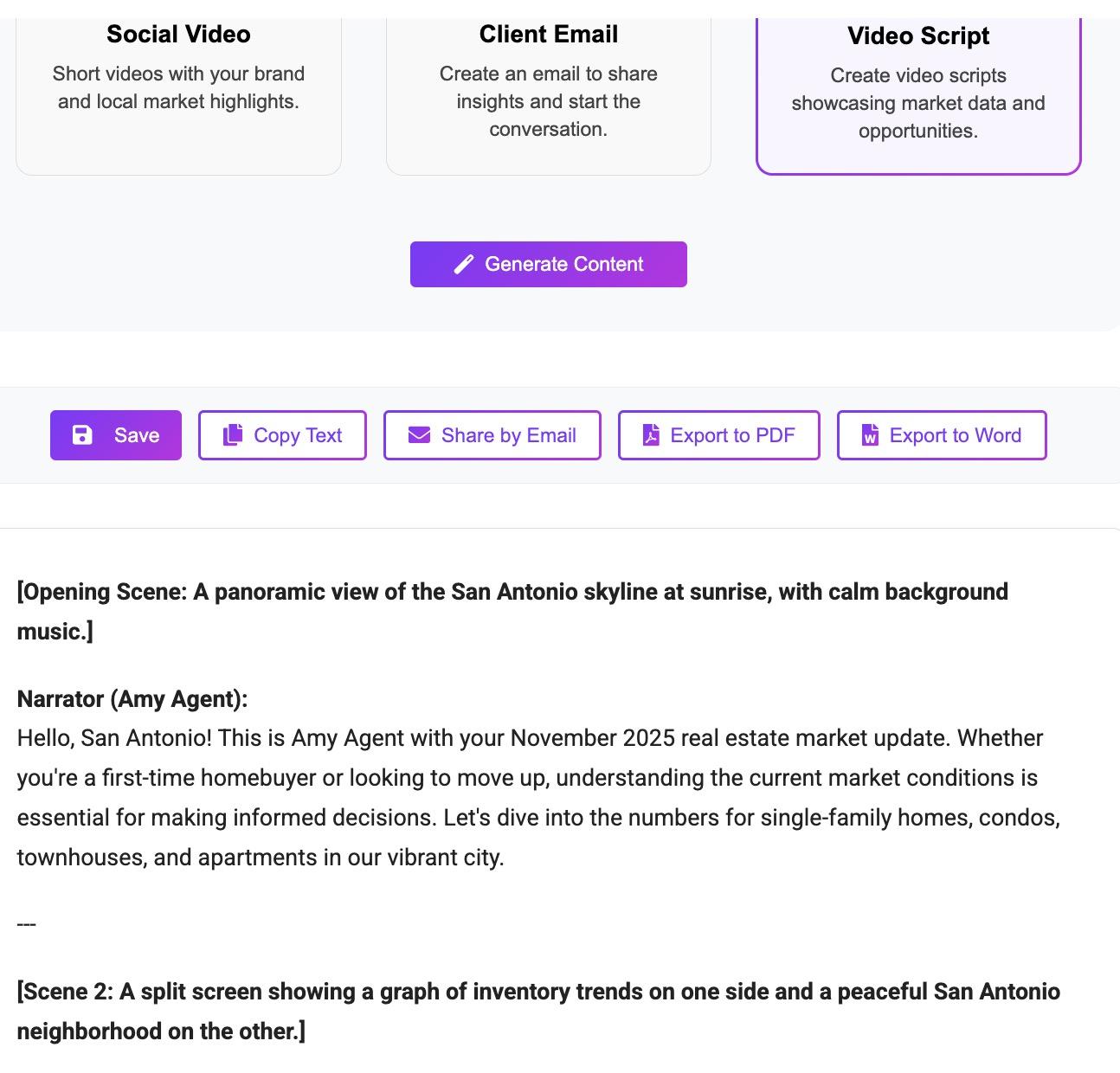
Social Media Card Content
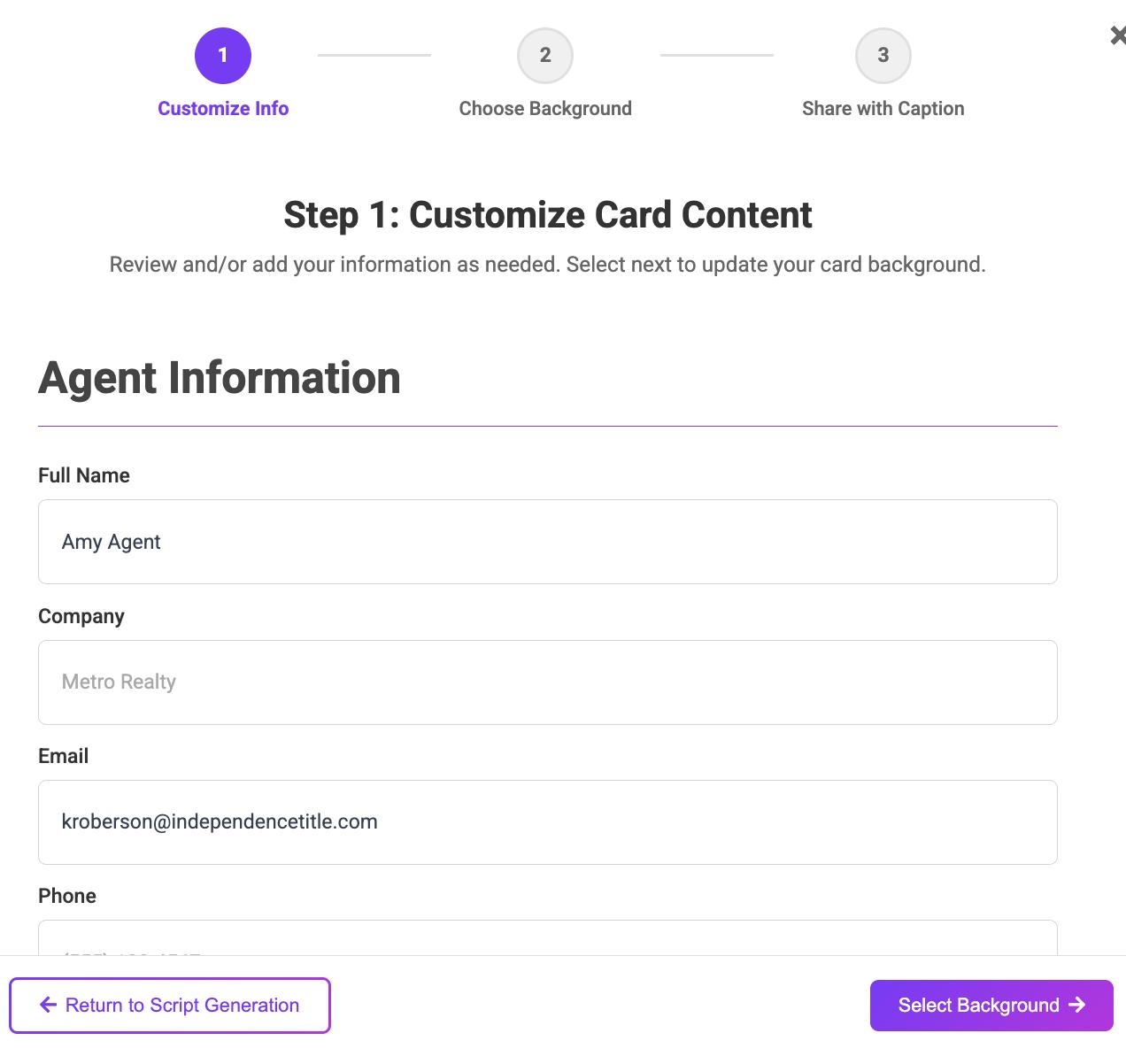
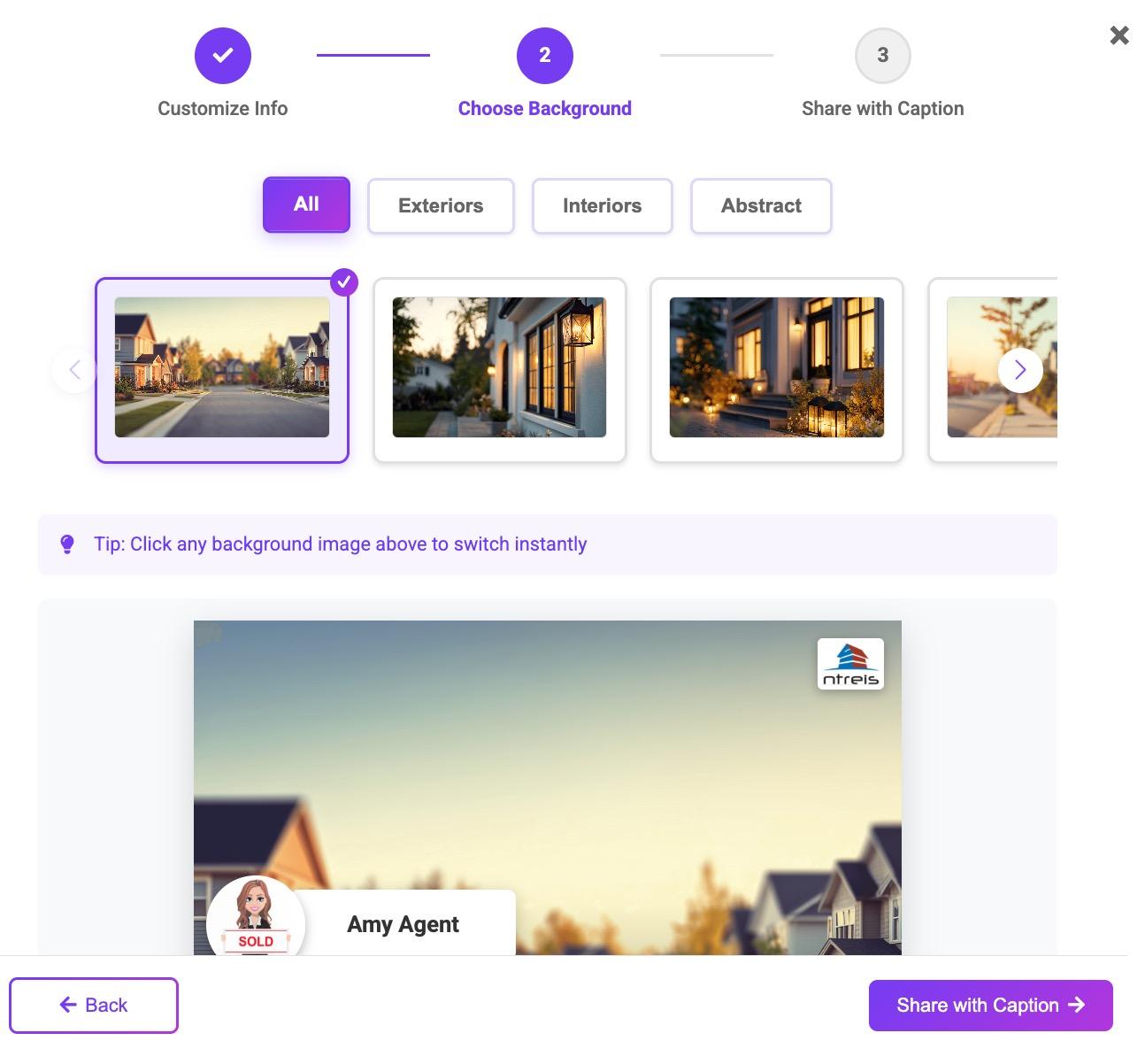
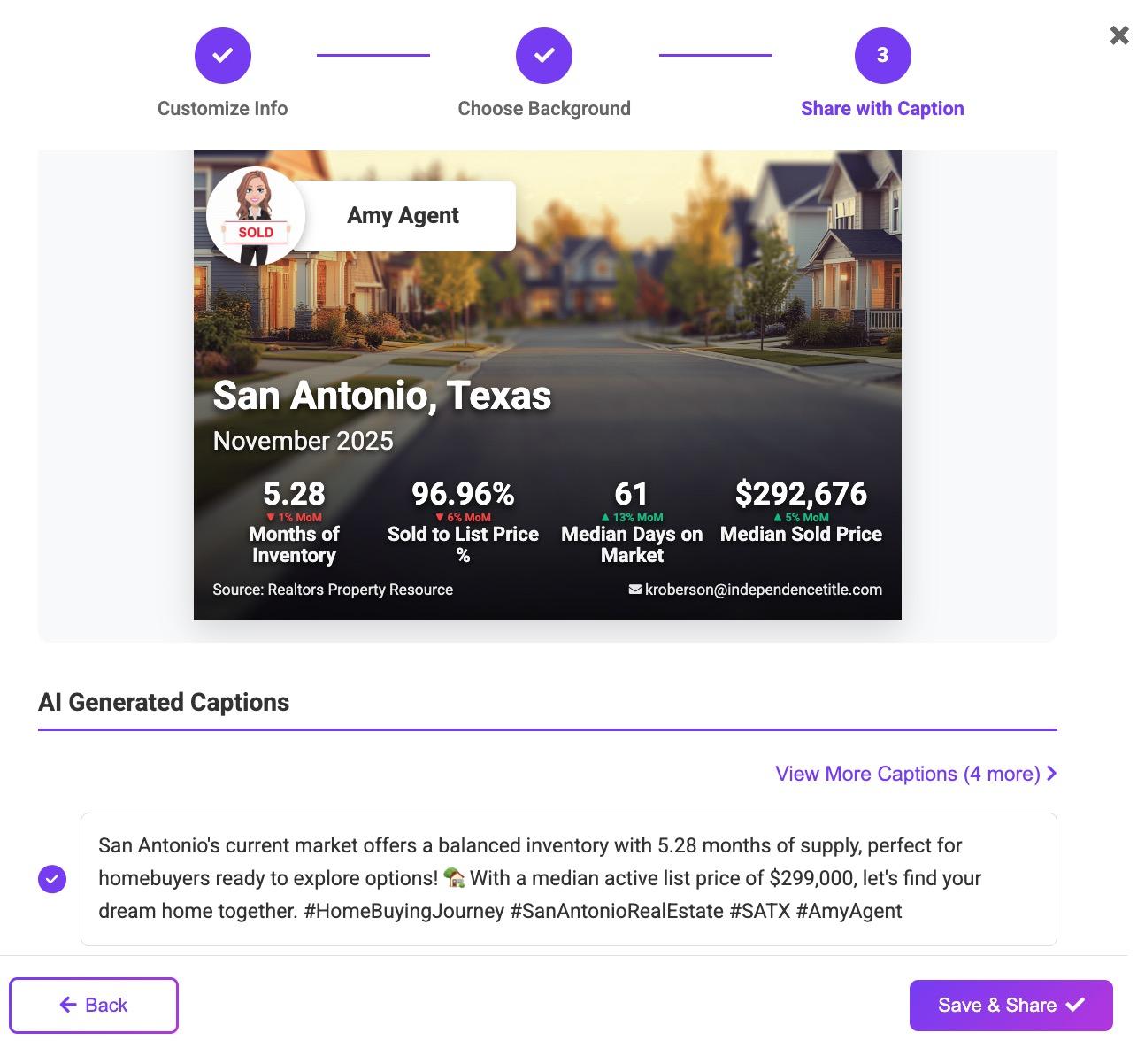
Social Media Card Caption
Media Card Example
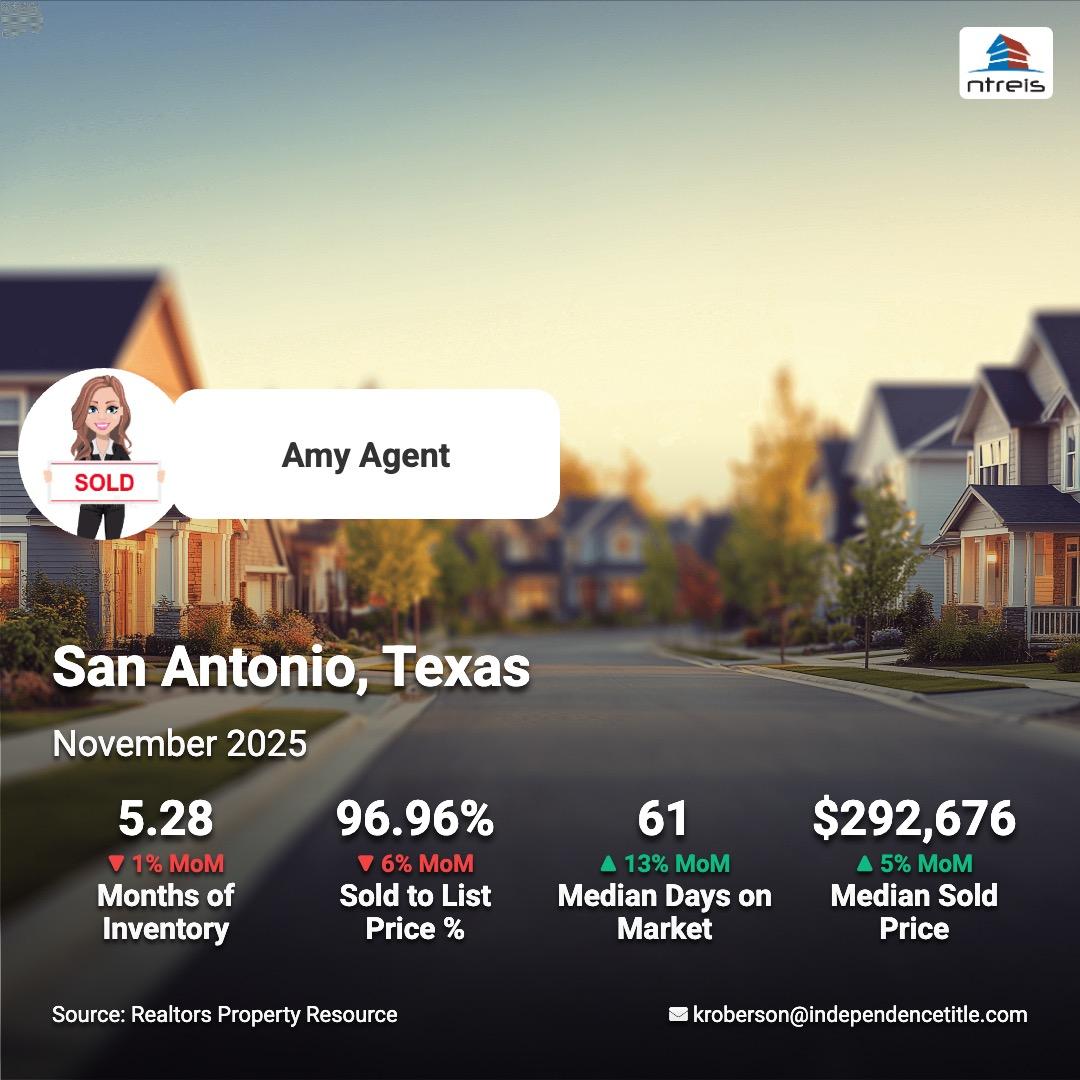

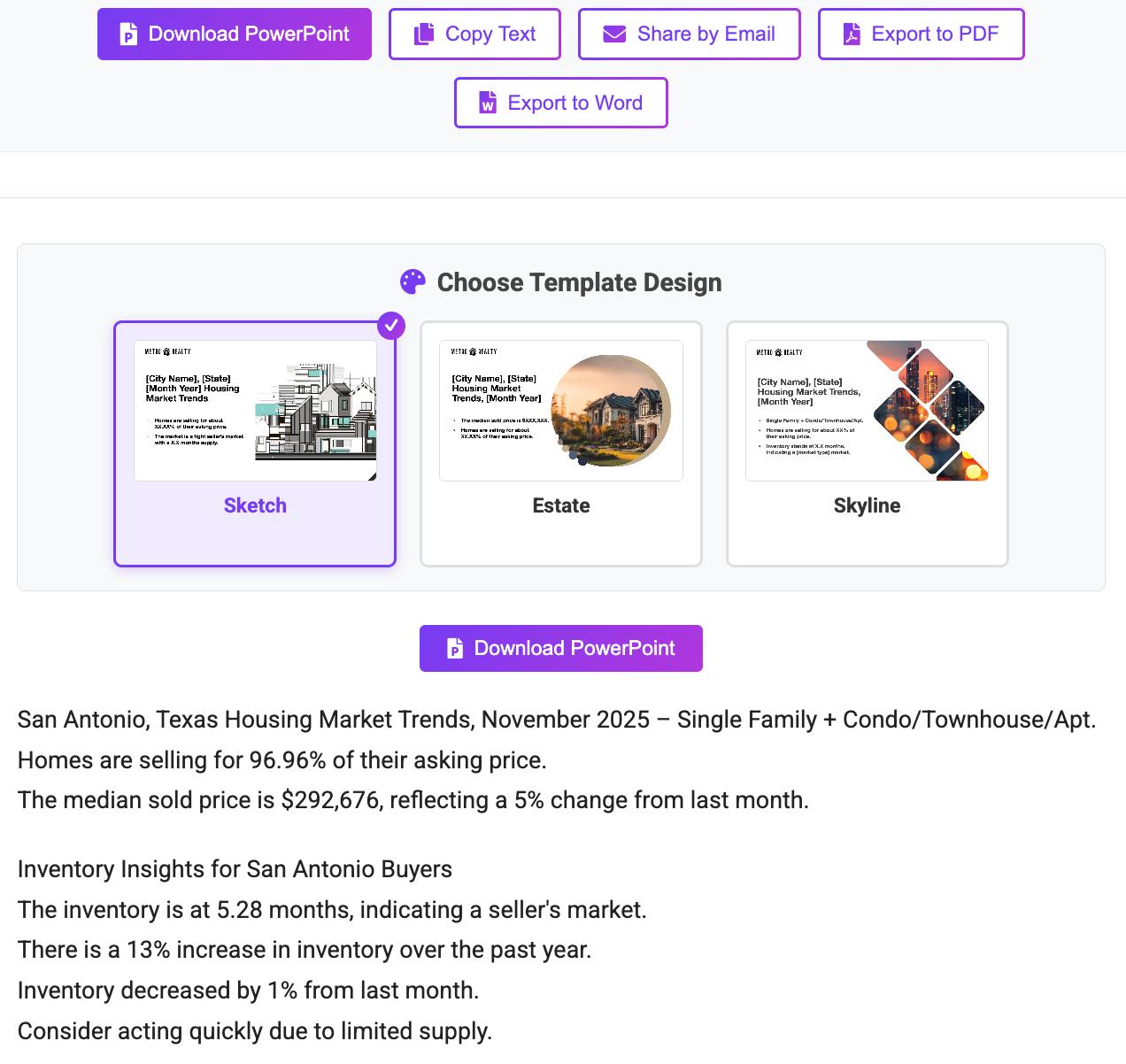
November 2025 – Single Family + Condo/Townhouse/Apt.
Homes are selling for 96.96% of their asking price.
The median sold price is $292,676, reflecting a 5% change from last month.

The inventory is at 5.28 months, indicating a seller's market.
There is a 13% increase in inventory over the past year.
Inventory decreased by 1% from last month.
Consider acting quickly due to limited supply.










Consider your knowledge of the following factors:
• Deed Restrictions
• EPA Regulations
• Flood Zones
• Historic District Rules
• Homeowner Associations
• Planning Changes
• Topography
• Water Districts
• Special Purpose Districts
• Zoning
Providing resources and directing clients to the primary source of information can help you avoid unintentional fair housing violations.

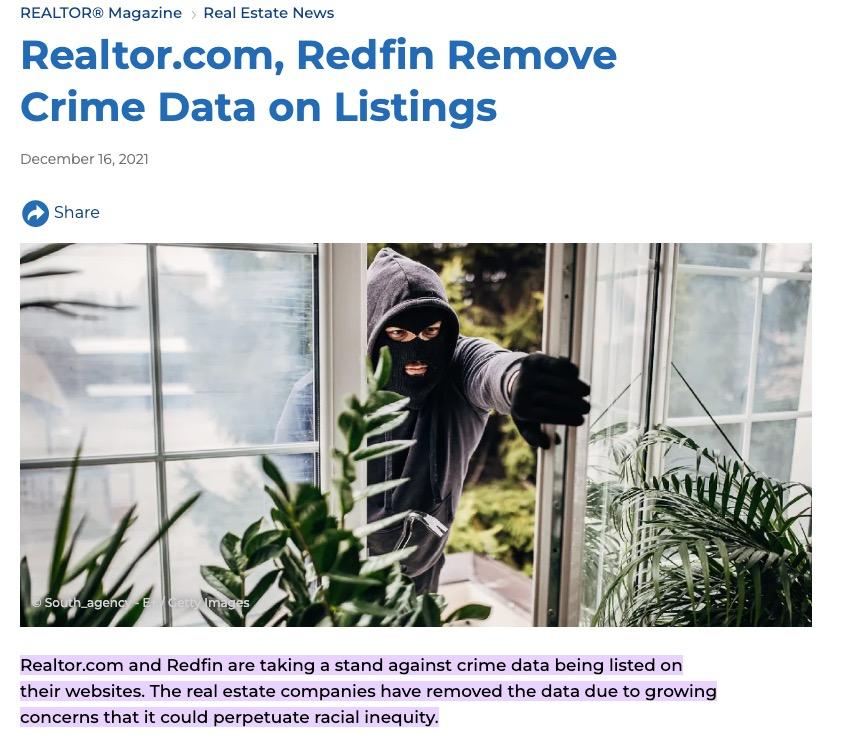
Direct clients to the primary source!
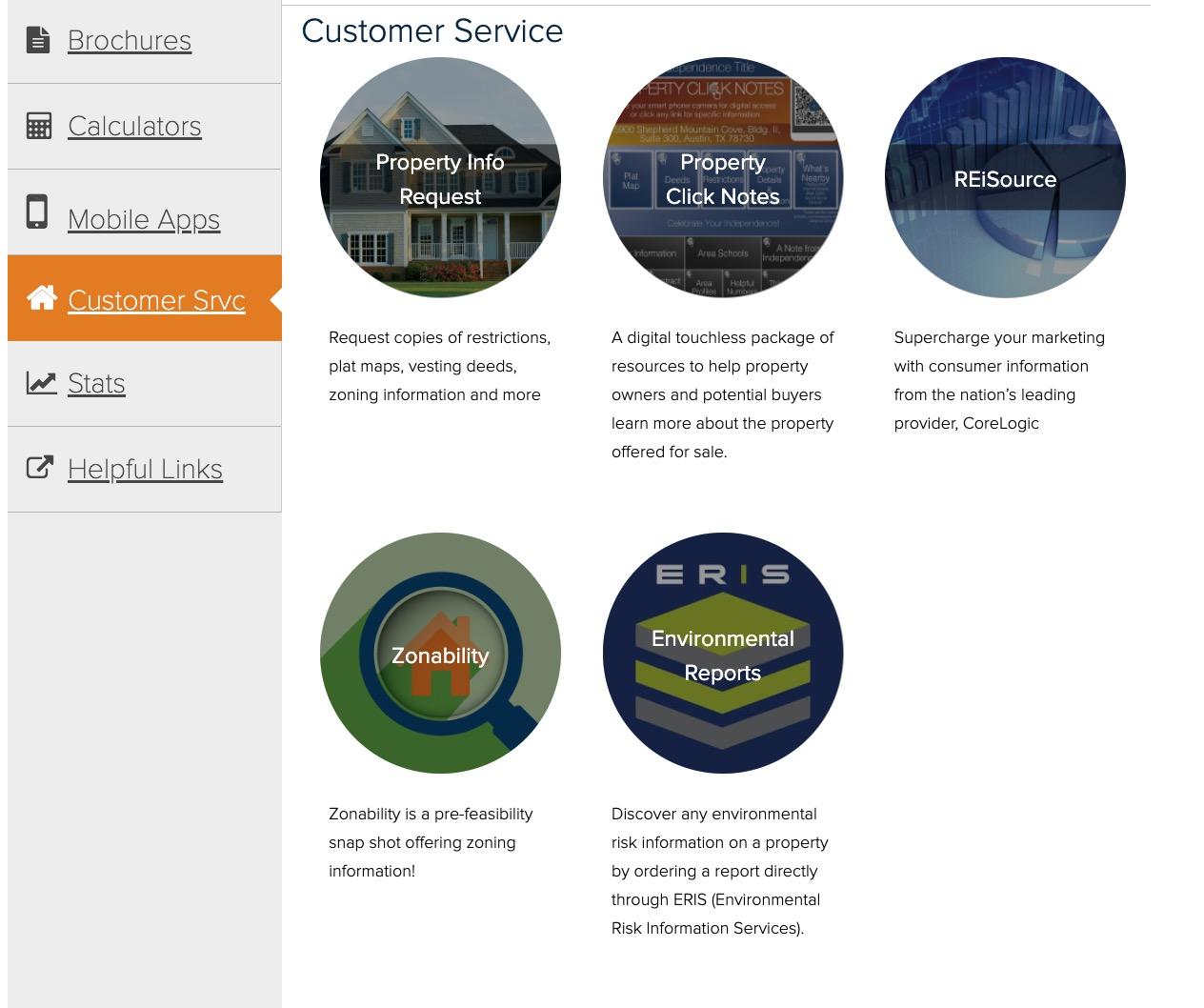
• City Chamber of Commerce
• City Crime Information
• City Development Services
• City Historic Districts
• City Housing & Planning Department
• City Permit Search
• City Planning & Zoning
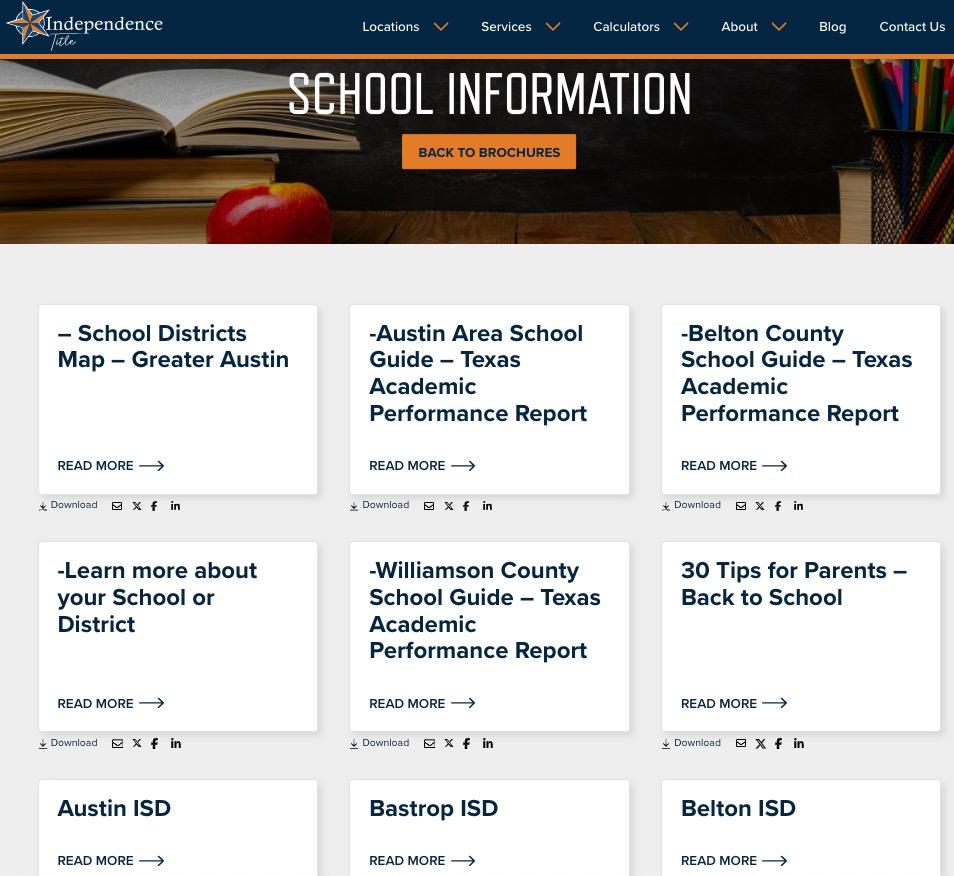
• Local ISD
• Attendance Boundaries
• Boundary Adjustments
• Facility Planning
• District Demographics
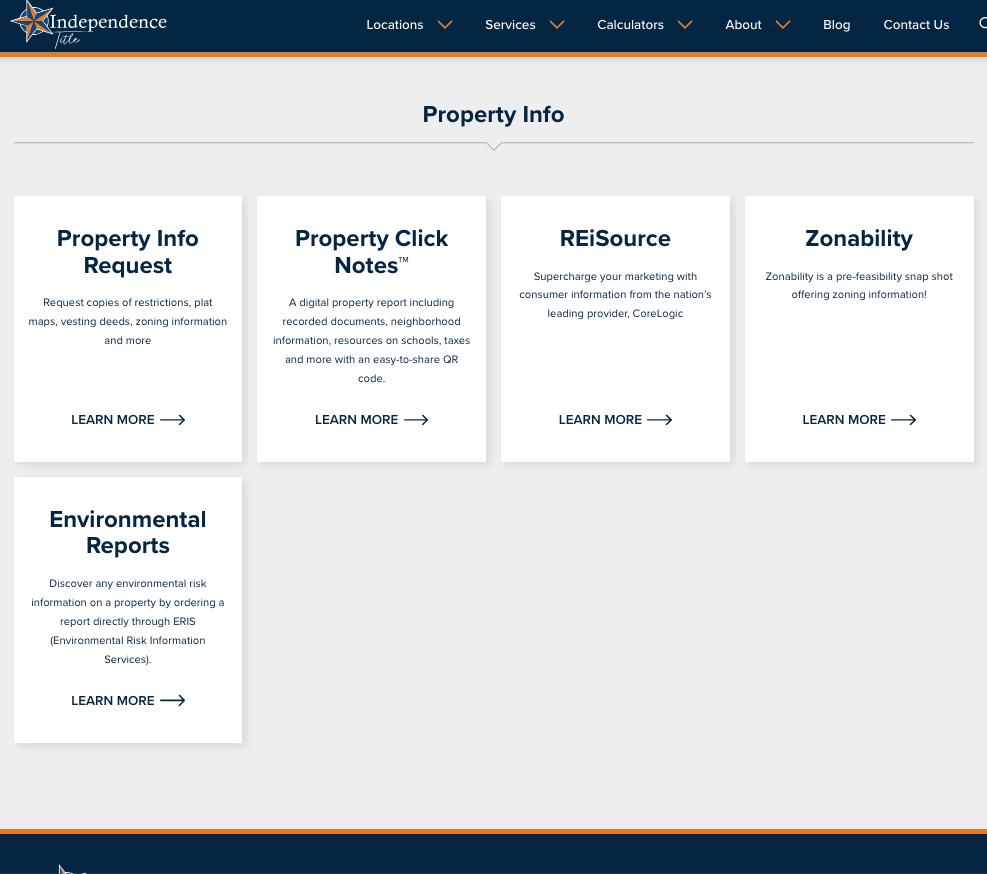
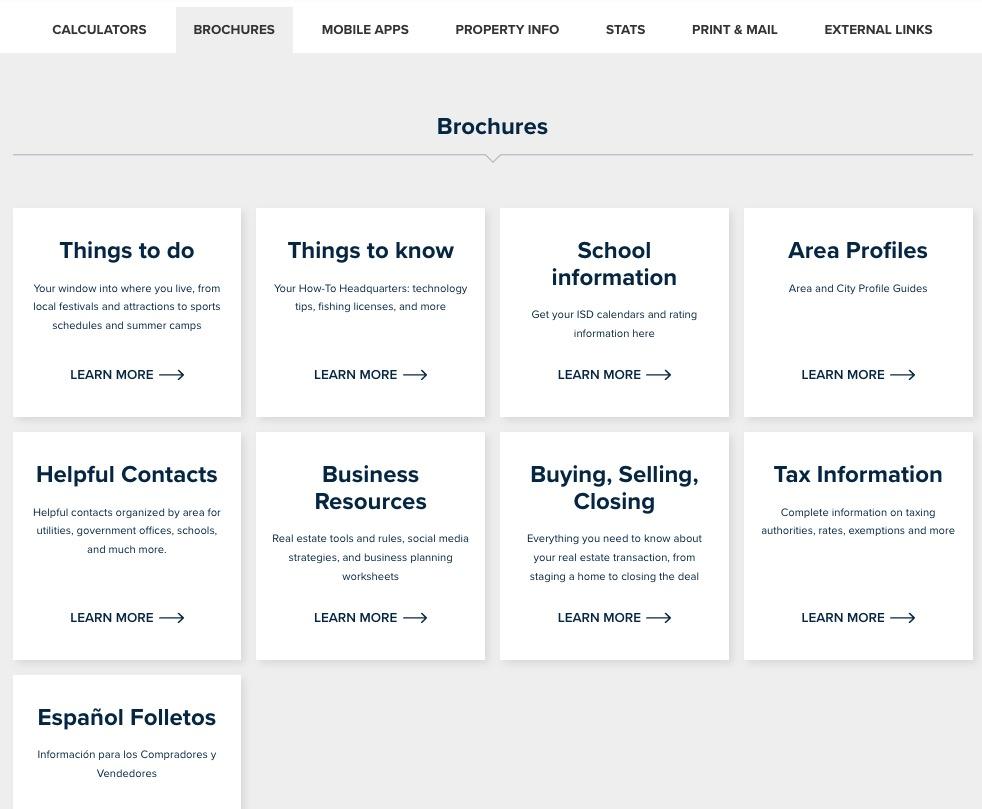
• Independence Title Brochures: School Guides
• Texas Academic Performance Reports
• Distinction Designations
• Helpful TEA Links

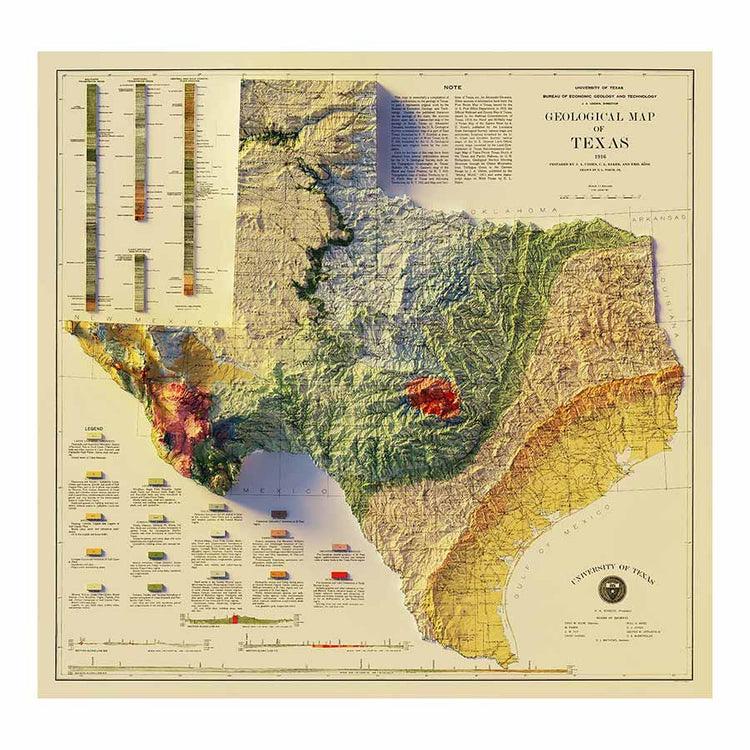
Perry-Castaneda Library
• www.maps.lib.utexas.edu/maps/topo/texas
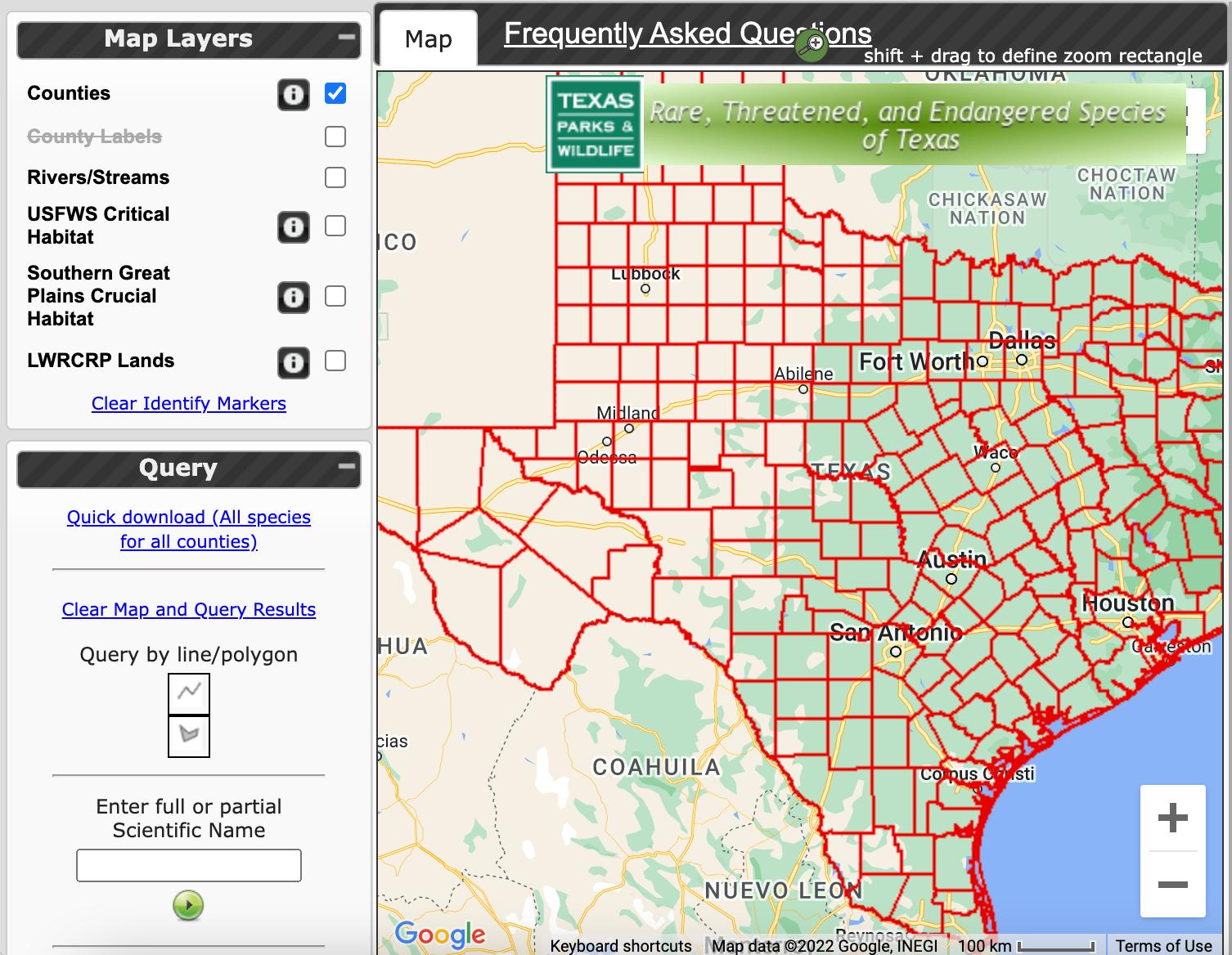
Endangered Species of Texas by County
• www.tpwd.texas.gov
United States Environmental Protection Agency
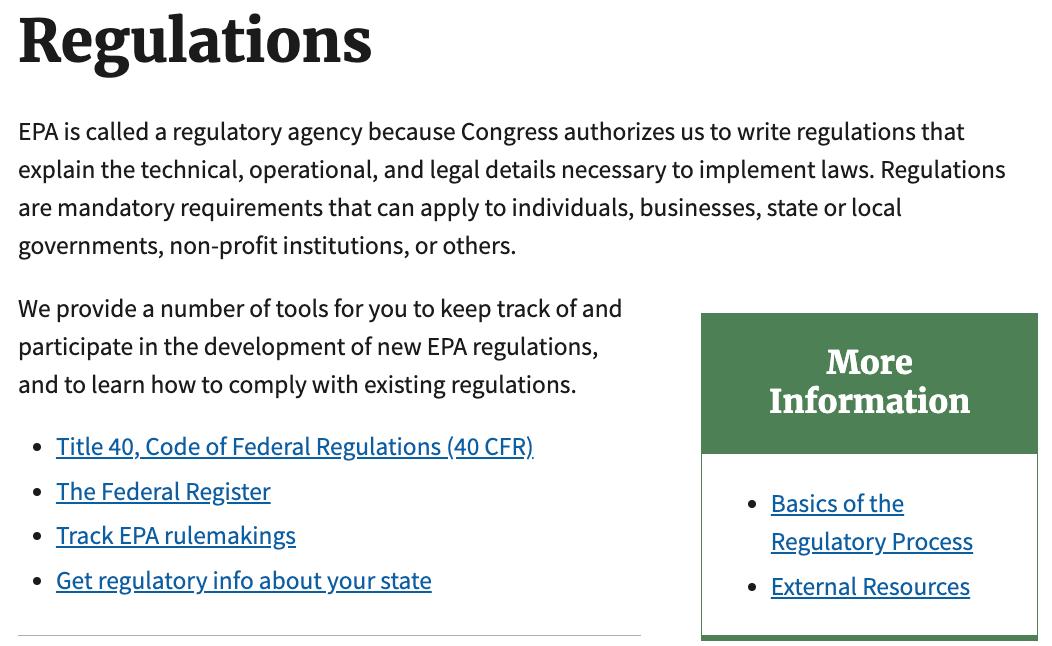
Learn About Your Community and Access Regulations

• www.epa.gov Federal Emergency Management Agency
Flood Map Service Center
• Search by address, place, longitude/latitude
• www.msc.fema.gov/portal/home

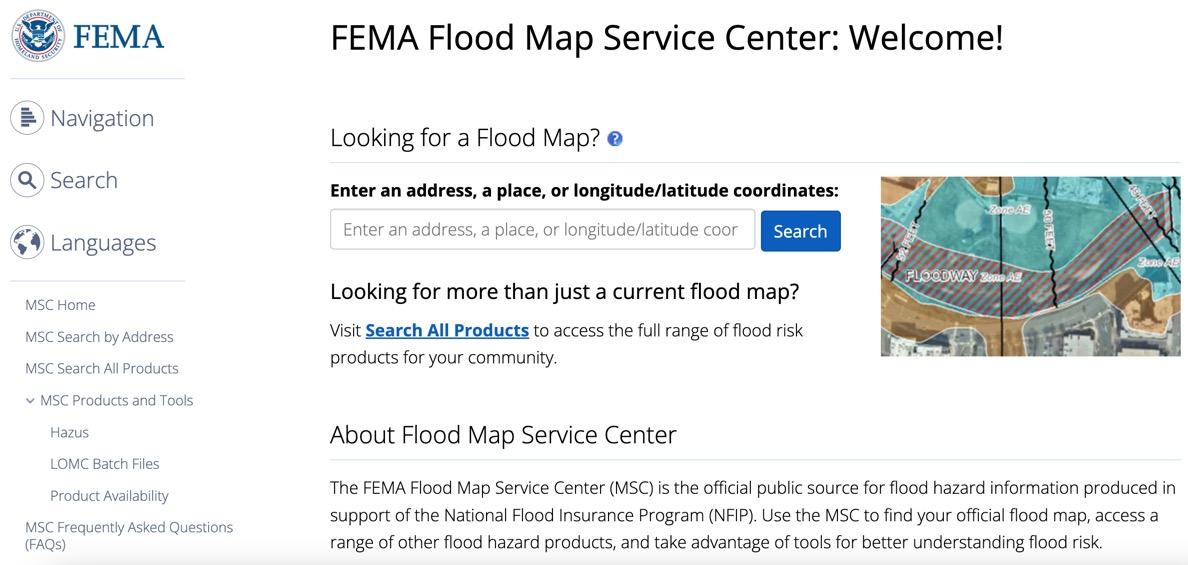
https://msc.fema.gov/portal/home
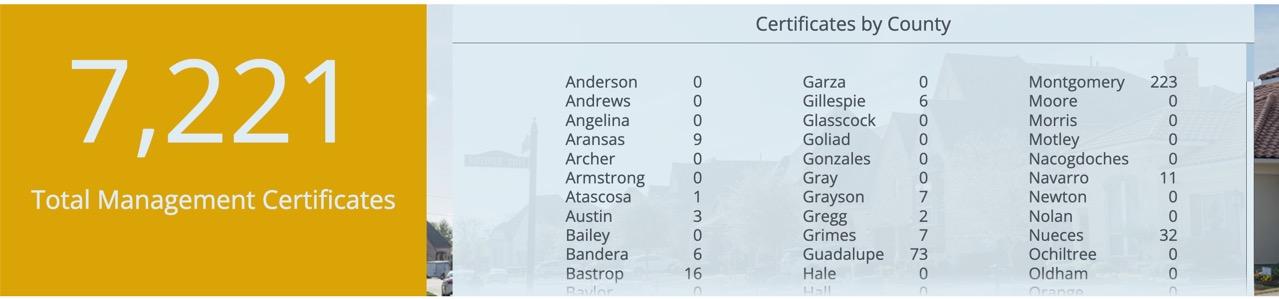
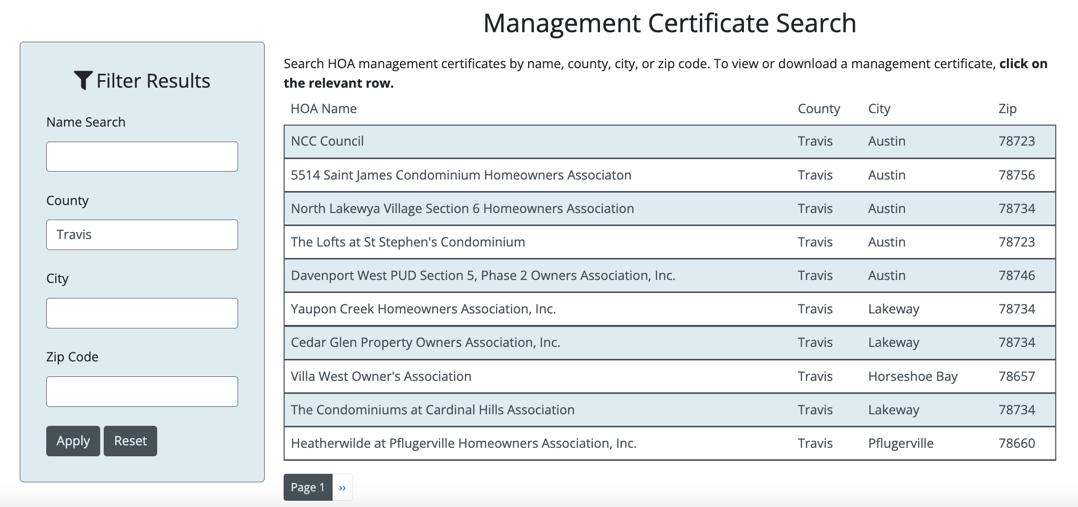
• www.HOA.Texas.gov
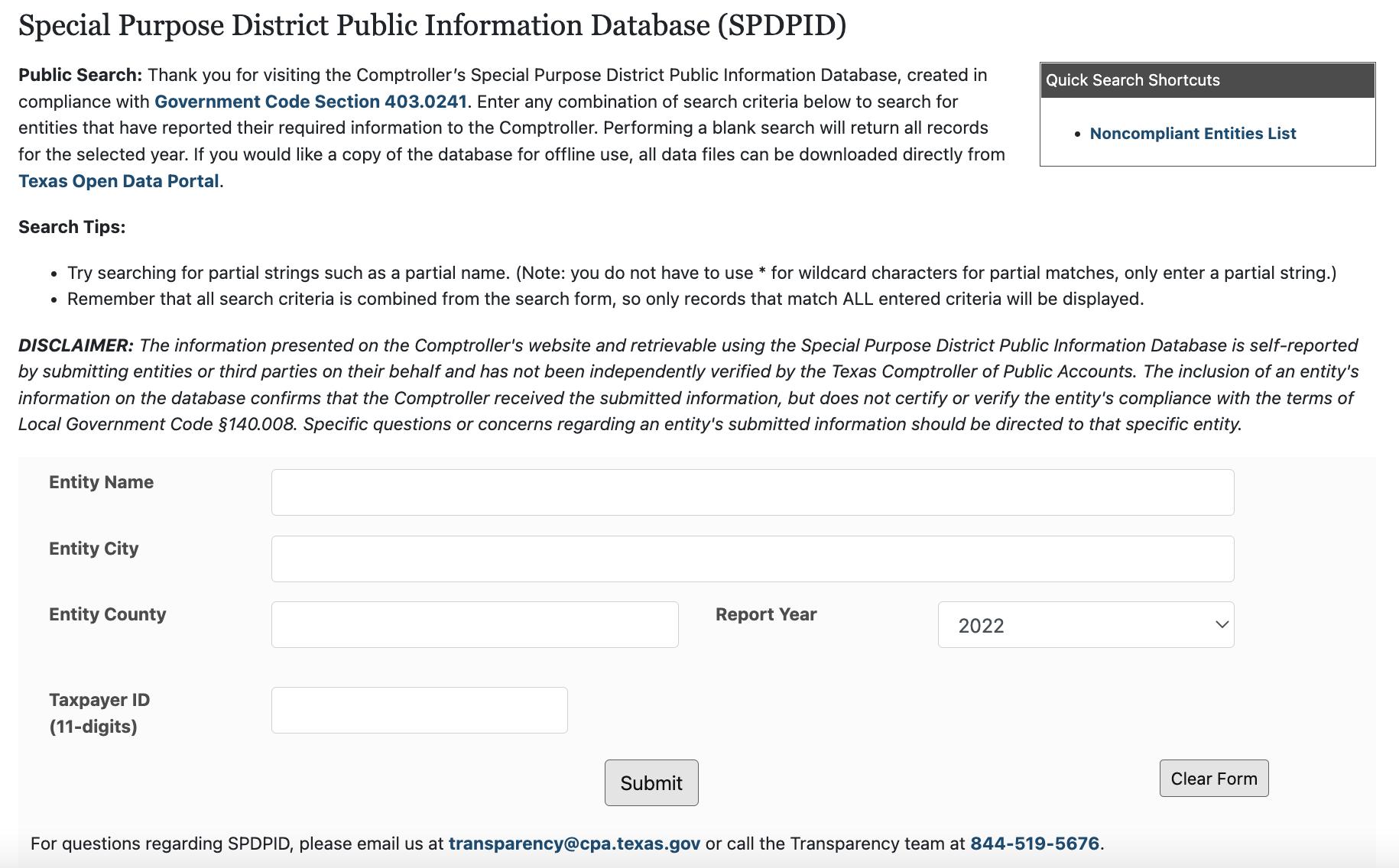
• Search by City or County for PIDs, PUDs, MUDs
• www.spdpid.comptroller.texas.gov
•
•








© 2025 Independence Title – Education Team. All rights reserved. No part of this ebook may be reproduced or distributed without written permission, except for brief quotations permitted by law. This material is for educational purposes only, and Independence Title is not liable for any errors or outcomes resulting from its use.