
Set Up Low Balance Notifications
Follow the steps below to receive email notifications when your Dining Dollars Plan balance reaches the minimum amount you choose to set.
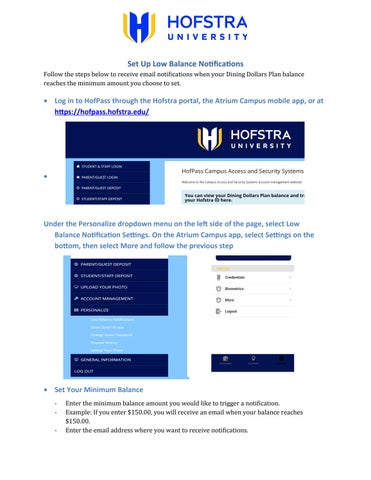
Log in to HofPass through the Hofstra portal, the Atrium Campus mobile app, or at https://hofpass.hofstra.edu/
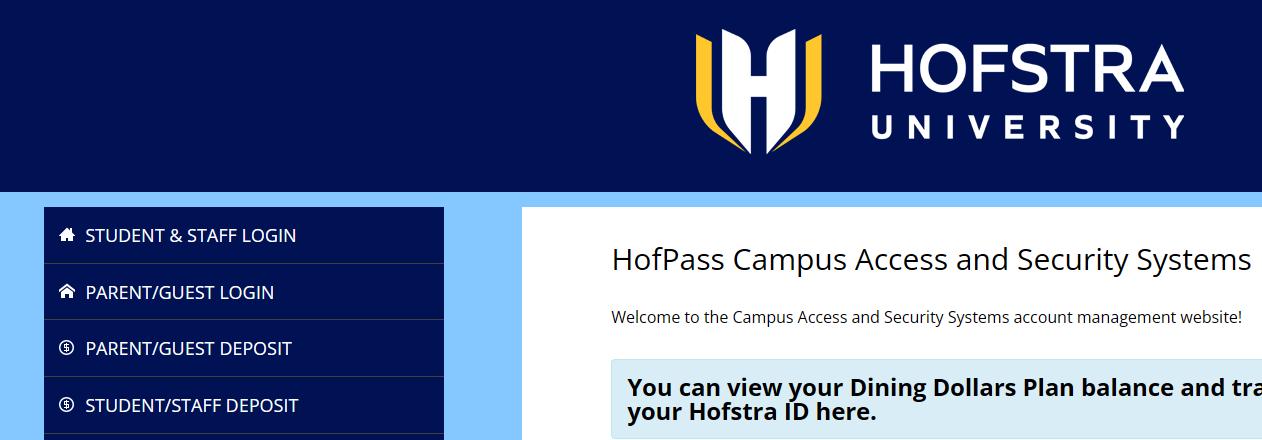
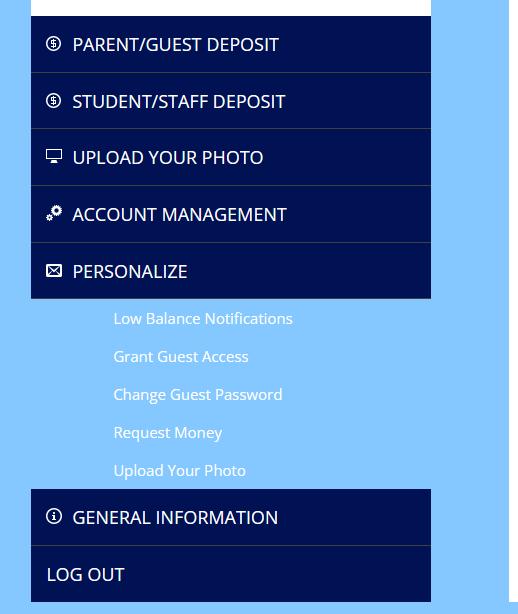
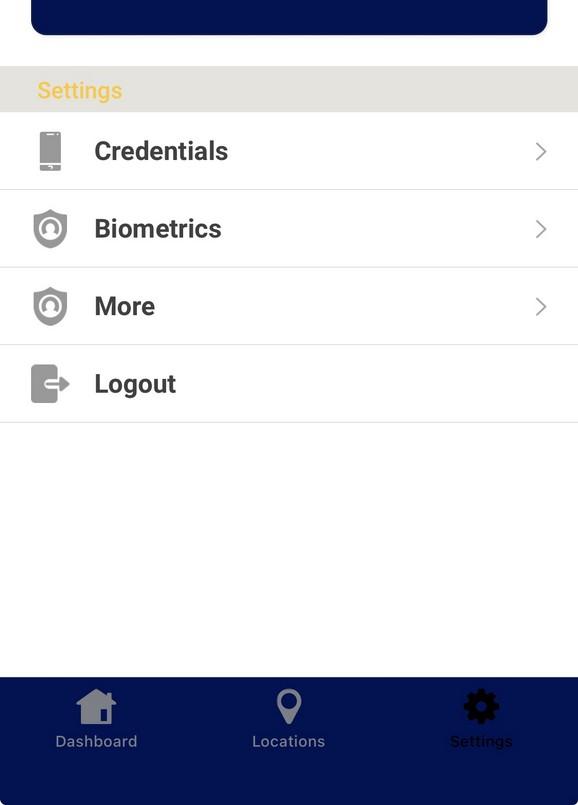
Under the Personalize dropdown menu on the left side of the page, select Low Balance Notification Settings. On the Atrium Campus app, select Settings on the bottom, then select More and follow the previous step
Set Your Minimum Balance
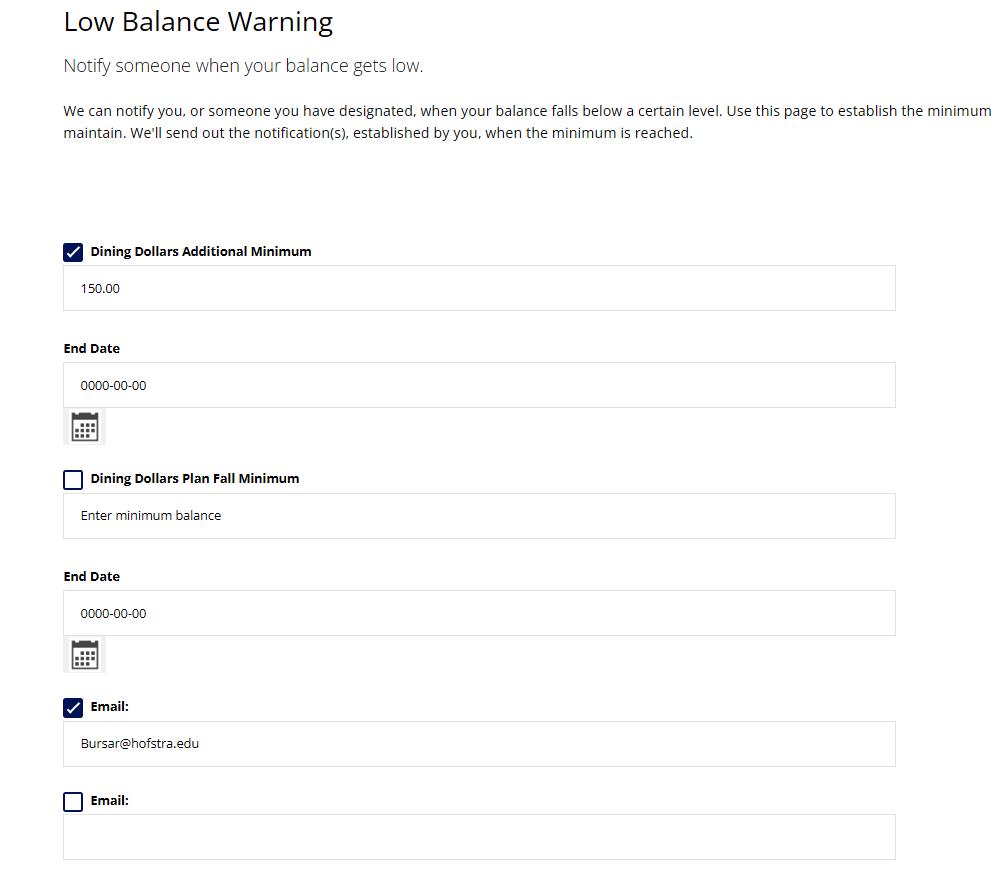
- Enter the minimum balance amount you would like to trigger a notification.
- Example: If you enter $150.00, you will receive an email when your balance reaches $150.00.
- Enter the email address where you want to receive notifications.
Select Notification Preferences
- Check the box next to the account(s) you want to receive notifications for.
- Check the box next to the email address to enable notifications.
to apply your changes.
You will now receive an email notification whenever your selected account balance reaches the minimum balance you specified.