Set Up Screen Time and Parental Controls
How To:
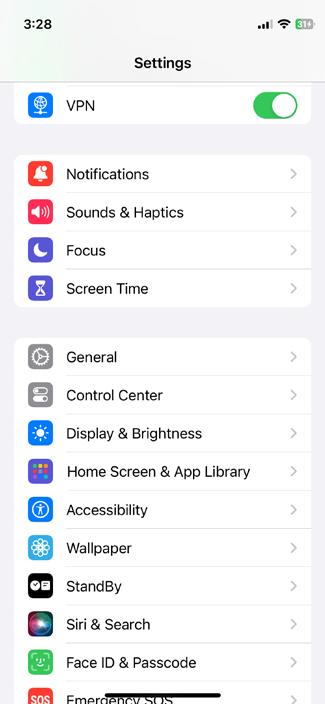
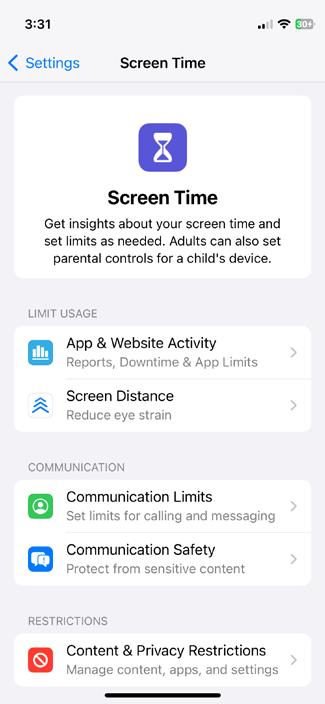
• Go to Settings > Screen Time and tap Turn On Screen Time.
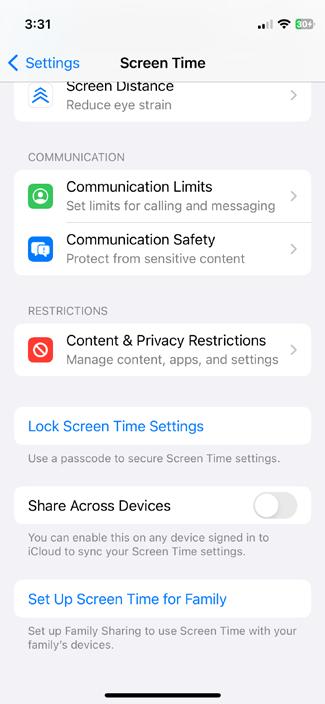
• Follow the prompts to set up a passcode. Make sure your child does not know this code.
• Use Downtime to schedule time away from the screen.
• Set App Limits for categories like social networking, games, and entertainment.
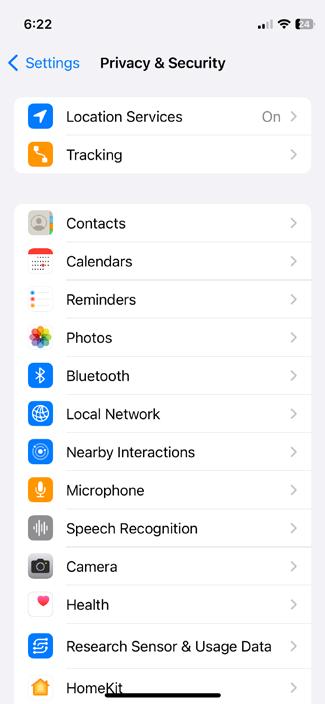
• Use Content & Privacy Restrictions to block inappropriate content, restrict purchases, and manage app permissions.
Why it Helps:
These settings allow you to control and monitor your child’s device usage, helping to limit exposure to potential online dangers.