Create a Separate User Account for Your Child
How To:
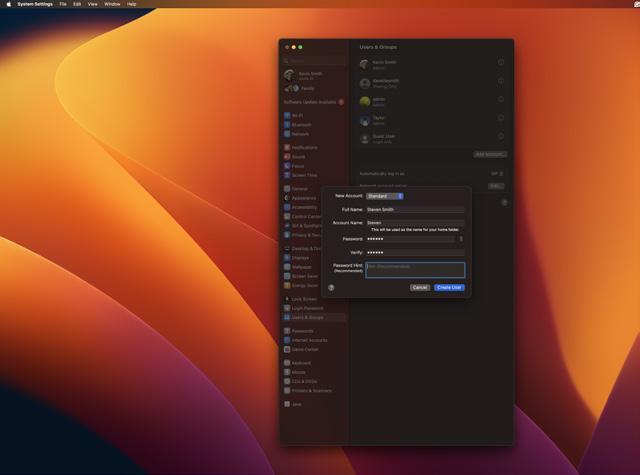
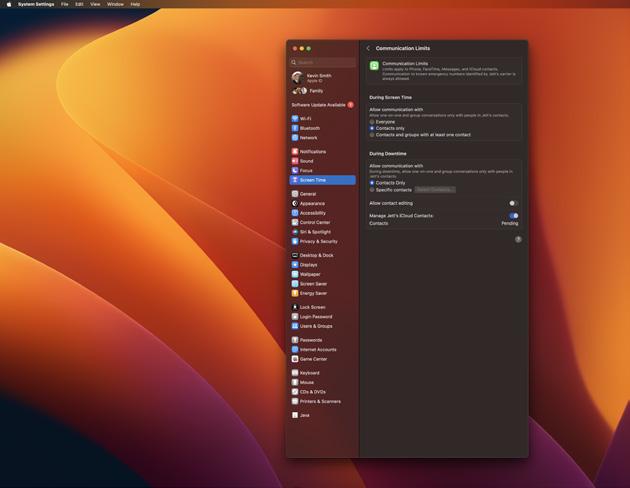
• Go to System Preferences > Users & Groups.
• Click the lock icon and enter your administrator password.
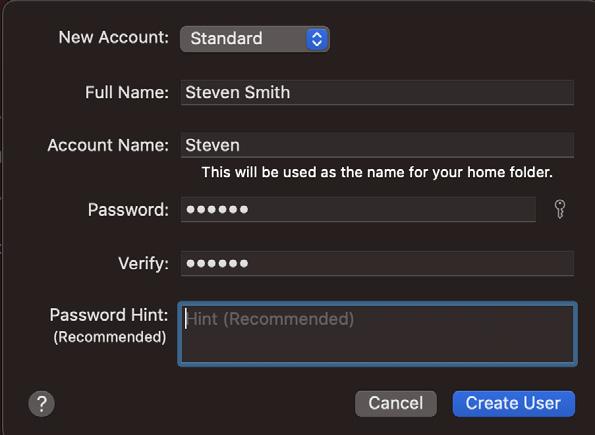
• Click the Add (+) button below the list of users and select New Account as Standard.
• Fill in the necessary details and create the account.
Why it Helps:
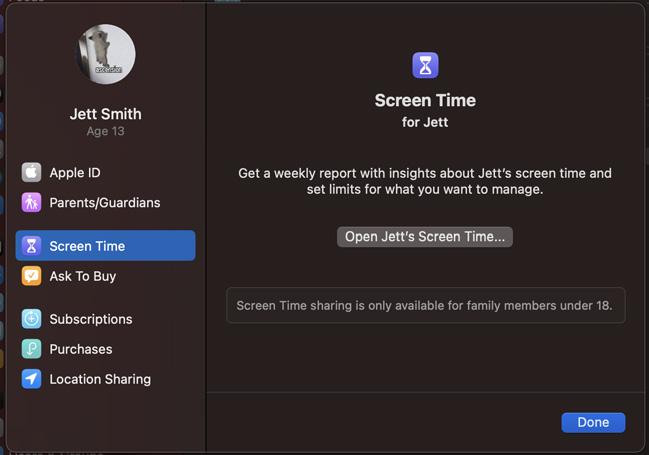
A separate user account allows you to set specific restrictions and monitor your child’s activity on the computer.