


Allendale Five Farms Residential Community App Login Request and Club Induction Guide
As Easy As 1, 2, 3, 4 ! Get set up and start enjoying your community and your club! Set aside 5–10 minutes to complete your registration and unlock access to club bookings, fitness classes, and community features.
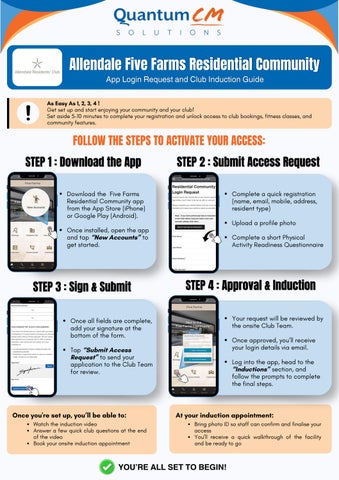
FOLLOW THE STEPS TO ACTIVATE YOUR ACCESS: STEP 1 : Download the App
STEP 2 : Submit Access Request
Download the Five Farms Residential Community app from the App Store (iPhone) or Google Play (Android).
Complete a quick registration (name, email, mobile, address, resident type) Upload a profile photo
Once installed, open the app and tap “New Accounts” to get started.

STEP 3 : Sign & Submit
Complete a short Physical Activity Readiness Questionnaire
STEP 4 : Approval & Induction Your request will be reviewed by the onsite Club Team.
Once all fields are complete, add your signature at the bottom of the form.
Once approved, you’ll receive your login details via email.
Tap “Submit Access Request” to send your application to the Club Team for review.

Once you're set up, you’ll be able to: Watch the induction video Answer a few quick club questions at the end of the video Book your onsite induction appointment
Log into the app, head to the “Inductions” section, and follow the prompts to complete the final steps.

At your induction appointment: Bring photo ID so staff can confirm and finalise your access You’ll receive a quick walkthrough of the facility and be ready to go
YOU’RE ALL SET TO BEGIN!