Visiting Frankston Library Visual Story

Acknowledgement of Country
We acknowledge the Bunurong people who are the traditional custodians of the land on which Frankston City Libraries stands. We pay our respects to their Elders, both past and present.


Frankston Library Visual Story
Section 1 About this document
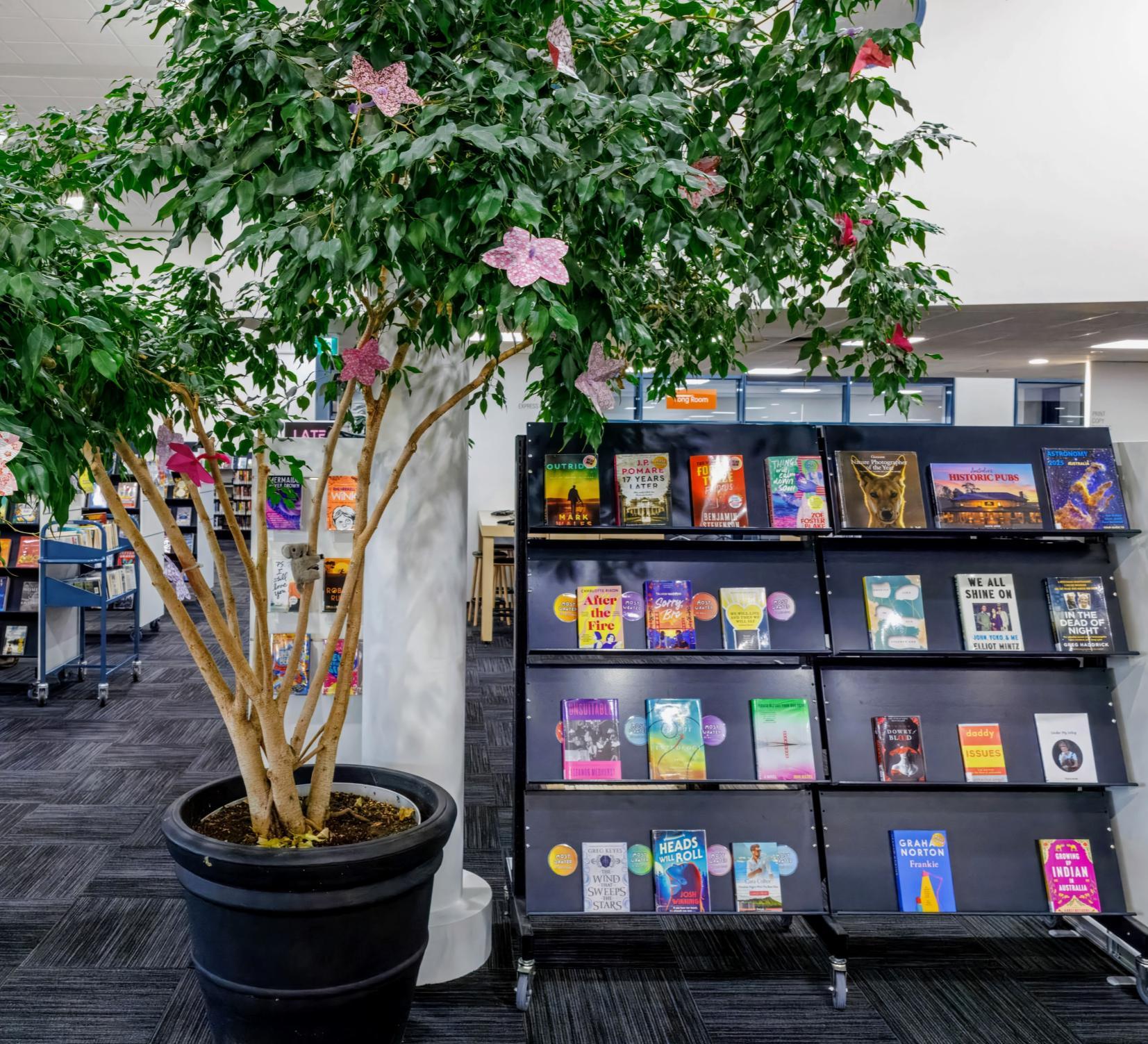
What is a Visual Story?
• Visual stories are for everyone!
• It uses words and pictures to explain what might happen in a new place or situation
• It can make it easier to understand what to expect, and can help things feel a bit more predictable
• It is written in a clear way, so the information is easy to follow
Inclusion Statement

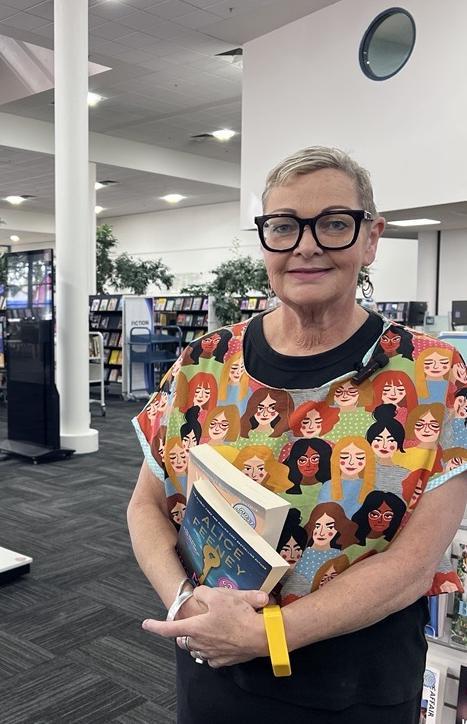
You are welcome here. We want you to feel it is OK to be your authentic self here without judgement.
Please let us know if there is anything we can do that would make you feel more comfortable and included – for instance show you to a quieter area. Your feedback is welcome. You are also welcome to use your own strategies to help you feel engaged and relaxed.



Frankston Library Visual Story 5
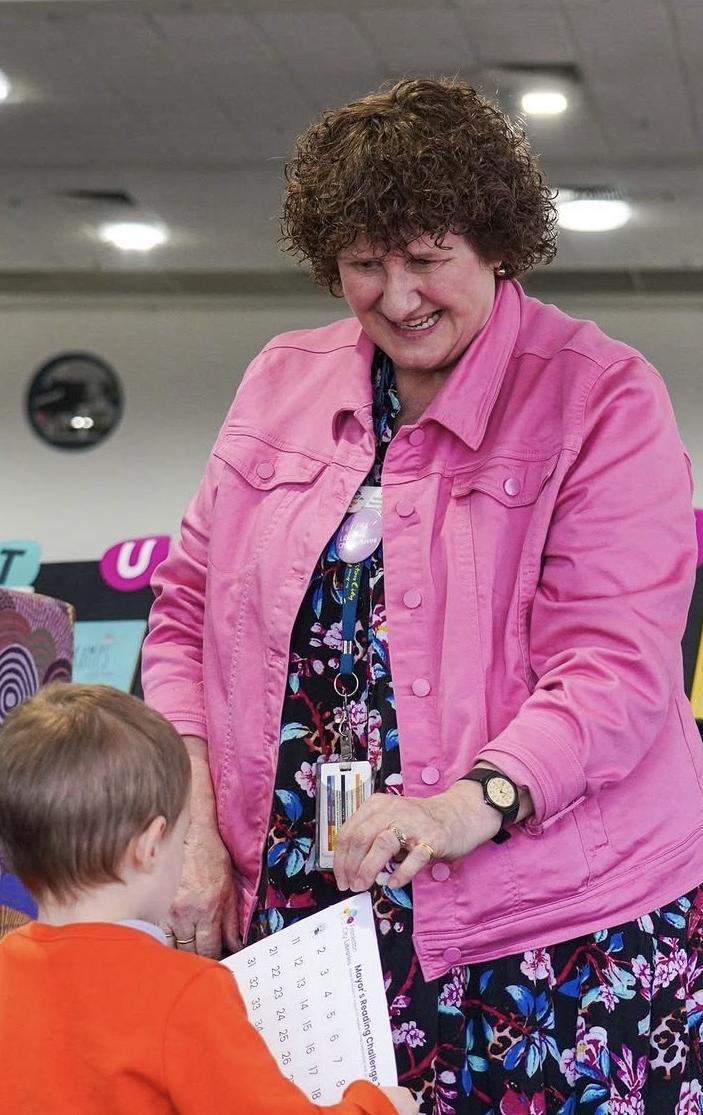
• You can email us at libraryenquiries@frankston.vic.gov.au
• Speak directly to a team member at the library
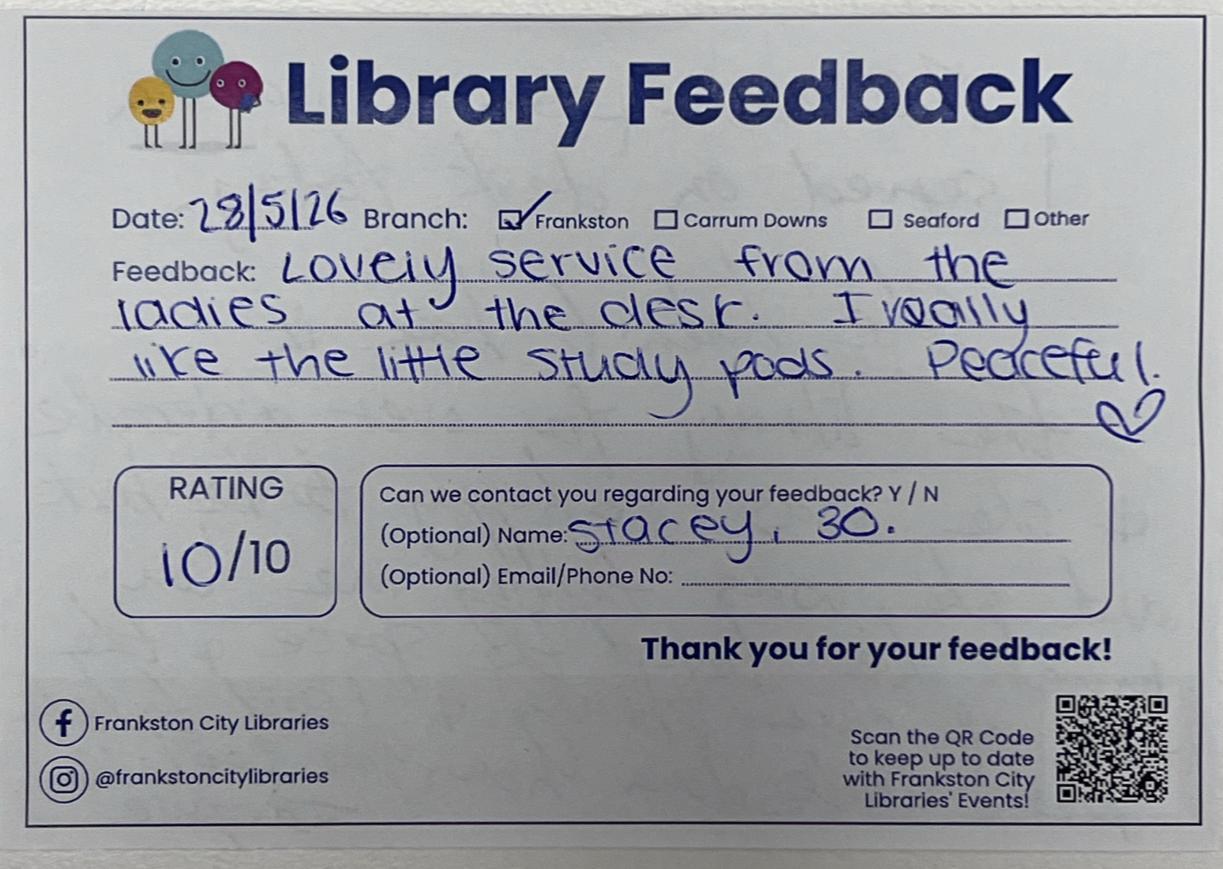
• Fill out a feedback form at the library
Quick Find
Section 1: About this document.
What is a Visual Story
Inclusion Statement
Feedback
Section 2: Things I need to know before I go.
About PLV and Frankston City Libraries
Sensory Information and Accessibility Features
Library Membership
Library App
Conditions of Entry
Section 3: Getting to the library
Driving, Parking and Public Transport
Section 4: At the library
Library Map
Enquiry Desk
How to find, borrow and return items
Computers and printing
Section 5: Library programs and events
Events
Storytimes
Section 6: Library Spaces
Study spaces and pod
Meeting and event spaces Leaving the library
This is page 7/39 of this document. This document will take about 15 minutes to read.
Section 2
Things to know before I go
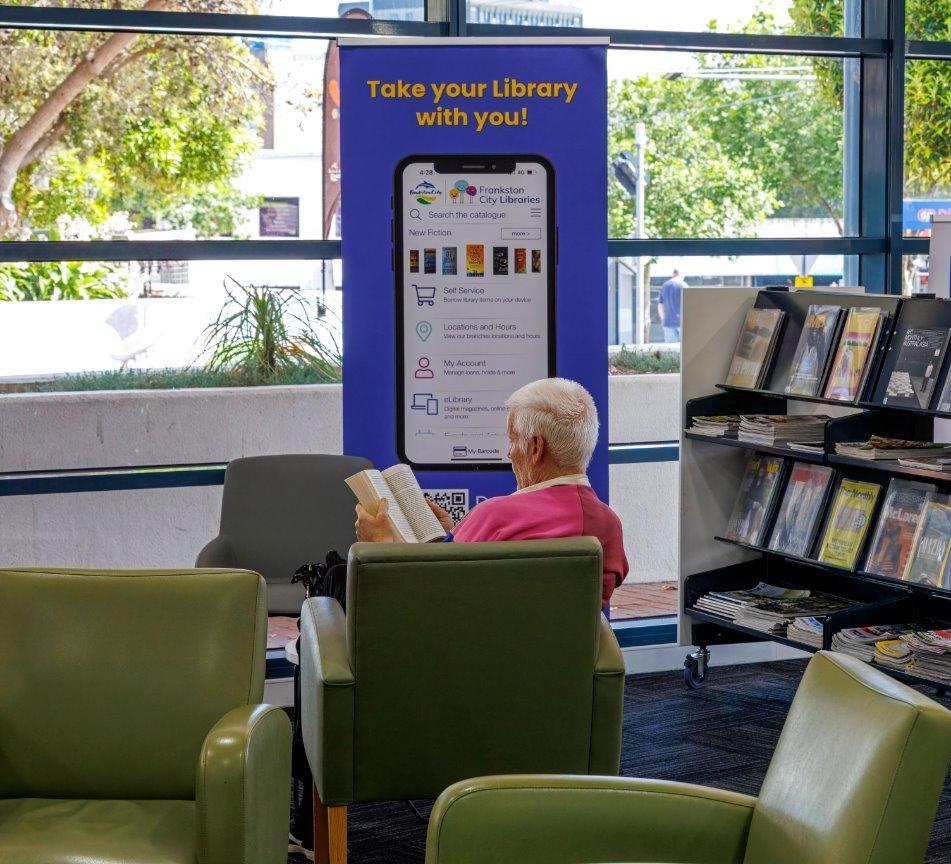
About Public Libraries Victoria
Public Libraries Victoria (PLV) is the peak body for public libraries in Victoria. PLV represent and support library services across the state, which includes over 300 libraries!
Some of the things PLV do:
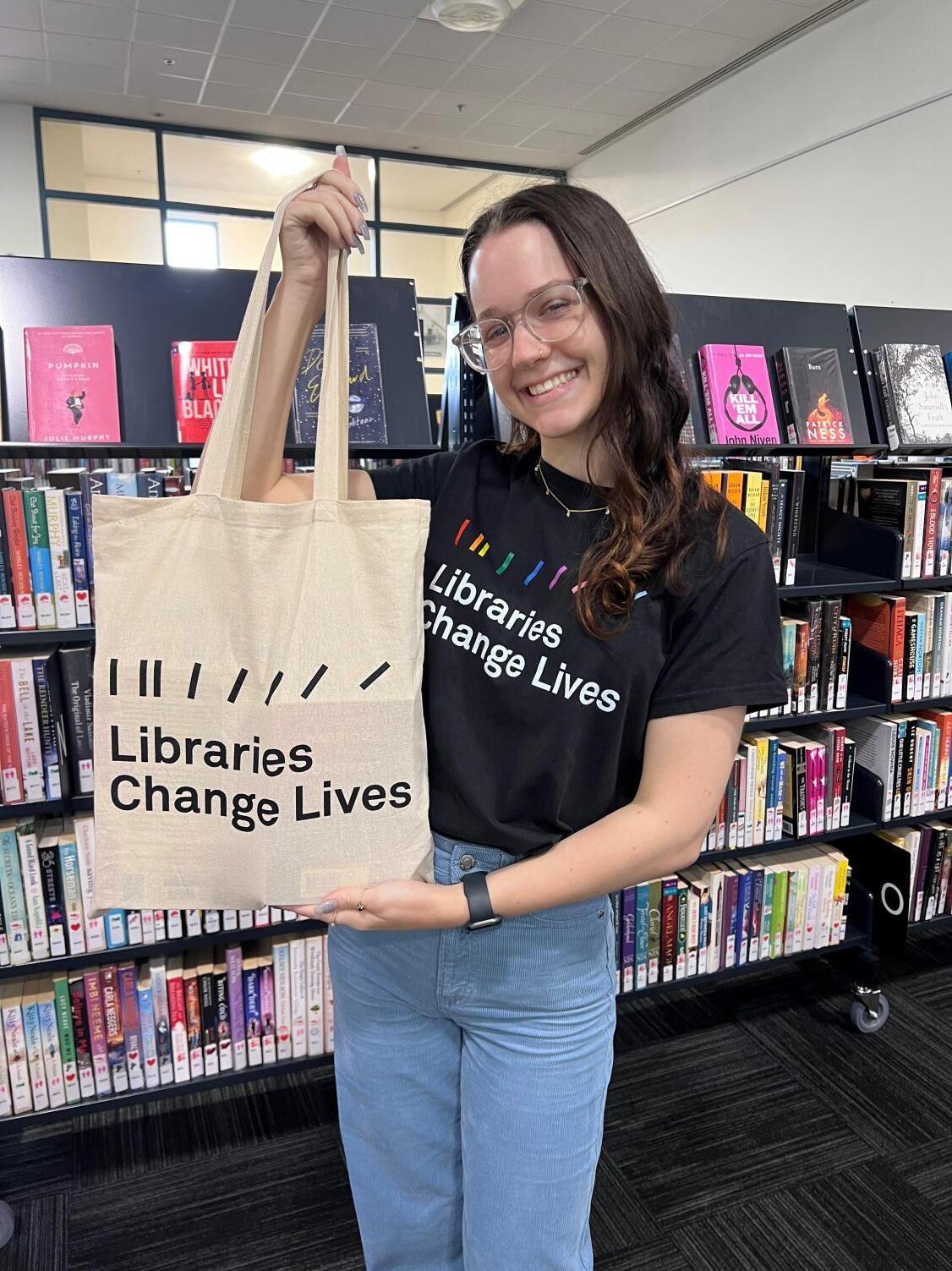
• Run campaigns like Libraries Change Lives and Big Summer Read
• Provide resources for libraries and library visitors such as the Early Years Handbook
• Make it easy to find out what each library service offers on their free and online webpage
Frankston City Libraries are managed by Frankston City Council.
Frankston City Libraries have three library branches across the local area. These libraries are Frankston Library, Carrum Downs Library, and Seaford Library.
At these libraries I can:
• Borrow books, magazines, DVDs, CDs, audio books, eBooks, eAudio books and online magazines.
• Use the internet and Wi-Fi for free.
• Print, photocopy and scan documents.
• Attend programs such as Storytime, school holiday programs, and author talks.
There are also outreach locations—small collections with limited services—at Langwarrin Customer Service Centre, Karingal PLACE Neighbourhood Centre, Frankston North Community Centre, and Frankston South Community and Recreation Centre.
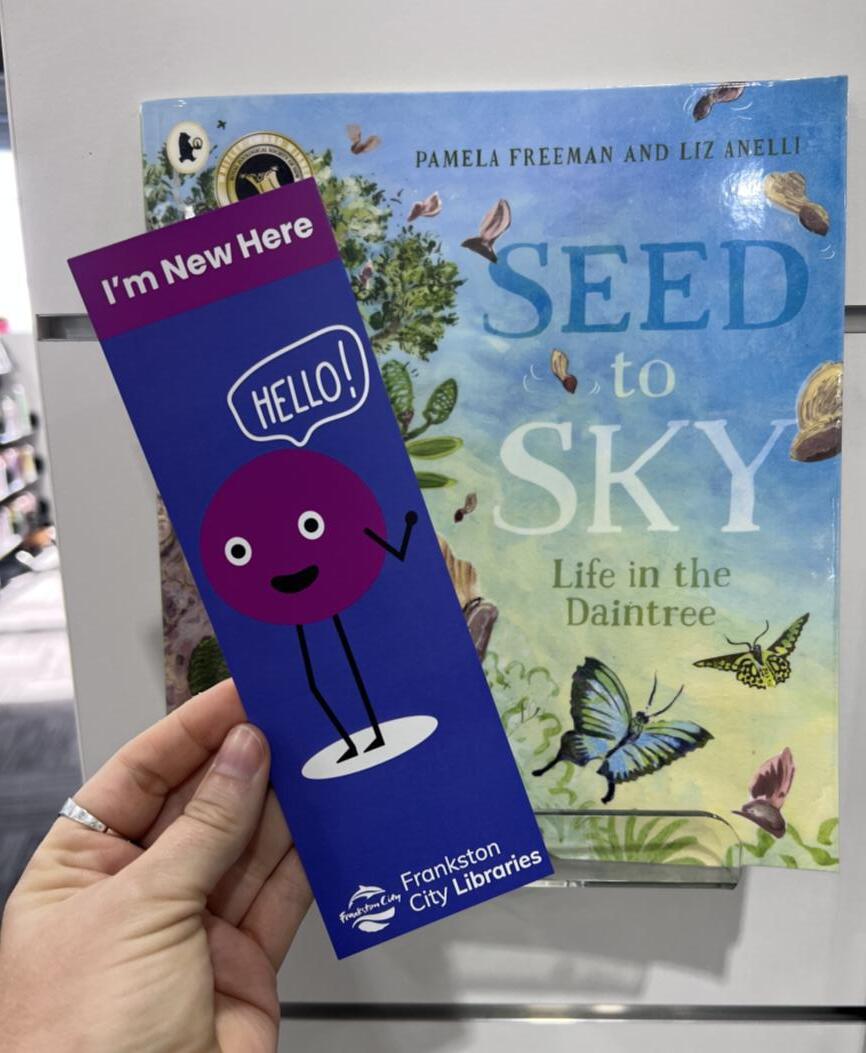
I can find out more information about Frankston Libraries on their website:
https://library.frankston.vic.gov.au/Home
About Frankston Library
Frankston Library has:
• Book collections
• DVD and CD collections
• Children’s Library
• Work and study spaces
• Meeting rooms
• Computers, photocopiers and printers
• Justice of the Peace (View hours)
• Social worker clinic (View hours)
• Newspapers and magazines
• Audio Books Frankston Library Visual Story 11
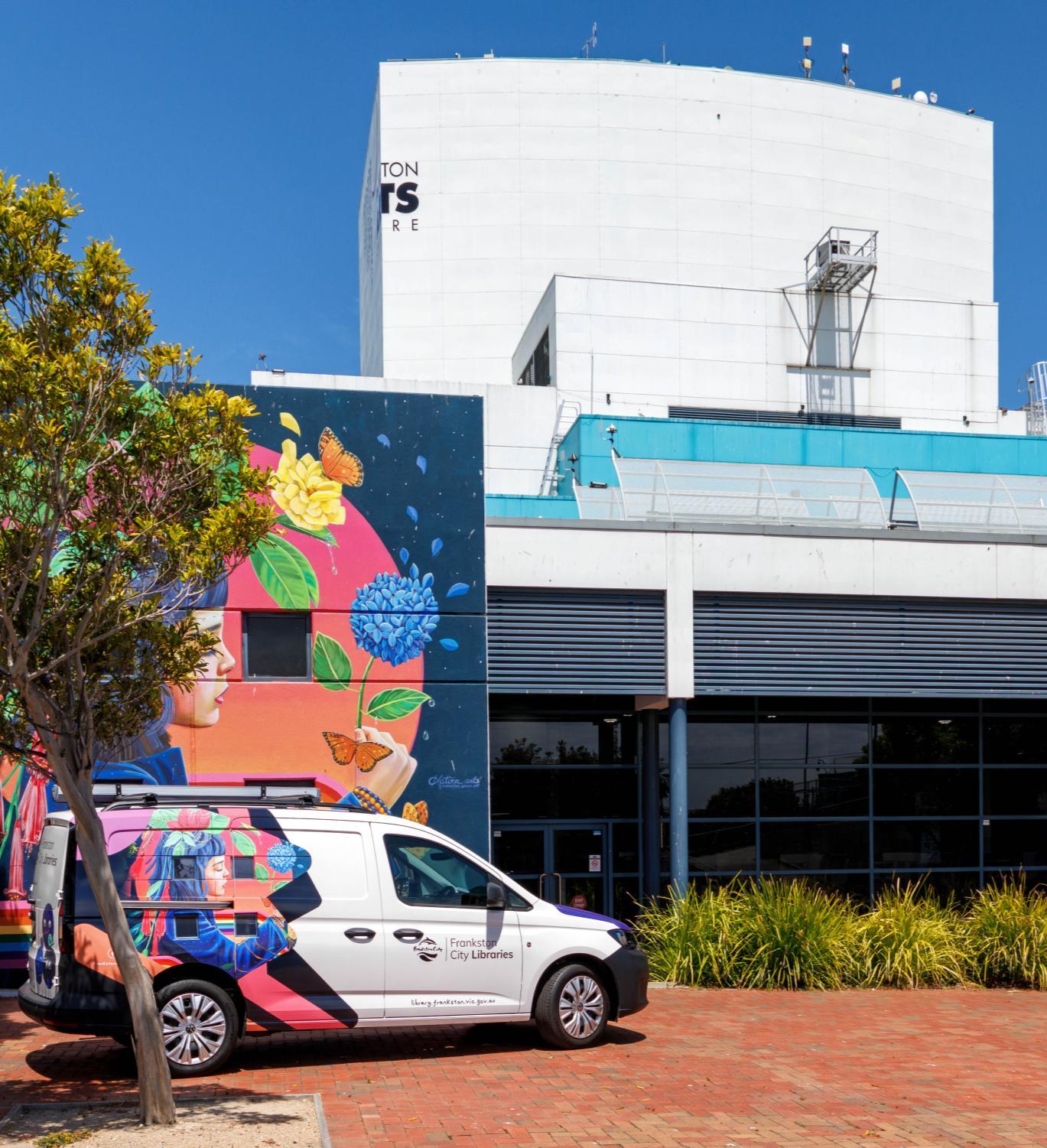
OpeningHours
Saturday and Sunday: 10:00AM–04:00 PM
Monday -Friday: 09:00 AM–07:00PM
Closed on Public Holidays
60 Playne Street, Frankston3199.
The building and car park are wheelchairaccessible.
Sensory information
During my visit to Frankston Library I might have different sensory experiences.



These could include:
• Smells other people, food and drink
• Bright lights/glare from windows
• Touch/crowding: Children running around the library
Sometimes it is busy, noisy, bright and loud at Frankston Library.
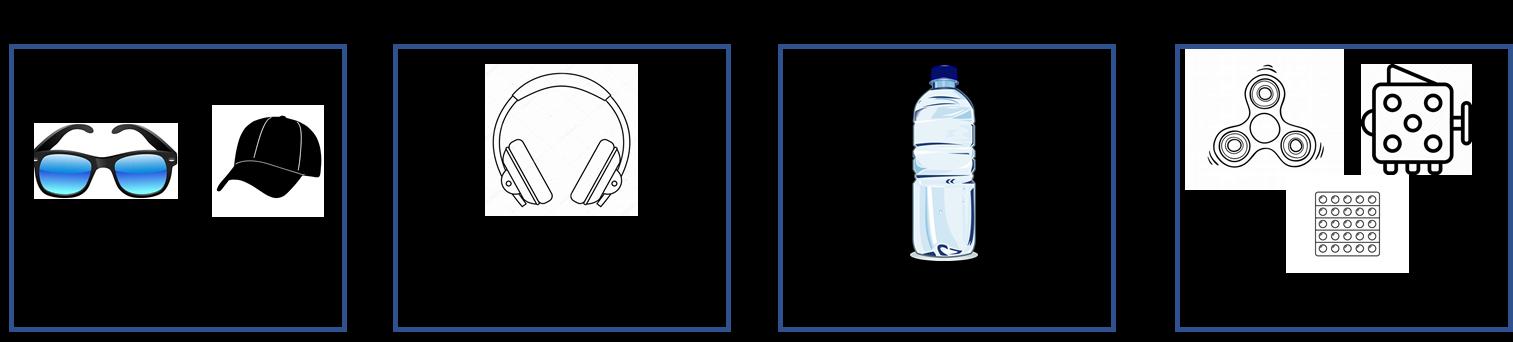
I can bring things to help me enjoy the visit.
• Sounds people talking, live music playing, or authors giving a presentation
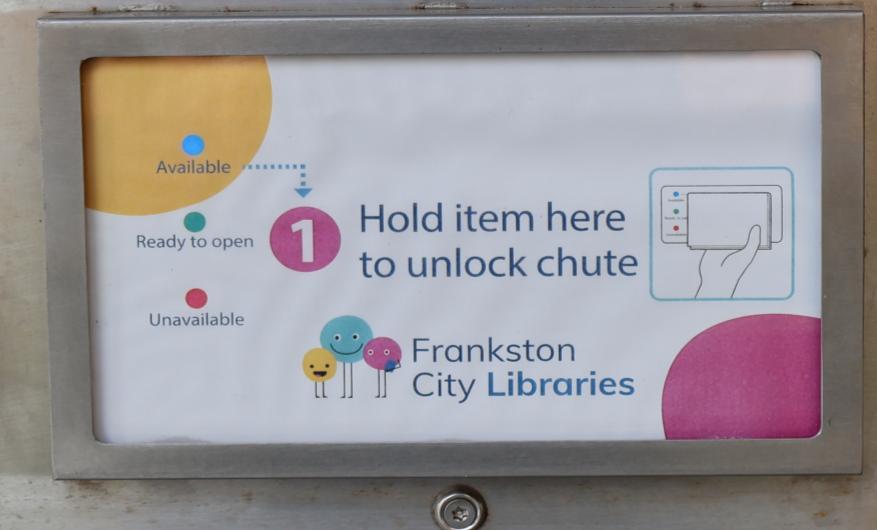
• A banging sound from the return chute Frankston Library Visual Story 12
Things I might want to bring include:
Accessibility features
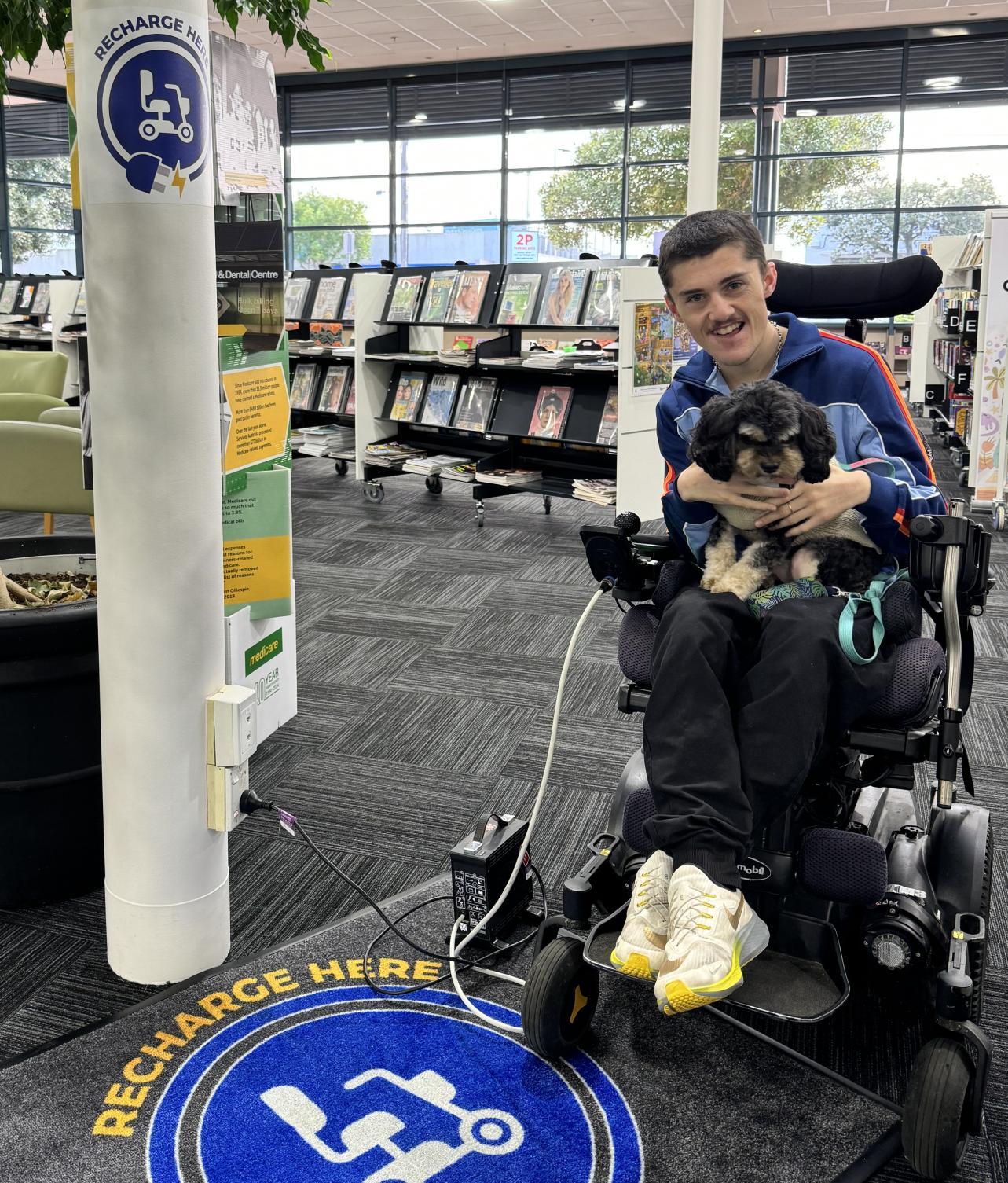
• eMobility recharge point within the library
• Registered Service Animals are welcome
• On-street Disabled Parking at front of building
• Disabled Parking within the Frankston Arts Centre Carpark
• Accessible toilets
• The closest Changing Places bathroom can be located here
• Parents room with changing table and feeding chair
Library Membership
I can become a member of Frankston CityLibraries. It's free!
My membership includesfree access to books, talkingbooks, musicCDs, documentaries, films and children'sDVDs, magazines (onlineand in-print),eAudiobooks, eBooks and so much more.
Join at a branch:
I will need to show one form of photo ID with my address on it.
If I do not have this, I can speak to a team member for assistance.
Join online:
I can join online via the website. After I join, I will be able to place two reservations, use online resources, and use the computers and printers in the library.
Afterward, I can upgrade to a full membership by visiting the library and showing one form of photo ID.
Joining if I am under 18 years old:
If I am under 18, I require a guardian to create a library account. The guardian is required to show one form of photo ID with their address on it.
Young adults aged 16+ years may borrow up to 2 items at any one time.
Frankston Library Visual Story 14
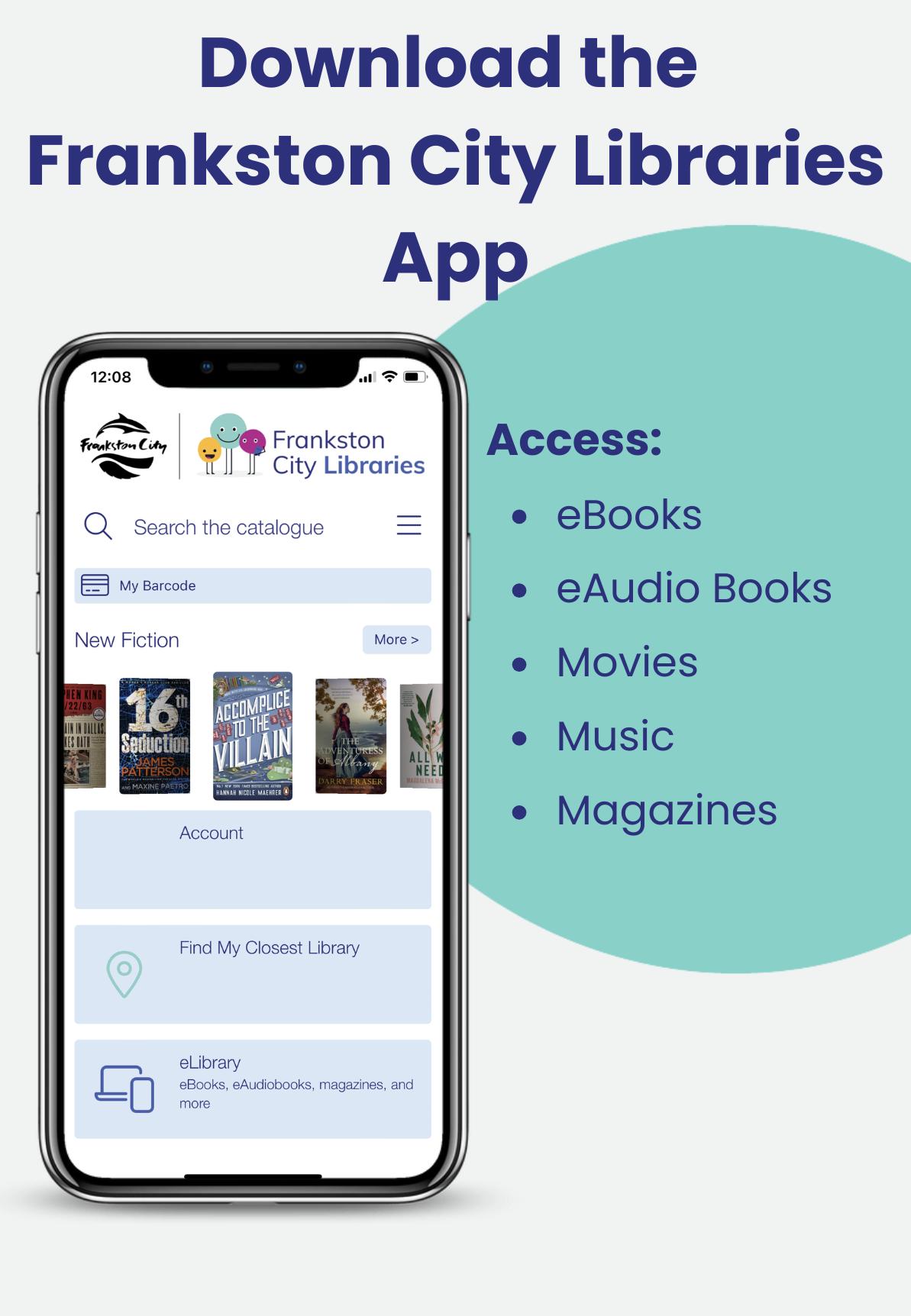
Library App
With the Frankston City Libraries app, I can:
• Manage my library account
• Search the catalogue
• Check out items
• Book meeting rooms at the library
The library app is free and available for both Apple and Android phones and tablets.
You can download the app from the app store.


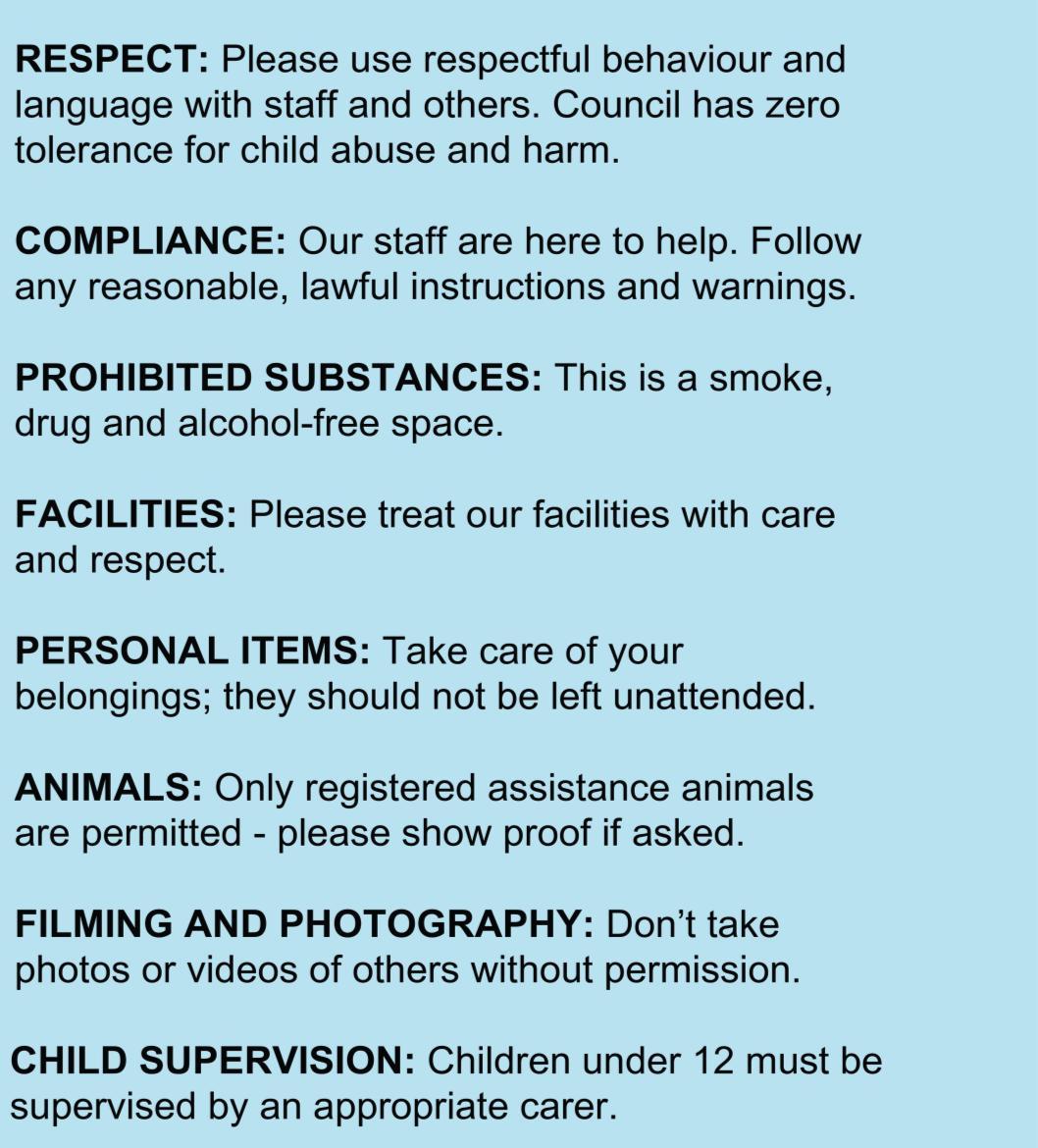
Conditions of Entry
Conditions of entry help make sure the library spaces are safe, welcoming, and enjoyable for everyone. They set out simple expectations about behaviour so all visitors can feel comfortable and treated with respect.








Section 3
Getting to the library
Frankston Library Visual Story 17
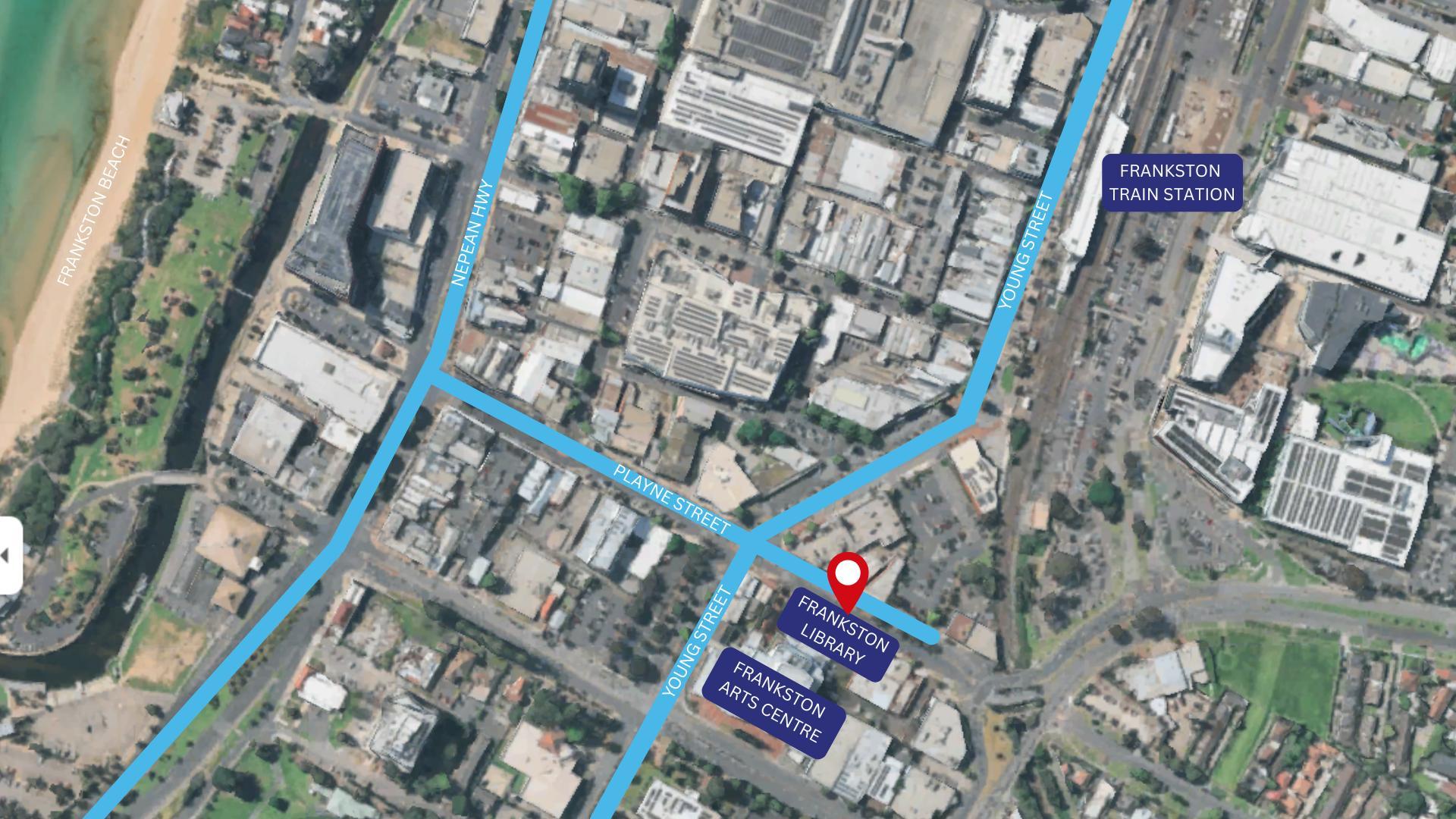
Map of location
Frankston Library
60 Playne Street
Planning my journey
Getting there by car

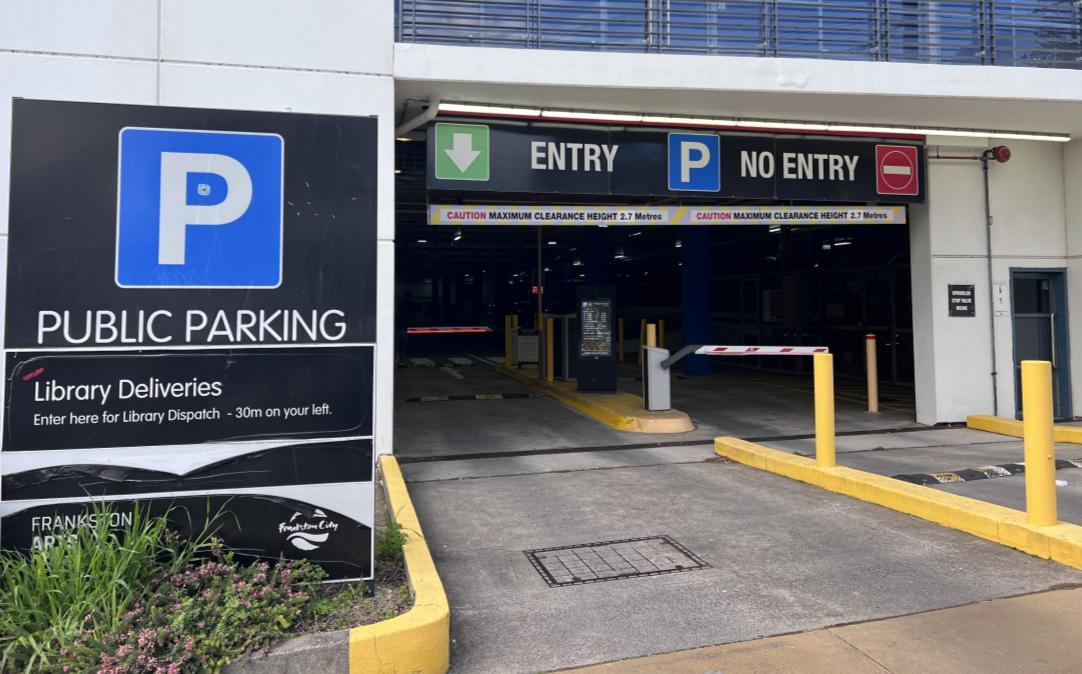
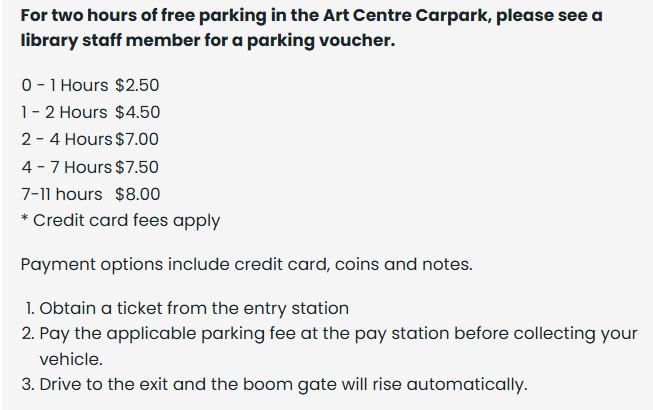
There is limited on-street parking for 15 minutes from 9am until 6pm, Monday to Saturday. Disabled parking bays available for 1 hour. For off-street parking enter the Frankston Arts Centre car park on Young Street. It’s open 7.00am - 1.30am daily.
Planning my journey
Getting there by public transport

Frankston Library can be reached by train. The Frankston train station platforms can be accessed via Fletcher Rd or Young Street. The station is a 450m walk from the library.
There are multiple bus routes stopping at Frankston Train Station. The station is a 450m walk from the library.
For further information and to plan your journey, visit Public Transport Victoria.
Section 4
At the library
Frankston Library Visual Story 21
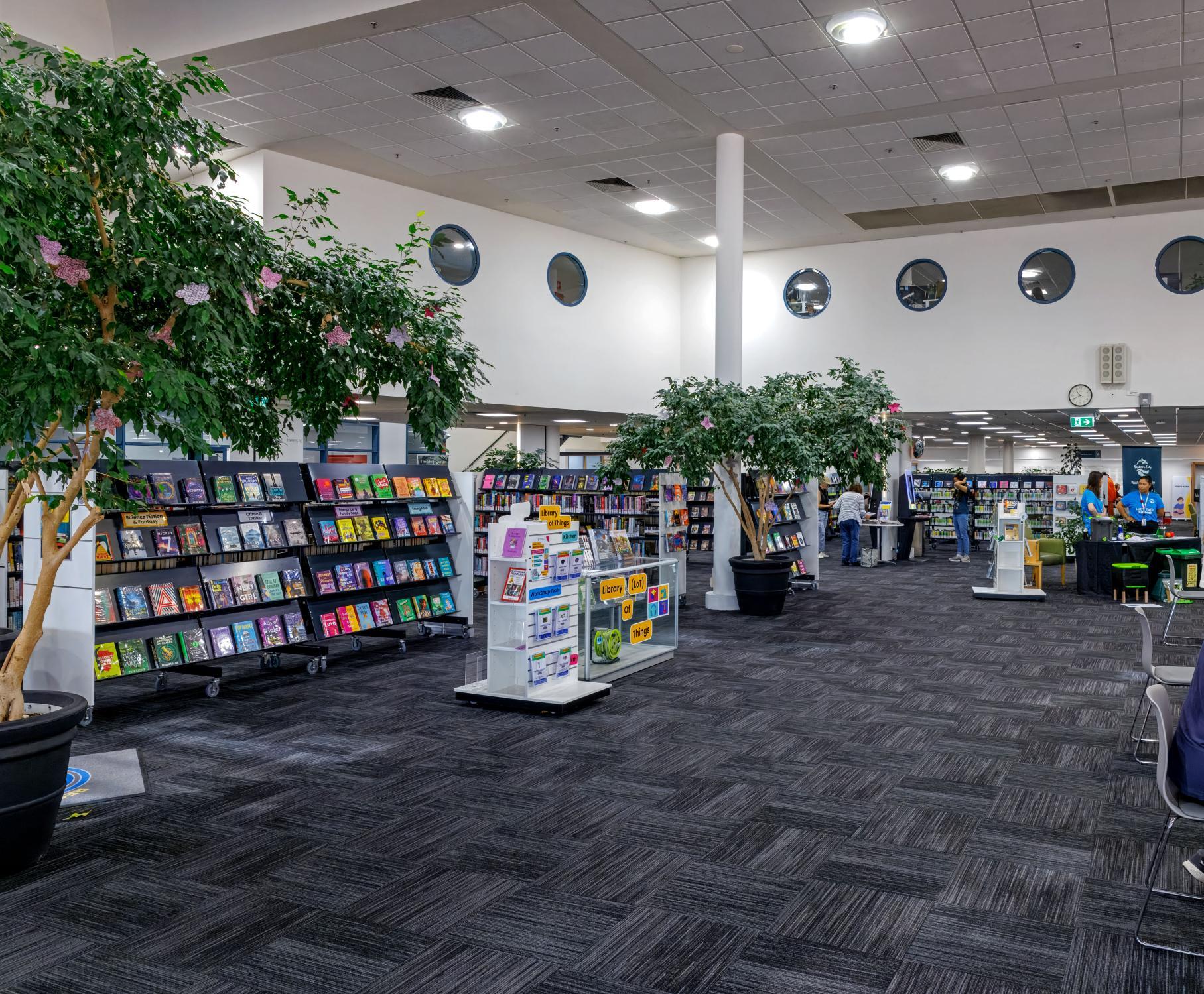
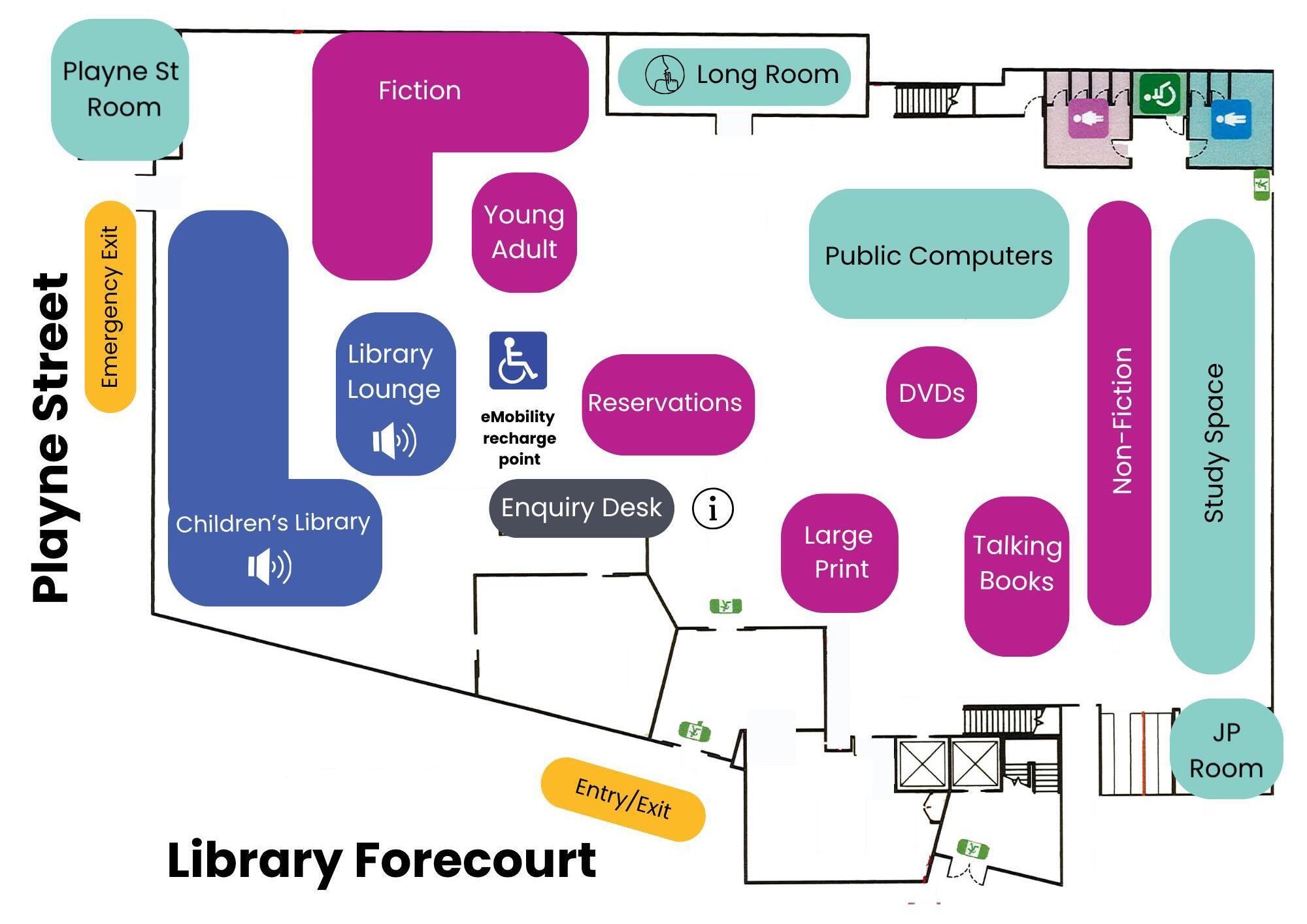
Map of Frankston Library
Arriving
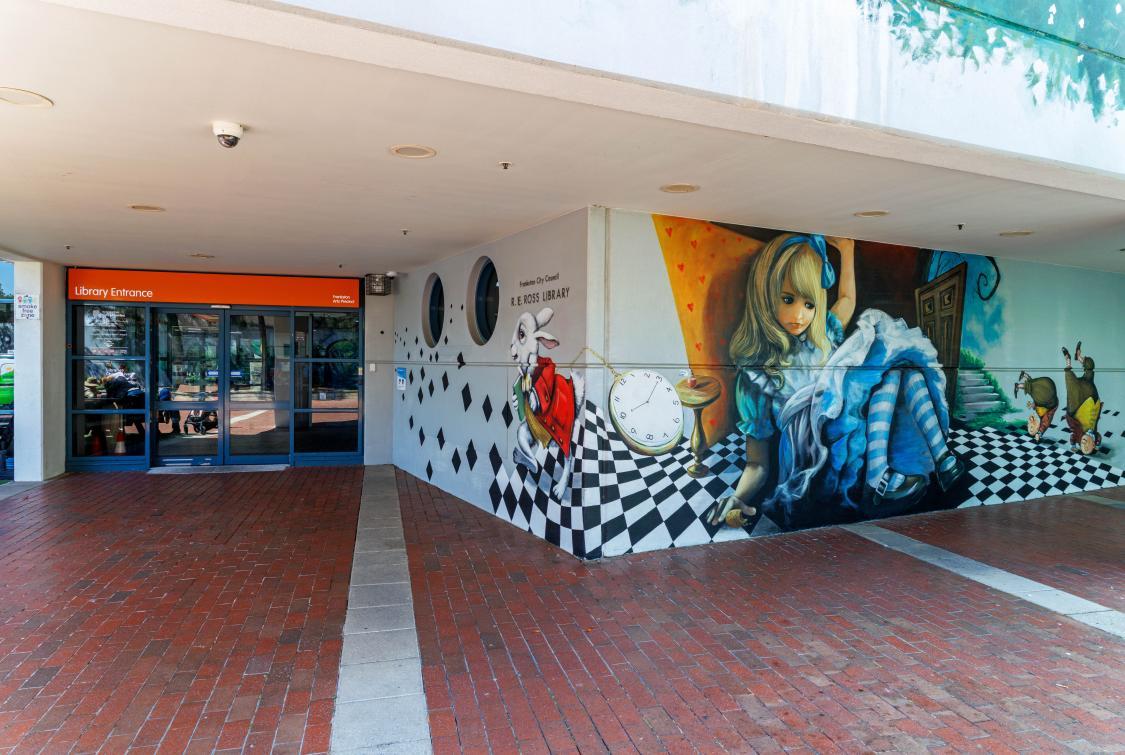
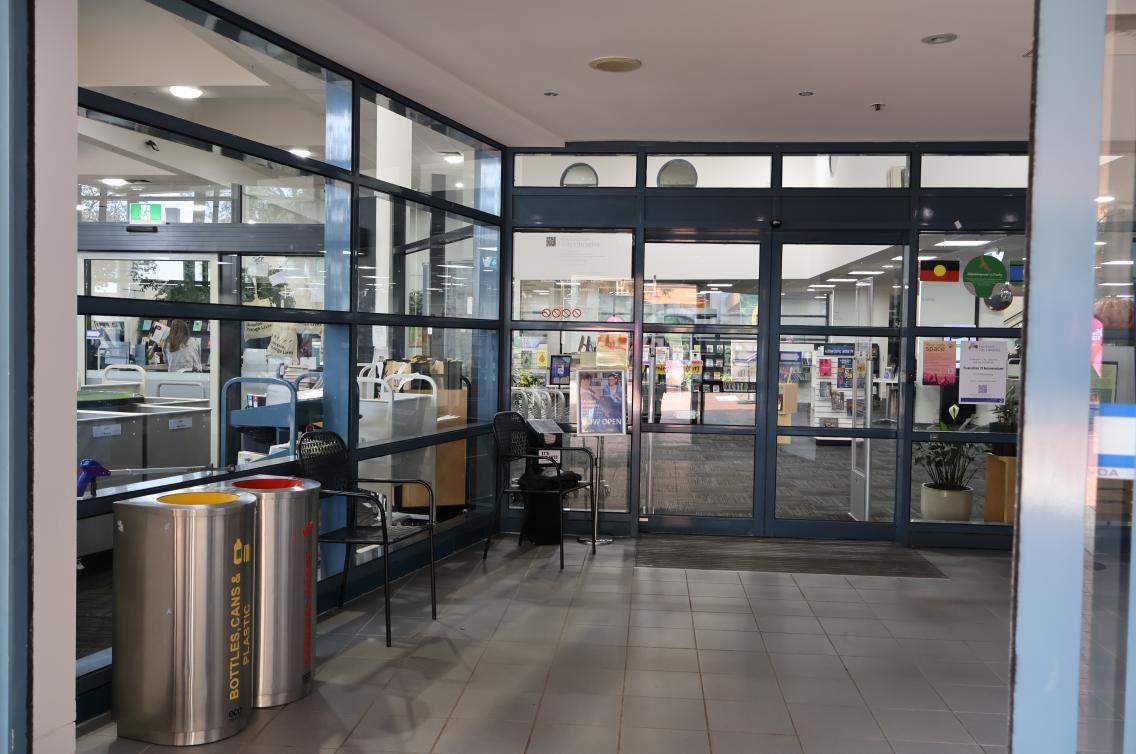
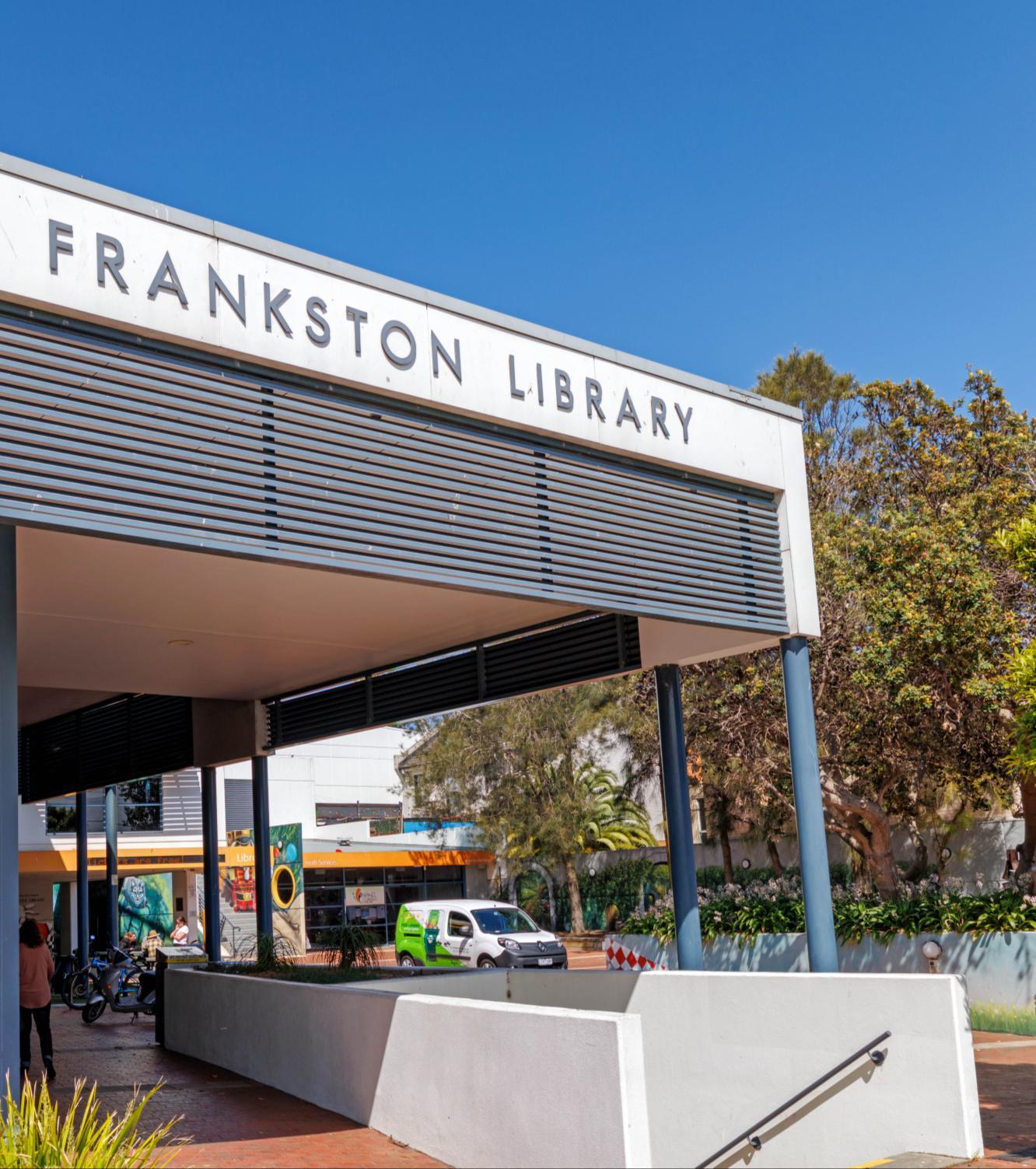
When I arrive I will enter the library foyer through the automatic doors.
Story 23 I will enter the foyer and move towards the glass doors. The automatic glass doors will open and I can enter the library.
Frankston Library Visual
Enquiry desk
As I enter the library, the enquiry desk is on my left. At the enquiry desk I can I can go to the library counter and ask staff if I need help or have a question. I can get help with:
• Library membership
• Using the library computers and printer
• Borrowing and returning items
• Information about programs, events, and services
• Booking rooms
• Researching a topic of interest
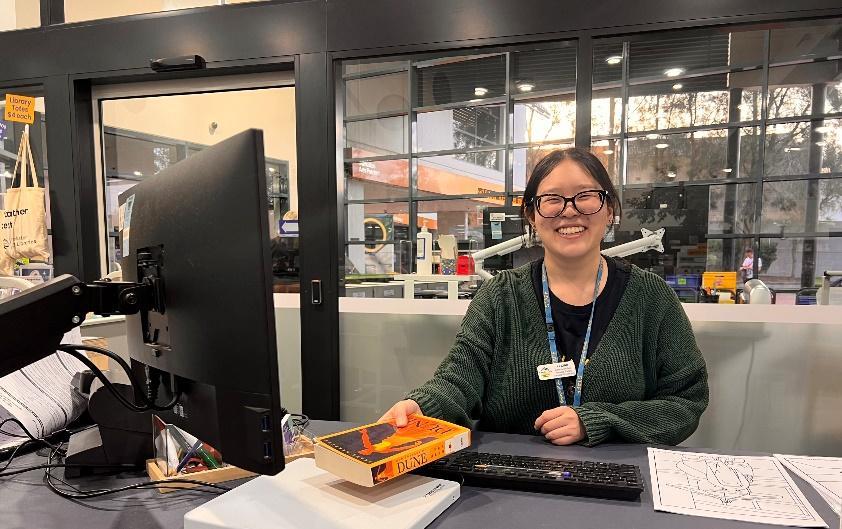
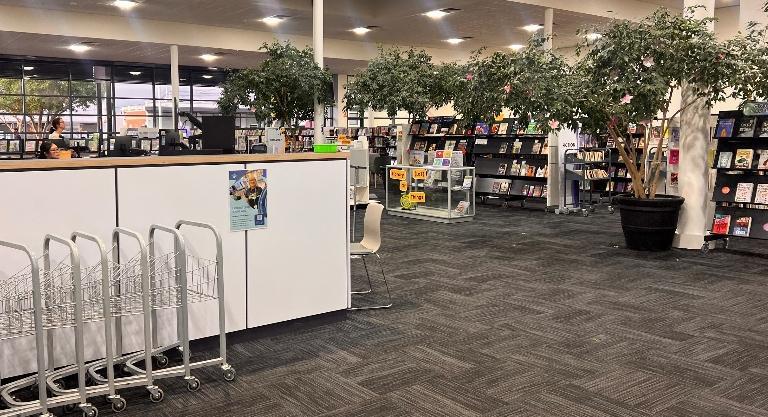
There are usually library team members at the enquiry desk. If the library is busy I may have to wait at the desk, or come back when a library team member is free.
Finding items
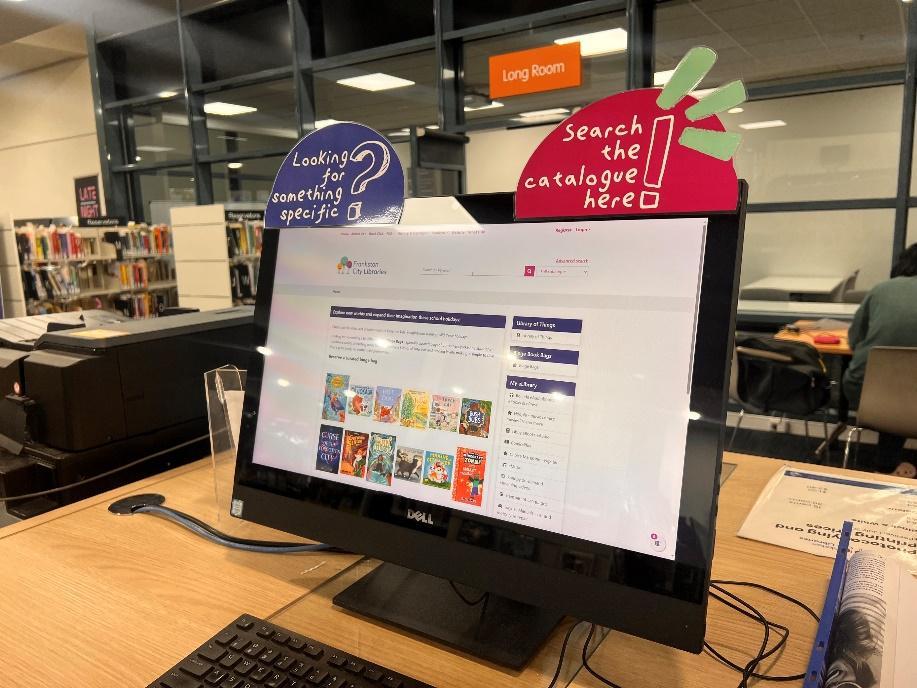
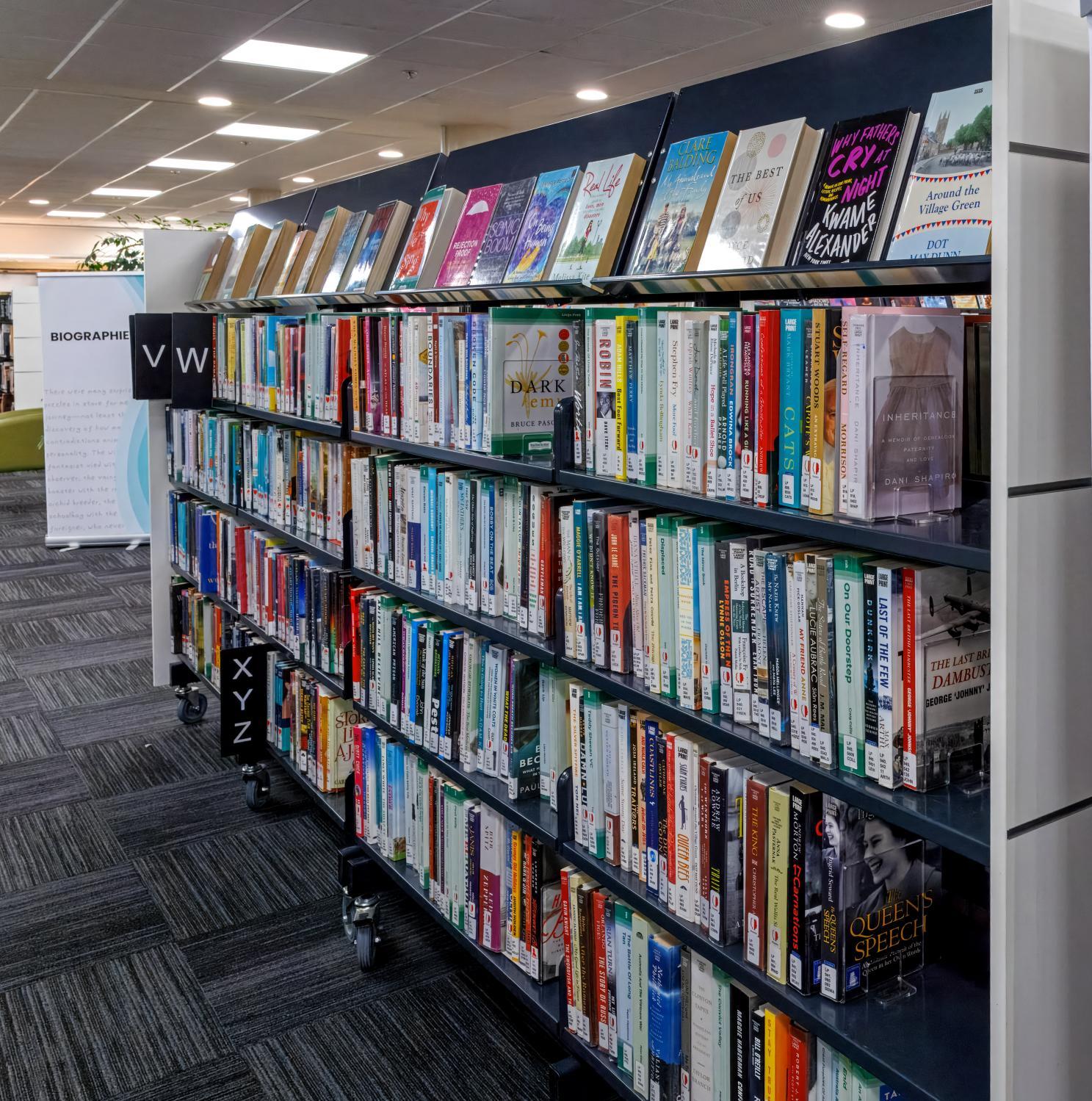
To find items such as books, magazines and DVDs, I can ask a team member or look it up using an online catalogue computer.
There are three online catalogue computers within the library:
• In the Children’s Library
• Near the printers
• In the non-fiction collection
Using the search bar, type in the name of the book you are looking for, or the author's name. It will then display the name of the part of the library you can find the book in.
See the map of Fankston Library.
Book Categories:
Fiction – Made-up stories and imagined events.
Non-fiction – True information based on real facts.
Biography – The real life story of a person.
Young Adult (YA) – Written for teens
Children's Books – Books with illustrations
Board Books - Books with with pages
Borrowing items
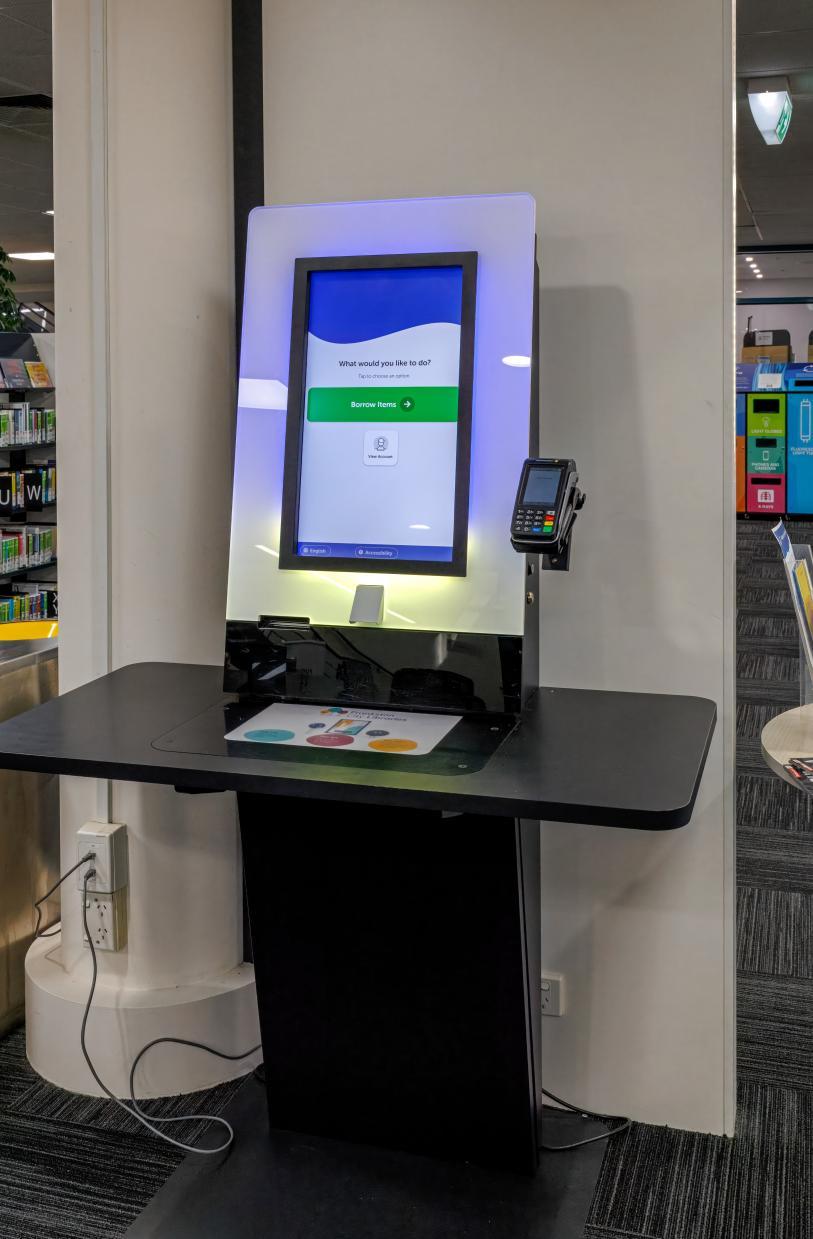
• I can borrow books, DVDs, magazines, CDs and other library collection items by using the selfserve kiosks in the library.
• Simple step-by-step instructions are displayed on the screen.
I can also borrow items at the enquiry desk by asking a team member for assistance.
Returning items
There are 3 ways that I can return borrowed items to library:
• By using the return chutes in the Library Forecourt
• By placing items on the returns shelf next to enquiry desk
• At the enquiry desk by asking a team member for assistance
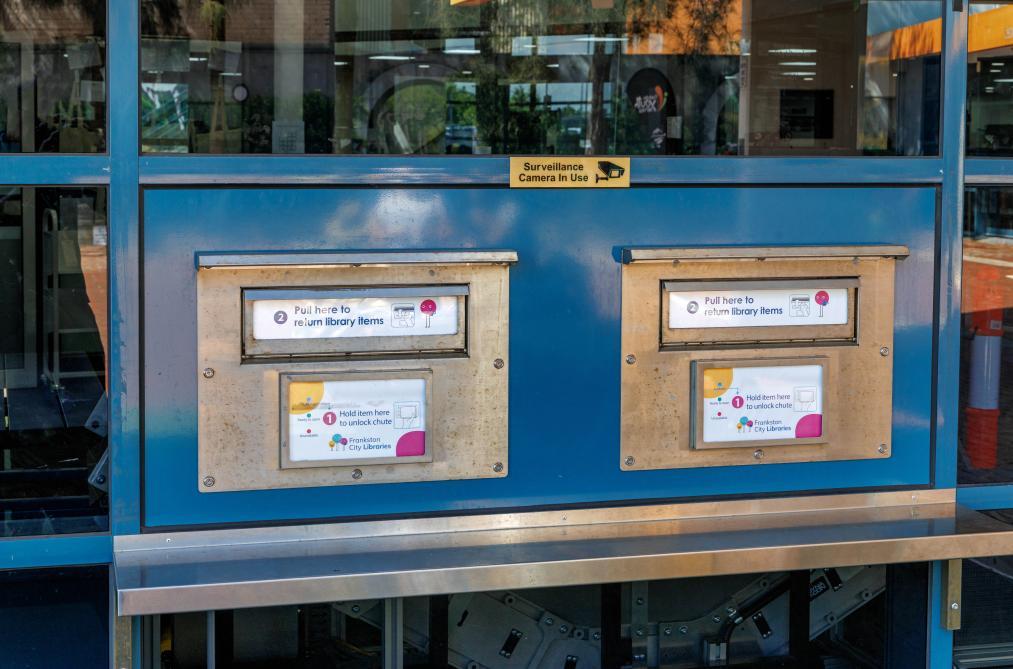
Return chutes
Public Computers
I can use a public computer at Frankston Library.
I will need a membership number and pin to log in.
Bookings can be made
• in person,
• online
• over the phone.
Public access computers can be booked for a maximum of two hours per day.
On the computer I can:
• Photocopy, print and scan documents
• Browse the web
• Check the weather/read the news
• Borrow an item from the library
• Use Microsoft Word
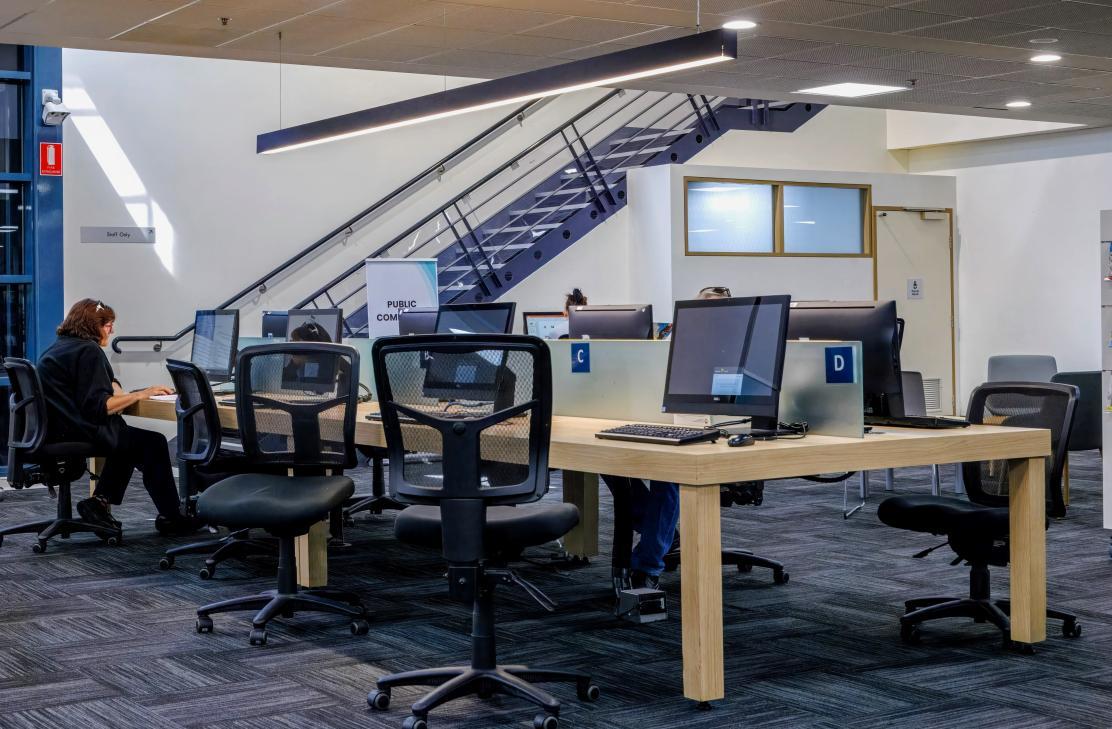
I don't need a booking to use the computers. To ensure I get access to a computer at the time that I want, booking is best. I might have to wait if someone is using the computer.
Book a computer and find out more here. Computer and internet conditions of use
Printing and Photocopying
Frankston Library offers self-service printing and photocopying. I can print from my own device or use a library computer. I can book a computer to use before my visit to the library.
I willneed my membership number and pin to use printing and photocopying.
Scanning is free and can be saved to a USB. I can bring my own USB, or I can buy one from the Enquiry Desk.
I can also scan directly to my email address.
If I need help, I can go to the enquiry desk or ask a library staff member.
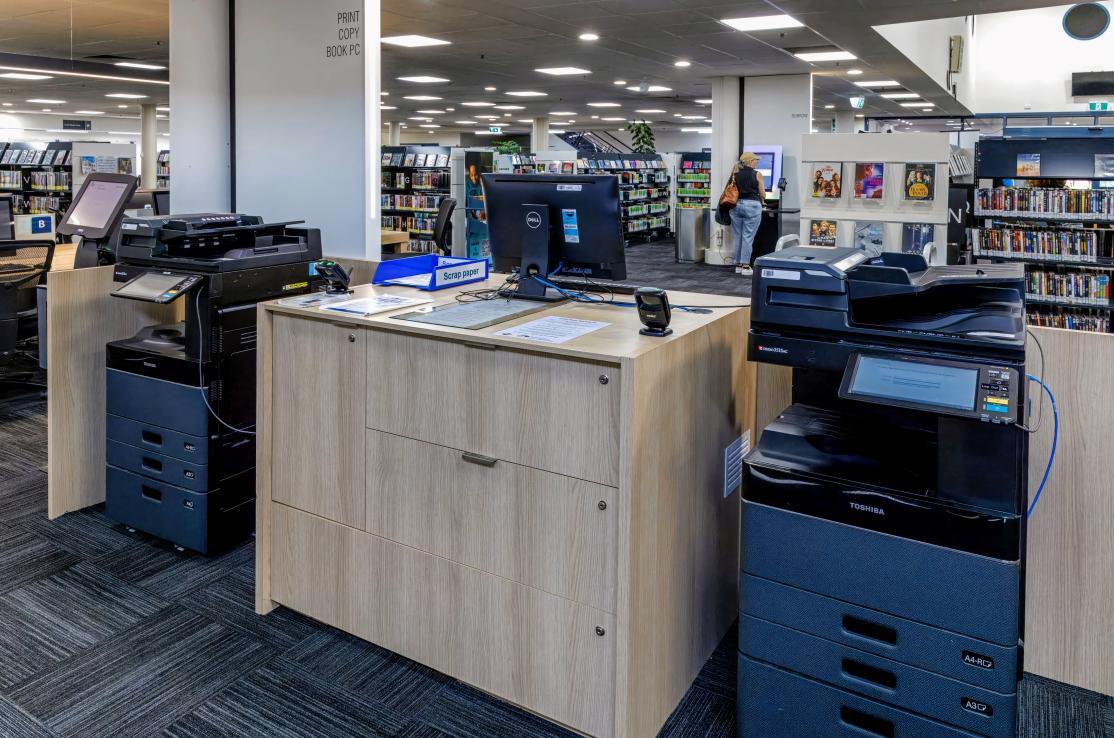
Feesandcharges
A4 - 15 cents A3 - 30 cents
$1.50
Section 5
Library programs & events
Events and Activities
I can see everything that’s on at the library by visiting the website.
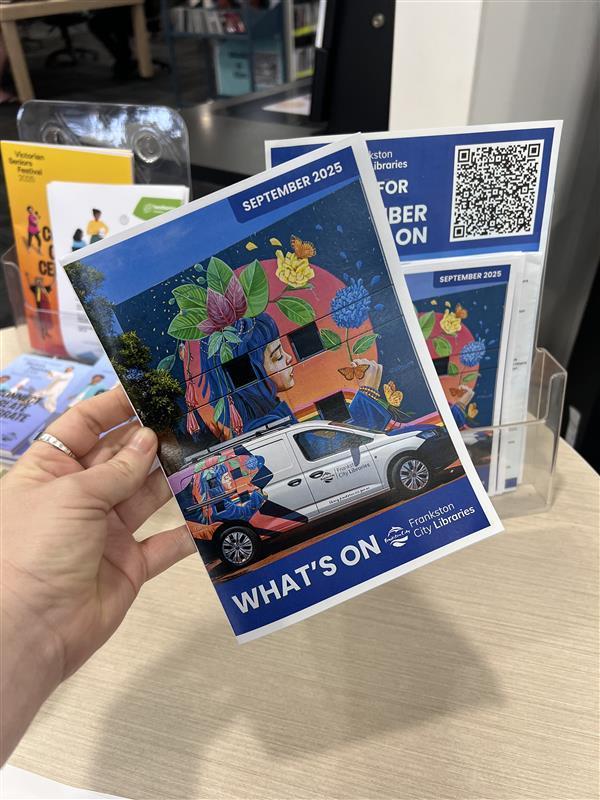
Each event lists details of if I need to book or not. I can also collect a
What’s On booklet from the library.
I can talk to a team member in the library who can help me find out about events and also help me to book a ticket if I need to.
I can attend a range of regular programs as well as special events at the library. The regular events include activities such as Chatty Café, Knit and Yarn, and Crafty Connections. I do not need to book these sessions.
I can go to see author talks, information sessions, and attend workshops at the library. These are usually special, one-off sessions. I will usually need to book for these sessions using the library website and my library card number.
Frankston Library Visual Story 31
Storytime
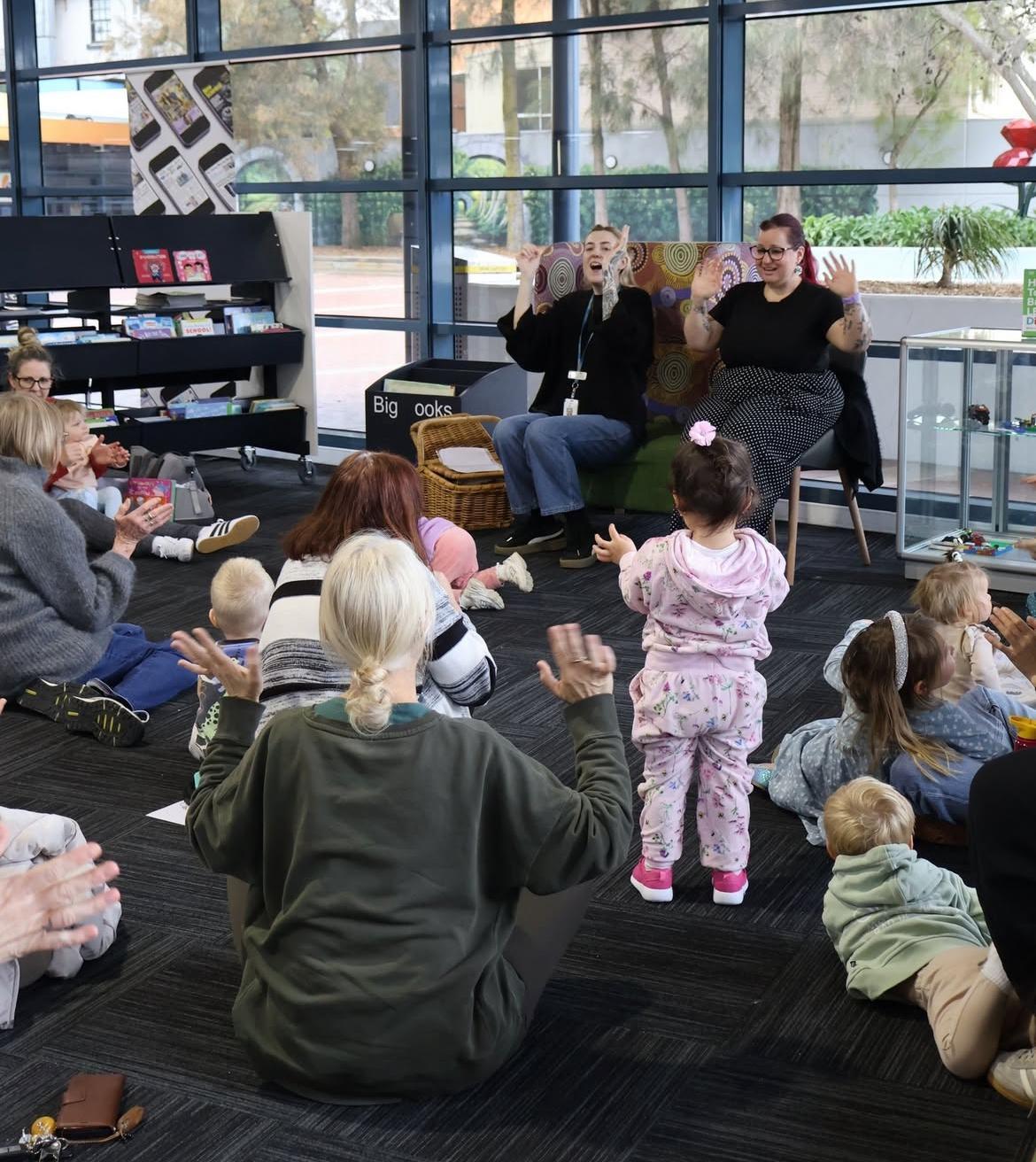
Storytimes are interactive, 30-minute sessions for young children and their grown-ups. There are different sessions to suit a range of age groups.
Baby Rhyme Time (under 12 months - non-mobile)
Half an hour of songs and rhymes
Tiny Tots (under 12 months, mobile – 2 years)
Simple stories, songs, puppets, scarves, shakers.
Pre-school (3 – 5 year olds)
Songs, picture books, socialising.
I can see the Storytime Calendar to choose the session that suits me best.
Things to know before I come to Storytime:
• Children drinking water, milk or breastfeeding are all welcome during the sessions.
• No photos or videos to be taken during the sessions.
• No eating during the sessions.
• I do not need to book for these sessions.
Spaces
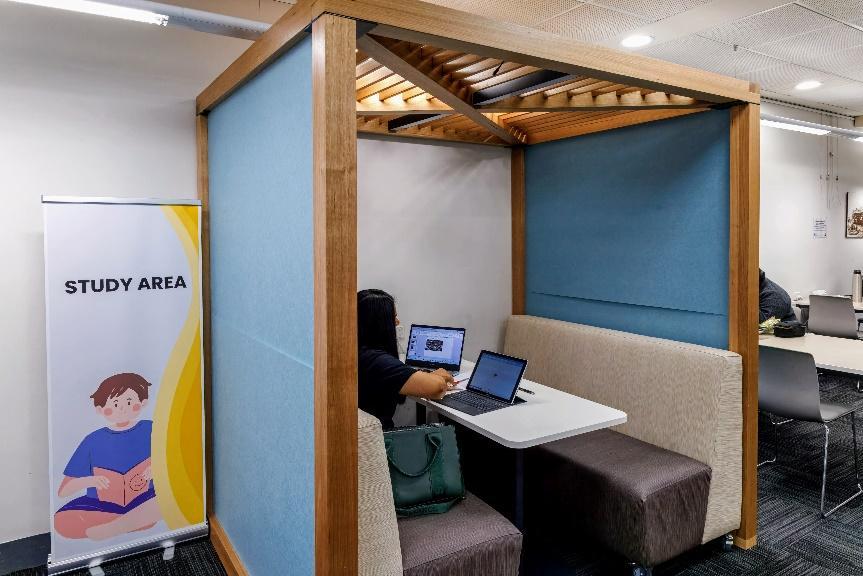
Study spaces
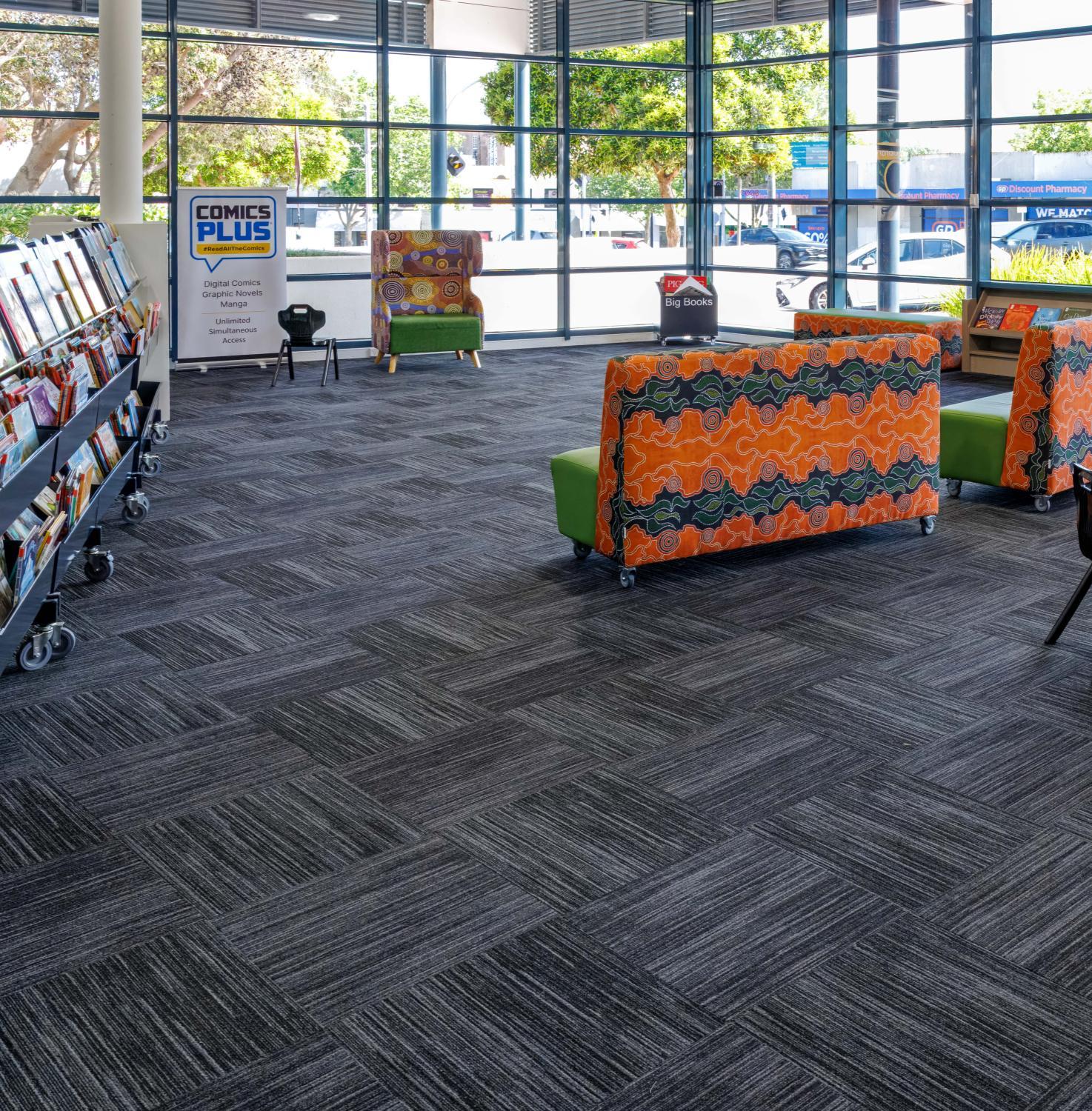
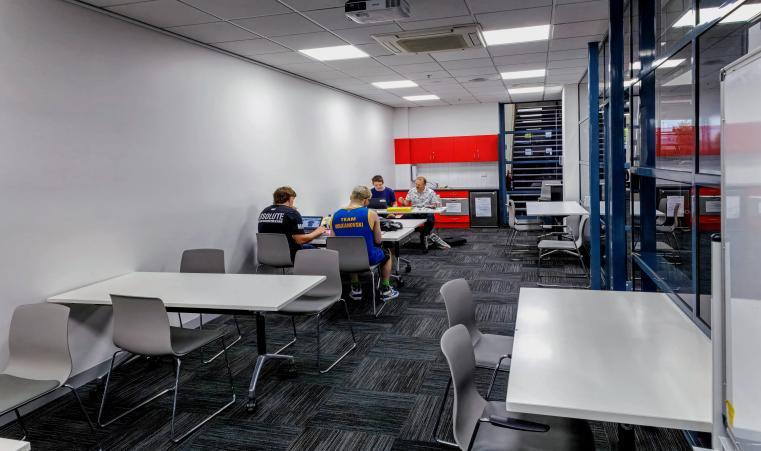
Frankston Library have a range of study spaces around the library. These spaces are for anyone visiting the library to use for activities like:
• Research or study
• School work
• Online study
• Working remotely
I can use any of the study spaces if they are unoccupied. They do not need to be booked.
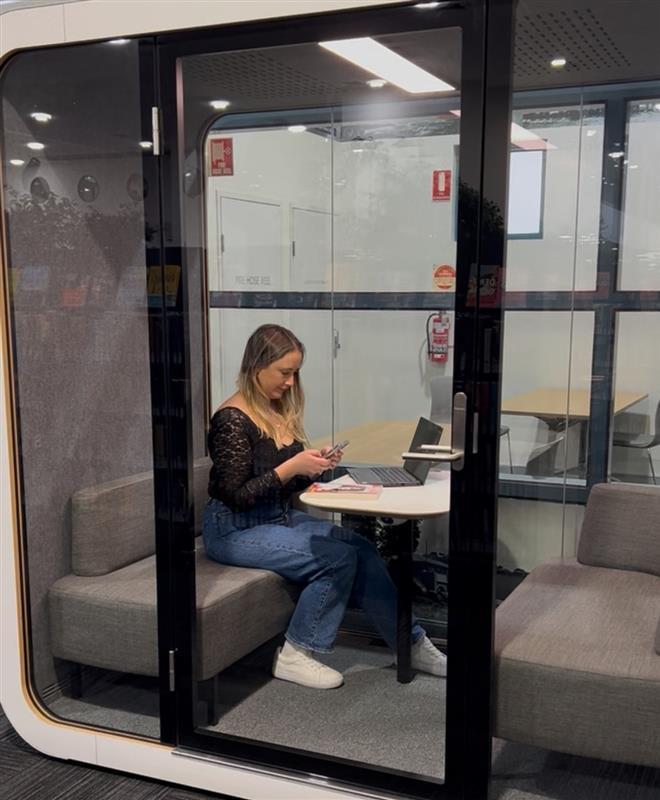
Study pod
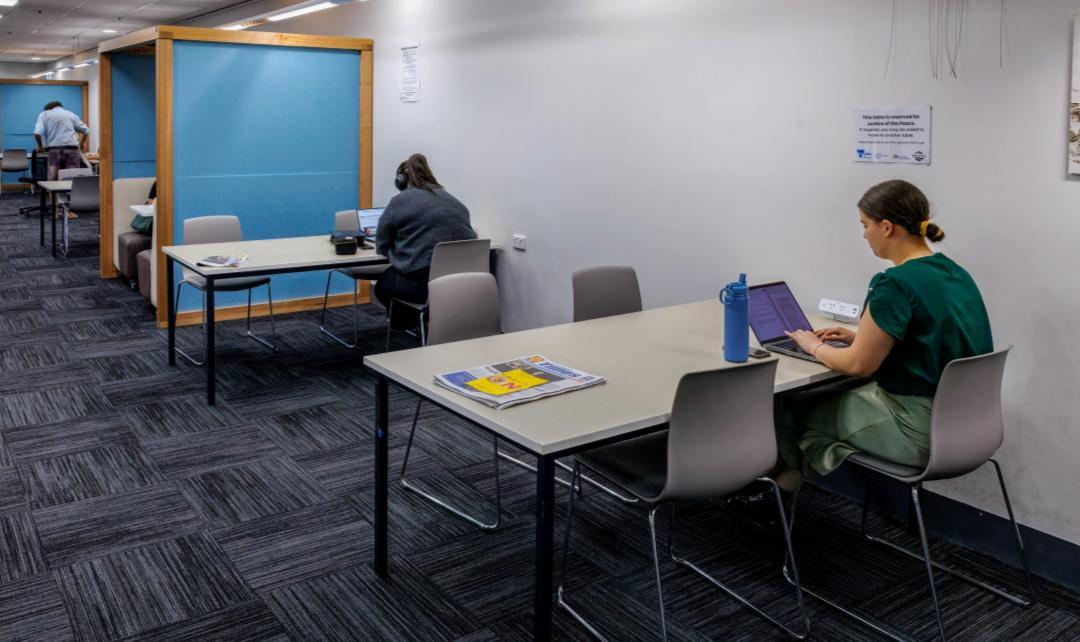
We have a study pod available for visitors to hire and use. The pod is a quiet space for working, making phone calls, or having conversations. The study pod can be booked by calling the library or speaking to a team member at the enquiry desk.
The study pod is available to hire for up to two hours at a time.
Meeting and event spaces
When I come to the library for an event it may take place in one of the event spaces. These spaces are also used for meetings, as quiet study spaces, and other activities.
See all the details here: https://library.frankston.vic.gov.au/At-Our-Locations/Hire-a-
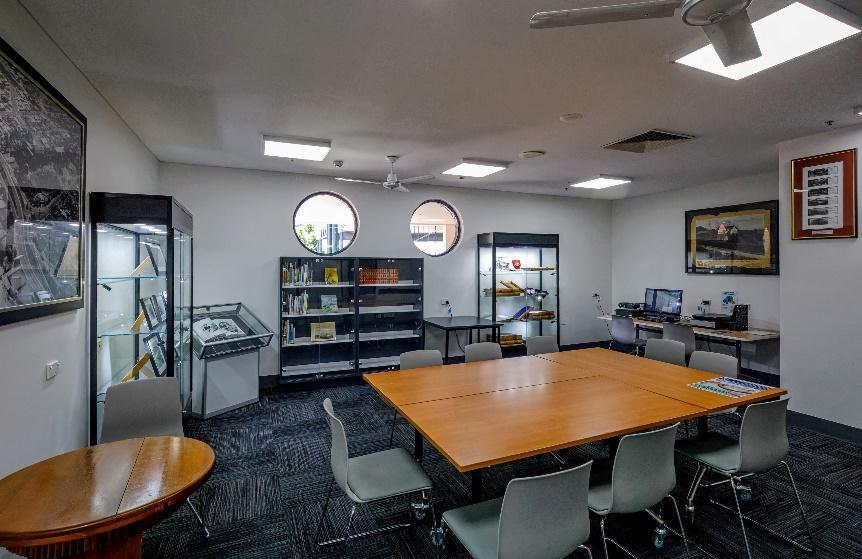
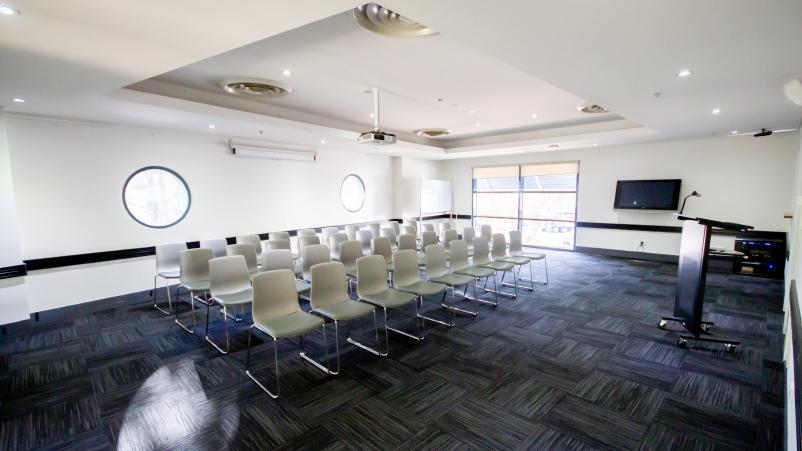
Heritage Room Community Room Long Room
Leaving
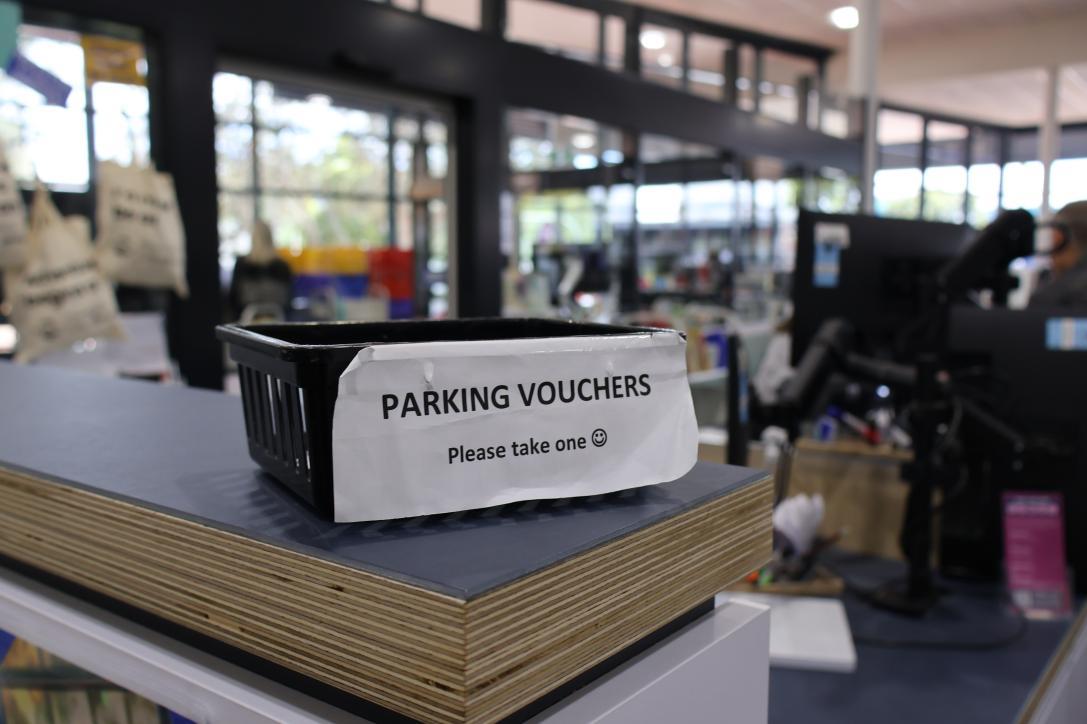
Vouchers for 2 hours of free parking in the Arts Centre car park can be found at the enquiry desk.

I can leave the library by returning to the automatic doors I entered through and moving through the foyer, out into the library forecourt.
Message from Frankston City Libraries
Thank you and we hope you visit again
Message from Aspect
Disclaimer:
This Visual Story was developed in consultation with Autistic people and Aspect Autism Friendly. It is intended as a general guide to support predictability and reduce anxiety for individuals engaging in this environment or activity. While every effort has been made to ensure the information is accurate and accessible, individual needs and preferences may vary.