

SEPTEMBER
1–3,
1–3,
STEP 1 Login to your exhibitor dashboad at https://fps26.exh.mapyourshow.com/7_0/ main/login? If you do not have your login information, contact your account executive or email shows@farmprogress.com.
STEP 2 Update your exhibitor profile. Once up-to-date, click the Approve Data button
STEP 3
• Update Company Information. These items publish on your product showcase page. Make sure all the company contacts are updated so we can contact you appropriately. Ensure your product categories are accurate for your company products. This is crucial in ensuring attendees can find you when they are searching for your product categories. Provide special offers if you have those offerings.
Update Company Information
Update your advertising content. This includes your logo, products, and collateral.
Upload your logo. Your logo will be scaled automatically to fit size requirements, it must be a minimum of 100 pixels tall. Make sure you crop around your logo image tightly on all sides before sizing to ensure maximum height and/or width.
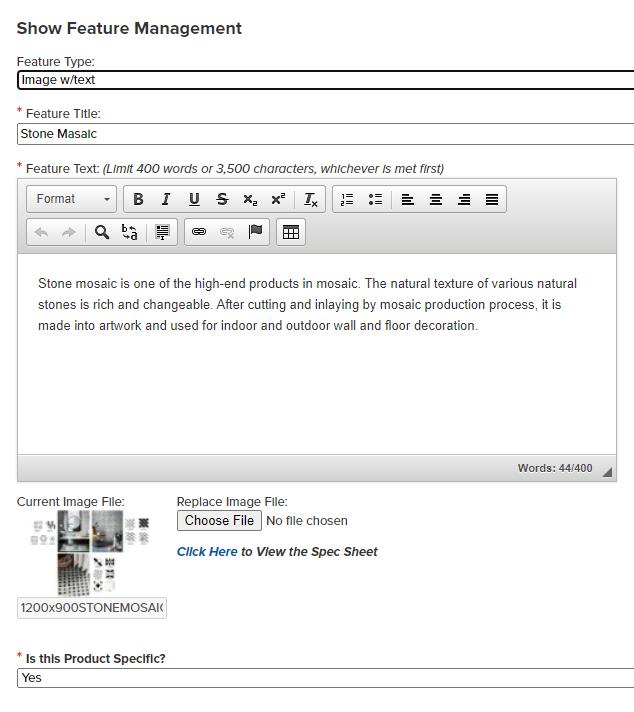
Add your products to your product showcase. When sizing your product images, make sure all files are sized to 2400 pixels wide by 1800 pixels tall. If image is a vertical image, it looks best to center that image in the 2400 x 1800 pixel size so the images appear consistent online.
When adding products, select Image w/Text, enter the product title, enter the product description, and then add your already sized product image, then select yes for product specific. For more specification, check the spec sheet .
The number of products in your Product Showcase are based on the level of package you have selected for your online profile. See the next page for package options. Basic comes with your exhibit space package. We recommend at least upgrading to the enhanced package to add more products and have lead generation turned on.
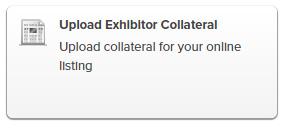
• If your package contains collateral upload, continue to add those under the Advertising Content section by selecting Upload Exhibitor Collateral.
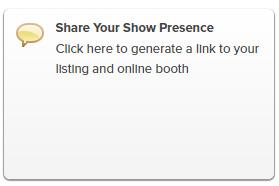
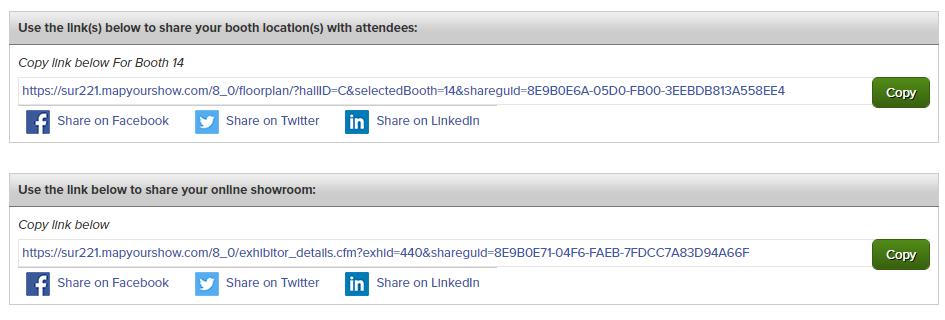
Once you have your Product Showcase up-to-date, click the Share Your Show Presence button from your dashboard. From here, you can copy your Product Showcase by coping the online showroom link. You can also share directly onto your social media from your dashboard.
CHOOSE THE RIGHT UPGRADED LISTING FOR YOUR BUSINESS AND BENEFIT FROM THE IMPACT & SAVINGS IT CAN DELIVER.
ATTENDEES USE THE EXHIBITOR DIRECTORY TO PLAN THEIR VISIT TO THE EVENT AND SHORT-LIST THE EXHIBITORS THEY PLAN TO SEE. BE SEEN DURING THE SHOW AS ATTENDEES DOWNLOAD AND USE THE MOBILE APP TO STAY ORGANIZED AND BROWSE SESSIONS, EXHIBITORS, AND PRODUCTS.