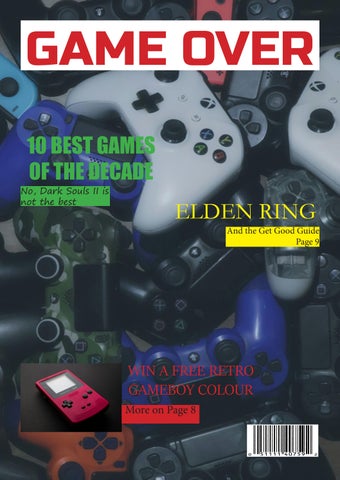
GAME OVER
GAMES OF THE DECADE
No, Dark Souls II is not the best
10 BEST
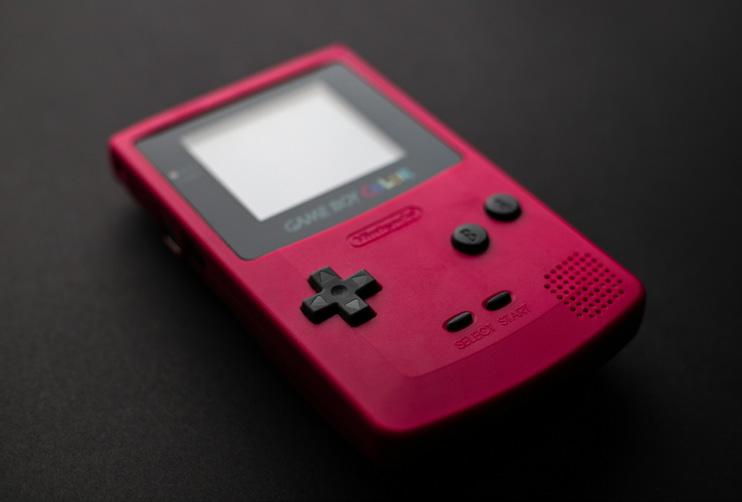
ELDEN RING And the Get Good Guide Page 9 WIN A FREE RETRO GAMEBOY COLOUR More on Page 8
CONTENTS 2 3 5 4 7 6 1 8 Audio Image manipulation Photoshop Photography Remix and Mashup Advertisement Video
My name is Kaydon, and I am student at Murdoch University studying a Bachelor of Arts, with a major in English and writing. I took COM109 as an elective unit, for I had interest in design and editing. This magazine’s theme is video games, however the content inside are the numerous tasks worked on across the semester. This tasks display my skills across a range of digital media and editing skills, such as adjustment layers in Photoshop, audio manipulation in Adobe Audition, and camera shots and angles
AUDIO
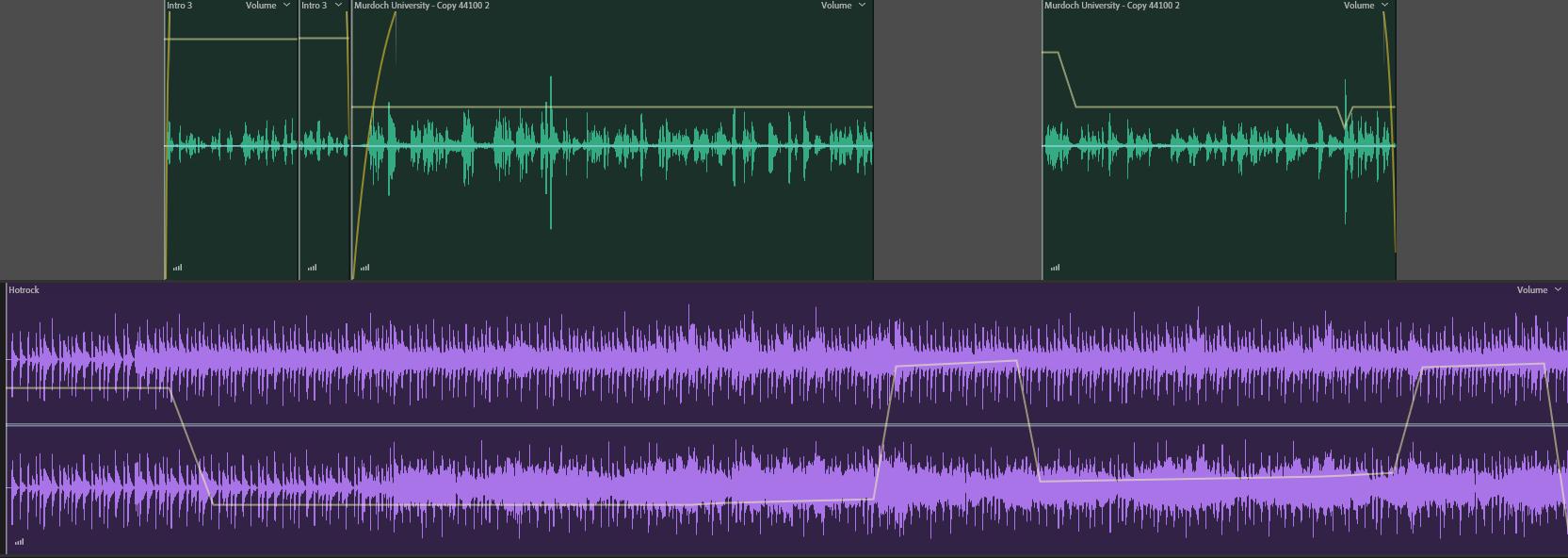
The first task for this unit was an audio task, where we paired up with another class member and interviewed each other. We were to produce a 1 minute 30 second interview for a podcast, inserting background music, an introduction, and space for a 10 second advertisement break. I interviewed my classmate Igor about Soccer, and in editing, I added the 15 second introduction and the backing music

https://soundcloud.com/enby-engie/com109-session-3-kaydon-1/s-CcHcqnhhSkY?utm_source=clipboard&utm_medium=text&utm_campaign=social_sharing&si=fafff919a367475297188bea7616bb3a
2 ABOUT
ME
IMAGE MANIPULATION
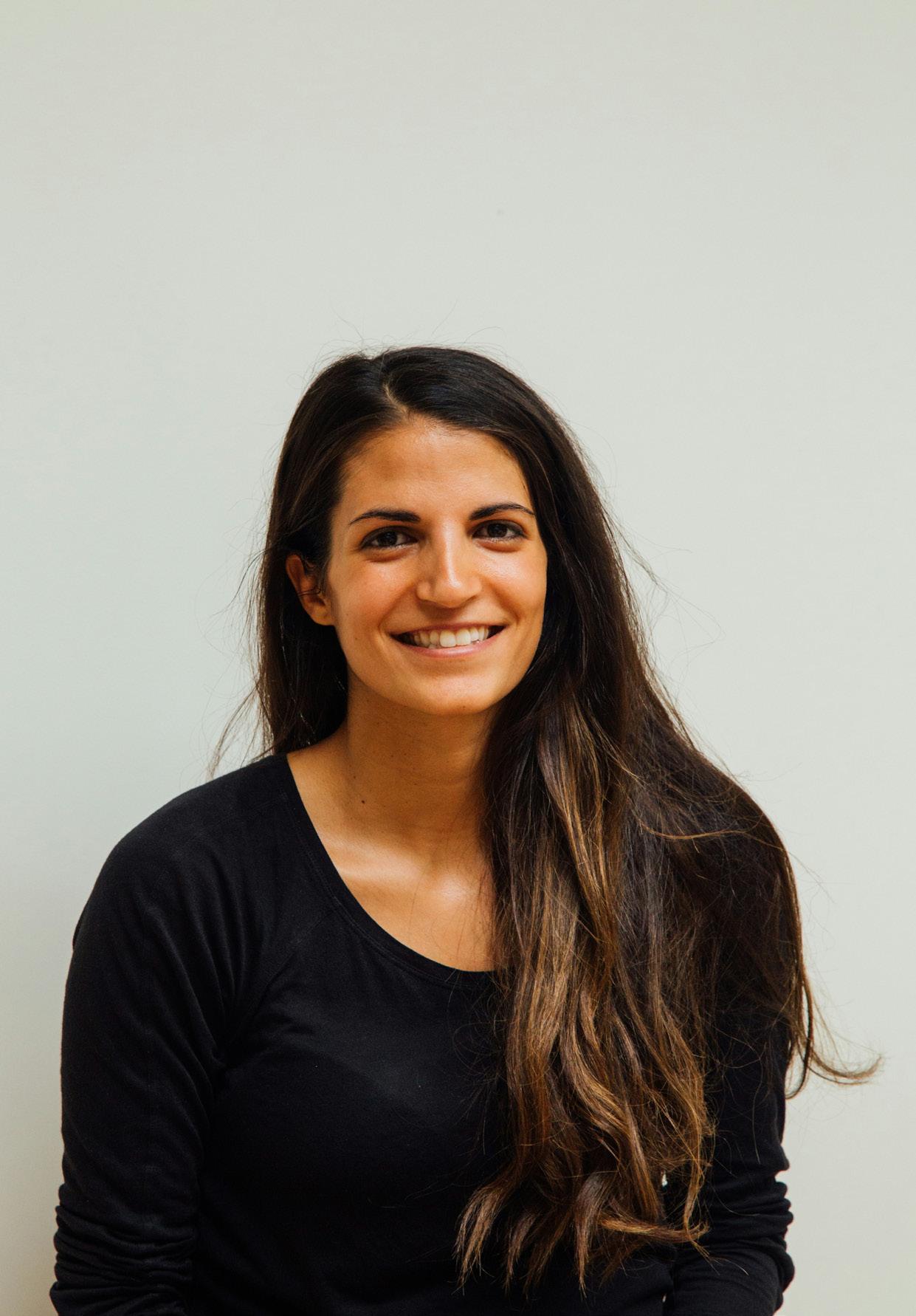
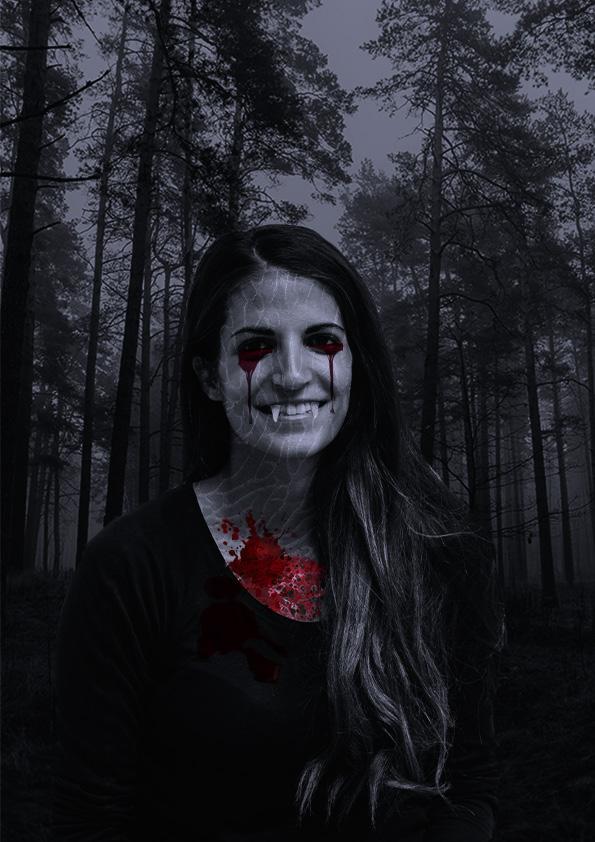
For session 7, we worked on image manipulation, where the task was to convert a portrait of a person into a monster using copyright free images and non-destructive methods of editing. I transformed the image on the left into the right using masking, blending, and adjustment layers. I created a mask layer on the woman, brushed out the background from her, and inserted her into the background. I employed the same method for each texture and object added, as using layer masks is a non-destructive method that doesn’t corrupt the original image. I then applied relevant adjustment layers to the image, such as a gradient layer to darken the image and give a blue-grey gradient, and a black & white layer to the skin texture to blend it to the person better.
3
REMIX AND MASHUP
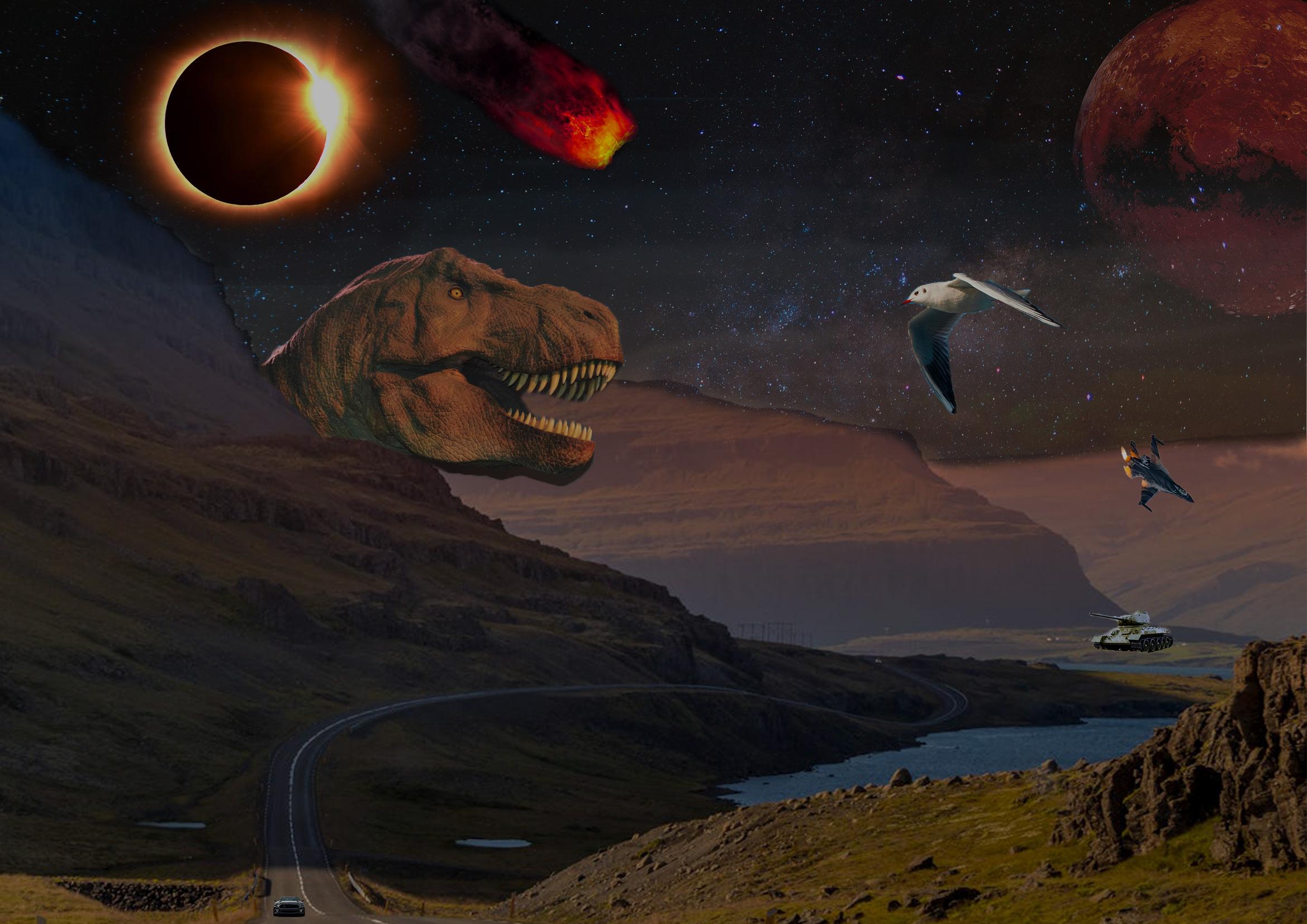
In session 8, for this task, we had to create a mashup image of minimum 10 copyright free images into one unique multi-layered scene. Once again, mask layers were used for non-destructive editing, alongside adjustment layers, to create the scene. This session of Photoshop brings up an issue relating to mashups & remixes, which is from a legal and ethical standpoint, does the image now belong to me. From a legal standpoint, I consider that the image now does belong to me, as while I have used other’s work, the image consists of copyright free images, and I have applied enough creative alteration for it to be considered mine. However, for an ethical standpoint, I do not call ownership over the image, as I do not feel morally right about owning the image.
4
PHOTOGRAPHY
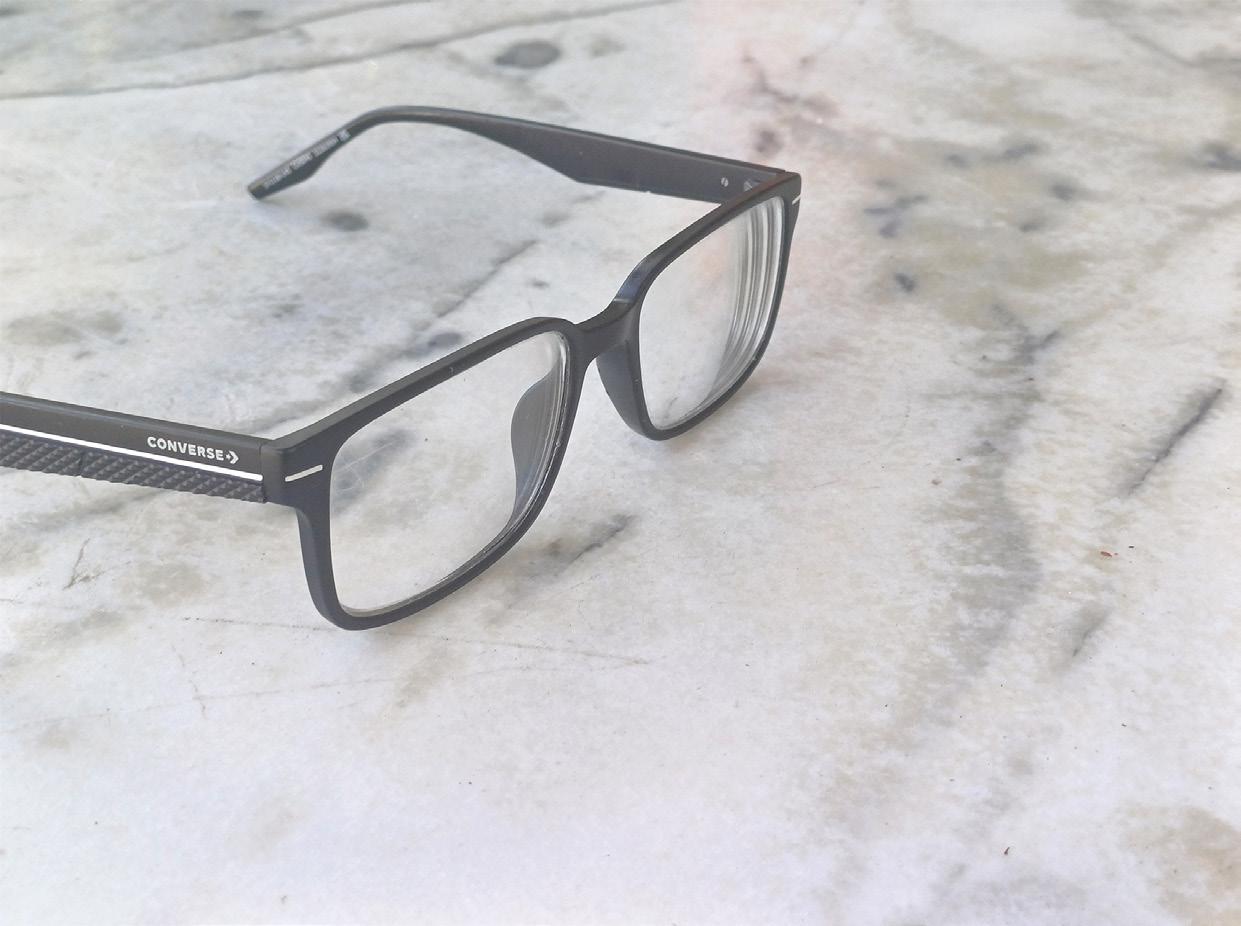
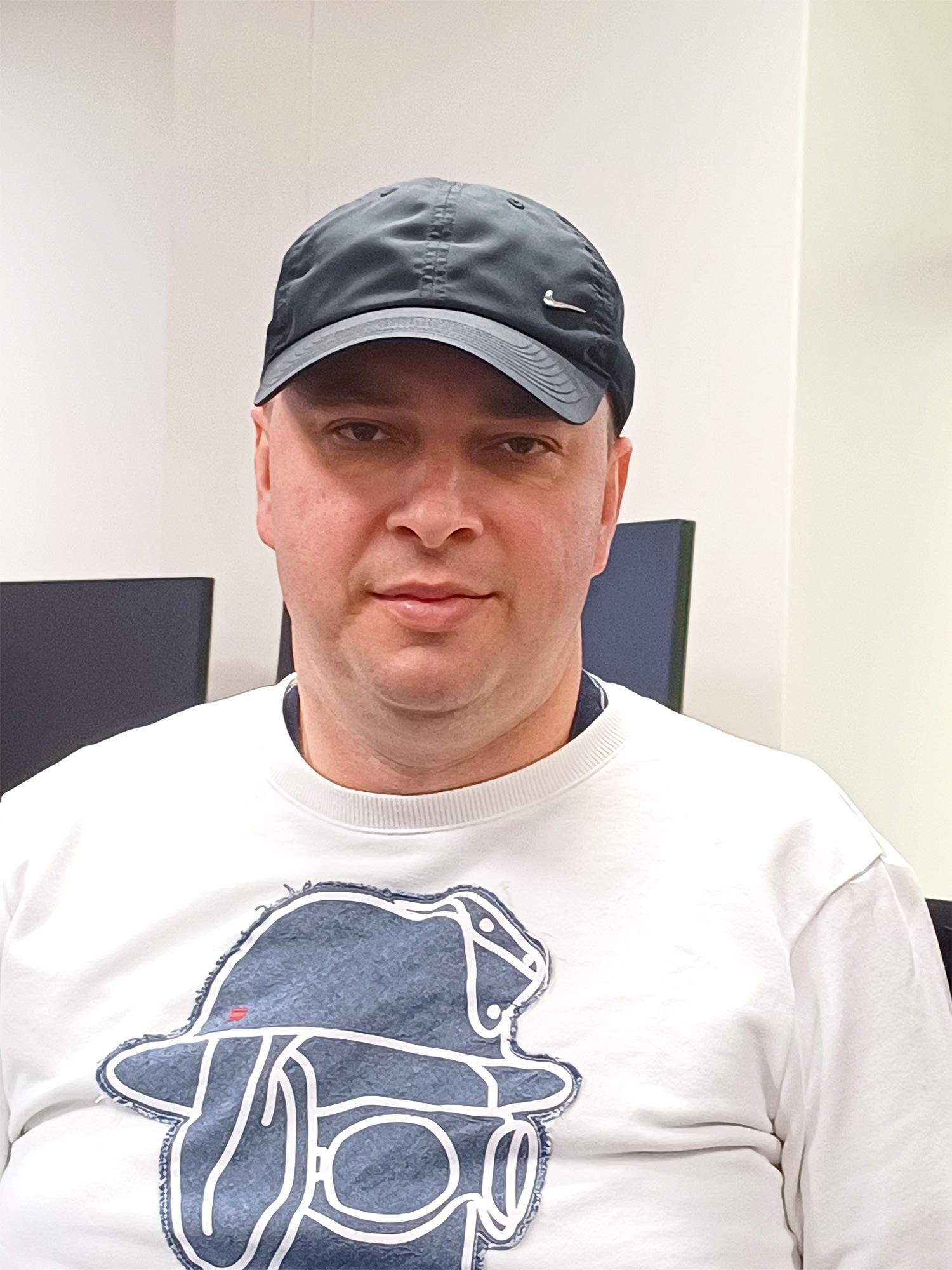
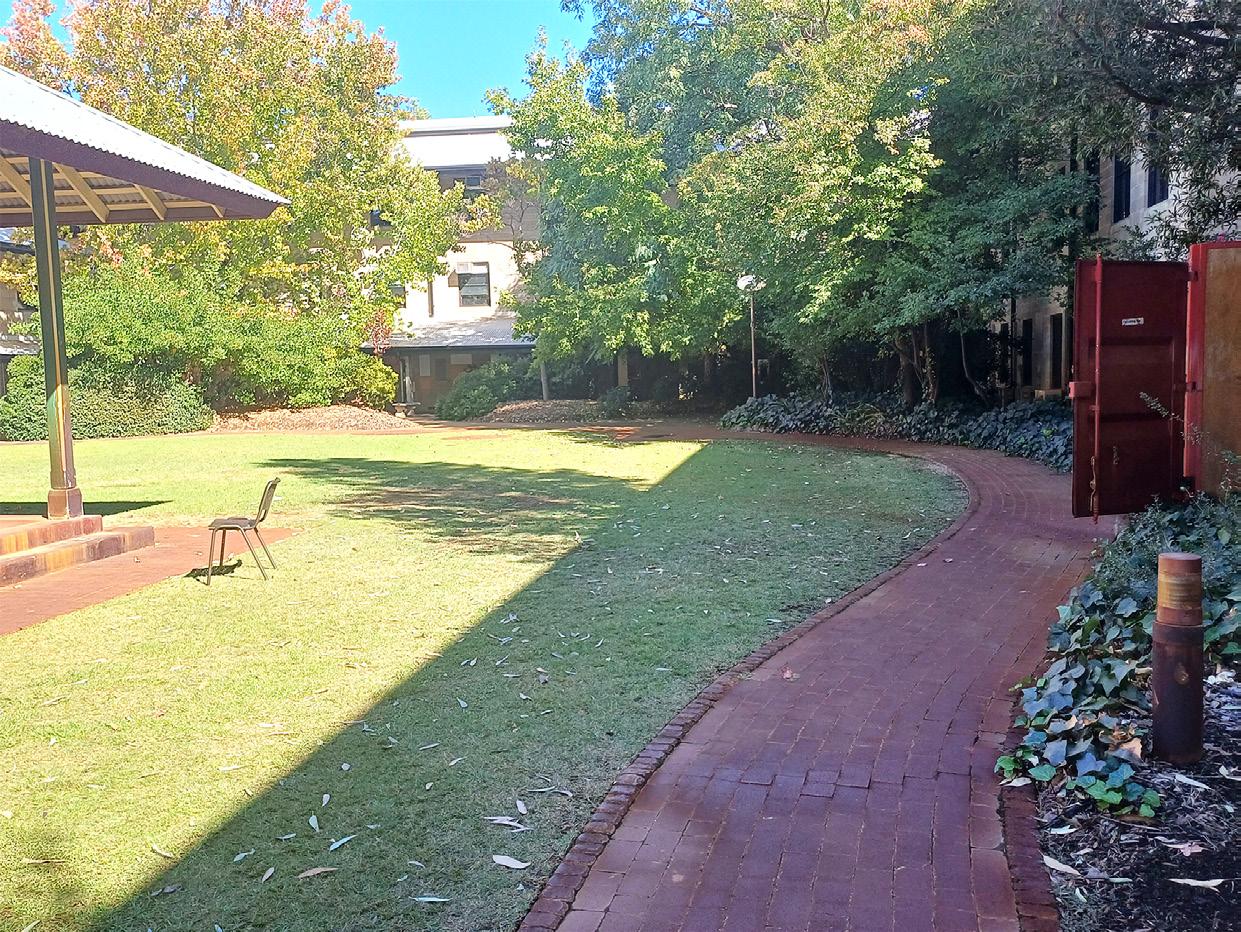
For session 6, we begin work into taking photos and using Photoshop. For the activity, we took photos for 4 categories, that being action shot, landscape of nature, a portrait of a person, and a close up. Three of these four images would only be realistically improved using adjustment layers, including exposure, brightness and contrast, hue and saturation, among other types. This task would display my skills in adjustment layers in Photoshop, alongside an understanding of different photo shot types
5
PHOTOSHOP
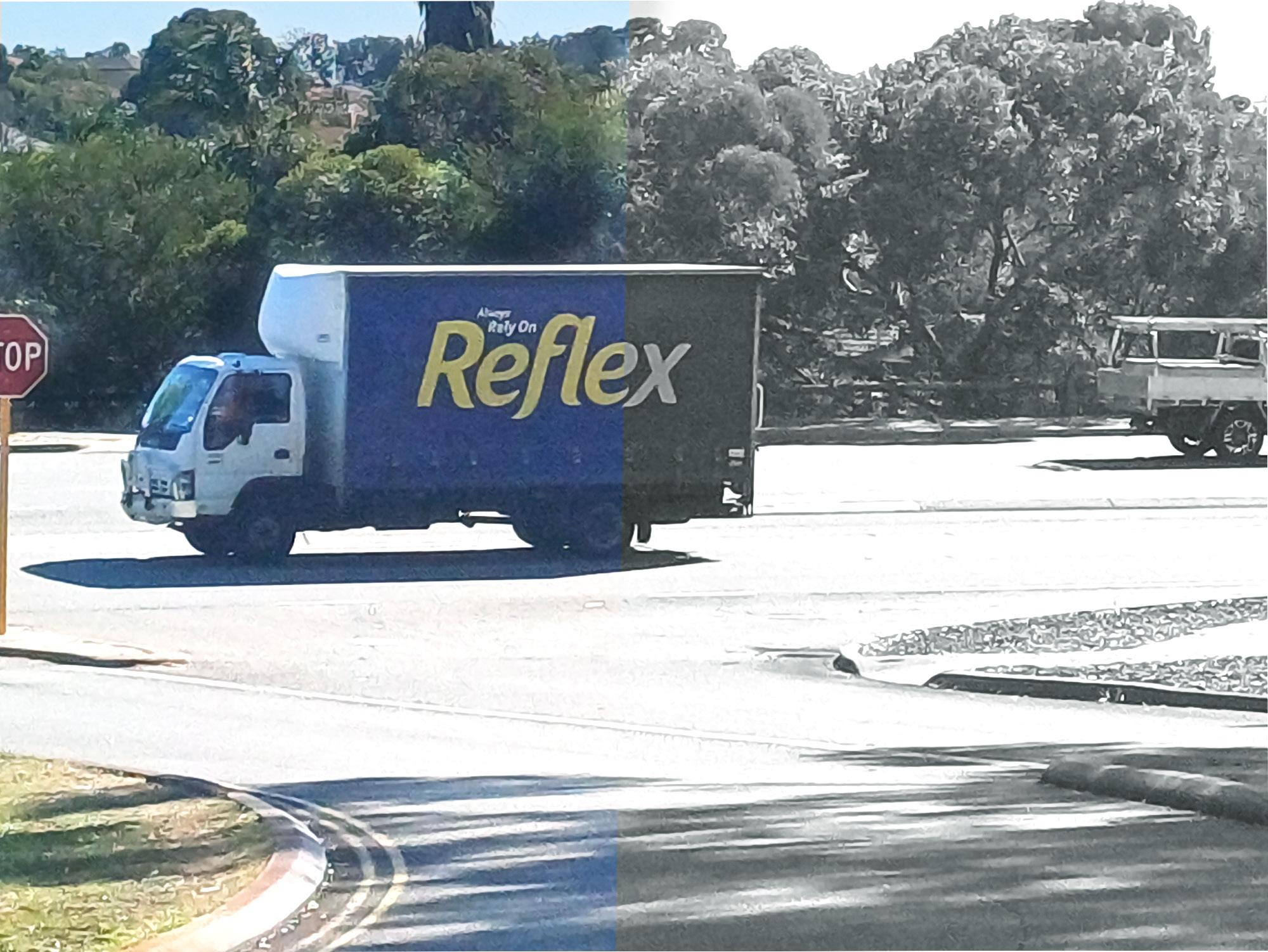
For one of these photos, non-realistic editing could be applied to the image. In the photo above, the action shot, alongside the realistic editing such as exposure and contrast, I applied a black and white filter to half of the image, using a brush to only affect half of the image, as well as a colour balance adjustment layer.
6
Video Interview
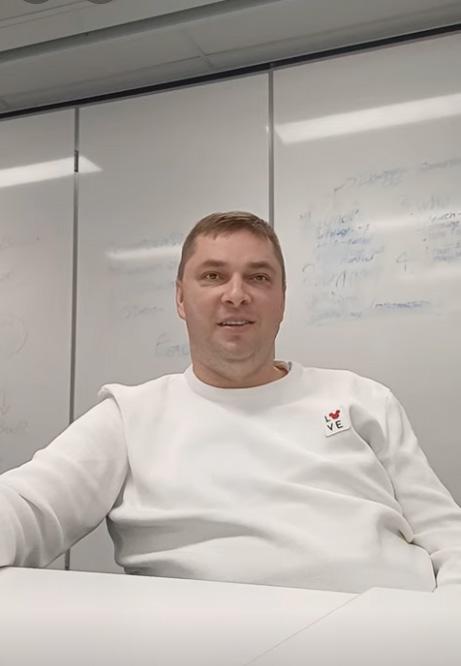

https://youtube.com/shorts/ D8RjqZ26kFg?feature=share
For session 4, we covered video recording and editing. We did another interview similar to the audio task, however this time it would be video recorded. We were to showcase framing, focus, and interviewing in a video recording, and apply little editing to improved the video. I interviewed Igor again, asking about Soccer once again. In the editing, I applied minimal cuts, only removing my questions, stutters, and spaces of silence.
MiniMovie Project
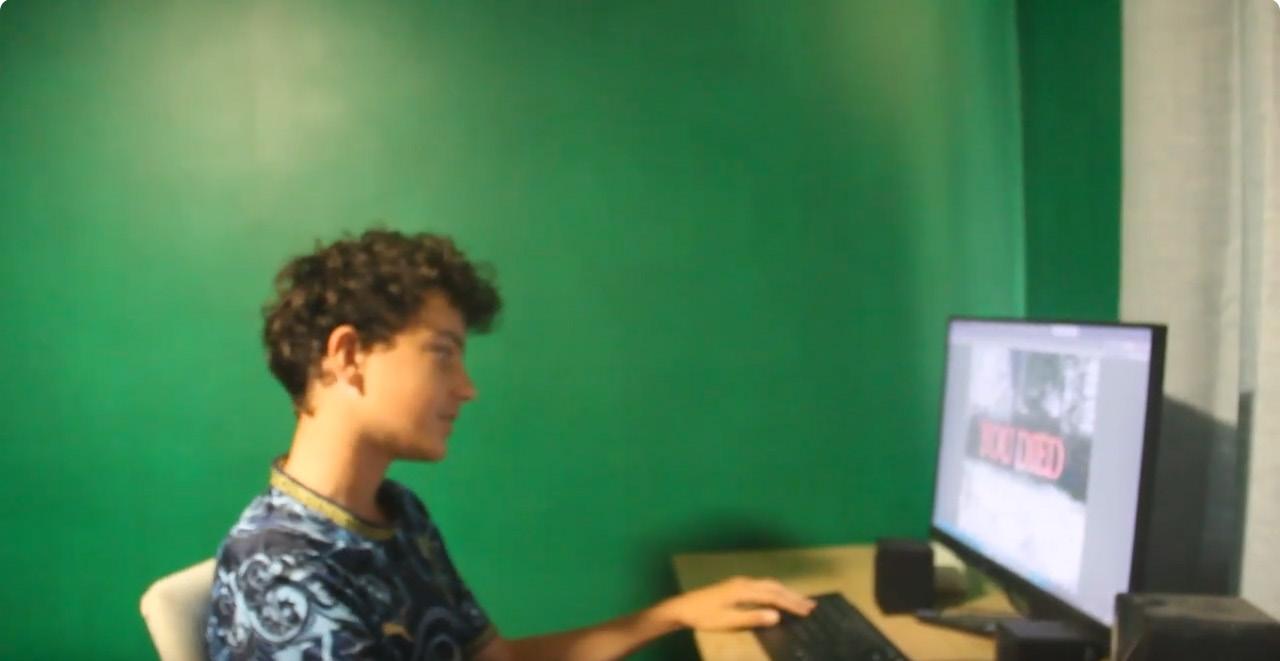
https://youtu.be/9bm3XDL1E0A
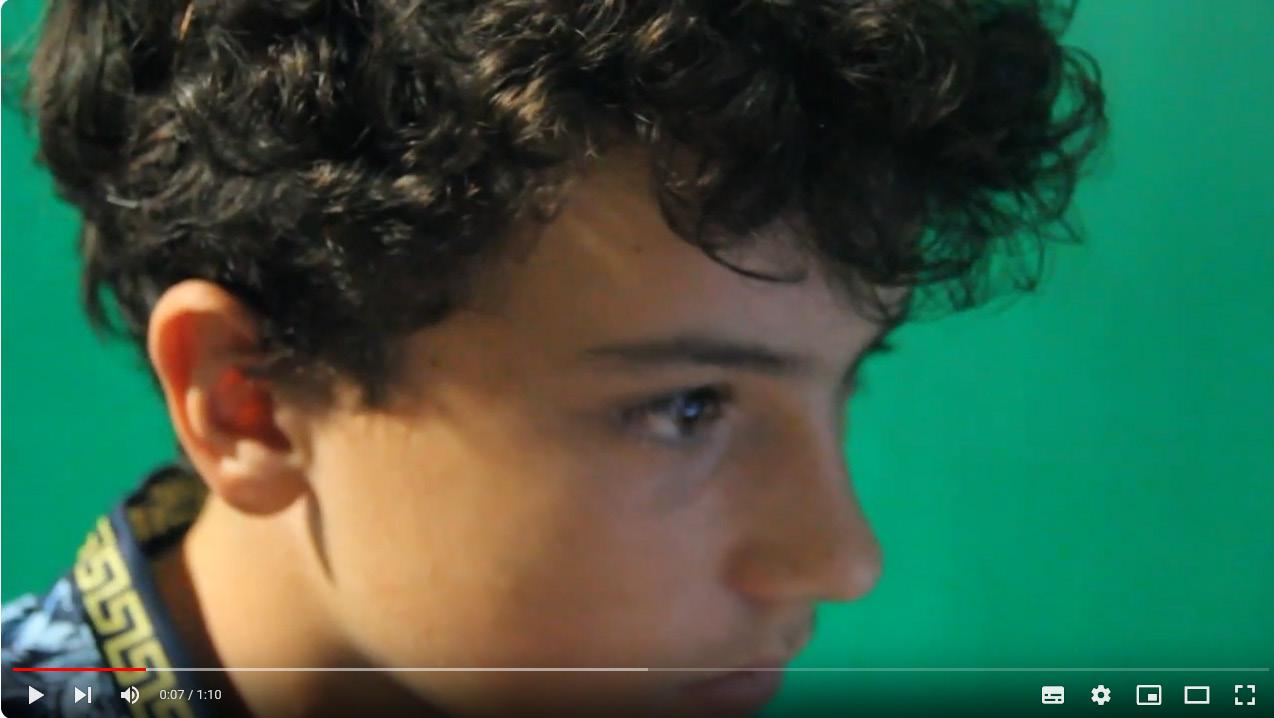
For our first assessment, and the second task regarding video editing, we had a mini-movie project, where we created a short video of 1 minute to 1 minute 30 seconds in length. This mini-movie was to have a clear narrative, and a variety of camera shots and angles, alongside background music and a voice-over narration. My mini-movie was called ‘One More Game,’ and the narrative was of a gamer who wants to stop, but his brain keeps convincing him to play one more game till he wins. I frequently applied close up and mid shot cuts, and my editing included zoom ins, among the usual video editing cuts.
VIDEO
7