EESchenck.com New List Features


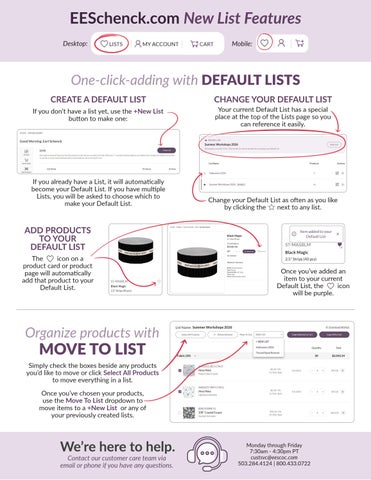
If you don’t have a list yet, use the +New List button to make one:
If you already have a List, it will automatically become your Default List. If you have multiple Lists, you will be asked to choose which to make your Default List.

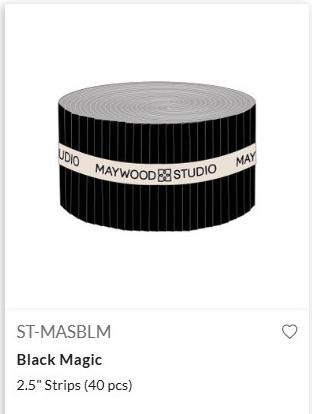
The icon on a product card or product page will automatically add that product to your Default List.
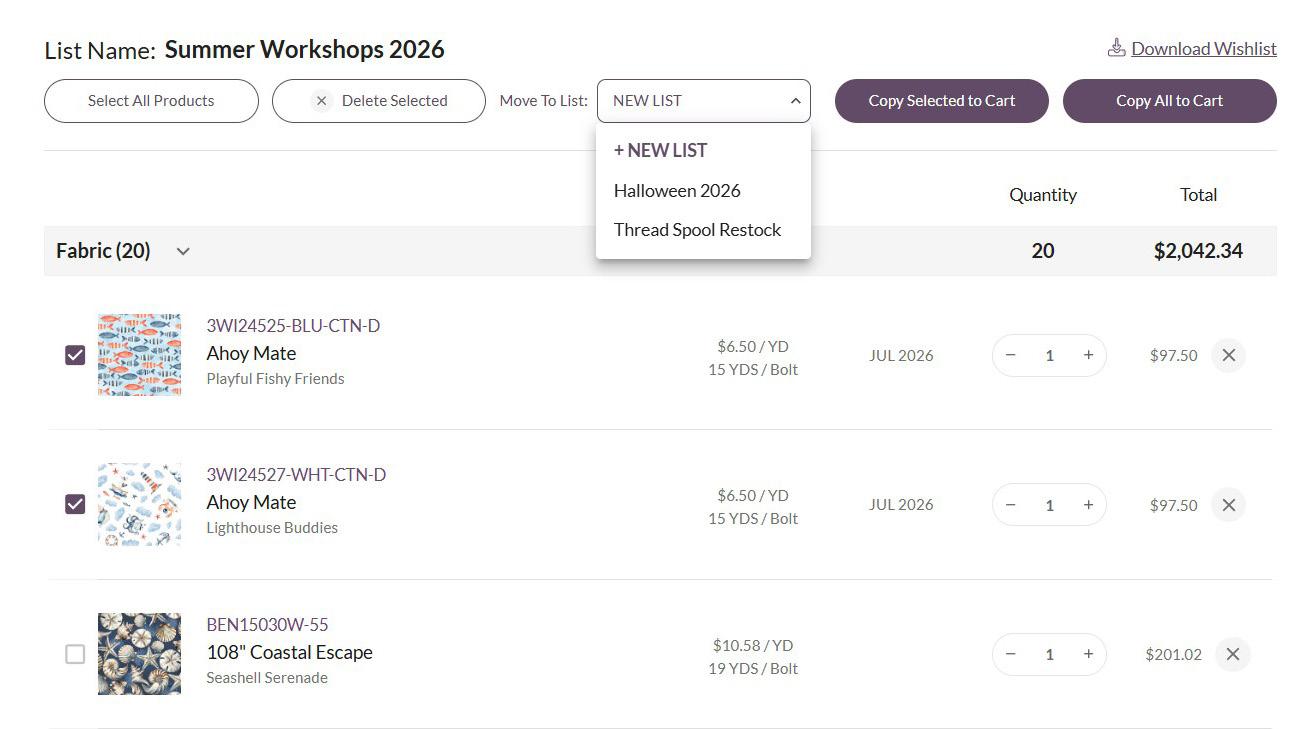
Simply check the boxes beside any products you’d like to move or click Select All Products to move everything in a list.
Once you’ve chosen your products, use the Move To List dropdown to move items to a +New List or any of your previously created lists.
Your current Default List has a special place at the top of the Lists page so you can reference it easily.
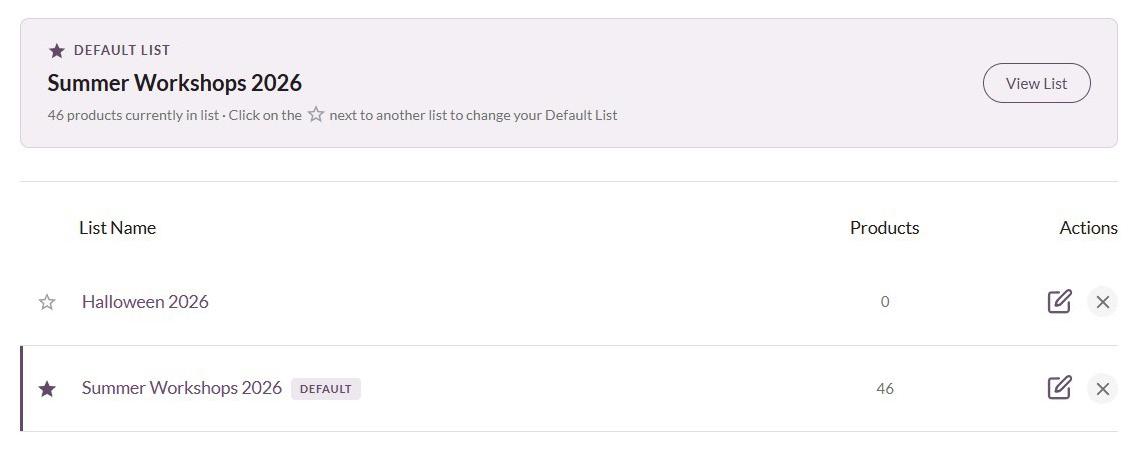
Change your Default List as often as you like by clicking the next to any list.

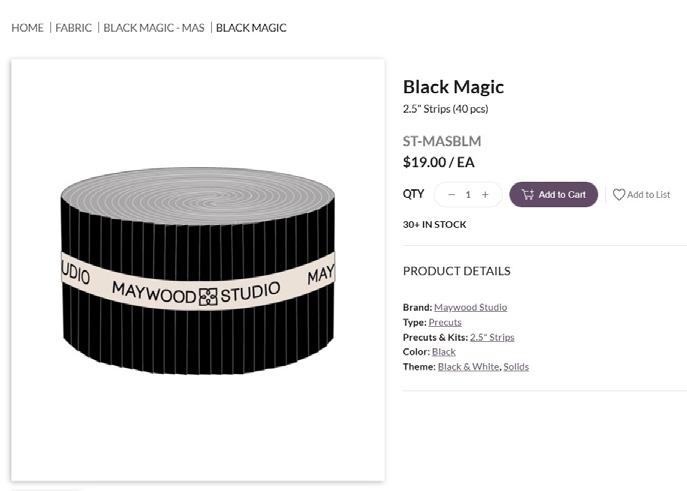
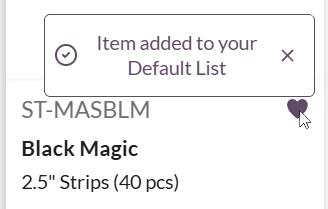
Once you’ve added an item to your current Default List, the icon will be purple.
Monday through Friday 7:30am - 4:30pm PT
Contact our customer care team via email or phone if you have any questions.