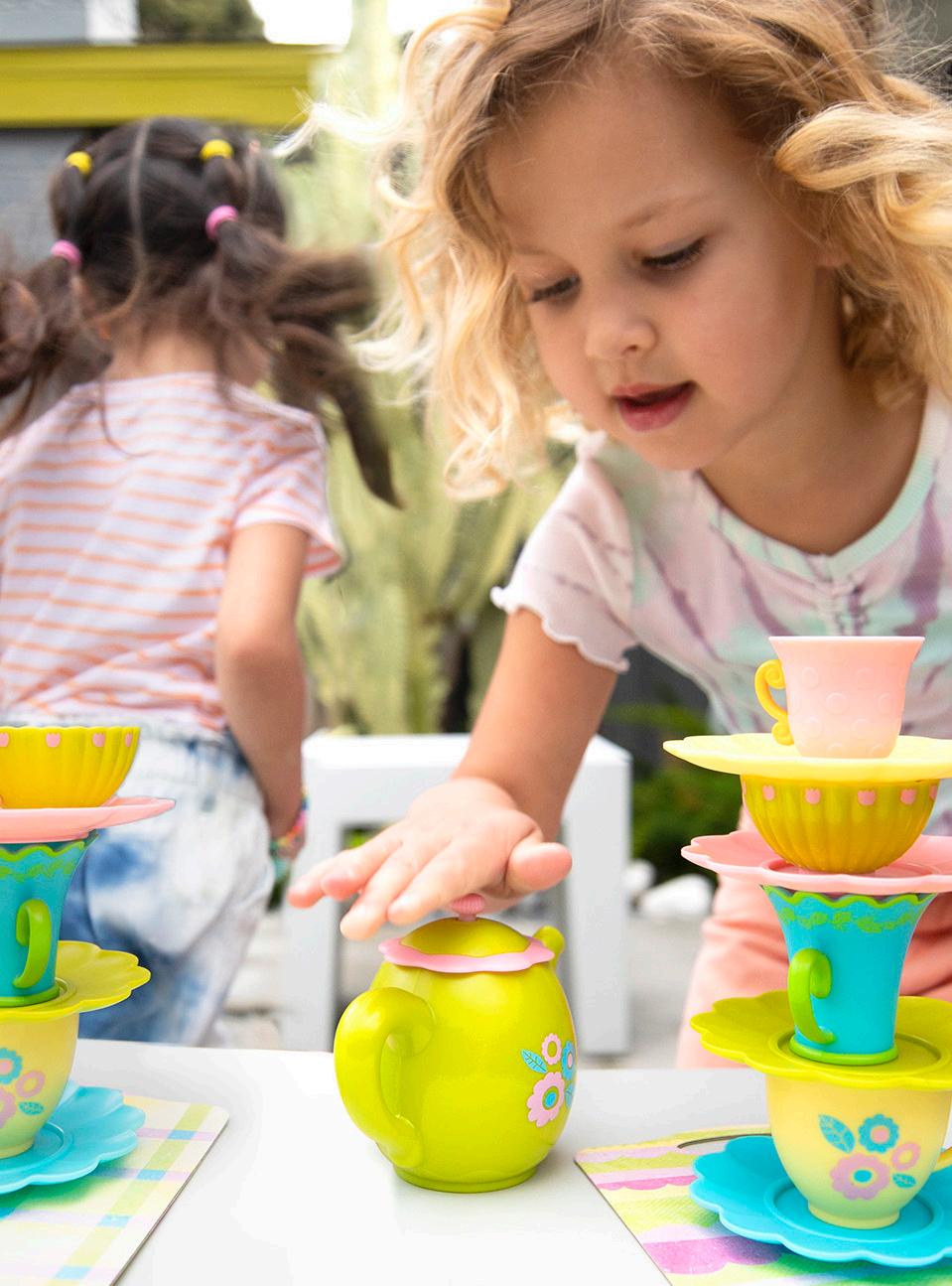

Intro
Brand Book Purpose
Table of Contents
Welcome
Hi! If you’re reading this, you are part of the team bringing our brand to life. Nice to meet you and welcome aboard!
I’m the Educational Insights brand book, A.K.A. your go-to guide for all things branding.
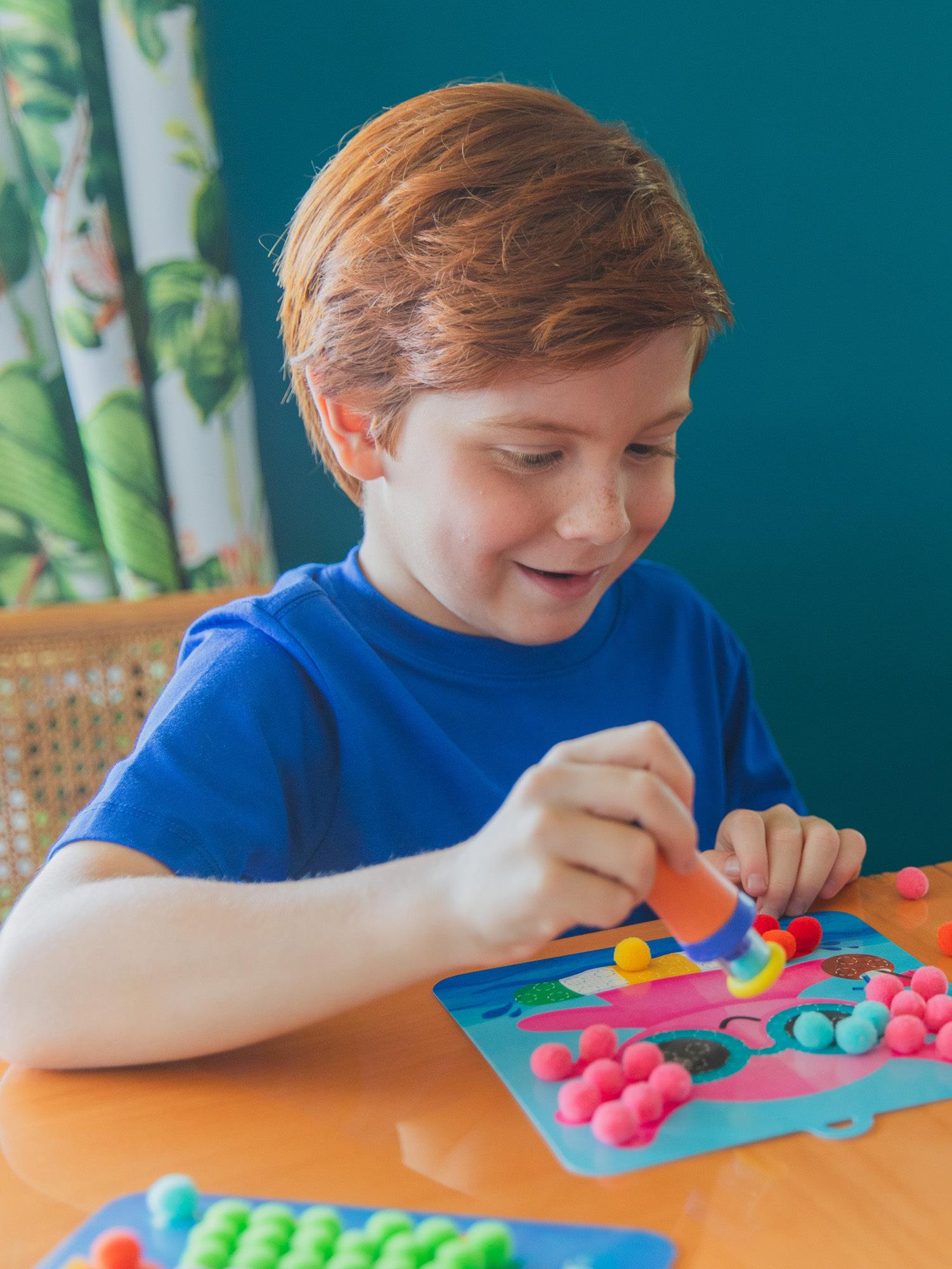
Brand Book Purpose
In addition to helping you figure out which logo to use and how big to make it, this guide will dive into all the things that make our brand, well, us.
Being consistent in how we present ourselves is key in evolving and growing our brand; when our customers see us on social media, while shopping online, or on a shelf in a store, they should immediately recognize us! So, are you ready to help us ignite the spark in every child?
Let’s go!
Who We Are 02
Our Story Brand Pyramid
Our Toy Story
We started in 1962 with a simple mission…now over 60 years later, we are still igniting the spark in every child.
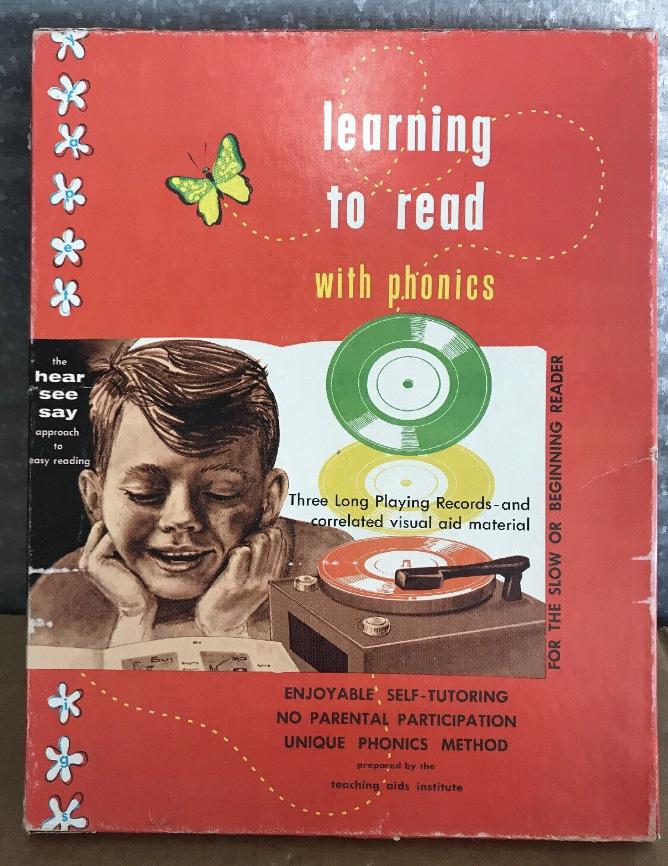
1962
Educational Insights ® was founded when Burt and Diana Cutler developed Learning to Read with Phonics to help their daughter, Carol, learn to read.
1989
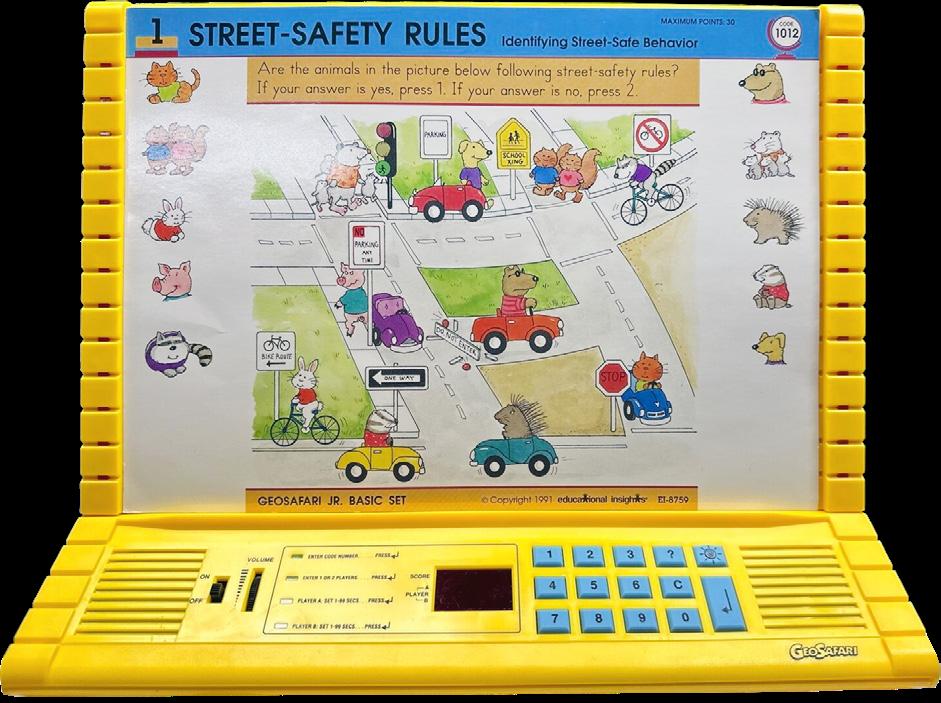
Meet the GeoSafari ® line’s first-born child, the GeoSafari ® Laptop!
1997
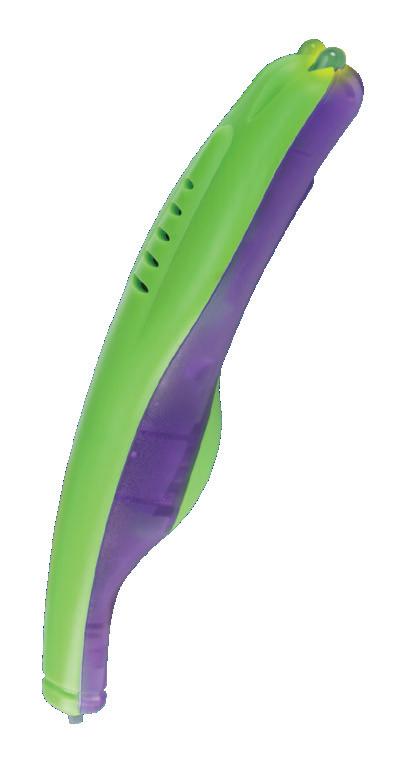
The Hot Dots ® pen, the interactive learning tool, was originally called the Magic Touch Pen!
Our Toy Story

2003
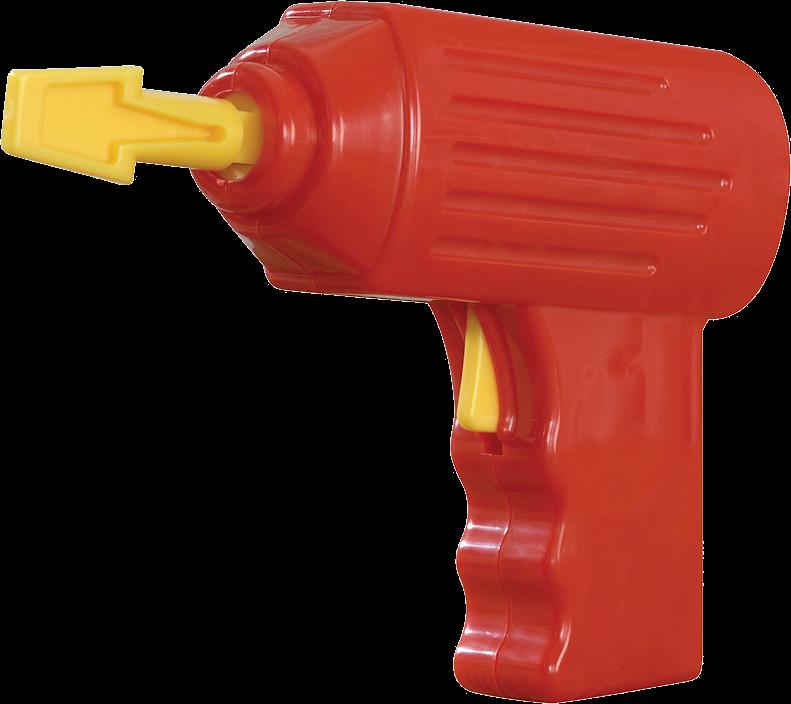
The very first thrill-of-the-drill experience launched with the Design & Drill ® Activity Center.
2006
Meet Playfoam ® ! The line of squishy, squashy learning compound creations began with this product.
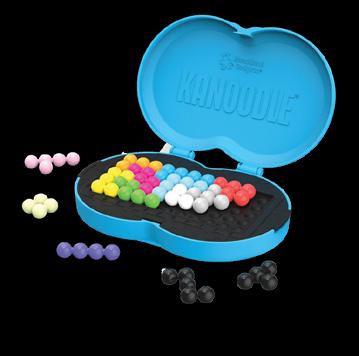
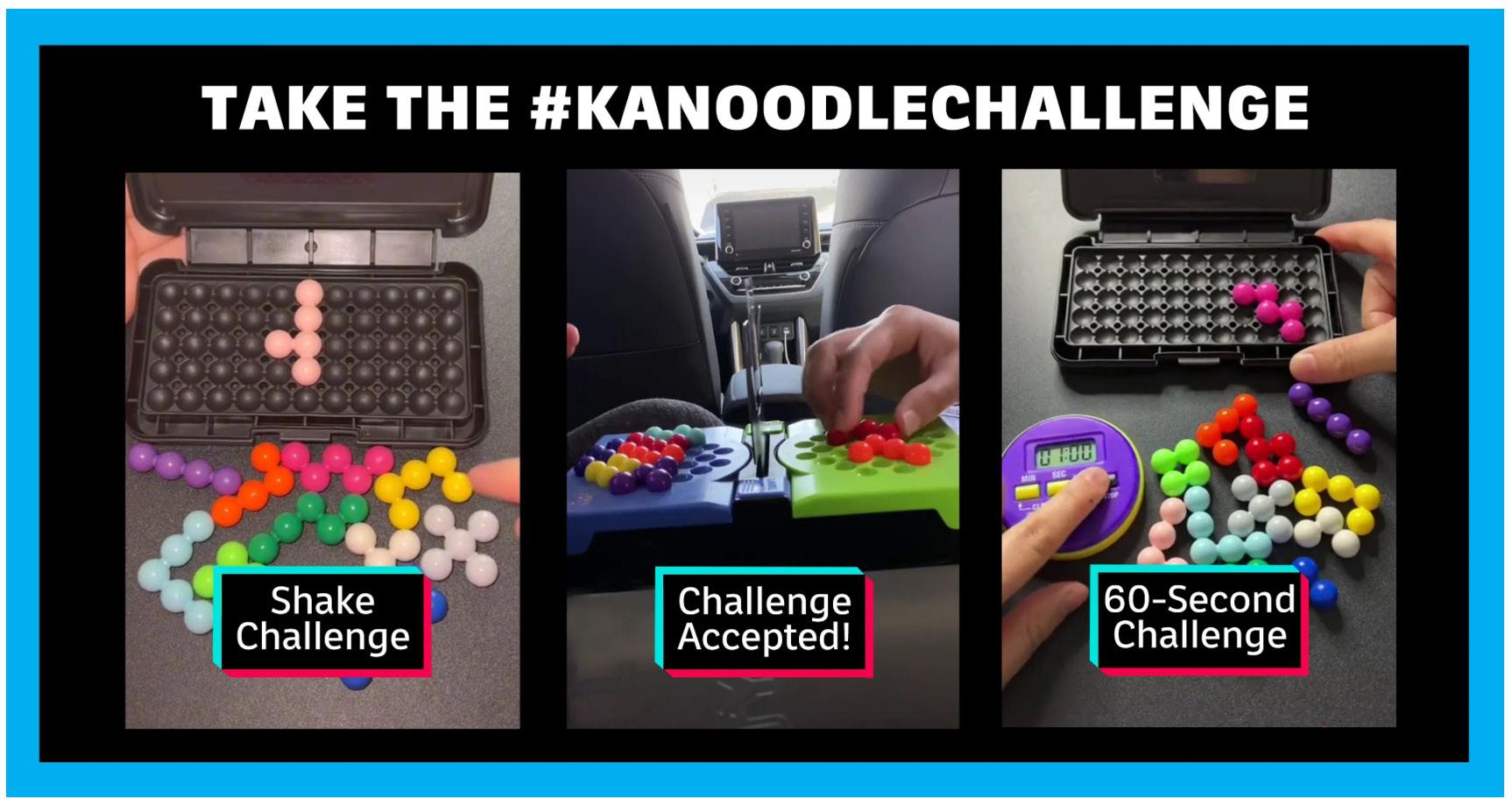
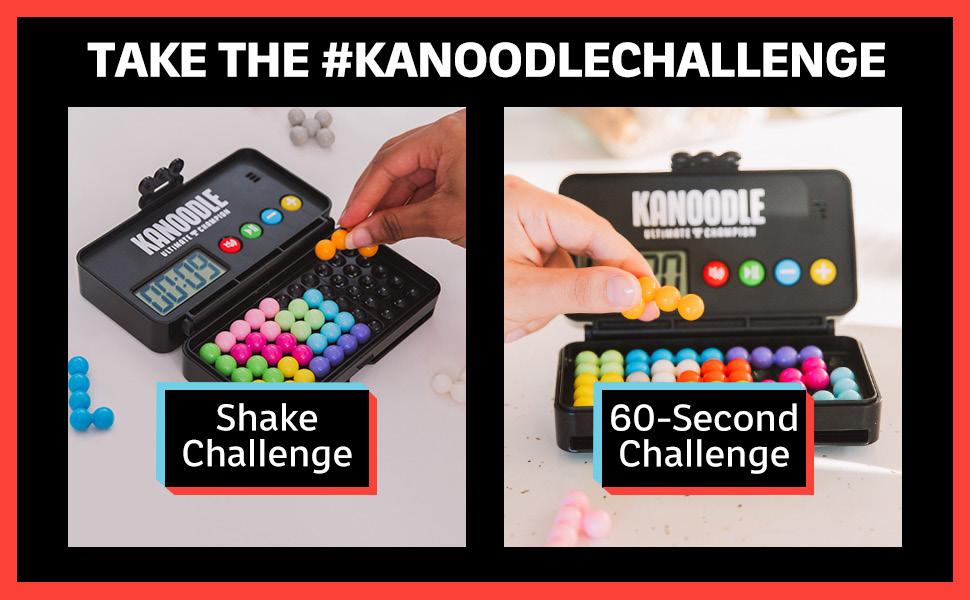
Long before the viral #KanoodleChallenge was created…there was Kanoodle ® .
2002
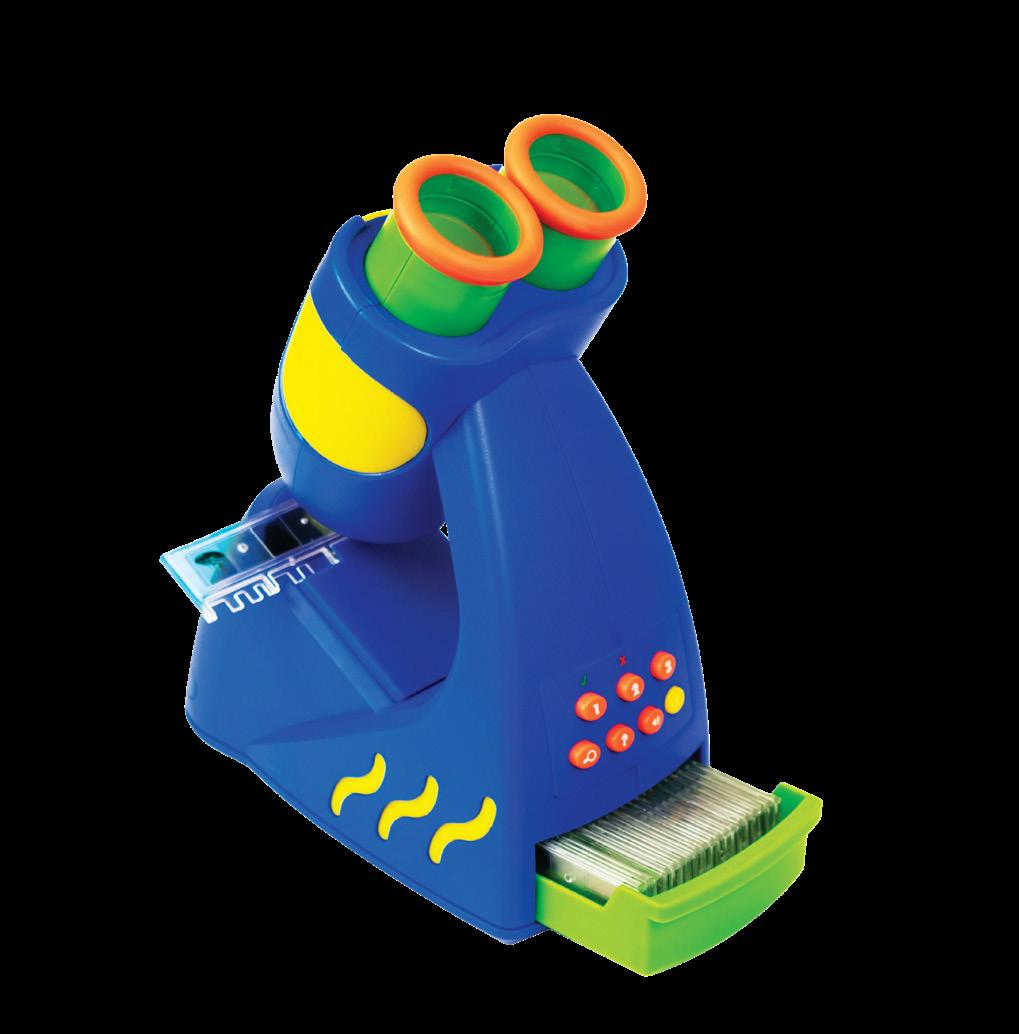
Look, listen, and learn with the GeoSafari ® Talking Microscope now an award-winning product!
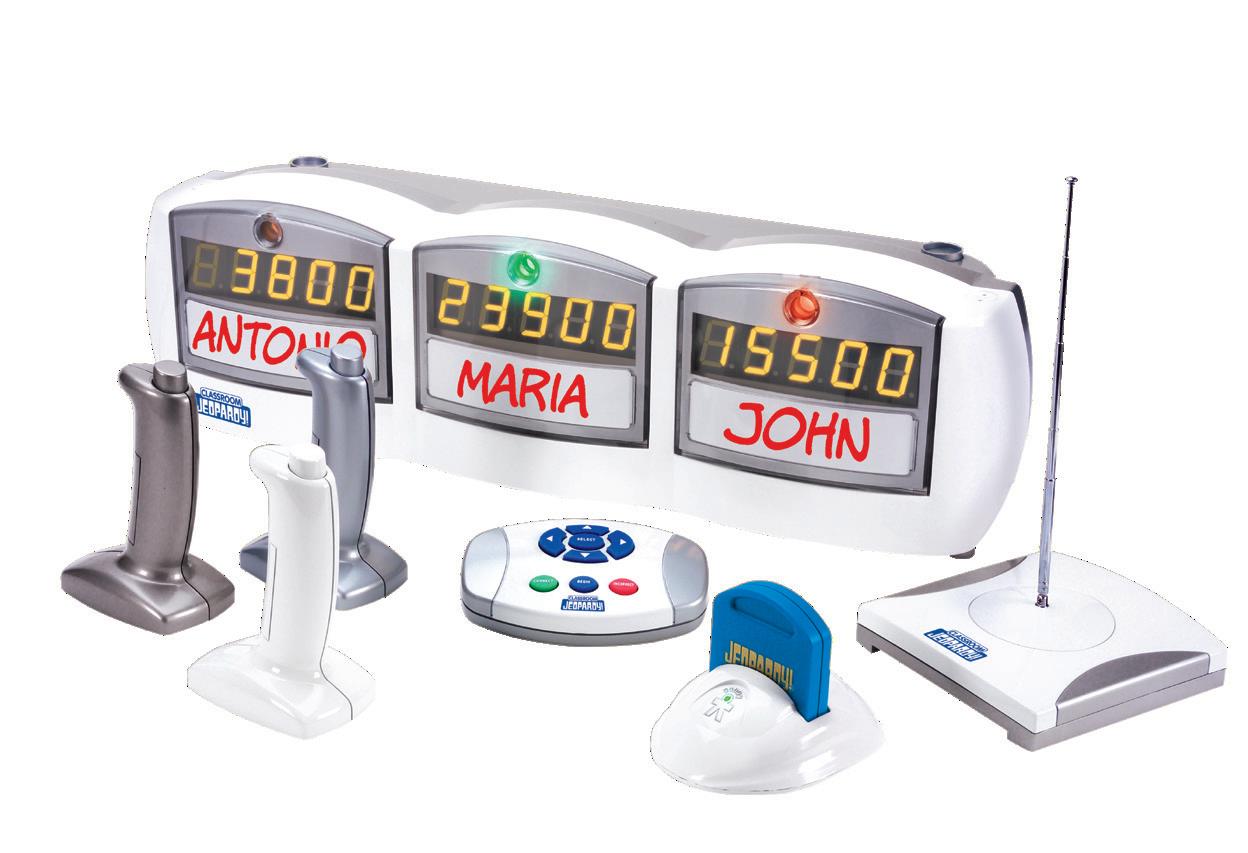
A teacher favorite, Classroom Jeopardy! brought the show to your classroom.
Our Toy Story
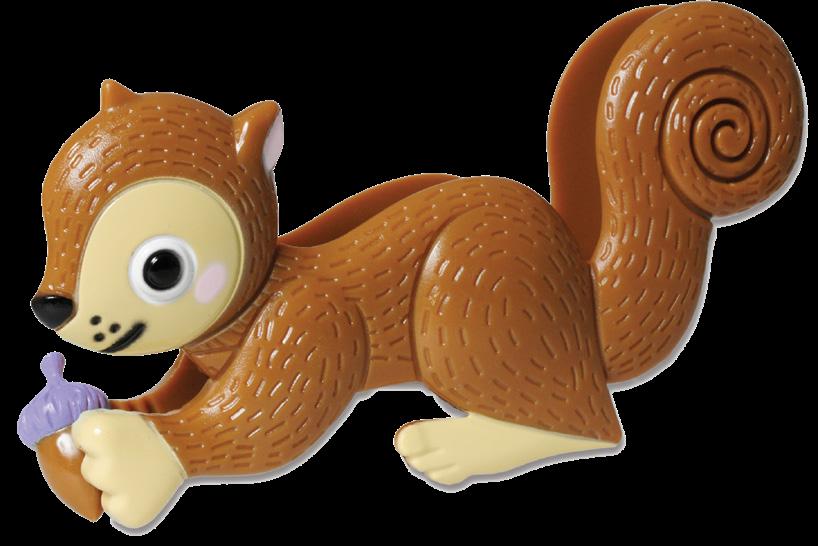
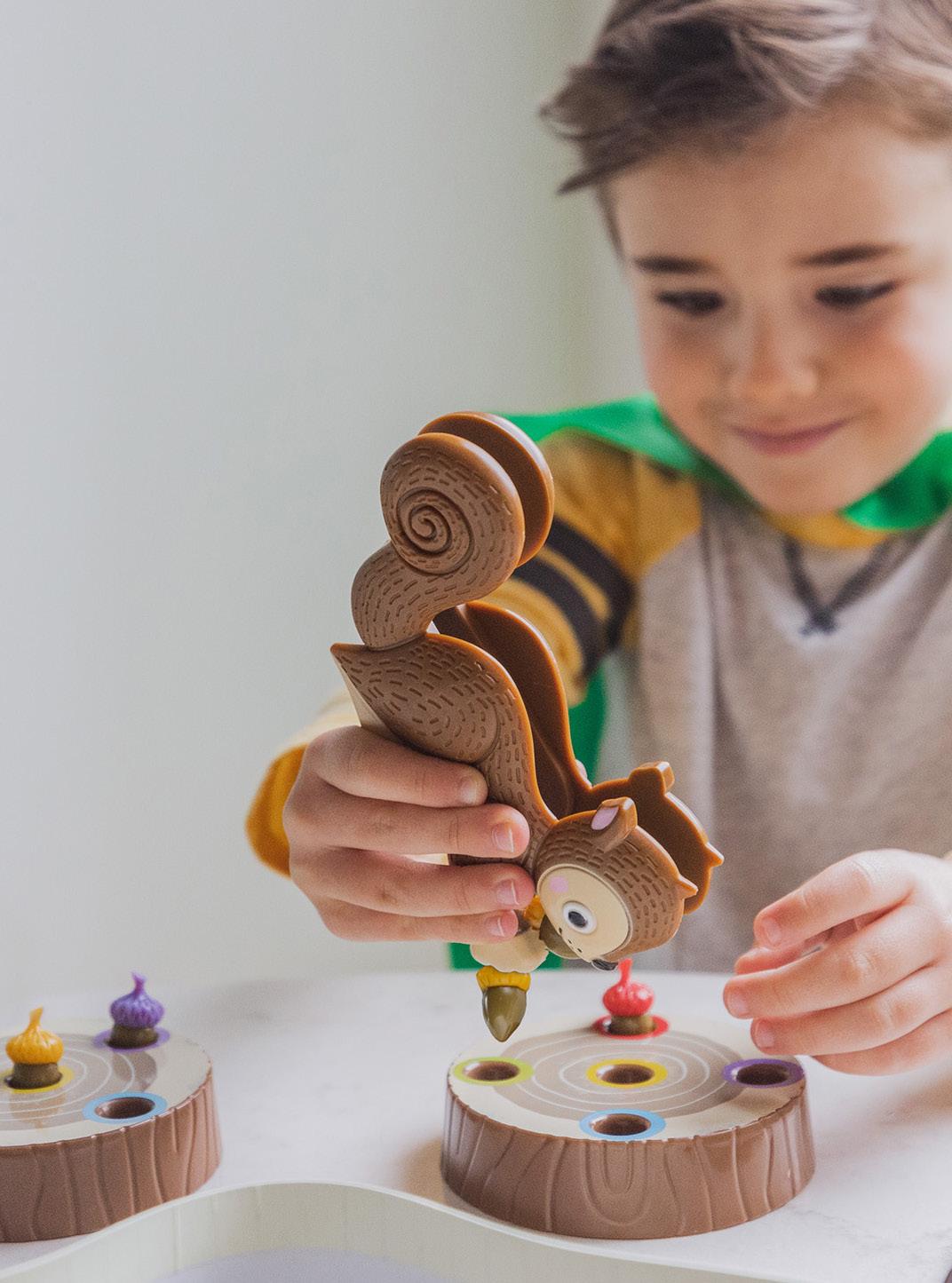
Since its launch, The Sneaky, Snacky Squirrel Game! ® has snuck onto countless awards and favorites lists.
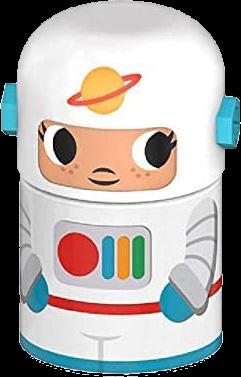
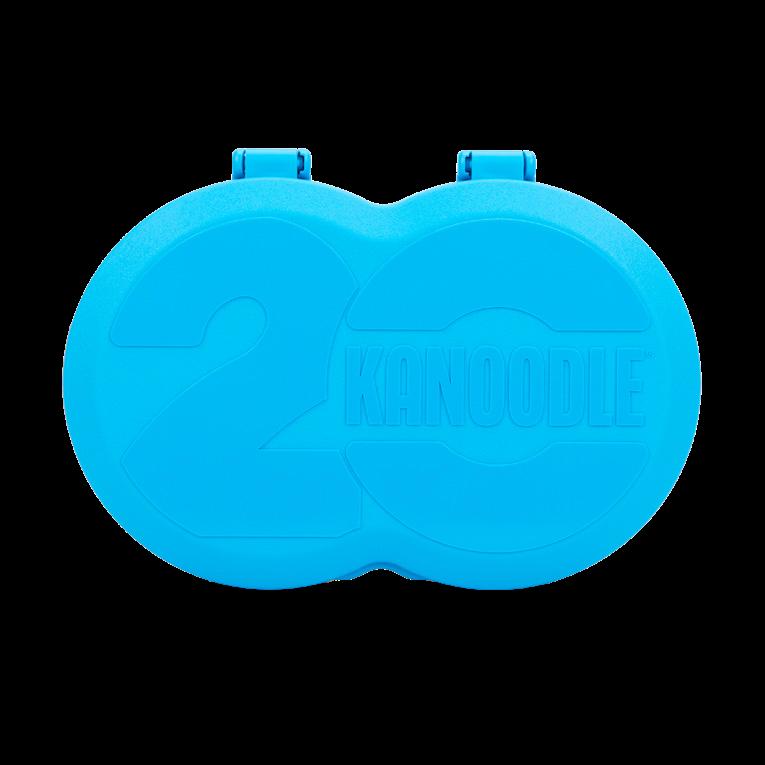
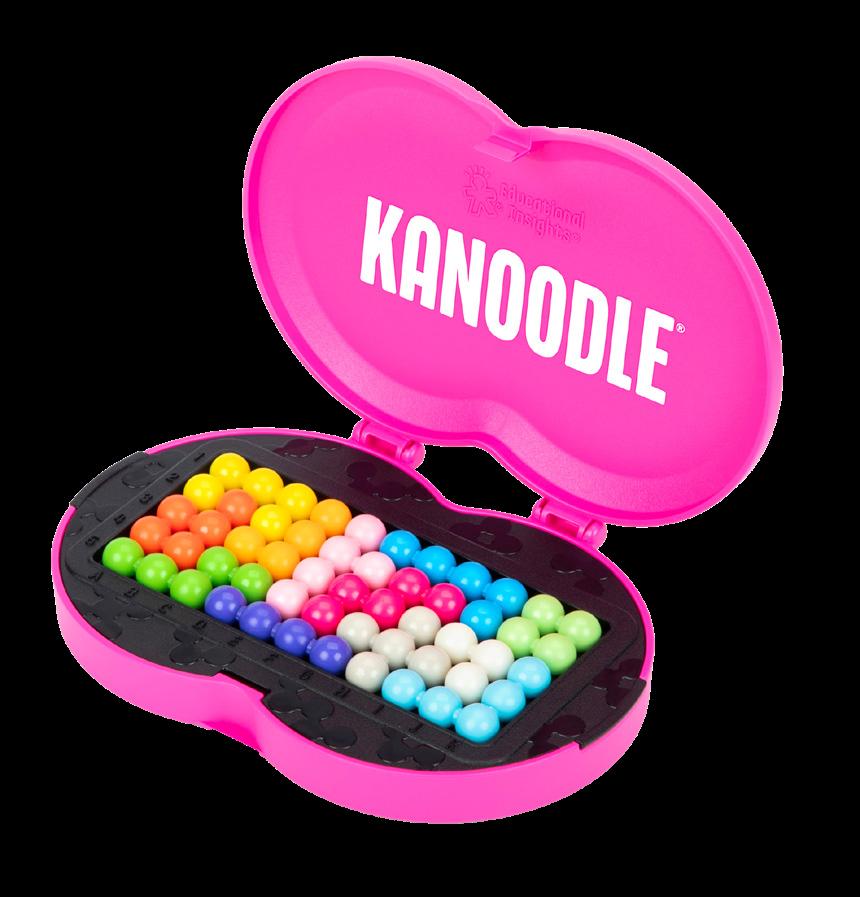
We launched to celebrate 20 years of Kanoodle— featuring a limited-edition case, exclusive puzzles, and fan-inspired challenge cards!
The Design & Drill ® family expanded with Bolt Buddies the pretend play companion to construction toys!
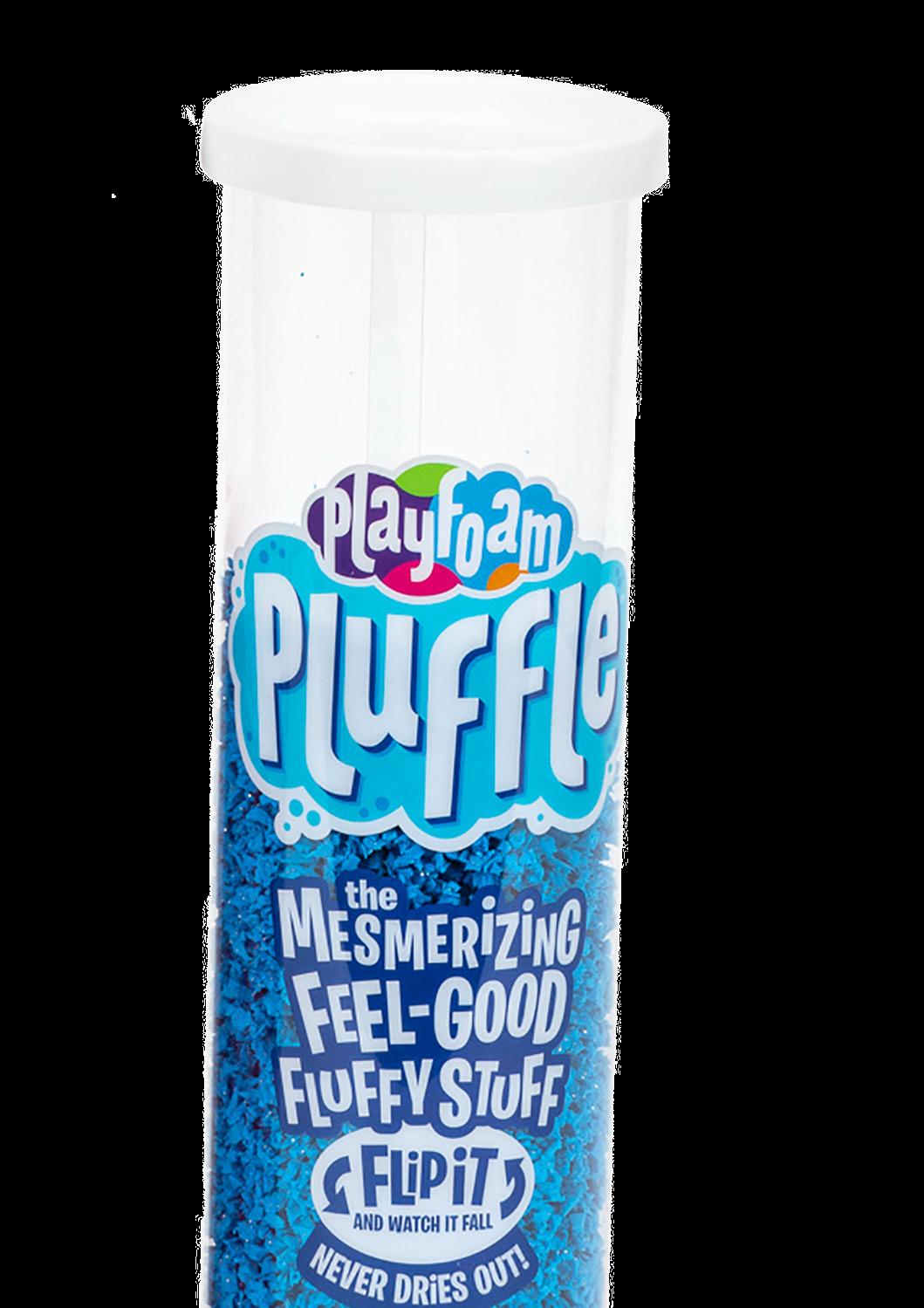
The fluffy Pluffle ® compound has made a name for itself as a sensory bin base! 2020
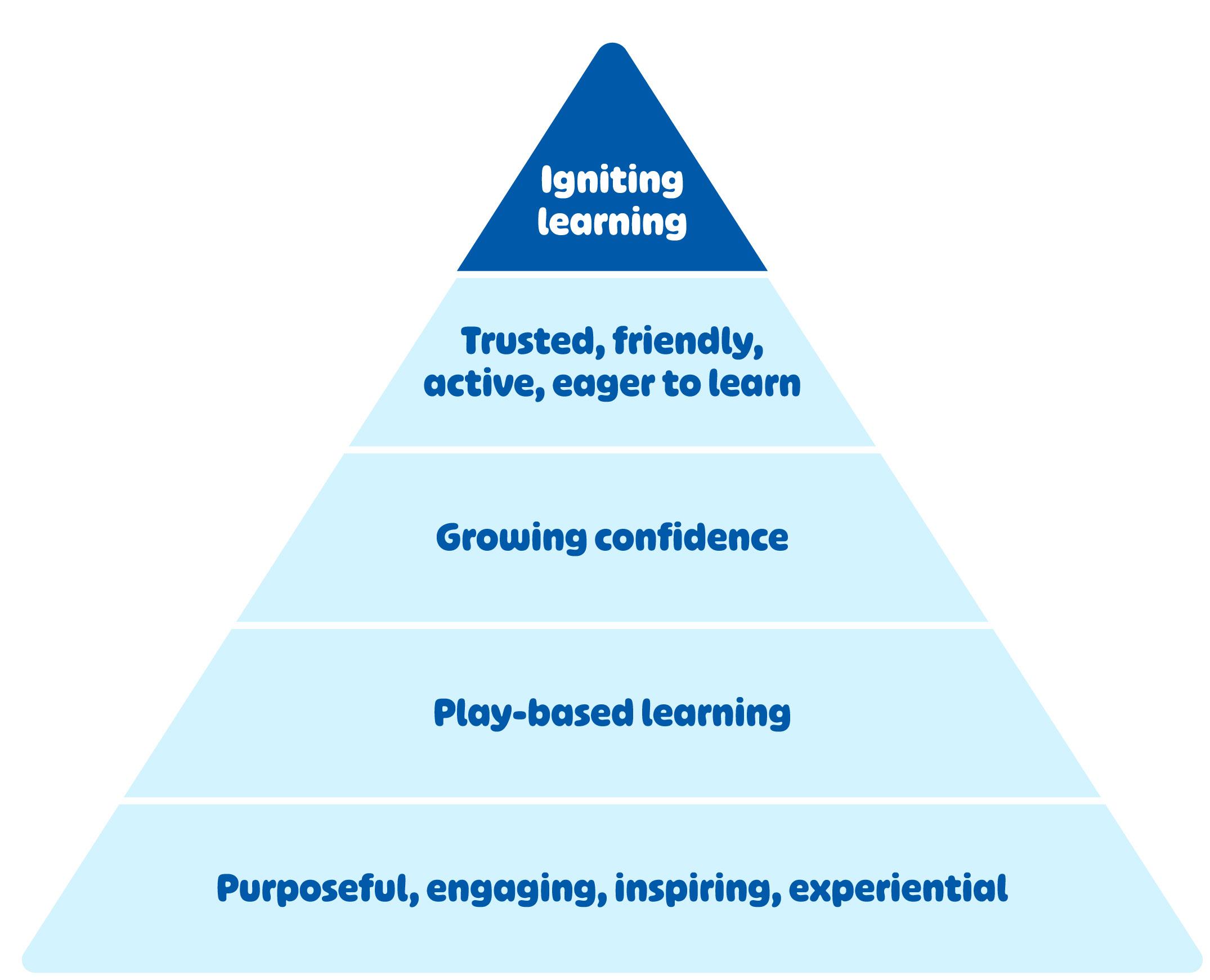
Brand Pyramid
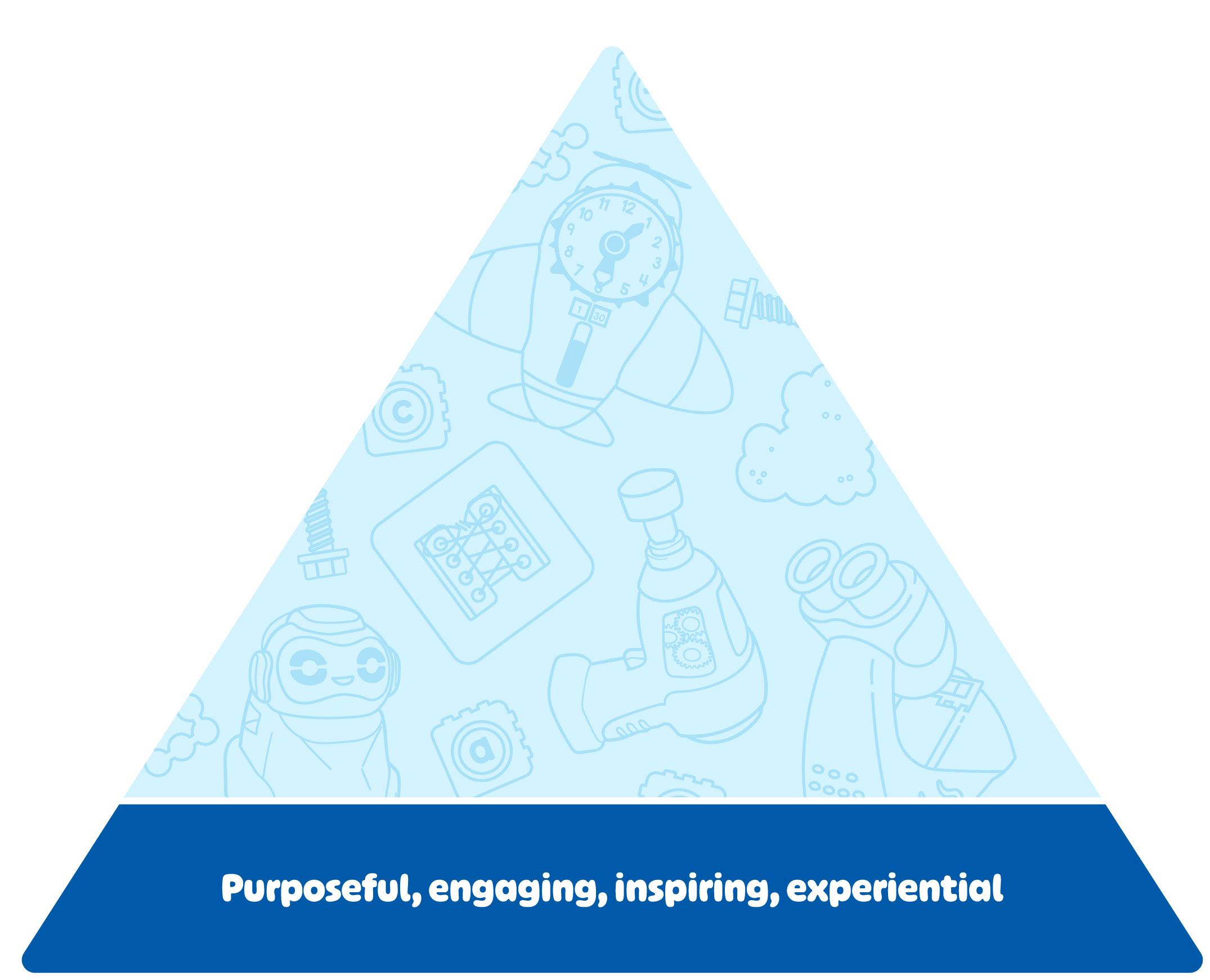
Product Attributes
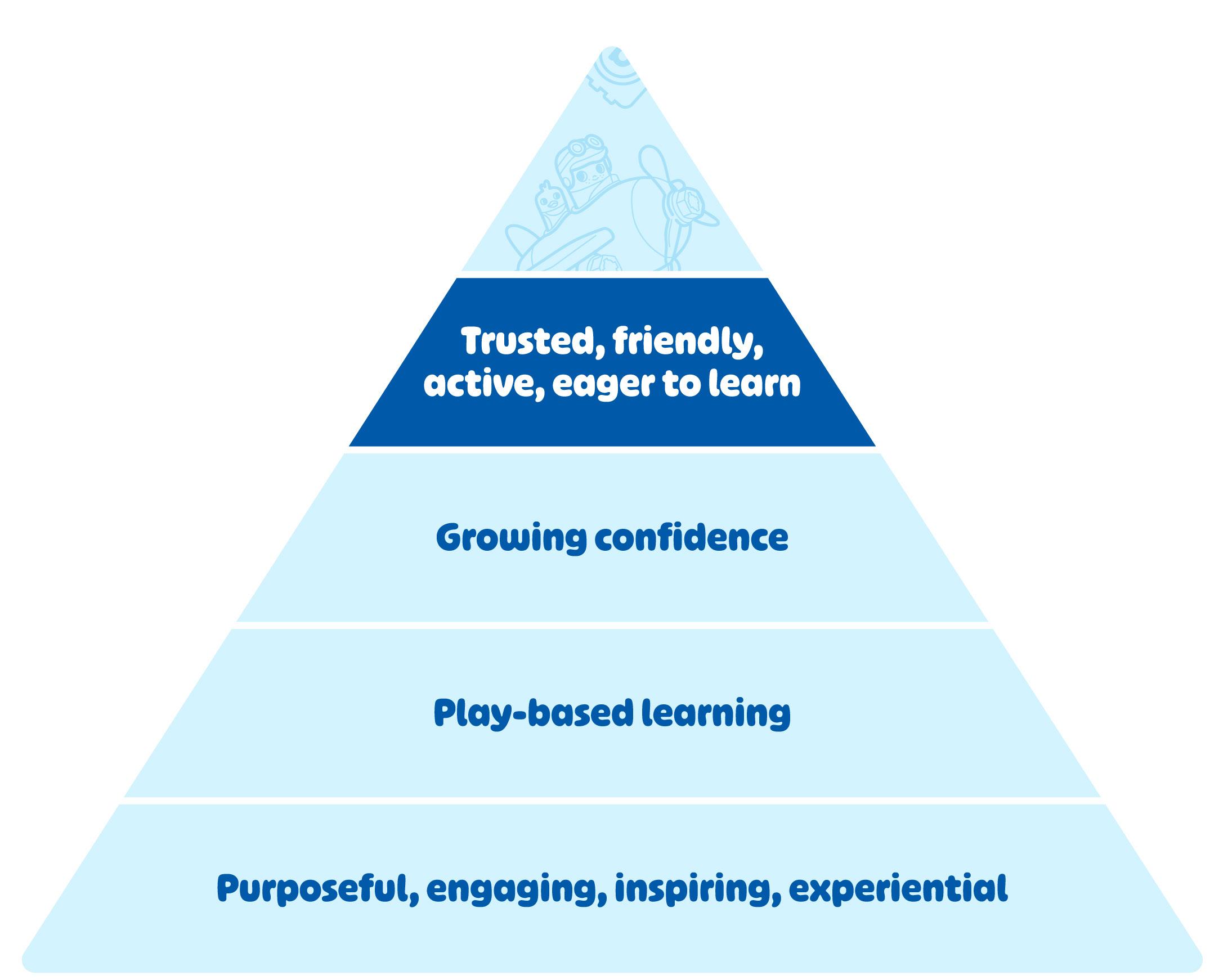
Personality
Product Attributes
• Purposeful
Thoughtfully-developed with a specific learning solution in mind
• Engaging
Entertaining and captivating through repeat play
• Inspiring
Providing new experiences and empowering kids to explore
• Experiential
Self-guided, hands-on play to encourage learning by doing
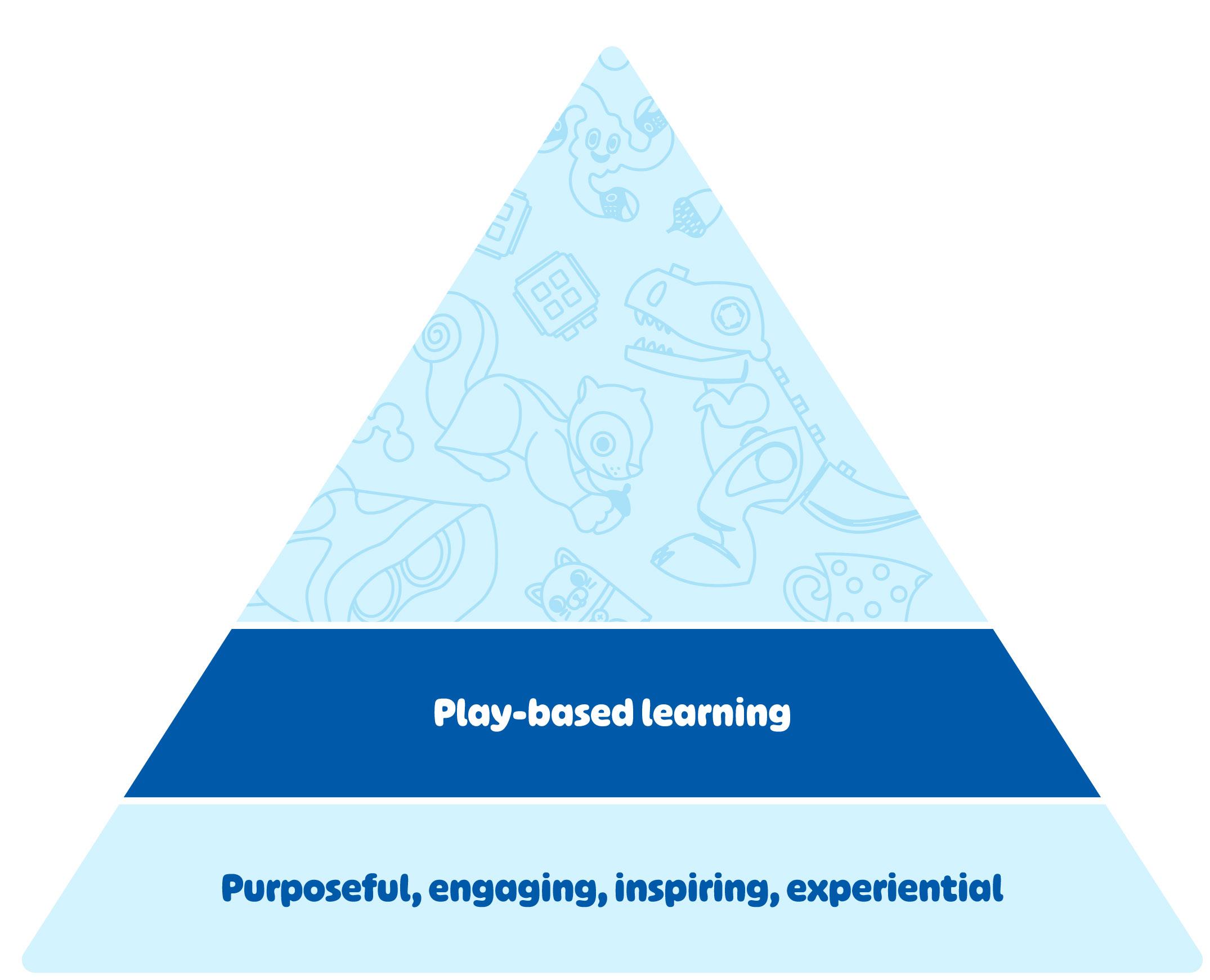
Functional Benefit
“Play-based learning is a powerful approach that has gained significant recognition in early education programs. Instead of relying solely on traditional teaching methods, play-based learning embraces the innate curiousity and creativity of children to foster their development.”
Key Elements:
• Self-chosen/self-directed
• Enjoyable
• Unstructured
• Process-oriented
• Imaginative
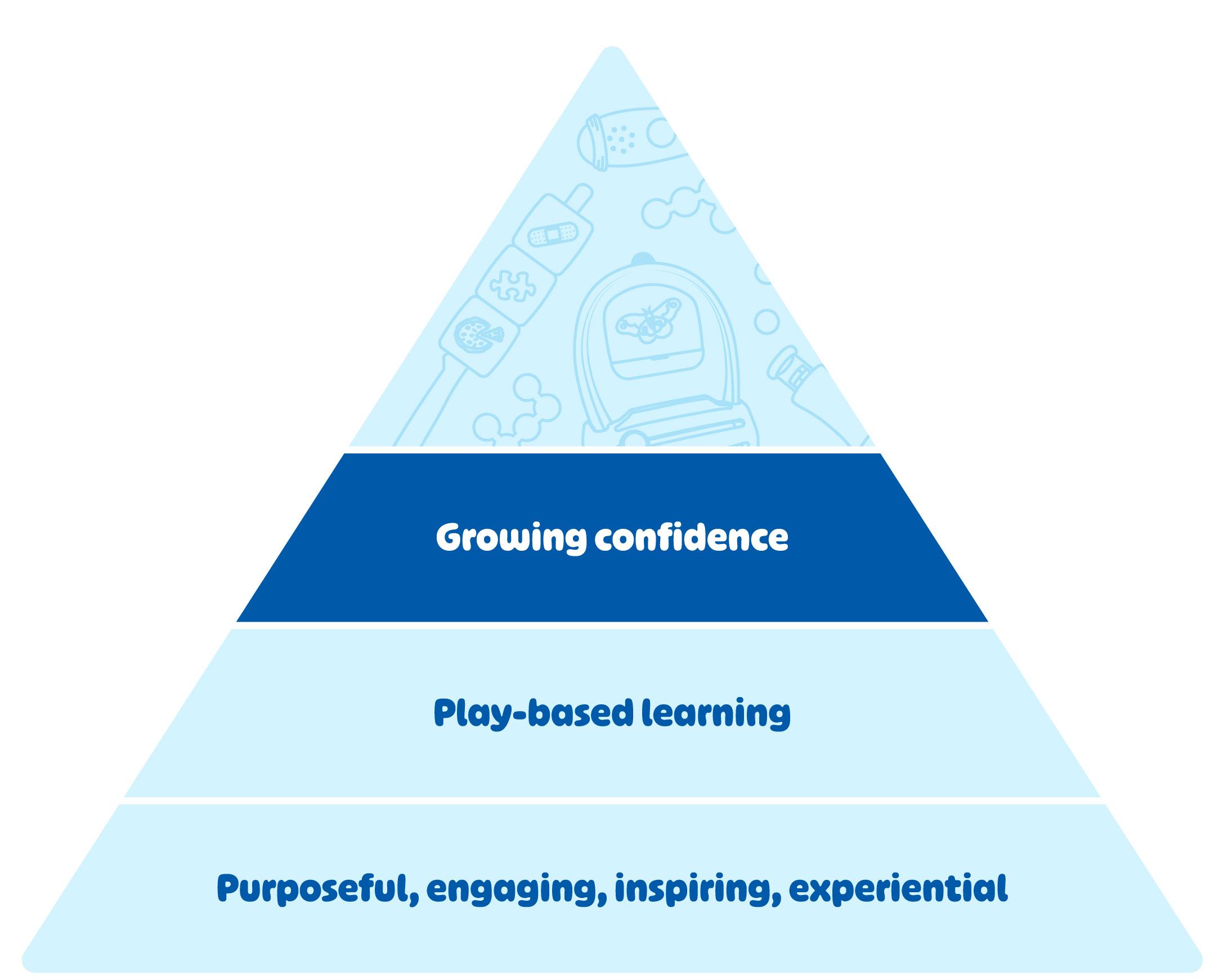
Emotional Benefit
• Participating in vital developmental stages
• Growing deeper connections through play-based learning
• Helping build lasting self-confidence and self-esteem as kids learn
• Encouraging independent discovery
Personality
• Trusted
Parents and teachers trust us as educational experts
• Friendly
We’re approachable and we make big concepts easy to understand
• Active
We’re energetic and excited about our products
• Eager to learn
We encourage exploration and inquiry
Positioning Statement
Spark More Categories 03
Spark Brand Statement
Creativity
Togetherness
Confidence
Imagination
Curiosity
Exploration
Learning
Spark Brand Statement
WE IGNITE THE SPARK IN EVERY CHILD!
It’s that moment when their curiosity runs wild and the “why” questions flood in.
It’s that twinkle in their eye when something they’ve been learning finally clicks.
It’s that burst of confidence they get when it all comes together. THAT’S THE SPARK!
At Educational Insights ® , we see the limitless possibilities that you see in your child. Our award-winning toys and games help you ignite their spark and build their confidence.
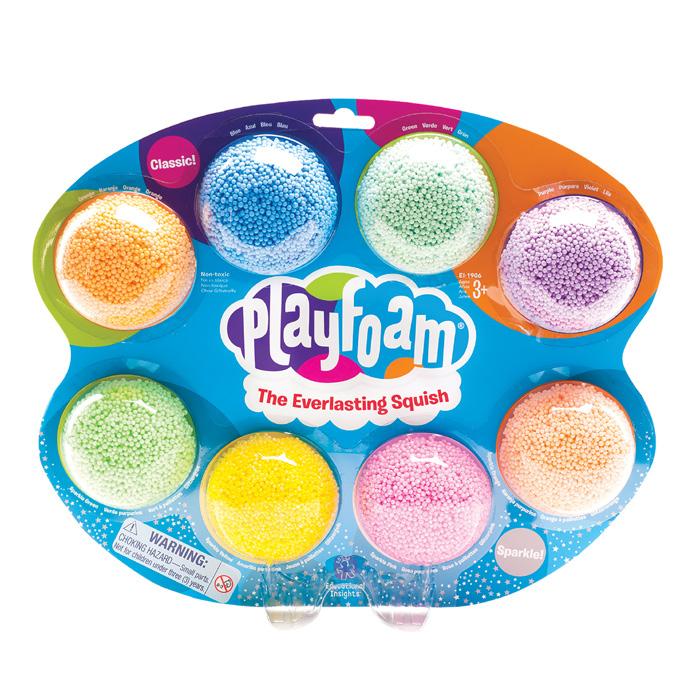
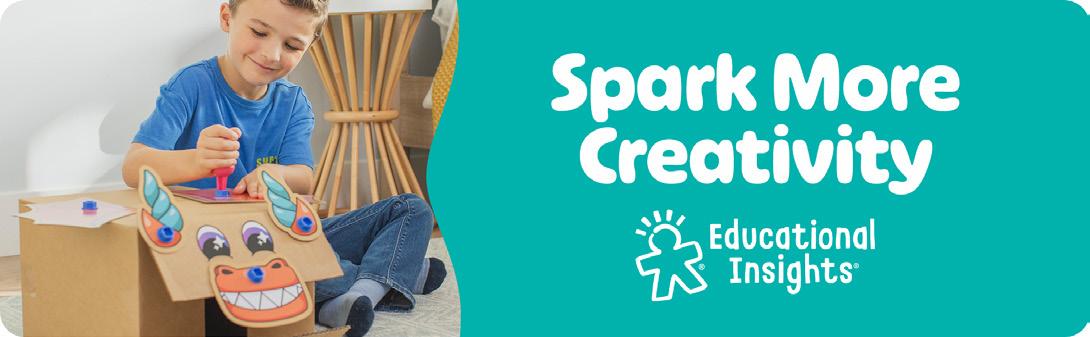
Spark More Creativity
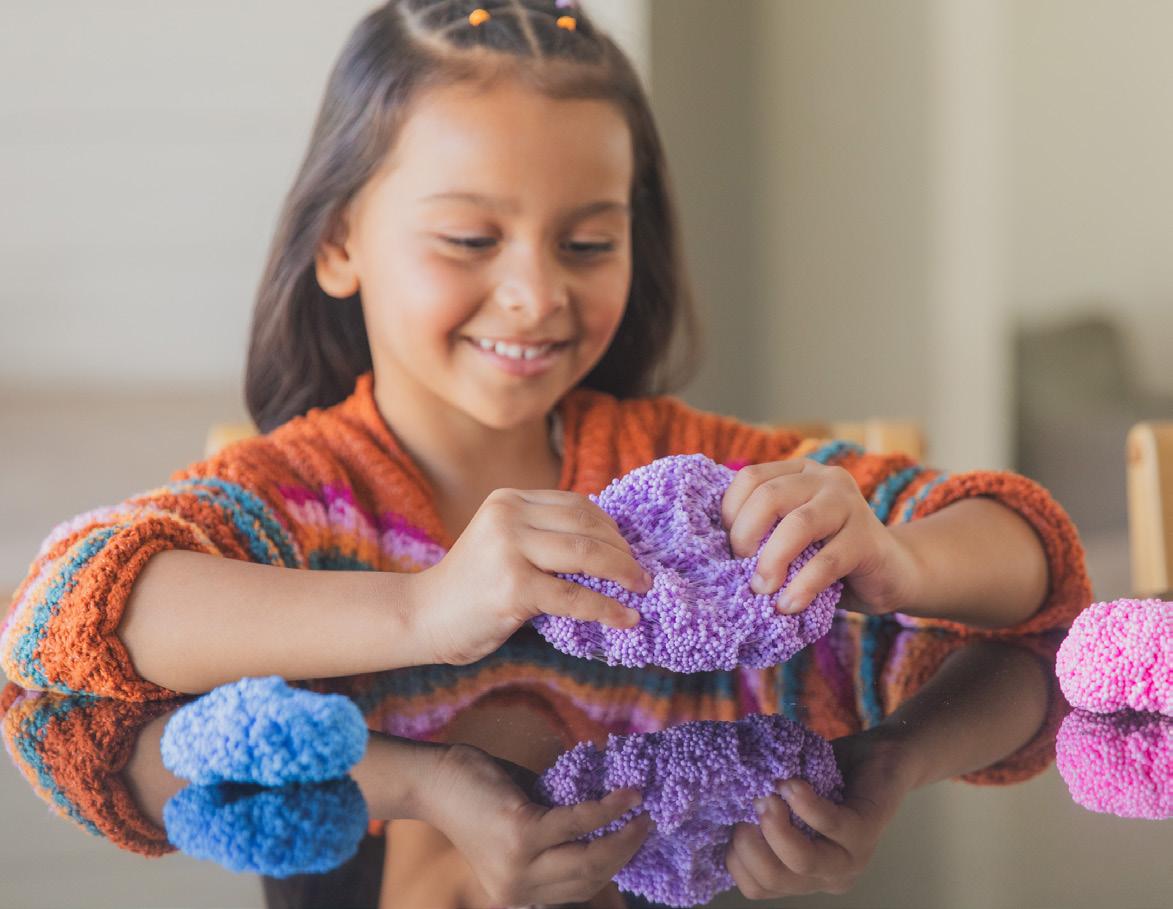
These creative toys are designed to let little imaginations run wild. Encourage their imaginations to see what they create!
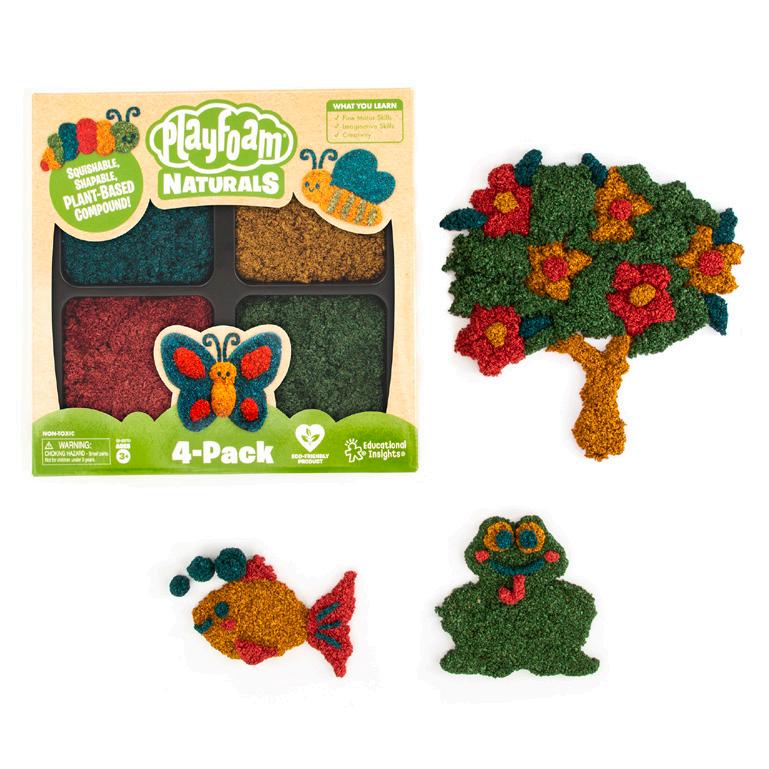
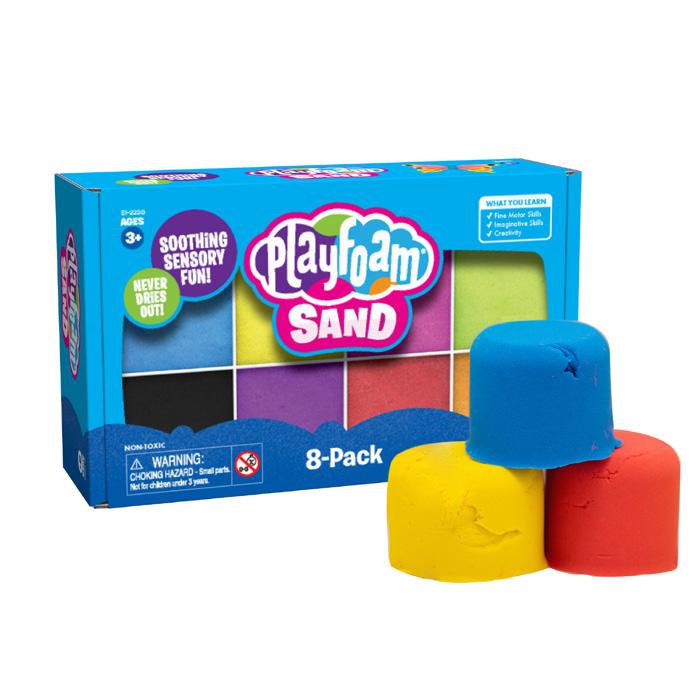
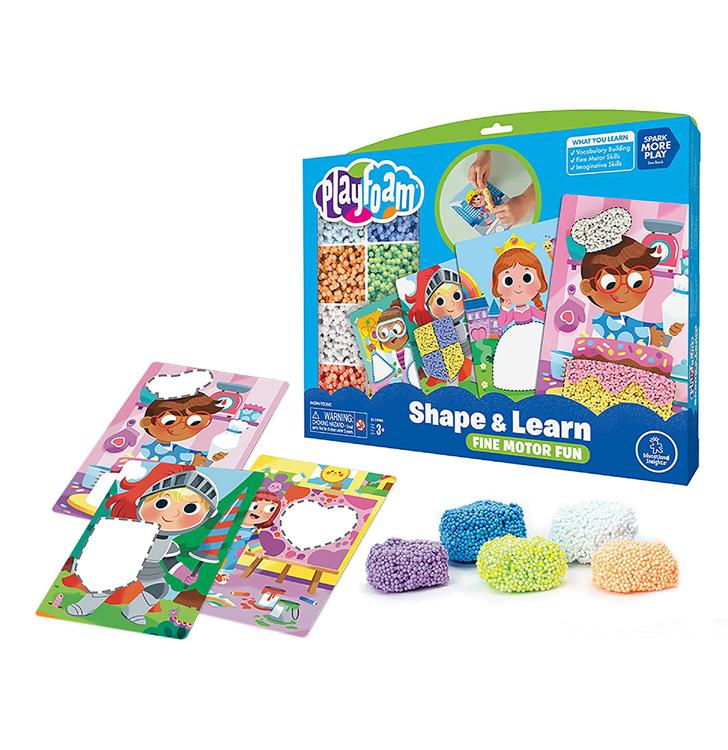
Playfoam® Combo 8-Pack
Playfoam® Naturals 4-Pack
Playfoam® Sand 8-Pack
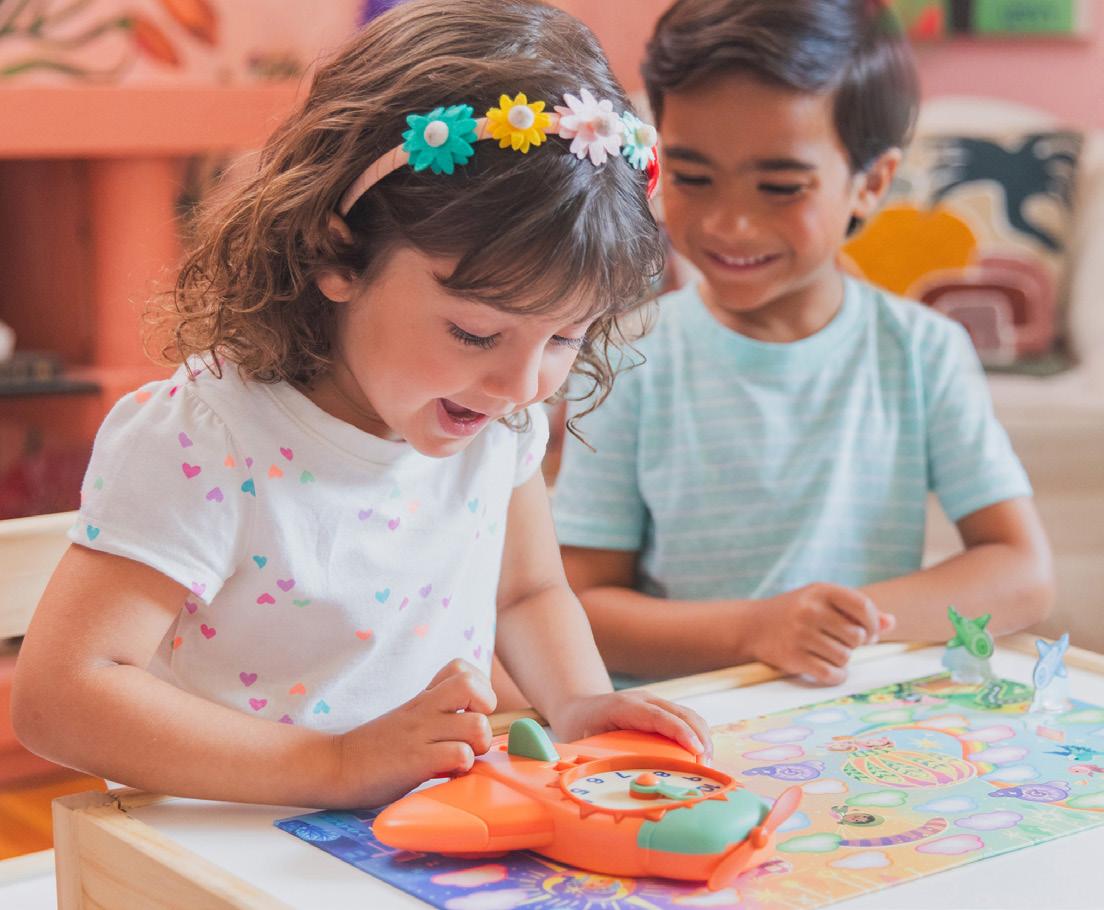
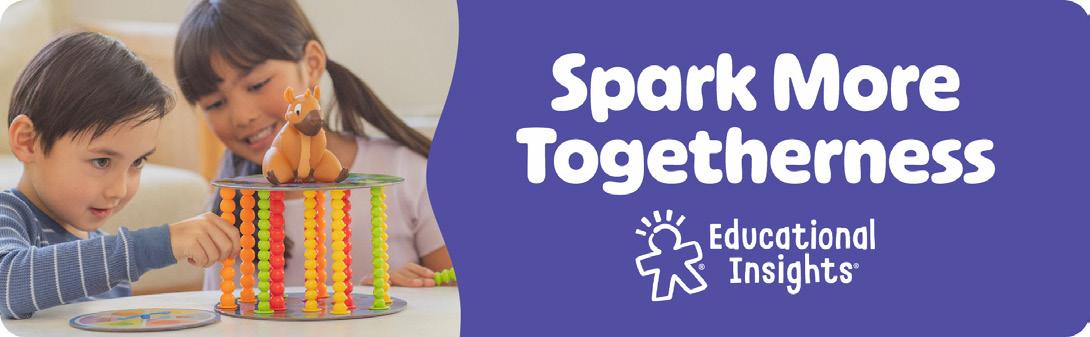
Spark More Togetherness
Make the most of your time together with games that will have the whole family laughing, learning, and growing!
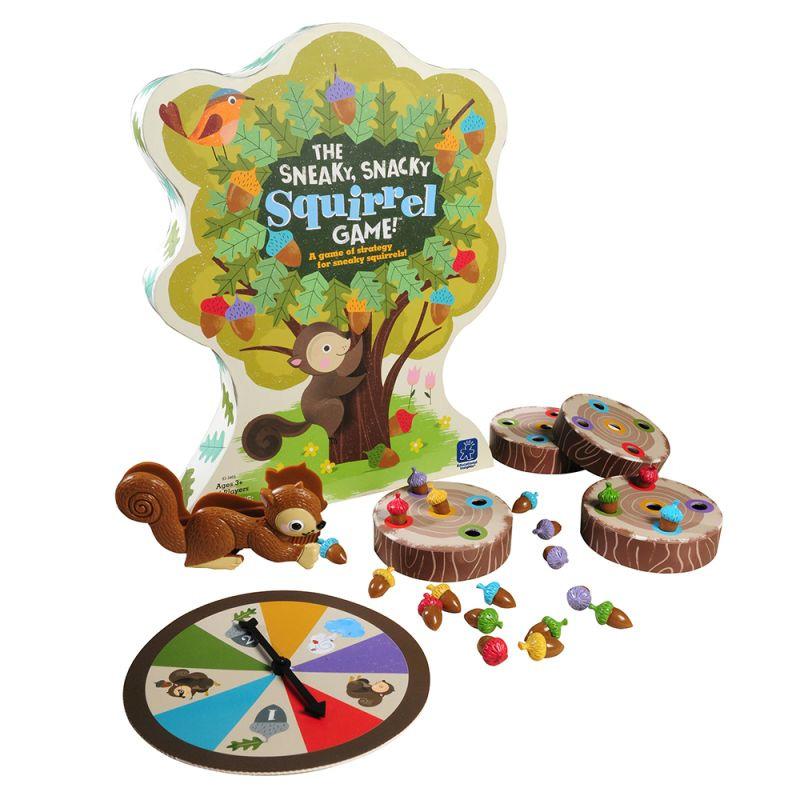
The Sneaky, Snacky Squirrel Game!®
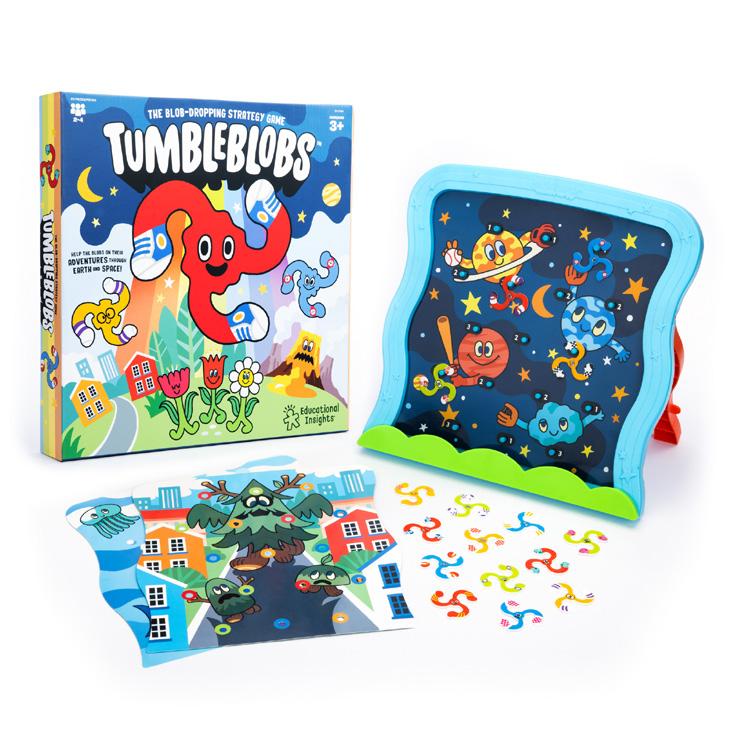
Tumbleblobs™ Game
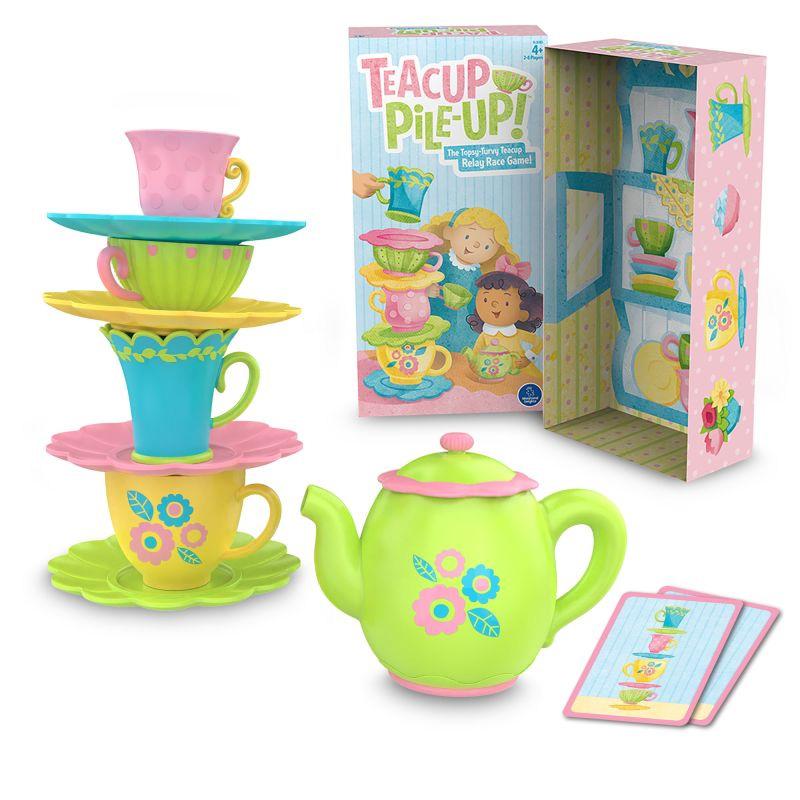
Teacup Pile-Up!™ Relay Game
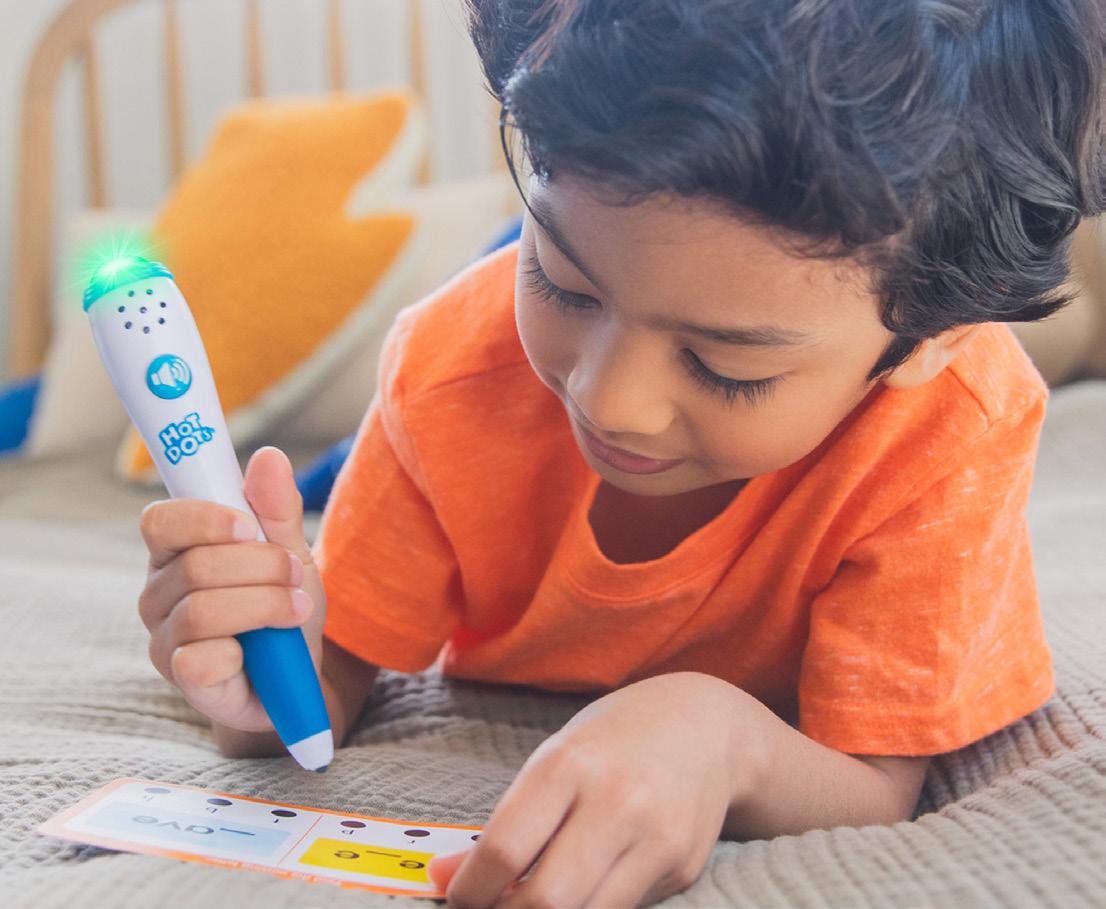
Spark More Confidence
Boost confidence with core learning toys that build the skills kids need for school success.
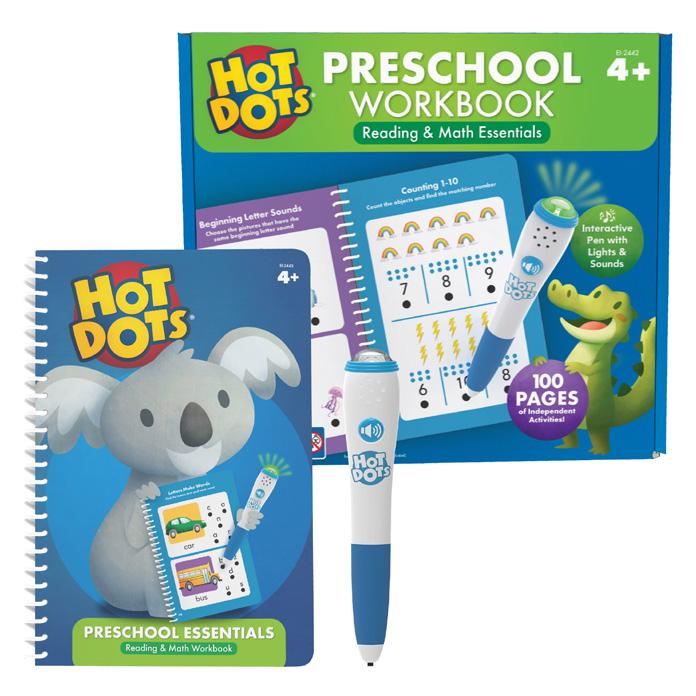
Hot Dots® Preschool Essentials
& Math Workbook
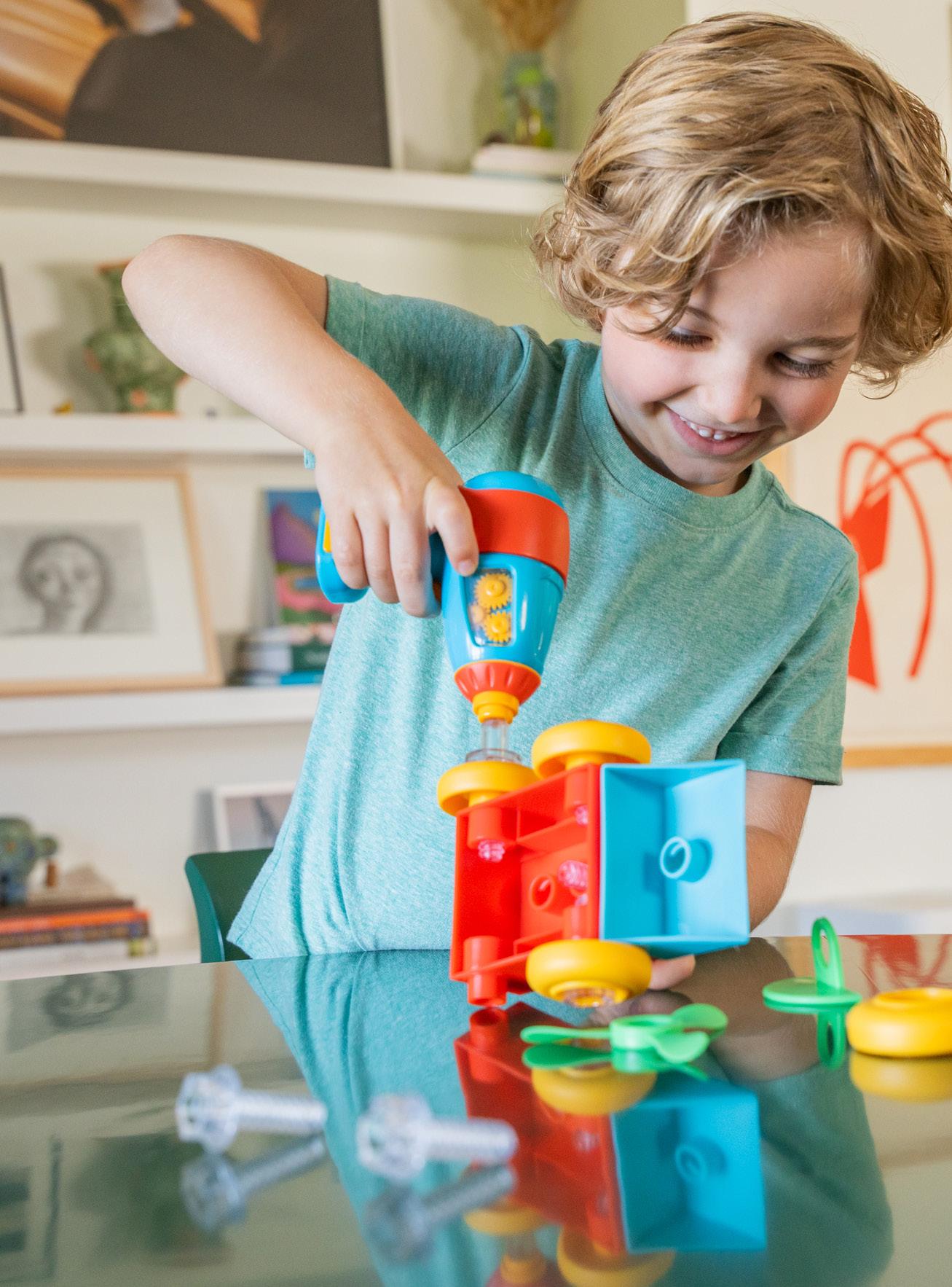
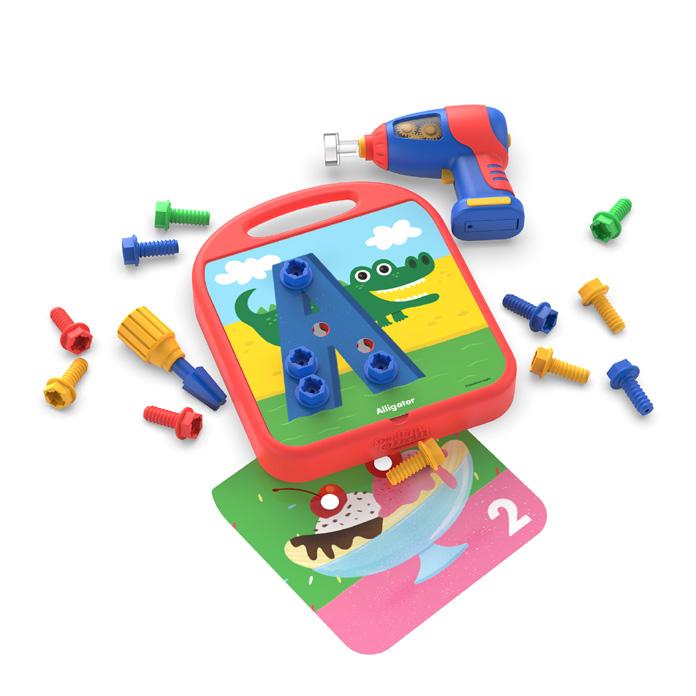
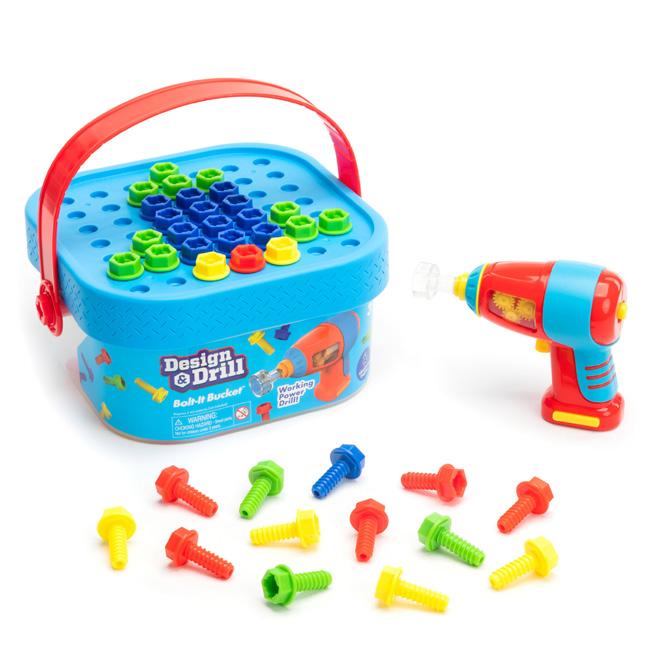
Design & Drill®
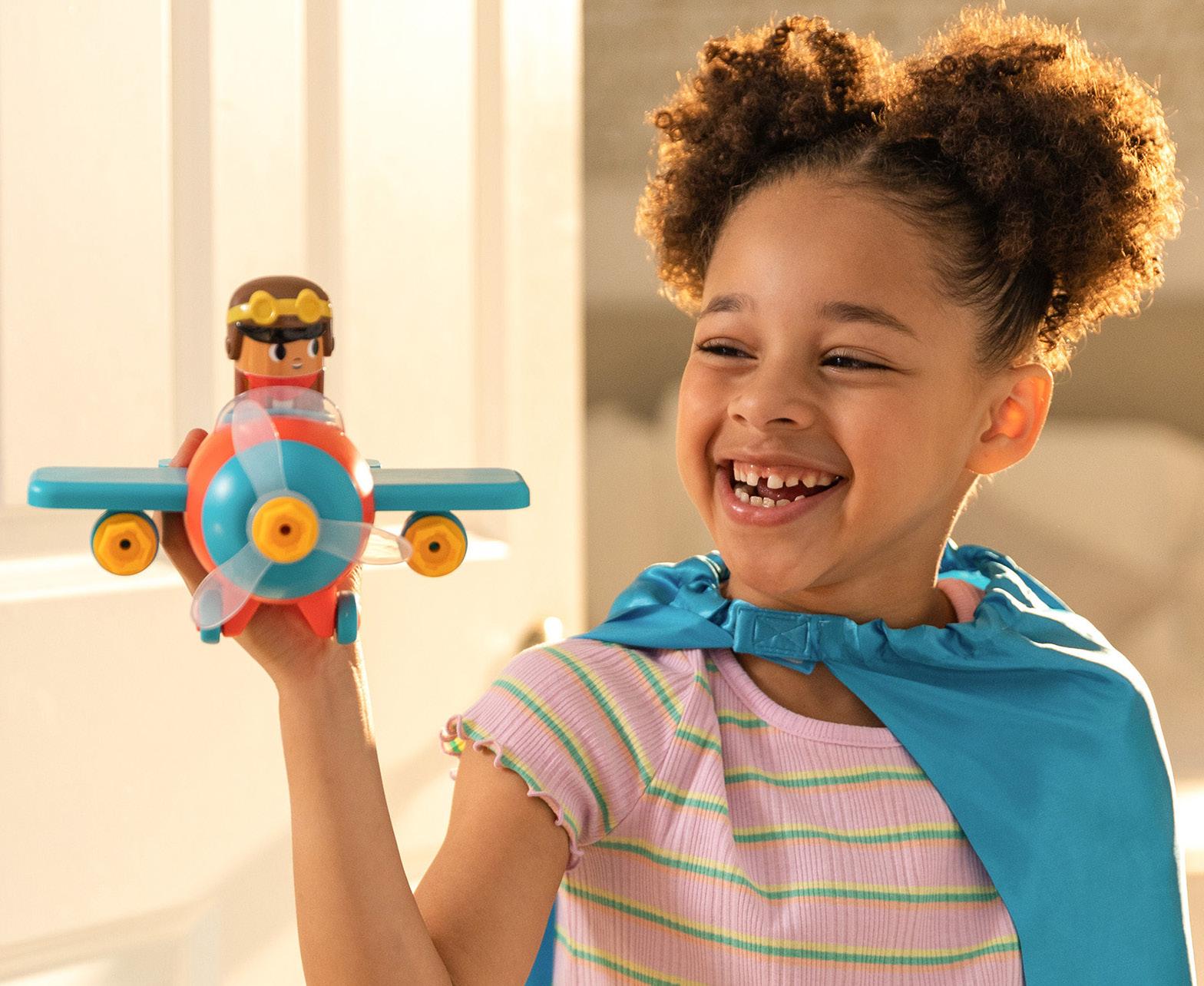
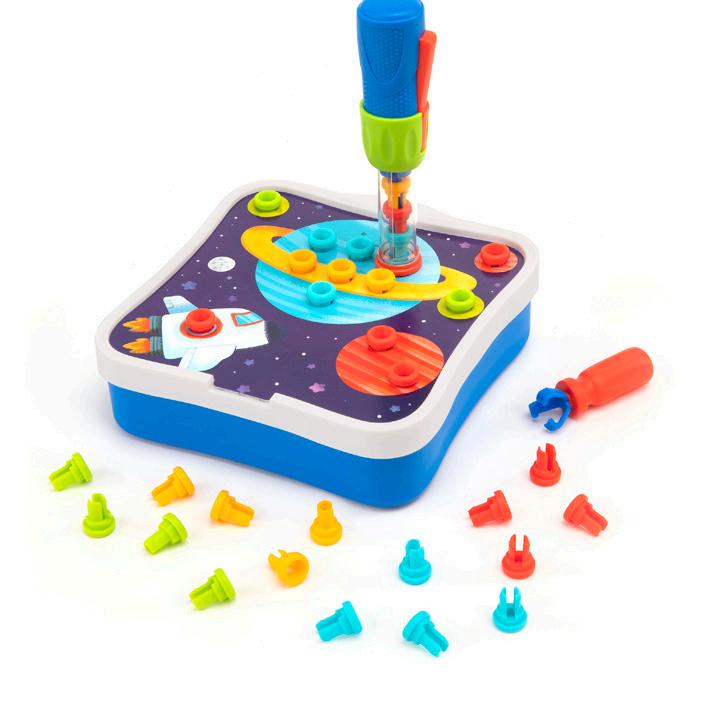
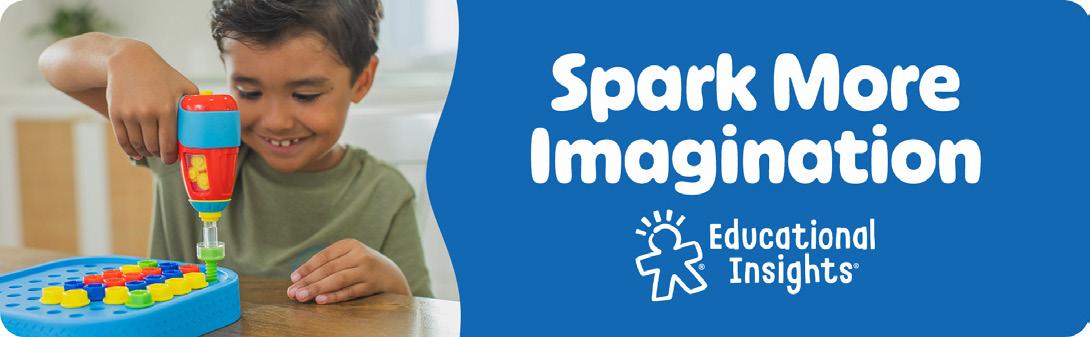
Spark More Imagination
Building their imaginations through play can help kids grow up to be creative thinkers and problem solvers.
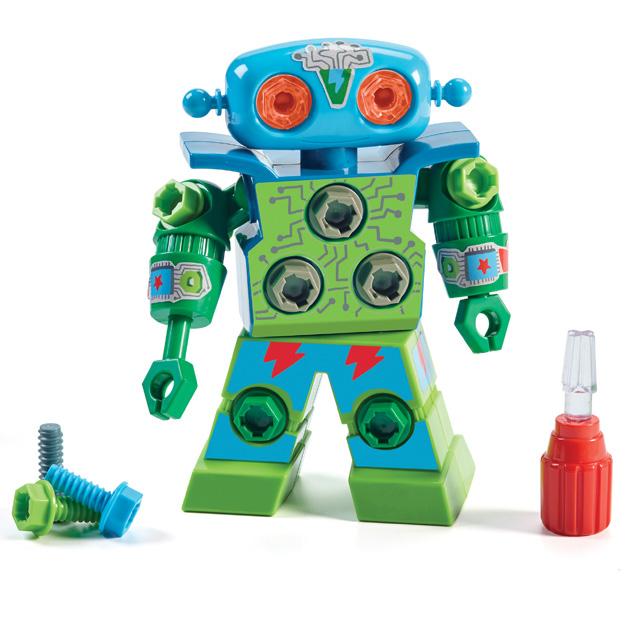
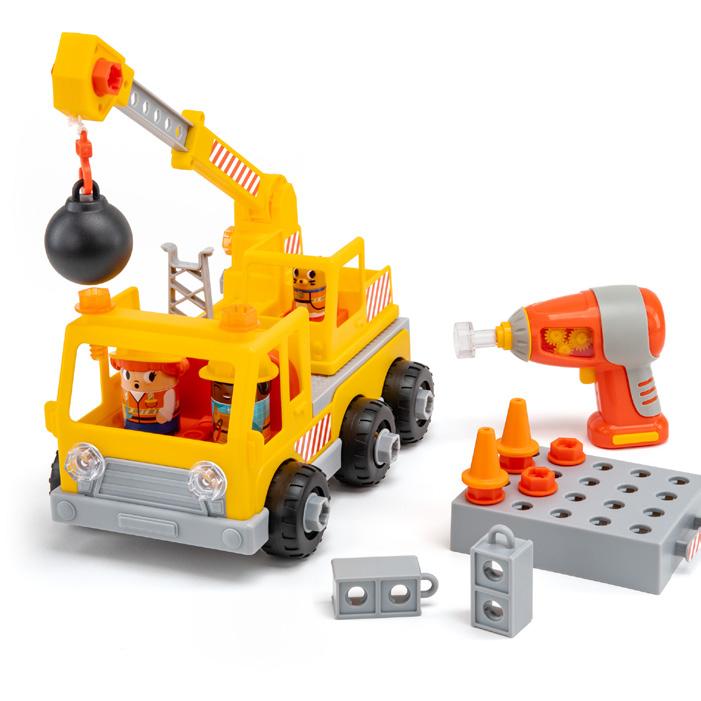
Design & Drill® Rivet Pop Workshop
Design & Drill® Robot
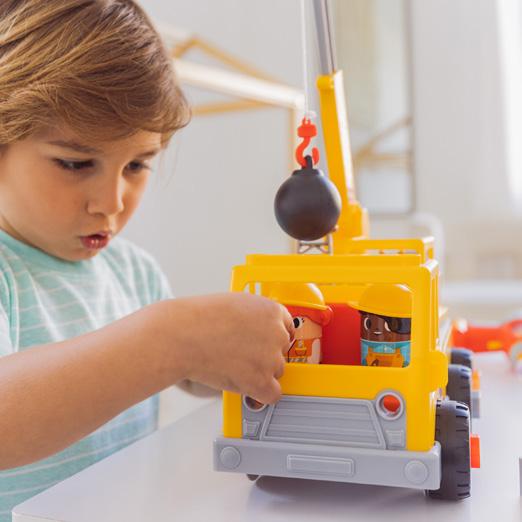
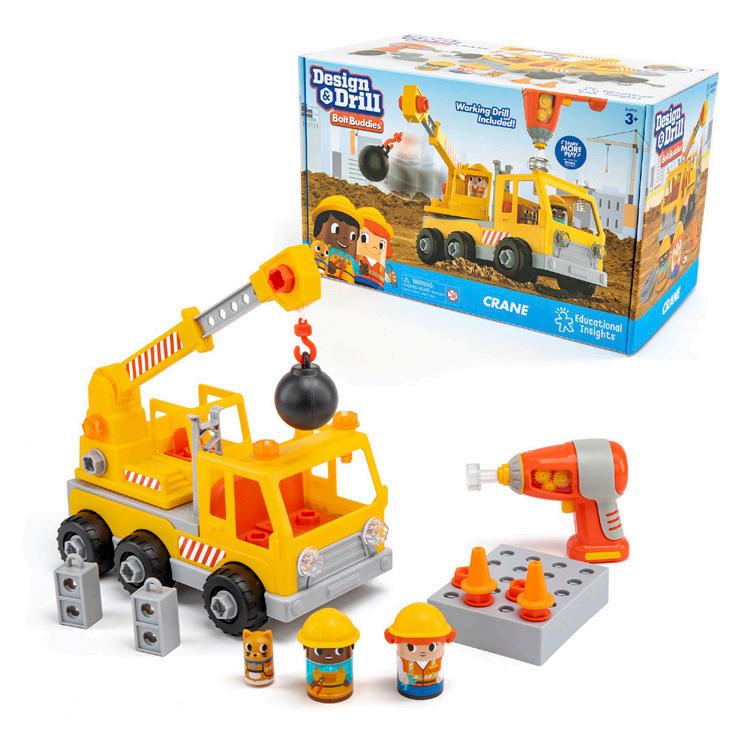
Design & Drill® Bolt Buddies® Crane
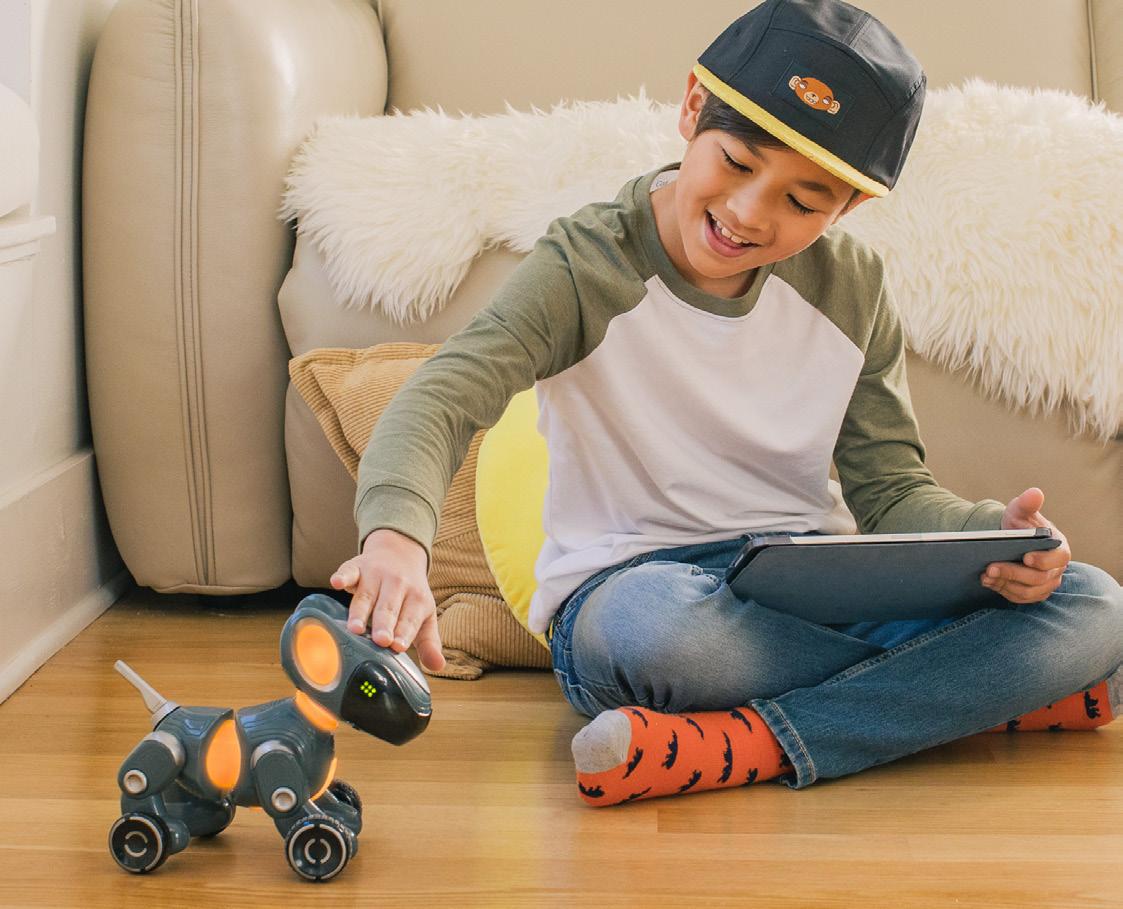
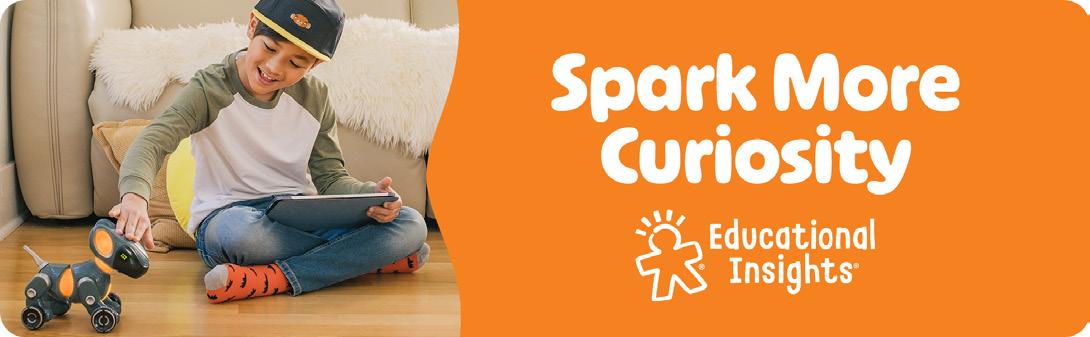
Spark More Curiosity
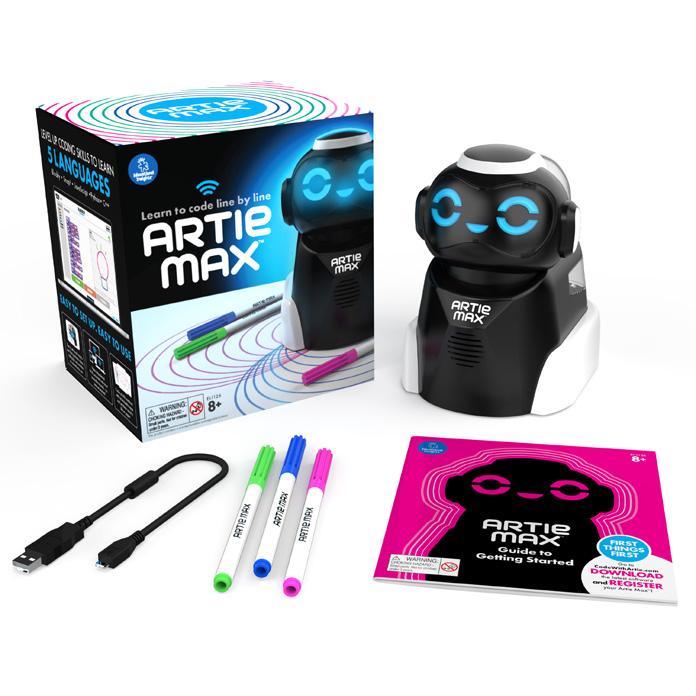
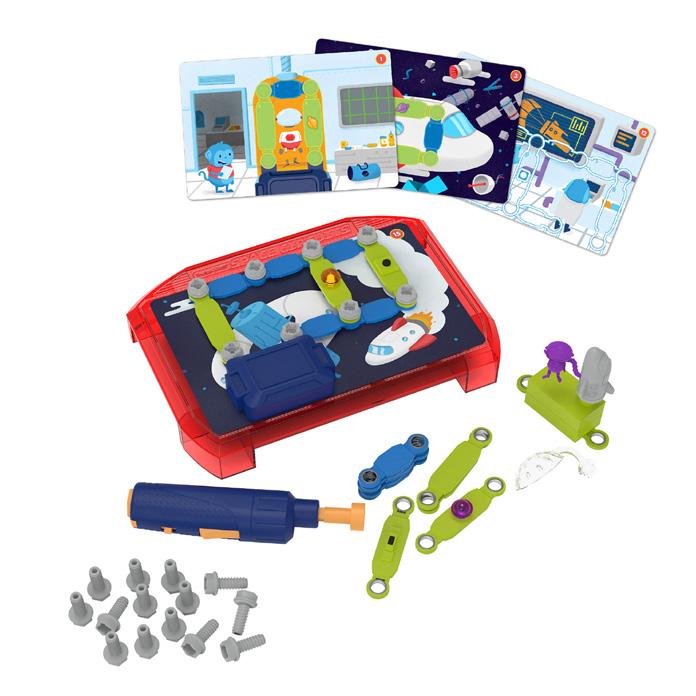
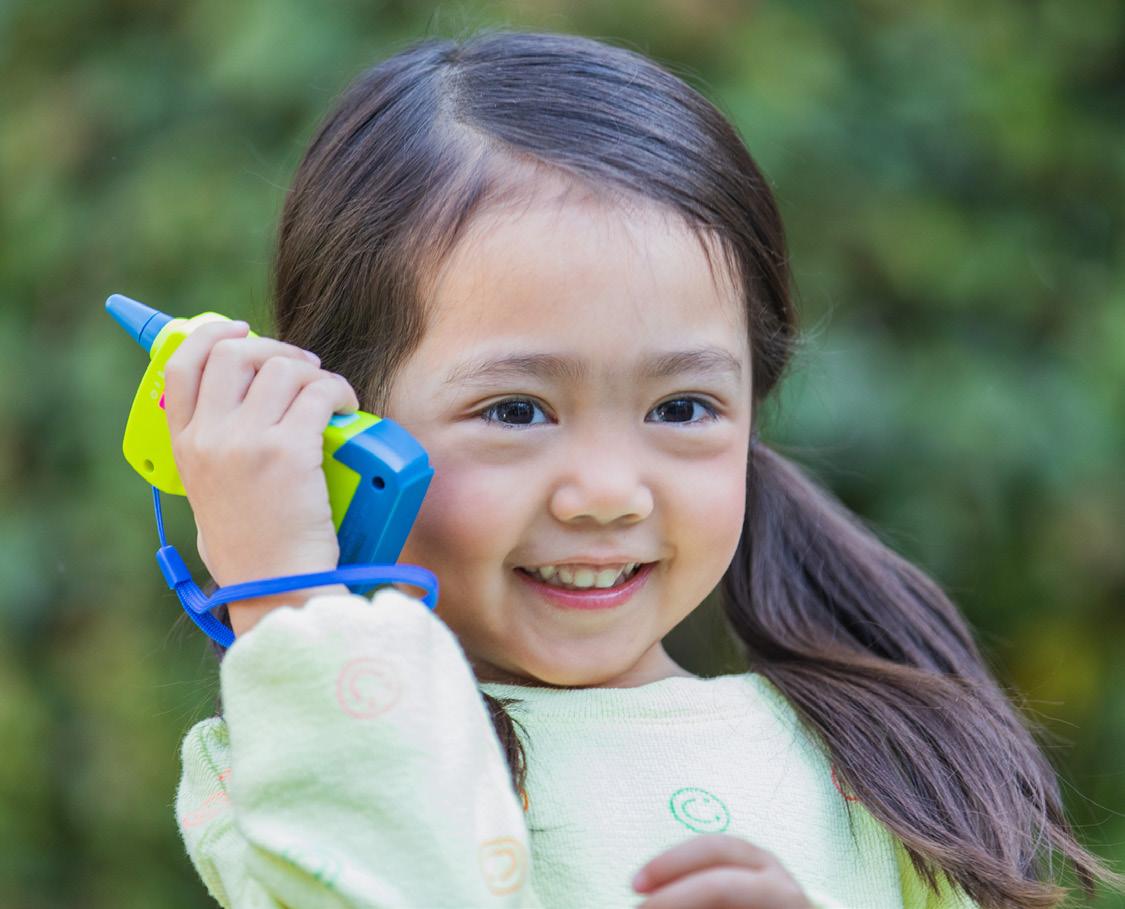
Help little ones wonder, think, explore, and discover with STEM & coding toys that encourage new interests and spark new passions.
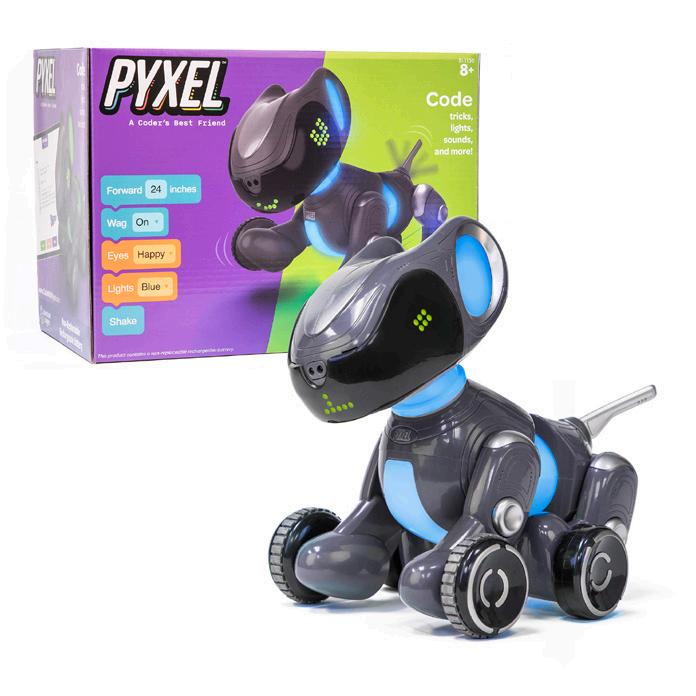
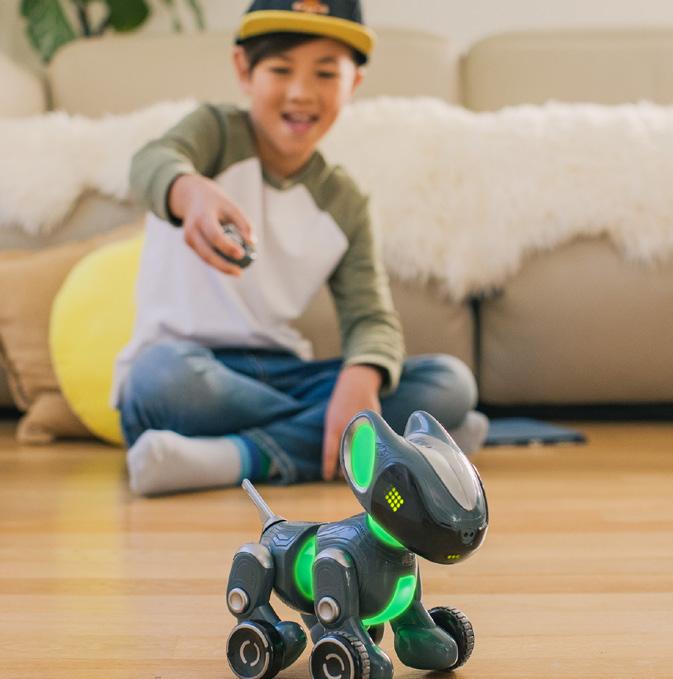
Pyxel™ A Coder’s Best Friend
Artie Max™ The Coding Robot
Design & Drill® Space Circuits
Spark More Exploration
Help little ones wonder, think, explore, and discover with STEM & coding toys that encourage new interests and spark new passions.
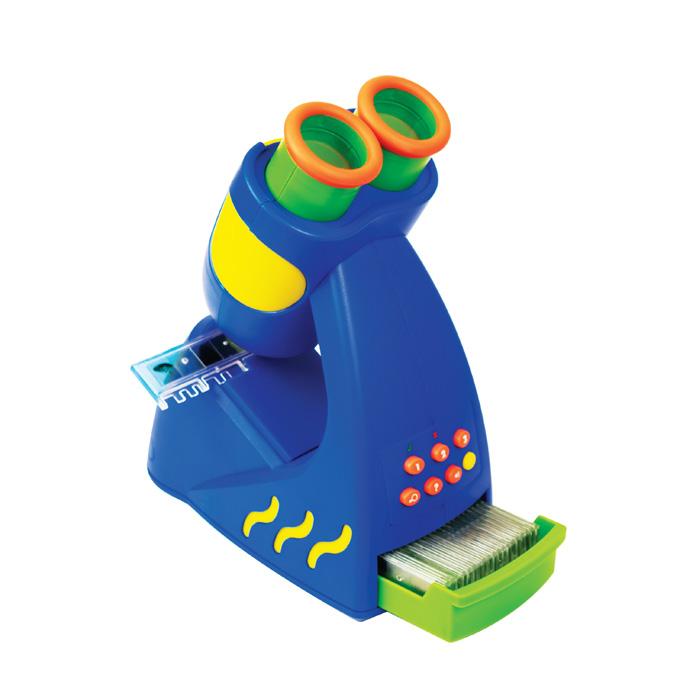
GeoSafari® Jr. Talking Microscope™
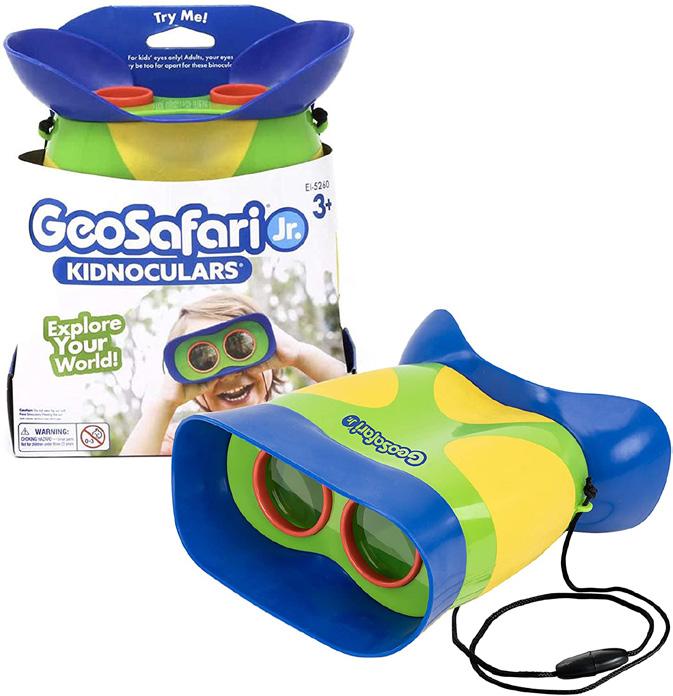
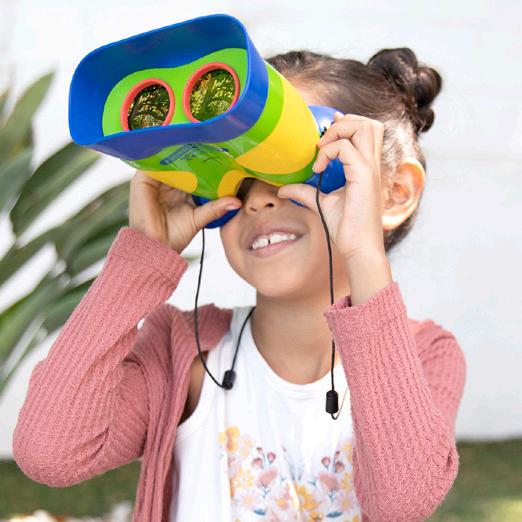
GeoSafari® Jr. Kidnoculars®
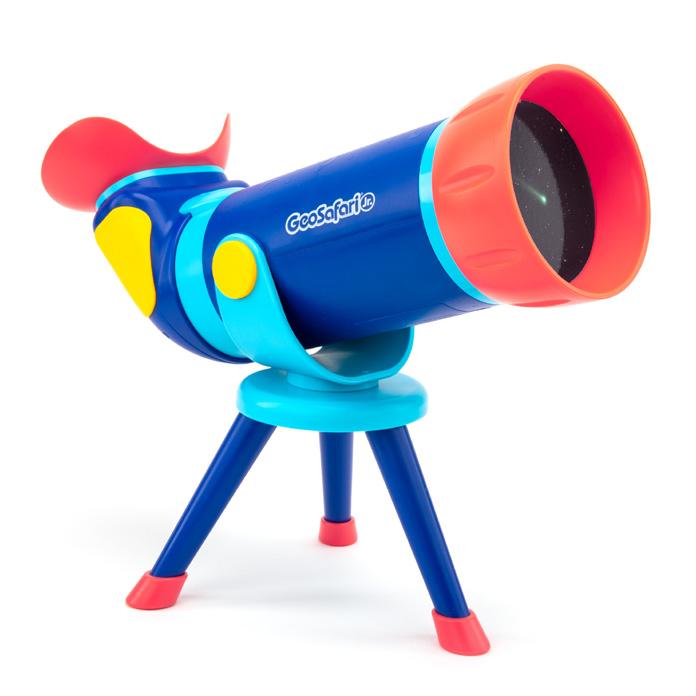
GeoSafari® Jr. Talking Space Explorer
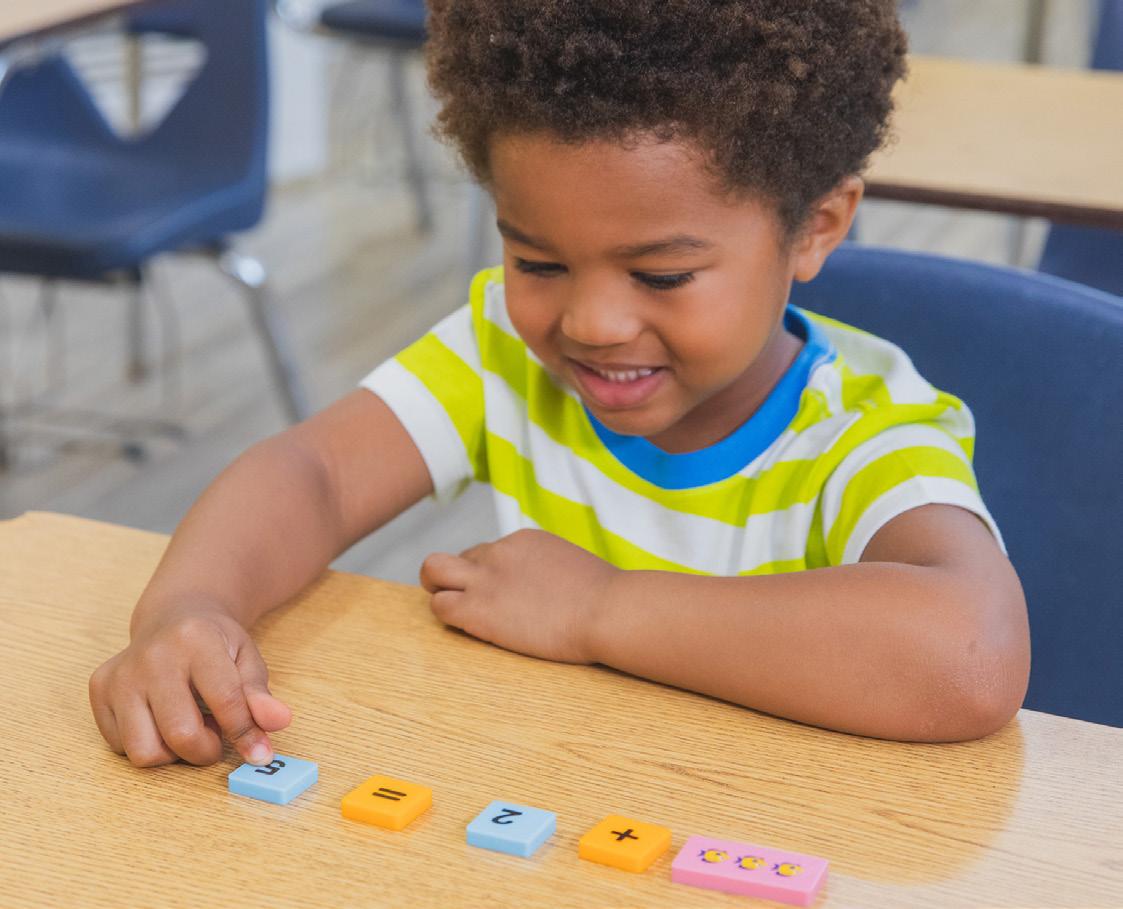
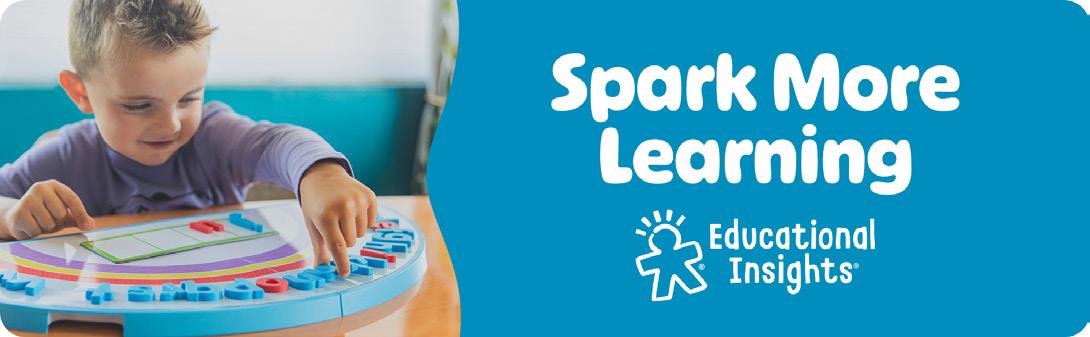
Spark More Learning
Whether you’re inside the classroom or teaching at home, these tools can help spark their passion for learning.
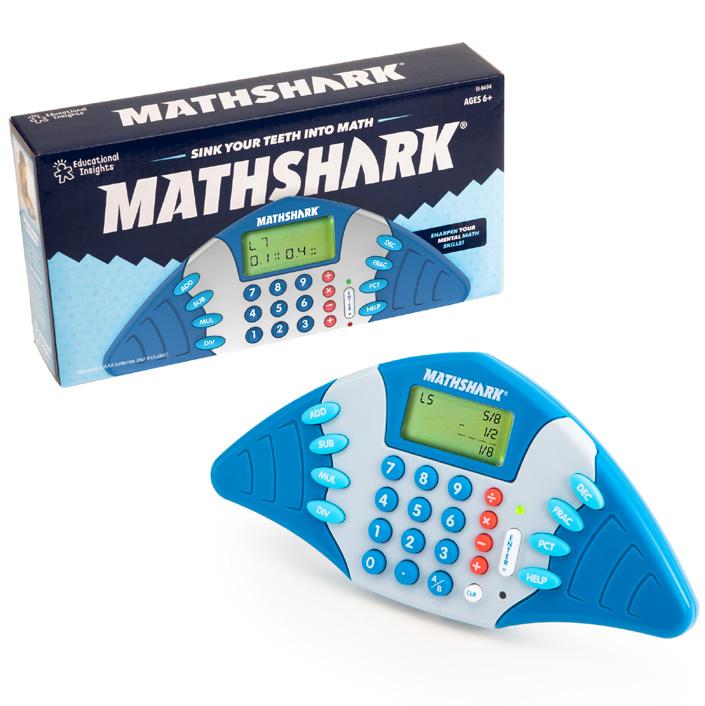
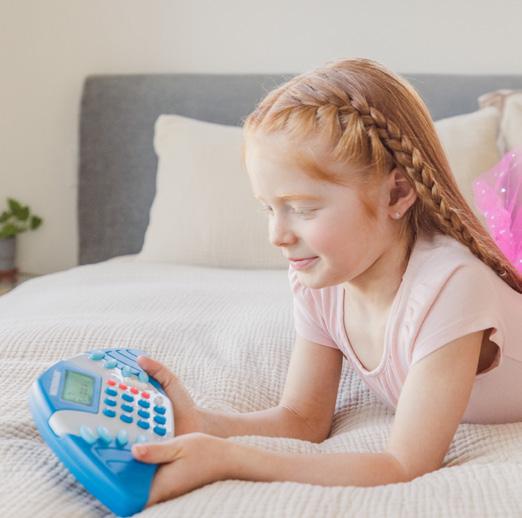
MathShark®
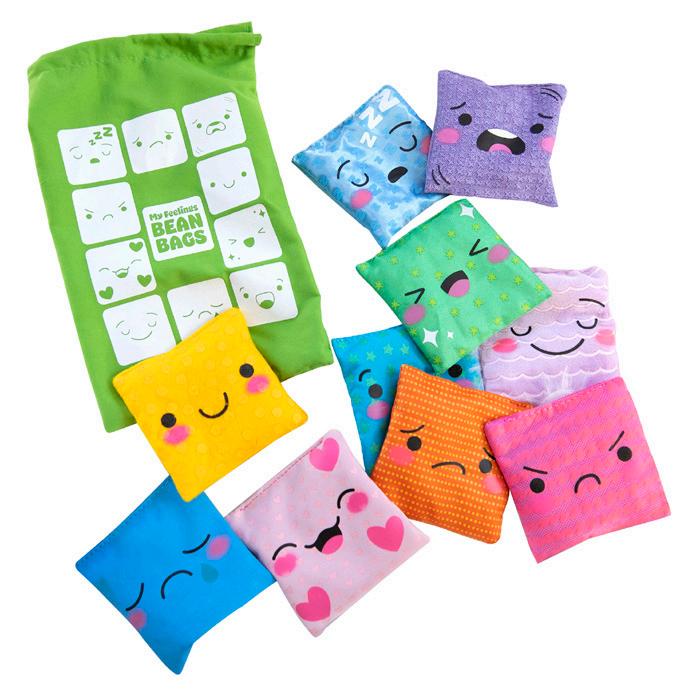
My Feelings Bean Bags
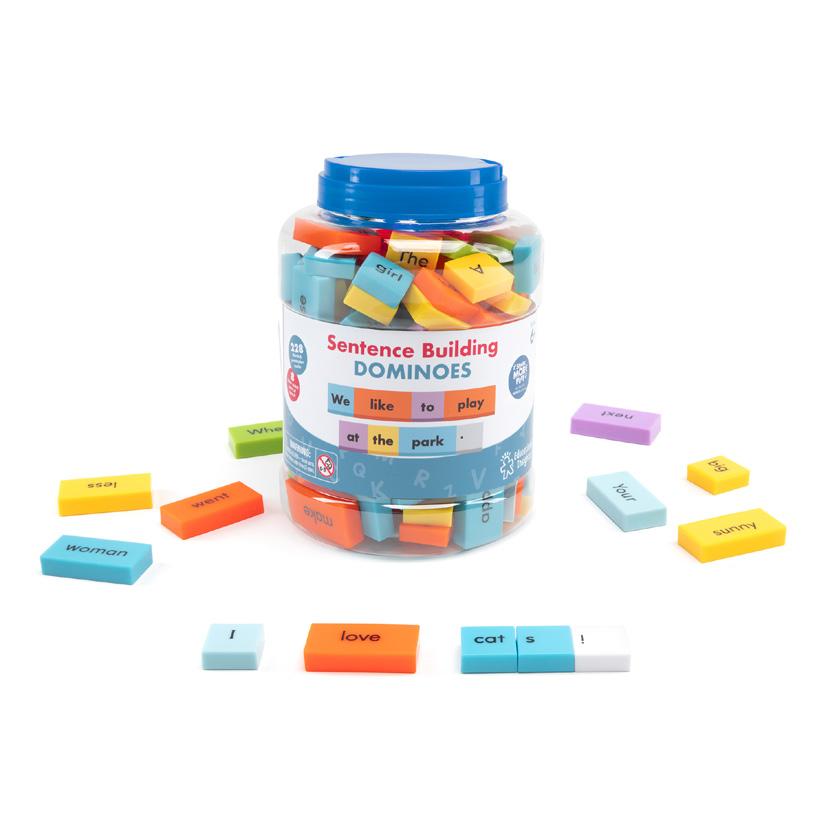
Sentence Building Dominoes
Brand Guidelines Educational Insights
General
Logos
Fonts How to Use
Colors
Spark More
Colors
Placement
Language
Our Voice
Verbiage
Proofreading
Our Brand
As a brand, it’s important that we are visually coherent and cohesive with our colors, logos, voice, and more. Each product, social post, press release, and consumer-facing media should walk the walk and talk the talk of Educational Insights. This section will cover the Educational Insights brand, including guidelines for digital and print, and guidelines for each Educational Insights sub brand.
Primary Logo
white on dark backgrounds
Use
Blue on light backgrounds
White on black (B&W Printing)
Black on white (B&W Printing)
Secondary Mark
In some instances it’s okay to use the bright child by itself....
Correct
Do not rotate or straighten the Bright Child
Tagline Lock-Ups
Stylized Headline Treatment
Horizontal Tagline
Vertical Tagline
Logo Clearance
Primary
The gray area indicates the logo and icon’s safe zone. The safe zone spacing should be based on an element from the logo. In this case, the spacing should be greater on all sides than the size of the “E” in our logotype.
The shaded gray area indicates clear space. This area must be kept free from other elements.
Things to Avoid
Our logo is the pinnacle of brand recognition! We don’t want to alter our logo in anyway, but here are a few common things we want to avoid.
Do not rotate logo
Do not stretch logo
Do not change the color, always use the EI blue, black, or white
Ensure you are not using old logos, the old one has at thinner bright child
Do not apply effects to logo
Do not add an outline stroke
Do not place logo over pattern
Colors
PRIMARY COLORS
CONFIDENCE
CURIOSITY
CREATIVITY
EXPLORATION
LEARNING
IMAGINATION
TOGETHERNESS
CMYK 6 100 62 0
RGB 225 27 80
HEX #E11B50
CMYK 0 60 100 0
RGB 245 130 32
HEX #F58220
CMYK 85 0 40 0
RGB 0 178 173
HEX #00B2AD
CMYK 80 10 100 0
RGB 45 164 74
HEX #2DA44A
CMYK 100 25 15 0
RGB 0 142 189
HEX #008EBD
CMYK 90 60 0 0
RGB 22 104 179
HEX #1668B3
CMYK 80 80 0 0
RGB 82 79 0
HEX #524FA1
SECONDARY COLORS
CMYK 2 60 13 0
RGB 237 132 163
HEX #ED84A3
CMYK 0 38 64 0
RGB 250 172 107
HEX #FAAB6B
CMYK 61 0 29 192
RGB 87 196 192
HEX #57C4C1
CMYK 35 10 100 0
RGB 180 189 53
HEX #B4BD35
CMYK 56 14 8 0
RGB 107 179 212
HEX # 6BB3D4
CMYK 65 35 0 0
RGB 91 145 204
HEX #6BB3D4
CMYK 49 47 1 0
RGB 137 135 190
HEX #8987BE
Spark More Buckets
More Togetherness
Preschool Games Family Games
More Confidence
Learning
More Creativity
More Imagination Spark More Curiosity
More Exploration
& Crafts Classroom Essentials!
More Learning
Spark More Placement
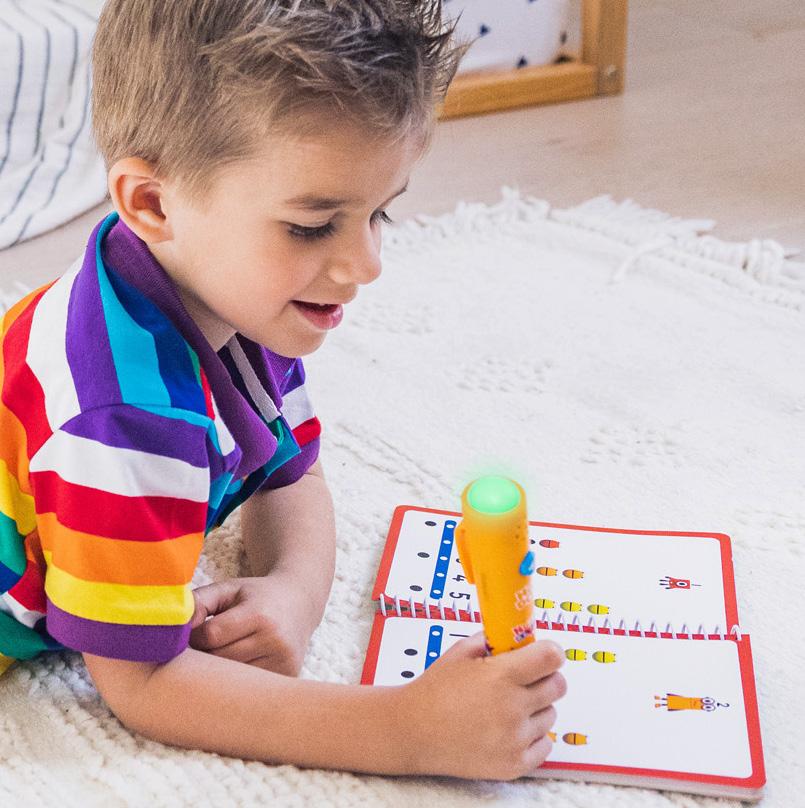
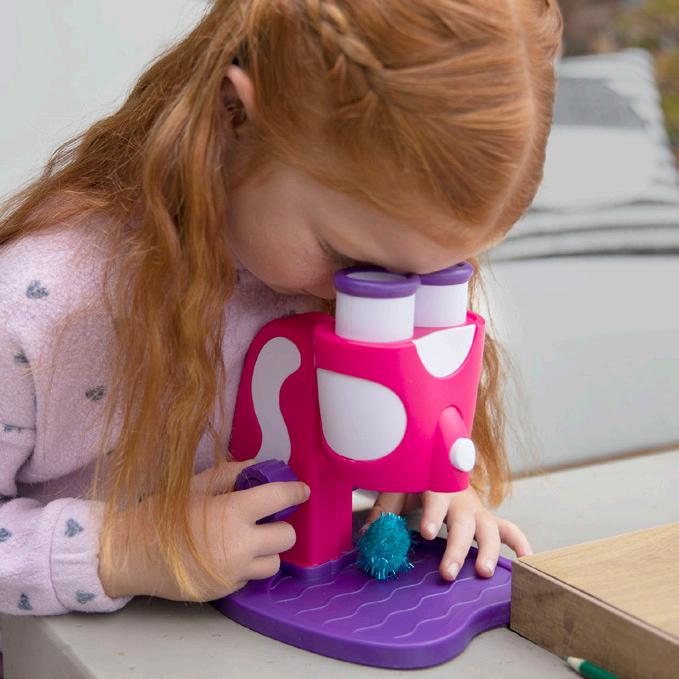
The “spark” icon represents how our products ignite the spark in every child. It’s also the same spark that’s on our Brightchild logo.
1 Sparks
Sparks should be roughly a quarter of the child’s head in size. Sparks should not be overly large or small. Sparks should either follow the curve of the back of the head.
2 Spark More Photos
Photos with sparks MUST show kids engaging with the product and not looking at the camera, showing off the product.
Spark More Placement
SPARK MORE BLOCK
Spark More bucket name always goes on right or bottom. Use the primary color of the Spark More bucket for the background.
Things To Avoid
Here are a few examples of improper Spark use. Sparks only go on kids under 7.
Do not make sparks too large
Do not change the color of the sparks, always use white
Sparks should go on back of head
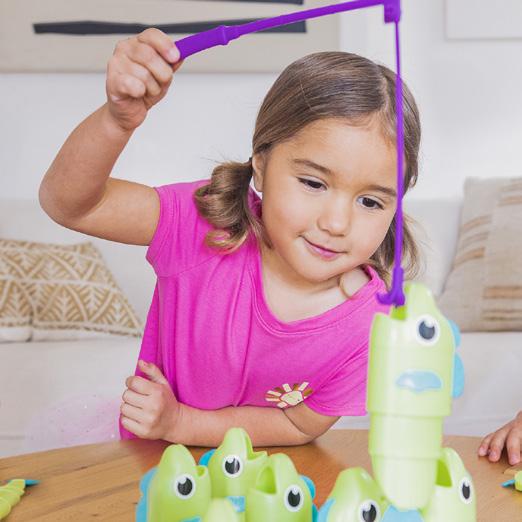
Do not make sparks too small
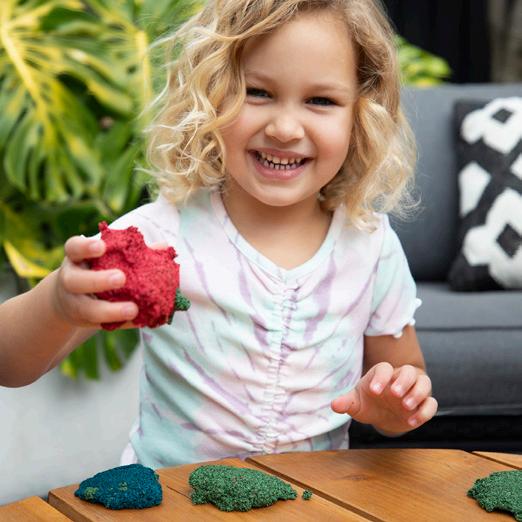
Do not stretch the sparks
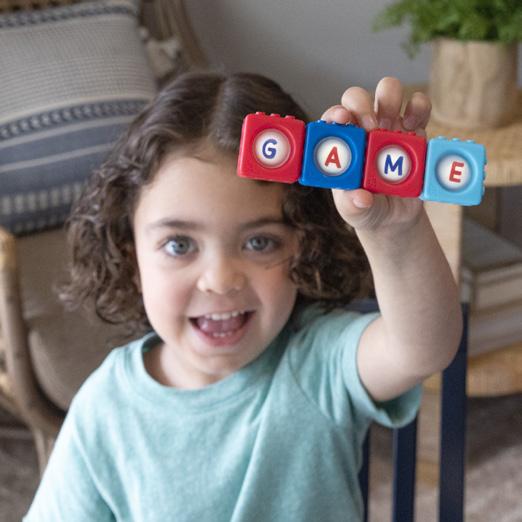
Sparks should not go on children “showing off” the product
Our Voice
TRUSTED, FRIENDLY, ACTIVE, AND EAGER TO LEARN.
Our brand voice is energetic and playful; we are friendly and approachable to parents and educators, a trusted source of educational knowledge, and always looking for the next way to test our brain. Our audience is normally the consumer— parents, teachers, or kidults—who are buying toys and games for their kids, students, or themselves. Our voice varies by product line—for example, we talk differently about our brainteasers than we do for our core line—but we should always be family friendly.
Copy Quirks
Here’s a long, non-exhaustive, list of all those little copy quirks that we want to keep consistent:
ABCs
Do not use an apostrophe (ABC’s), as it is plural, not possessive.
123s
Do not use an apostrophe (123’s), as it is plural, not possessive.
2D AND 3D
Don’t hyphenate 2D or 3D. Twodimensional and three-dimensional (spelled out) should be hyphenated.
PASSIVE VOICE
Avoid passive voice when possible. Active voice construction is often clearer, more concise, and more effective.
Passive Voice: Educational Insights has been creating awardwinning products.
Active Voice: Educational Insights creates award-winning products.
PRONOUN AGREEMENT
When referring to a “kid” or “child,” use “they/them/their” to maintain gender neutrality. If referring to a specific child, make sure their pronoun agrees with the noun.
That child loves their GeoSafari® Jr. My First Microscope!
She loves her GeoSafari® Jr. My First Microscope.
OXFORD/PROPER/SERIAL COMMA
In a list of three or more, place a comma between the second to last item listed and the word “and.”
Our toys are fun, educational and family-friendly!
Our toys are fun, educational, and family-friendly!
SEMICOLONS
Semicolons are used to join two related independent clauses. They are often used instead of a comma and a conjunction word or to offer more information on the first clause.
They can also be used to separate items in complex lists. DO NOT capitalize the first letter after a semicolon unless it’s a proper noun or title.
I scheduled a meeting about the project on Tuesday; my Monday was booked solid.
I like the first packaging option more; however, I liked the logo on the second option.
The cities on my bucket list are London, England; Perth, Australia; Vancouver, Canada; Portland, Maine; and Kyoto, Japan.
The cake has three layers: vanilla with strawberry, raspberry, and lemon frosting; chocolate with peanut butter and caramel; and carrot cake with buttercream and vanilla frosting.
Copy Quirks
EM DASH (—)
Used to separate clauses, create a pause in a sentence, or emphasize a point. DO NOT include spaces before or after the dash.
The Playfoam products Playfoam Classic, Playfoam Pluffle, Playfoam Sand, and Playfoam Naturals are great for...
The Playfoam products are great for sensory stimulation they’re really great.
Note: To type an Em dash on a Mac computer, simultaneously click Shift, Option, and Hyphen/Minus.
EN DASH (–)
Typically used to show the relationship between numbers, words, or dates. You can use it in place of versus, number ranges, and scores. DO NOT include spaces before or after the dash.
The Celtics–Warriors’ game was last night. The score was 102– 93.
It can take 1 –2 hours to get there, depending on traffic.
Note: To type an En dash on a Mac computer, simultaneously click Option and Hyphen/Minus.
HYPHEN (-)
Used to combine compound words and numbers. You also use a hyphen when two words are being joined as an adjective to describe another word. DO NOT include spaces before or after the dash, unless you are using it to communicate a subtraction/minus sign ( - ). Also used in the place of bullet points sometimes.
My grandma is turning ninety-nine this year.
Playfoam is sensory-stimulating! Kanoodle® is a line of brain-bending puzzle games!
PARENTHESIS
Punctuation goes around parenthesis when the parenthesis (and words inside it) are part of the sentence. If the parenthesis exists as an independent sentence, punctuation goes inside.
The box also doubles as storage (with handle).
One of my favorite things is to play with Playfoam. (I have a brick of it at my desk.)
QUOTATION MARKS
In most cases, punctuation will go inside quotation marks (Ex: “That’s great!”). If you ever have a quotation inside another quotation, the inner quote will use single marks on either side.
“And then she said, ‘Yeah that’s fine’ so I went on my way.”
BULLETS
Bullets are a useful organizational tool to break up long blocks of text or to list features, benefits, components, etc. Here are some general rules of bullets:
• Be consistent in syntax . If one bullet begins with an action word, the rest of the bullet series should also start with an action word
• DO NOT punctuate the end of bullets when bullets have introductory copy like “Including:”
• Use sentence casing (capitalize first letter and lowercase every other word)
Copy Quirks
TRADEMARK & REGISTERED MARK
Trademarks (™) and registered marks (®) should appear either the first time a marked item appears on a page or in the most prominent location (a logo, heading, etc.). Punctuation should follow the trademark or registered mark in a sentence. When possible, place the mark in the logo or header so that it doesn’t have to appear in body copy.
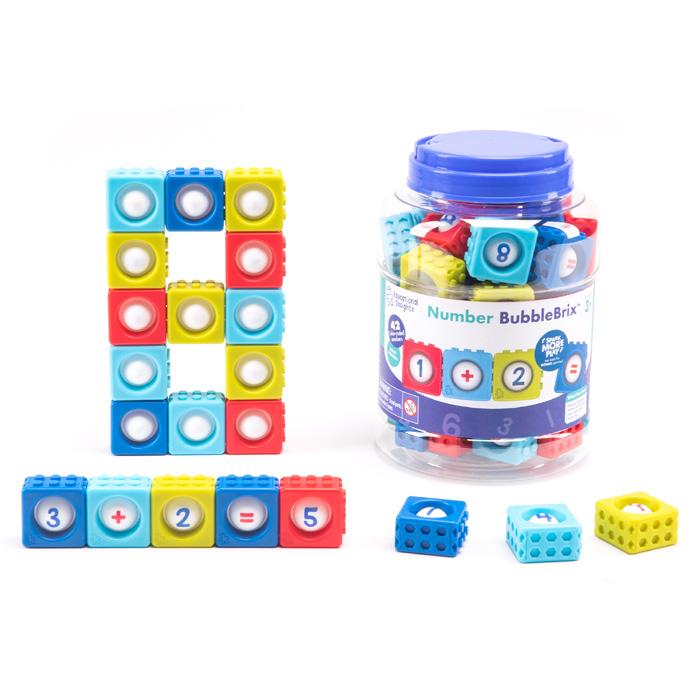
Includes 42 BubbleBrix™, activity guide, and more!
Kanoodle® is a brain-bending puzzle game. I love playing Kanoodle.
TITLE/HEADLINE CASING
Used for headers, section titles, and other major titles. Capitalize each word in the title, except for prepositions or articles. DO NOT use punctuation at the end of titles or headlines unless the title is an interrogative question or exclamation.
Style G uide with Specific Sections for Educational Insights and Employees
Are You Ready for an Educational Insights Style G uide?
G et Ready for the Educational Insights Style G uide!
SENTENCE CASING
When you follow standard sentence capitalization in writing, often for sublines or body copy. Capitalize the first word and then lowercase the rest, unless it includes a title or proper noun. Include punctuation in most sentence casing.
This is sentence casing.
This is sentence casing when there’s a proper noun like Educational Insights.
Educational Insights Style Guide (Headline)
Written by and for EI employees. (Subline)
CAPITALIZATION AFTER A NUMBER
If a bullet point sentence starts with a number, capitalize the first word after the number. This is most common in an “includes” or “features” list. Copy block sentences should avoid starting with a number or spell the number out.
15 Bolts are included
Sixty years ago, EI was founded, EI was founded 60 years ago.
CAPITALIZATION WITH HYPHEN
When a hyphenated word is in a title, use general title casing rules, capitalizing important words, and lowercasing articles or unimportant words.
Perfect O n-the- G o Toys for Road Trips
BONUS VS FREE
For Spark More Play, we use “bonus” on all packaging and external copy. The exception is on social media, where the use of “FREE” is acceptable for SEO purposes.
Bonus Activities Included (on packaging)
FREE Activities and Downloads (blog title or social media)
POSITIVE VOICE
Try to use positive voice of phrases and avoid negative words like “no” or “non.”
Non-toxic Kid-safe
No-mess Mess-free
Don’t miss out on this deal! There’s still time to get this deal
Copy Quirks
NUMBERS
We write out numbers 1-10 (one through ten) and use numerals for 11 or more. The exception is short form copy, emails, or headlines where the numeral communicates better visually. Always use numerals for ages, pages, warnings, and battery requirements.
15 Bolts are included.
Pick three bean bags from the pile.
3 AAA batteries are required.
FOR PRINT ONLY
NUMBERING GUIDE PAGES
DO NOT include the cover of the guide as page 1. Start page 1 on the first page of the guide that includes information (set-up instructions, activities, a diagram, etc.), which is normally the first page after the cover. Only number the cover of the guide as page 1 when it begins instructions or set-up on the cover.
CAPITALIZATION OF LISTS
On our packaging we frequently have two different lists; one that lists the learning benefits or goals of the product and one that lists the included items of the product. Use sentence casing as a default.
Ex: Includes:
• 15 Colorful bolts
• One activity guide
• One kid-friendly power drill
Ex: Learning Benefits:
• Fine motor skills
• Social and emotional skills
• Imaginative play
Ex: You’ll learn:
• How to complete basic multiplication and division problems
• How to use a calculator
PACKAGING PUNCTUATION
In bursts, product feature callouts, and other short descriptions (especially for packaging), sometimes punctuation will not be necessary. The general rule is to only use punctuation when it is a full sentence to limit unnecessary punctuation, with the exception being using exclamation points to emphasize or add excitement.
Examples:
• Lights up!
• 8x Magnification
• HELP button for extra problem-solving clues
• The HELP button gives extra problem-solving clues.
Proofreading Marks
MARKS & MEANINGS
Capitalize
Make it lowercase
Spelling mistake
Add a period
Delete (remove)
Add a word
Add a comma
Reverse words or letters
Add an apostrophe
Add quotation marks
Make a space
Close the space
Begin a new paragraph
EXAMPLES
They fished in lake tahoe.
Five Students missed the Bus.
The day was clowdy and cold.
Tomorrow is a holiday
Kim knew the the answer.
Six were in the litter.
He ate peas corn and squash.
An otter swam in the bed kelp.
The childs bike was red.
Why can’t I go? she cried.
He read twobooks.
Her favorite game is soft ball.
We had. Next we went to
They fished in Lake Tahoe.
Five students missed the bus.
The day was cloudy and cold.
Tomorrow is a holiday.
Kim knew the answer.
Six pups were in the litter.
He ate peas, corn, and squash.
An otter swam in the kelp bed.
The child’s bike was red.
“Why can’t I go?” she cried.
He read two books.
Her favorite game is softball.
We had.
Next we went to
Brand
Photography
Amazon
Top 6 A+ Page
Storefront
Social Media
Logo
Cover Photos
Blog
Web
Buttons/CTA
Fonts
Banners
Blog Template
Digital Ads
Presentations
Template
Brand Photography
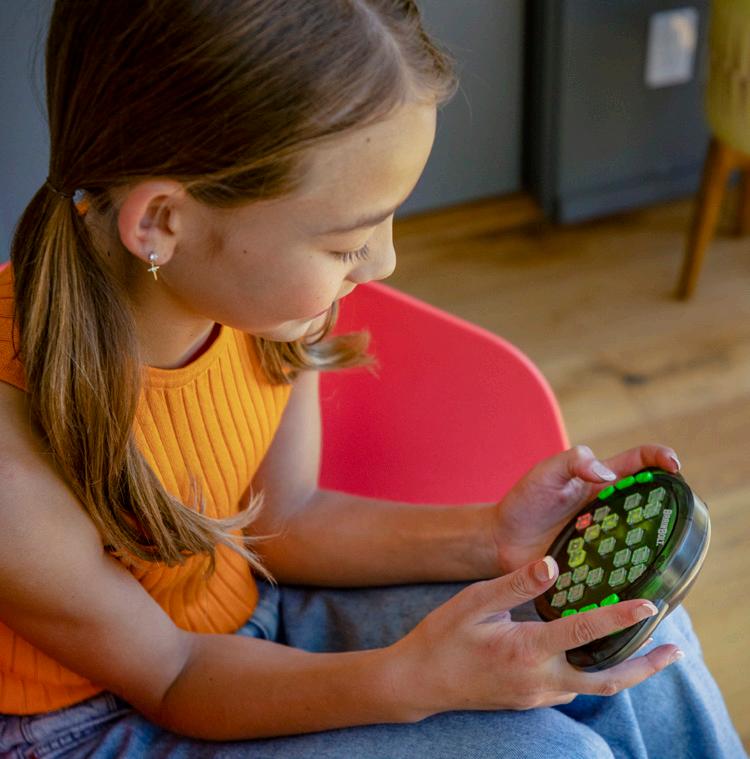
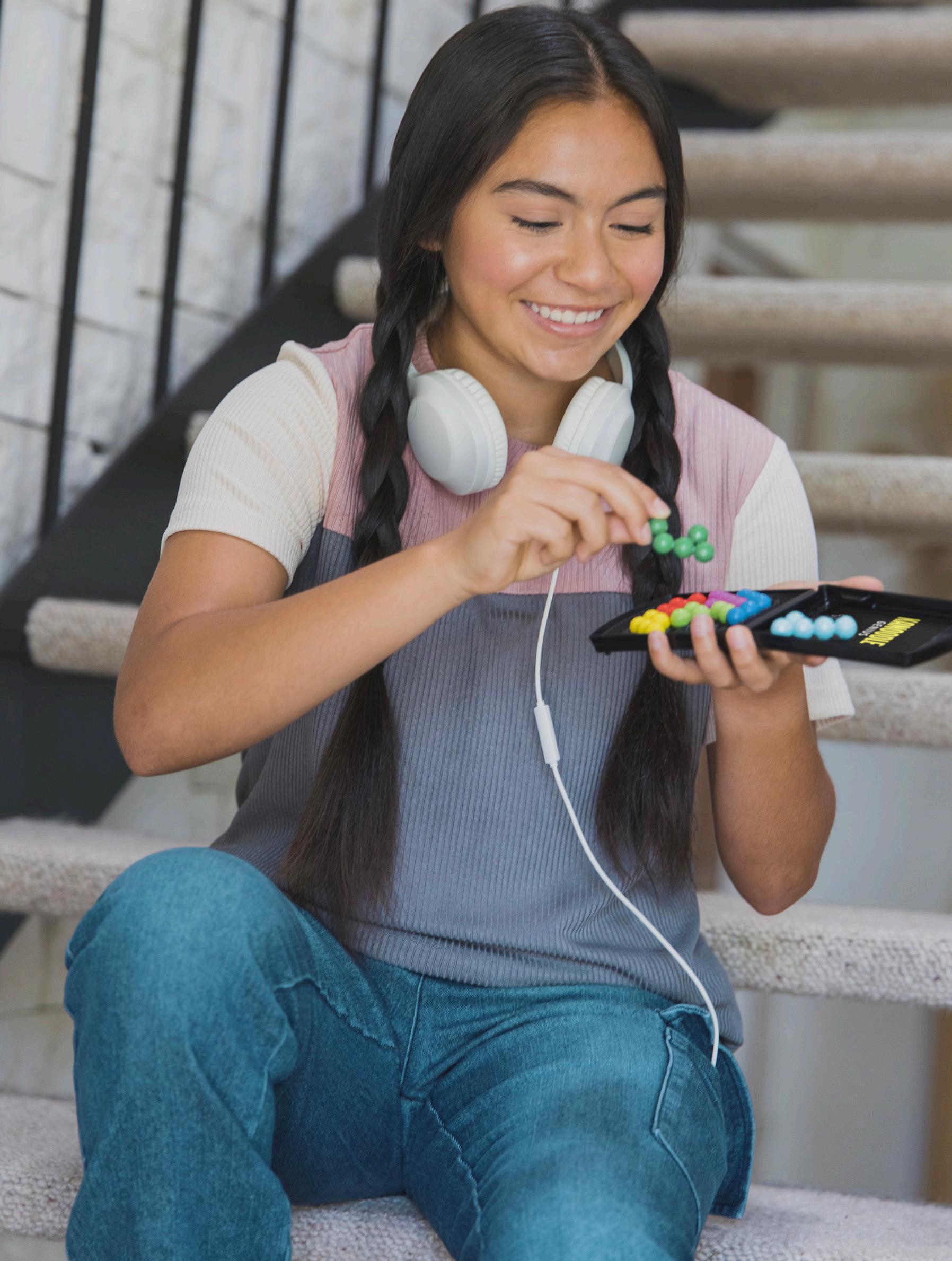
While our photography should show kids being fully engaged with our products, we want the focus to remain on the product, not the child. Crop the photo closely (as shown) to keep focus on the product. It’s ok to lose part of the child’s arm or head to focus more closely on the toy, game, or activity. If adding sparks to the image, it’s ok for those to break the image barrier.
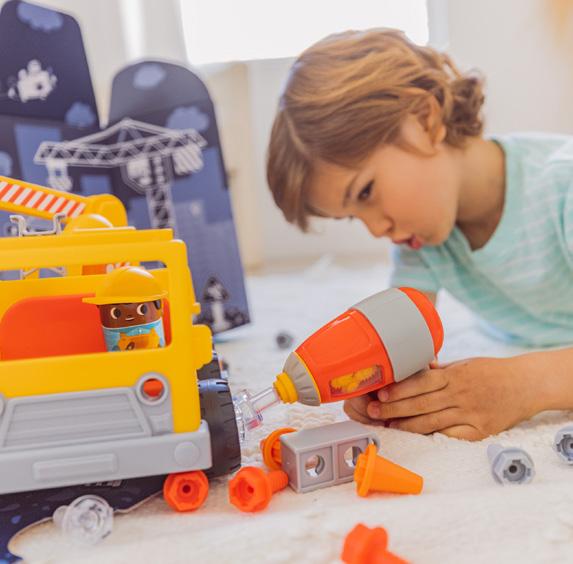
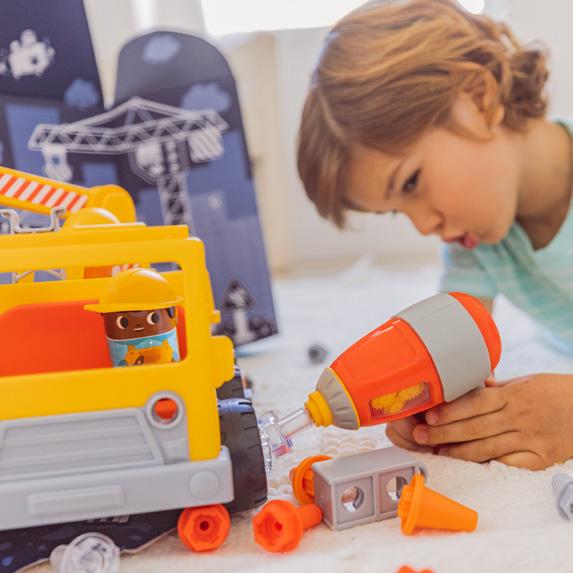
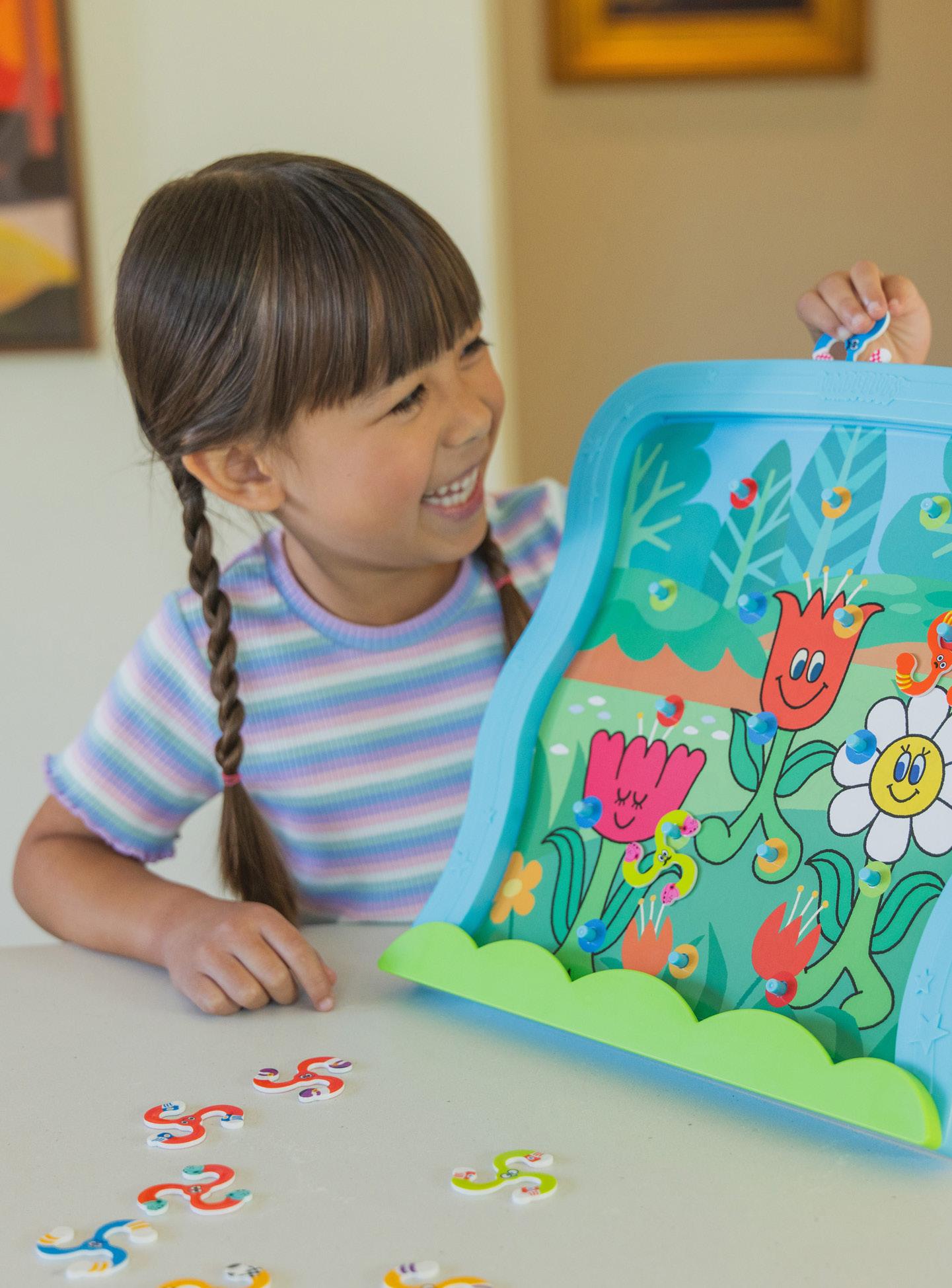
Lifestyle Dos
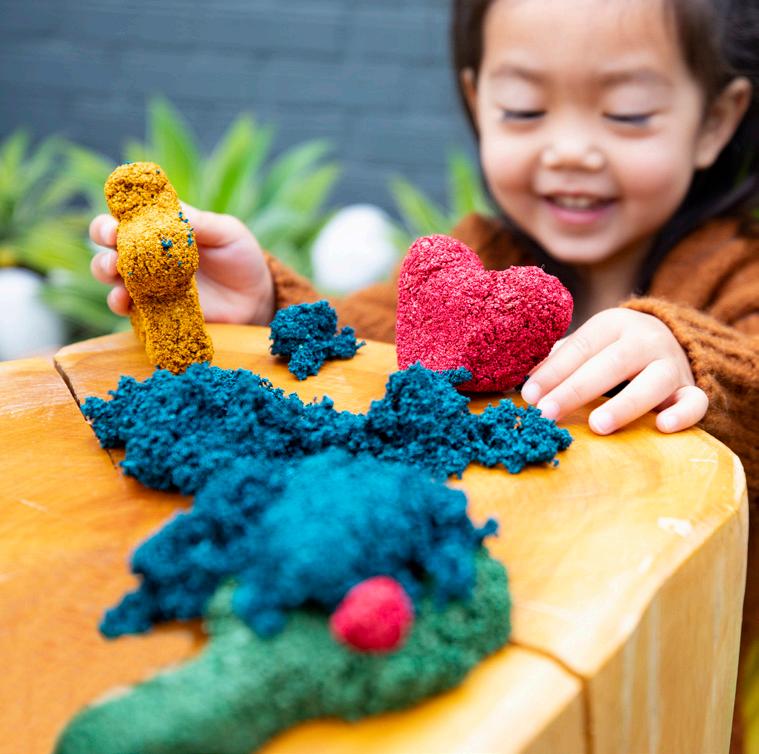
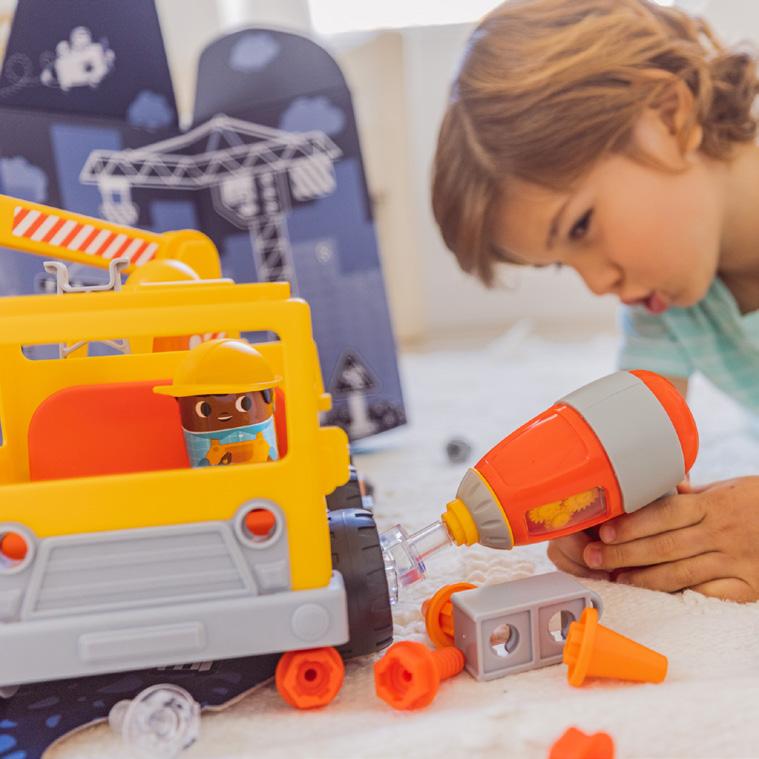
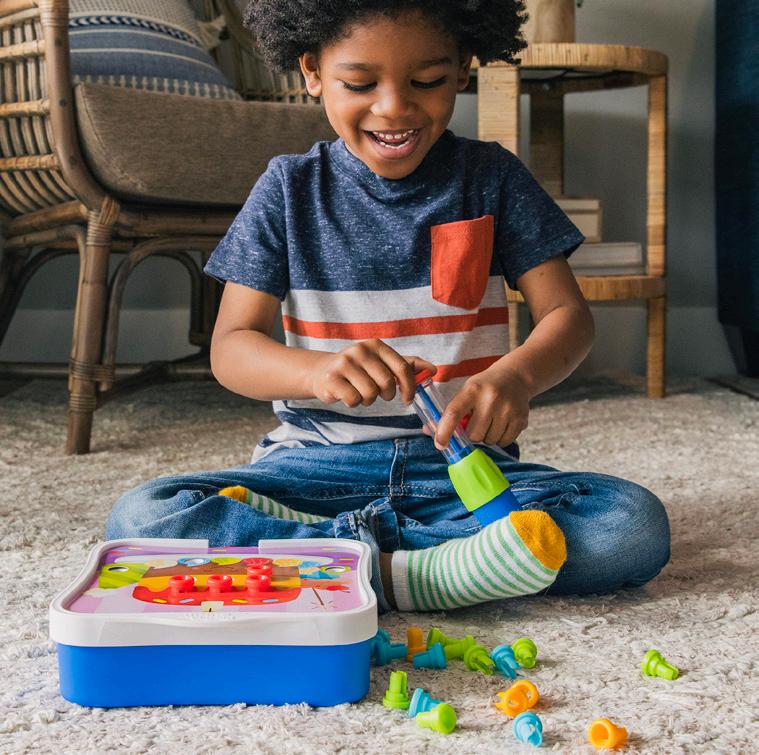
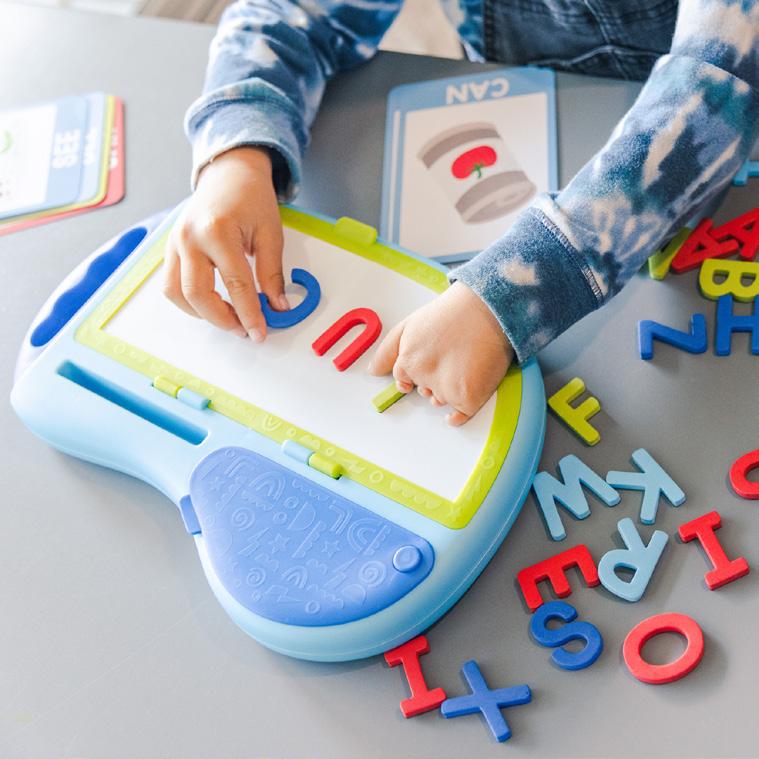
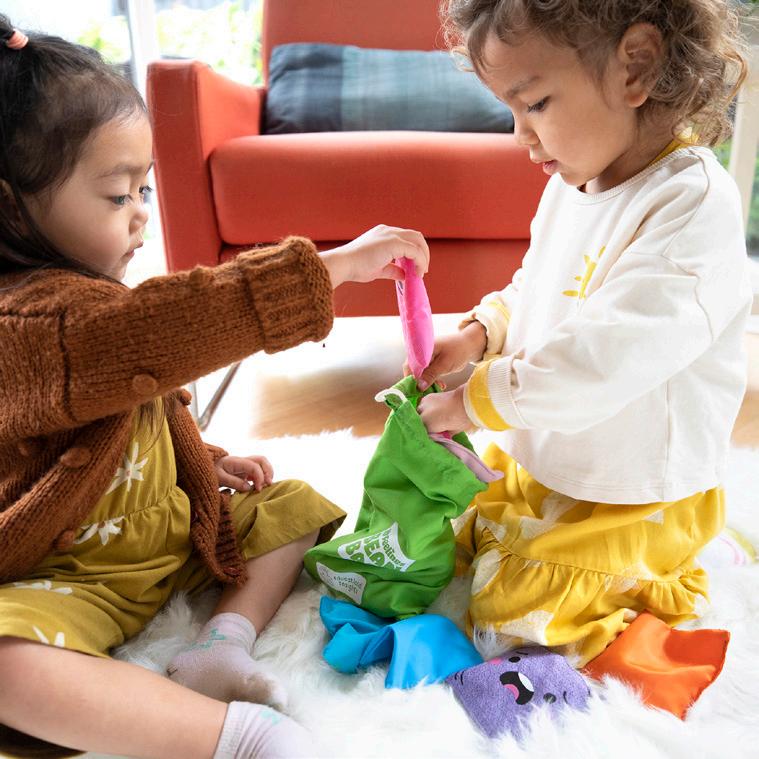
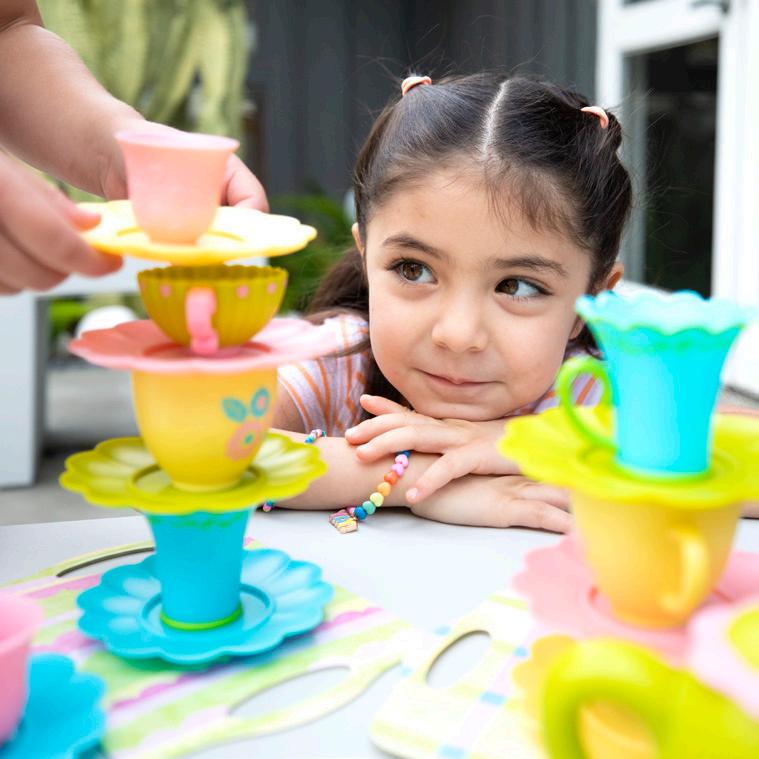
Shallow depth of field
Natural expressions
Natural light
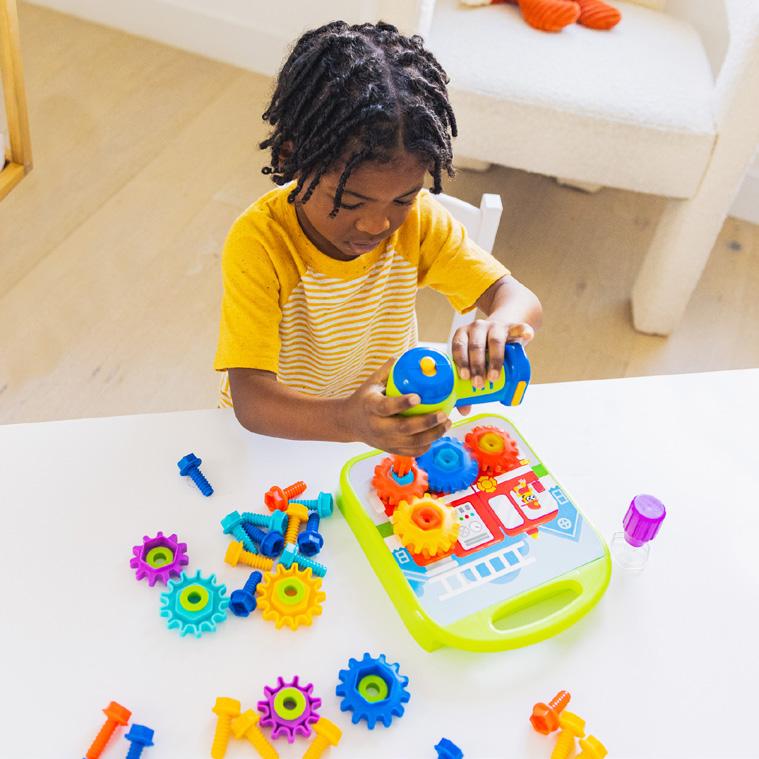
Different steps of play Show storage if applicable Engaged with product
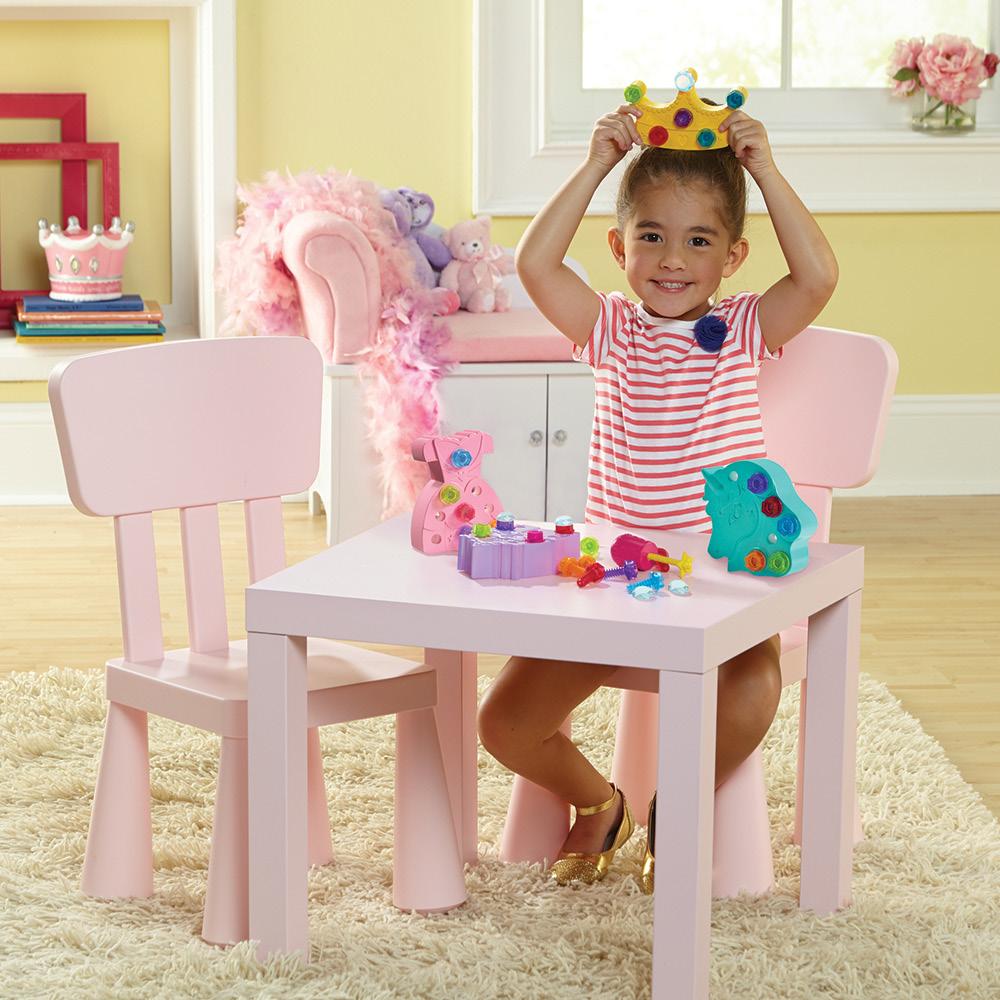
Lifestyle Don’ts
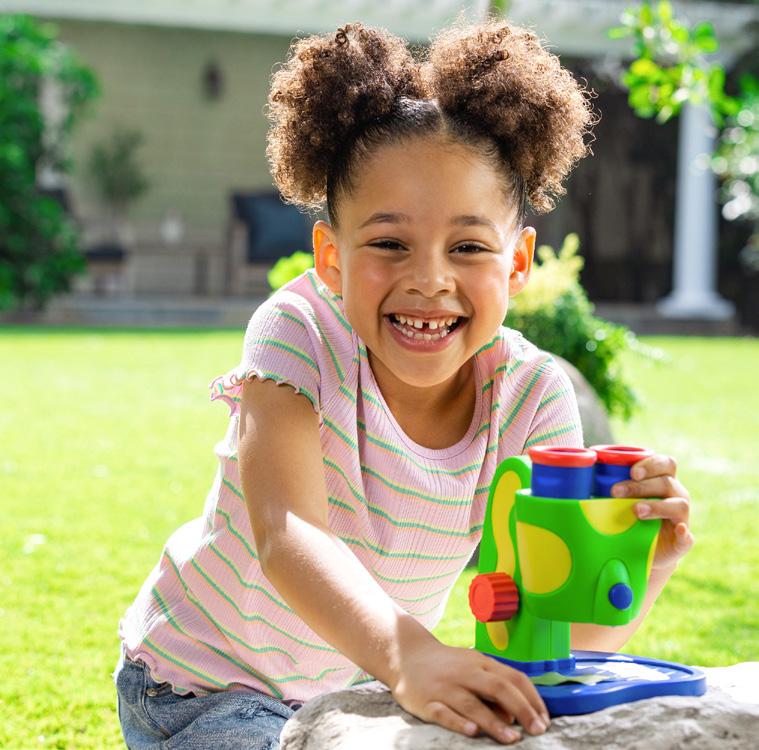
Avoid directly looking into camera
Product held awkwardly Long or dirty fingernails
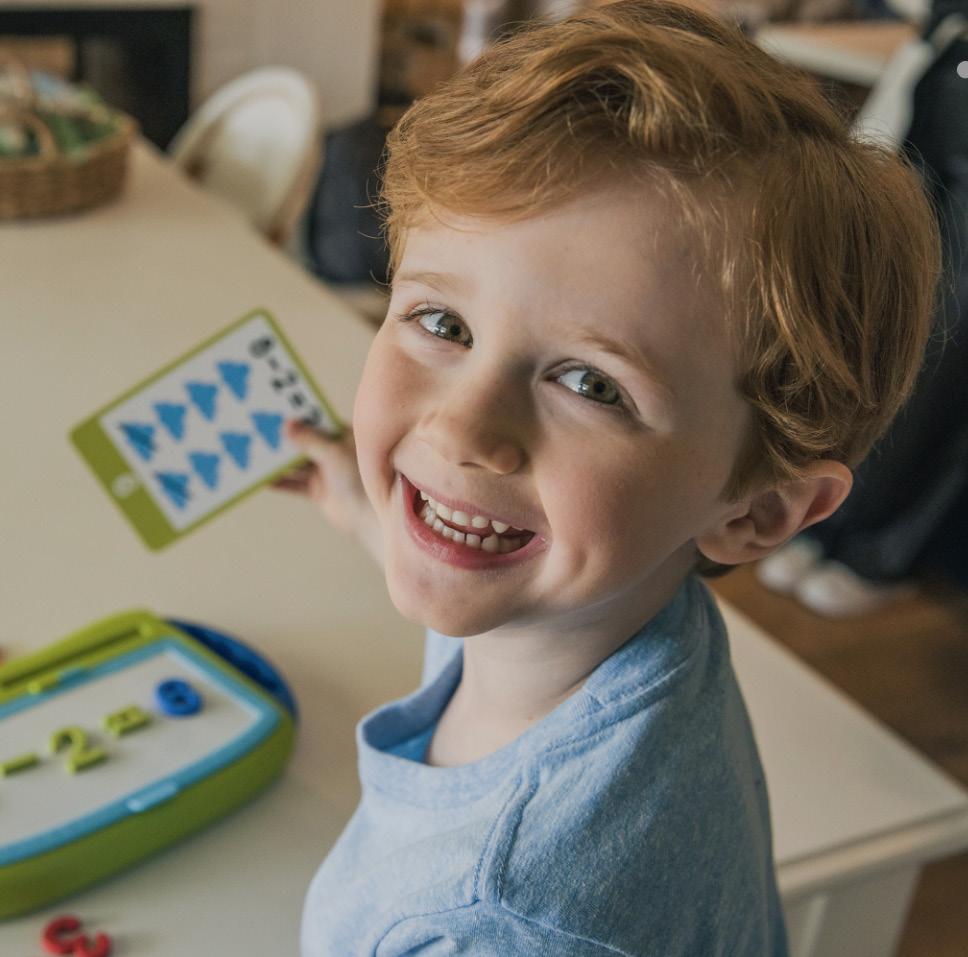
Play games incorrectly
Studio photography Crew in background
Studio Photography Dos
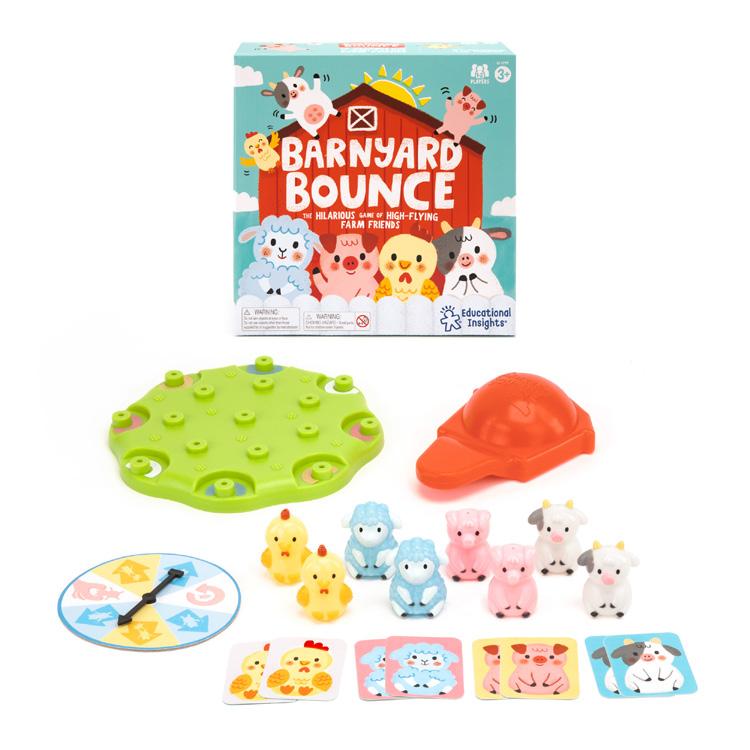
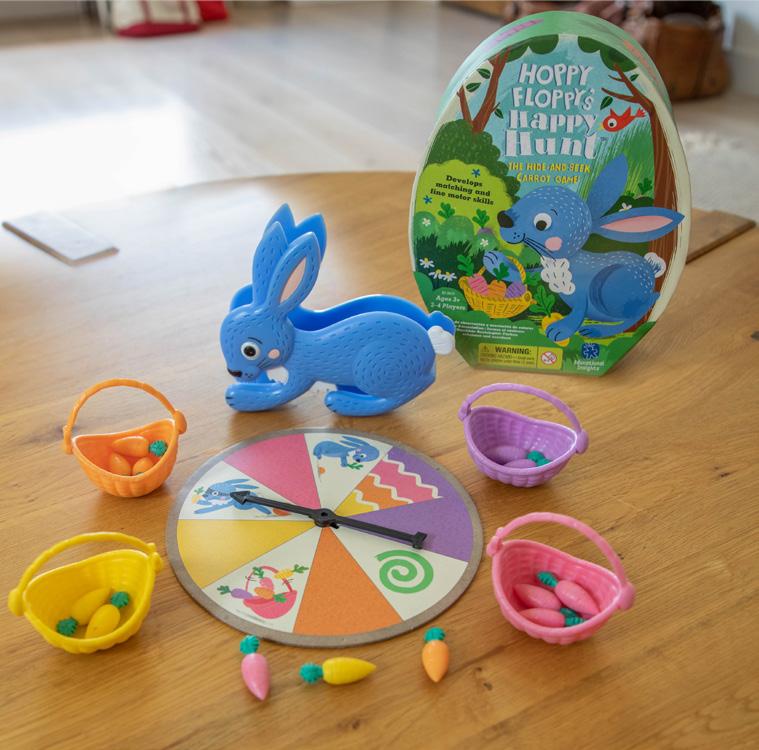
Do fill the entire square as much as possible
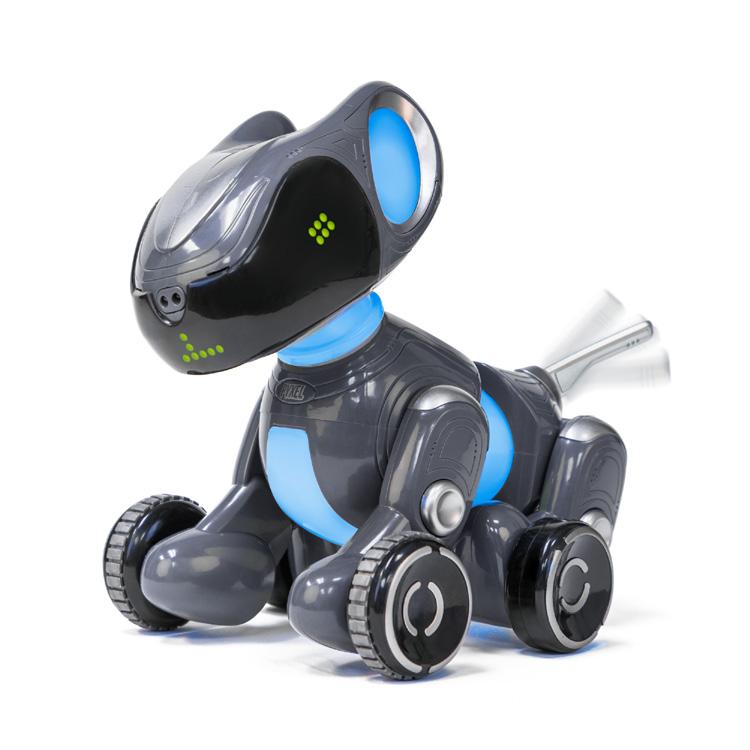
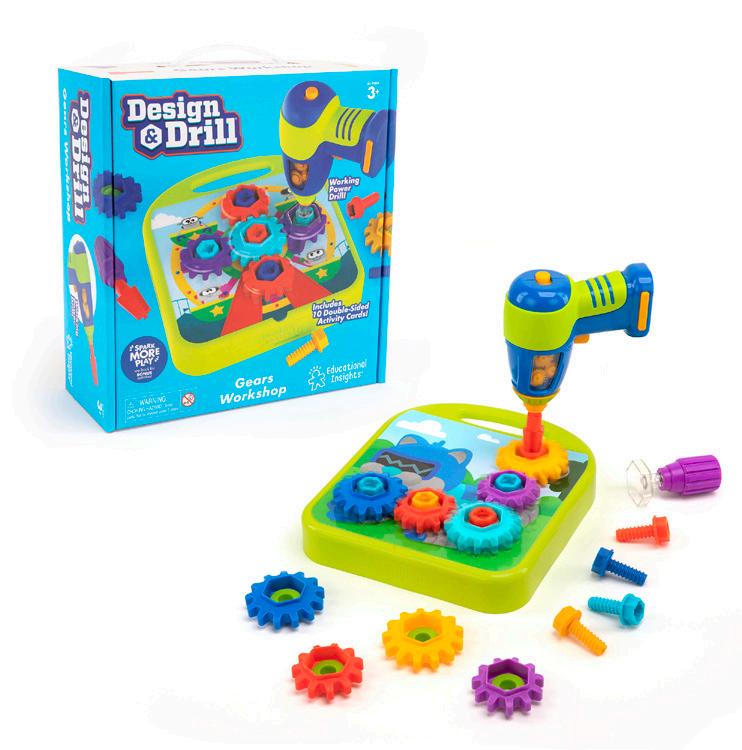
Do show something different than what’s on the packaging
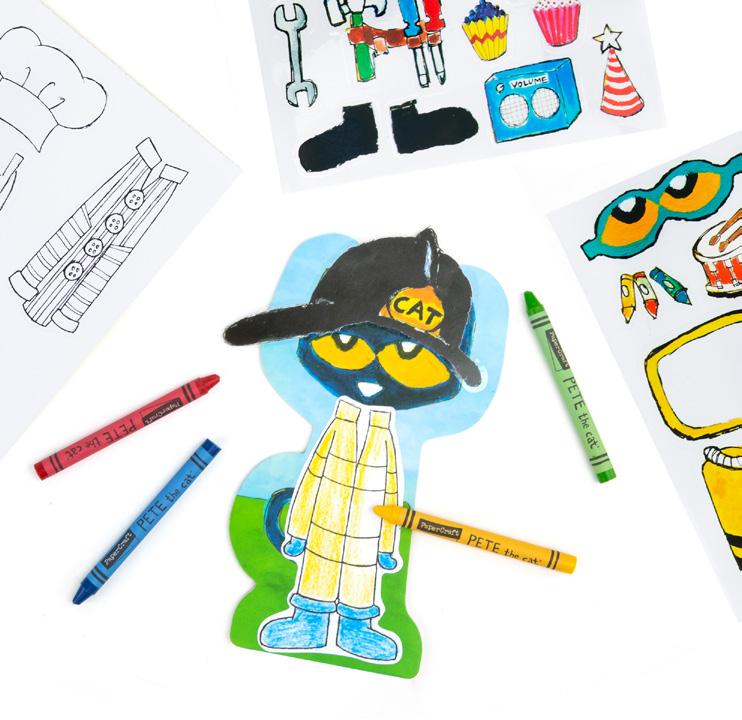
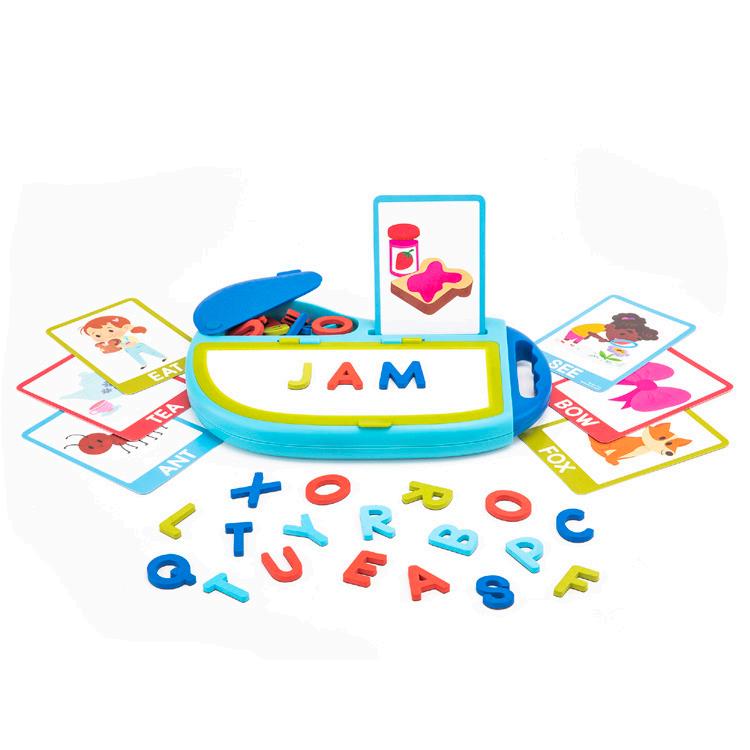
Do show everything included in the box as much as possible
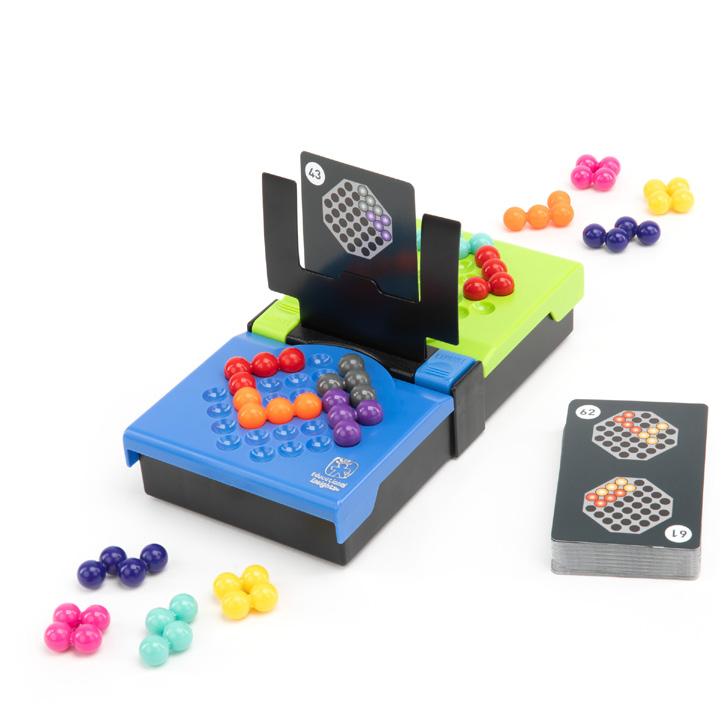
Studio Photography Don’ts
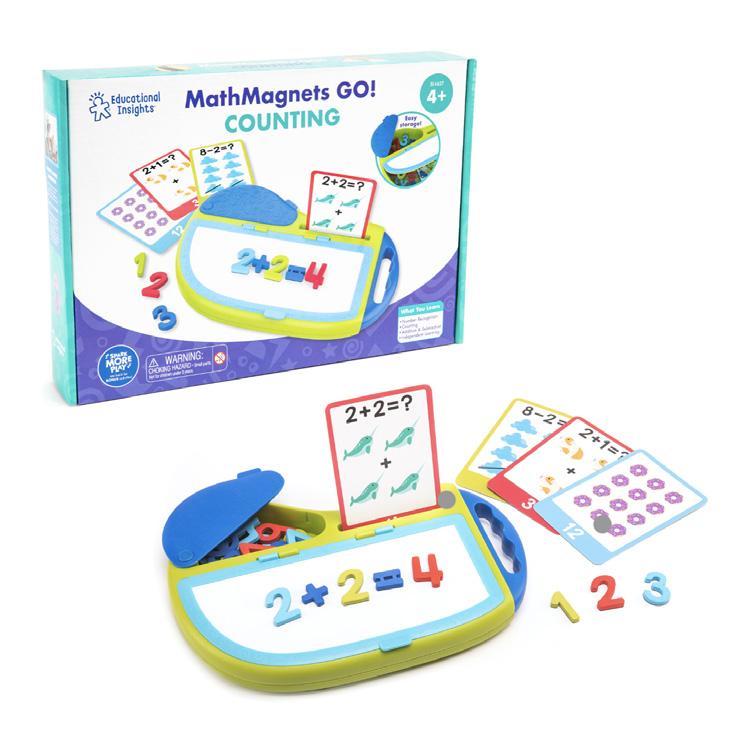
Don’t show the same thing as what’s shown on the packaging
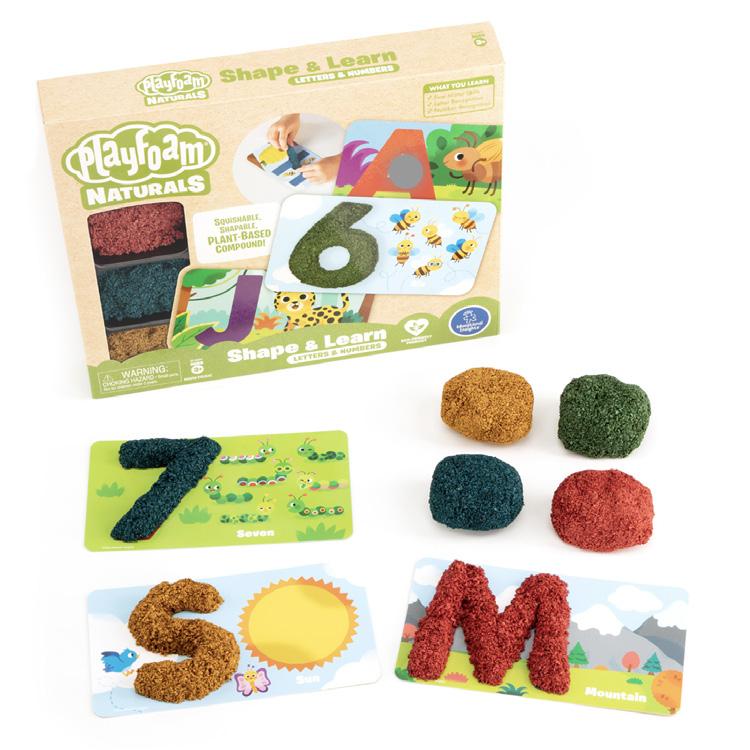
Don’t make products look too bright or washed out
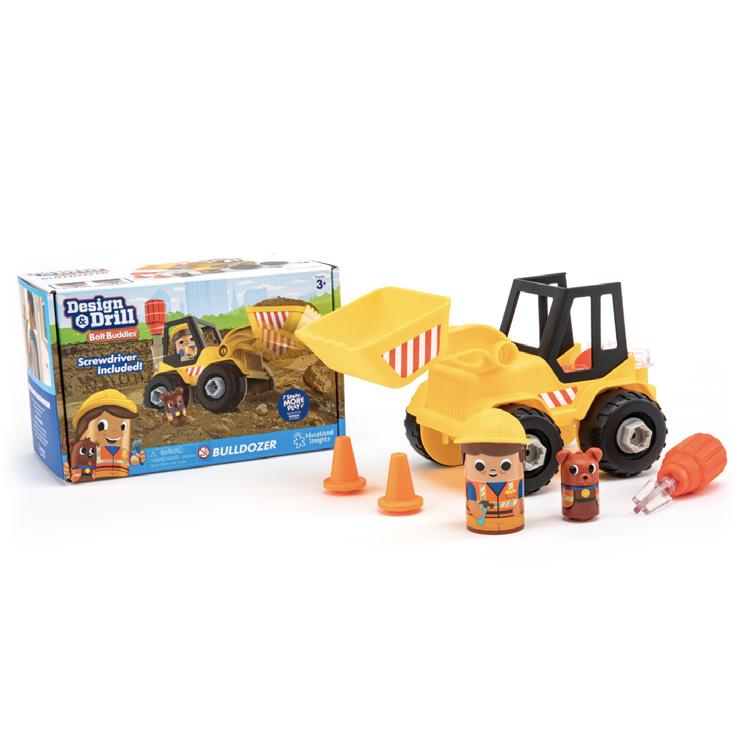
Don’t leave a lot of white space
Avoid tangents between objects
Don’t mix rendering with live shots
Don’t show raw or jagged edges around packaging
Amazon Top 6
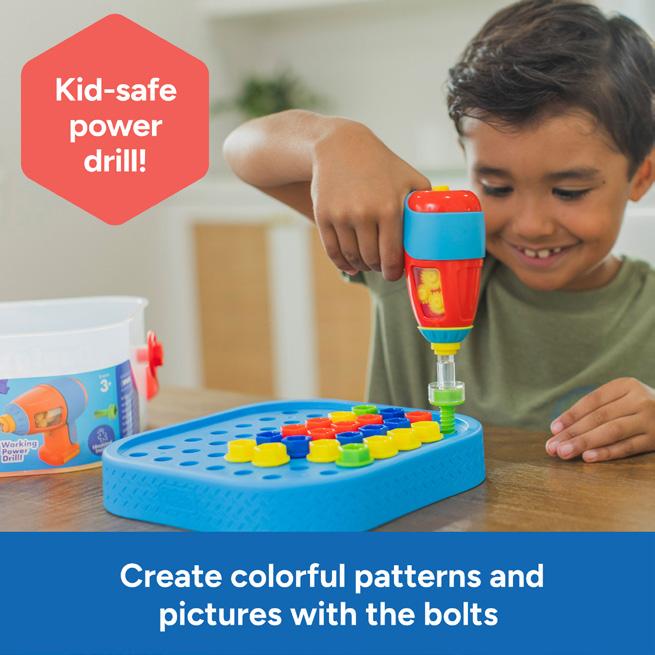
The product should fill the space and be as big as possible for viewing on mobile.
393x2000 pixels Font size 28 pts
Color bar should be in one of our brand colors & consistent for all top 6 images. 4 Copy
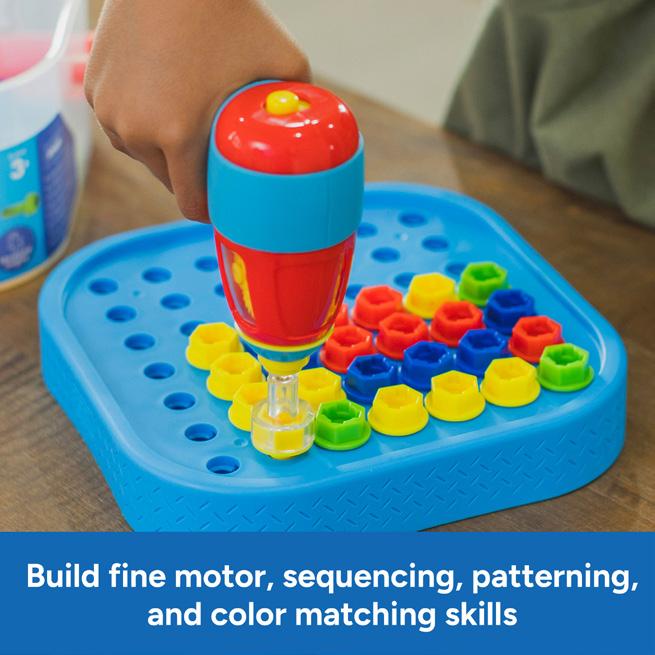
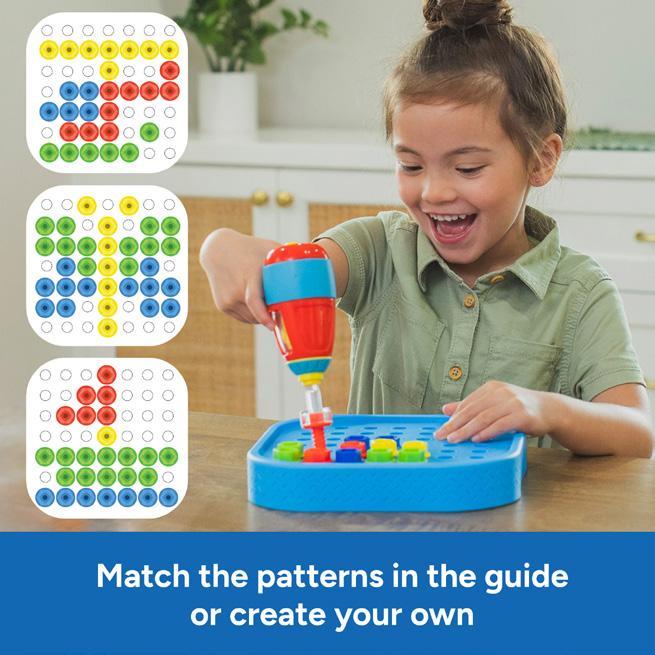
Copy will vary; should highlight main benefit, skills learned, additional features, and how-to or includes. 5 Infographics
Includes
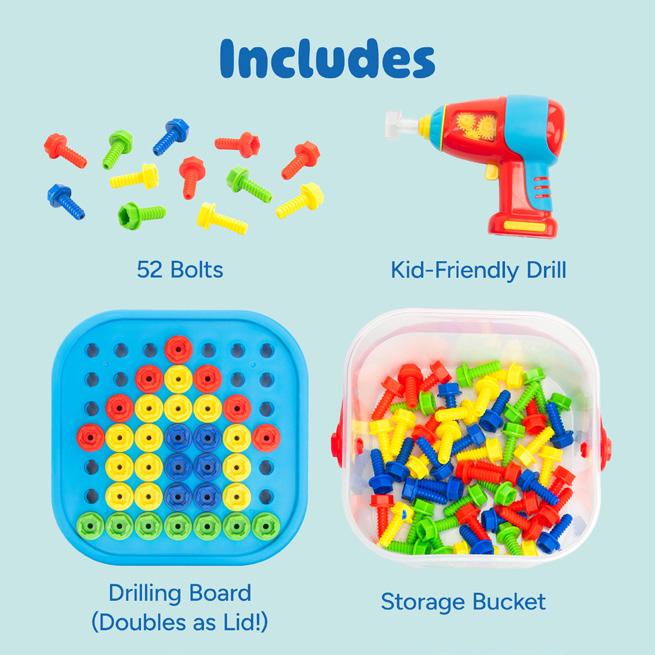
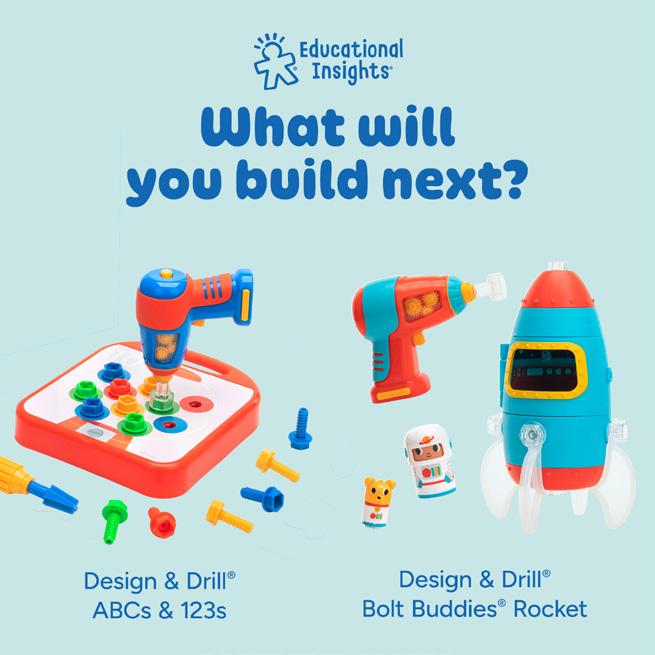
Amazon A+ Pages
These pages appear on Amazon product pages to showcase more product features and benefits. The A+ page background color does not have to match the text overlay color in the Top 6.
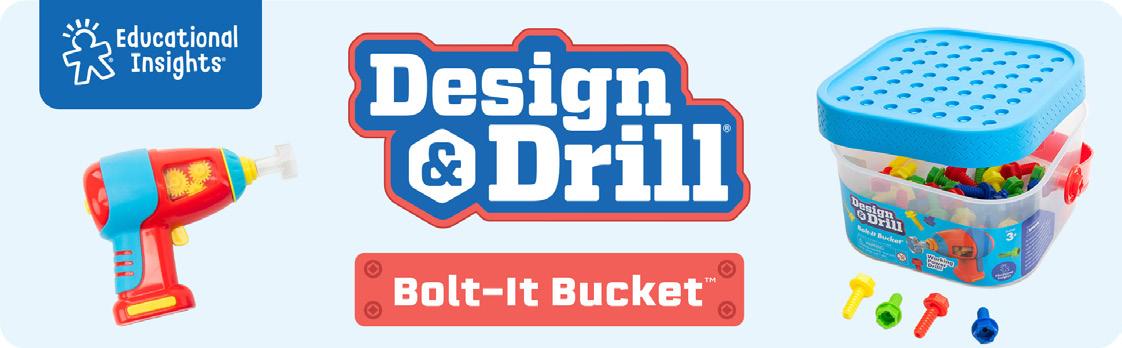
1 Product Logo + Photo
970x300 pixels
Brand and product logo, plus product image, on a light blue background with rounded corners. If product does not have its own logo, write the name in Ohno Softie.
2 Features/Benefit Callout
970x300 pixels
3 Image With Text
970x300 pixels or 3 300x300 pixels
blocks SEO text written in Amazon paired with an image or images.
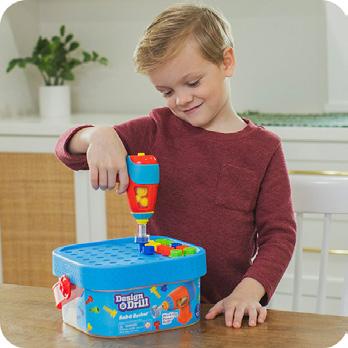
4 Lifestyle Photos
970x600 pixels
Multiple lifestyle images of the product.
5 Spark More Bucket
970x300 pixels
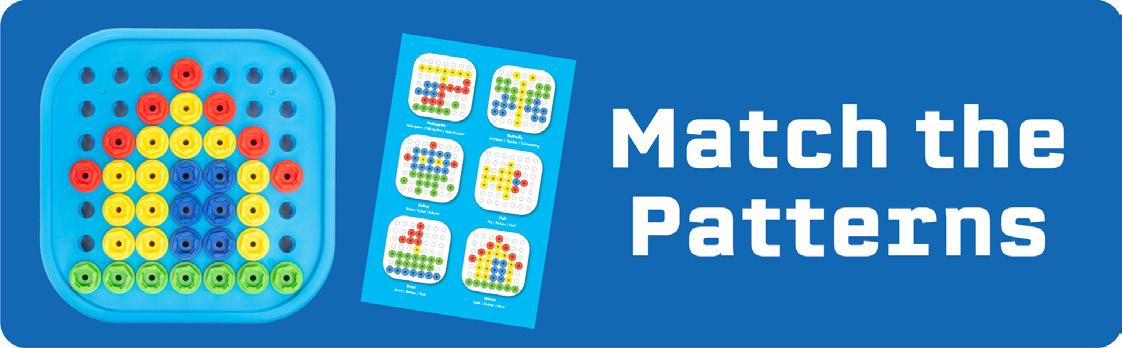
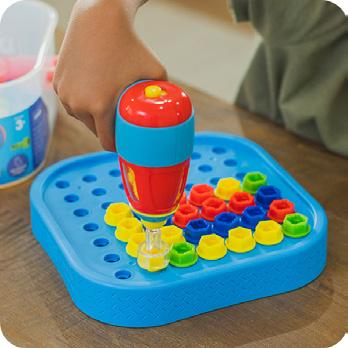
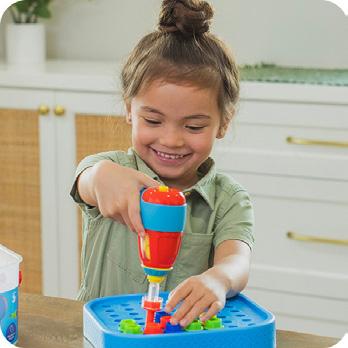
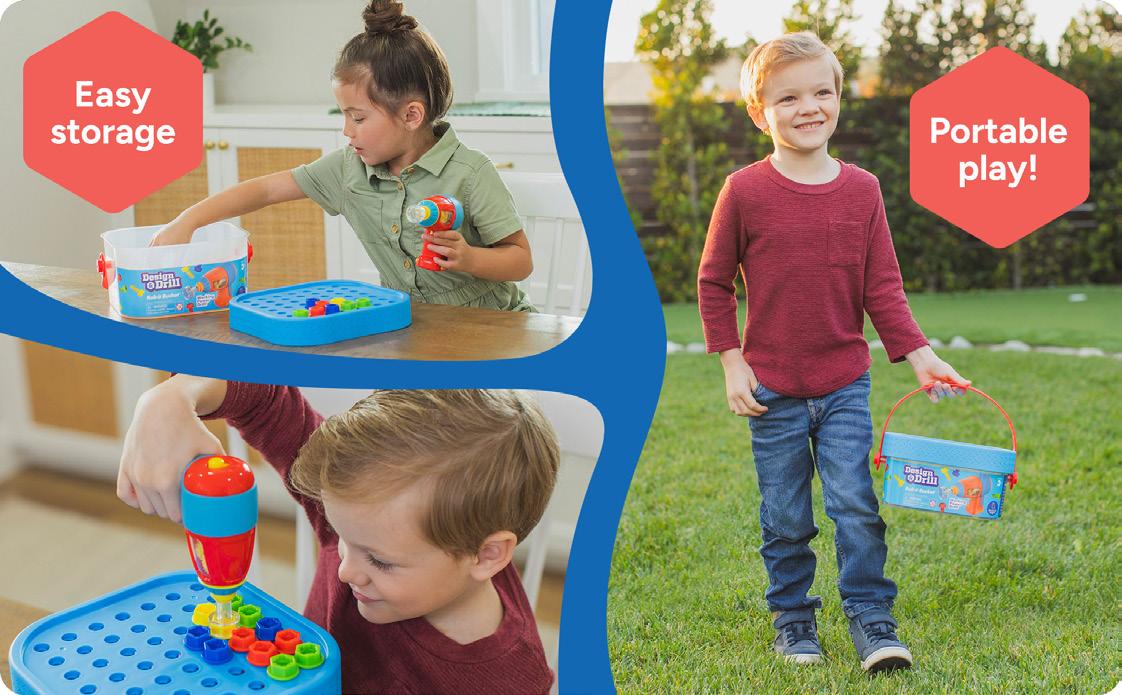
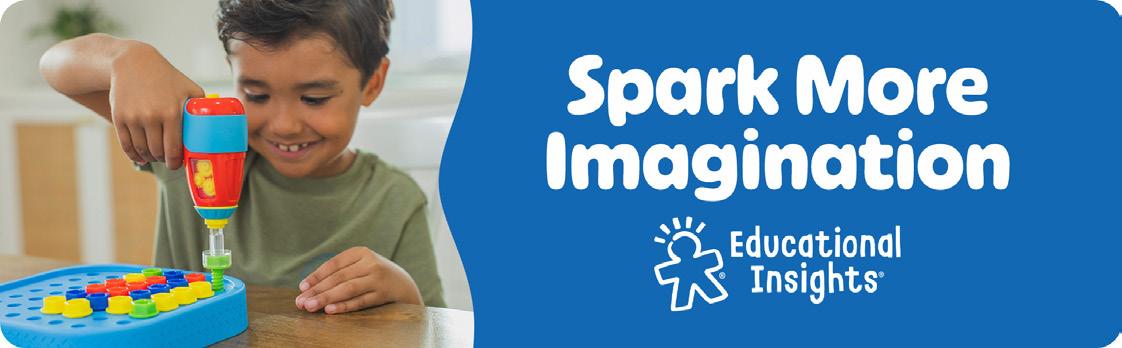
Kid-Friendly Tool: Kids will love using the kid-friendly drill! This toy drill for kids screws and unscrews the bolts, so kids can feel the thrill of the drill as they build and create their own patterns and pictures. This set is the perfect gift for kids who love construction or building play!
Amazon A+ Page
The Spark More blocks (featured in the last block of A+ pages) typically use a photo of that specific product, paired with the Spark bucket it falls into. Sometimes we will replace the Spark More block with a different module, as see on the following pages.
1 TOGETHERNESS
This block always need to have an image of two or more people playing together
Amazon A+ Pages
Cross Sell
Sometimes our A+ pages feature a cross sell block. We can only have five blocks (modules) for A+ pages, so we remove the Spark More block.
1 Cross Sell Blocks
150x300 pixels
Product on white vertically and horizontally centered.
Amazon A+ Pages
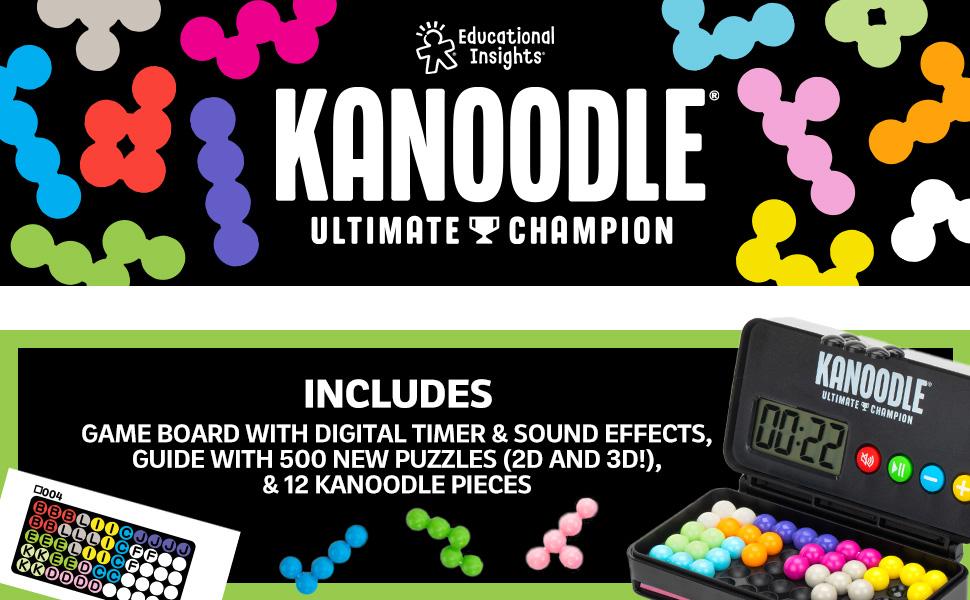
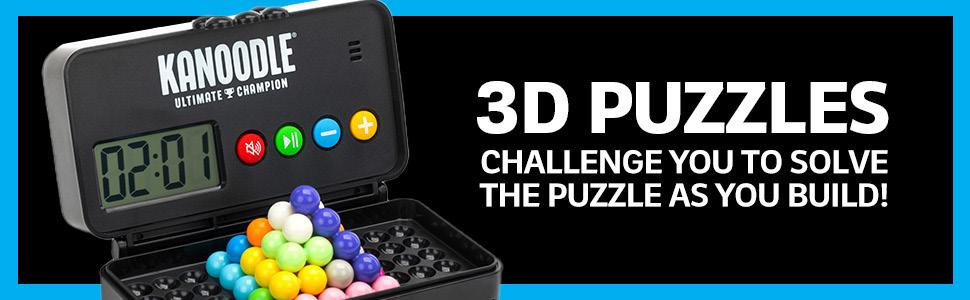
Some of our sub brands are trying to reach a specific audience, so they have a design style that is different than the general EI A+ page. The general layout or structure remains the same. This example is from our Kanoodle sub brand.
1 Product & Includes Block
970x600 pixels
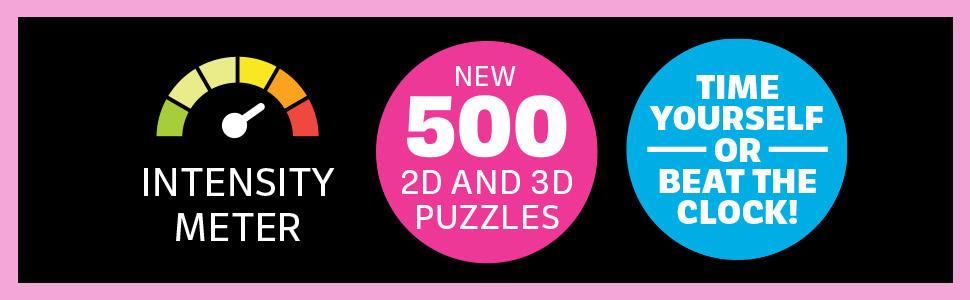
2 Puzzle Block
970x300 pixels
Showcases the two different ways to play.
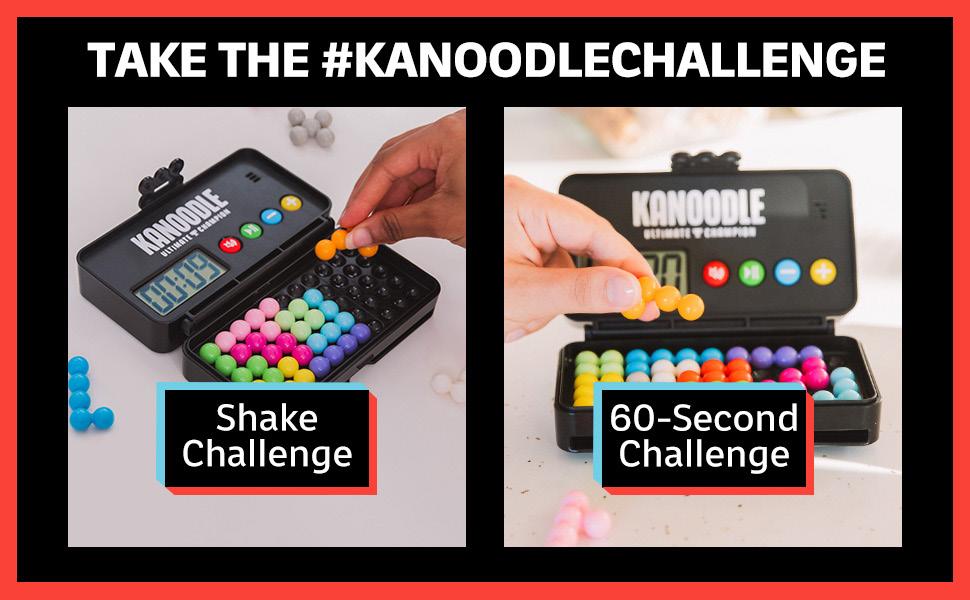
3 Tiktok Block
970x600 pixels Highlights social media achievements and trends.
4 Cross-Sell Blocks
150x300 pixels
Instead of being centered vertically, all the products share a base line.
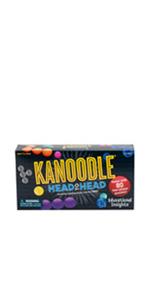
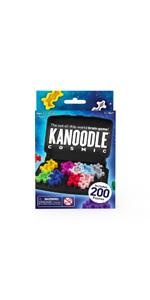
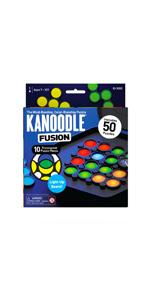
Amazon Storefront
Homepage Part 1
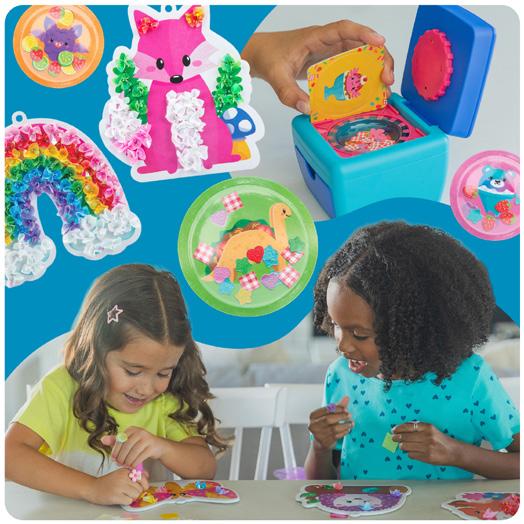
1 Main Header
pixels by varying height
2 Main Banners
1500x750 pixels
Calls out marquee products, seasonal marketing campaigns, specific categories, and can have a unique design.
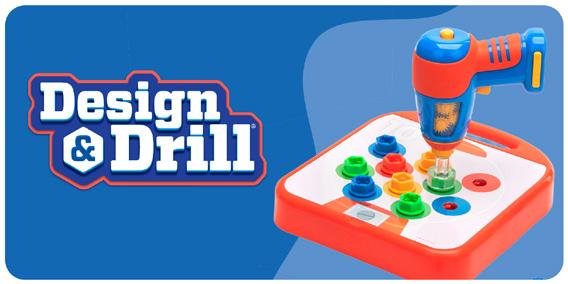
3 Category Blocks
750x750 pixels
Directs consumers to storefront pages with a curated selection of products.
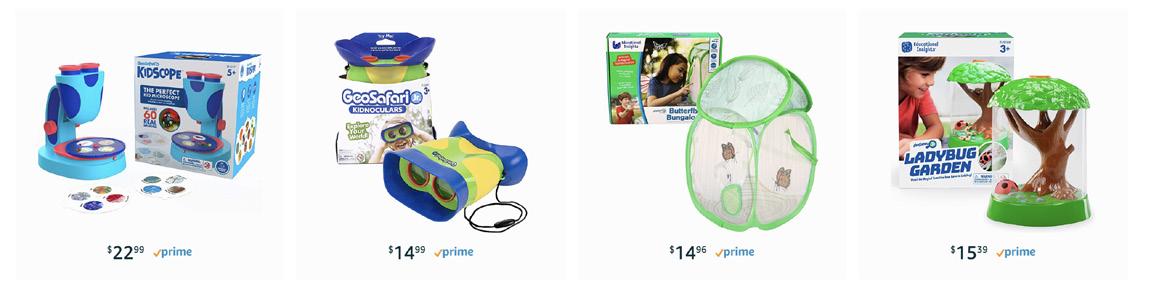
4 Category Banner
3000 pixels by varying height
Used to call attention to the category blocks and break up sections.
5 Age Blocks
750x750 pixels
Logo on white with added call out text as necessary
6 Brand Video




Amazon Storefront
Homepage Part 2
7 Brand Blocks 1500x750 pixels Showcases our most popular brands
8 Footer 3000x1500 pixels
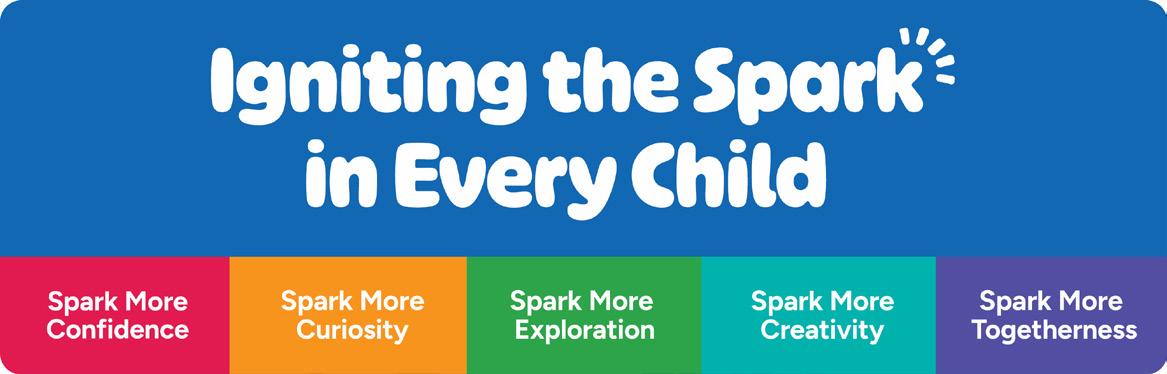
“Igniting the spark” messaging paired with the Spark More Buckets
Social Media
We use this icon for our social media accounts’ profile pictures.

Profile Photo
Social Media
Cover Photo
The cover photo for our social media changes seasonally and is themed around marketing campaighns: Spark
More Exploration, back to school, happy holidays, etc. Each social media platform has different dimensions for their cover photos, examples for each are shown on the next slides.
FACEBOOK (DESKTOP)
FACEBOOK
Social Media
Cover Photo

LINKEDIN (COMPANY PROFILE) 1365 x238 pixels
LINKEDIN (PERSONAL PROFILE) 1365 x341 pixels
Social Media
Cover Photo
YouTube cover photos should be designed to fit the TV size; however, YouTube will automatically adjust the image for other viewing platforms, like desktop or mobile. Design the cover image for the TV size, while making sure that all vital elements (titles) will not be cut off by the auto-trim.
Social Media
Instagram Story Highlights Covers



Our brand font is Ohno Softie Variable and Figtree.
1 Headline
3 Body
4 Copy & Messaging
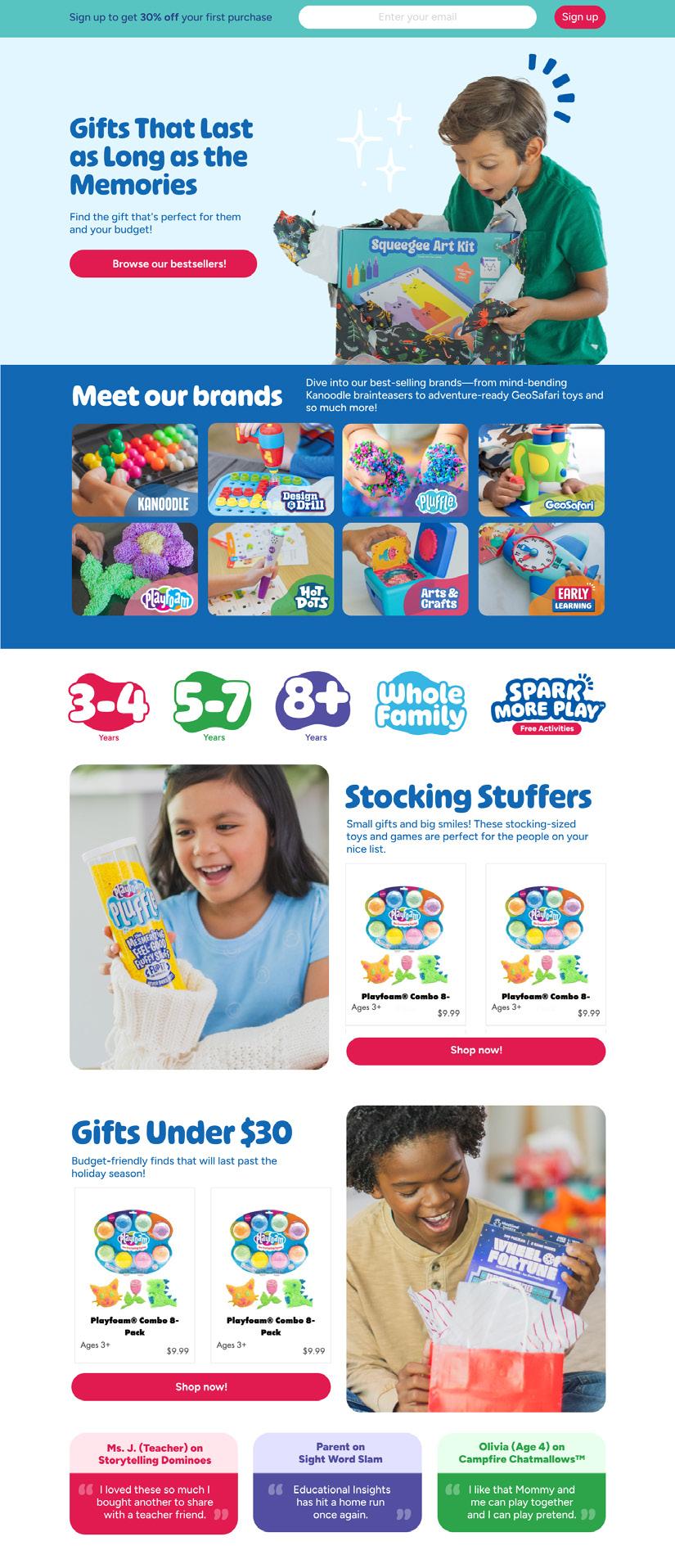
Copy and visuals may be updated seasonally to reflect ongoing campaigns such as holidays or back to school. Each block should have a headline and a short
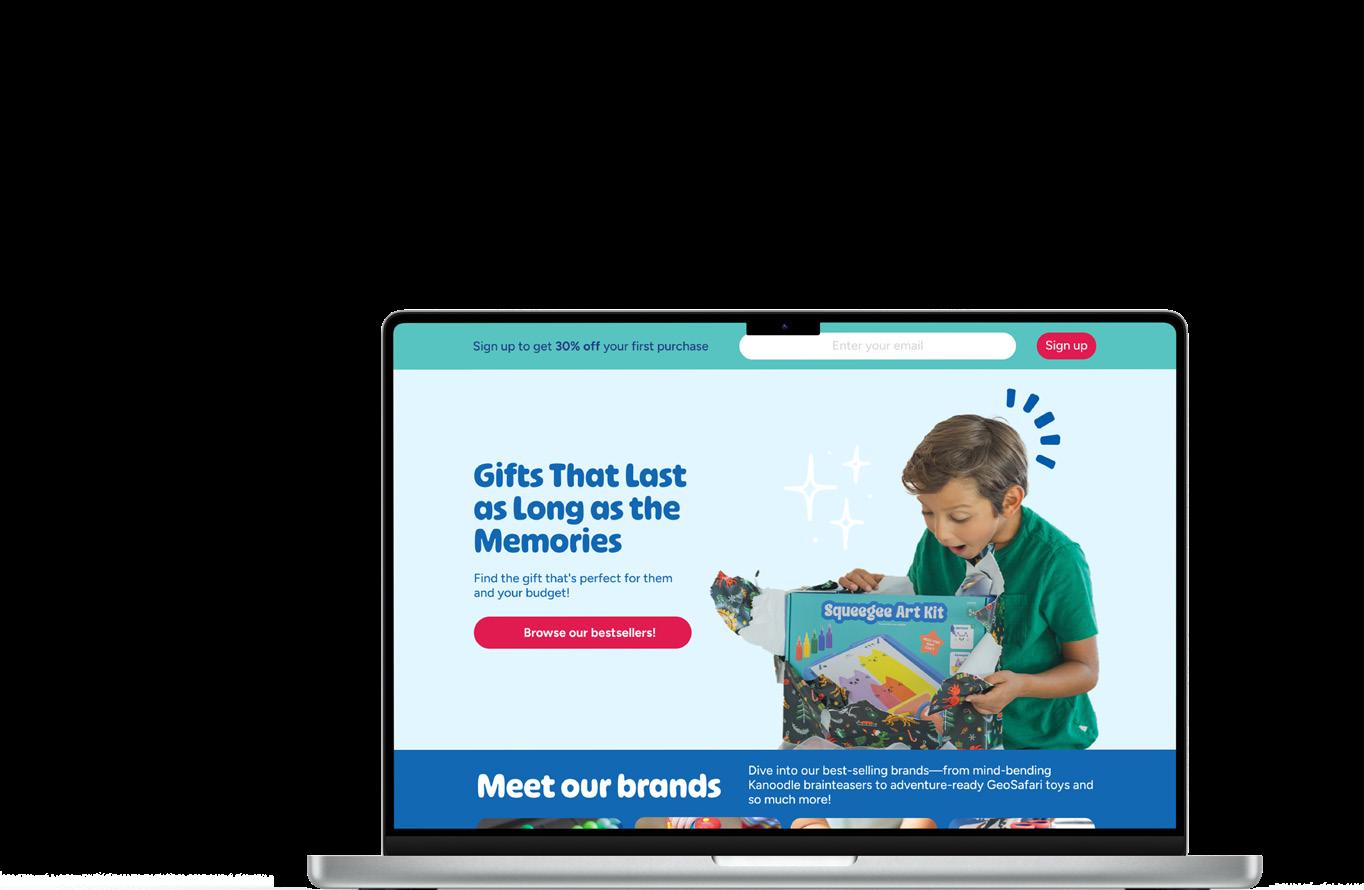
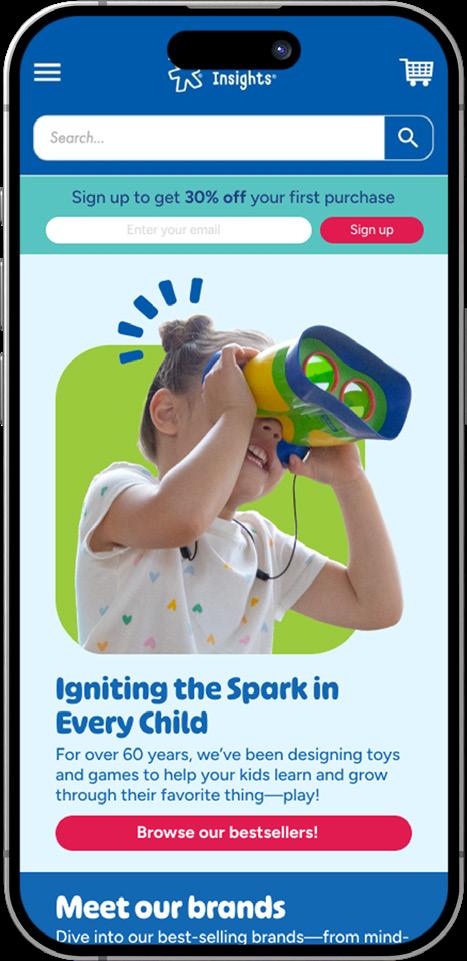
Note: Desktop and mobile have their own hero images (see the green box behind the lifestyle image for mobile). This is to improve mobile experience.
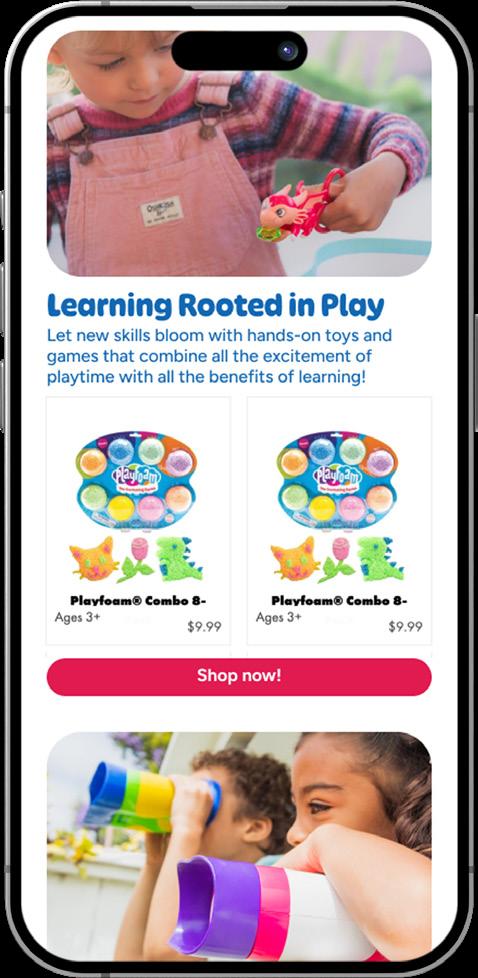
Website
Button Style
1 Age Category Buttons
These are clickable buttons that redirect you to a separate landing page.
2 CTA
Copy may vary, but CTA button should have 100% rounded corners with no effects.
3 Sub-brand Category Buttons
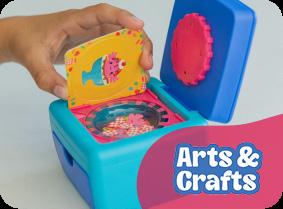
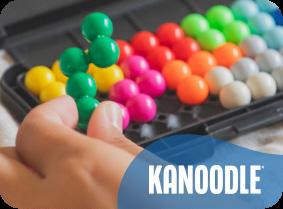
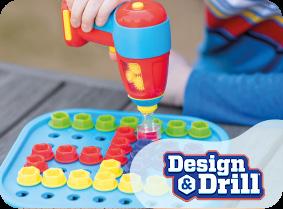
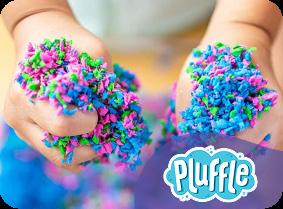
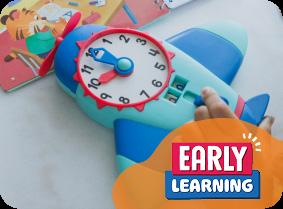
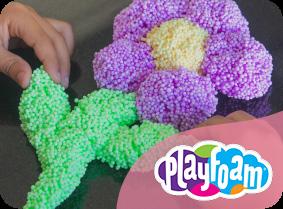
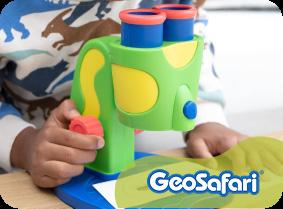
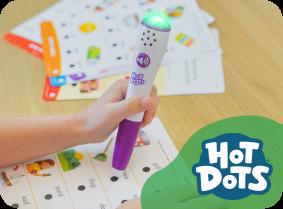
Show a lifestyle image with the logo or name of the category in the bottom right corner. Use a brand color for the shape behind the text.

Banners
Sub-brand banners
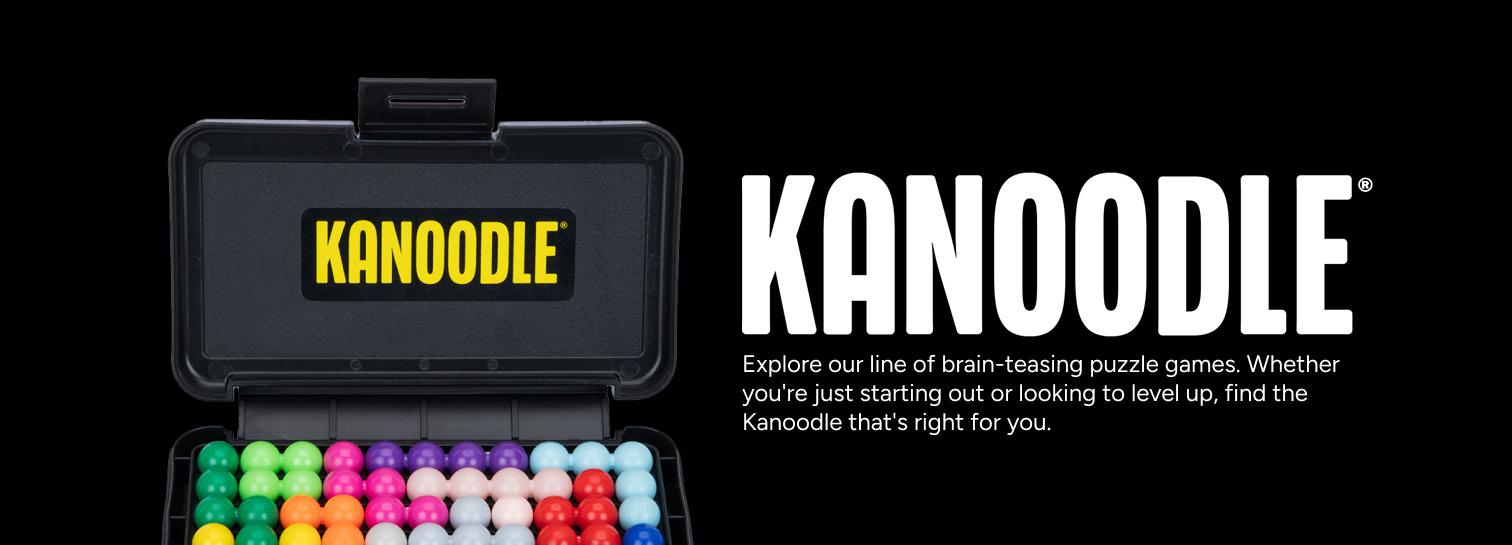
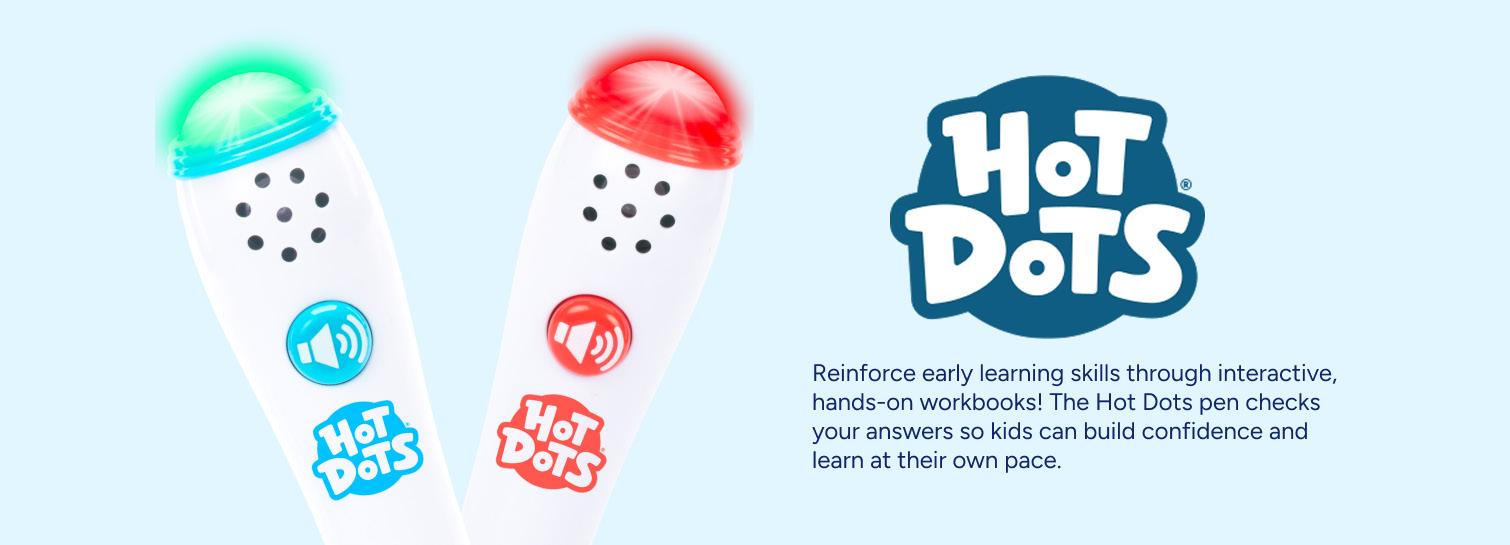
When creating banners, break them down into different components (which will get put together using HTML and CSS, rather than one large component. The banner size will be determined by the components that exist within it (images, logo, margin, padding, copy, etc.).
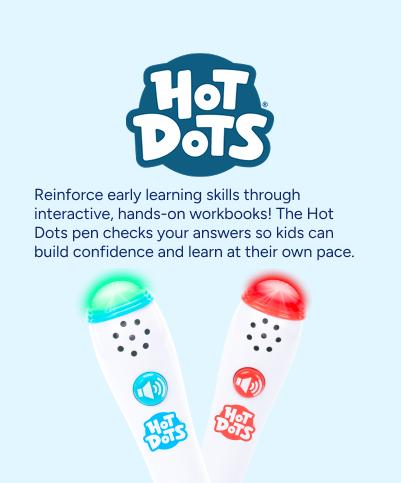
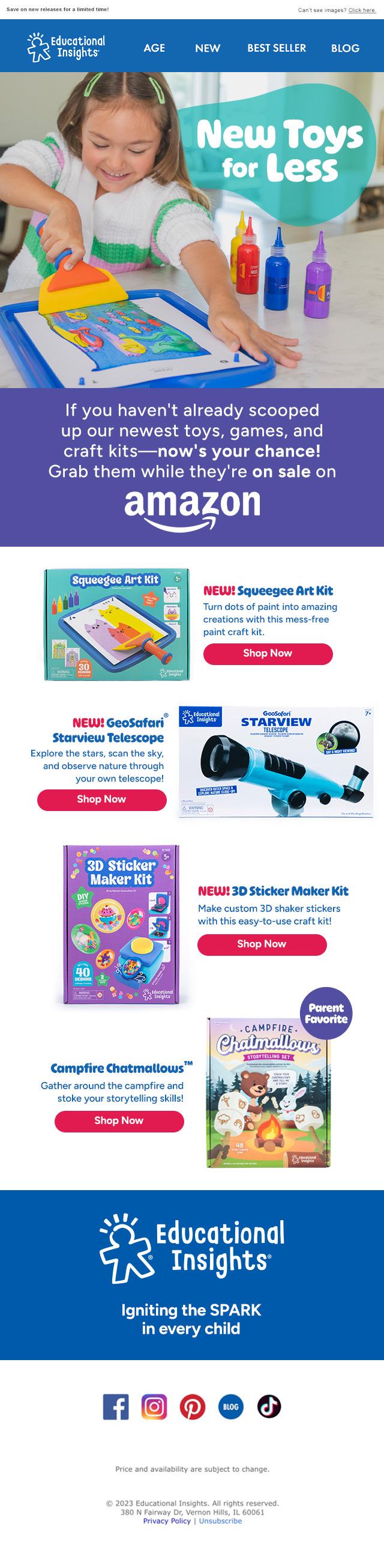
Digital Ads
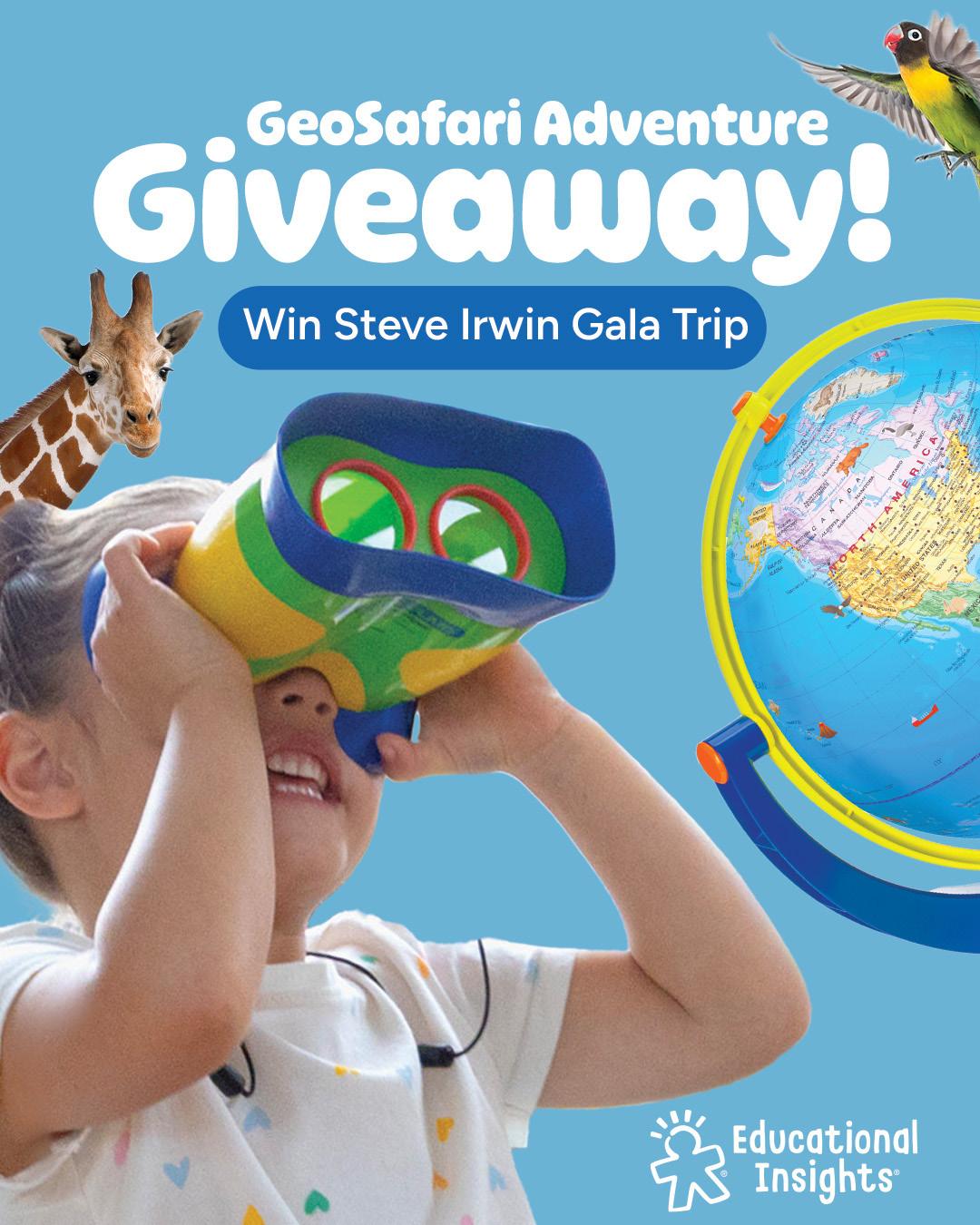
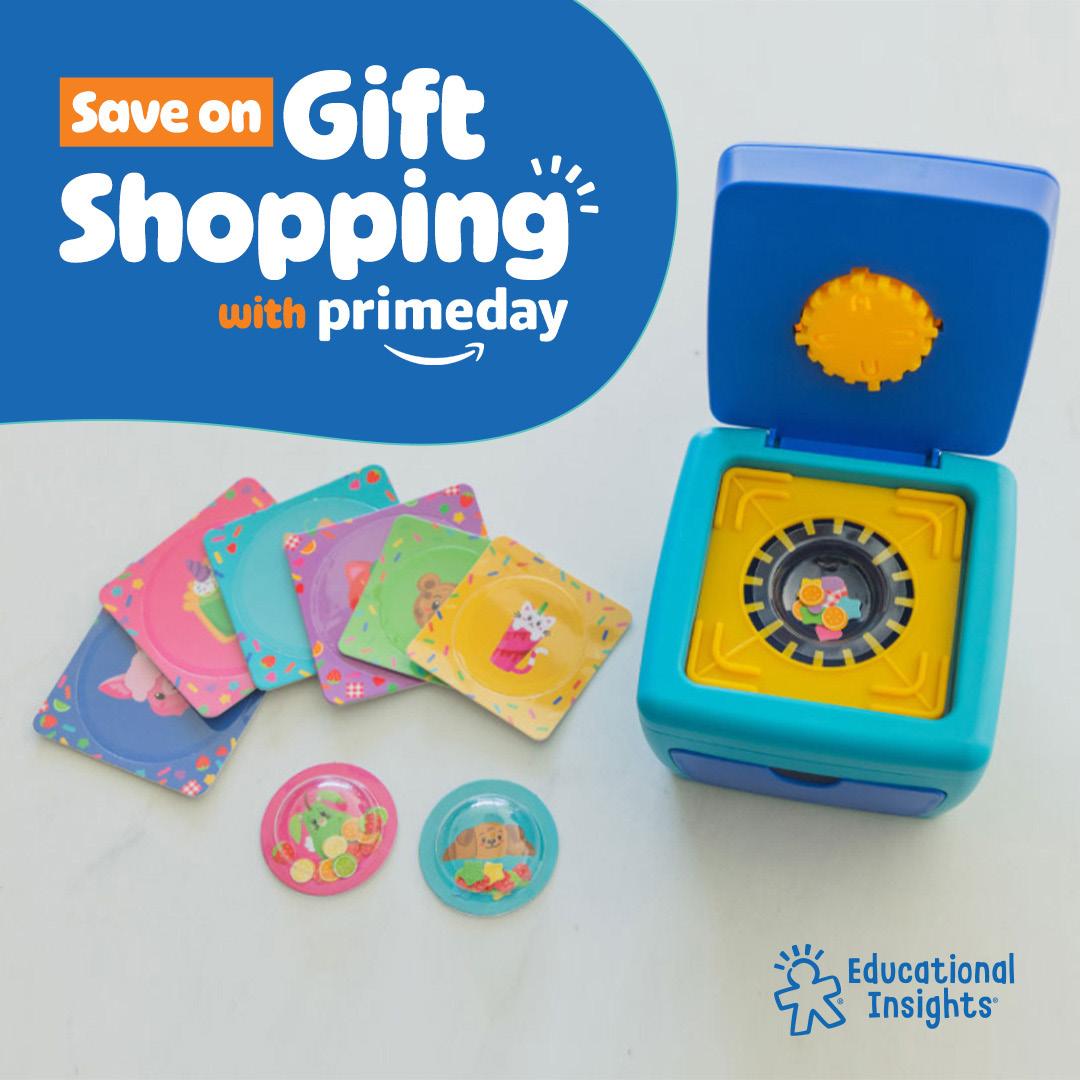
Video Guidelines 06
Product Videos
Color Profile
Sizzle Video
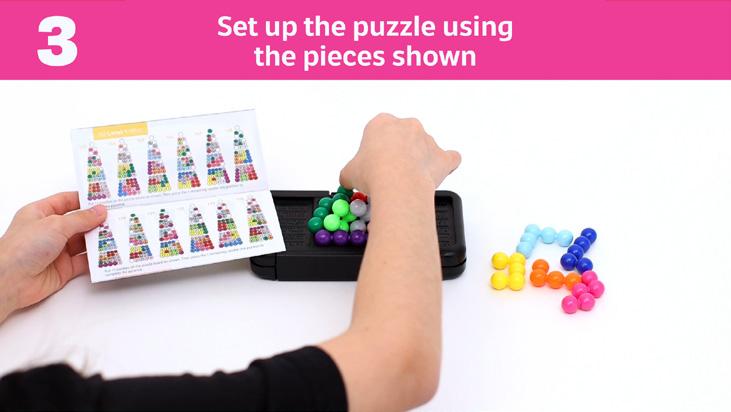
How-to Video
UGC Style Video
Sub Brand Videos
Playfoam
GeoSafari
Design and Drill
Hot Dots
Early Learning
Kanoodle
Games
Crafts
Coding
Product Videos
There are a few main kinds of videos that we make in-house. Here are some guidelines for each one; this may vary by product or placement.
Color Profile Dos & Dont’s
1. Start Neutral
- Correct white balance to true neutral first.
- Add slight warmth after balancing.
4. Skin Tones
- Natural skin tones.
- Watch to make sure skin isn’t overly green or magenta.
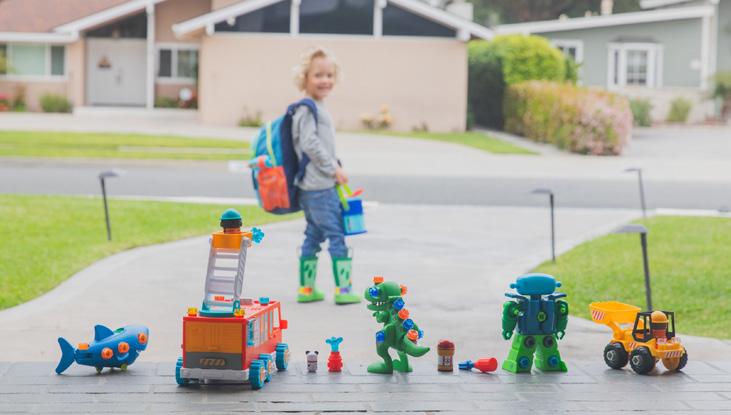
2. Exposure & Contrast
- Soft, natural contrast.
- Lift shadows slightly (+2 to +5).
- Protect highlights; avoid clipping.
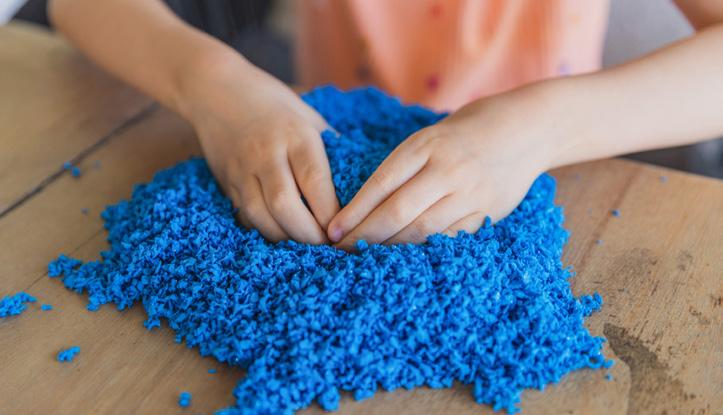
5. Detail & Texture
- Avoid heavy sharpening.
- Bump up clarity on Playfoam and Pluffle.
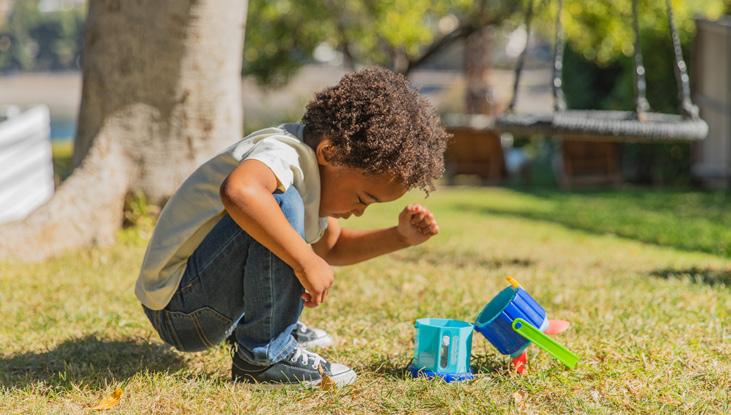
3. Color & Saturation
- Keep saturation natural.
Sizzle Videos
This is a short video, typically 30-45 seconds, that is meant to be exciting and engaging. It should highlight the product and its main features/benefits. Sizzle videos are meant to drive sales of the product. Sizzle videos for games should show an abbreviated version of how to play.
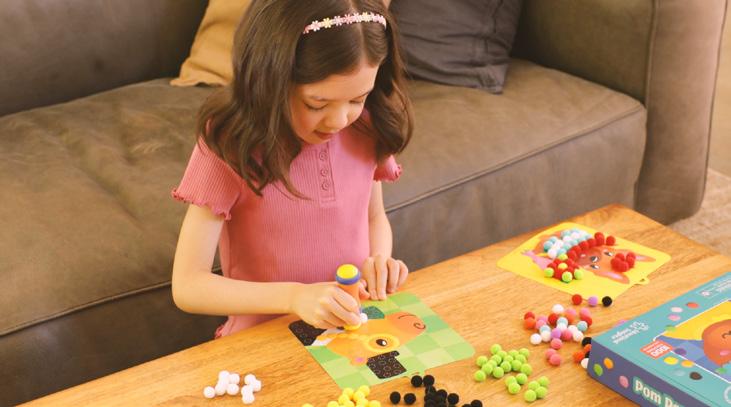
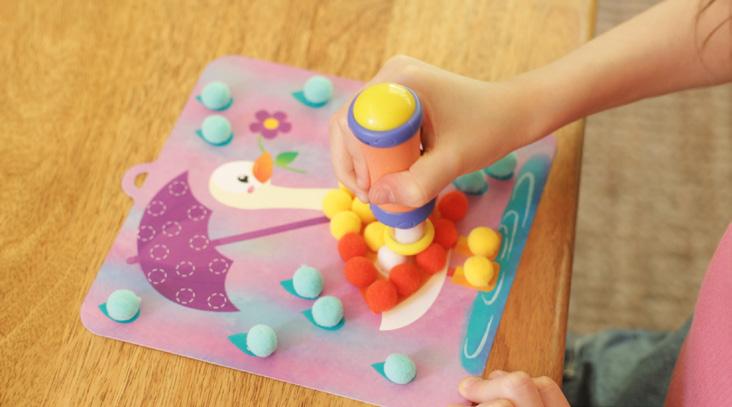
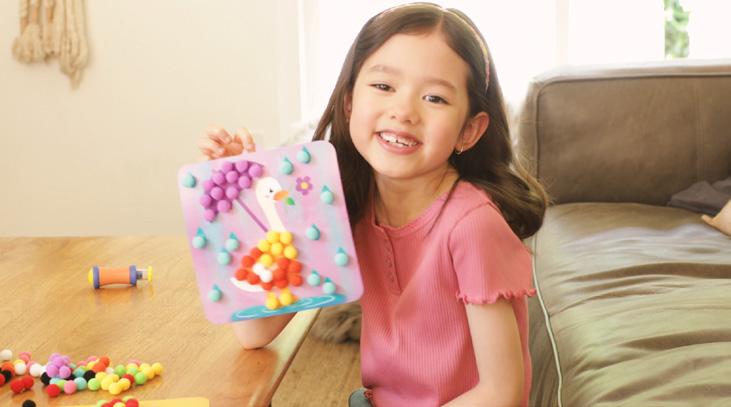
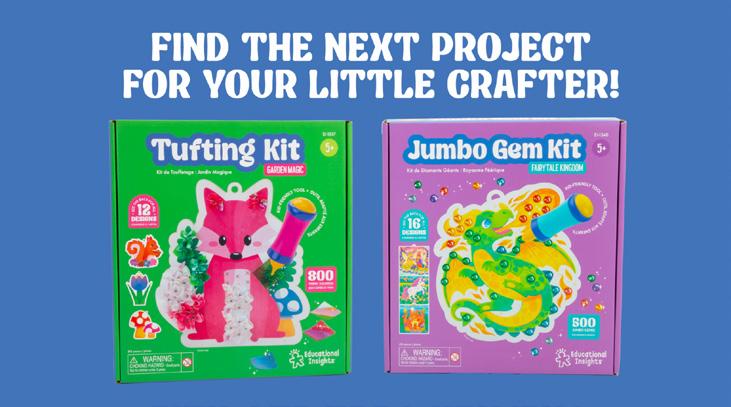

Pom Pom Cra Kit YouTube
How-To Video
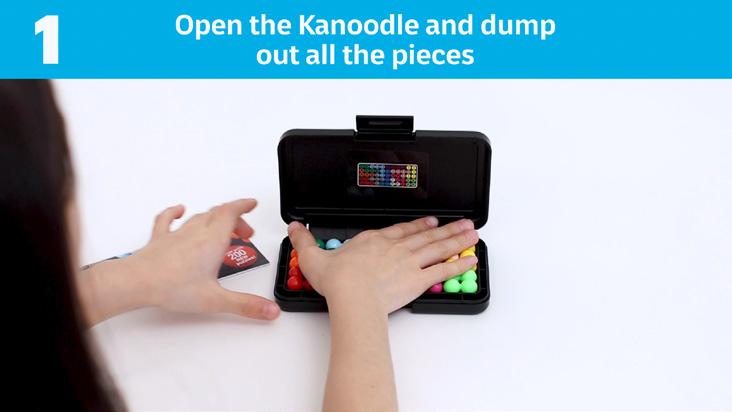
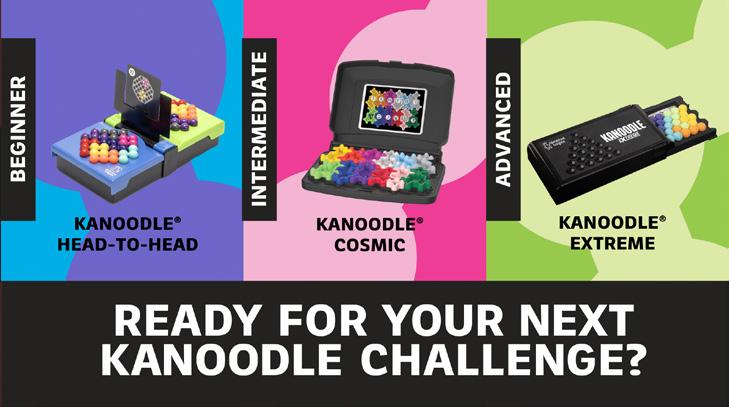
These videos are typically for games. They are longer and more instructional, designed to improve user experience by showing in-depth, step-by-step instructions of how to play the featured game or product.


UGC-Style Video
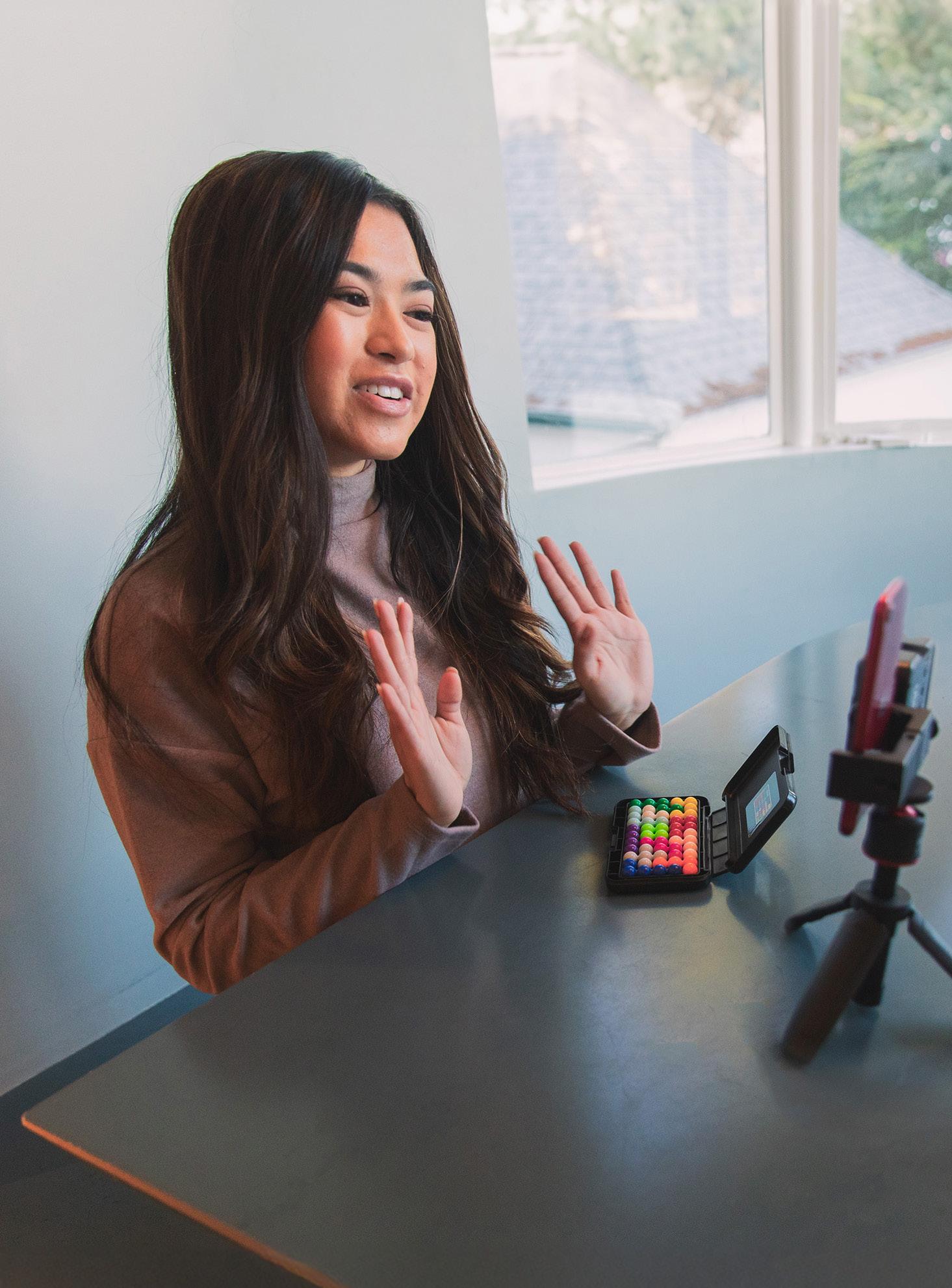
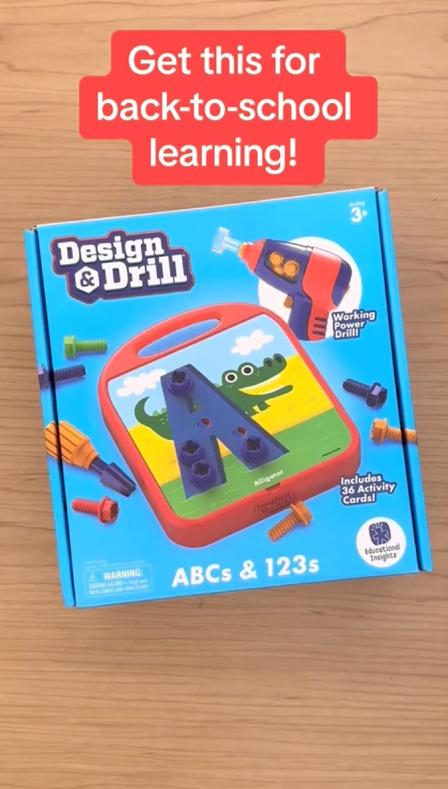
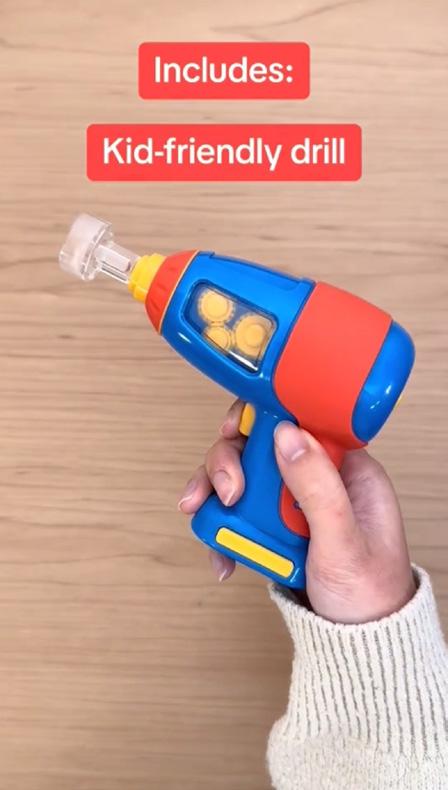
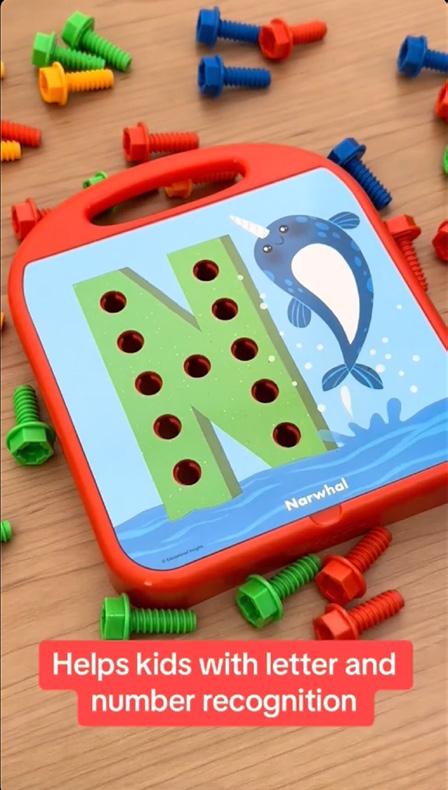
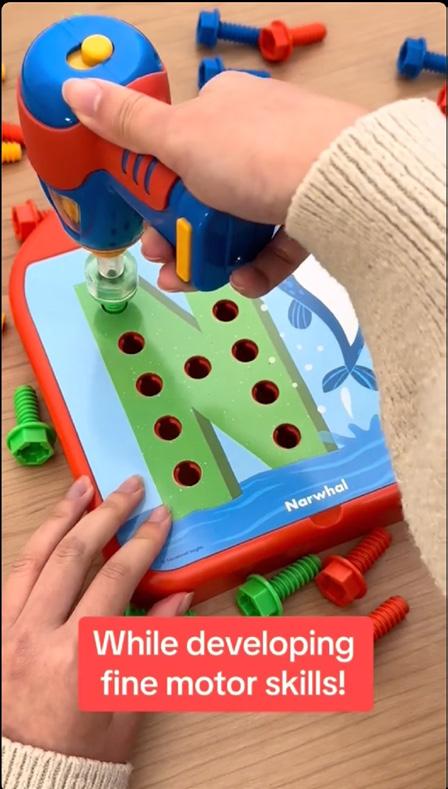
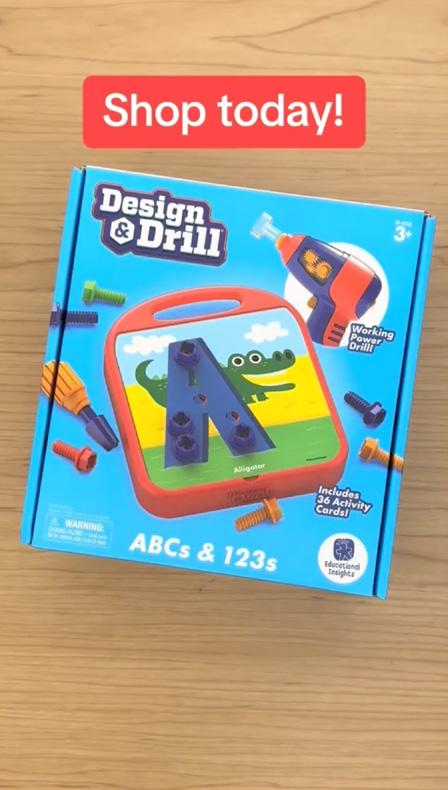
UGC, or user generated content, is a style of video typically used for TikTok, IG Reels, or Ads. UGC content should look similar to how influencer videos look. They can use a phone camera, colorful backgrounds, text overlays, and elements from TikTok. These videos’ purpose varies by project, but should never use stop motion or highly edited content.
Sub Brand Video
Sub brands each have their own video requirements. For example, we always want to show the tool in Design & Drill product videos, but for Playfoam we want to show the texture close-up.
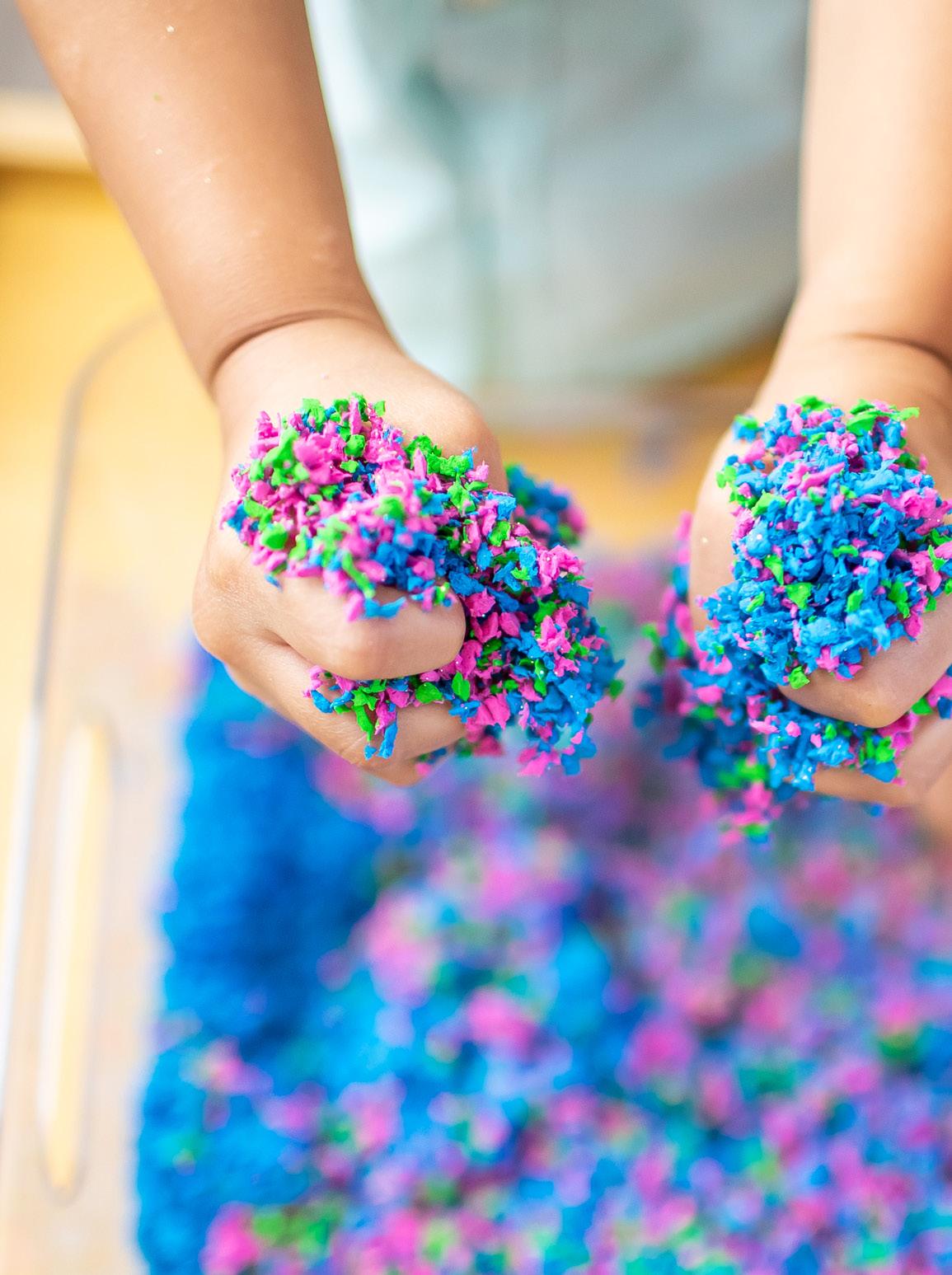
Playfoam ®
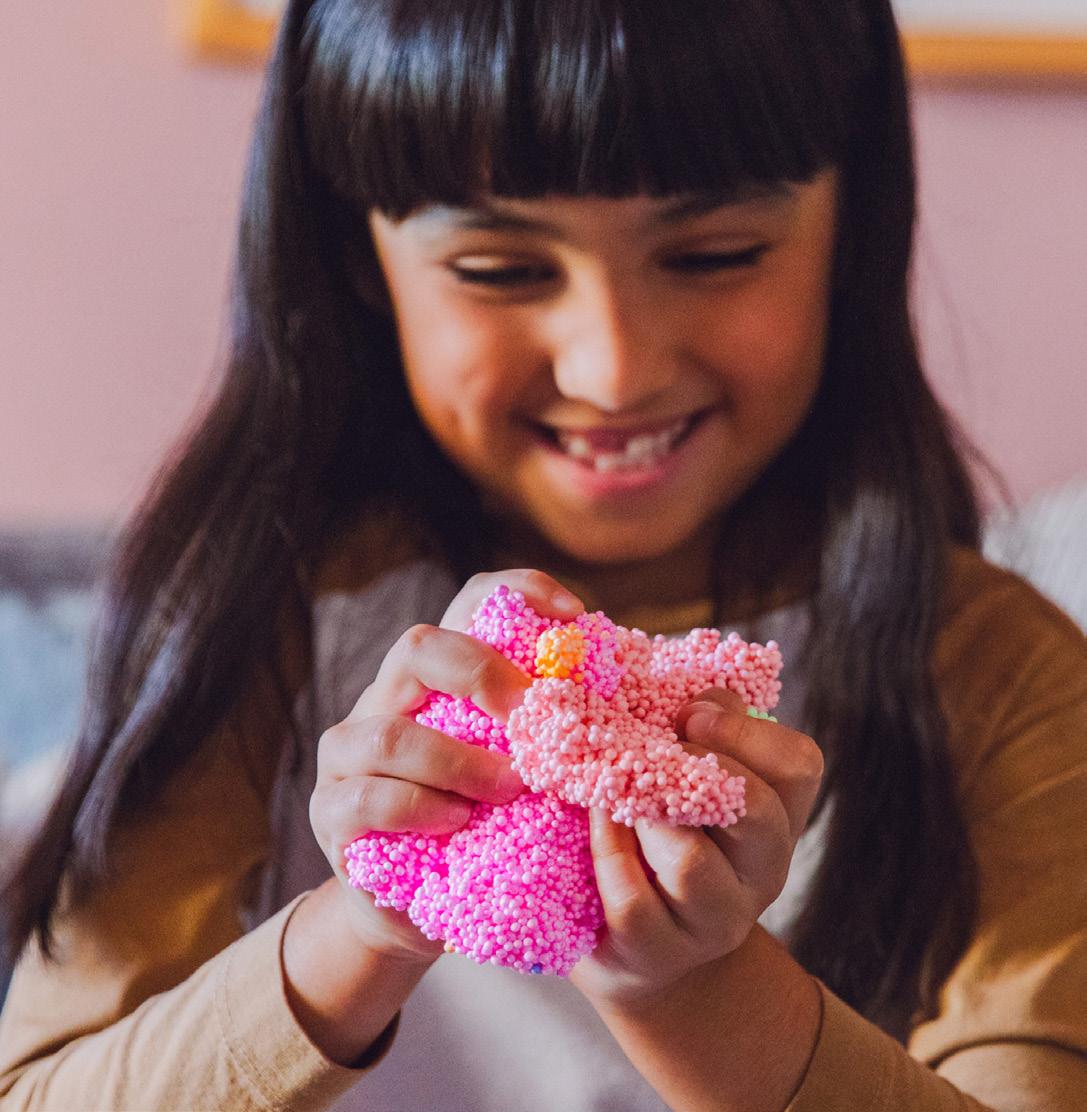
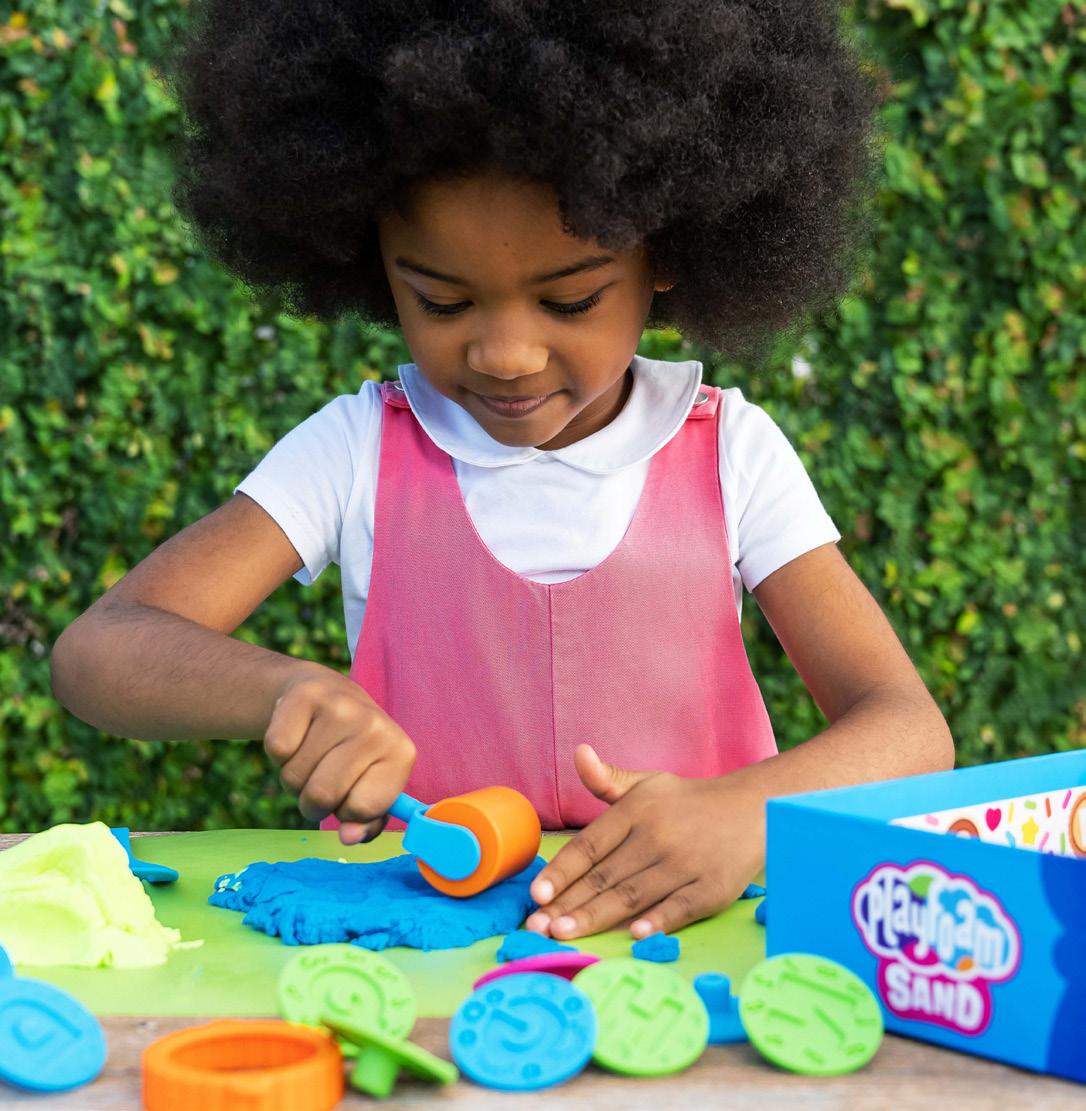
Should always show Playfoam being squished/ shaped to show texture.
Should always show tools if included.
GeoSafari ®
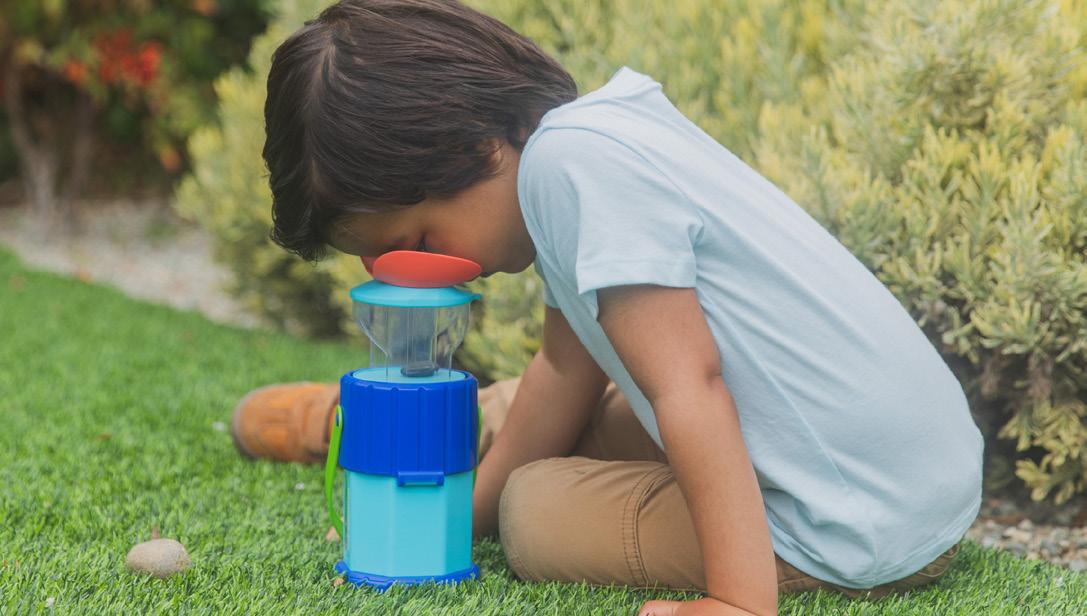
Show toys outdoors if possible.
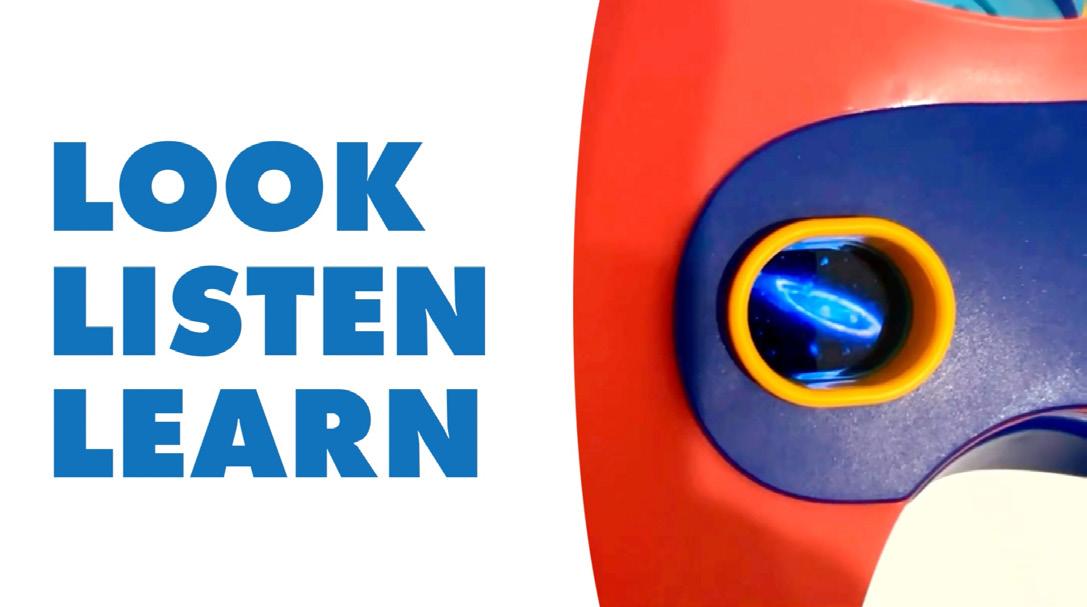
If toy has a screen (like in the Space Explorer), show what kids are seeing when using product.
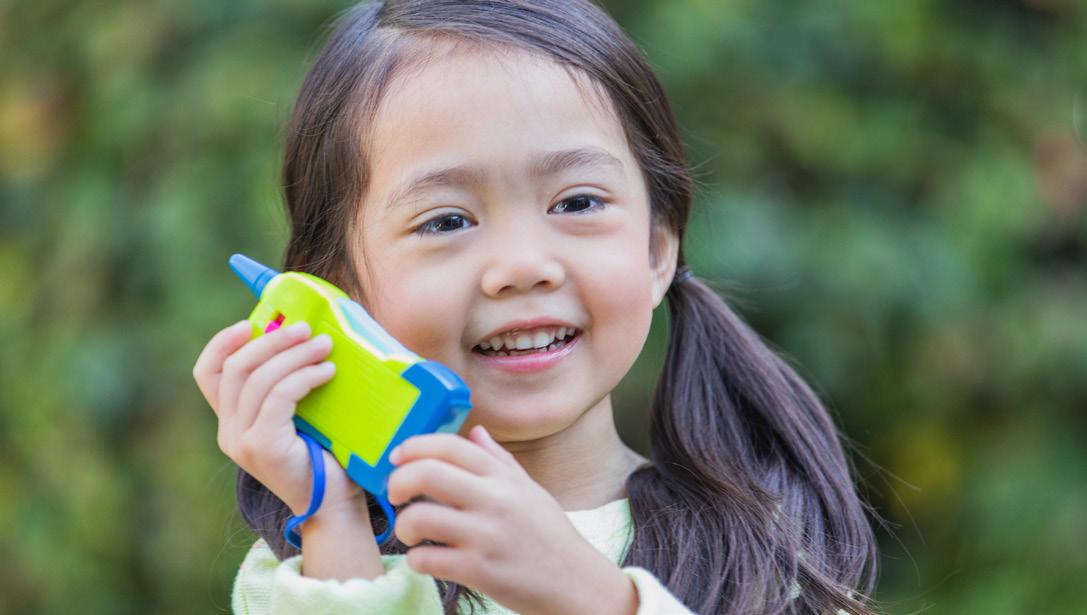
If toy includes audio, have a speech bubble with text inside. let play outside!
Design and Drill ®
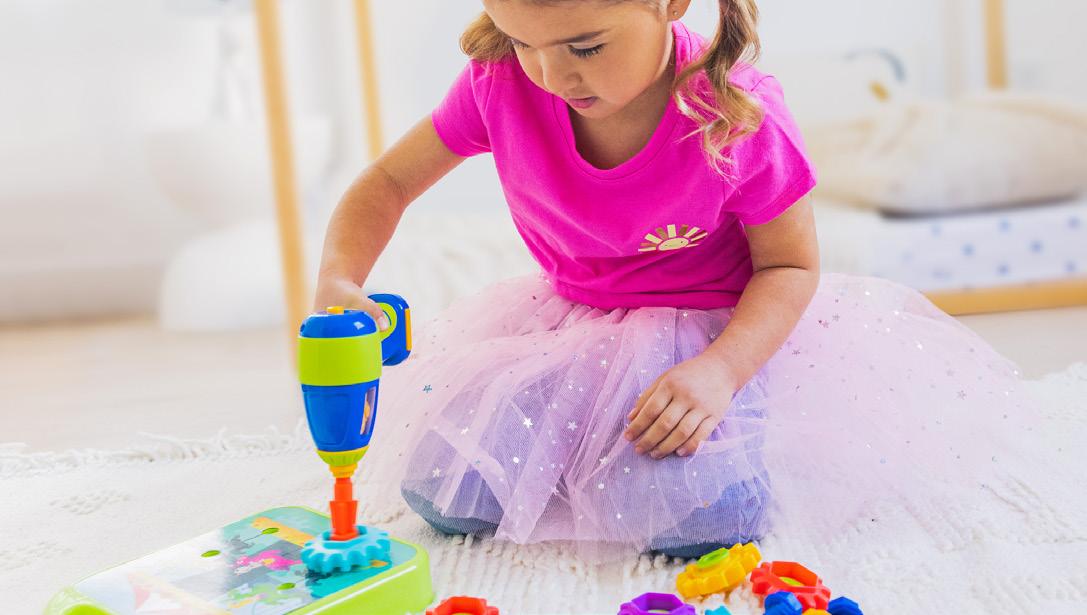
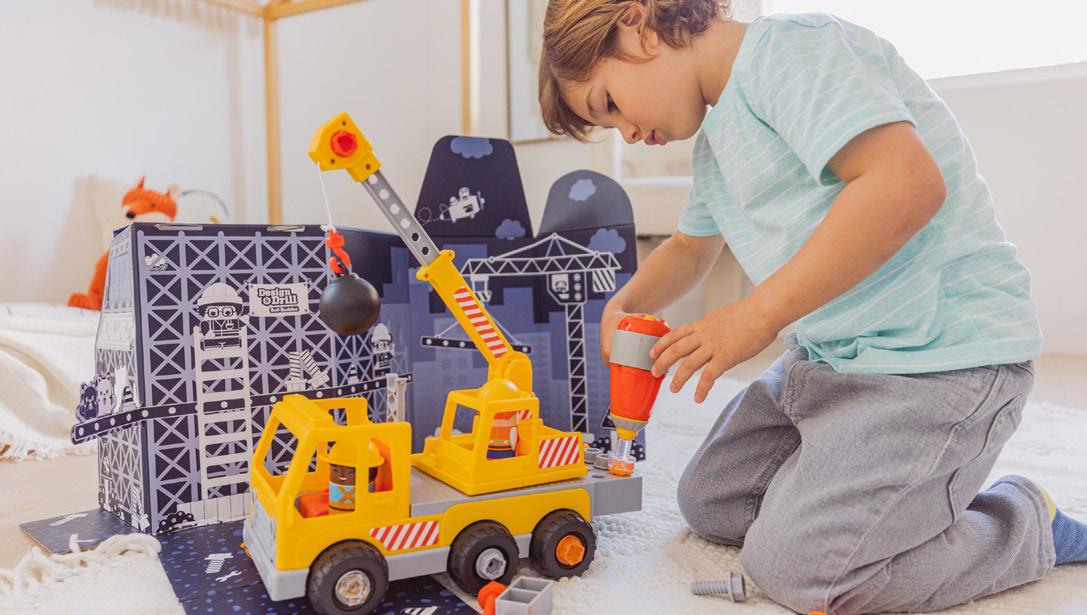
Should always show tool in use and toy being built. For Bolt Buddies, we should always show the included pal and the inside of the packaging.
Hot Dots ®
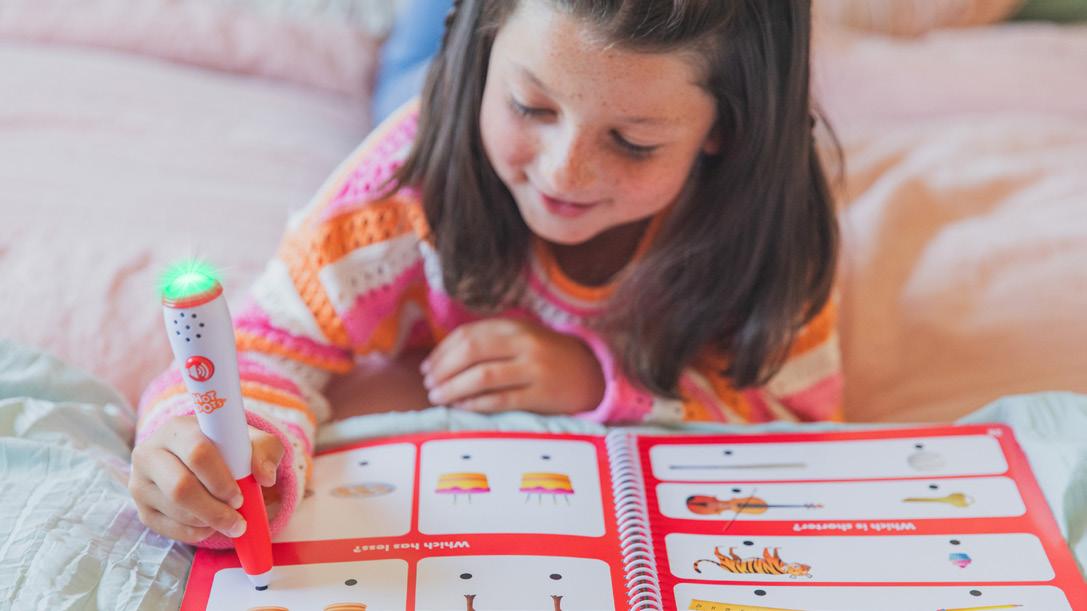
Should always demonstrate how the interactive pen works.
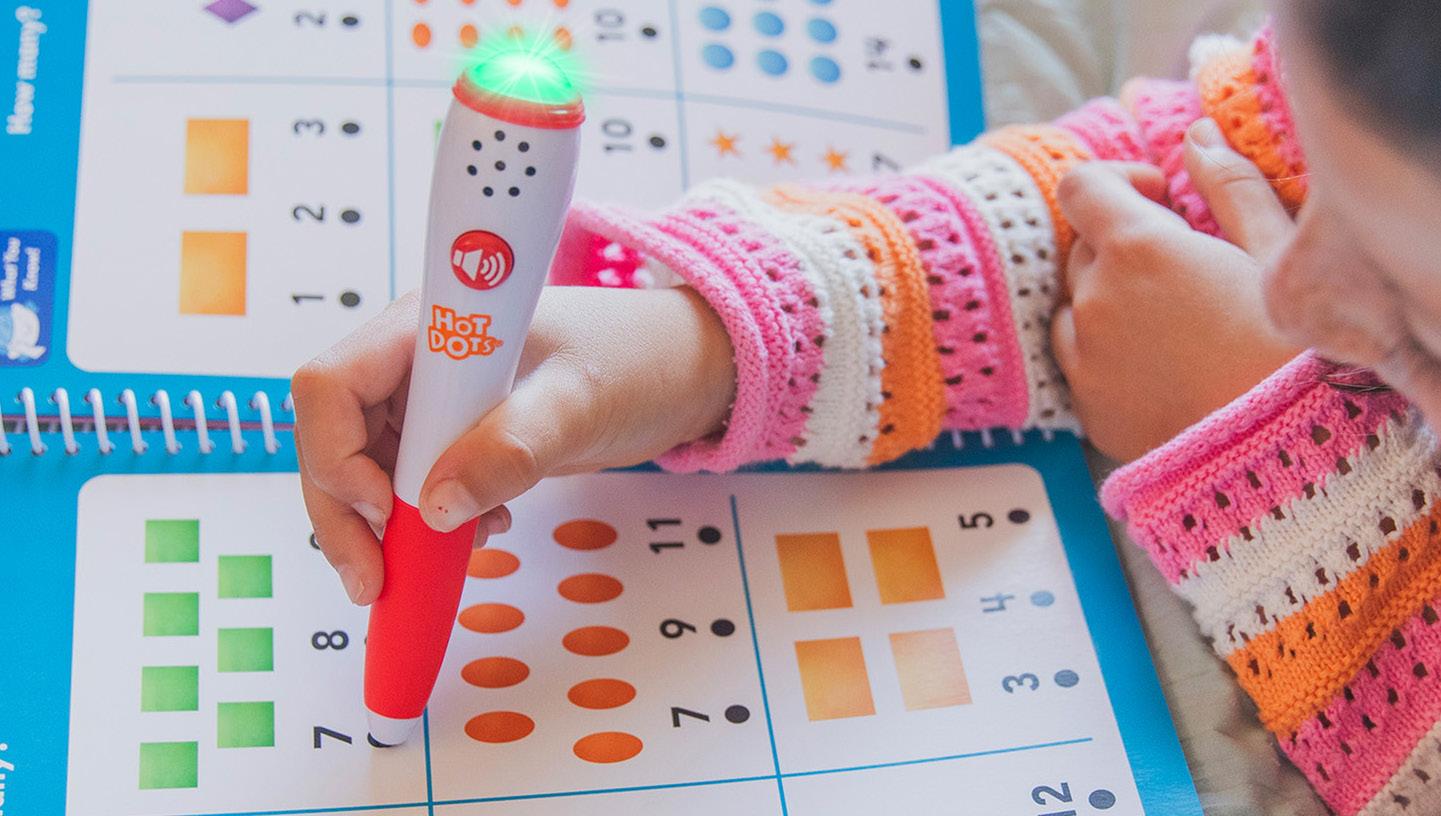
Show subjects covered
Early Learning
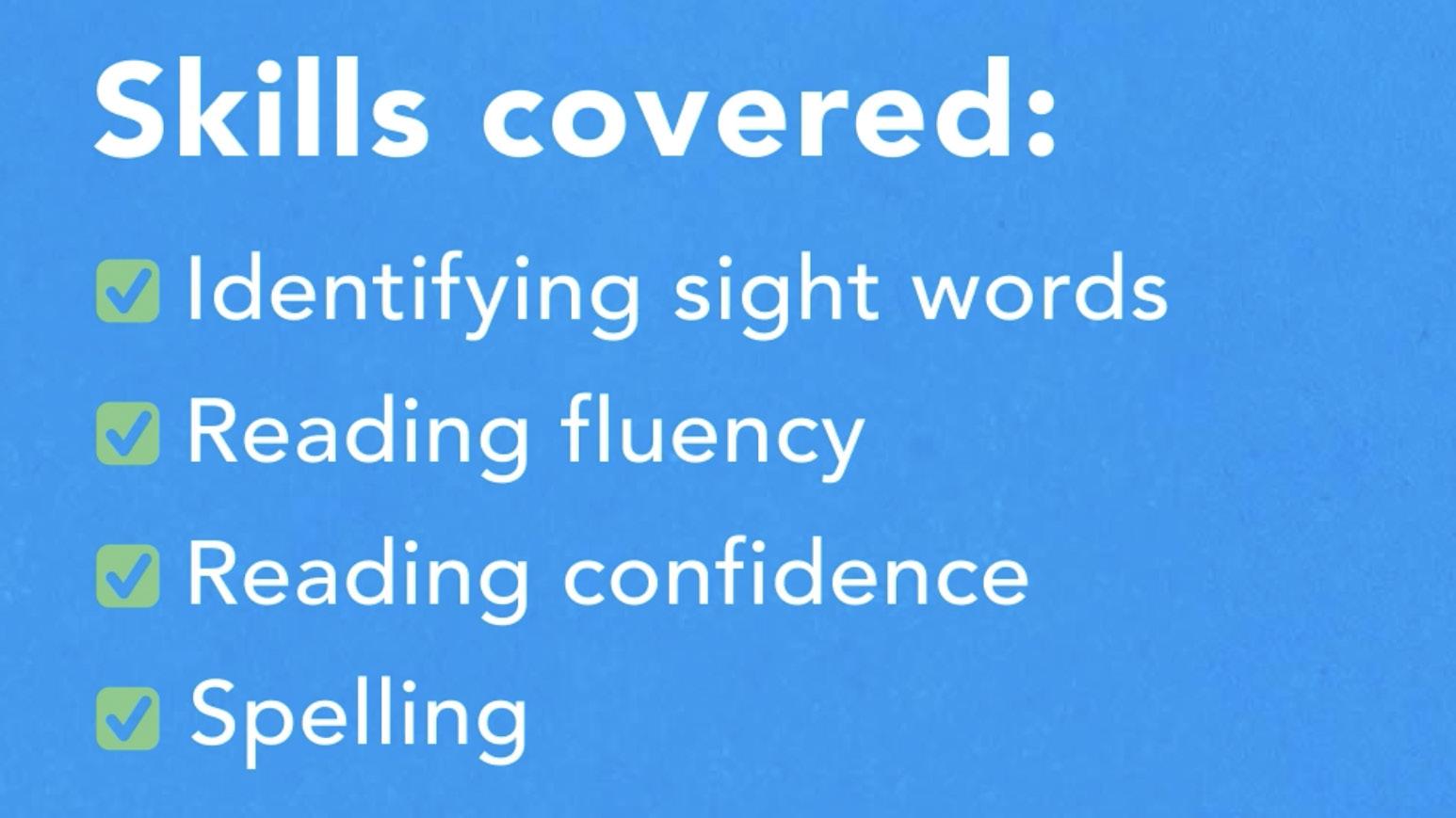
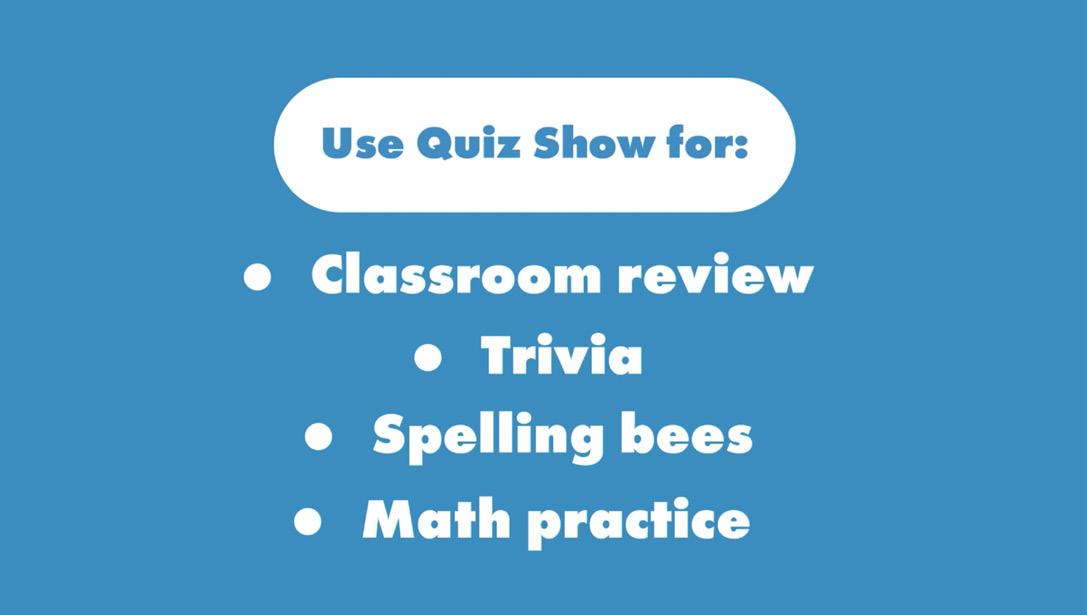
Should always include a shot with skills/learning benefits listed If applicable, callout classroom use.
Kanoodle ®
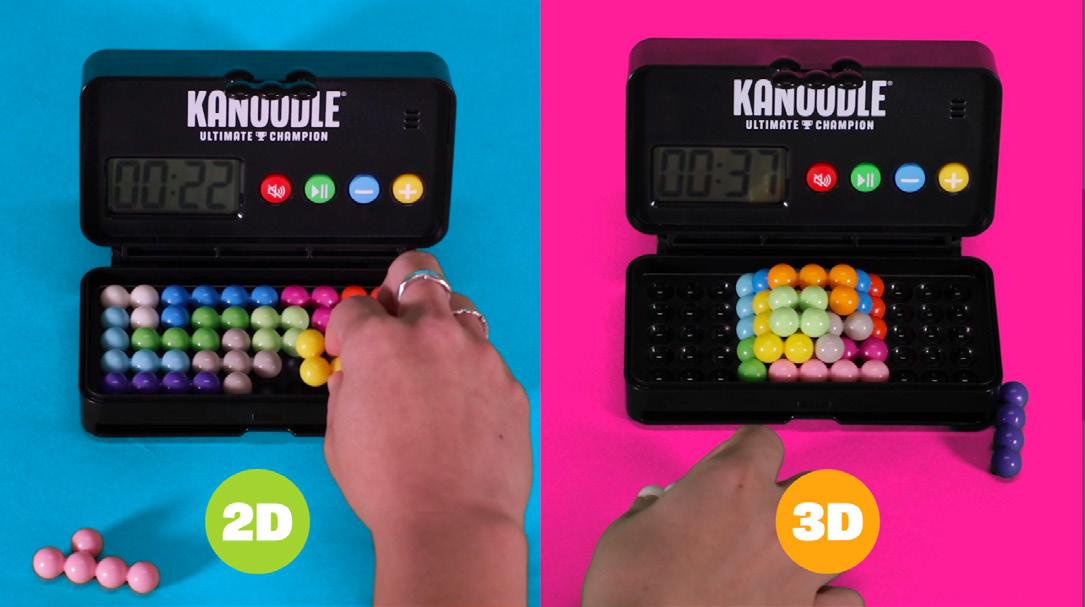
Should always show all the ways to play (2D, 3D, Shake Challenge, etc.)

Use black end card
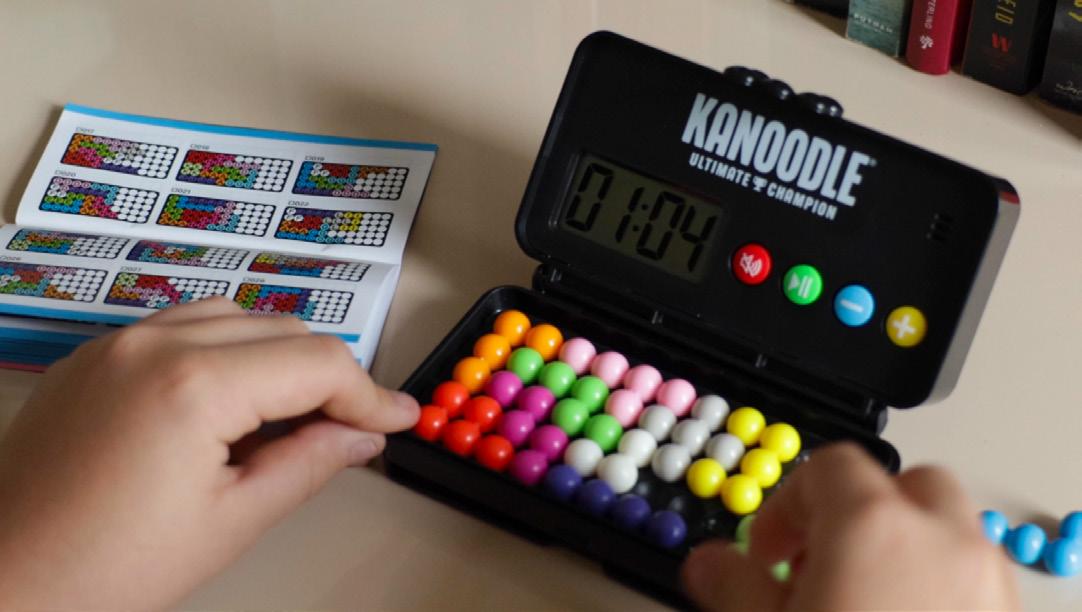
Should show guide next to game in at least one shot.
Games
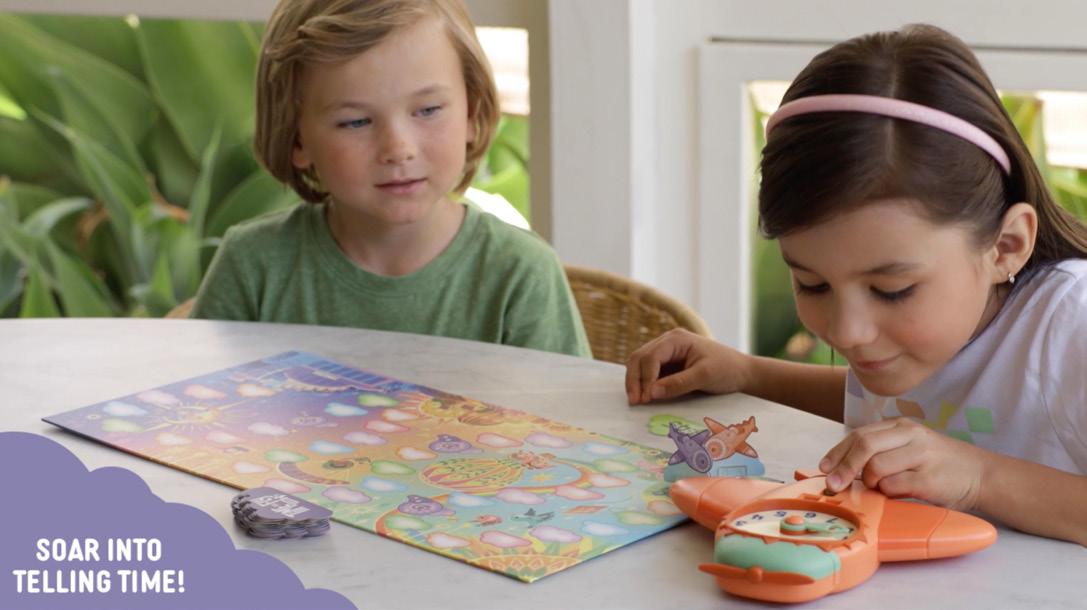
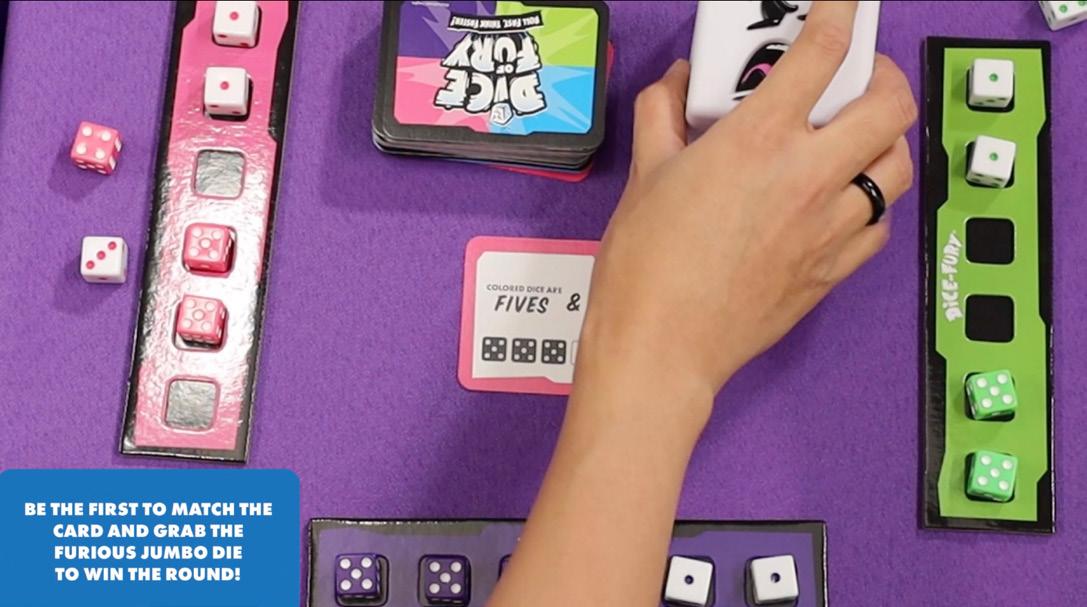
Should have separate sizzle and how-to-play videos.
Craft Kits
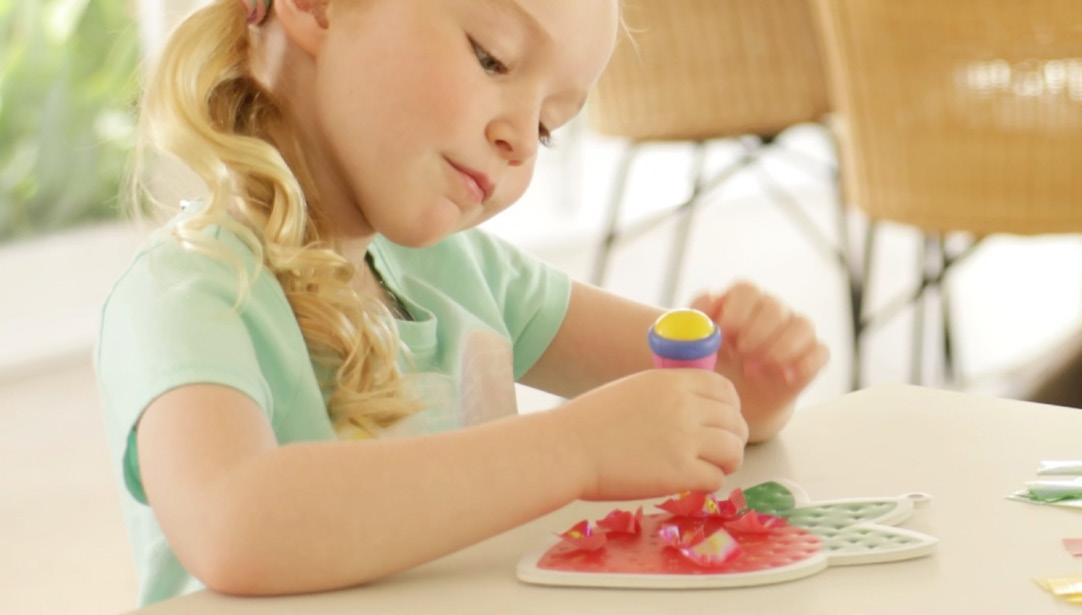
Should show tool in-use.
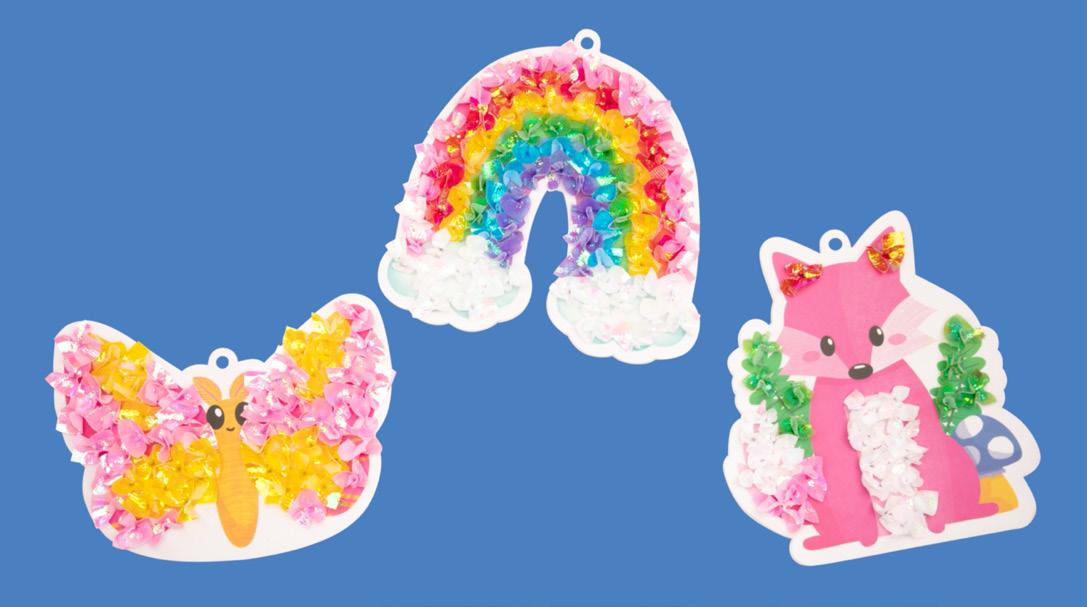
Should show finished product
Logo Placement
Logo Placement for Packaging Fronts
Logo can be placed either on the upper left or lower right, but not both. Minimum 1/4” spacing all sides. Logo should be present on back and front of packaging.
Front Packaging Requirements
product)

Barcode
Back Packaging Requirements
SMP
Only include SMP lockup if it’s product-specific SMP, like craft refills.
Only used for battery operated products or plug in products
UPC
EPC logo
Batteries (if applicable)
Recycle label FSC (applies to wood and wood-based products)
Address (always 6pt font)
Logo on the bottom right corner
Bonus Learning Activities SparkMorePlay.com SparkMorePlay.com
Back UK Packaging Requirements
These are UK-specific labels that must go on all packaging for LRUK shipment.
UK Address (always 6pt font)
(Spanish, French & German)
(Spanish, French & German)
Only for electronic products sold to EU/UK
CE (Safety Requirement)
UKCA (UK Product)
CE & UKCA is at least 5mm in height
Bonus Learning Activities SparkMorePlay.com SparkMorePlay.com
Front Canadian Packaging Requirements
Packages must include French Canadian translations for specific information.
Piece Count
(If the guide is for the child (ex. journal, activity), then it’s included in the piece count.
Warning Label (Varies by product) Item # Age
Warning Translation
Barcode
Product Name
Product Name
Translation font size should be the same size as other copy on the front panel (ex. Same font size as product number) Translated name must go directly under English product name.
For Products that have English only copy: (Like Hot Dots, Blurt, word games, etc) Need to include “Content in English Only” in English and French on front of box.
For Products that will not be sold in UK: The warning should be on the front panel in French and English.
Does not need translation: Callouts, Tagline, Product names that are and , Piece count if packaging is see-through and ALL pieces are visible.
Translated
Barcode
The location of the UPC (Universal Product Code) on Walmart packaging.
Top, back, bottom, front, back and sides of the product.
Please note: The placement of the UPC may vary on different sides of the packaging.
The warning must be in a type size no larger than the largest type size used for other consumer information on the product. In no case should the type size be smaller than 6-point type.
Warnings
The warning must be in a type size no larger than the largest type size used for other consumer information on the product. In no case should the type size be smaller than 6-point type.
1 Button & Cell Battery
for.... 2 Stragulation Cord
for.... 3 Direct Sunlight
for... 4 Choking Hazard
Used for when a product contains a 1.75” or smaller ellipsoidal shaped object
Warnings
The warning must be in a type size no larger than the largest type size used for other consumer information on the product. In no case should the type size be smaller than 6-point type.
1 Flying Objects
2 Magnets
Warning Sizes
Measurements for label packaging are always in height x length. The first dimension (height) will measure from top to bottom of the container. Next, you’ll measure the width of the label. If you have a circular bottle, you’ll need to measure the circumference.
5-10 blk wbaby
10-15 blk wbaby 51-30 blk wbaby
SIOC
SIOC means ships in original container. If boxes are bigger than the maximum dimensions, they will not be packed in another box when shipped from warehouses, specifically Amazon’s. Instead, they will ship in their original packaging. We try to avoid this whenever possible.
The maximum dimensions are 14.5" x 8.3" x 7.5"
Brand Engagement 08
Social Engagement
TikTok
Meta Pinterest
Partnerships
Social Engagement
The goal of our brand on social is to grow brand awareness, engage with our followers and consumers, and increase sale conversion. To help make our brand more recognizable across social media platforms, we must make sure that all our assets and posts feel and look like us!
*See the Social Asset section under the EI Digital section for guidelines on creating social assets.
TikTok
TikTok is one of our main social channels for engagement. We have three separate accounts; here’s a quick overview of each one:
@educationalinsights
This is our main account for the brand. Any general EI content can go here, as well as reposted content from our other accounts. Our EI account voice should be similar to IG/FB: friendly, approachable, quirky, witty, etc. We want to engage our audience and showcase our products.
@kanoodleofficial
This account is for Kanoodle! We post puzzles, challenges, and gameplay on this account. Our voice here may be different from our other accounts, since the Kanoodle audience is typically different from the general EI audience. We want to remain true to EI, but can lean into a more casual, game-centric audience.
@playfoamofficial
This account is for all things Playfoam! Sensory content, ASMR, and Playfoam Spark More Play videos can all be posted on this page.
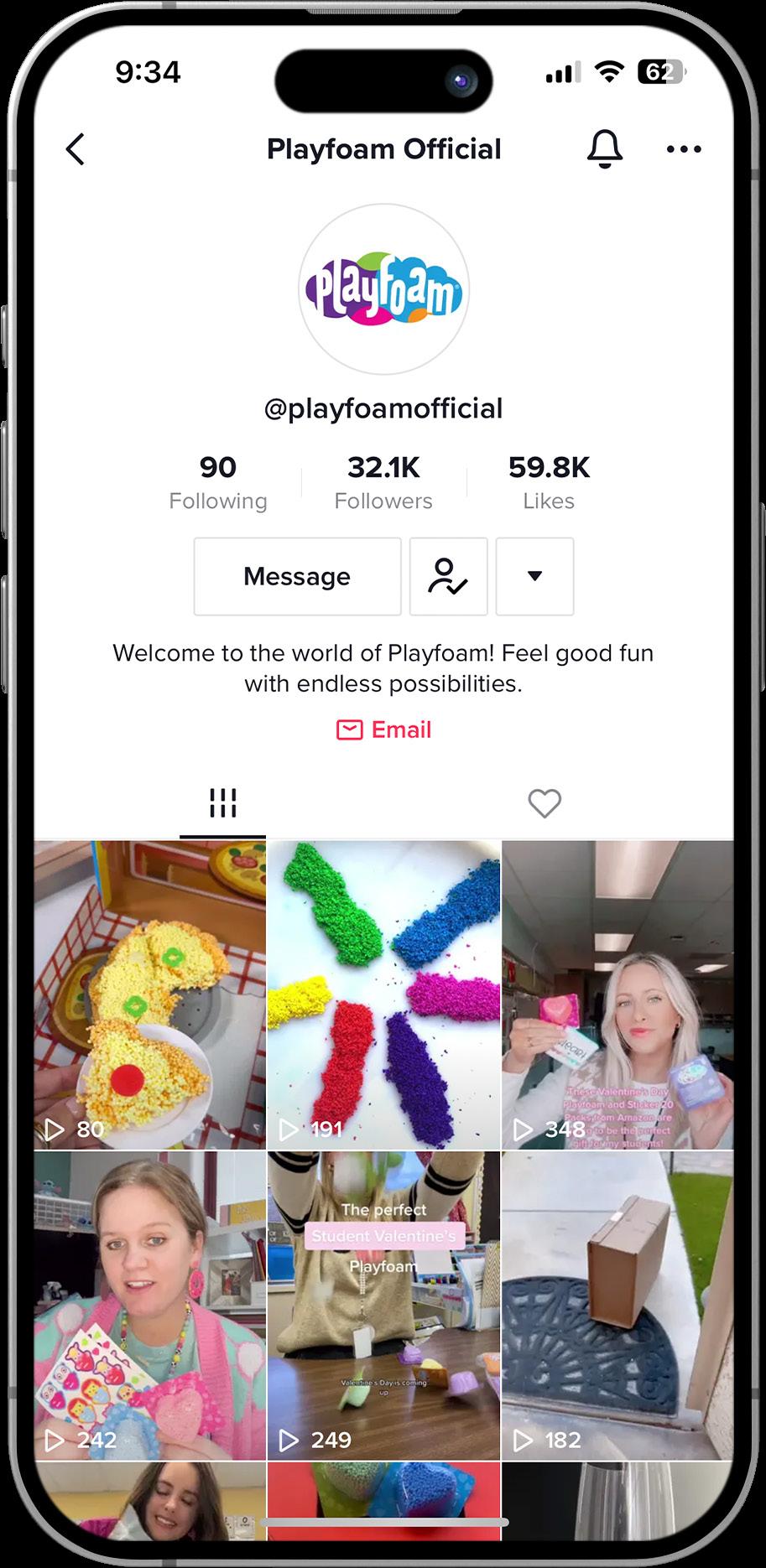
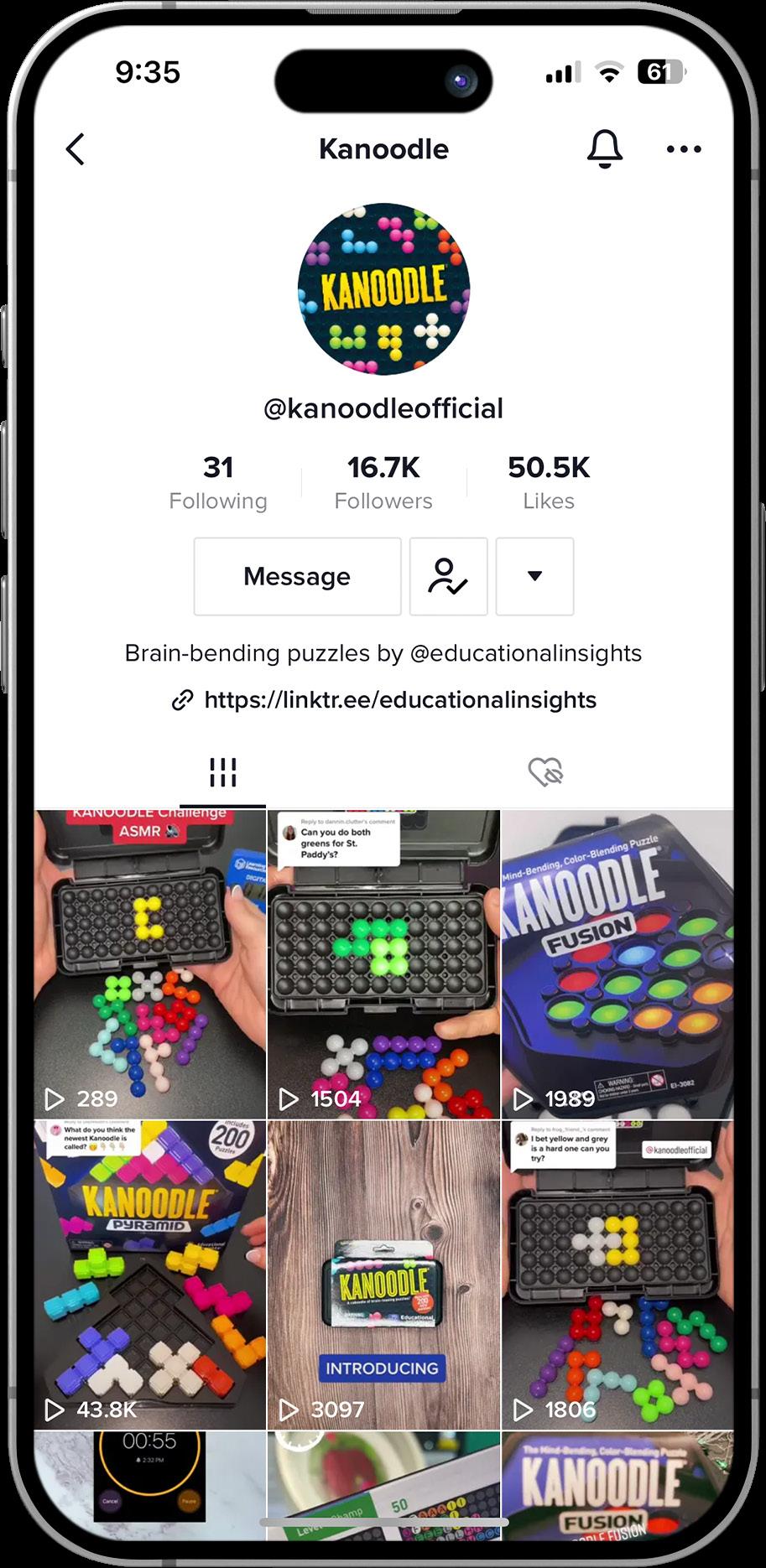
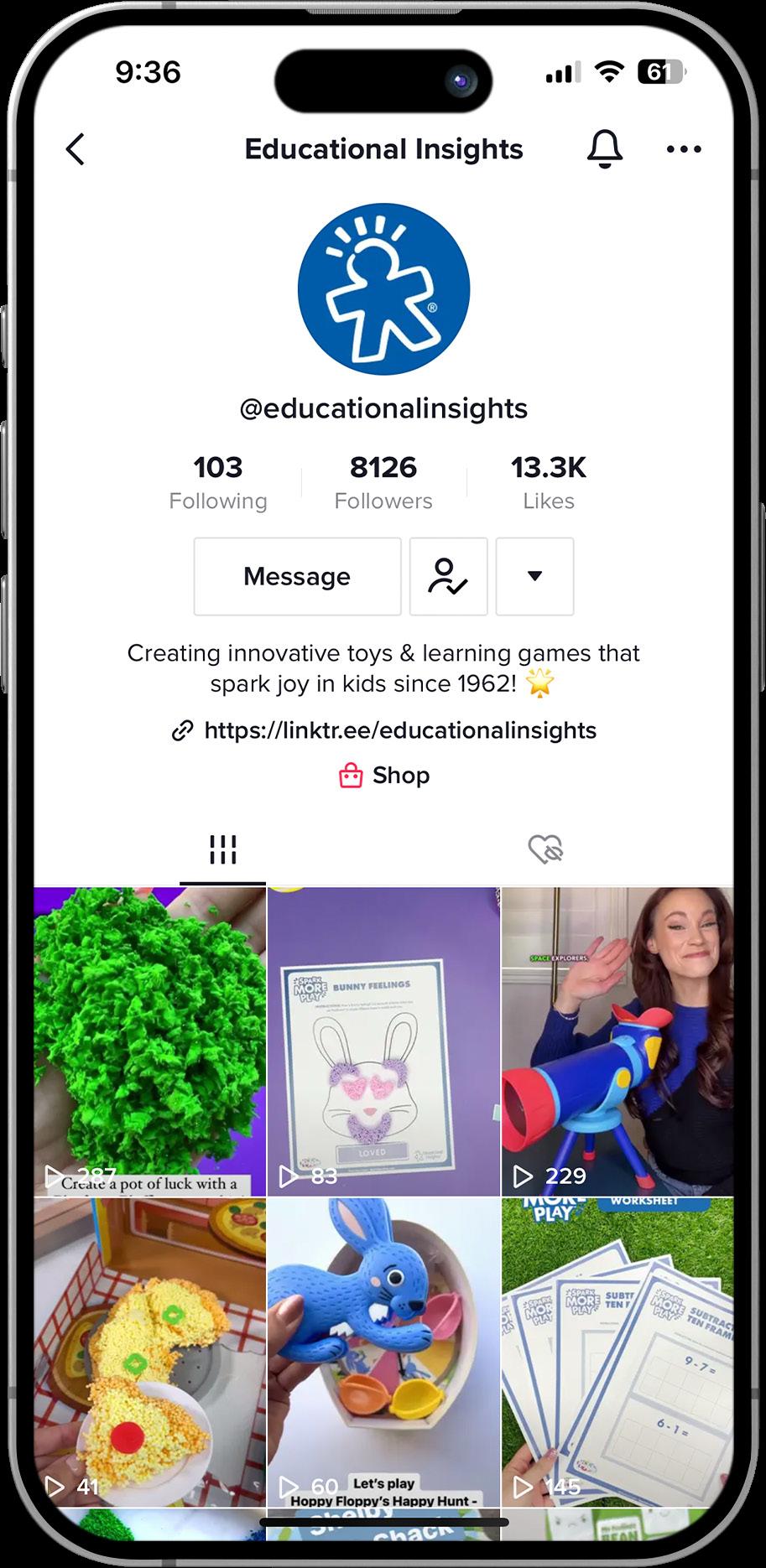
TikTok
Content Guidelines
With TikTok, it is incredibly important to grab our audience right away; the viewer will keep scrolling if they’re not intrigued in the first three to five seconds. That means exciting openings, flashing graphics, attention grabbers, etc.
Copy Guidelines
Copy on TikToks should be limited. Text overlays are useful for extra context, like describing the Kanoodle challenge we’re taking on in the video or to highlight the benefits of the game we’re playing, but keeping these to a minimum is important. For captions, we aim for extremely short (one to five words), followed by hashtags. Emojis also work with TikTok captions!
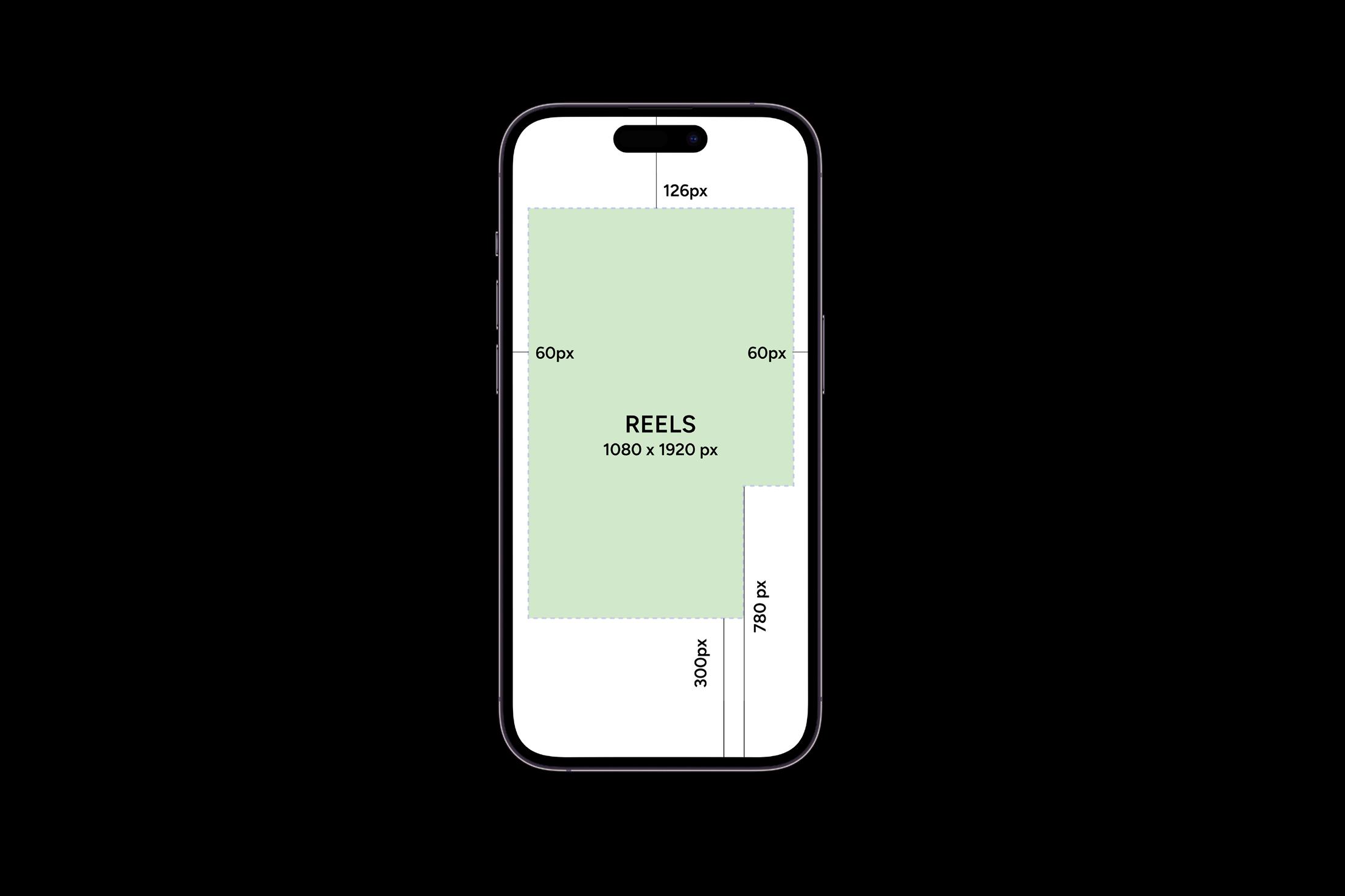
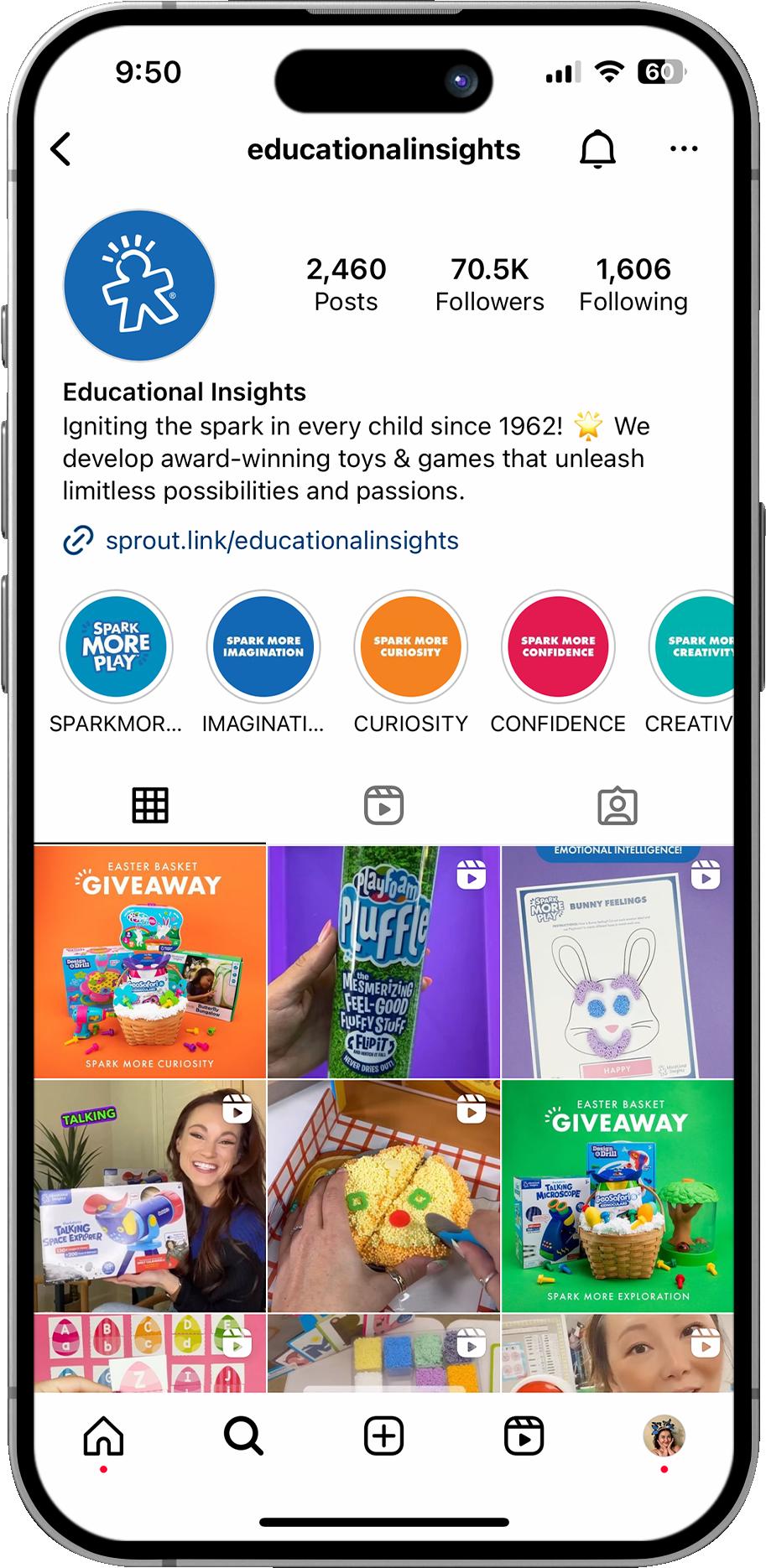
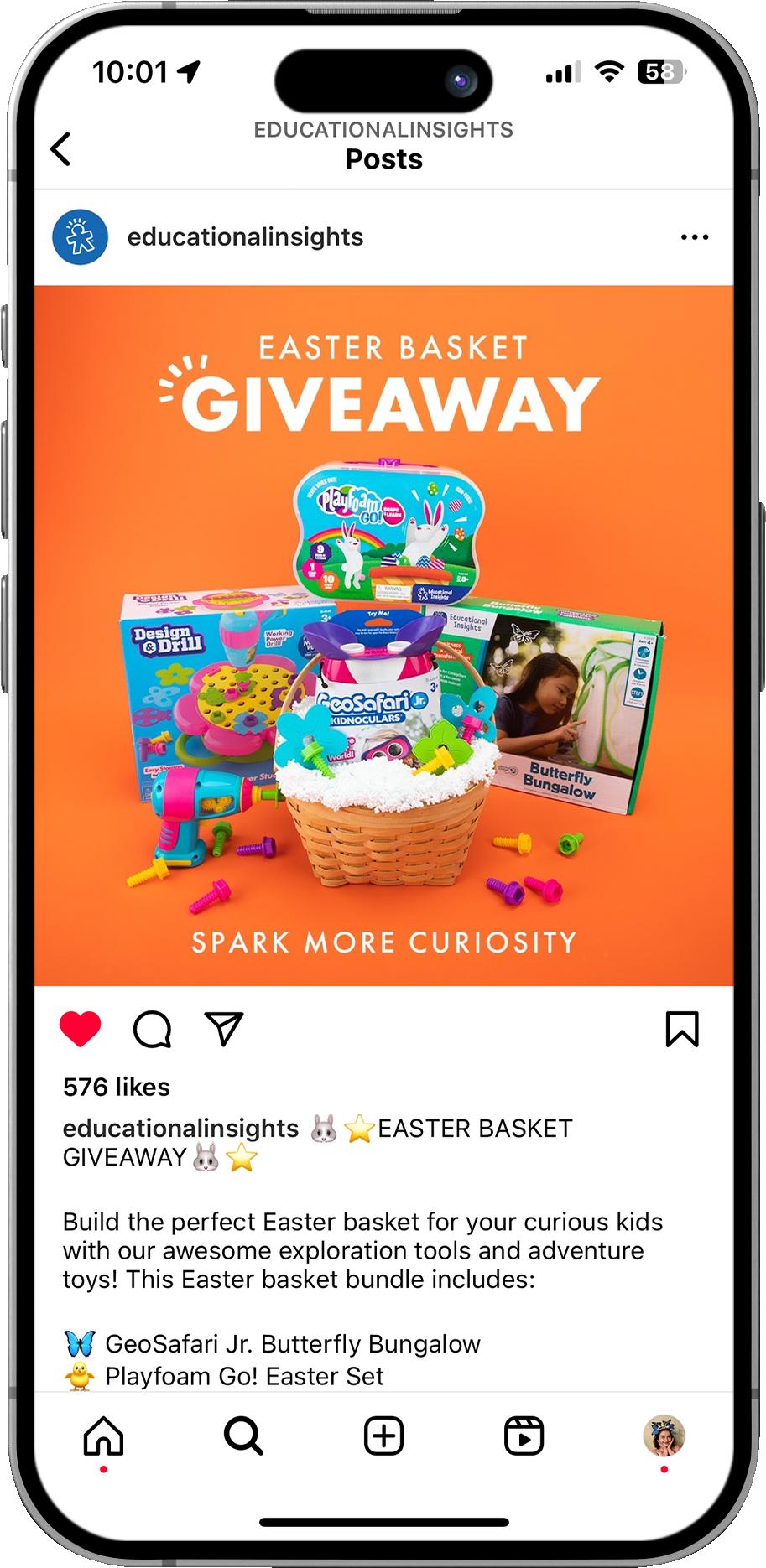
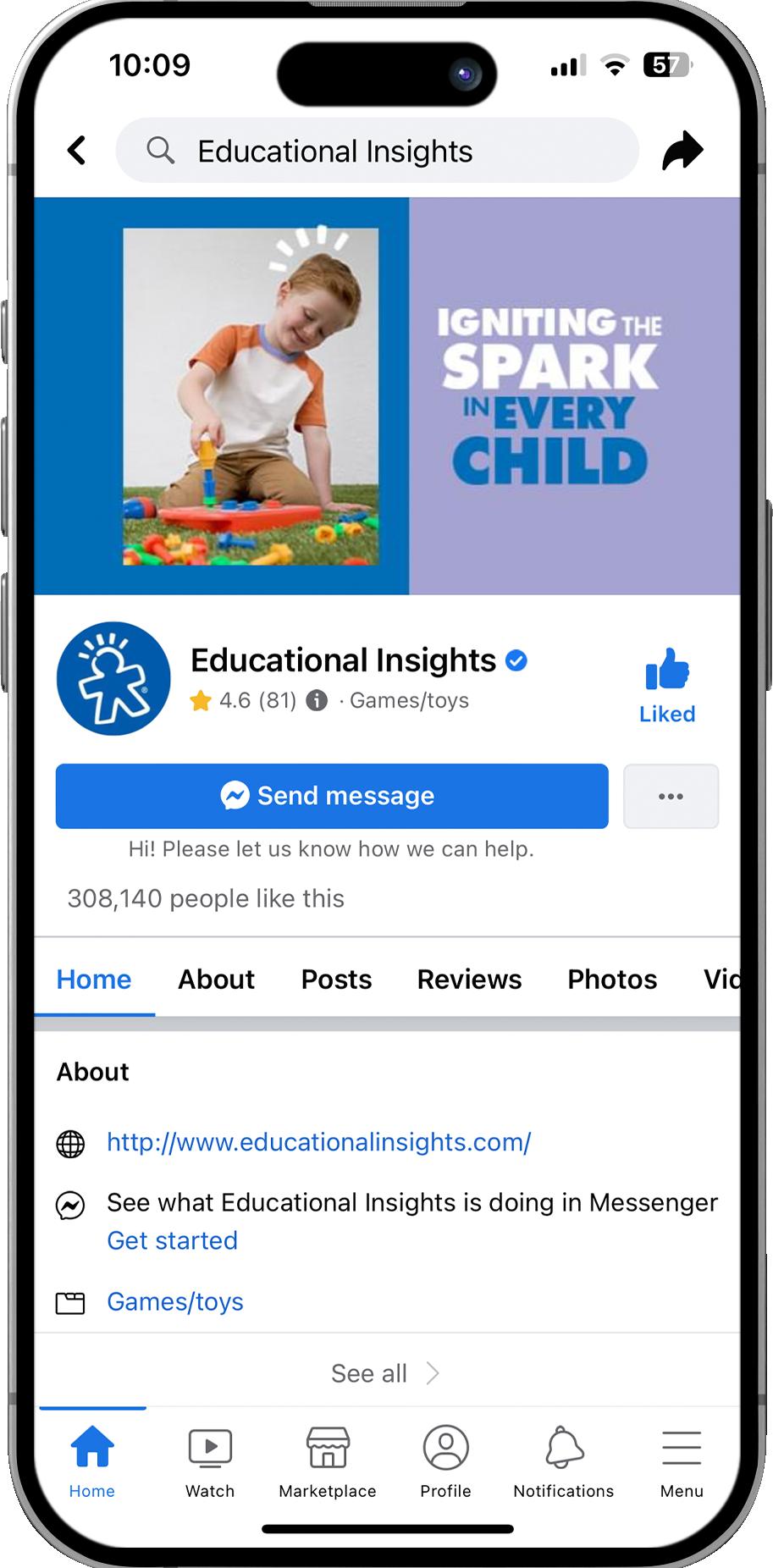
Instagram & Facebook
Instagram is one of our main channels of social engagement.
Our posts on Instagram and Facebook are relatively similar.
Instagram & Facebook
Content Guidelines
On these platforms, we want our content to look like UGC (User Generated Content). This means that we want our content to look organic, approachable, and friendly, like how our audience might post on these platforms. Our content (assets and copy/captions) should be inspirational and resourceful.
Copy Guidelines
For Instagram and Facebook, emojis rule! One-liners, followed by a slightly longer description and a CTA, is the formula for success. Copy should be fun, witty, and friendly, and focus on the learning benefits of the product or ideas of how to use it rather than a hard-sell approach. The CTA (call to action) should point to shop, click, or learn more about the product. For Instagram, the CTA should direct readers to the link in our IG bio. For Facebook, we can use “click here” since links are available in captions.
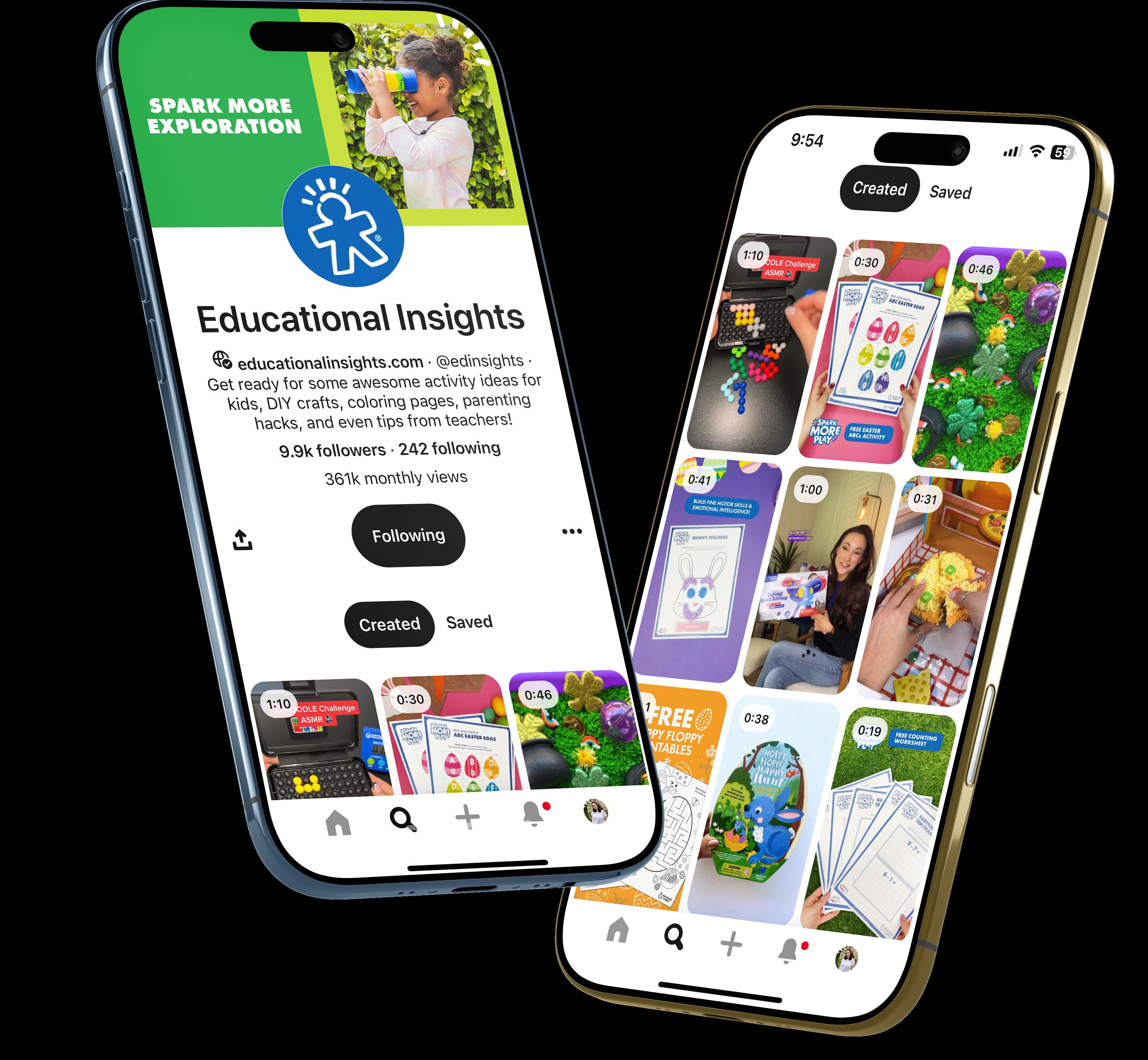
Pinterest is a huge resource for our audience. On Pinterest, we feature content like Spark More Play activities, videos, blogs, or any other inspirational content. Copy is limited, with clear imagery that shows the activity right away to catch the eye of our scrolling audience.
Our LinkedIn has three main purposes:
1 Celebration
We can post about awards, achievements, impressive statistics, viral videos, etc. We never want to come across as arrogant or like we’re bragging .
2 Culture
Share images and posts about culture events, game lunches, or employee pride. These posts are important for recruitment.
3 Insights & Learnings
We can share new things we’ve learned about our own products from consumers; for example, new ways to play Kanoodle, a fan-invented challenge or sensory bin, etc. We don’t want to give away any “secrets”, but we can put a fun spin on what we’ve learned.
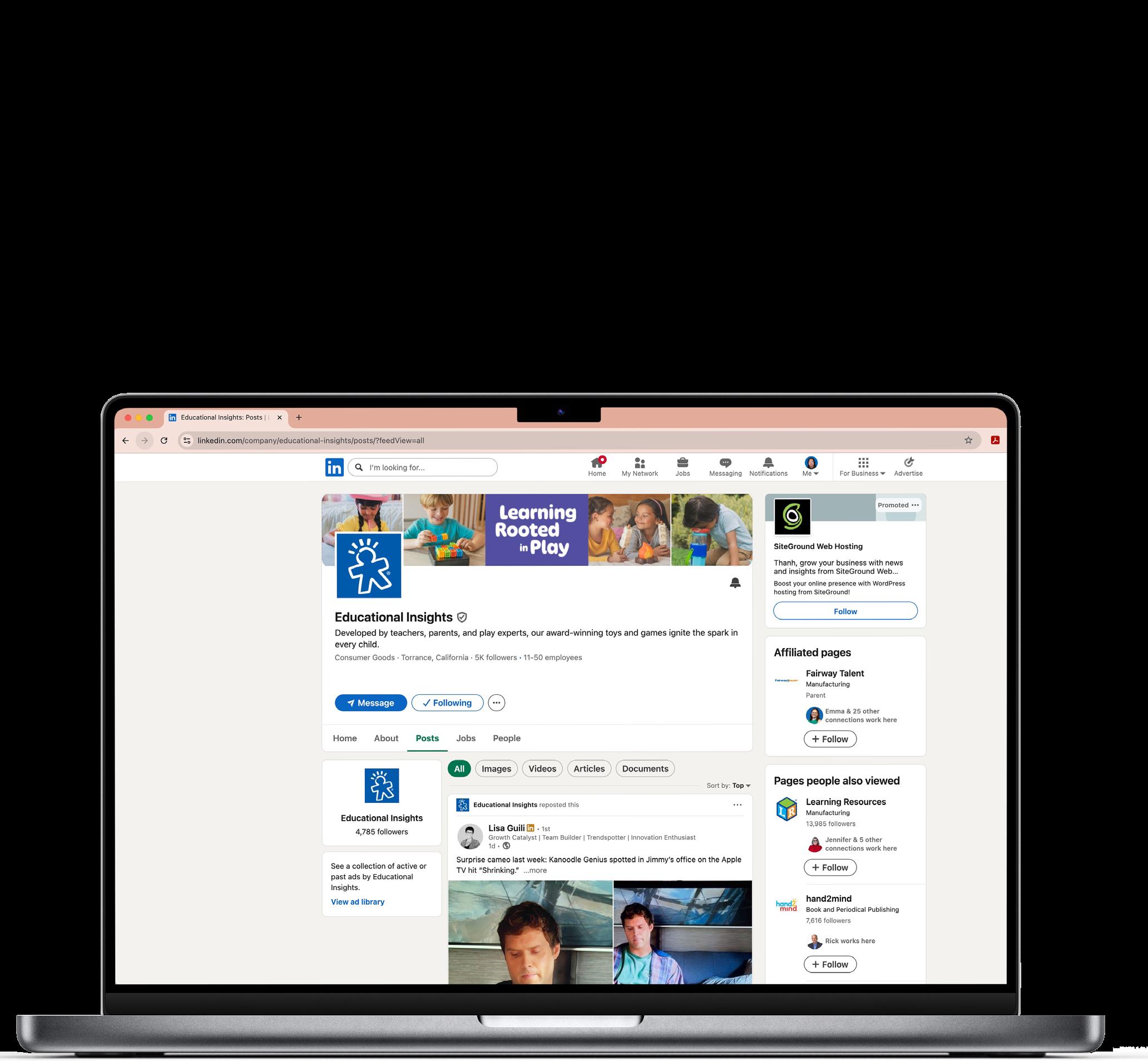
LinkedIn (DO & DONT)
DO:
1) Tag partners for success stories (Ex: Walmart, Target, etc.).
2) Write conversationally.
3) Use graphics, images, or videos.
4) Push entertainment content as much as possible.
DON’T:
1) Never share internal data or information (only use sales data that is publicly known).
2) Never share “in-progress” discussions (for example, meeting with Walmart or customers).
3) Never shout out specific employees by name or tag them.
4) Never link to a product directly— we are not “selling” on LinkedIn.
5) Never compare ourselves to competition or put down another company.
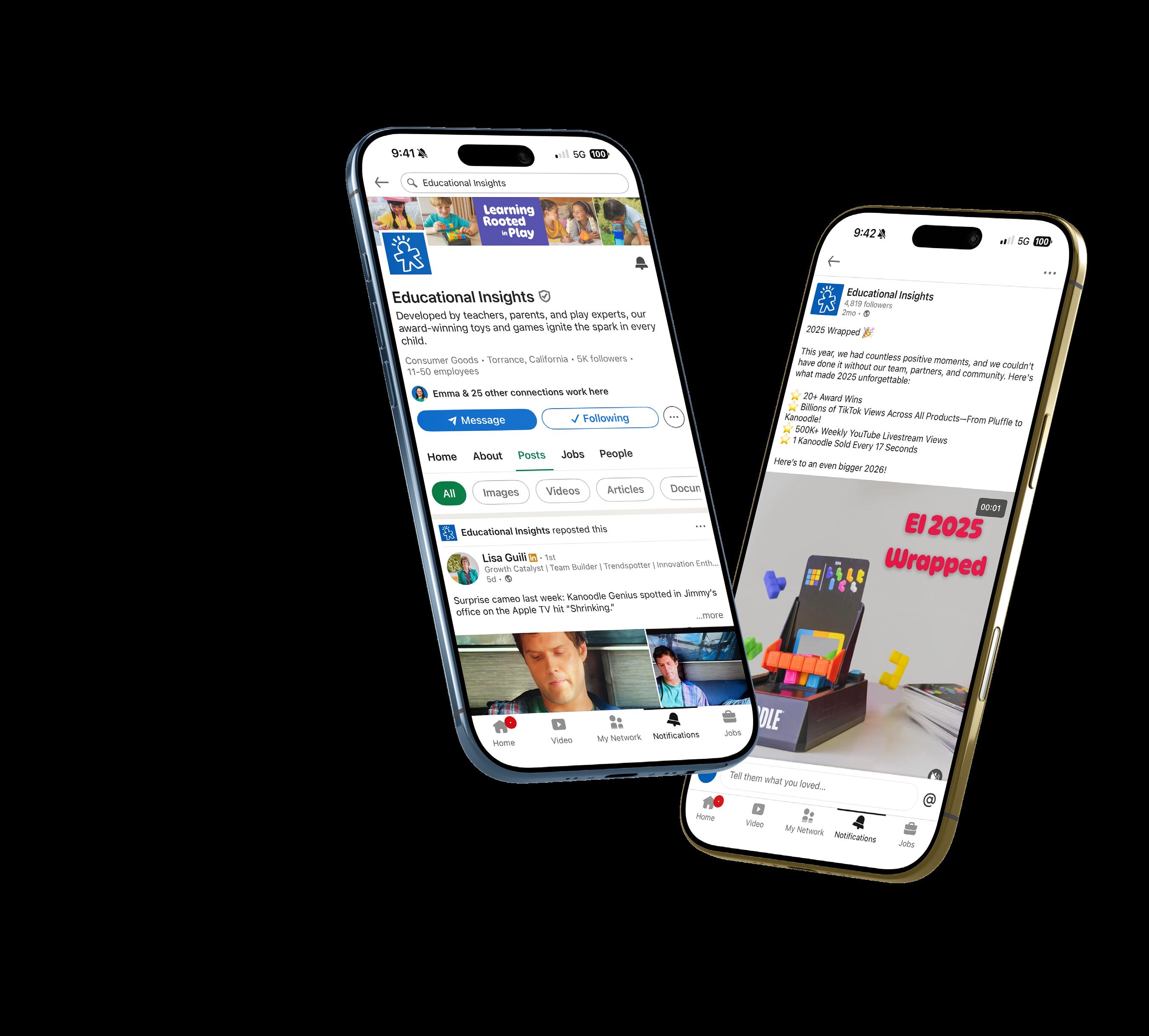
Awards & Press
The payoff of a successful brand...getting recognized! Educational Insights has made a media splash across television, social media, digital news, and printed press. From background television appearances to front page features, we are FAMOUS!
Awards a great opportunity to share the product story on LinkedIn. Always follow the awarding body’s guidelines in terms of sharing logos, crests, announcements, etc.
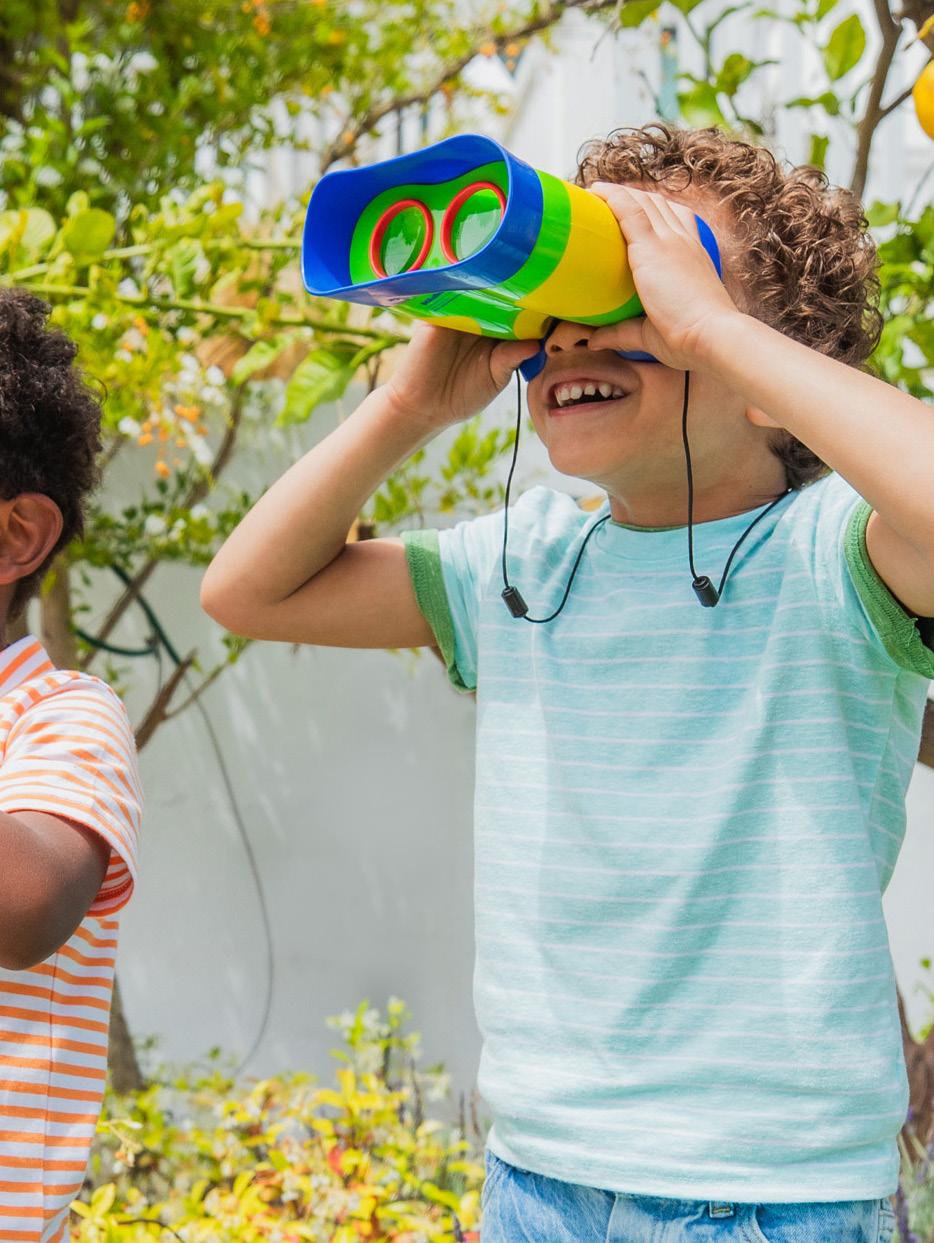
Top Awards
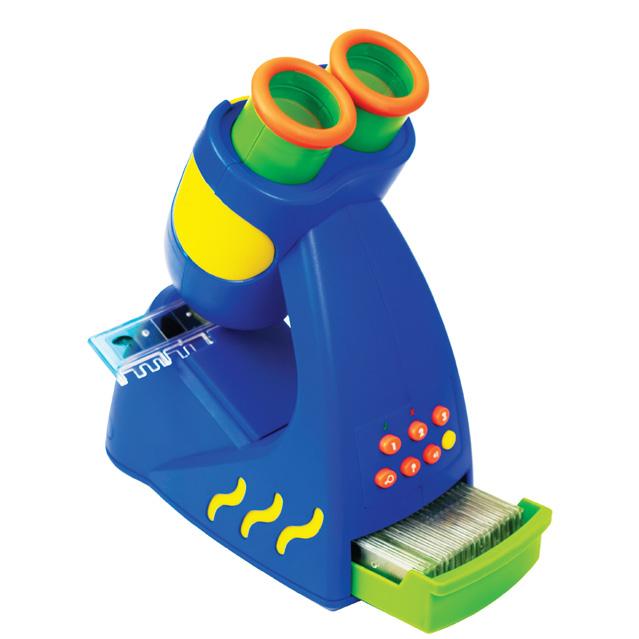
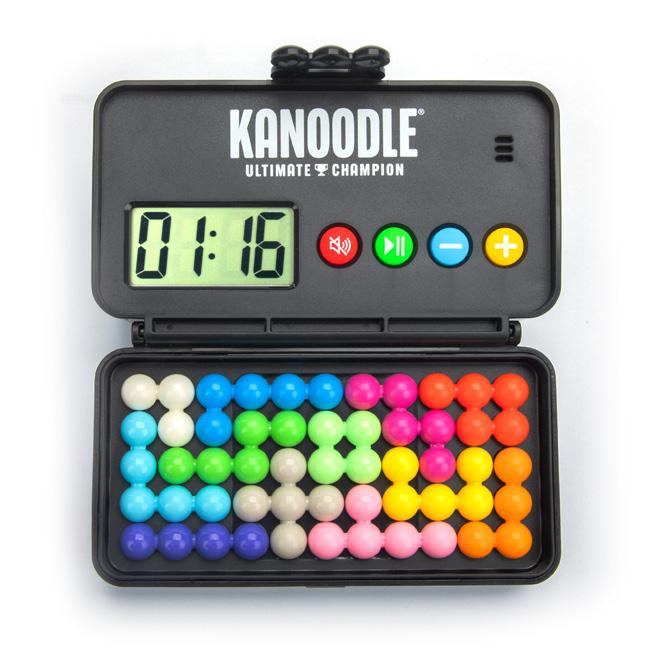
GEOSAFARI ® JR. TALKING MICROSCOPE ™
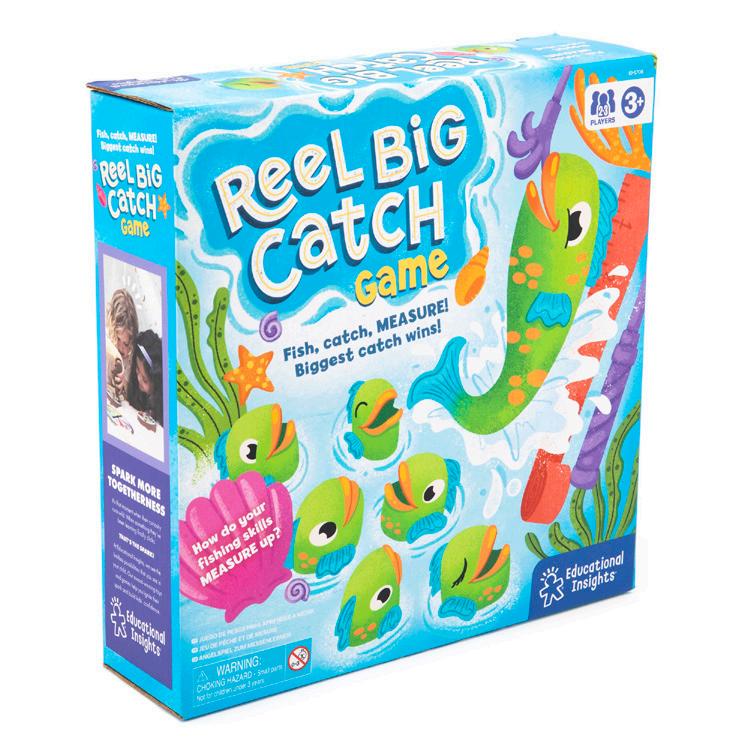
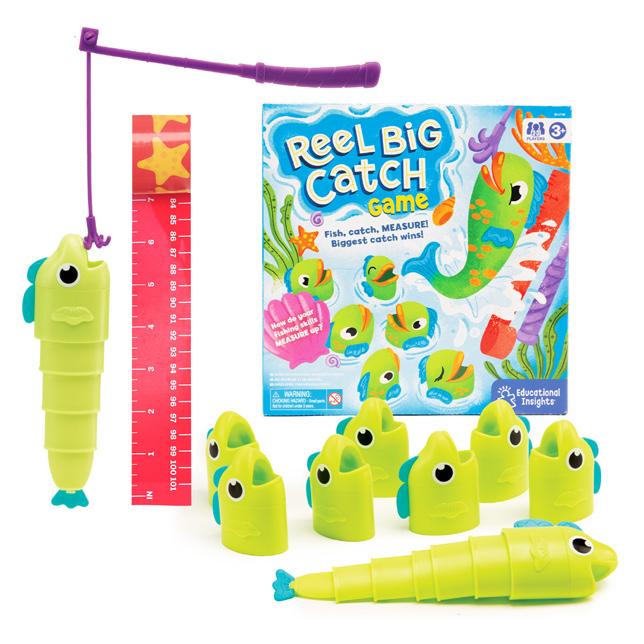
REEL BIG CATCH GAME
KANOODLE ® ULTIMATE CHAMPION
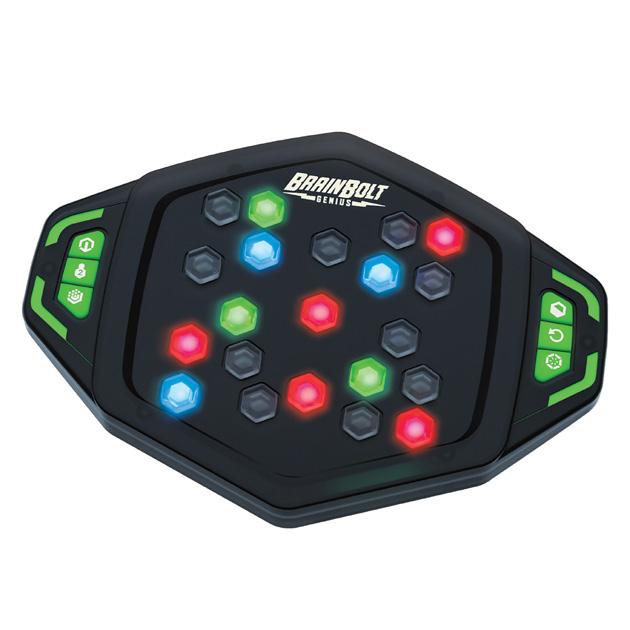
BRAINBOLT ® GENIUS
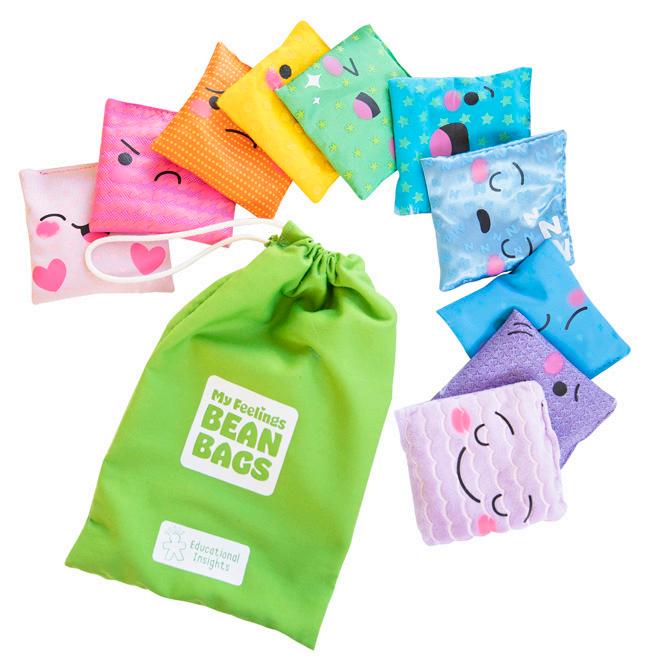
MY FEELINGS BEAN BAGS
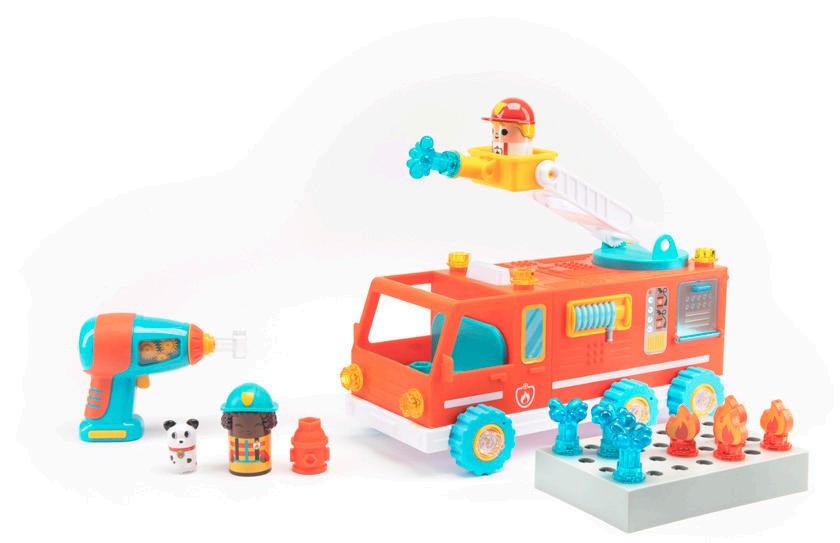
DESIGN & DRILL® BOLT BUDDIES ™ FIRE TRUCK
Multibrand Guidelines
Multibrand
About Our Companies
Logo Lockups
Fonts
Colors
Shapes
Digital
Powerpoint Presentations
Amazon Storefront
Sell Sheets
Catalog
Multibrand Statement
On a mission to bring learning to life, Learning Resources ®, Educational Insights ® , and hand2mind ® are a trio of brands that are trusted by teachers and loved by families. We are a 500-person strong, family-owned organization with over 60 years of experience in helping kids develop a love of learning.
We’re Learning Resources, and learning is where we play.
Trusted by parents and teachers since 1984, our awardwinning educational toys help kids develop a lifelong love of learning while building essential school-ready skills—from ABCs and 123s to screen-free coding and STEM, we make learning fun at every age, stage, and skill level.
Discover countless ways to learn through play with our award-winning, top selling products including Pretend & Play ® Calculator Cash Register, Farmer’s Market Color Sorting Set and Toy of the Year winner Botley ® the Coding Robot.
Educational Insights. All Rights reserved. MULTIBRAND GUIDELINES
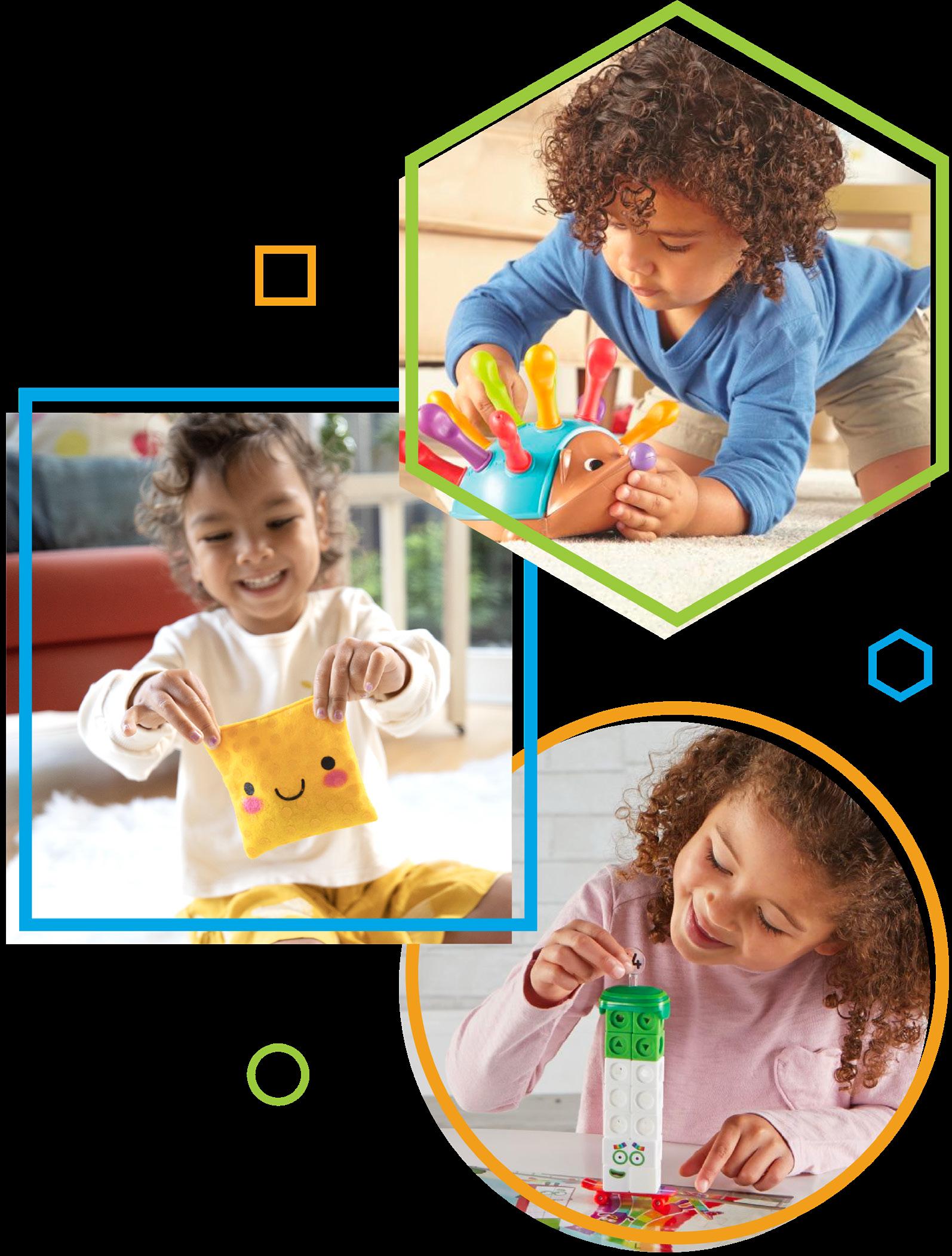
We’re on a mission to ignite the spark in every child. We believe that play-based learning is the key to growing kids’ confidence. That’s why our toys and games incorporate foundational skills into engaging play, so your kids can learn and grow in a familiar environment.
From brainteasers and games to craft kits and early learning toys, our products build confidence through hands-on play and discovery.
Here at hand2mind we believe children learn best by doing.
For over 50 years, teachers and administrators at thousands of schools and districts across the country have relied on our high-quality, hands-on materials to expand their core curriculum.
From math to science to STEM to literacy and from manipulatives to lessons to teacher/parent support materials, we’re always on the lookout for new ways to get students’ hands and minds working together.
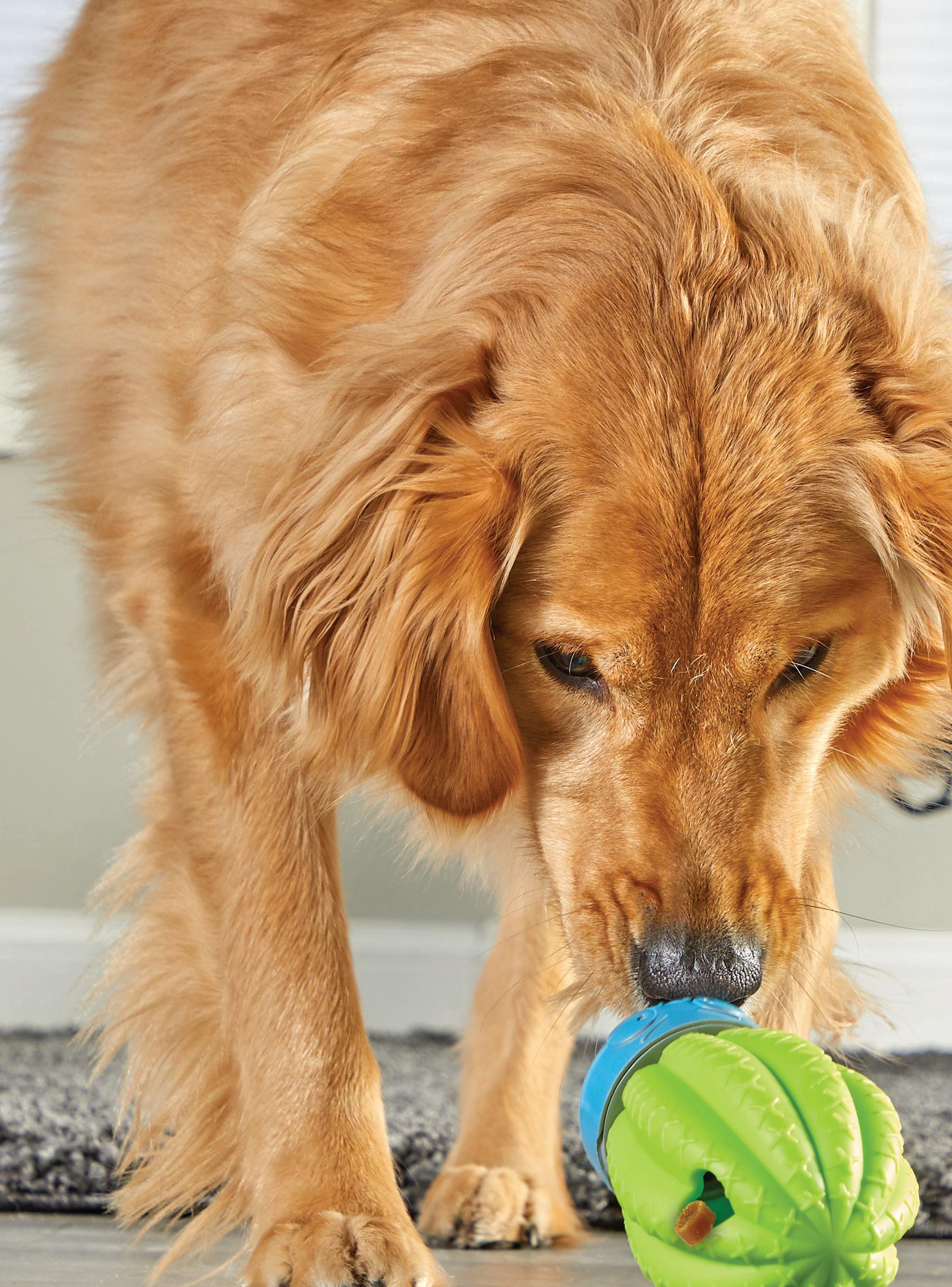
We love dogs and they love us! At Brightkins, we’re dedicated to creating whimsical, family-friendly pet products that help you engage, stimulate, and bond with your furry friend.
Our paws-on interactive toys and training tools unlock your pets’ curiosity and engage the entire family! After nearly 40 years designing award-winning toys that make learning fun for kids, We’re excited to bring learning to life for your furry family members.
Primary Logo Lockup
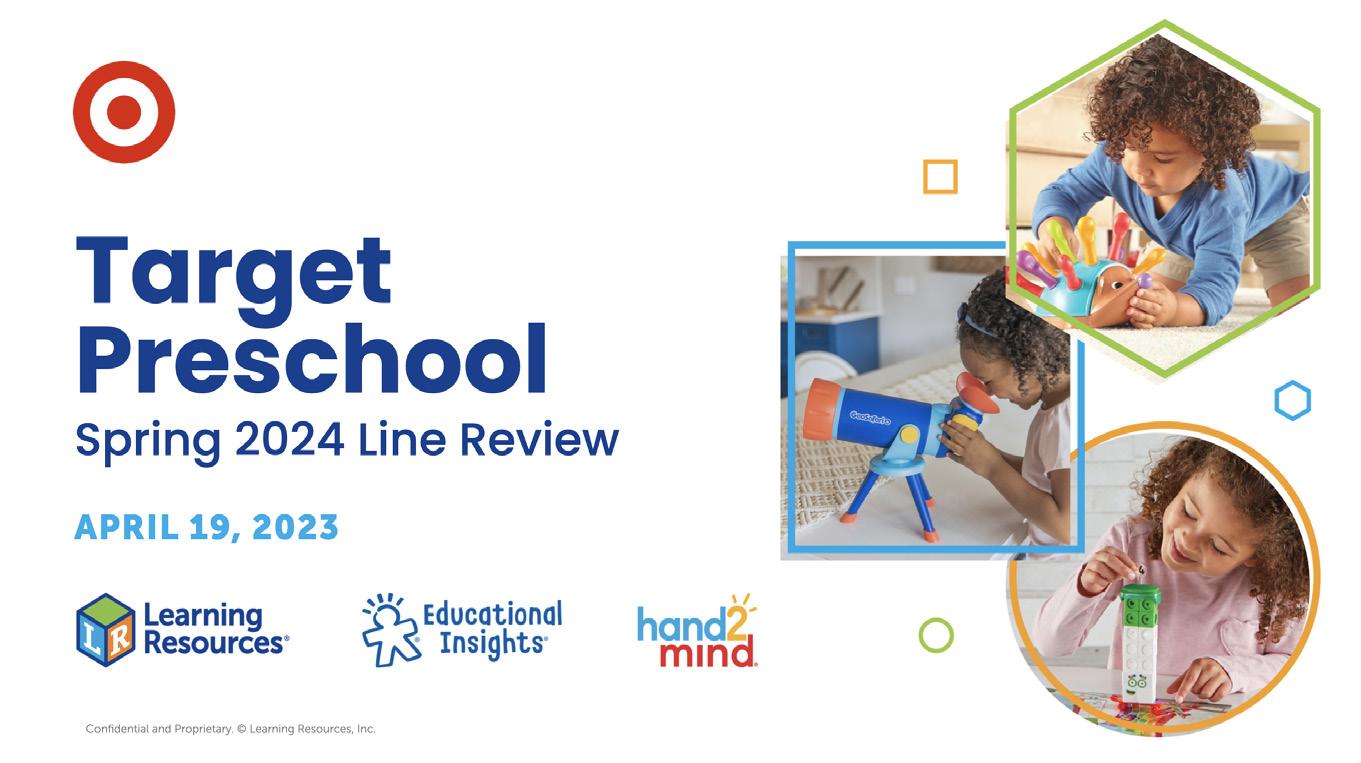
When referring to our tri-brand, logos must be shown in this order: Learning Resources first, Educational Insights second, and hand2mind third. Logos can be shown in their original colors or in a single color.
Primary logo lockup in color
Primary logo lockup in white (used in footers)
Secondary Logo Lockup
When referring to our family of companies, including our pet brands, logos must been shown in the following order:
Secondary logo lockup in color
Logo Lockup Examples
Multibrand Colors
Each brand is represented by one of its primary colors in multibrand or tri-brand settings.
CMYK 100, 87, 8, 1
RGB 15, 63, 149
HEX 0F3F95
CMYK 45, 0, 9, 0
LEARNING RESOURCES
RGB 154, 202, 60
HEX 9ACA3C
CMYK 69, 14, 0, 0
EDUCATIONAL INSIGHTS
RGB 0, 174, 239
HEX 00AEEF
CMYK 0, 40, 100, 0
HAND2MIND
RGB 350, 166, 26
HEX FAA61A
CMYK 54, 90, 11, 1
BRIGHTKINS
RGB 136, 62, 137
HEX 883E89
CMYK 9, 0, 0, 0
RGB 226, 244, 253
HEX E2F4FD
Multibrand Shapes
Using the primary color that represents the brand, each company is also designated a shape. These shapes are used as decorative elements (for example: the colored outline behind a photo), as well as a key in our catalog and sell sheets to indicate which company made the product.
Our Mission Statement
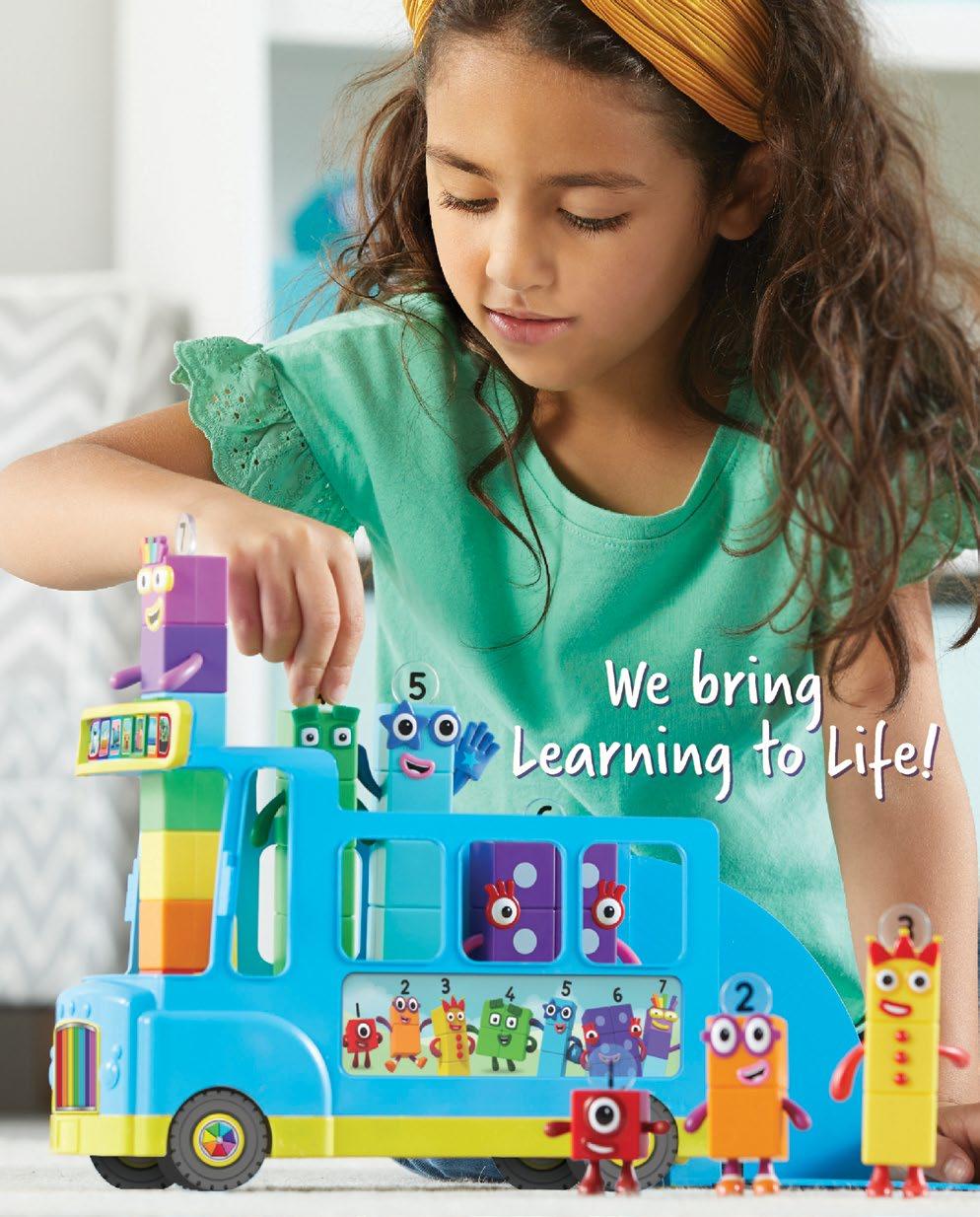
When our mission statement is written out, make sure it follows this casing: “We bring Learning to Life” and only Poppins Bold or Verveine fonts should be used.
We bring Learning to Life We bring Learning to Life
Our Voice
Each brand has its own distinct voice. When writing for multibrand, like in our catalog, copy and tone should not skew towards any one distinct brand. Rather, it should be inclusive of all represented brands and products, focusing on the shared mission of bringing learning to life!
When referring to “multibrand” we are referring to our family of companies. When referring to “tri-brand” we are only referring to Learning Resources, Educational Insights, and hand2mind.
Use “multibrand”, not “multi-brand” or “multi brand”. Though the latter two are accepted spellings, we should be consistent with our use of the term.
Tri-brand should be hyphenated.
Digital
Powerpoint Presentations
Amazon Storefront
Powerpoint Openers
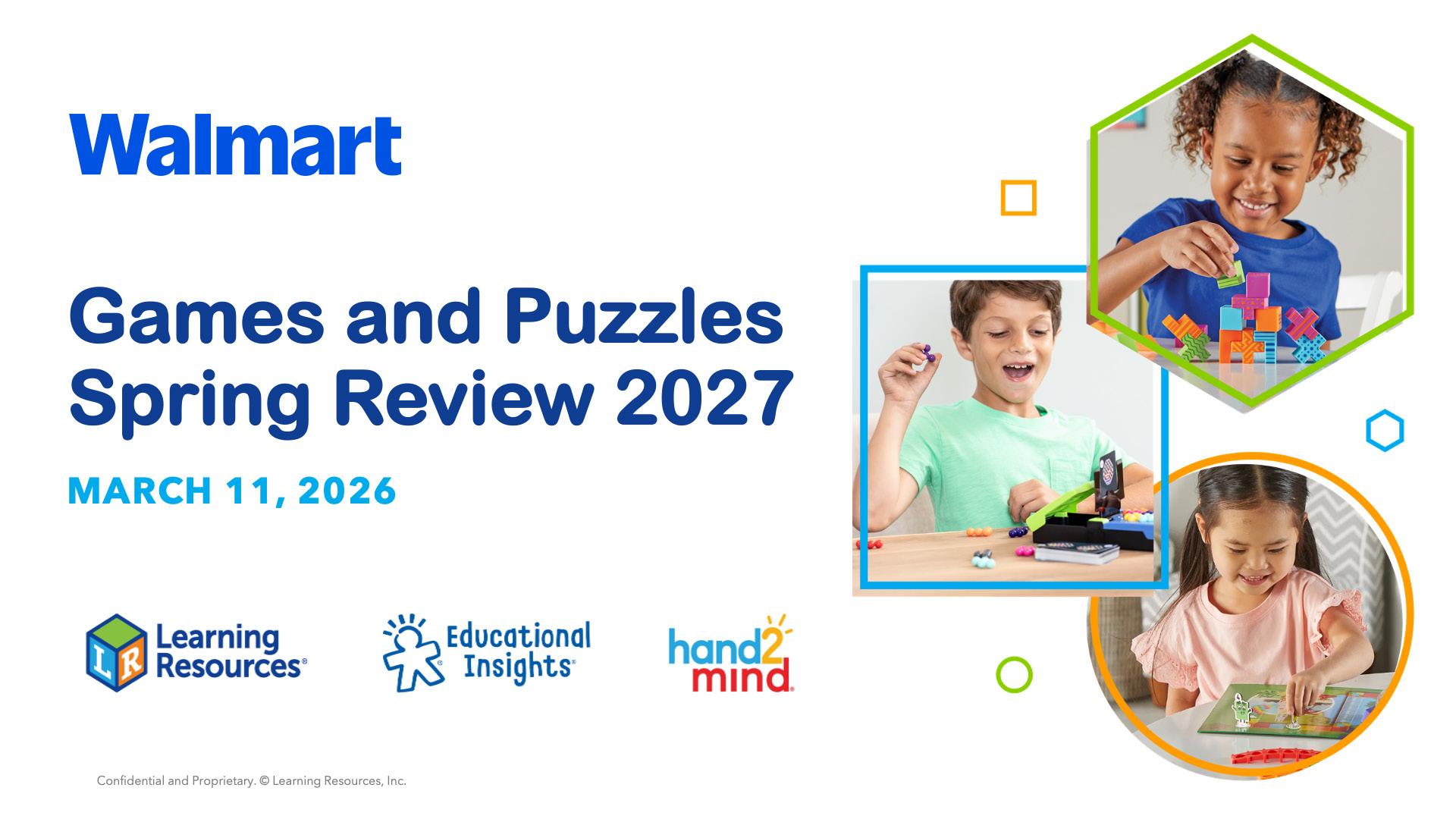
For sales, shared services, and internal presentations that refer to our family of companies, our Multibrand PowerPoint Presentation template should be used.
Here are examples of opener slides showing our tri-brand and multibrand of logos. Opener slides include the name and date of the presentation. If presenting to a specific retailer, make sure the corresponding logo is at the top left.








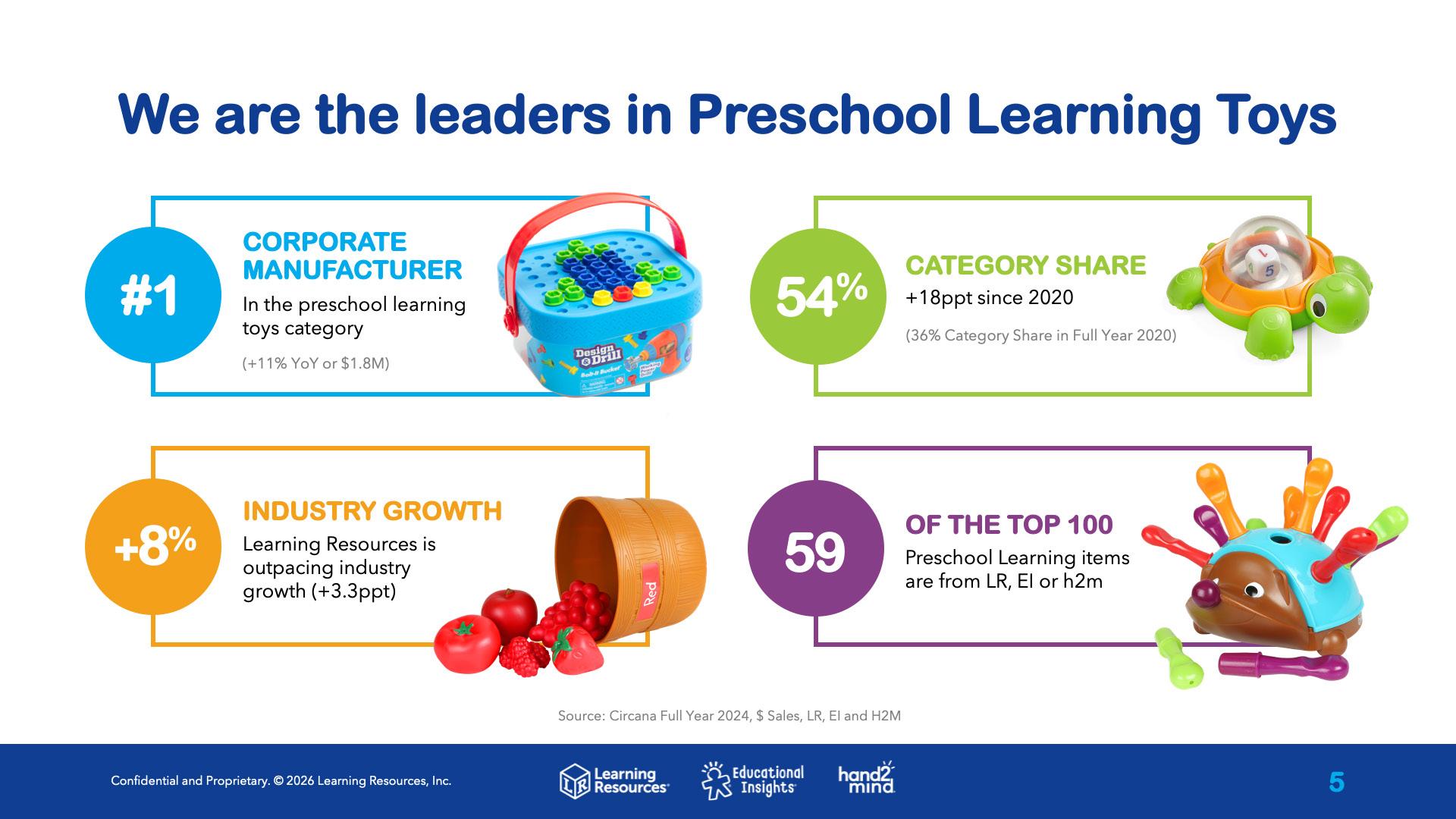
Powerpoint Brand Slides
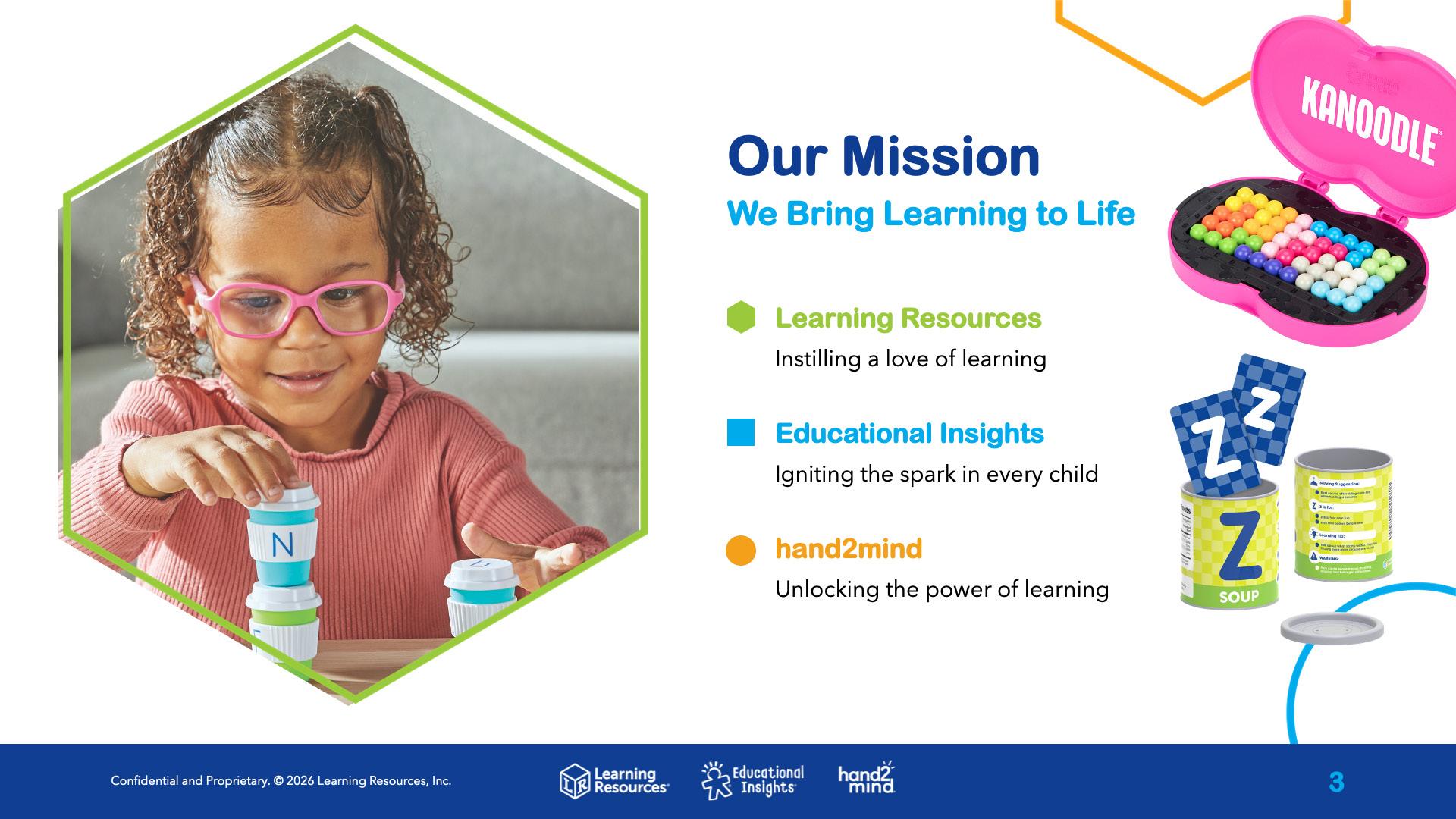
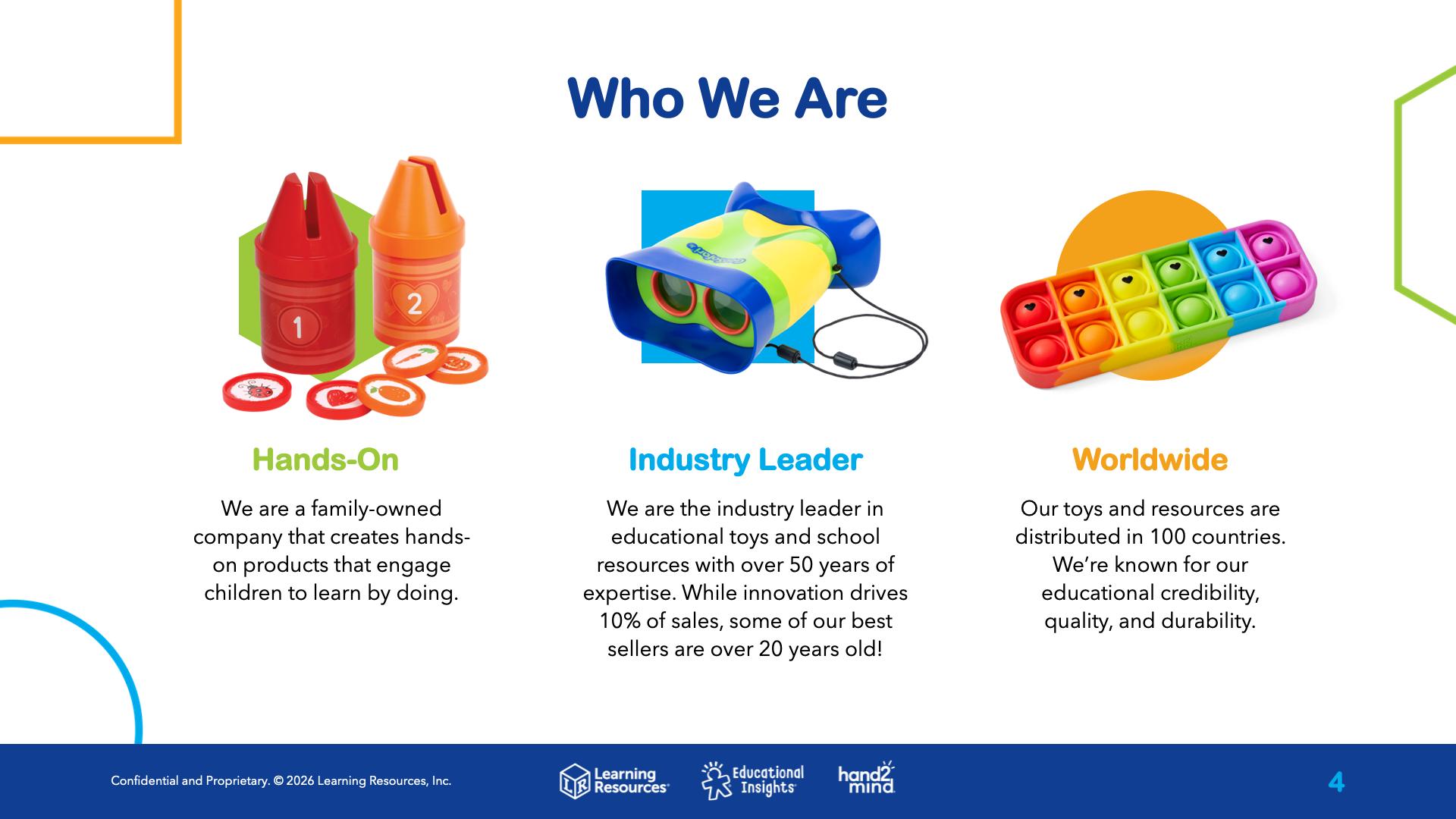
These are examples of our brand slides, which are meant to inform viewers about our mission, who we are, and relevant data.
These slides should be appear early in your presentation as an introduction to our family of companies.
Powerpoint Dividers
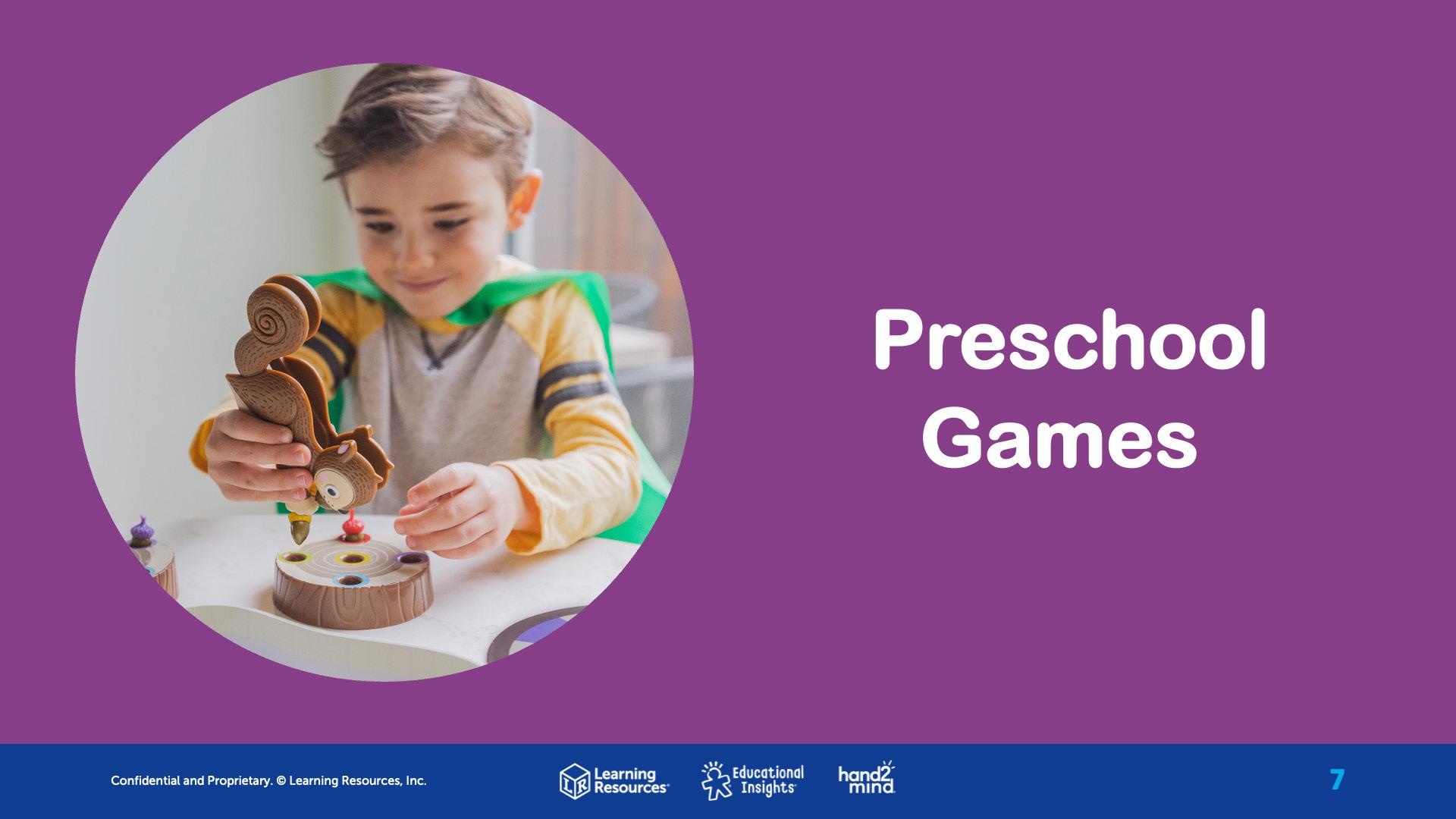
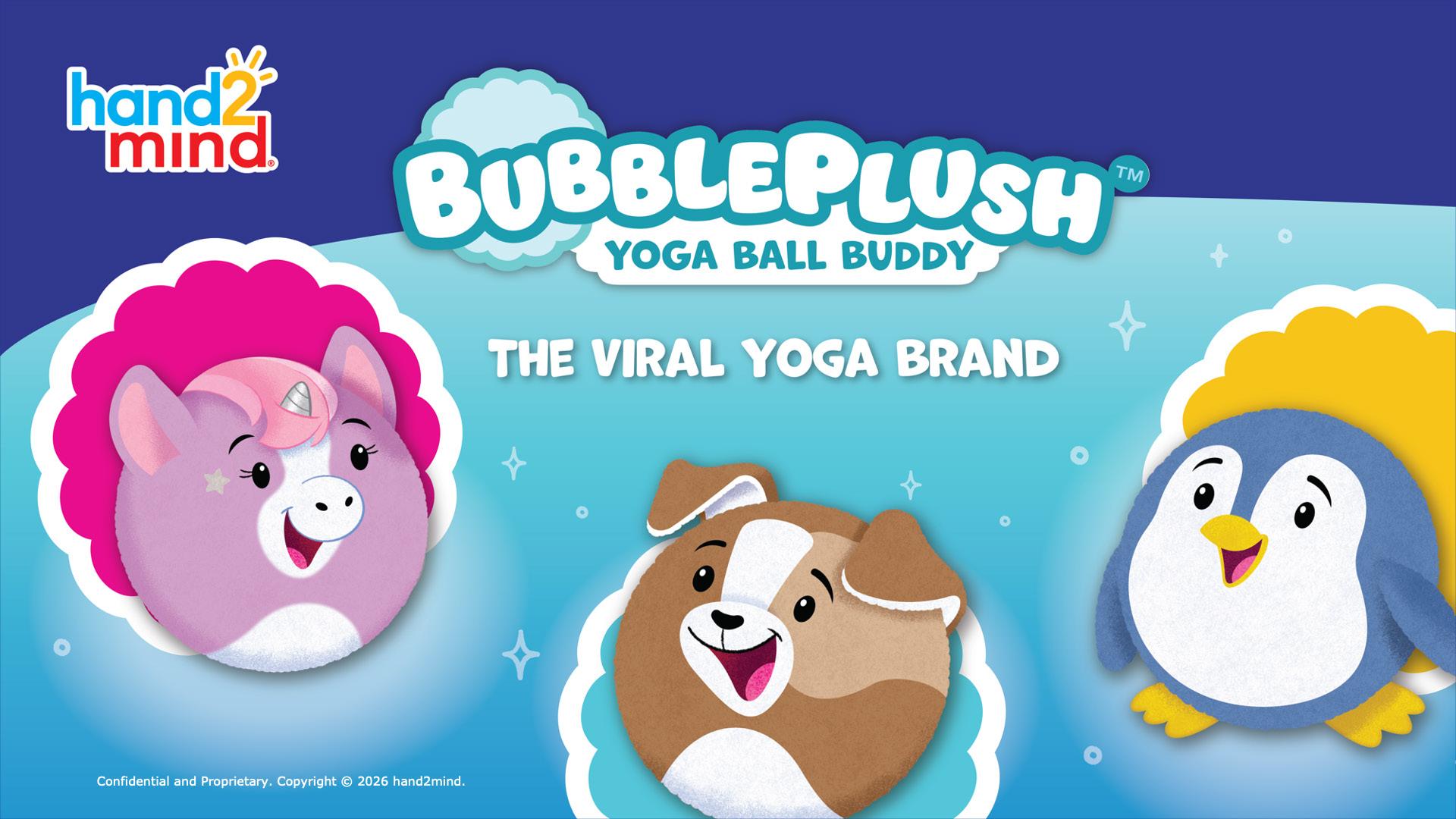
Here are two examples of divider slides used to break up a presentation into subsections.
Please use a divider slide when transitioning to different topic.

Powerpoint Content Slides
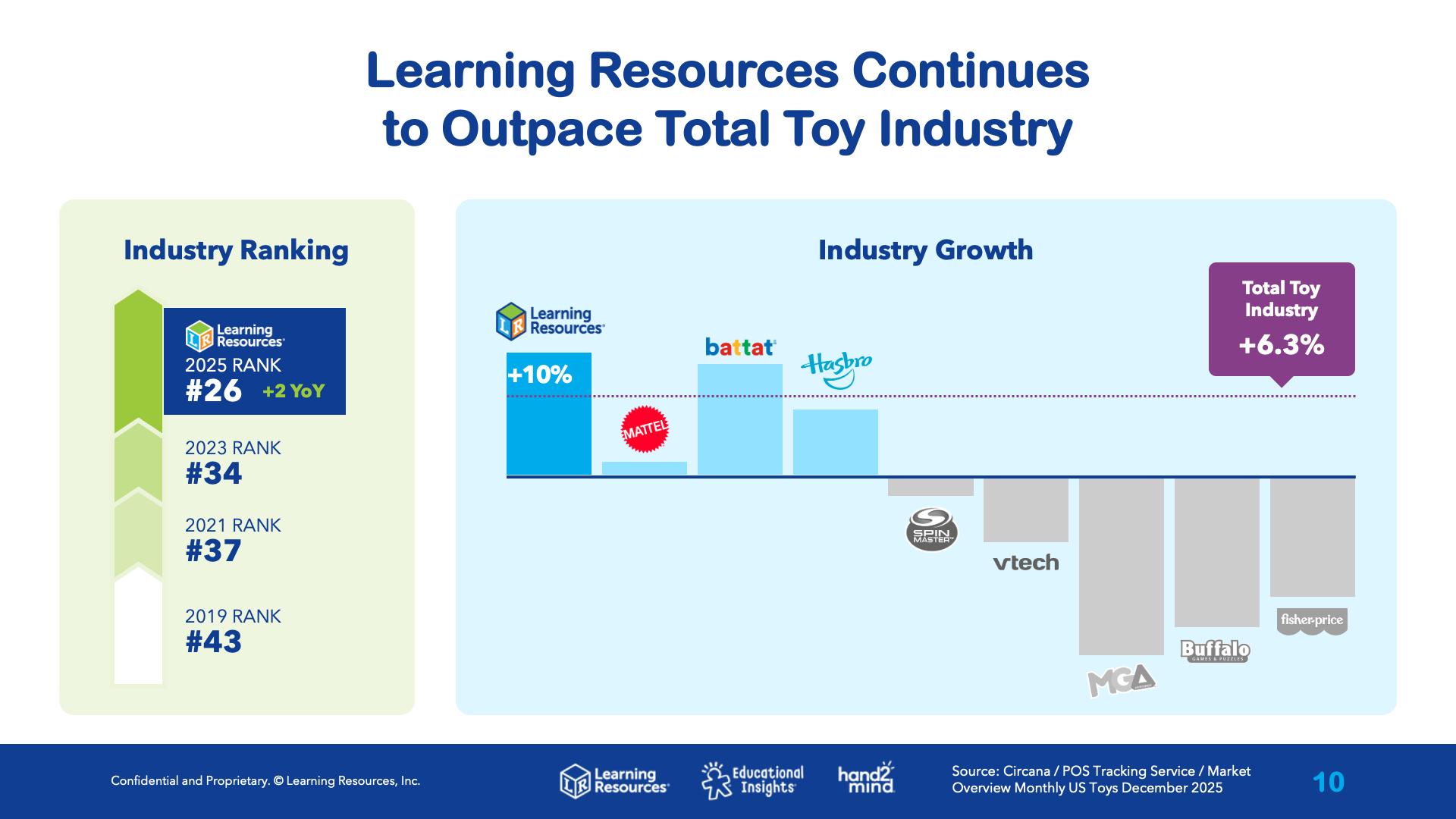
Here are a few examples of content slides. Content slides will vary based on the presentation objective. These slides are used to showcase products, data, infographics, etc.
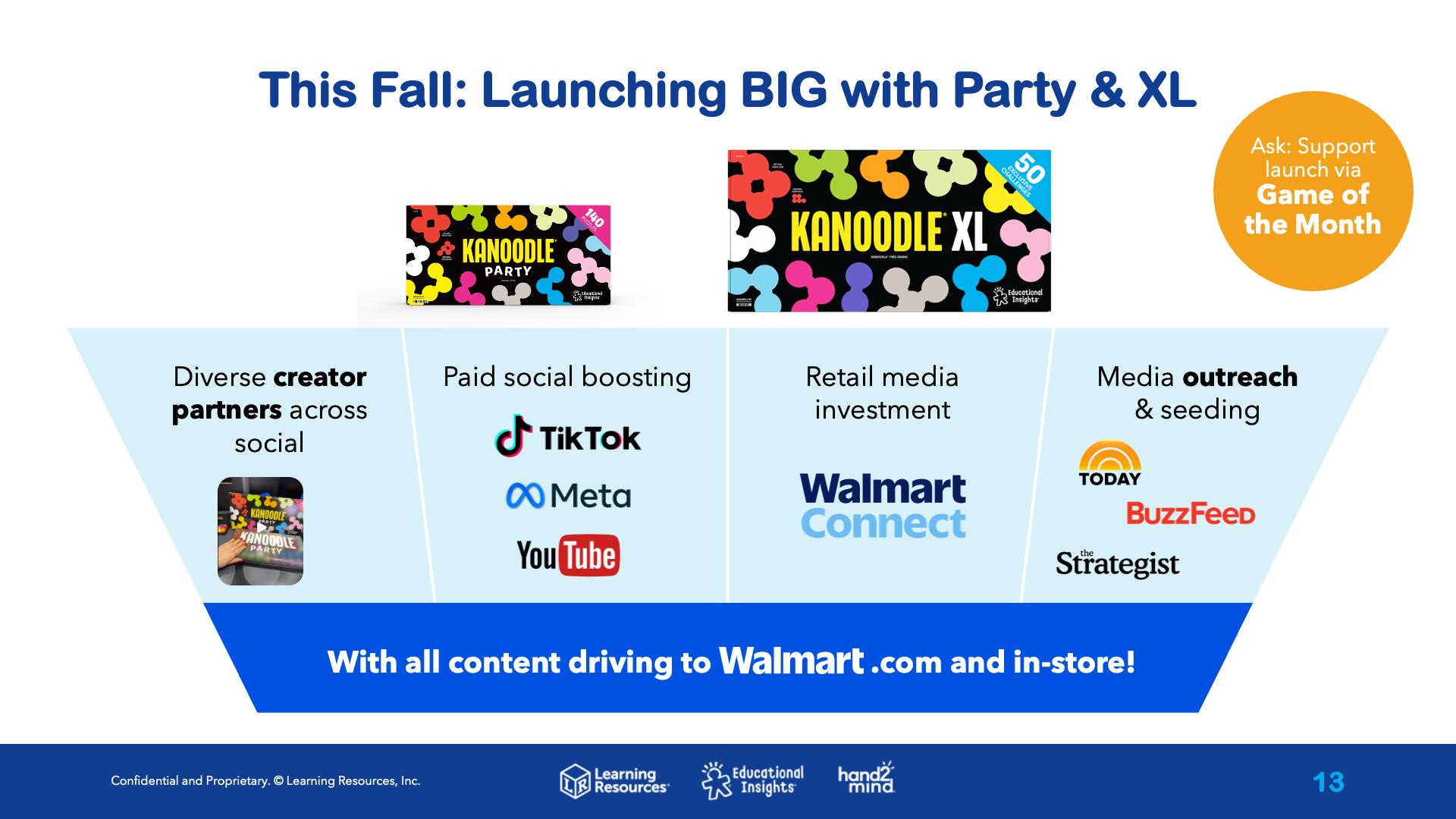
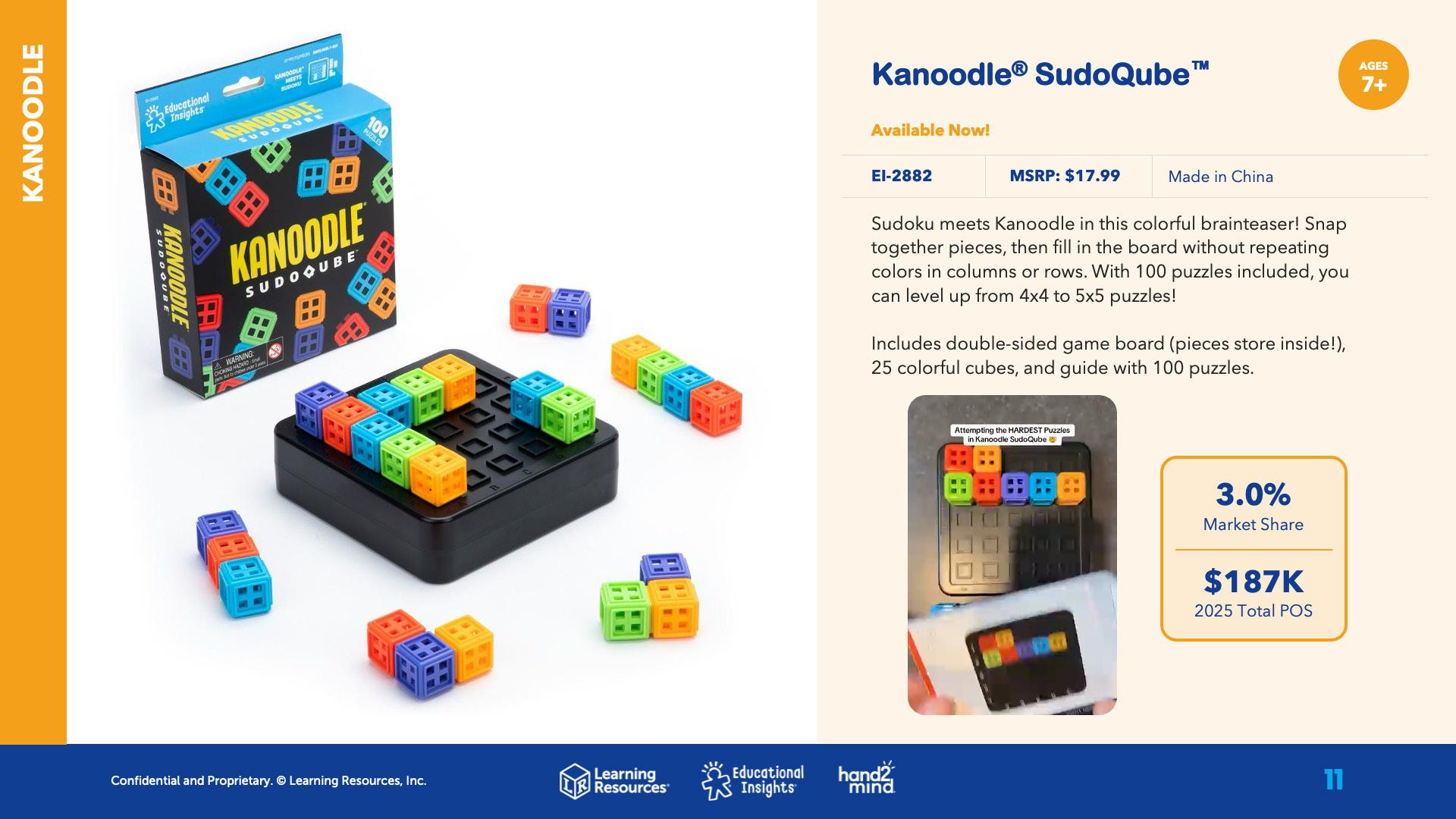
For all content slides, make sure your headline is short and concise. Try to use bullet points instead of paragraphs of copy. Visuals will communicate data to your audience more effectively than copy.
New Product Sell Sheets
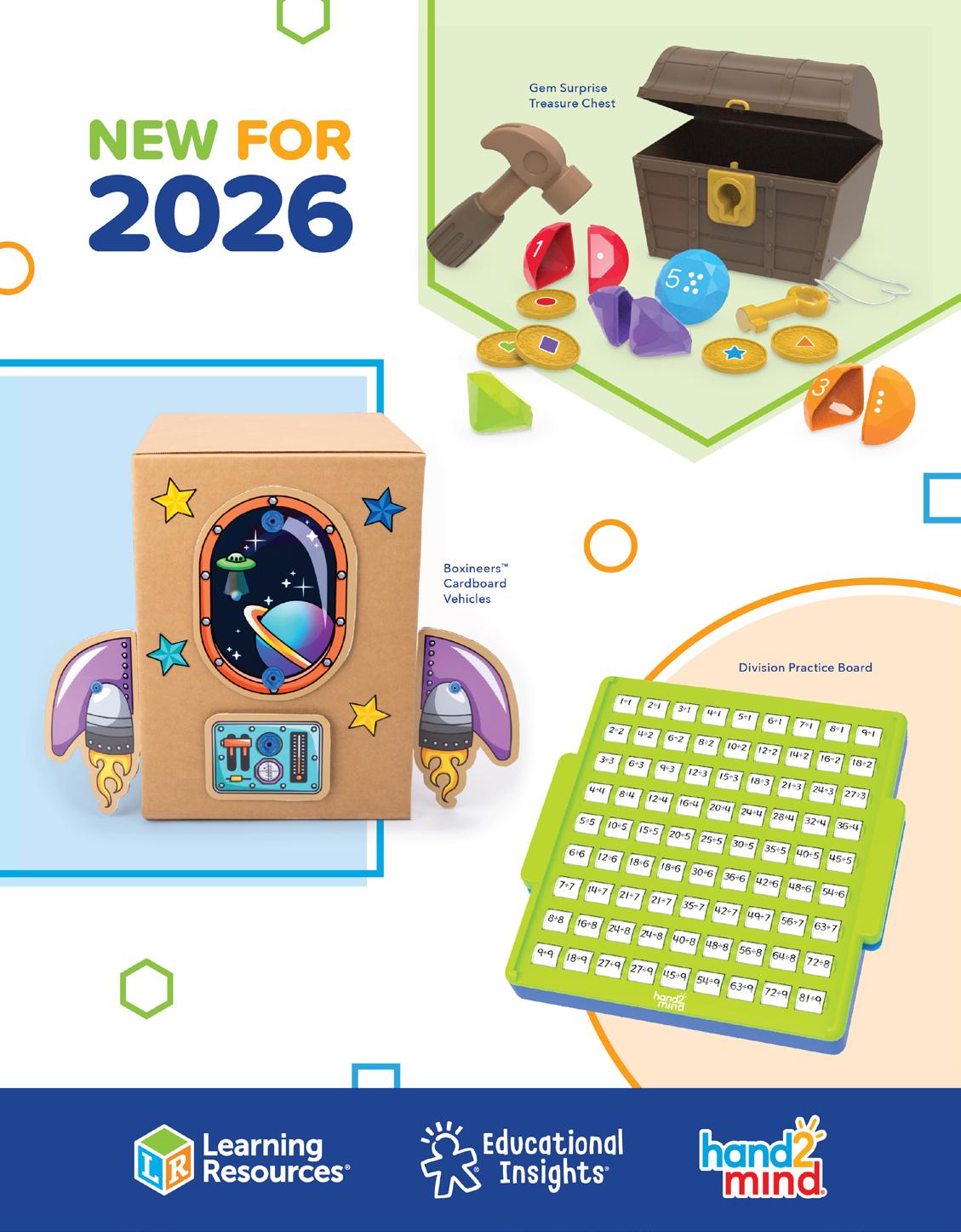
New product sell sheets are used to showcase upcoming products that are still in development. Sell sheets are published digitally in Issuu and used by Sales and Marketing.
New Product Sell Sheets
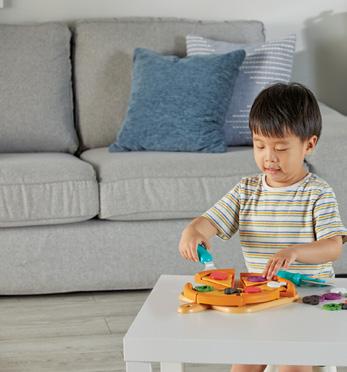
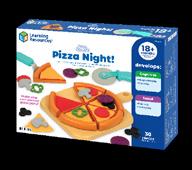
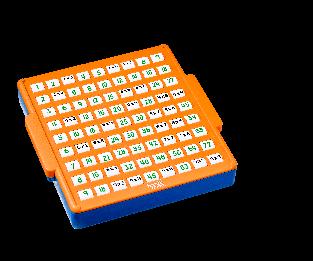
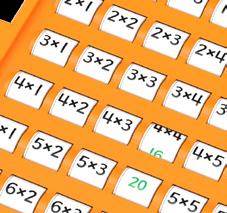
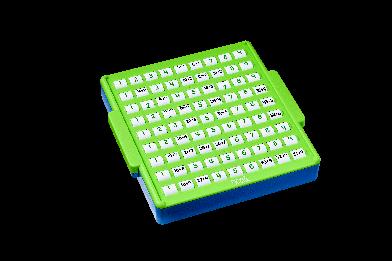
Here are examples of what the template pages look like per brand. For example, all new Learning Resources products will have a light green background and use a green hexagon for category/age and feature callouts. These pages are updated monthly (around the 1st of every month from May to December).








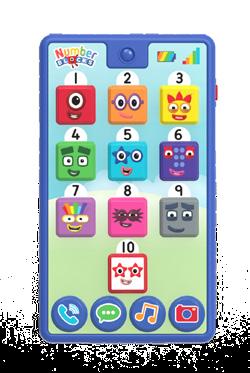

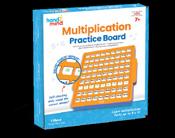
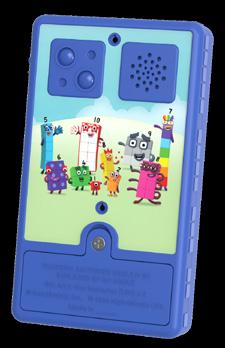
Catalog
The printed catalog is multibranded, which means all products are shown together and separated by category (Early Learning, Sensory, Math, etc).
For all product pages, small brand shapes are used as a key to designate the product’s origin:
Learning Resources Product
L LER XXXX
GRADE X | AGES X+
Lorem ipsum dolor sit amet, consectetur adipiscing elit. Donec tempor velit mi, sit amet hendrerit libero sollicitudin nec.
! SMALL PARTS [1]. Not for children < 3 yrs.
$XX.XX SRP | CPQ 6
Educational Insights Product
E EI-XXXX
GRADE X | AGES X+
Lorem ipsum dolor sit amet, consectetur adipiscing elit. Donec tempor velit mi, sit amet hendrerit libero sollicitudin nec.
! SMALL PARTS [1]. Not for children < 3 yrs.
$XX.XX SRP | CPQ 6
hand2mind Product
H XXXXX
GRADE X | AGES X+
Lorem ipsum dolor sit amet, consectetur adipiscing elit. Donec tempor velit mi, sit amet hendrerit libero sollicitudin nec.
! SMALL PARTS [1]. Not for children < 3 yrs.
$XX.XX SRP | CPQ 6
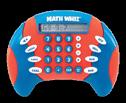
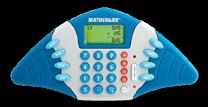
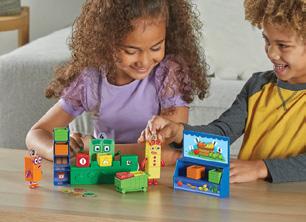
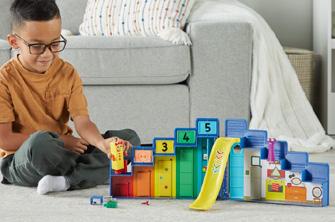
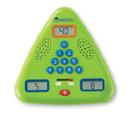
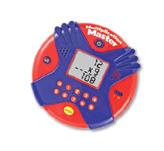
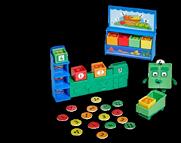
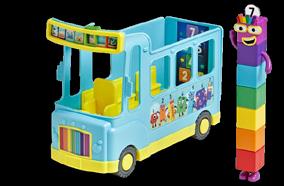
Catalog Colors
CMYK 100, 87, 8, 1
RGB 15, 63, 149
HEX 0F3F95
CMYK 45, 90, 9, 0
RGB 146, 63, 140
HEX 923F8C
CMYK 0, 99, 97, 0
RGB 237, 28, 36
HEX ED1C24
CMYK 0, 69, 98, 0
CLASSROOM RESOURCES
RGB 243, 112, 33
HEX F37021
CMYK 0, 40, 100, 0
RGB 250, 166, 26
HEX FAA61A
CMYK 0, 75, 11, 0
RGB 240, 103, 152
HEX F06798
NUMBERBLOCKS
CMYK 64, 75, 0, 0
RGB 113, 89, 165
HEX 7159A5
CMYK 87, 50, 0, 0
RGB 0, 116, 188
HEX 0074BC
CMYK 70, 11, 0, 0
RGB 20, 177, 231
HEX 14B1E7
CMYK 50, 0, 99, 0
RGB 141, 198, 63
HEX 8DC63F
CMYK 80, 9, 100, 1
RGB 45, 164, 74
HEX 2DA44A
Catalog Guidelines
When building and proofreading the catalog, double check that the below guidelines are followed for consistency:
• Inch marks should be straight
• Museo Sans 900 should be used for all callout copy
• Write out numbers one through nine This rule does not apply to bursts/callouts
• In catalog, place an EM space in between the SKU number and the icons that indicate “best seller”, “award winner”, “STEM item”, etc.
• EN dash for number range (2–4 players)
• Available Fall 2024 (capital F and no period at the end)
• Grades (instead of Grade)
• Requires 2 AAA batteries (not included).
• Use “&” not “and” for all mentions of “Write & wipe”
• Guide (not Activity Guide)
• Capitalize the first letter in a callout or burst (even when following a number)
• Our mission statement should always follow this casing: “We bring Learning to Life”
Cards included 6 cards included
Spark More Play
Logo
Naming Conventions
Worksheets
Web Covers
Blogs
Youtube Videos
Spark More Play
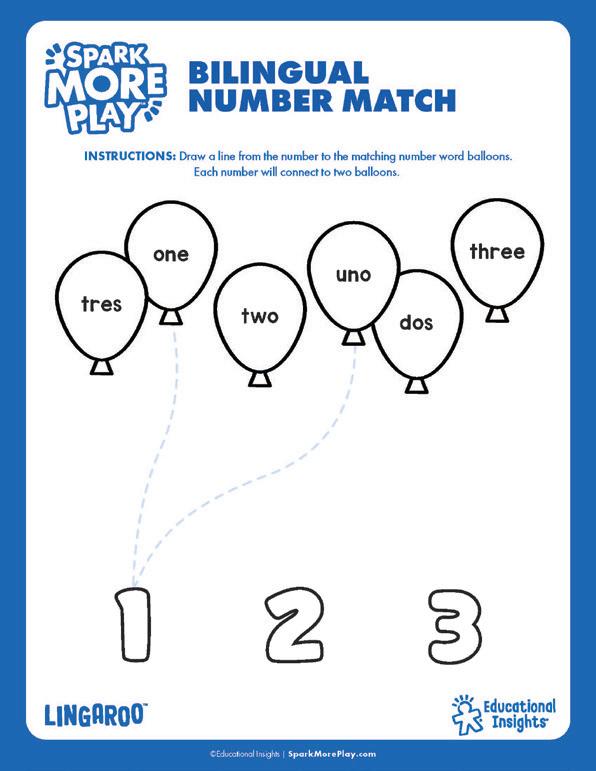
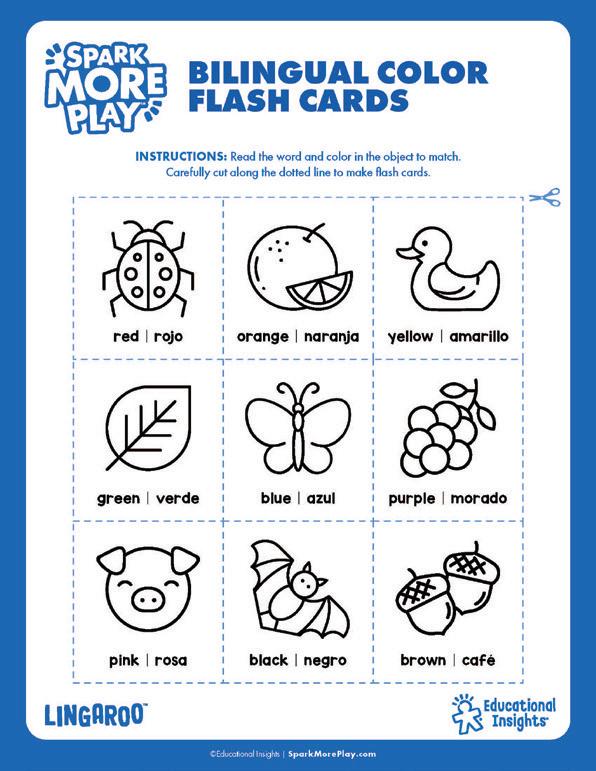
Our teachers and play experts create Spark More Play activities to keep the fun (and learning) going! These activities are free to download and can be completed with art supplies and products parents already have at home, so all they have to do is download and print—they’re ready to play.
Logo
Logo Clearance
Use letter width to determine logo clearance
Things To Avoid
Do not rotate logo
Don’t use old logo
Don’t stretch logo
Do not apply effects to logo
Do not use multicolor in logo
Worksheets
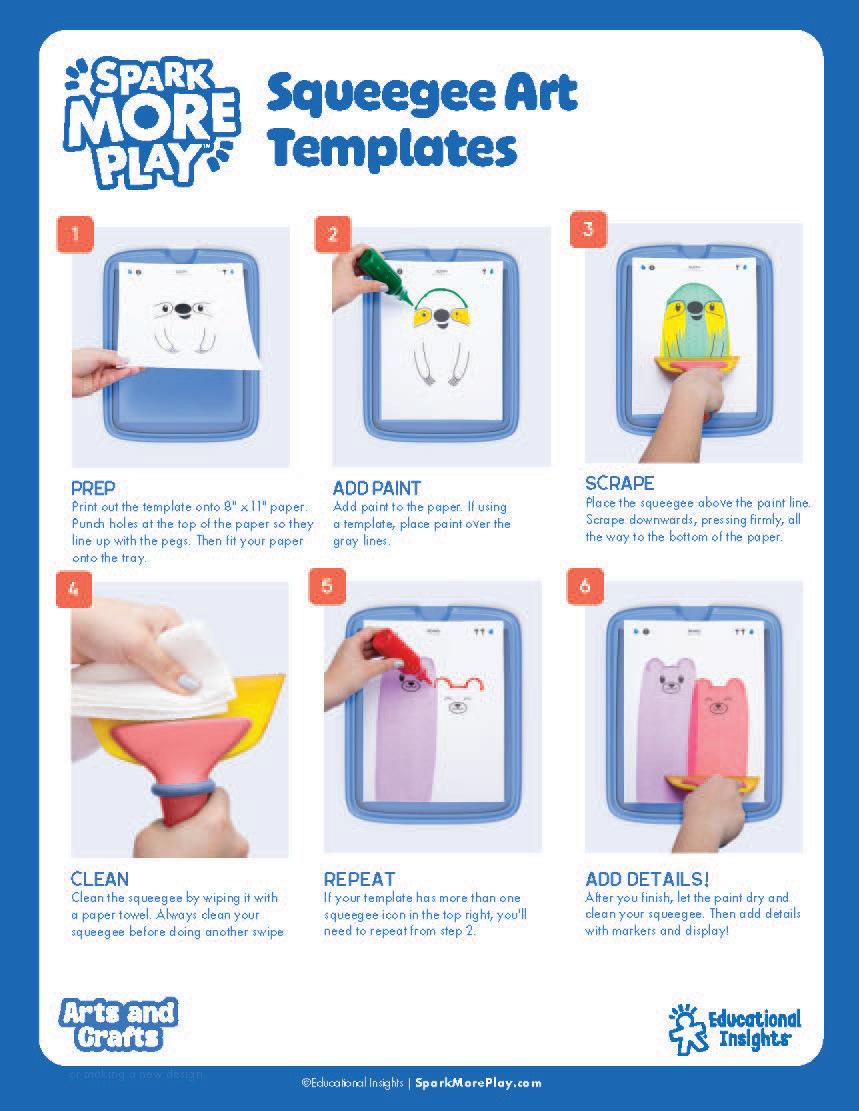
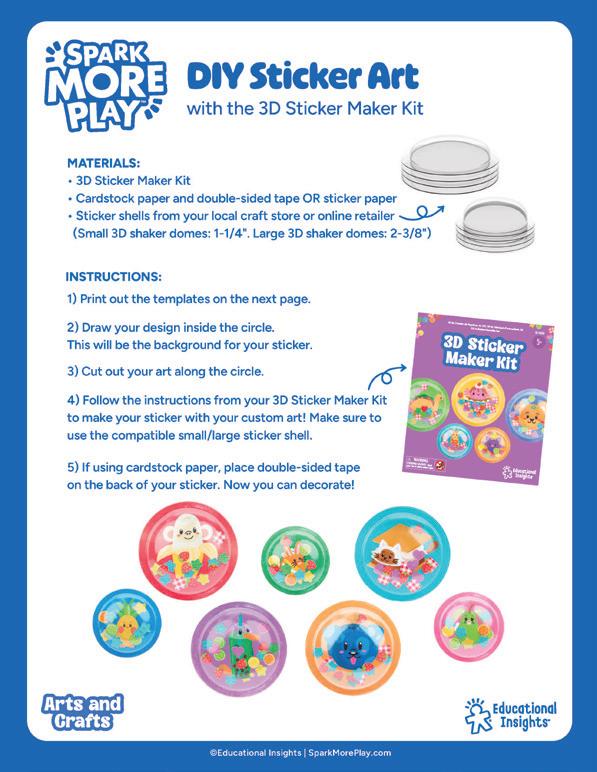
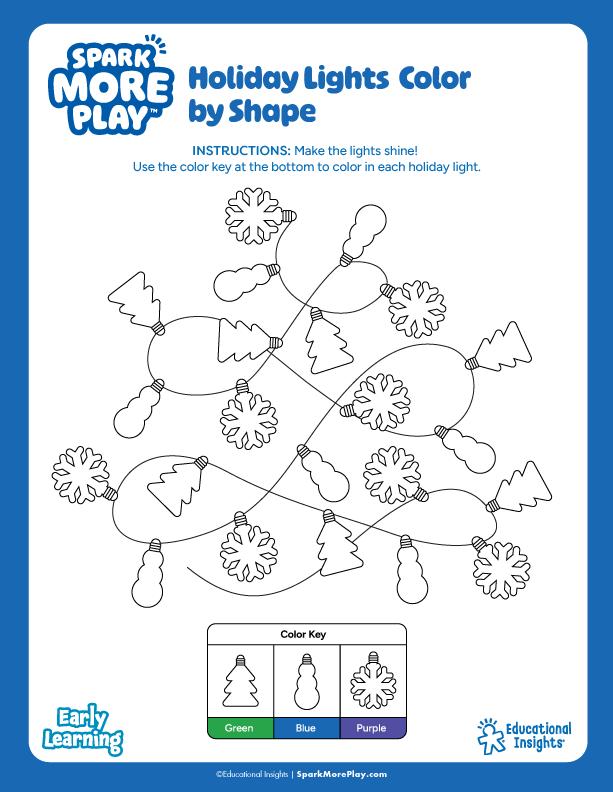
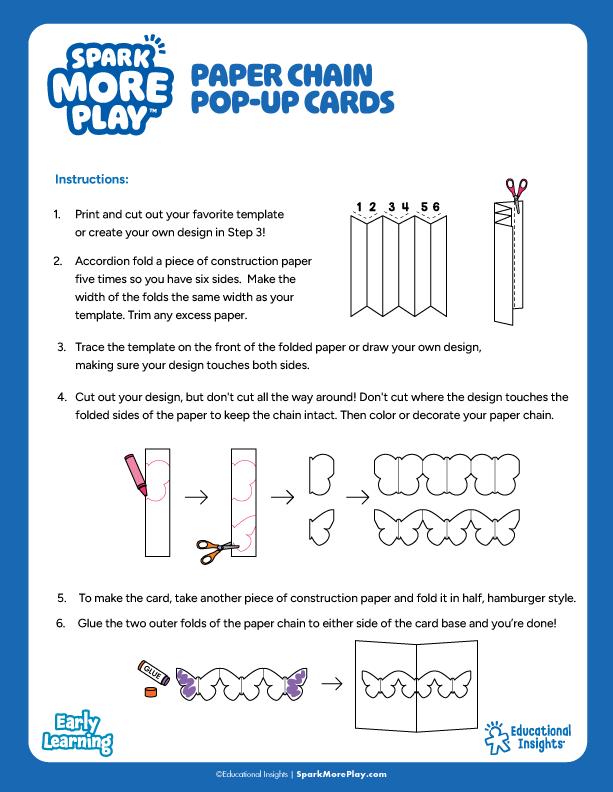
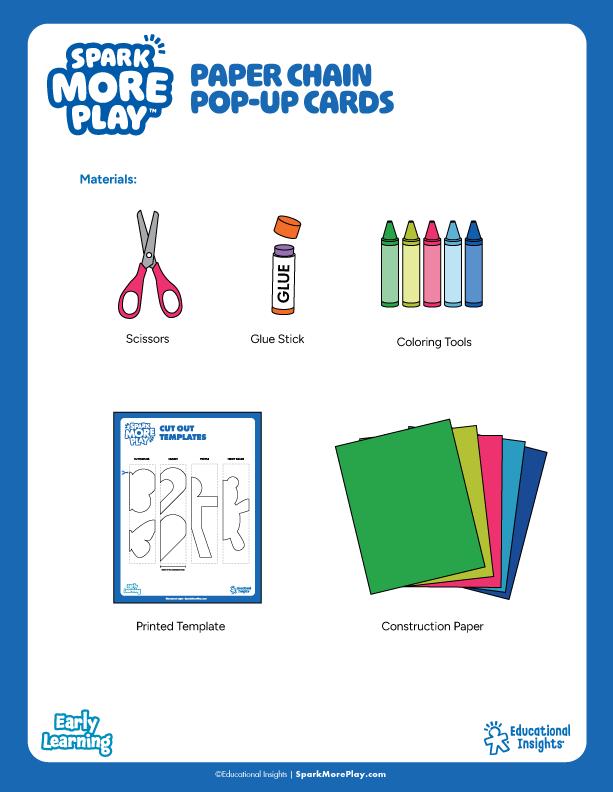
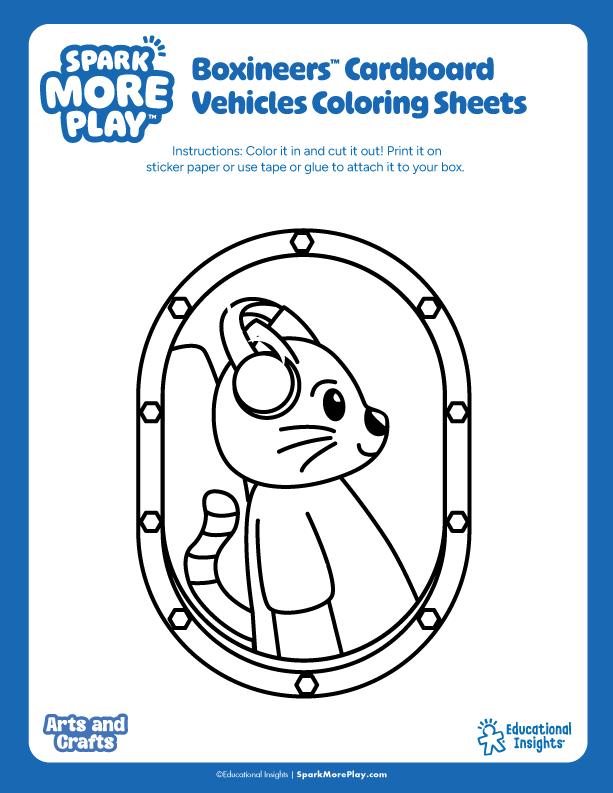
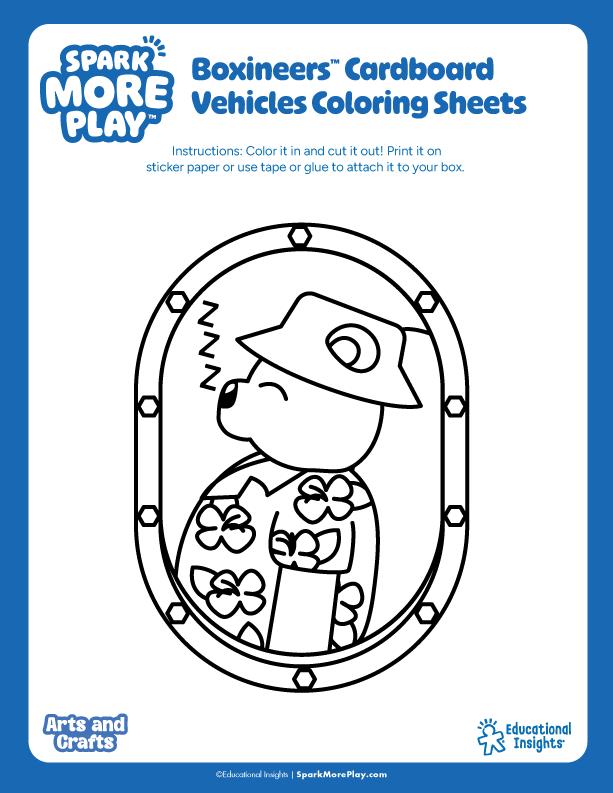
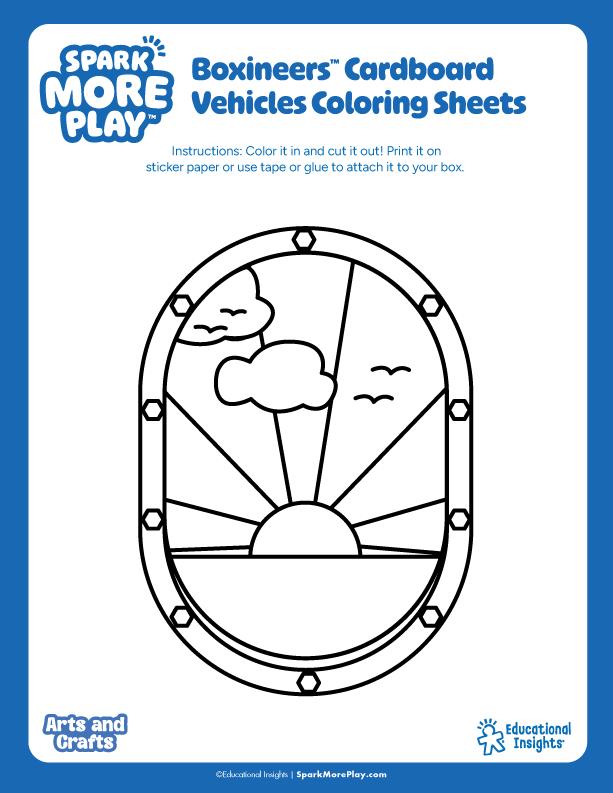
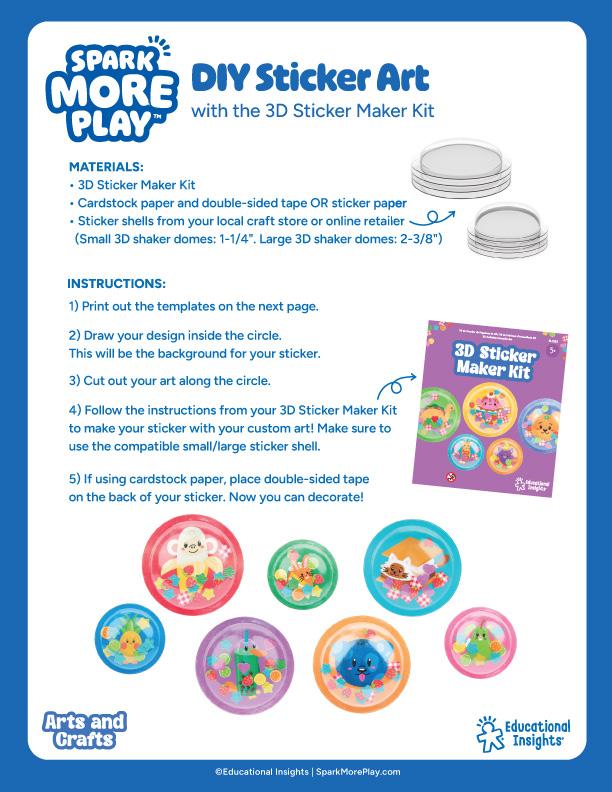
Other Elements
Keys
Keys are great for activities like “color by shape”, “picture hunts” or for classifying object
1 Key
Rounded corners
1pt Stroke in Black
Title: Figtree bold
Category: Figtree semi-bold
Center Aligned Copy
Title Case
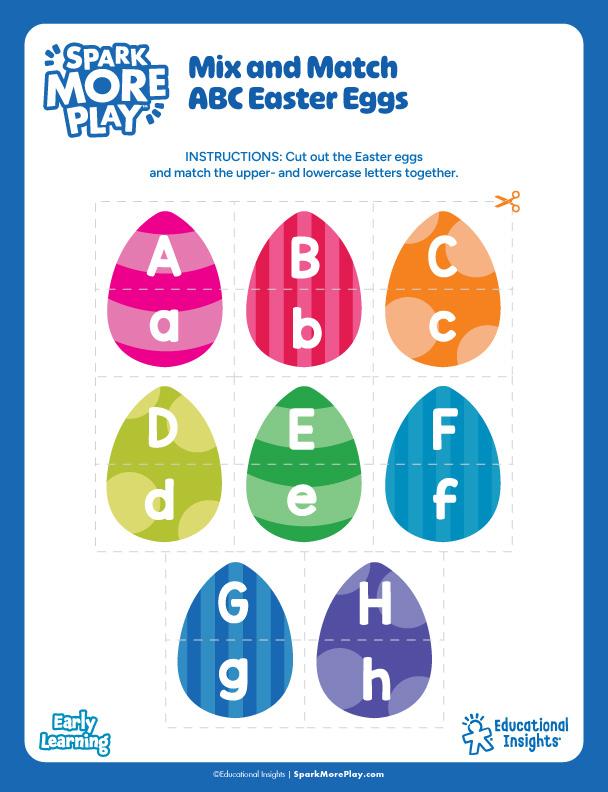
Other Elements Cut Lines
To use when scissors are needed to cut out the activity. Make the cut out shape as easy to cut out as possible for small hands.
1 Scissors
Color it a color that matches the worksheet this scissor is different than the scissors in the material list.
A flat shape, no outline.
2 Cut Line
1pt Stroke in Light Gray Rounded cap & corner Dashed line - 8pt
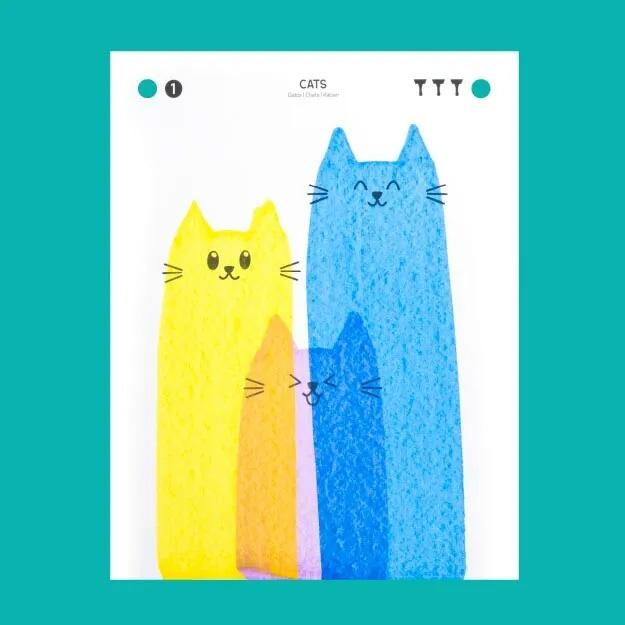
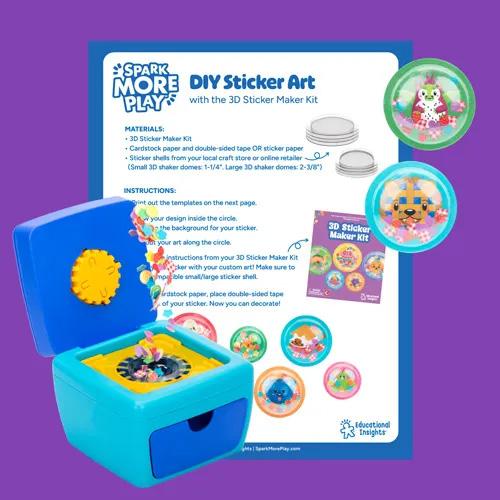
Web Covers
Web Covers Colors
For the Spark More Play web covers, we use the Educational Insights brand colors plus the six additional colors listed below.
CMYK 38, 94, 24, 3
RGB 163, 51, 119
HEX #A33377
CMYK 0, 80, 50, 0
RGB 255, 89, 92
HEX #FF595C
CMYK 69, 14, 0, 0
RGB 0, 175, 241
HEX #00AFF1
CMYK 0, 43, 90, 0
RGB 249, 160, 50
HEX #F9A032
CMYK 1, 99, 0, 0
RGB 236, 0, 140
HEX 2202 C
CMYK 47, 0, 98, 0
RGB 148, 202, 61
HEX #94CA3D
Web Covers
1 Dimension
300x300 pixels
2 Worksheet
Image of the worksheet.
3 Decorations
Worksheet related elements could be added as decorations for the cover.
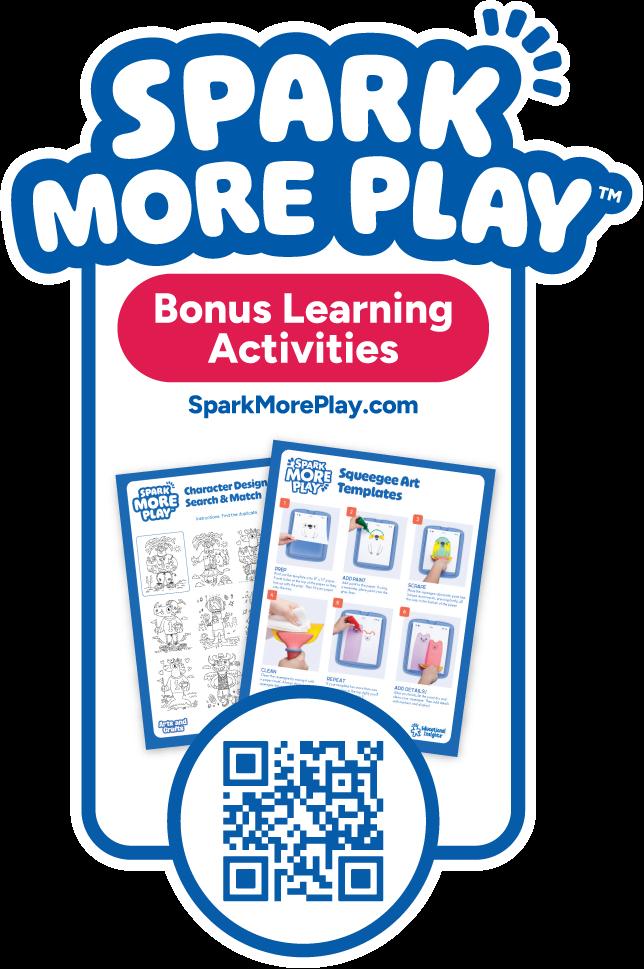
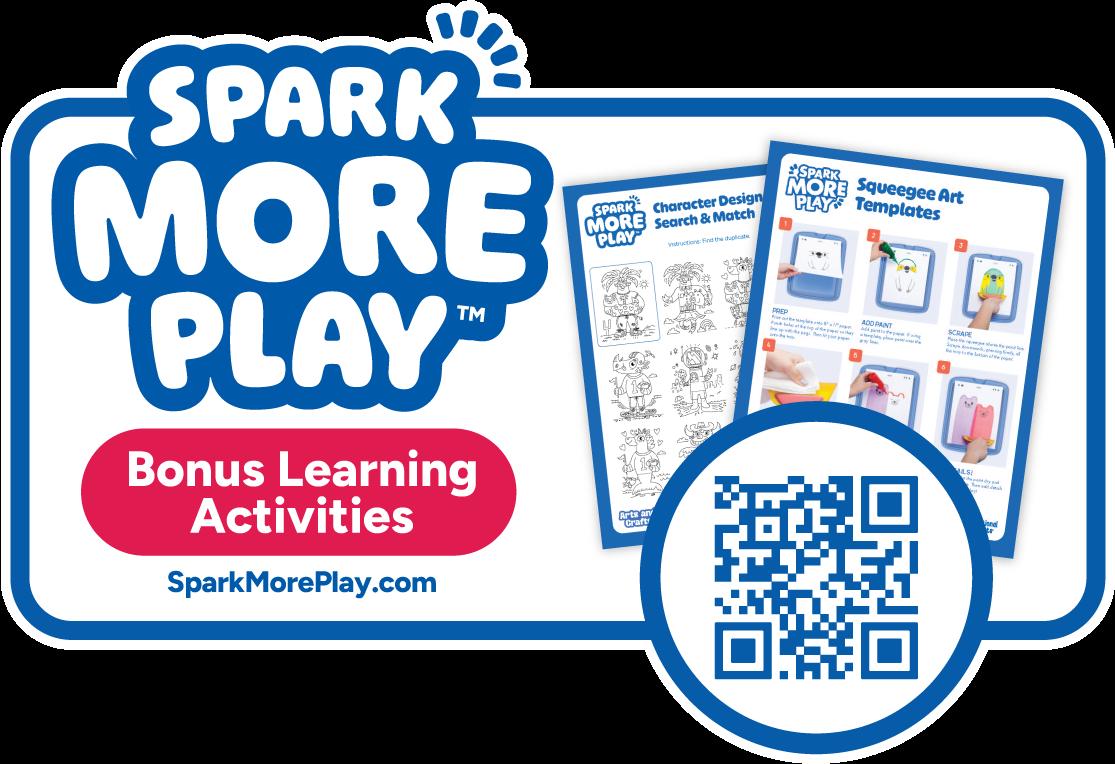
Only include SMP on packaging IF the QR code is directing consumers to an exact SMP related to the product. For example, refill templates for crafts.
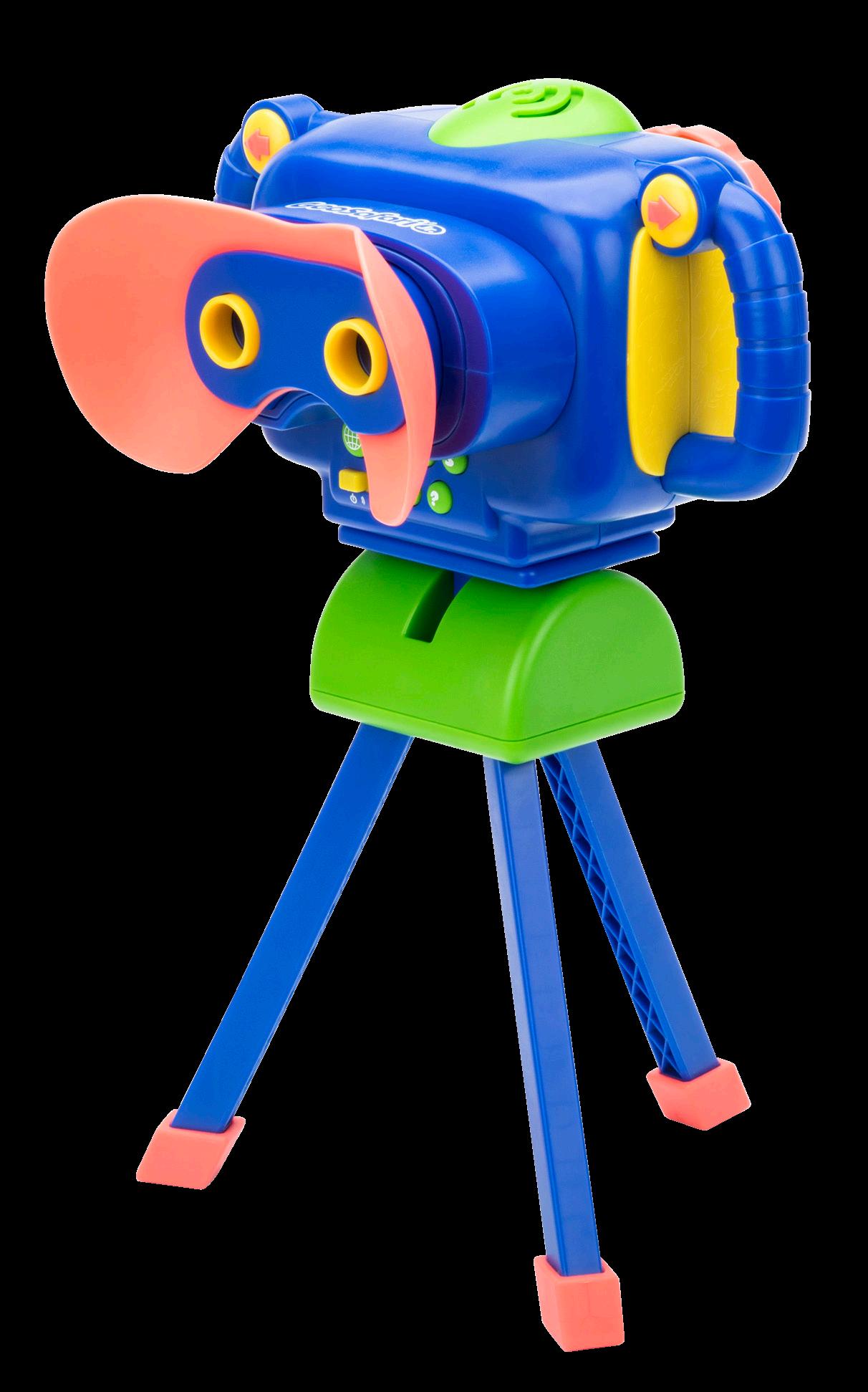
GeoSafari ®
Range Proposition
Branding Logos Fonts Colors
Copy/Tone
Digital A+ Pages
Top 6
Print Pattern
Packaging Components
Range Proposition
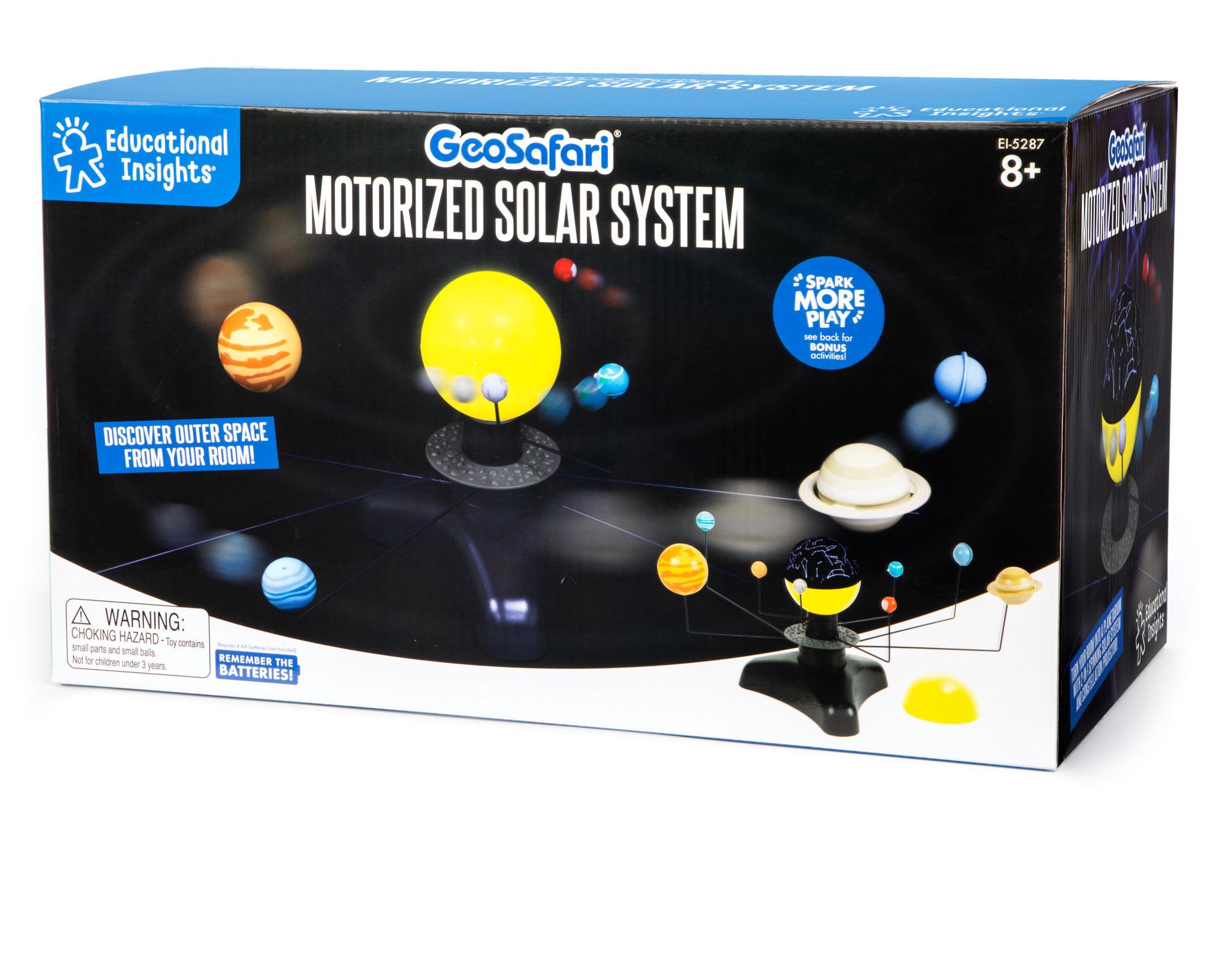
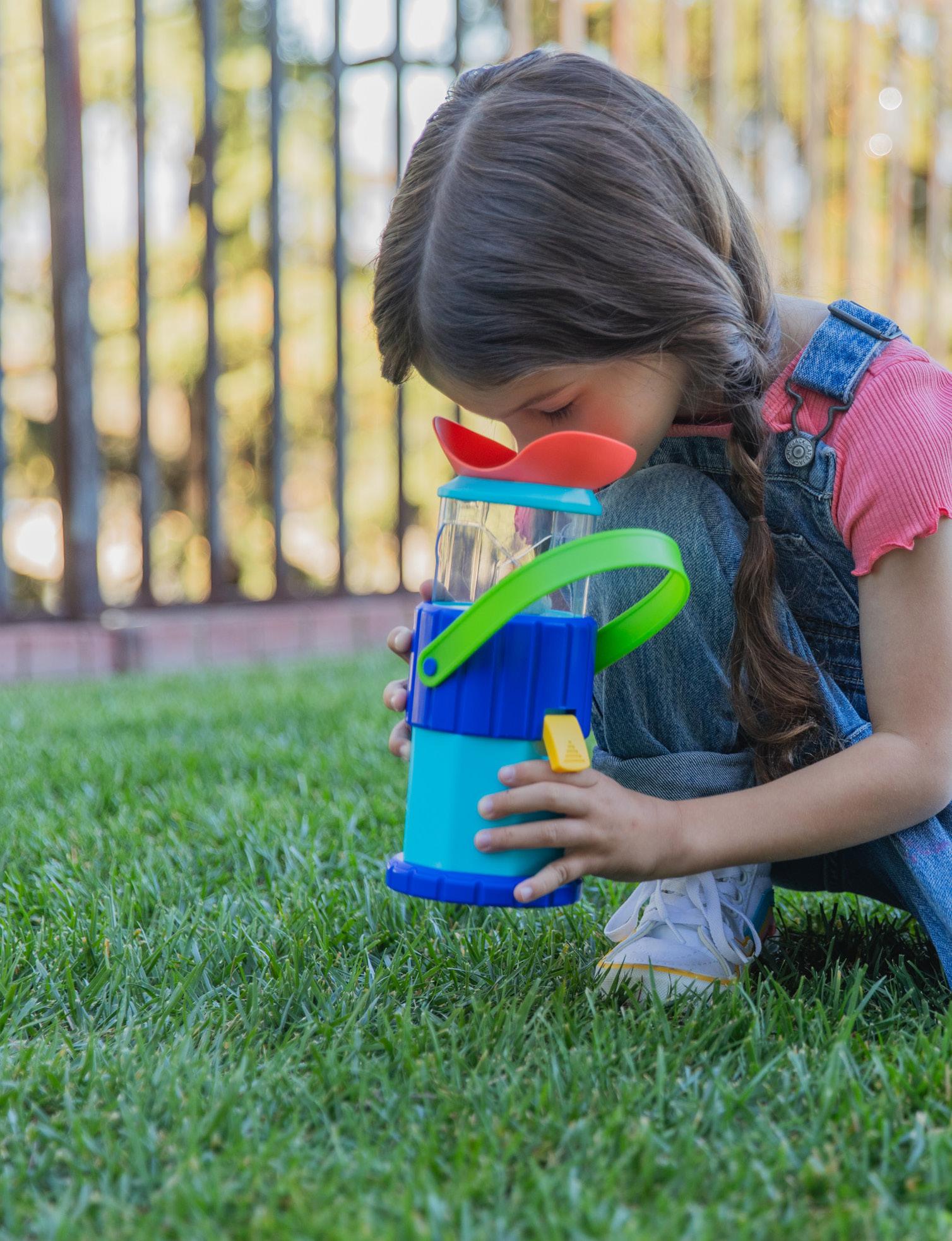
GeoSafari® is a line of kid-friendly science toys and tools ranging from binoculars to microscopes that is designed to be just right for kids’ hands and eyes to spark exploration and turn small moments into big discoveries for budding scientists who have yet to master tying their shoes.
Logo Clearance
Things To Avoid






Don’t use old logos
Don’t rotate the logo
Don’t remove the mark from the logo
Don’t stretch or shrink the logo
Don’t use the GeoSafari Jr logo
Lock Ups
For Packaging
Colors
Age 3+ products use the following colors:
CMYK 94, 68, 2, 0
RGB 12, 93, 169
HEX #0c5da9
CMYK 0, 80, 58, 0
RGB 241, 90, 93
HEX #F15A5D
CMYK 70, 17, 0, 0
RGB 0, 193, 222
HEX #00C1DE
CMYK 67, 11, 100, 1
RGB 98, 167, 15
HEX #62A70F
Age 5+ products use the following colors:
CMYK 0, 49, 98, 0
RGB 248, 150, 33
HEX #F89621
CMYK 36, 2, 99, 0
RGB 176, 205, 55
HEX #B0CD37
Age 7+
CMYK 0, 0, 0, 0
RGB 0, 0, 0
HEX #000000
CMYK 83, 27, 35, 0
RGB 1, 144, 158
HEX #01909E
CMYK 1, 18, 100,
RGB 255, 206, 000
HEX #ffce00
CMYK 50, 10, 15, 0
RGB 125, 189, 206
HEX #7DBDCE
CMYK 99, 75, 29, 13
RGB 16, 74, 119
HEX #104A77
CMYK 35, 28, 28, 0
RGB 170, 170, 170
HEX #AAAAAA
Copy/Tone
GeoSafari® tone of voice conveys exploration, adventure, and discovery. It’s a line of toys that make science accessible and exciting to kids, so they can fuel their curiosity, ask questions, discover answers, and more. It’s not just about the bug under the microscope, but about the skills they unlock when they learn to observe, focus eyepieces, explore, and more. It’s about presenting an entire world to them in kid-sized bites.
Explore
Look, Listen, Learn (talking products)
Discover the world of _____
Early STEM
Explore (subject) with (feature)—Ex: Explore outer space with 130+ images and videos
Interactive and immersive play
Explore Your World!
A+ Page
Dandi totaspe llestem nulliquibus ex eum quas volum aut vit es sini.
1 EI Logo
This block stays the same except for cross-sell A+ pages
2 Product Logo + Photo
Brand/Product logo on color and product image on white Product name written in Title Case
3 What’s Included
Highlight the contents of the product, in this case the visual and audio content to show what kids will see and learn
4 Photo
Highlight features, benefits, or skills here
5 Spark More Bucket
GeoSafari typically falls under the Exploration bucket

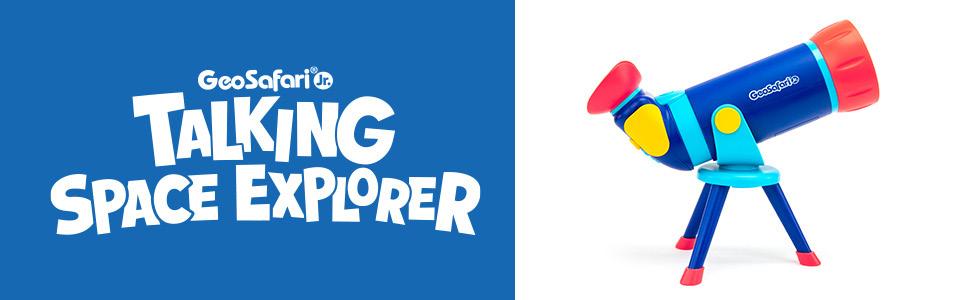

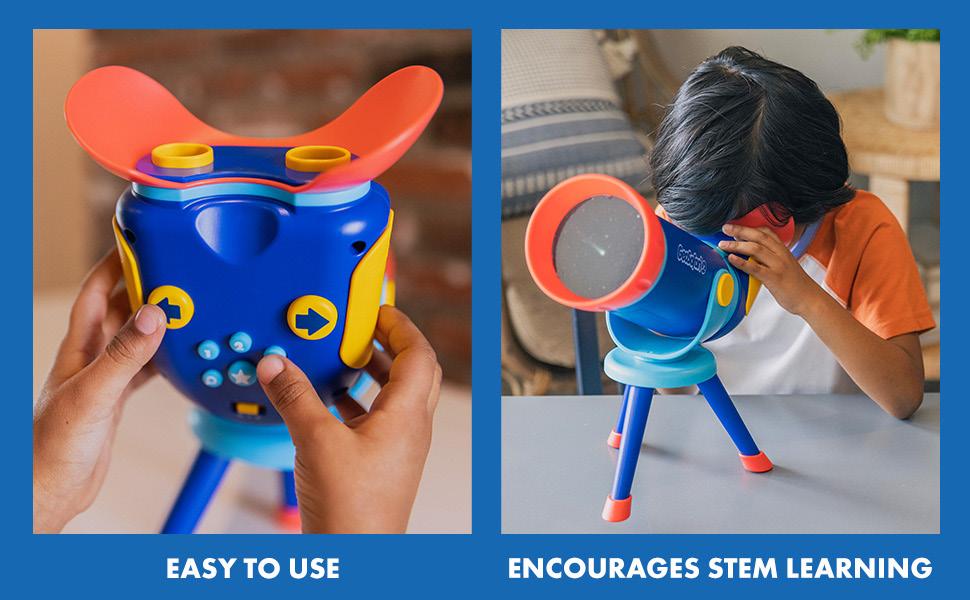
Top 6
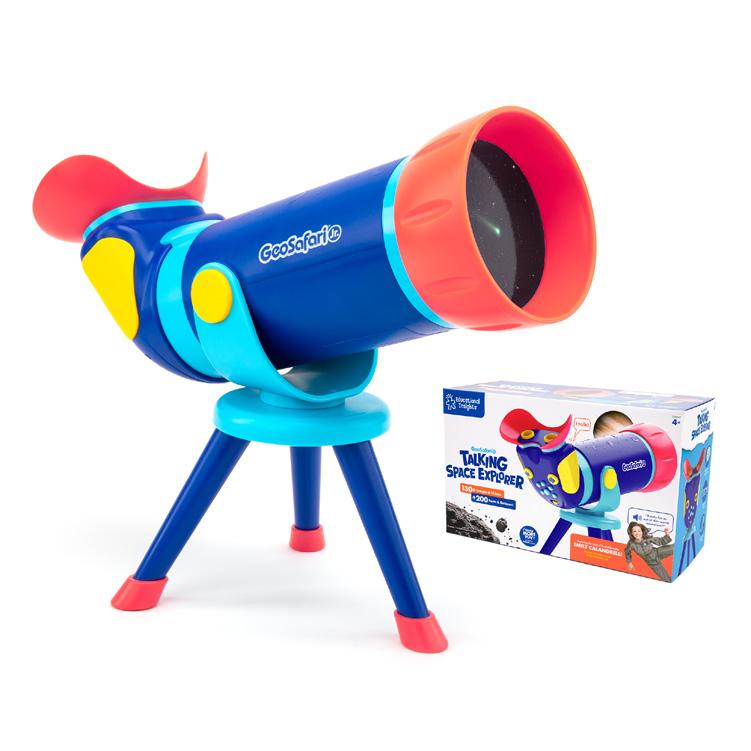

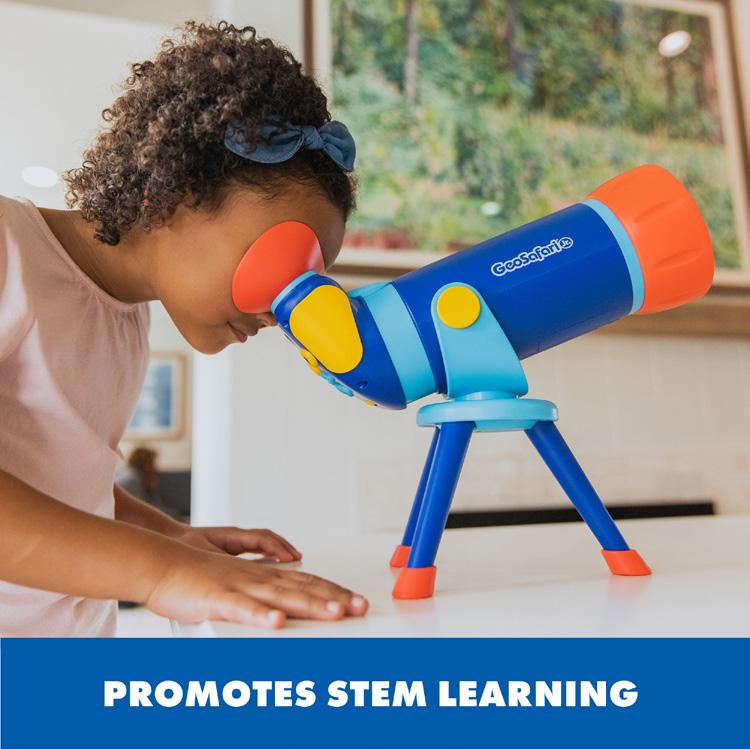
Show kid using the product properly
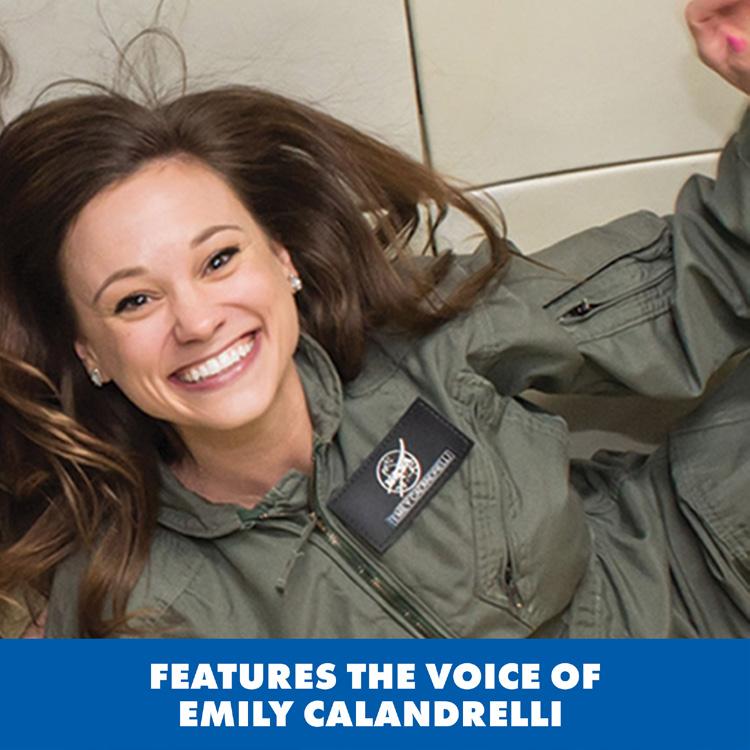
Show who voices the products (when applicable)
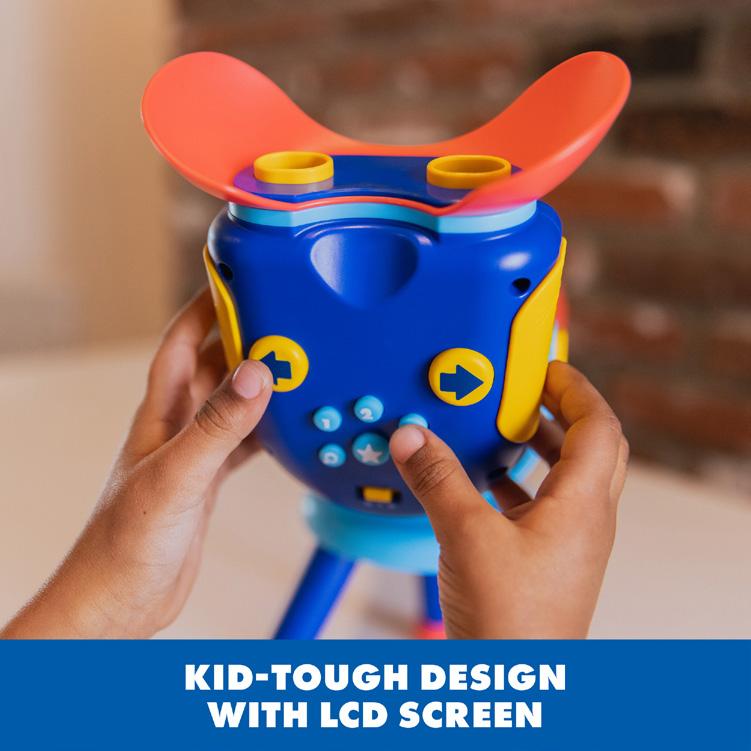
Show kid using additional features
Product on white
Show what kids will see when using the product
Spark More bucket
Packaging
Here are a few examples of the types of packaging we use for GeoSafari.
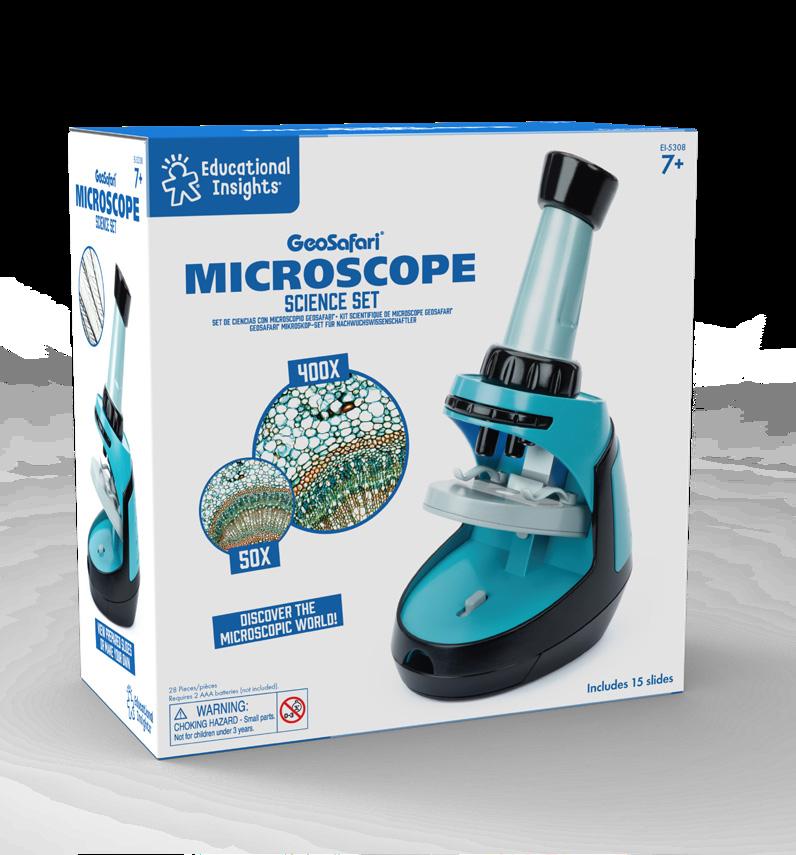
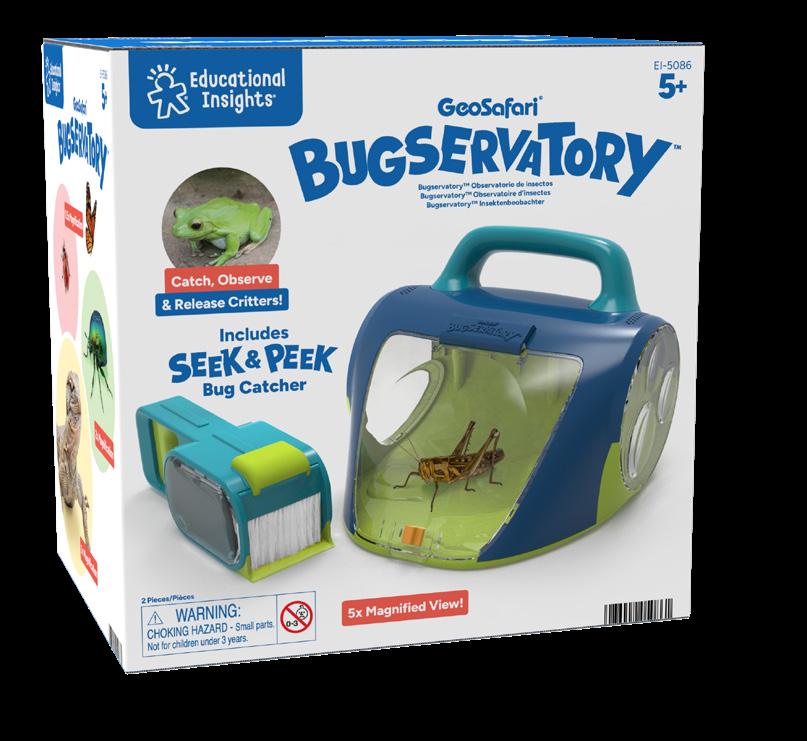
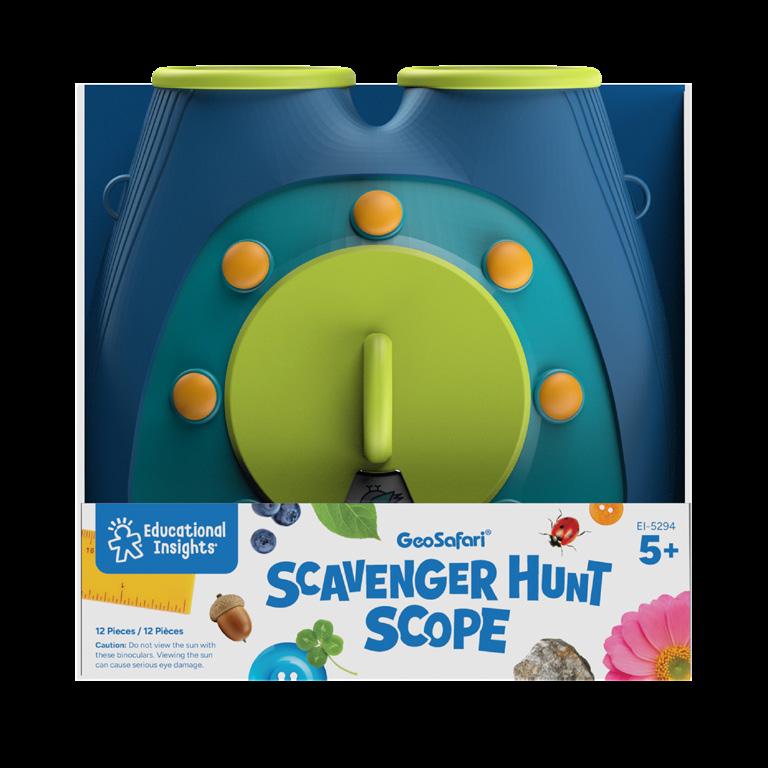
Closed Box
Closed Box
Open packaging
Packaging Components Box
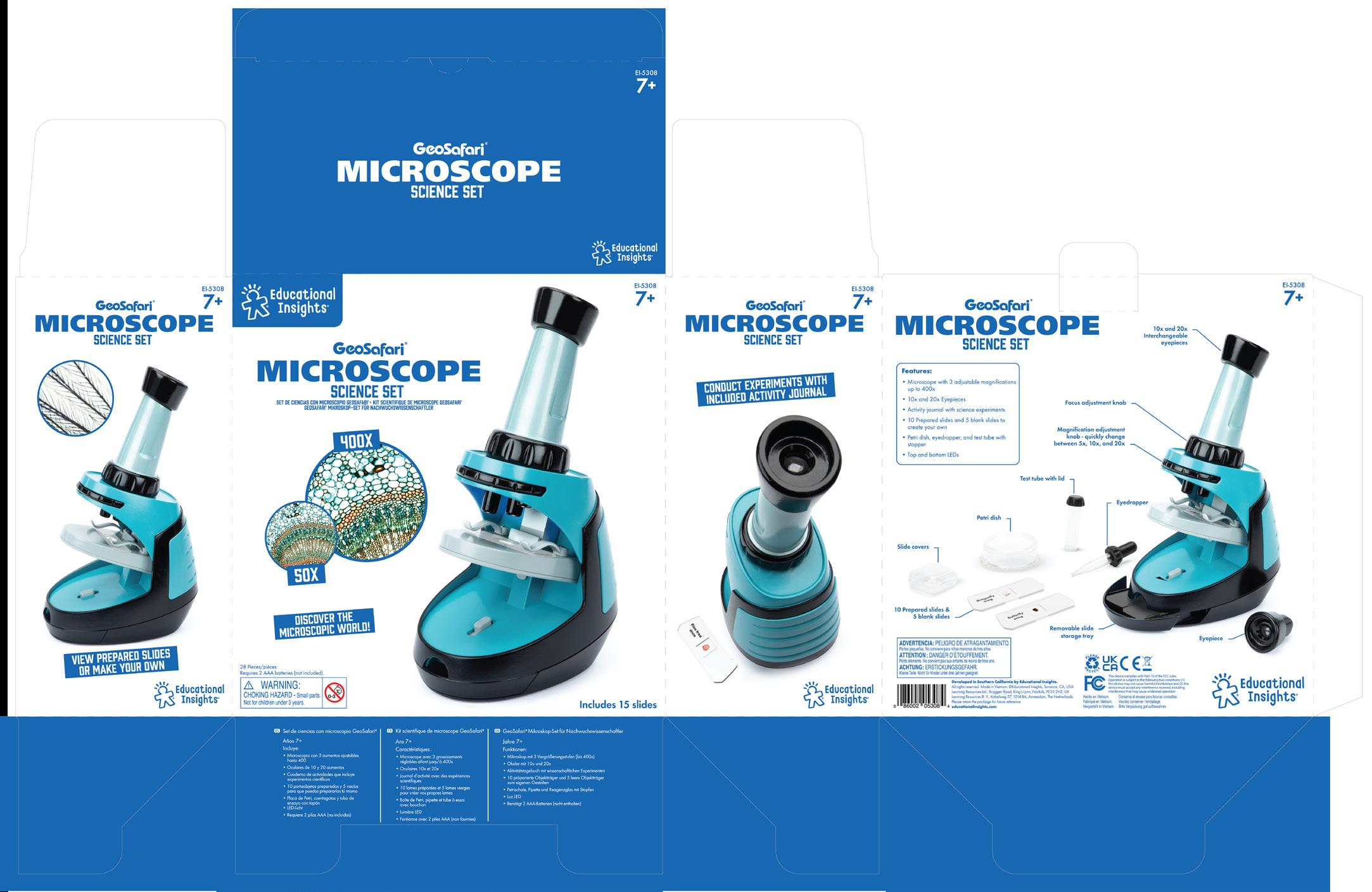
MTL (Spanish, French & German)
EI Logo
Choke warning
Batteries
MTL (Spanish, French & German)
Packaging Components Box
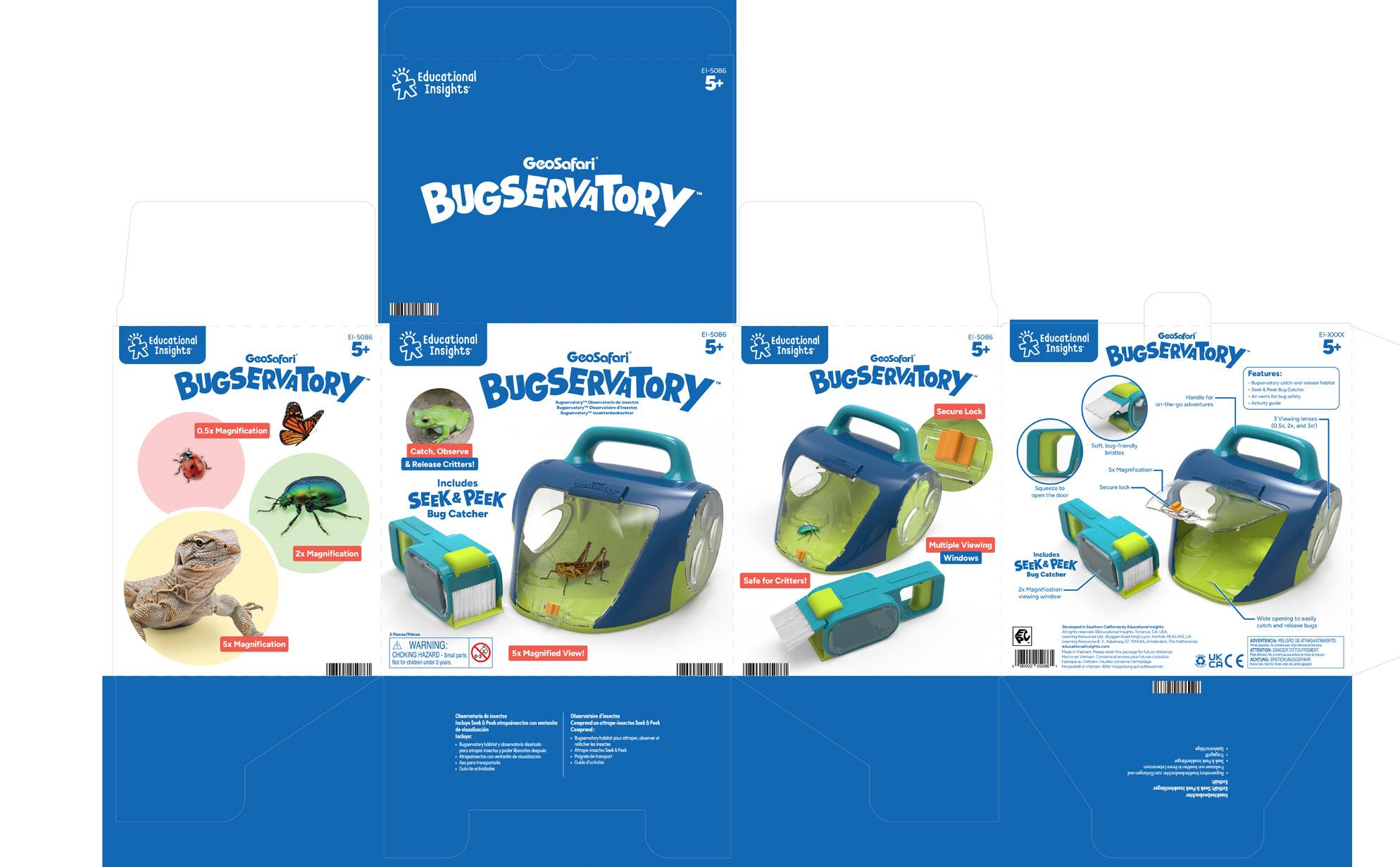
Packaging Components
Open Packaging
EI Logo
Callout text Features MTL (Spanish, French & German)
Name
Info
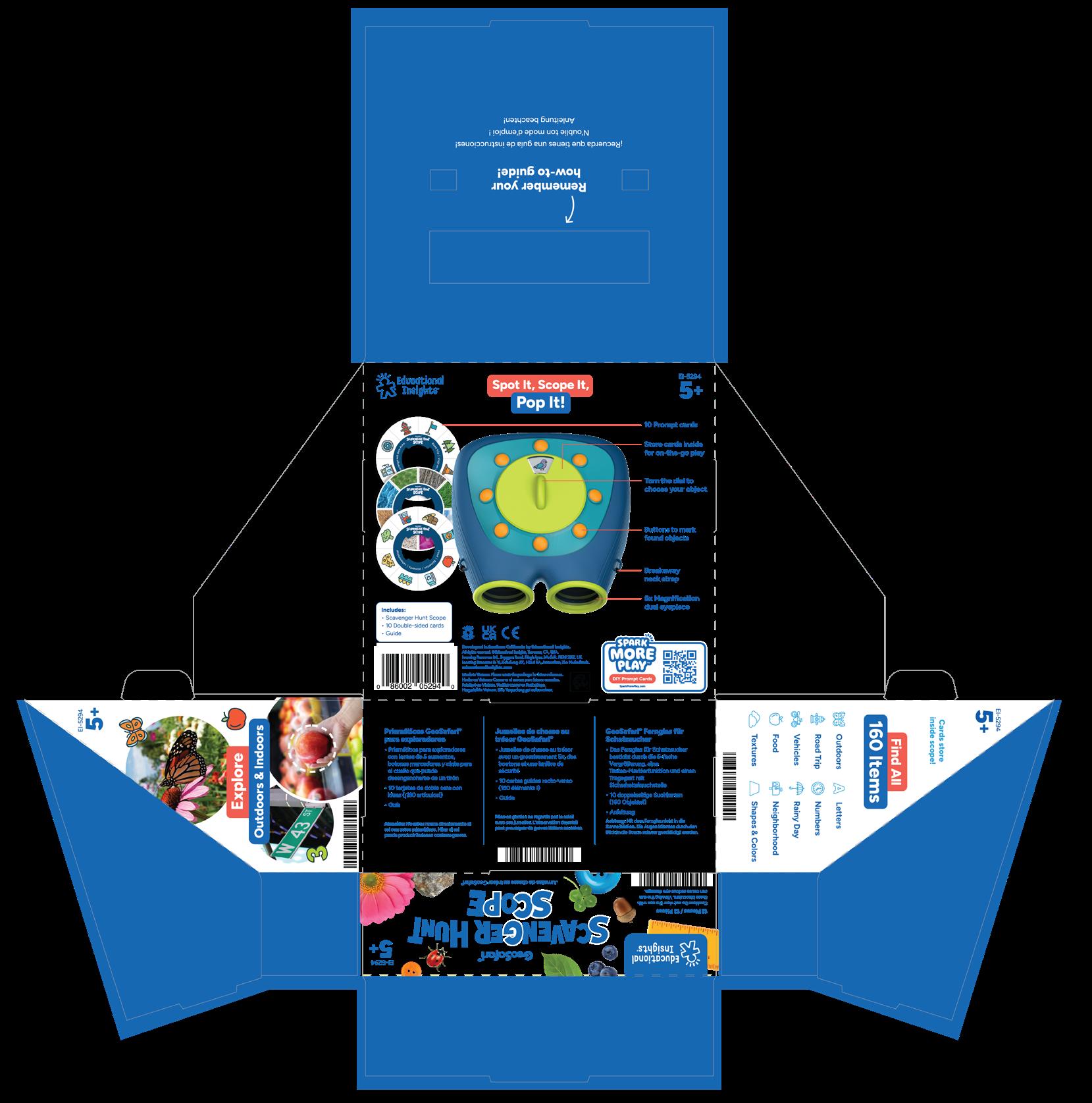
Callout text
#/Age Regulatory symbols Callout text
info
Count
Playfoam ®
Range Proposition
Digital A+ Pages
Top 6
Print Pattern
Packaging Components
Range Proposition
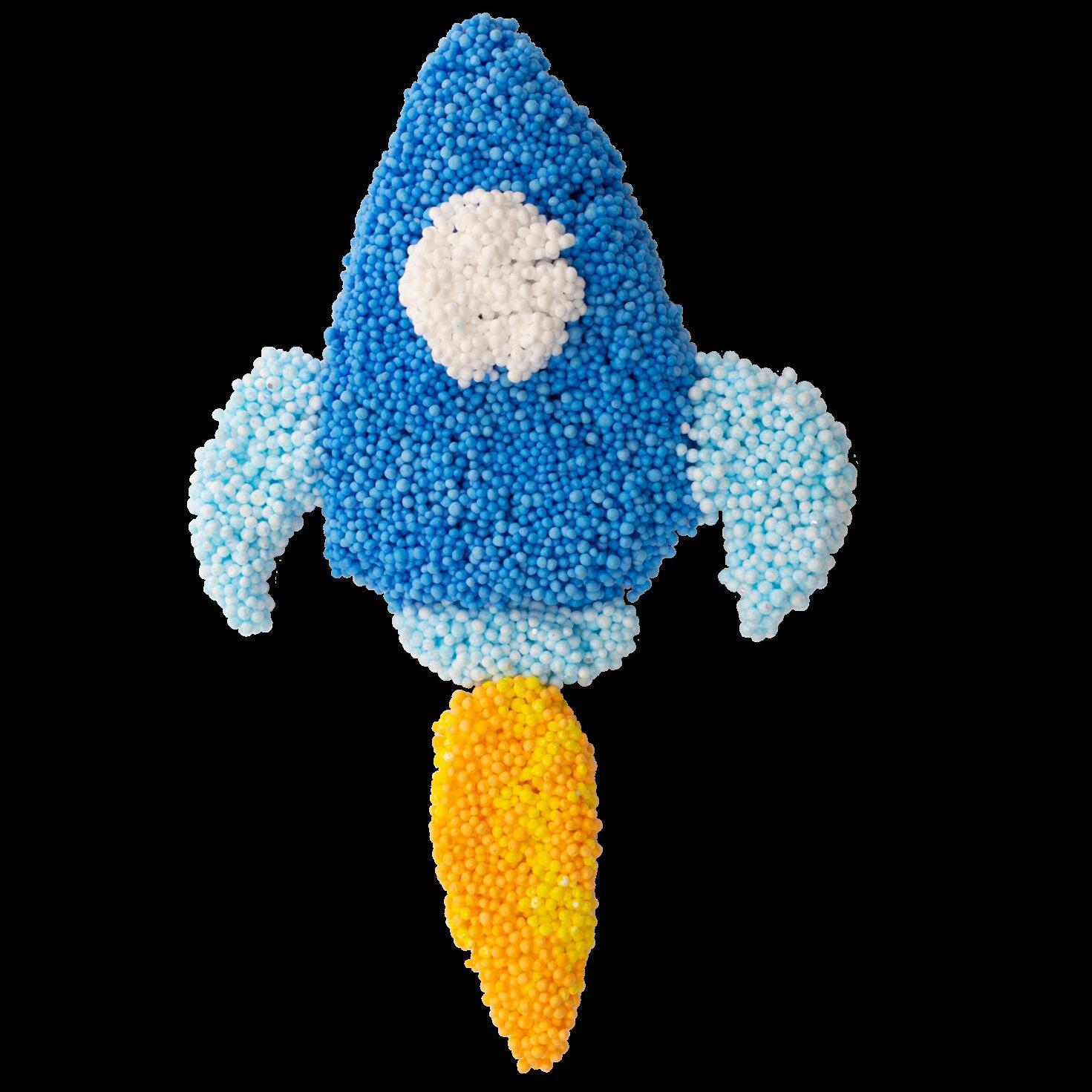
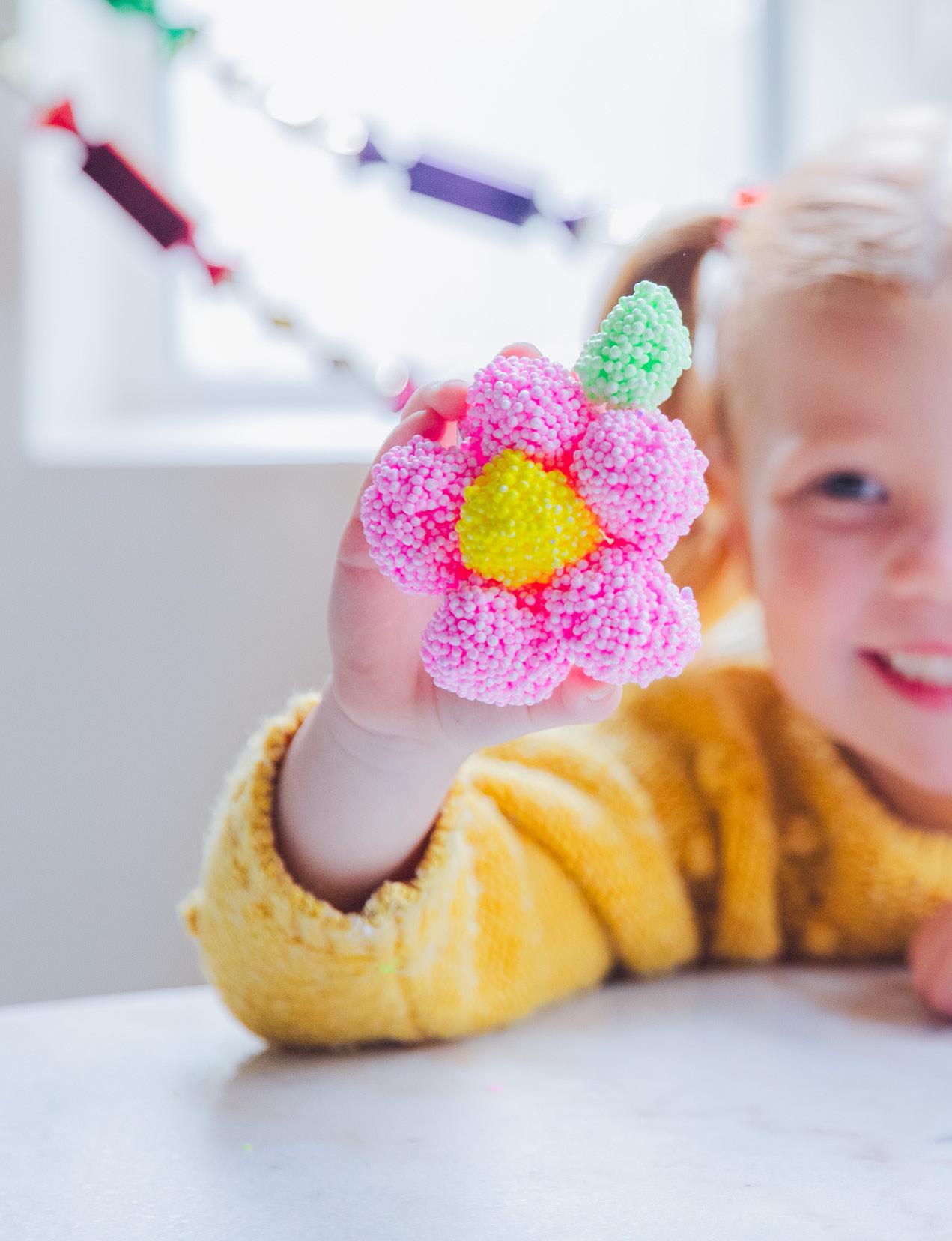
Playfoam® is a line of sensory-stimulating, squishy, squashy compounds that build skills through hands-on play and activities for creative and imaginative kids that like to keep their hands and minds moving.
Logo
Primary logo on color
When logo appears on white or light backgrounds, use the version with a gray stroke
Logo
logo When registration mark gets too small it is moved to the outside of the lockup
Secondary
Single color logo
Logo
Sub Brand
Playfoam Naturals Logo
Playfoam Sand Logo
Logo Clearance
Separate the logo from all surrounding visual elements using a clearspace margin that is double the width of the cloud outline
Separate stacked elements from the logo using a clearspace margin that is half the width of the cloud outline
Things To Avoid
Do not use old logo
Do not remove registration mark
Do not distort or warp the logo in any way
Do not apply a gradient to the logo
Do not change colors
Do not rotate
Colors
Playfoam and Playfoam Sand Sub Brands
PRIMARY COLORS
CMYK 100, 000, 000, 000
RGB 000, 174, 239
HEX #00AEEF
SECONDARY COLORS
CMYK 000, 100, 000, 000
RGB 236, 000, 140
HEX #EC008C
CMYK 50, 000, 100, 000
RGB 141, 198, 063
HEX #8DC63F
CMYK 000, 50, 100, 000
RGB 247, 149, 32
HEX #F7941D
CMYK 75, 100, 000, 000
RGB 102, 45, 145
HEX #662D91
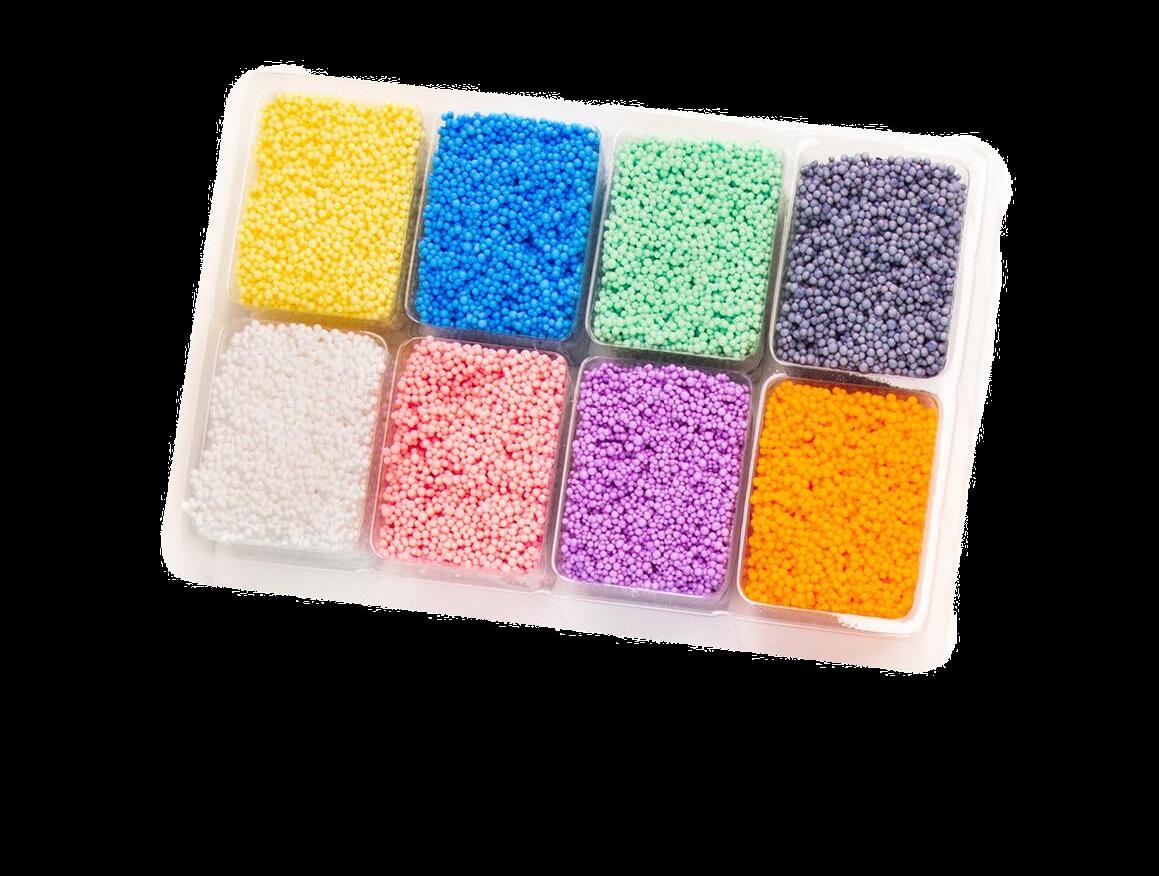

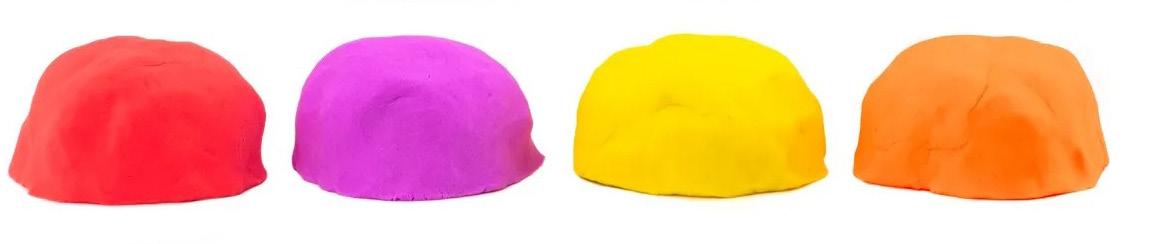
Blue Green Pink Red Yellow Black Purple Orange
Copy/Tone
Playfoam® tone is all about satisfying, soothing, ASMR-filled play. Playfoam is the original, soothing, sensory compound, so we want copy to convey how Playfoam feels, why it’s satisfying, and all the endless creative possibilities it has. Note that the tone may differ between Playfoam sub lines; for example, we use specific words for Pluffle that we don’t use for classic Playfoam, etc.
Here are some key phrases to use:
Squishy, squashy
Mesmerizing, fluffy (Pluffle)
Soothing
Mess-free
Non-toxic
Make Stuff with Playfoam
A+ Page
This is an example of a Playfoambranded A+ page.
1 Product Logo + Photo
Product Logo and name with a product shot on white.
2 Features/Benefit Callout
Product Logo and name in Title Case with a product shot on white.
3 Image with Text SEO text written in Amazon paired with images.
4 Lifestyle Photos
Muliple lifestyle images of the product.
5 Spark More Bucket
Most Playfoam products fall under the Creativity bucket.
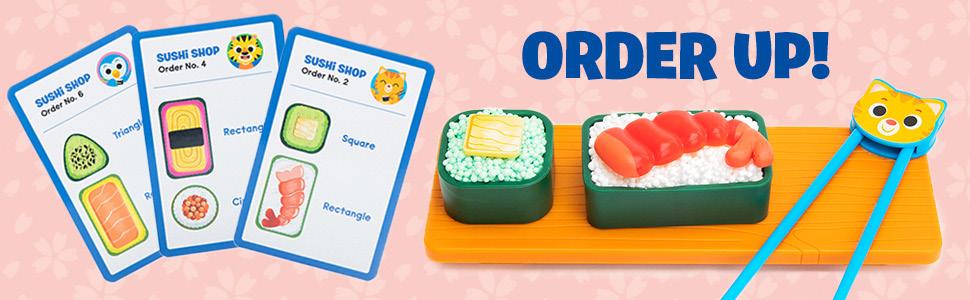
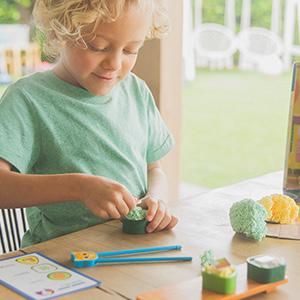
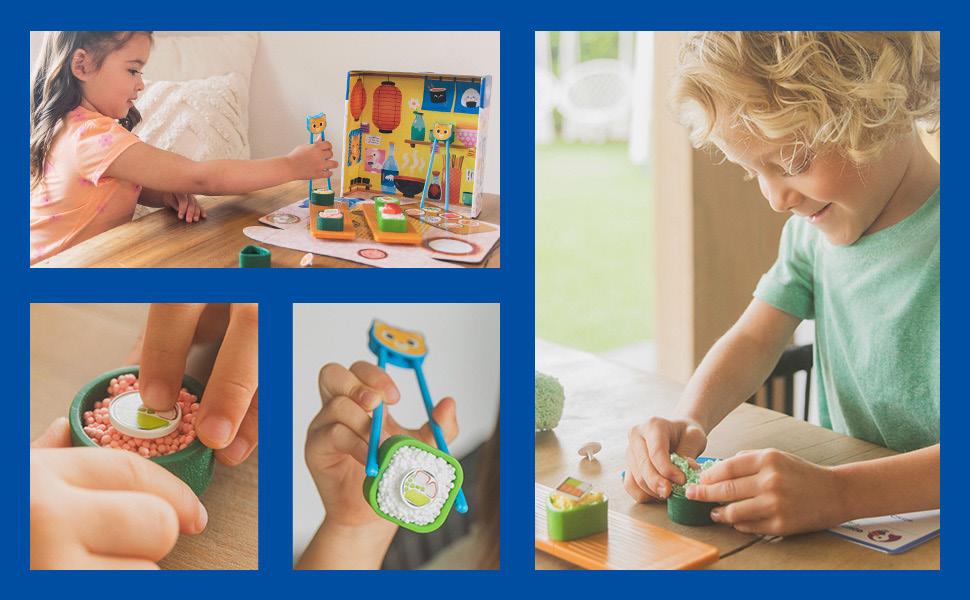
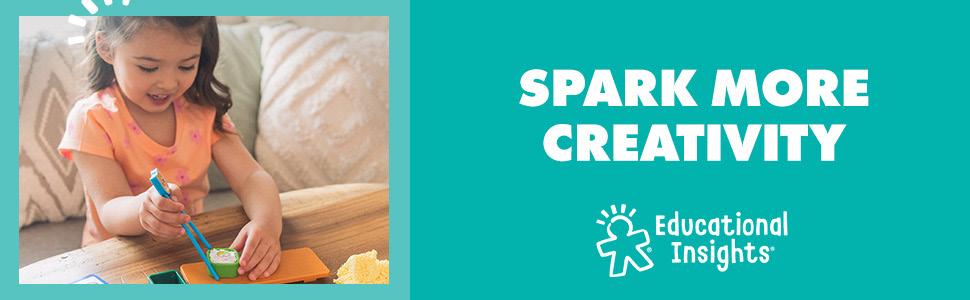
Top 6
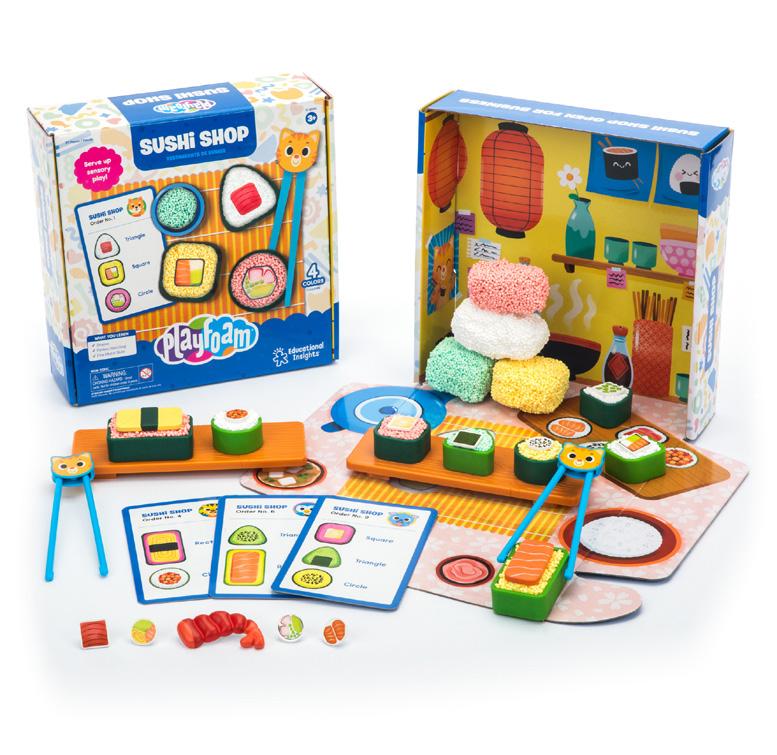
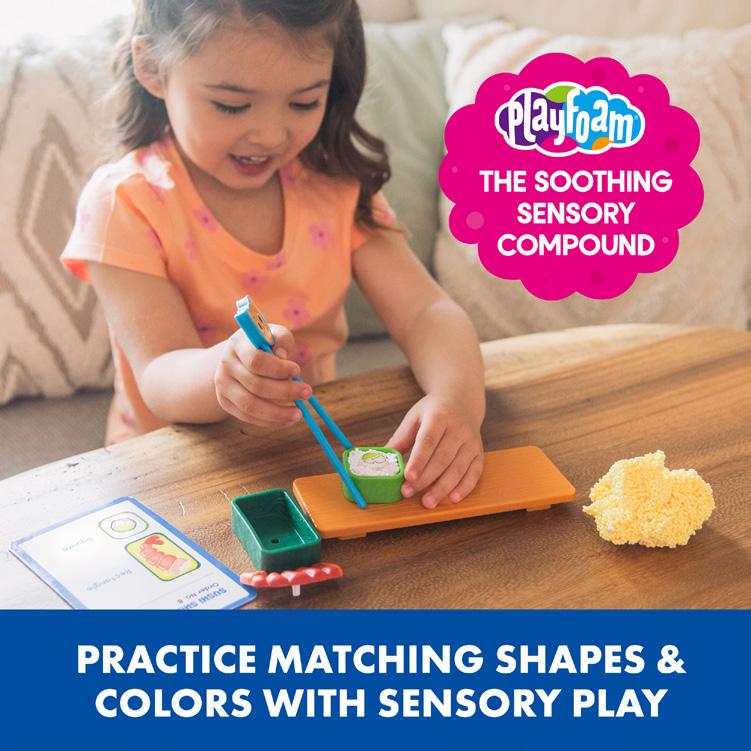
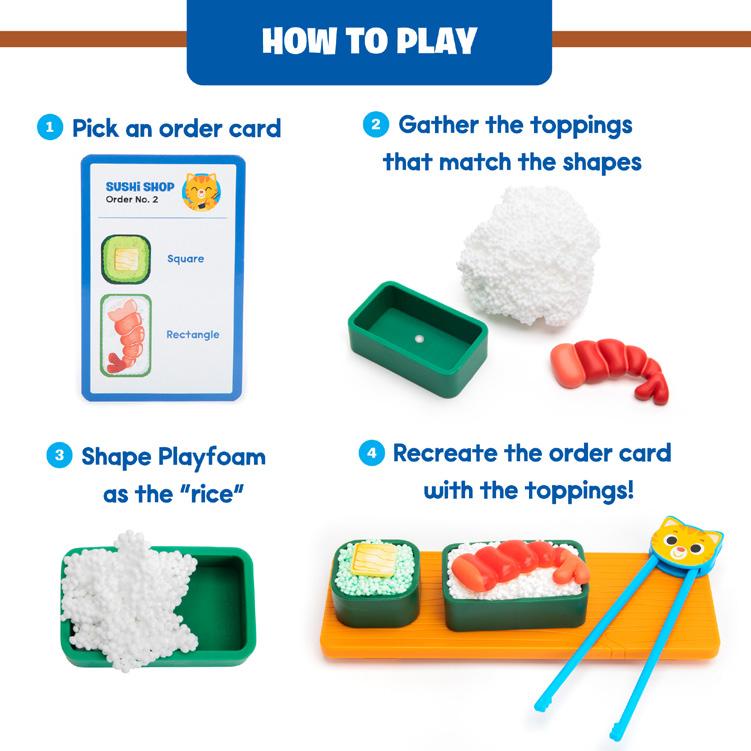
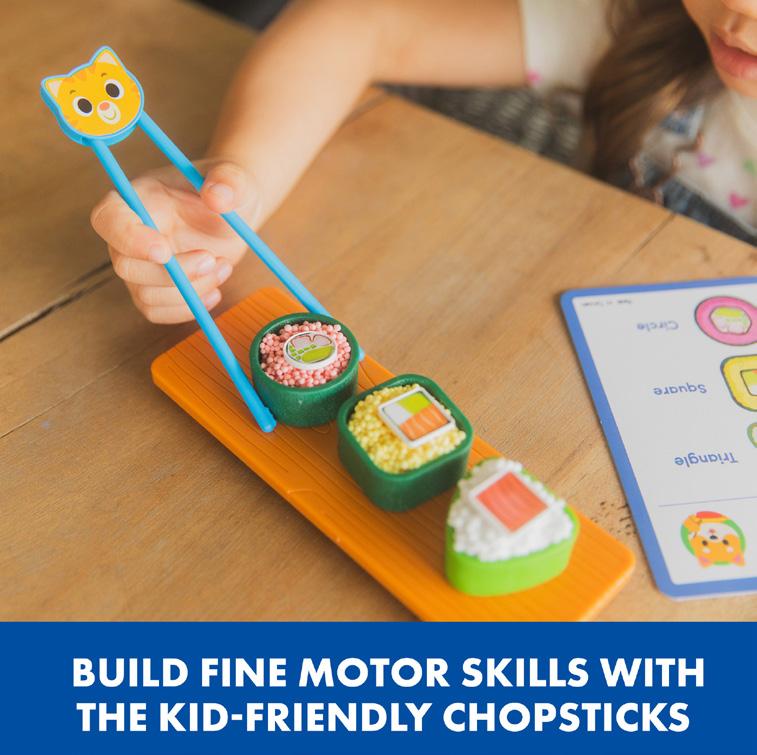
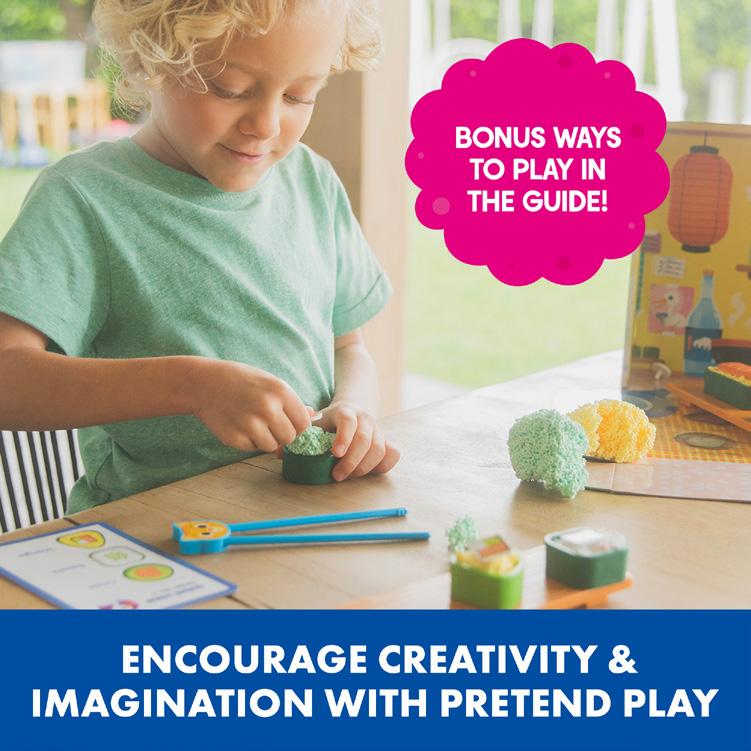
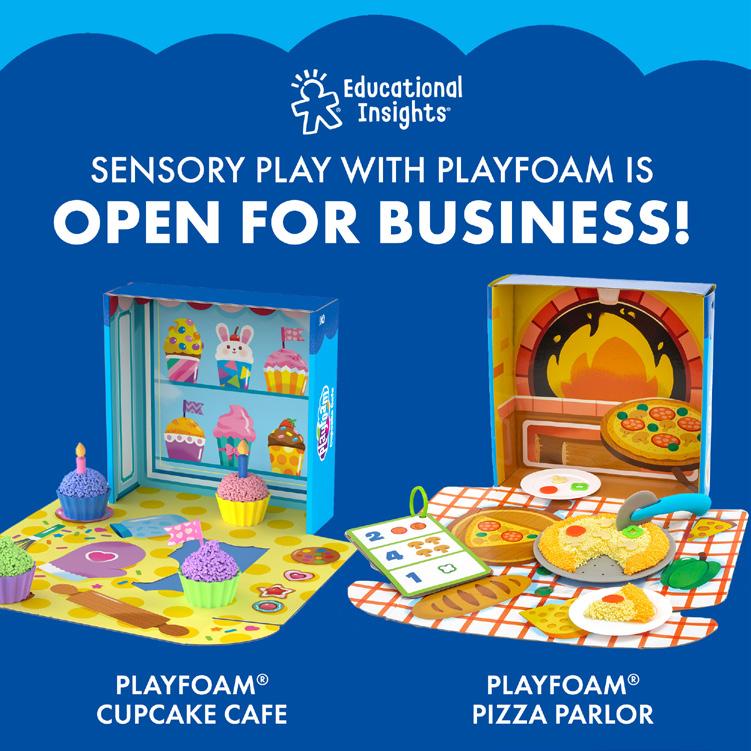
Packaging
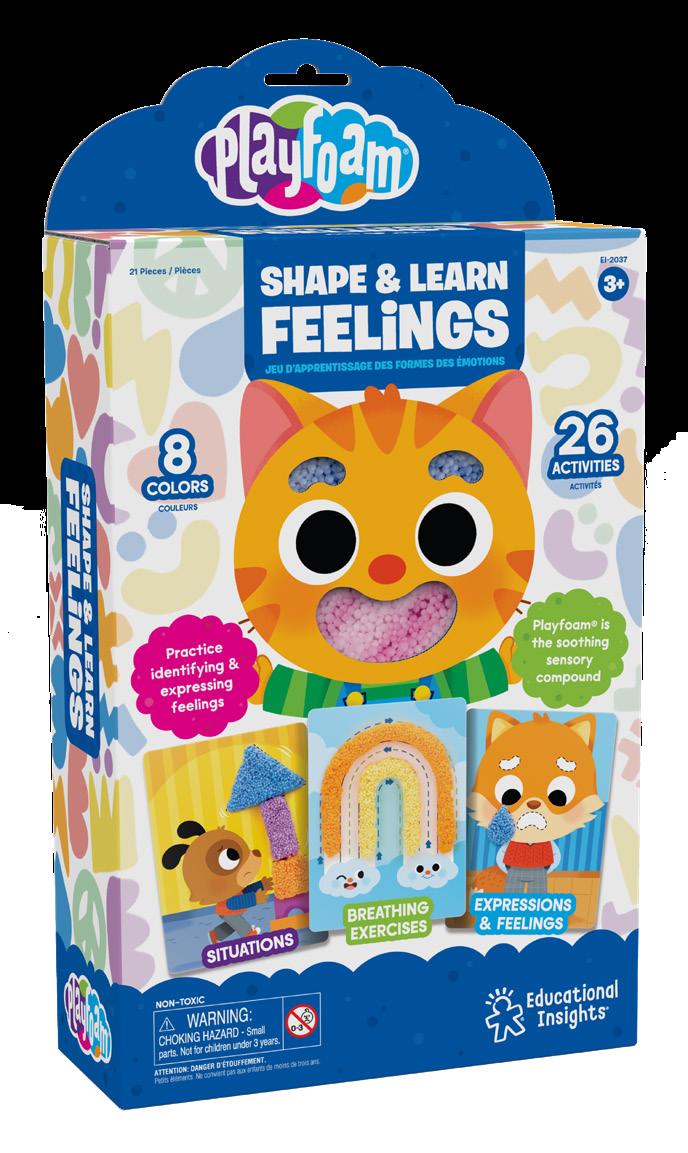
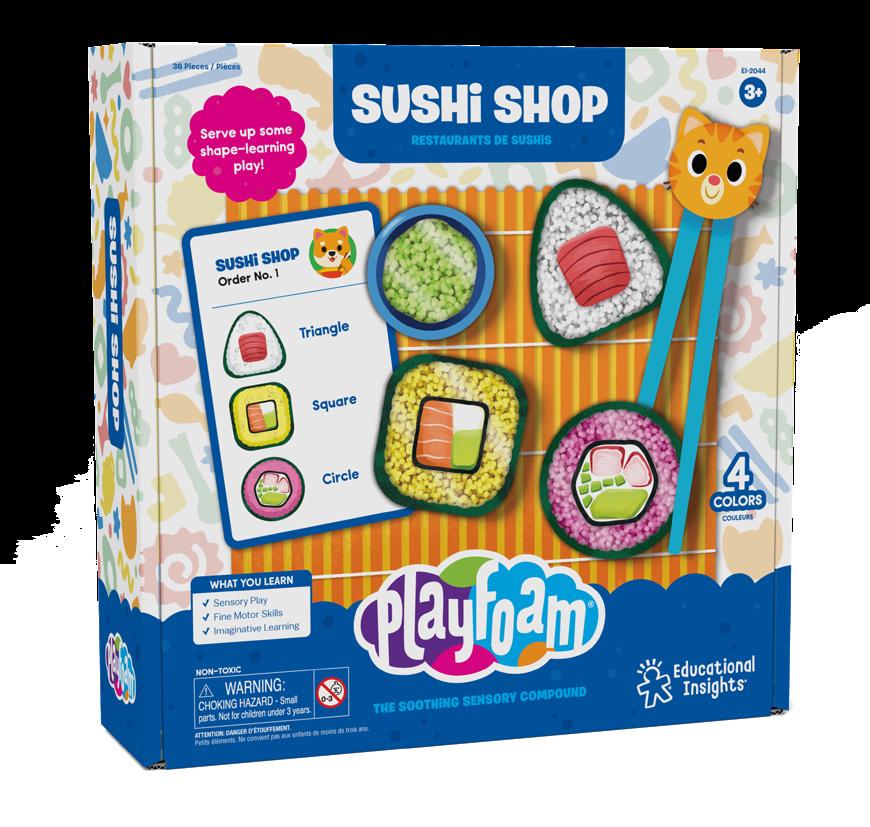
Box
Pizza Box
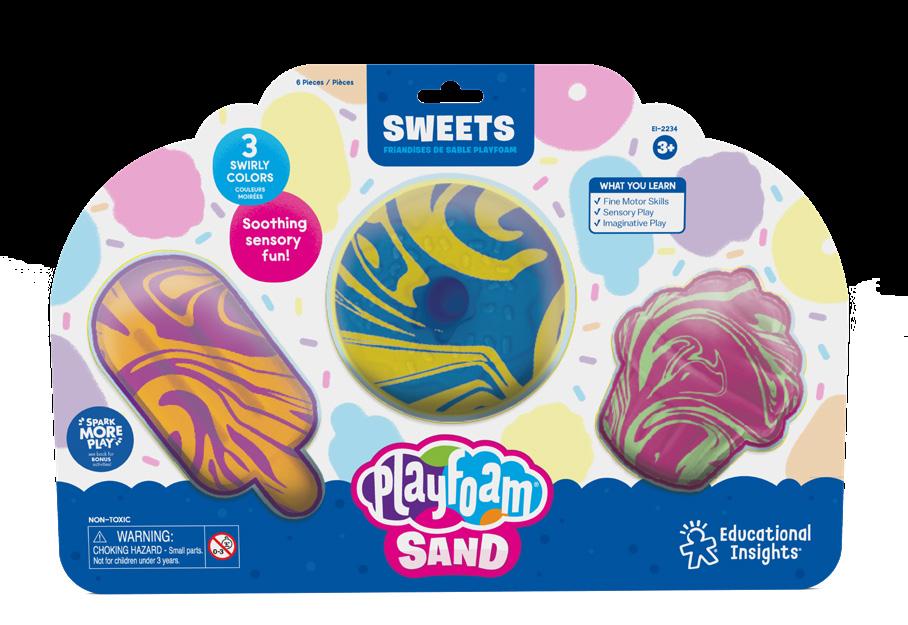
Blister
Pattern
These shapes make up the current Playfoam pattern that is on every Playfoam box. Additional shapes can be added to the pattern if they fit the line and are approved.
Pattern Colors
Classic Playfoam Package
Front pannel patterns are at 35% opacity.
CMYK 70, 25, 0, 0
RGB 64, 155, 214
HEX #409BD6
CMYK 25, 50, 0, 0
RGB 196, 144, 191
HEX #C490BF
CMYK 30, 0, 35, 0
RGB 191, 223, 184
HEX #BFDFB8
CMYK 5, 35, 85, 0
RGB 240, 180, 48
HEX #F0B430
CMYK 7, 50, 35, 0
RGB 231, 152, 143
HEX #E7988F
CMYK 5, 10, 80, 0
RGB 247, 224, 66
HEX #F7E042
Pattern Colors
Playfoam Sand Package
These are the colors used on Playfoam Sand package patterns. Front pannel patterns are at 30% opacity.
CMYK 75, 10, 0, 0
RGB 0, 174, 230
PMS 2202 C
CMYK 75, 10, 0, 0
RGB 0, 174, 230
PMS 2202 C
CMYK 75, 10, 0, 0
RGB 0, 174, 230
PMS 2202 C
CMYK 75, 10, 0, 0
RGB 0, 174, 230
PMS 2202 C
CMYK 75, 10, 0, 0
RGB 0, 174, 230
PMS 2202 C
Packaging Components Box
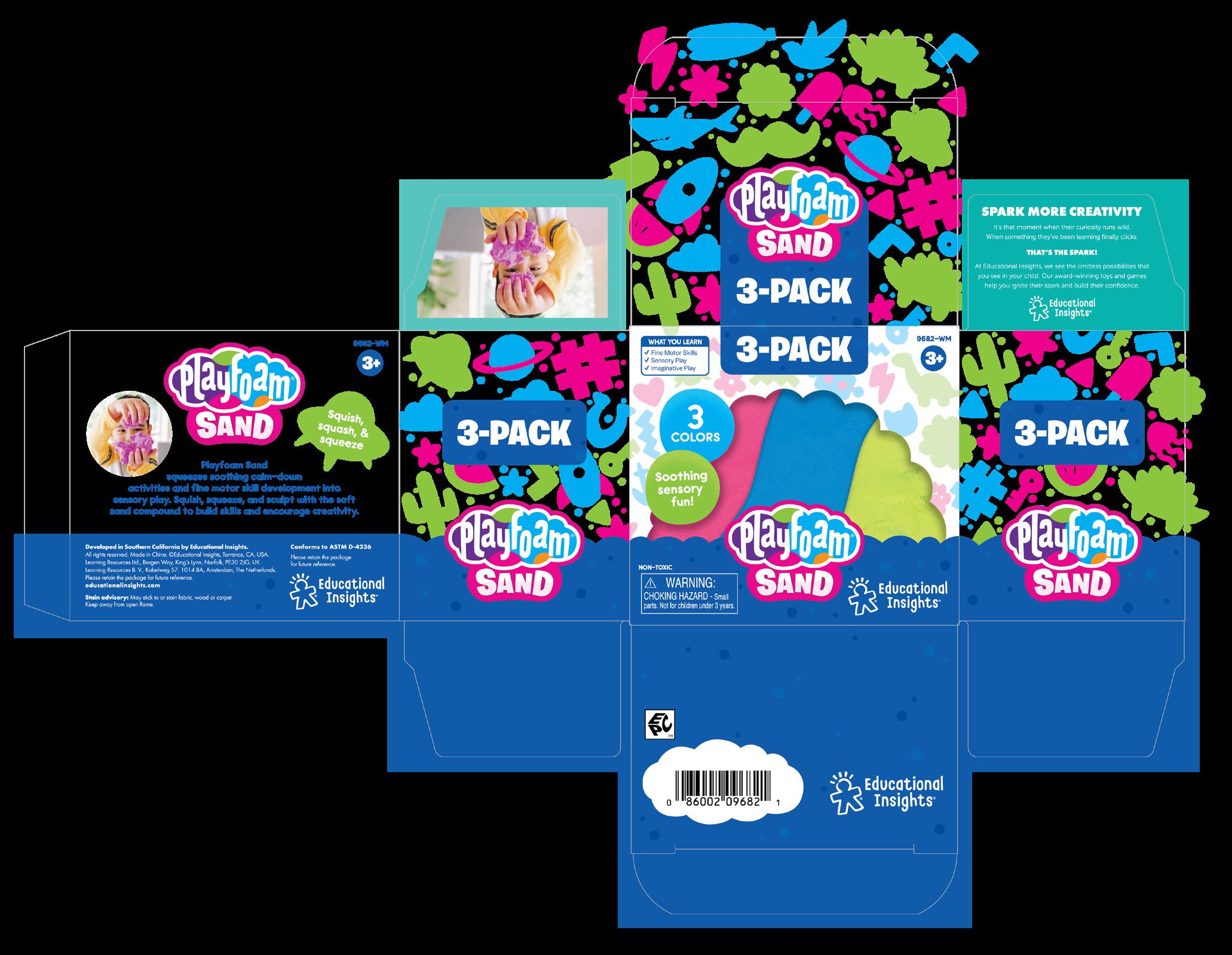
Playfoam packages must have “Conforms to ASTM D-4236”
Packaging Components
Blister
Textured Pattern
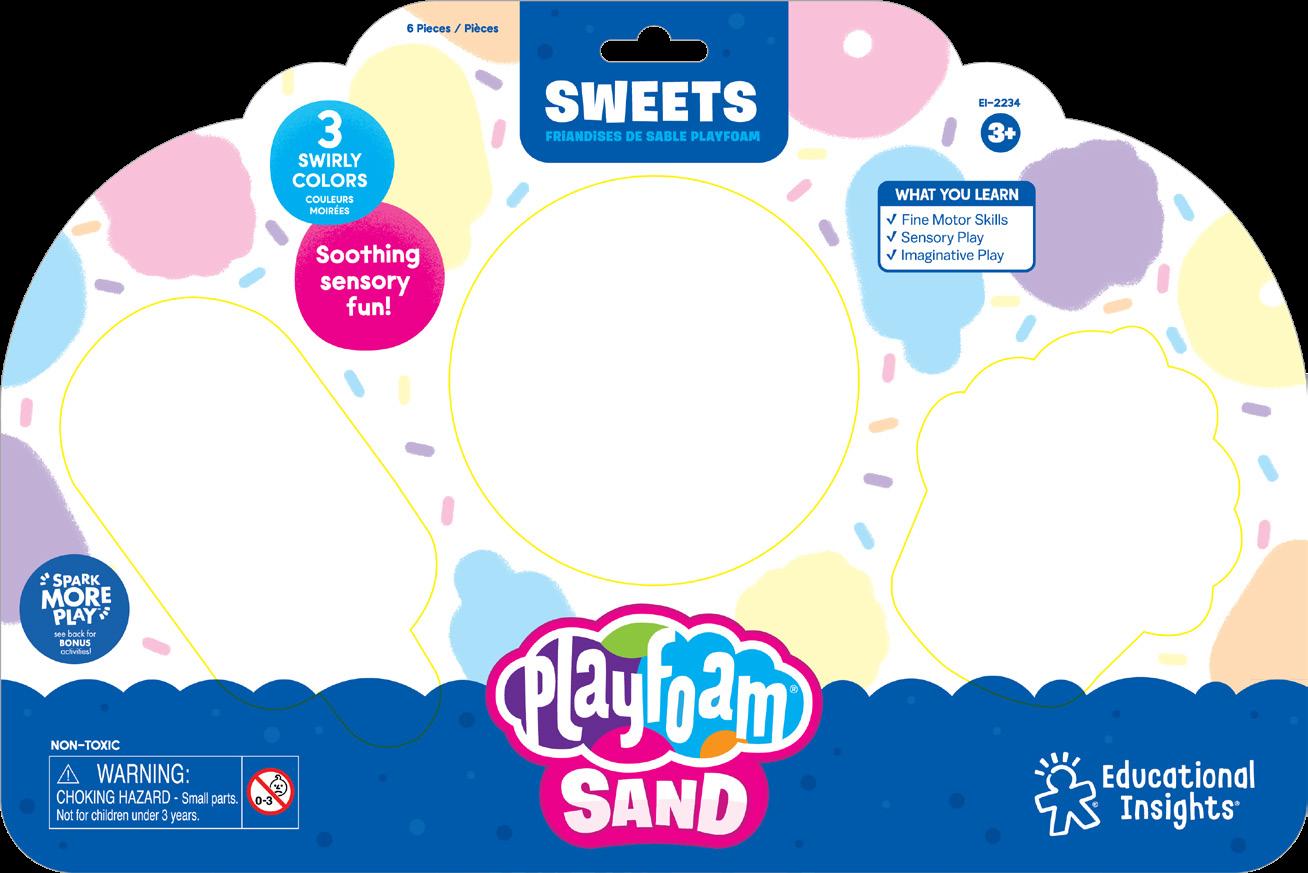
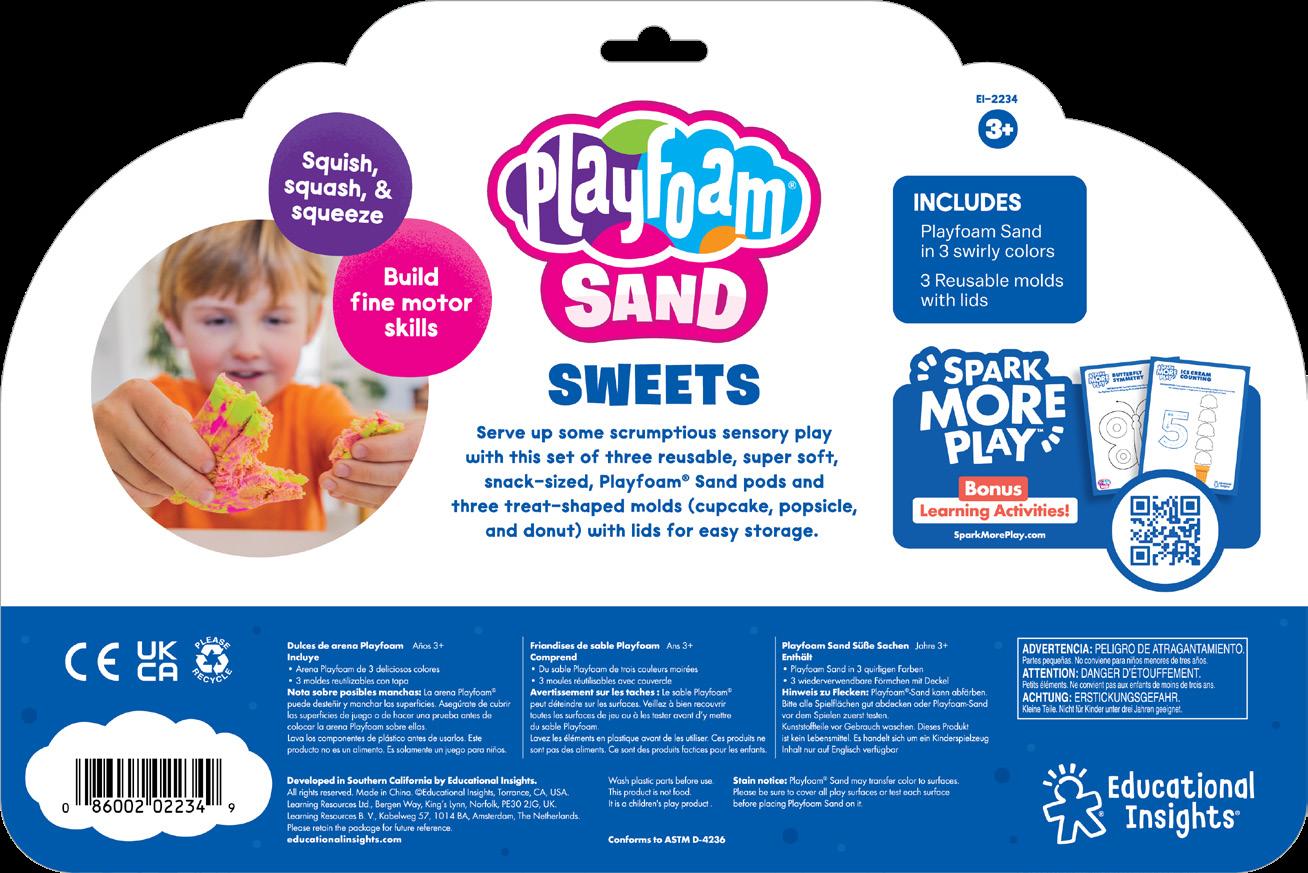
SKU/ Age
SKU/ Age
Title Tab w/ French What you learn Includes SMP
Educational Insights logo PFS logo Bottom Center *All Playfoam packages must have “Conforms to
Playfoam footer Playfoam
Pluffle ®
Range Proposition
Branding Logos Fonts Colors
Copy/Tone
How To Use
Digital A+ Pages
Top 6
Print Pattern
Packaging Components
Range Proposition
Pluffle is the mesmerizing sensory compound that makes the perfect sensory bin filler. It’s fluffy, soft, and satisfying to touch, lightweight and easy to clean up, and free of major allergens—so parents and teachers can create custom sensory bins.
Logo
When logo appears on white or light backgrounds, use the version with a gray stroke
Primary logo on color
Single color logo
Things To Avoid
Do not use old logo

Do not distort or warp the logo in any way
Do not apply a gradient to the logo
Do not change colors
Do not rotate

Colors
CMYK 75, 10, 0, 0
RGB 0, 174, 230
HEX #1B75BC
CMYK 3, 28, 100, 0
RGB 245, 186, 24
HEX #F5BA18
CMYK 75, 10, 0, 0
RGB 0, 174, 230
HEX #52C1E1
CMYK 2, 73, 9, 0
RGB 232, 100, 151
HEX #E86497
CMYK 72, 0, 65, 0
RGB 44, 177, 122
HEX #2CB17A
Copy/Tone
People can’t touch or feel Pluffle, so copy should convey what Pluffle feels like. It should also highlight the key things that parents/ teachers like about Pluffle, like that it’s not sticky, it’s easy to clean up, and it’s mesmerizing. tone of voice is similar to our core EI voice, but can lean more into ASMR, “so satisfying”, etc.
Here are some key phrases to use:
Mesmerizing sensory play
The mesmerizing sensory bin filer
Soft, fluffy, and lightweight
Squeeze it and watch it move!
Mess-free
Non-toxic
Free of major allergens
Scoop, sift, and squeeze
A+ Page
This is an example of a Playfoambranded A+ page.
1 Product Logo + Photo
Product Logo and name with a product shot on white.
2 Features/Benefit Callout
Product Logo and name in Title Case with a product shot on white.
3 Image with Text SEO text written in Amazon paired with images.
4 Lifestyle Photos
Muliple lifestyle images of the product.
5 Spark More Bucket
Most Playfoam products fall under the Creativity bucket.
Packaging
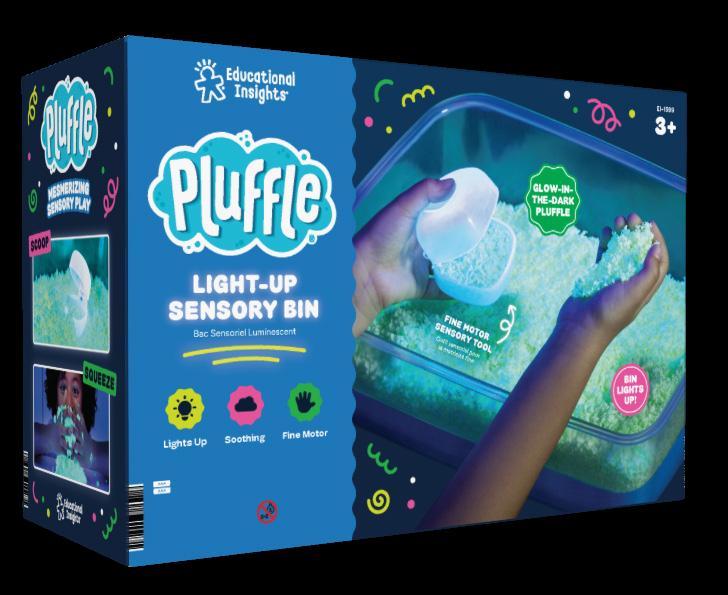
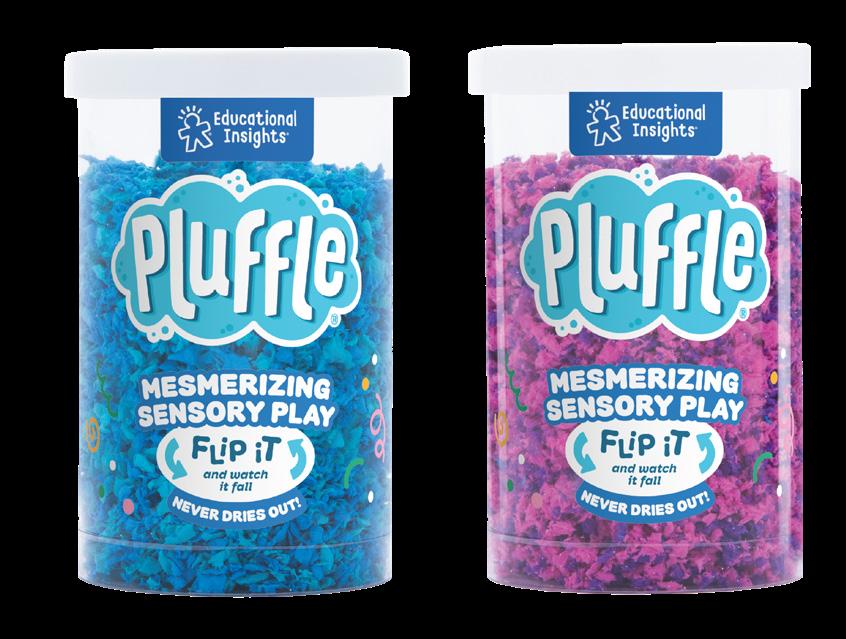
Note: We are in the process of revamping this line look. Final photography is to be added.
Box
Mini Tubes
Pattern
These shapes make up the current Pluffle pattern that is on every Puffle box. Additional shapes can be added to the pattern if they fit the line and are approved.
It is important to keep the stroke the same point so the shapes stay consistent, even when scaled.
Packaging Components Box
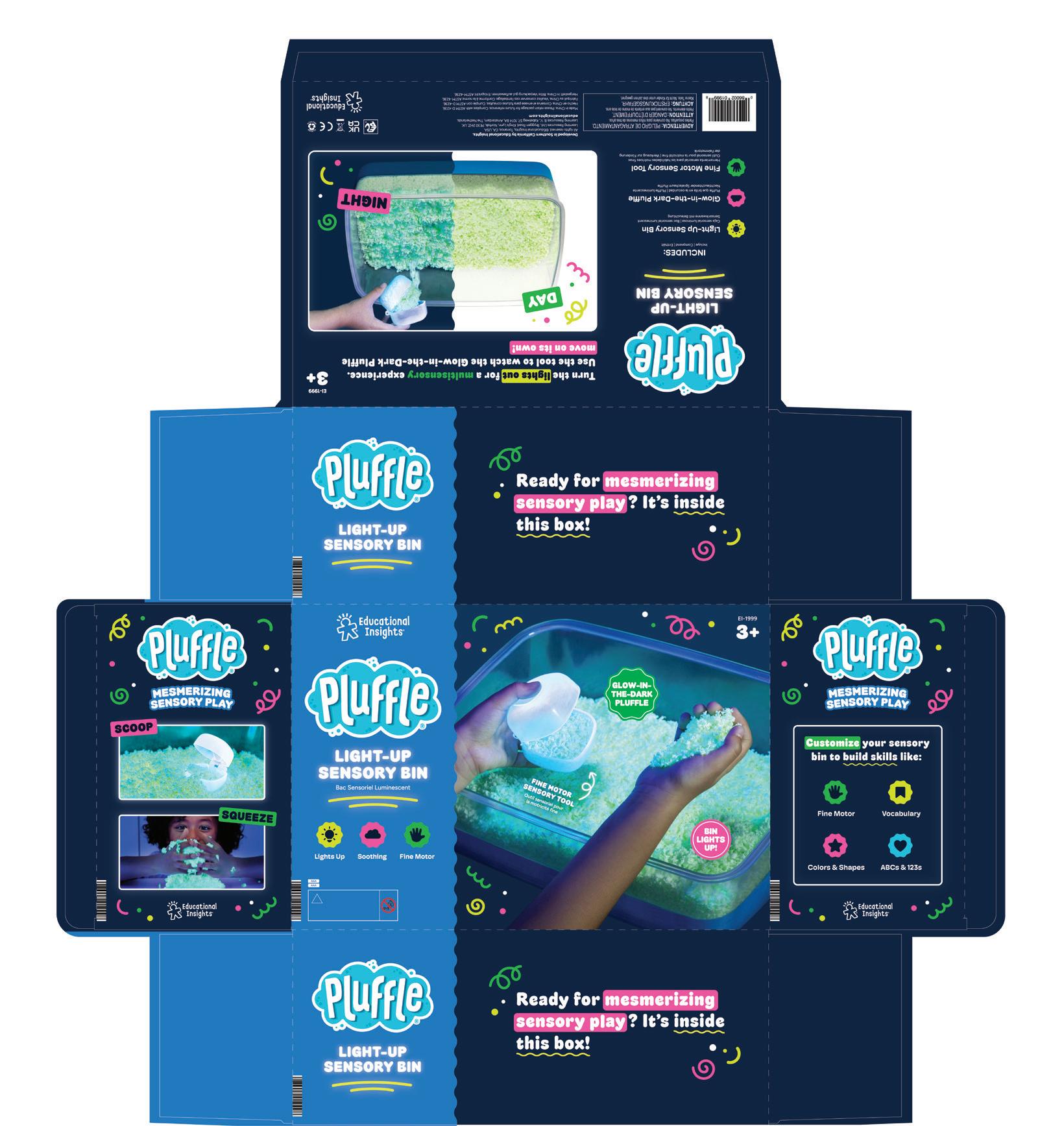
Packaging Components
Mini Tubes
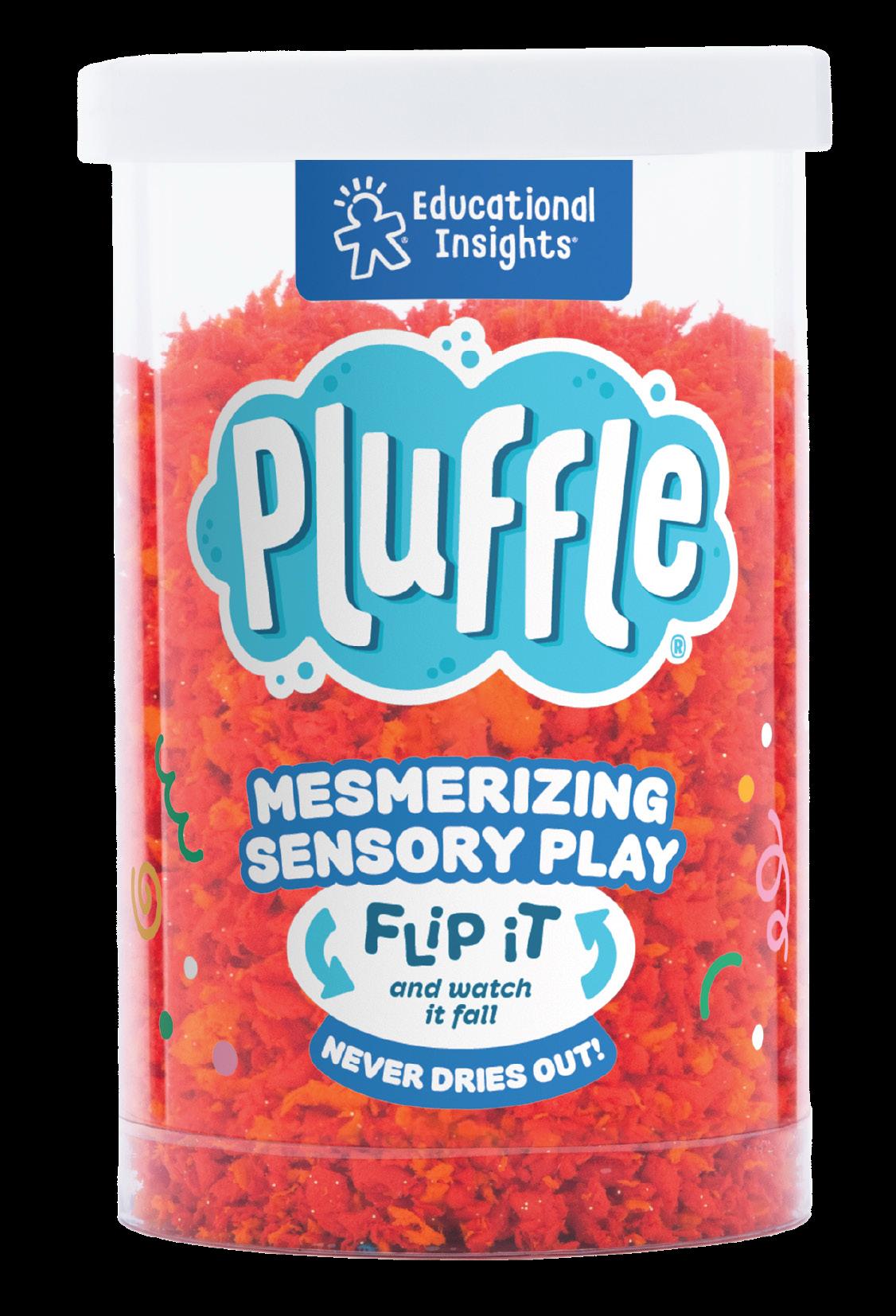
Note: We are in the process of revamping the mini tubes and regular tubes. Final photography is to be added.
Educational Insights logo
Pluffle logo
Pluffle tagline lock up Pattern
Design & Drill ®
Range Proposition
Branding Logos Fonts Colors
Copy/Tone
Digital A+ Pages
Top 6
Print Pattern
Packaging Components
Range Proposition
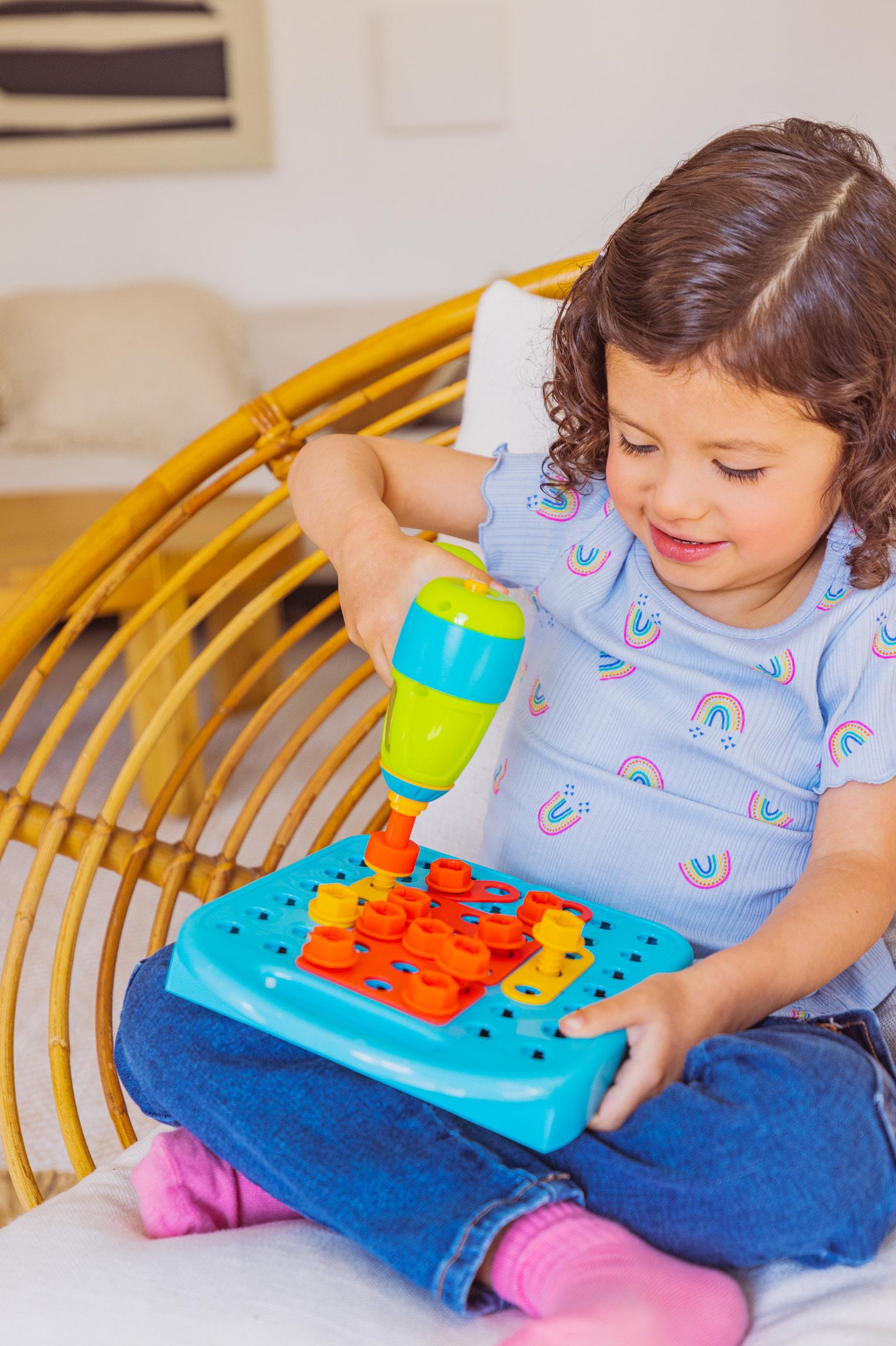
Design & Drill is a line of hands-on building and construction toys that combine imagination with building. Kid-safe versions of tools inspire pretend play and engineering, from build-it-yourself toys to pretend play playsets.
Logo Primary
Use on all packaging and digital assets
Logo Secondary
Use single color for interior package designs
Logo Clearance
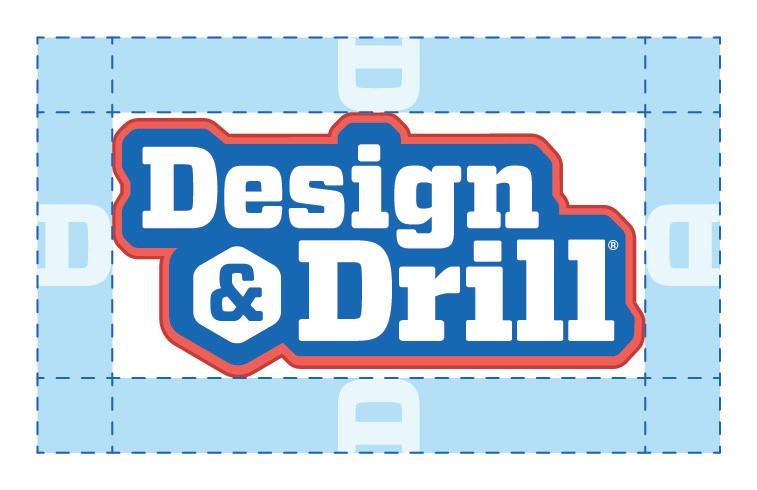
Use the “D” from “Design” for padding
Things To Avoid
Do not add effects to the logo
Do not rotate the logo
Do not use old logos
Do not change colors
Do not stretch the logo
Do not use old logos

Do not use old logos



Colors
CMYK 90, 60, 0, 0
RGB 18, 104, 179
HEX #1268B3
CMYK 75, 40, 0, 0
RGB 60, 133, 198
HEX #3C85C6
CMYK 0, 78, 64, 0
RGB 241, 96, 88
HEX #F16058
CMYK 17, 90, 82, 6
RGB 193, 61, 59
HEX #C13D3B
CMYK 35, 10, 100, 0
RGB 179, 193, 53
HEX #B3C135
CMYK 80, 10, 100, 0
RGB 45, 164, 74
HEX #2DA44A
CMYK 56, 14, 8, 0
RGB 106, 179, 213
HEX #6AB3D5
Copy/Tone
Design & Drill voice is similar to our core EI voice, but emphasizes aspirational play. It should be encouraging, immersive, and thematic based on the toy—whether you’re blasting off to space in the Bolt Buddies Rocket or building custom robots in the Robot Workshop

Packaging
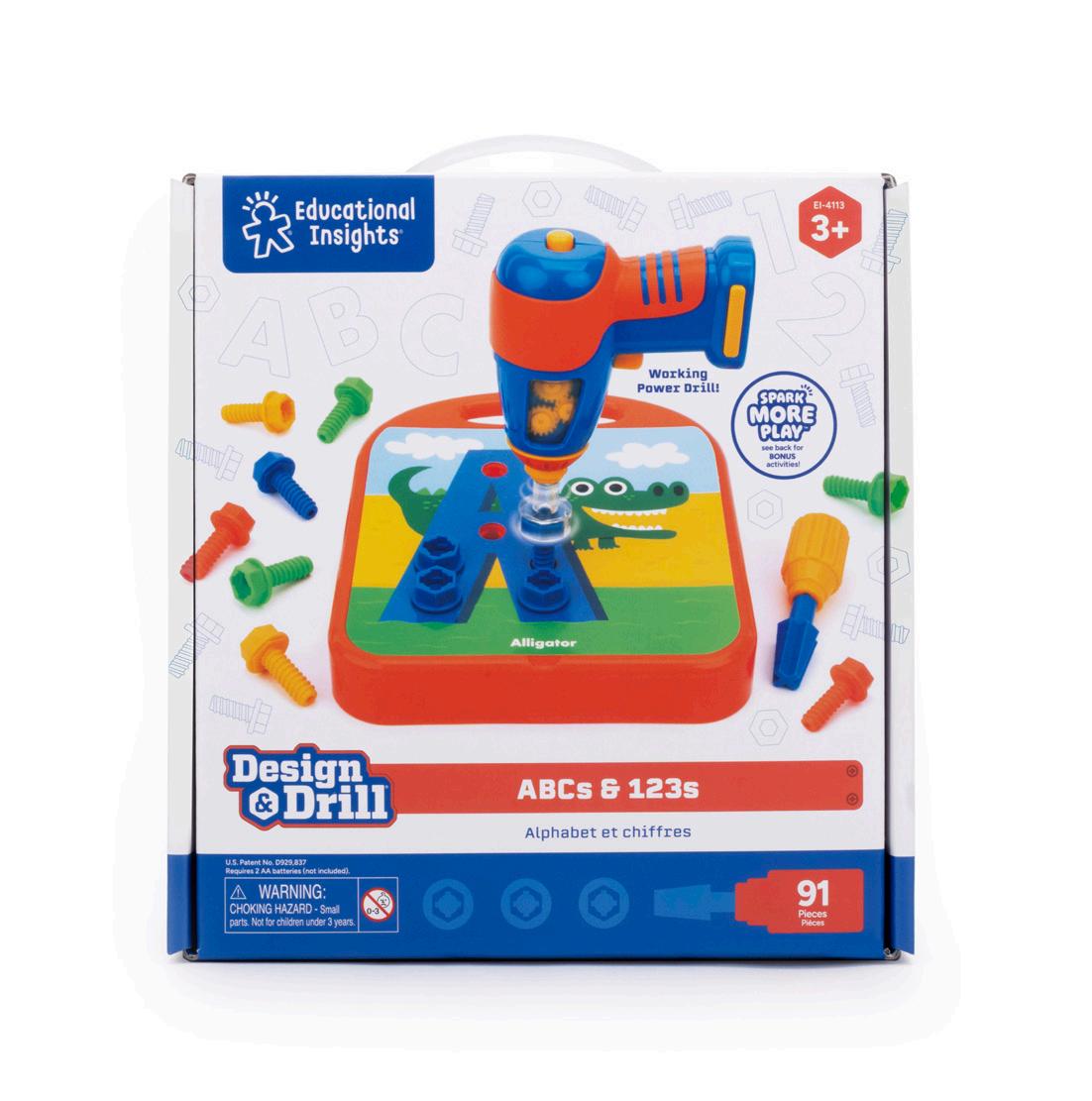
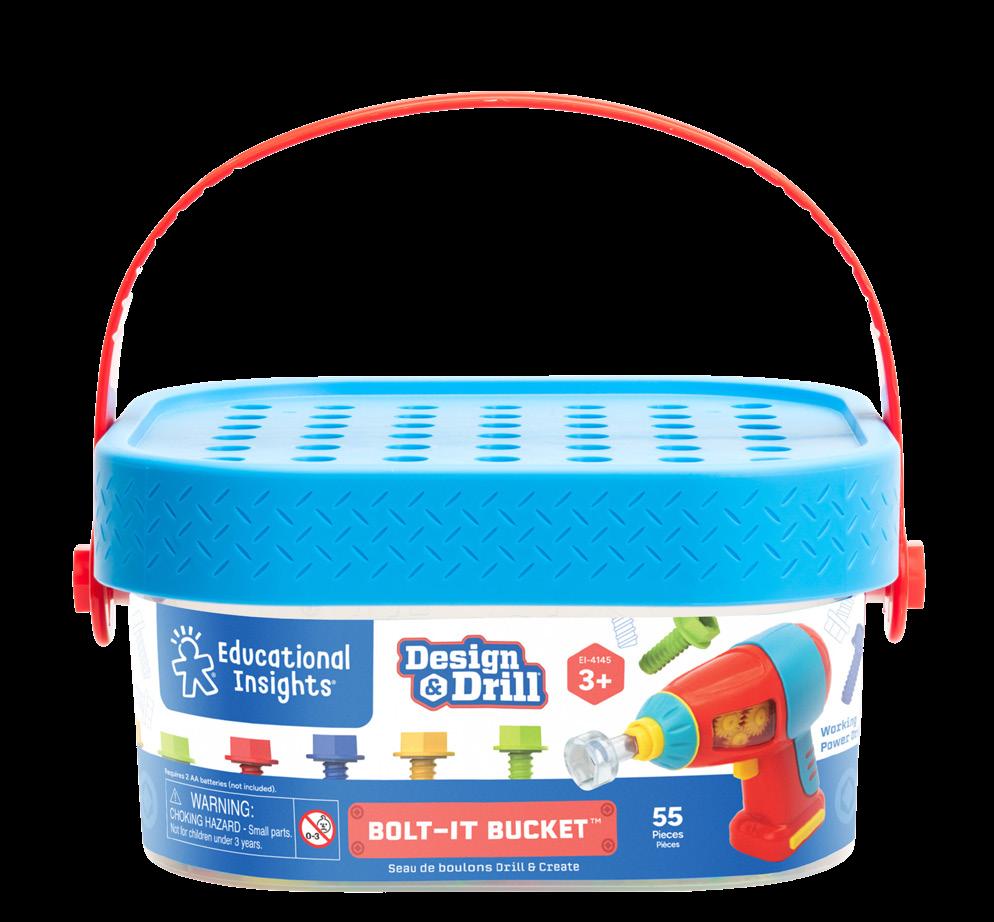
Closed Box
Bucket with Label
Packaging Components
Design & Drill® Box
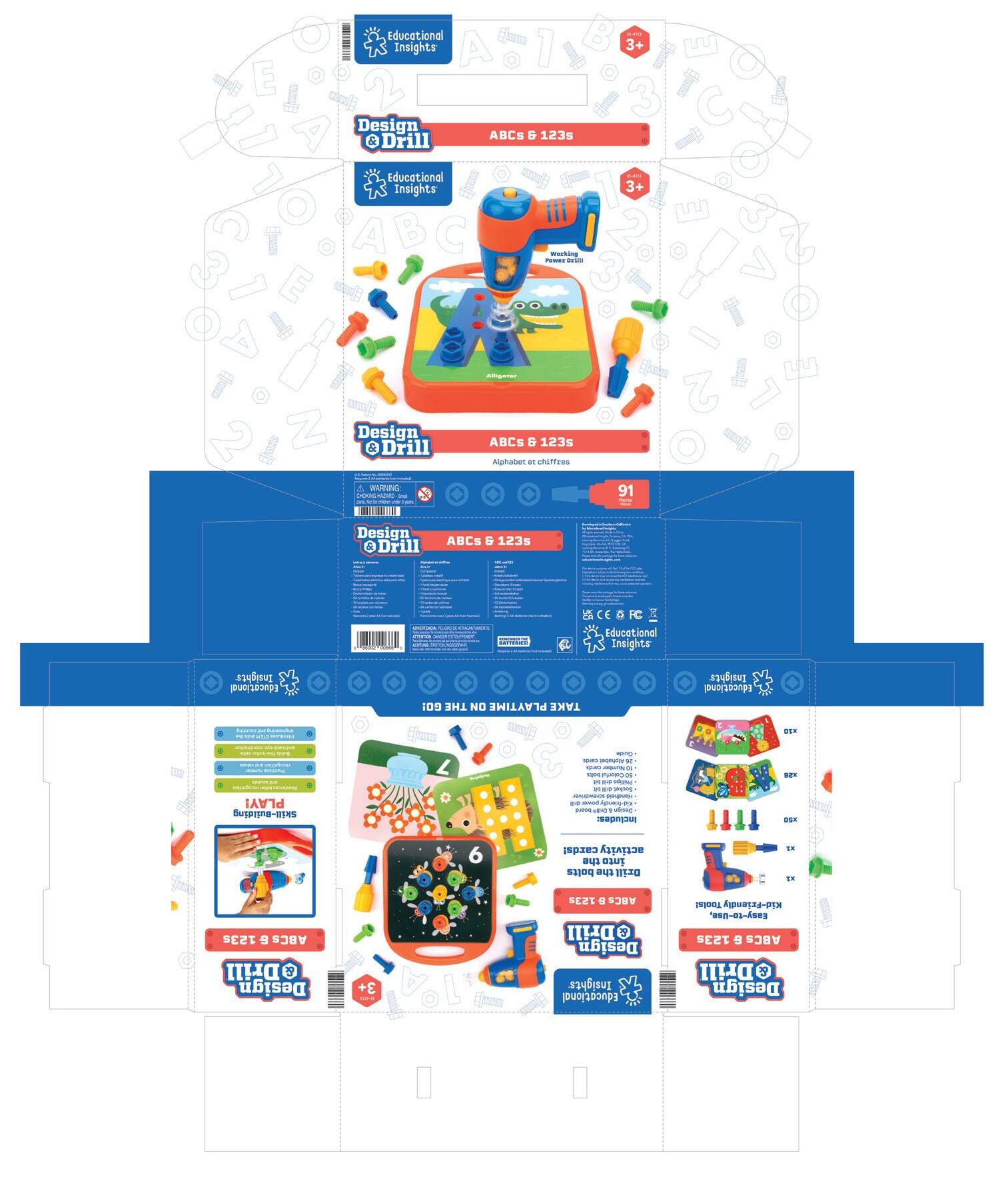
Custom pattern that represents the SKU (nuts & bolts should be used on most SKUs
Packaging Components
Design & Drill® Label
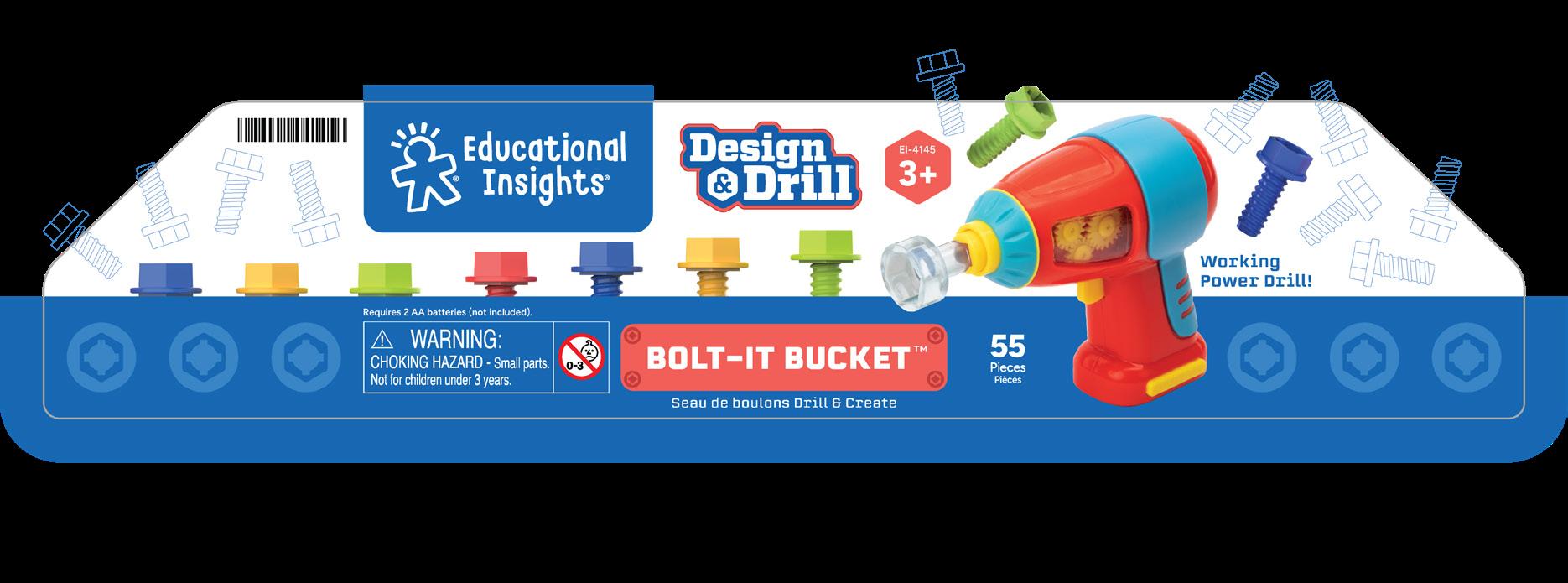
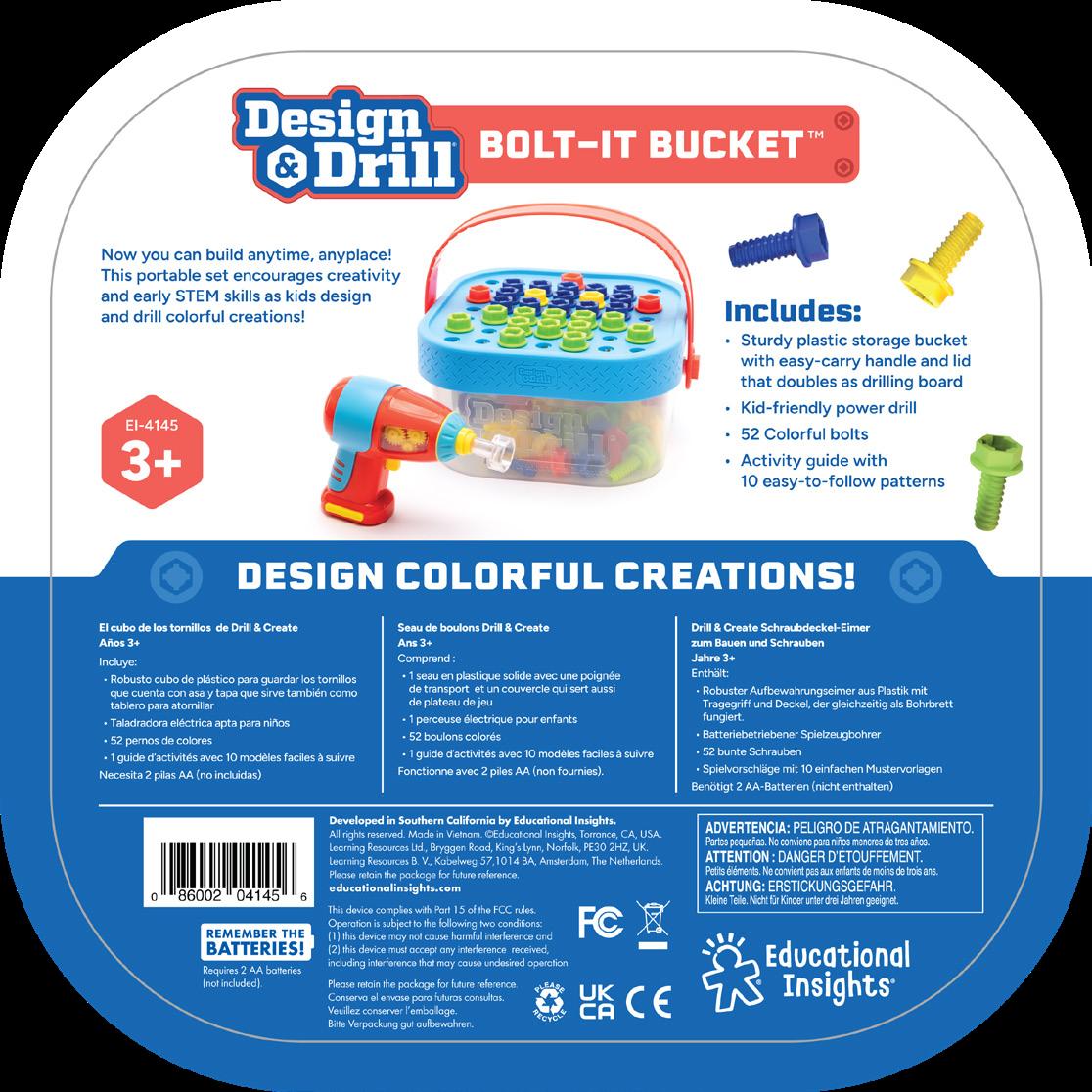
Hot Dots ®
Range Proposition
Branding
Logos
Fonts
Colors
Copy/Tone
Licensing
Digital A+ Pages
Top 6
Packaging Components
Guide Coponents
Range Proposition
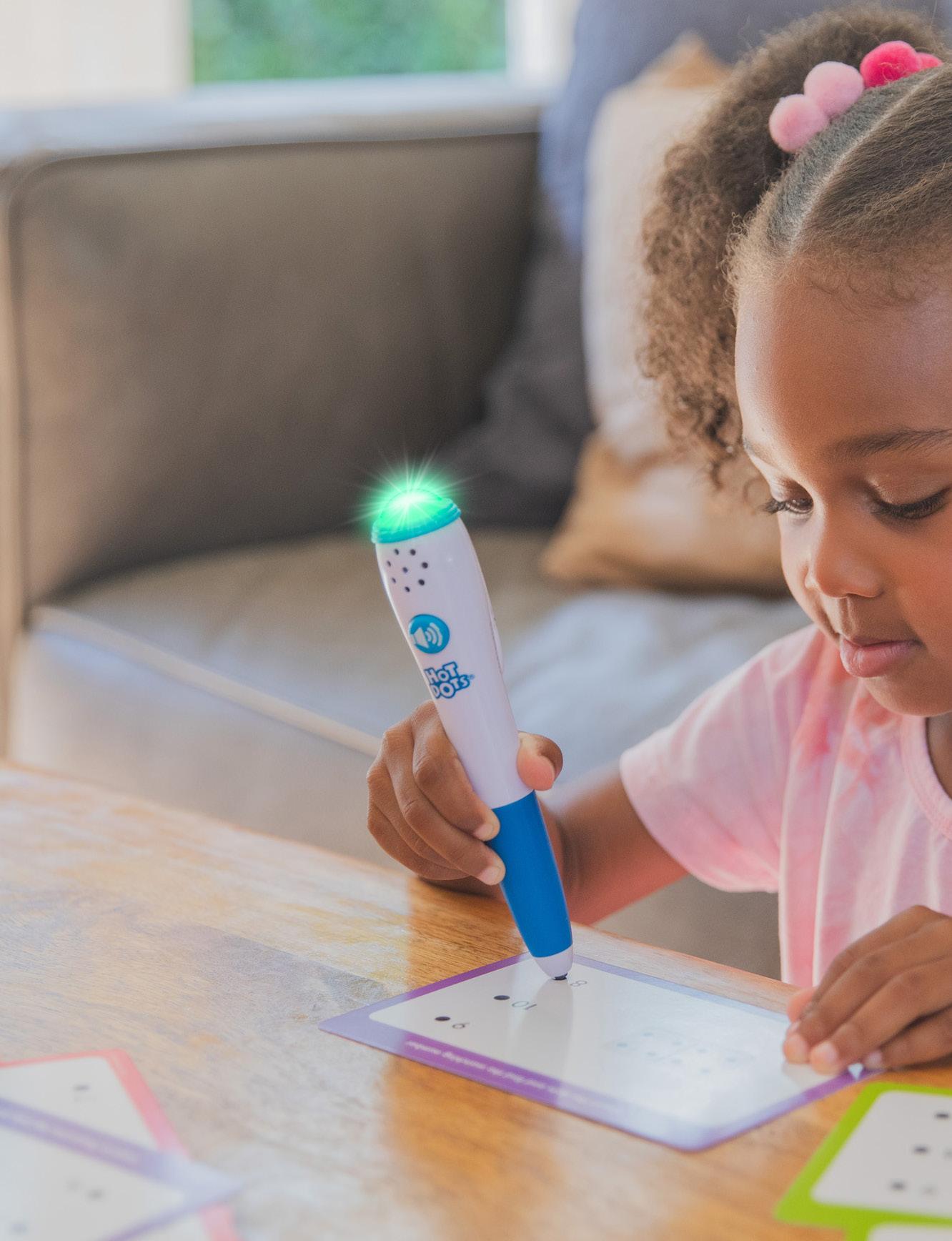
Hot Dots® is a line of interactive activity books and electronic pens that build confidence through hands-on, independent activities for kids at every level of learning who excel by doing and are building school readiness skills and self-confidence.
Blue stroke behind
Dark blue register icon
Type is white
Logo Clearance
The inner gray area indicates clear space. This area must be kept free from other elements in .30” space.
Things To Avoid
Do not rotate the logo
Do not stretch the logo
Colors
CMYK 88, 31, 0, 0
RGB 0, 140, 207
HEX #008CCF
CMYK 0, 96, 82, 0
RGB 238, 44, 57
HEX #EE2C39
CMYK 0, 50, 100, 0
RGB 247, 148, 29
HEX #F7941D
CMYK 65, 0, 0, 0
RGB 32, 196, 244
HEX #20C4F4
CMYK 93, 62, 30, 10
RGB 20, 92, 130
HEX #145C82
CMYK 2, 29, 96, 0
RGB 248, 185, 35
HEX #F8B923
CMYK 64, 85, 0, 0
RGB 118, 72, 157
HEX #76489D
CMYK 0, 0, 100, 0
RGB 255, 242, 0
HEX #FFF200
CMYK 68, 0, 62, 0
RGB 73, 187, 137
HEX #49BB89
CMYK 50, 0, 100, 0
RGB 141, 198, 63
HEX #8DC63F
CMYK 80, 10, 45, 0
RGB 0, 167, 158
HEX #00A79E
CMYK 9, 84, 98, 1
RGB 218, 78, 41
HEX #DA4E29
Copy/Tone
Hot Dots® is all about making regular workbooks an interactive, hands-on, self-paced learning experience. Note that in copy, Hot Dots® acts as a singular noun (think “Hot Dot”); so, we say Hot Dots® “is”, not Hot Dots® “are”. Our tone of voice while writing about Hot Dots® skews more educational than some of our other lines but is still focused on turning learning into a confidence-building experience. We are empowering kids to learn independently, correct their own mistakes, and interact with their learning materials.
Here are some common phrases:
Interactive Interactive pen
Self-paced
Answer-checking pen
Independent learning
Comprehension
Immediate feedback
Instant feedback
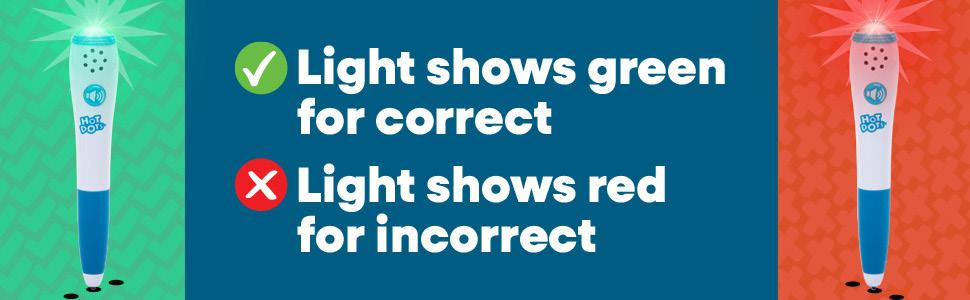
Lights & sounds
Audio & visual feedback
Licensing


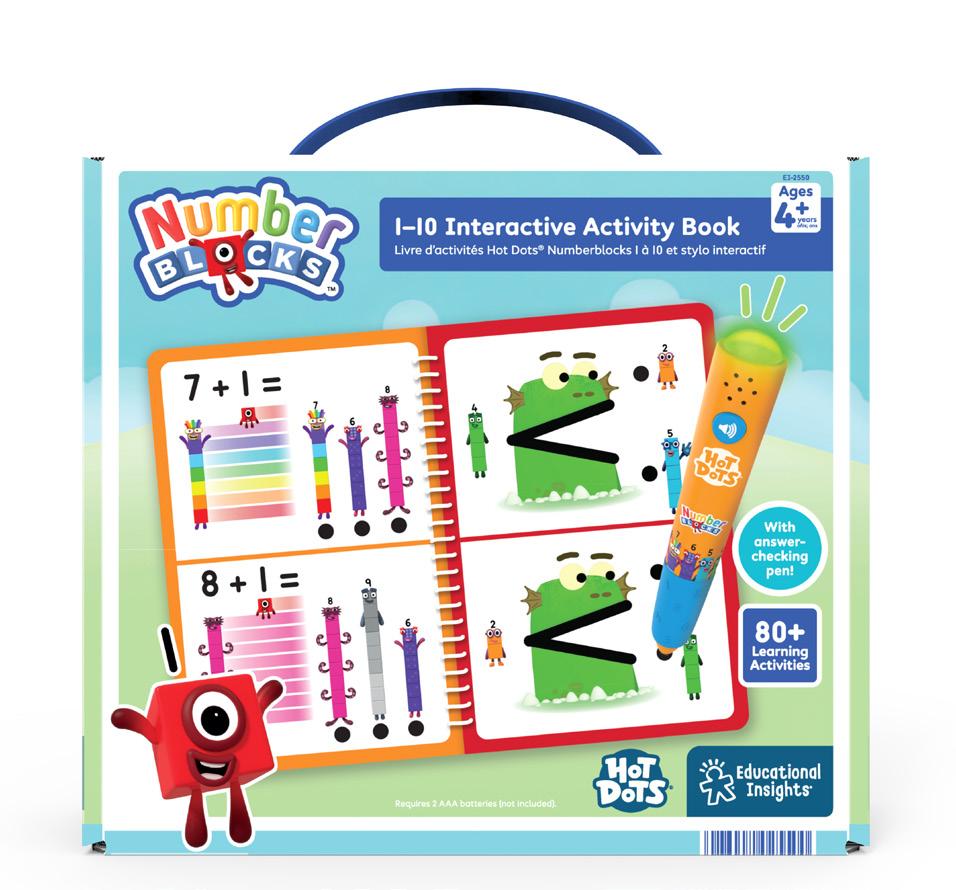
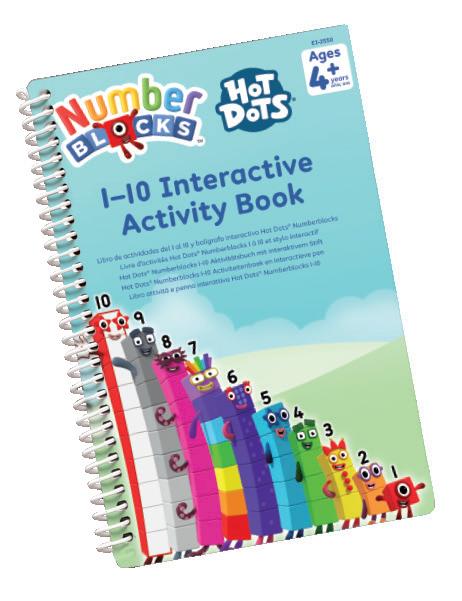
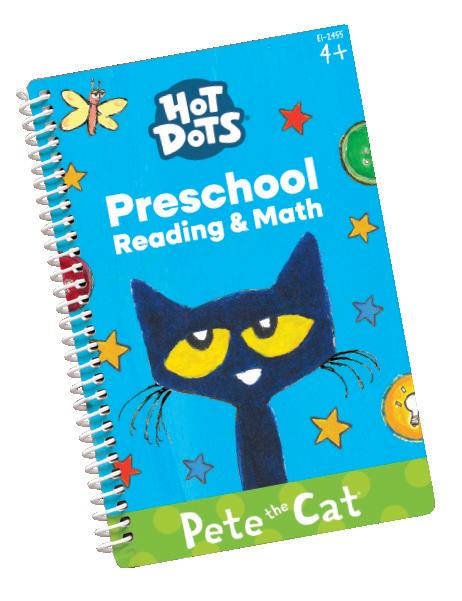
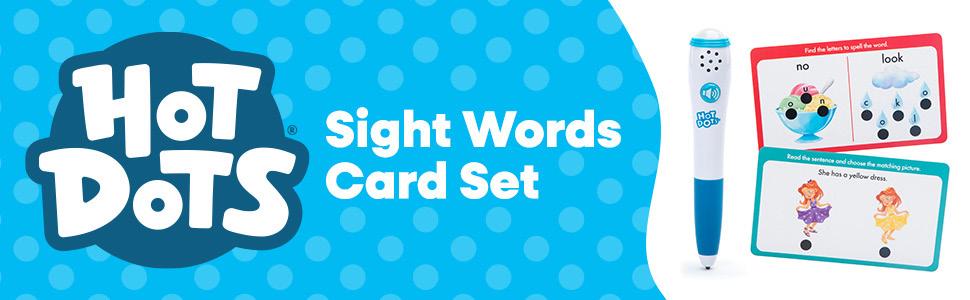
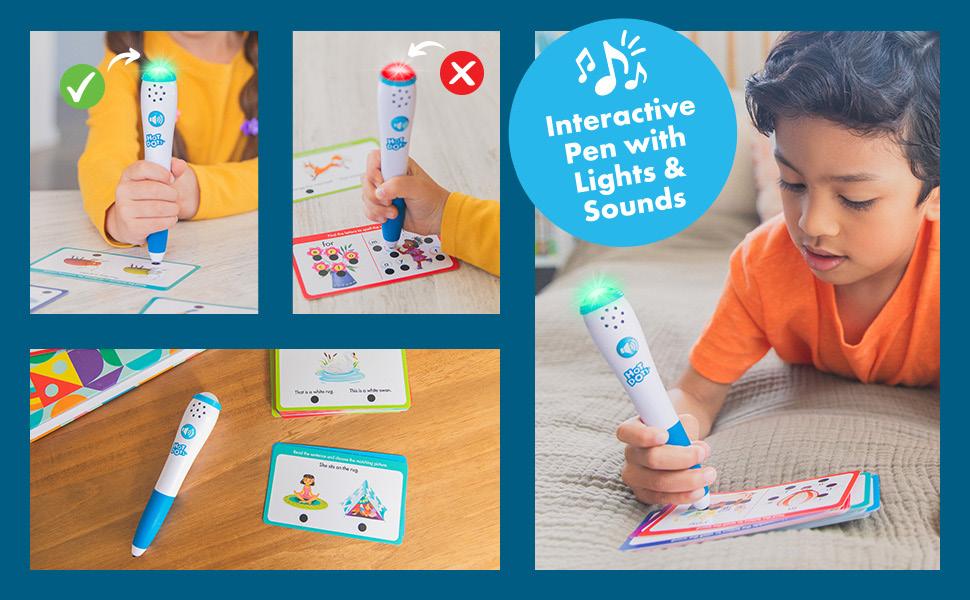
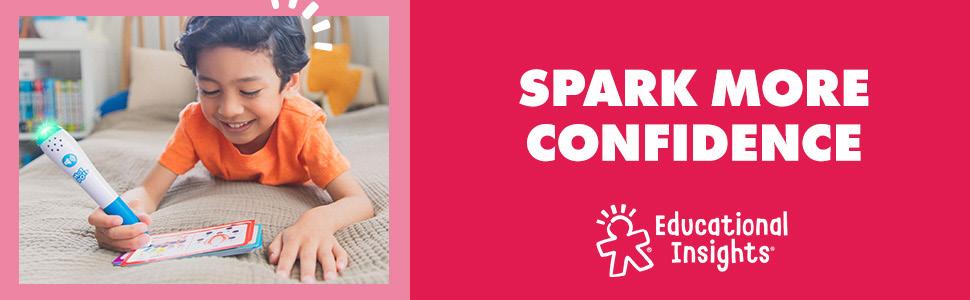
Top 6
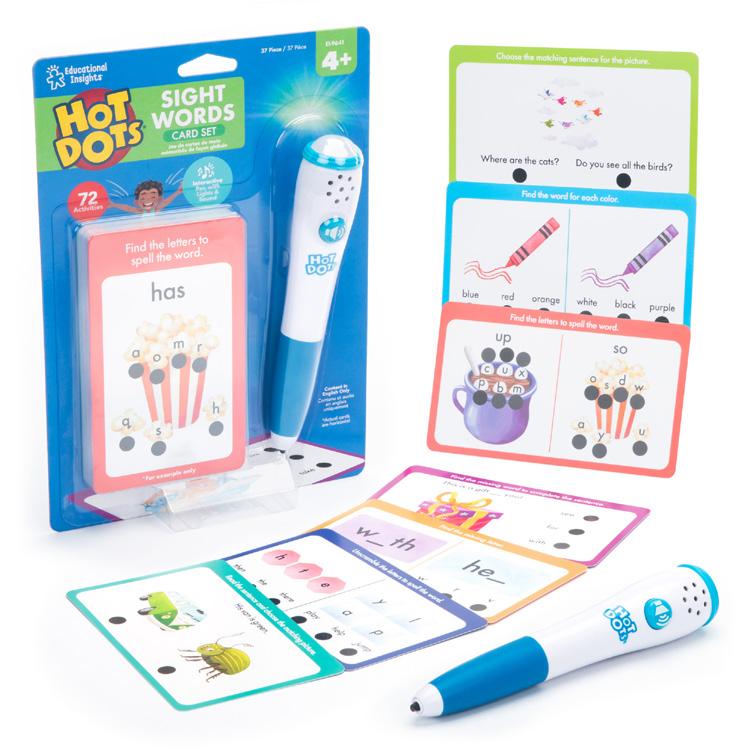
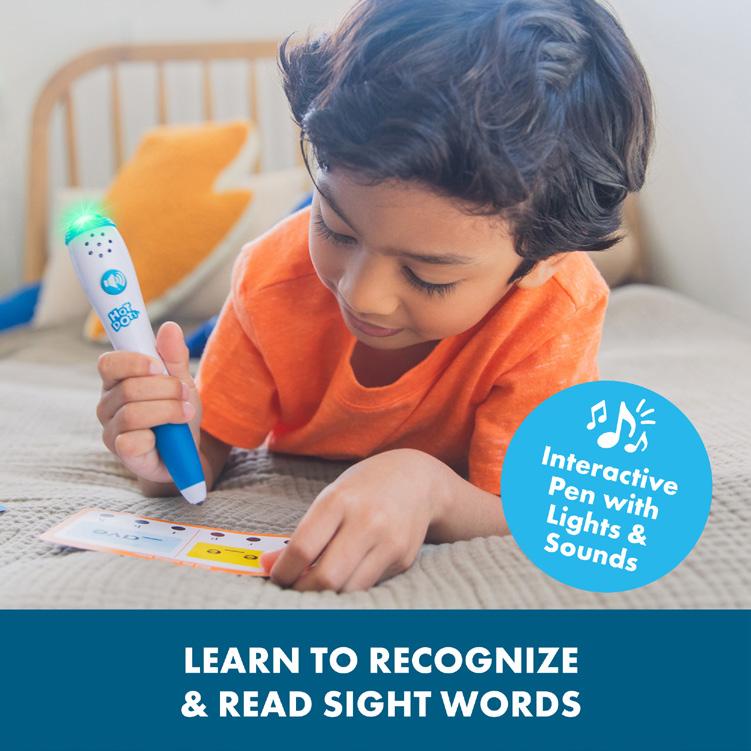
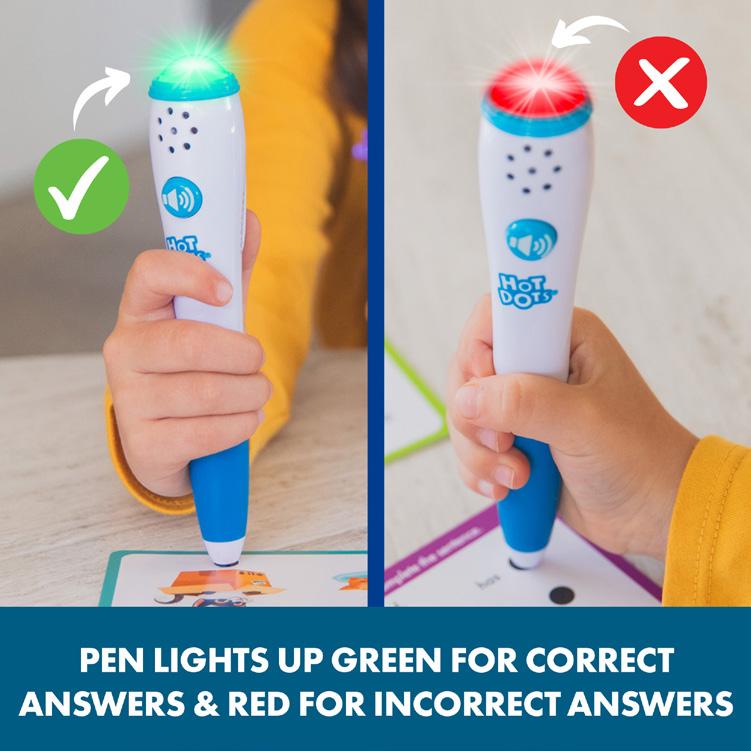
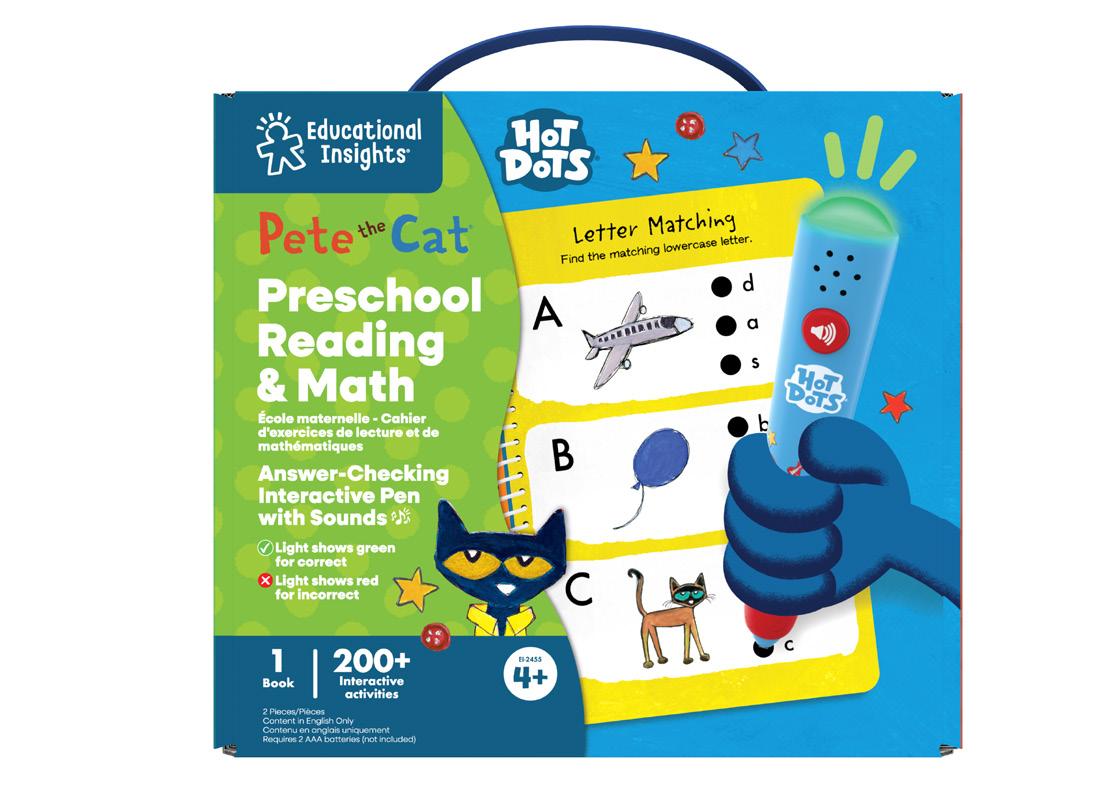
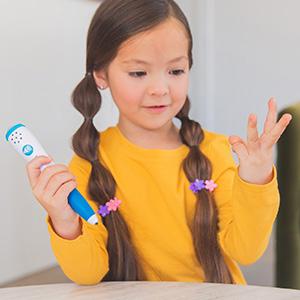
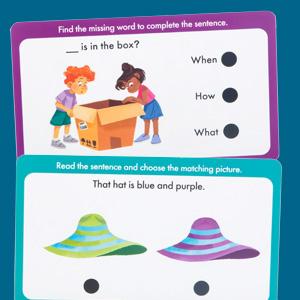
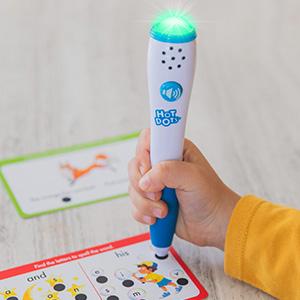
Product on White Show child using the pen and highlight main skill Pen Infographic
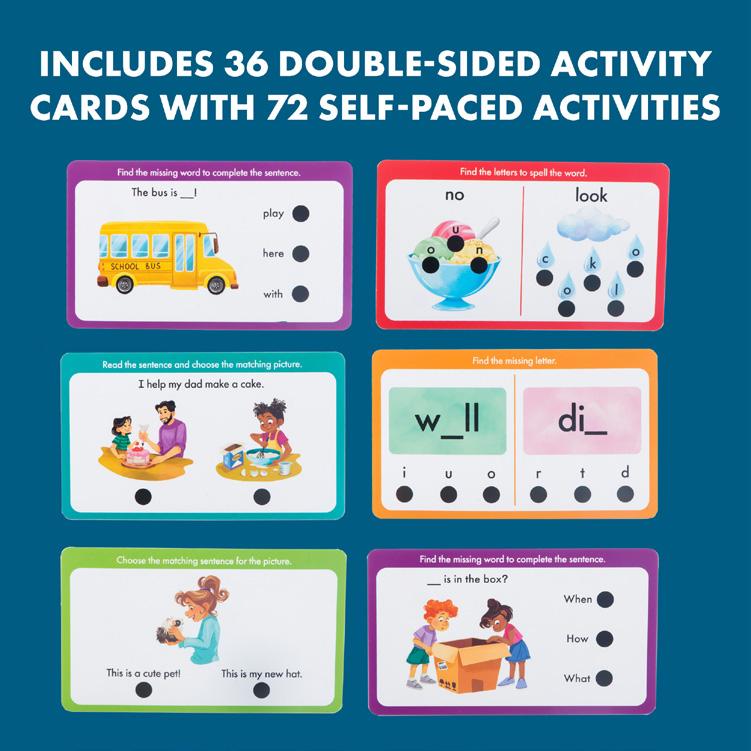
of activities/booklet/cards
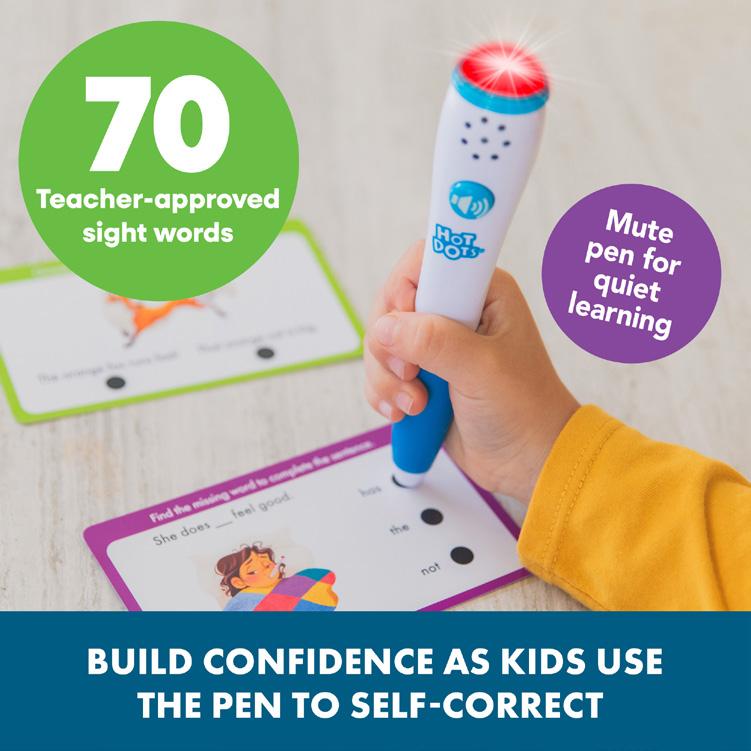
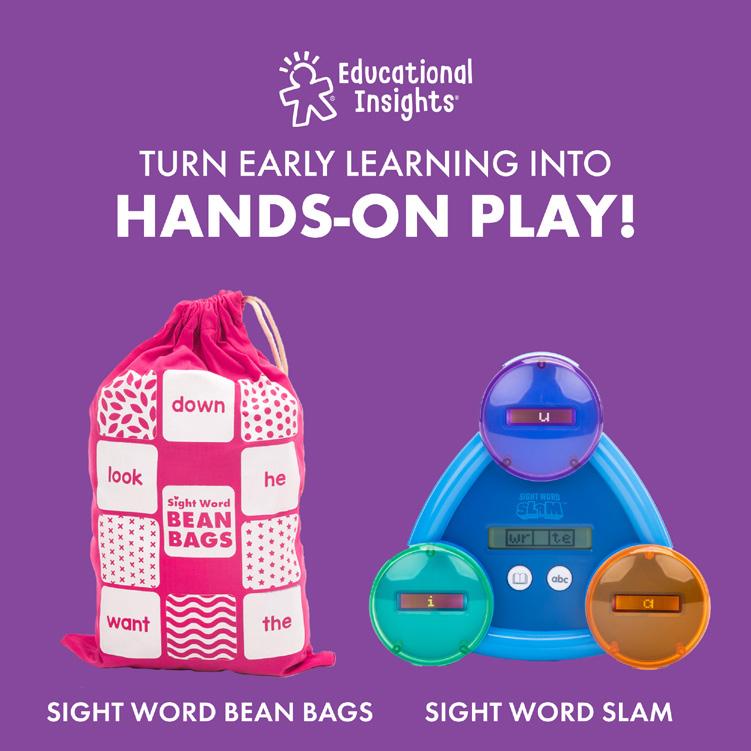
Packaging
Here are some examples of Hot Dots packaging. We use different colors to distinguish grade levels.
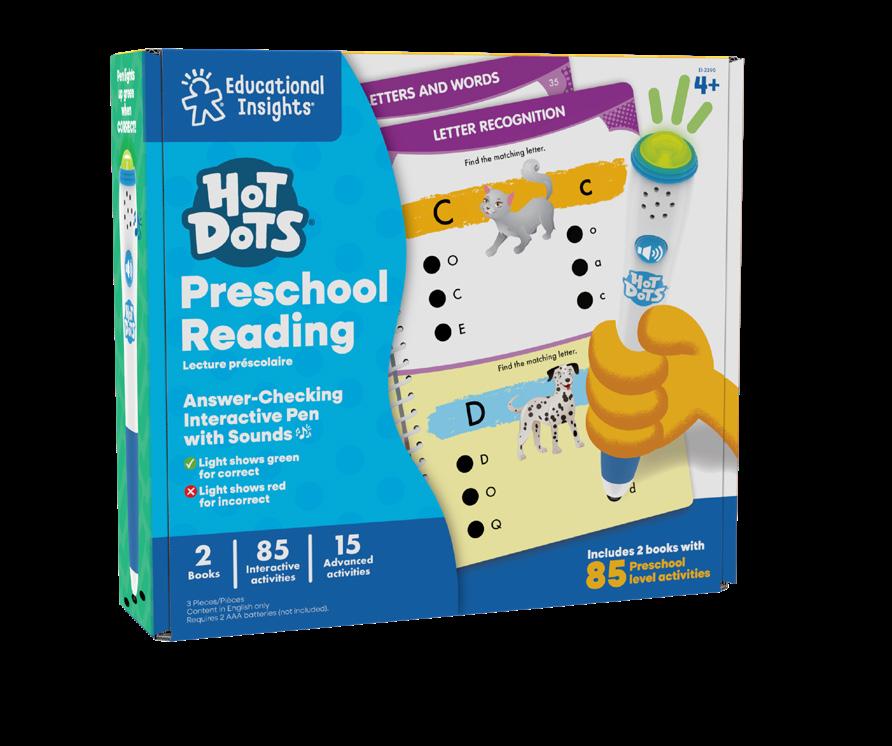
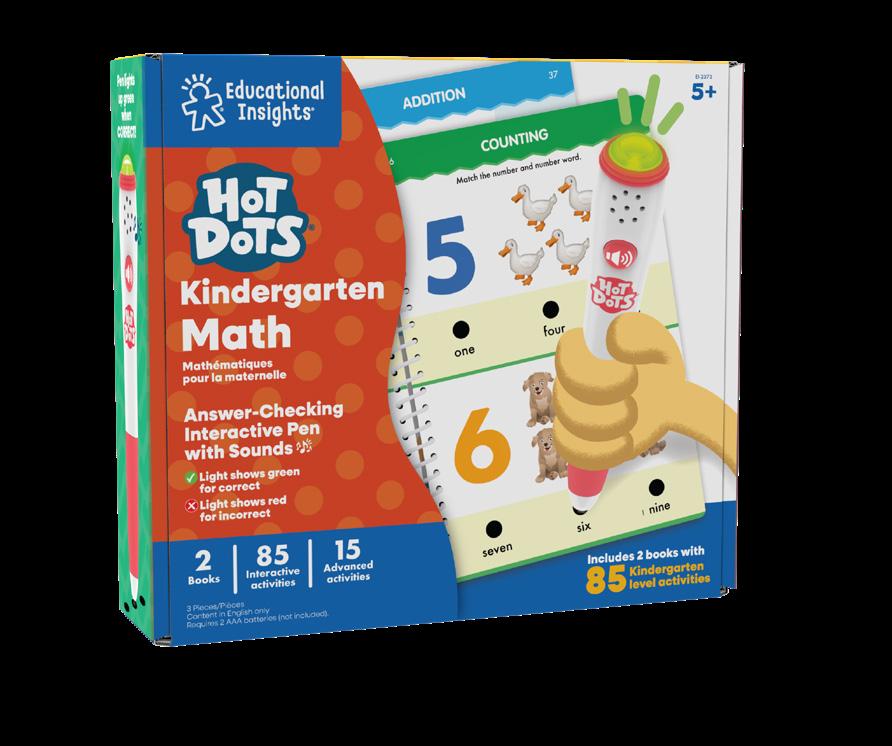
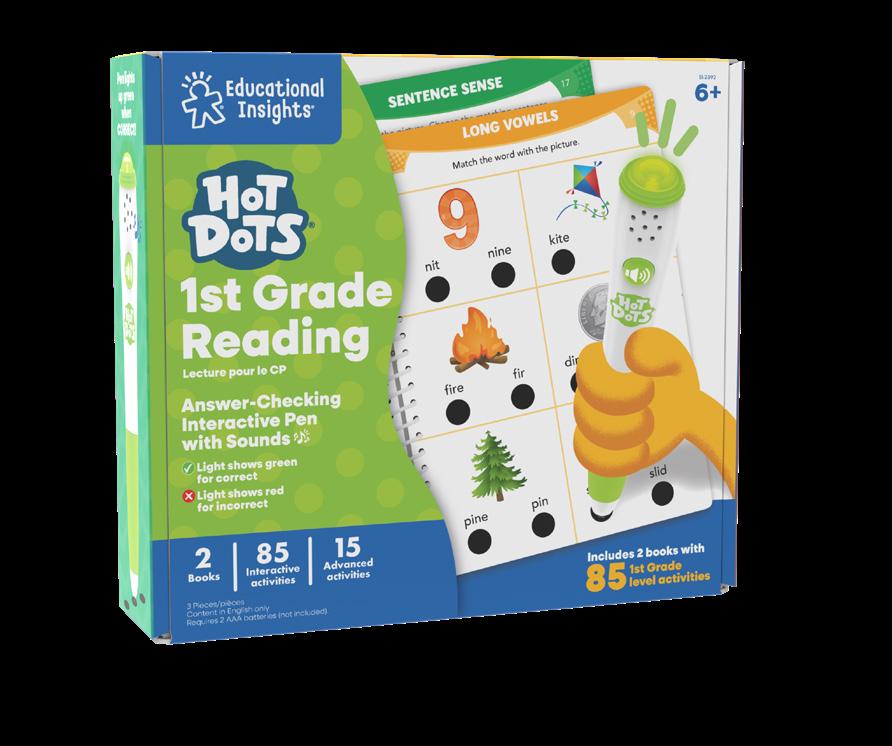
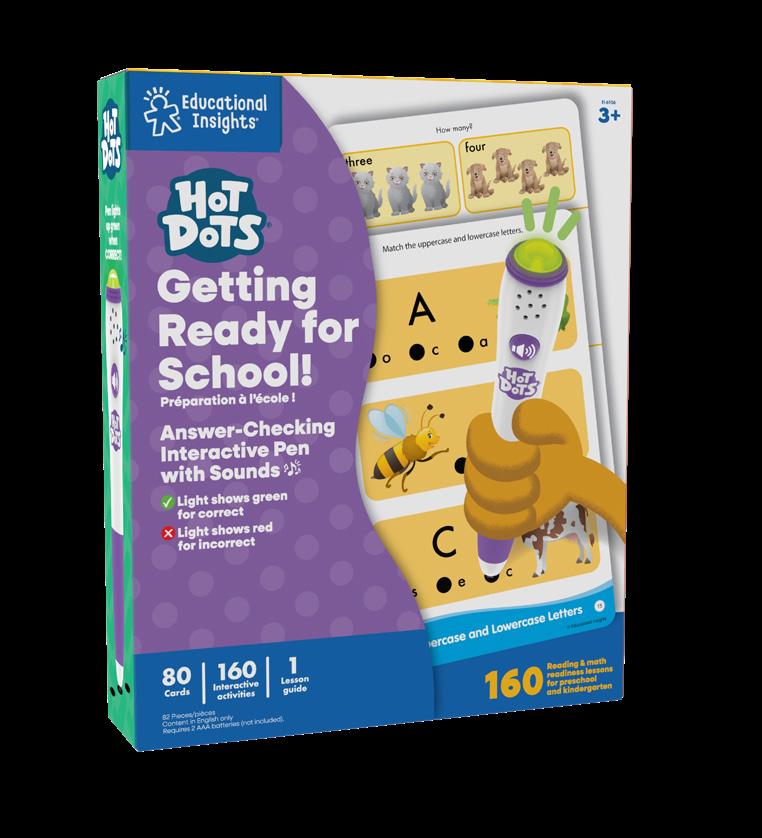
Packaging Components
Hot Dots Closed Packaging
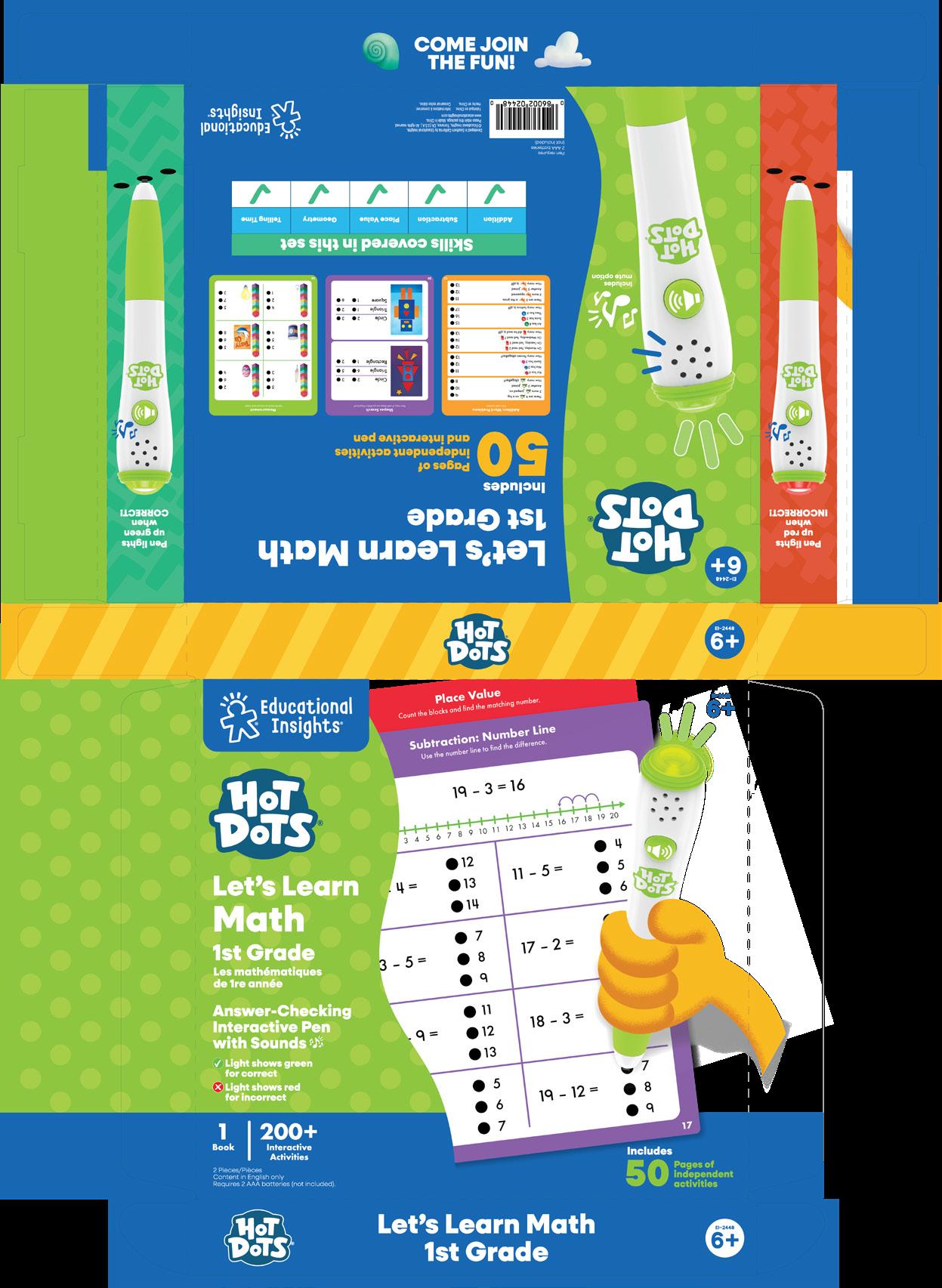
Hand Illustration (Hand color varies per grade level)
Activity Book Components
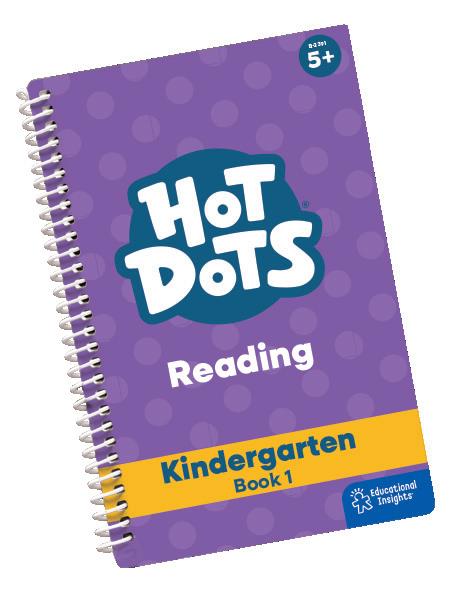
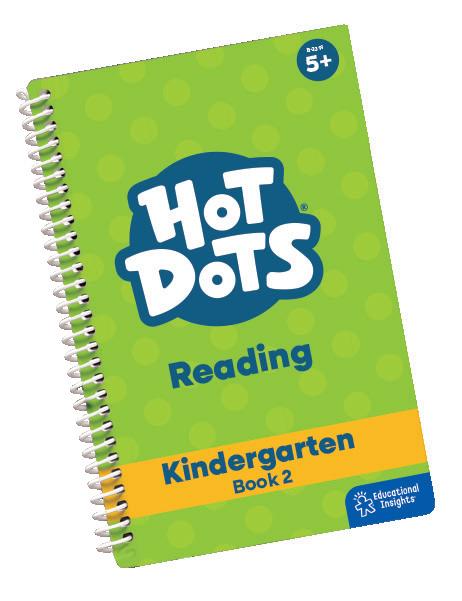
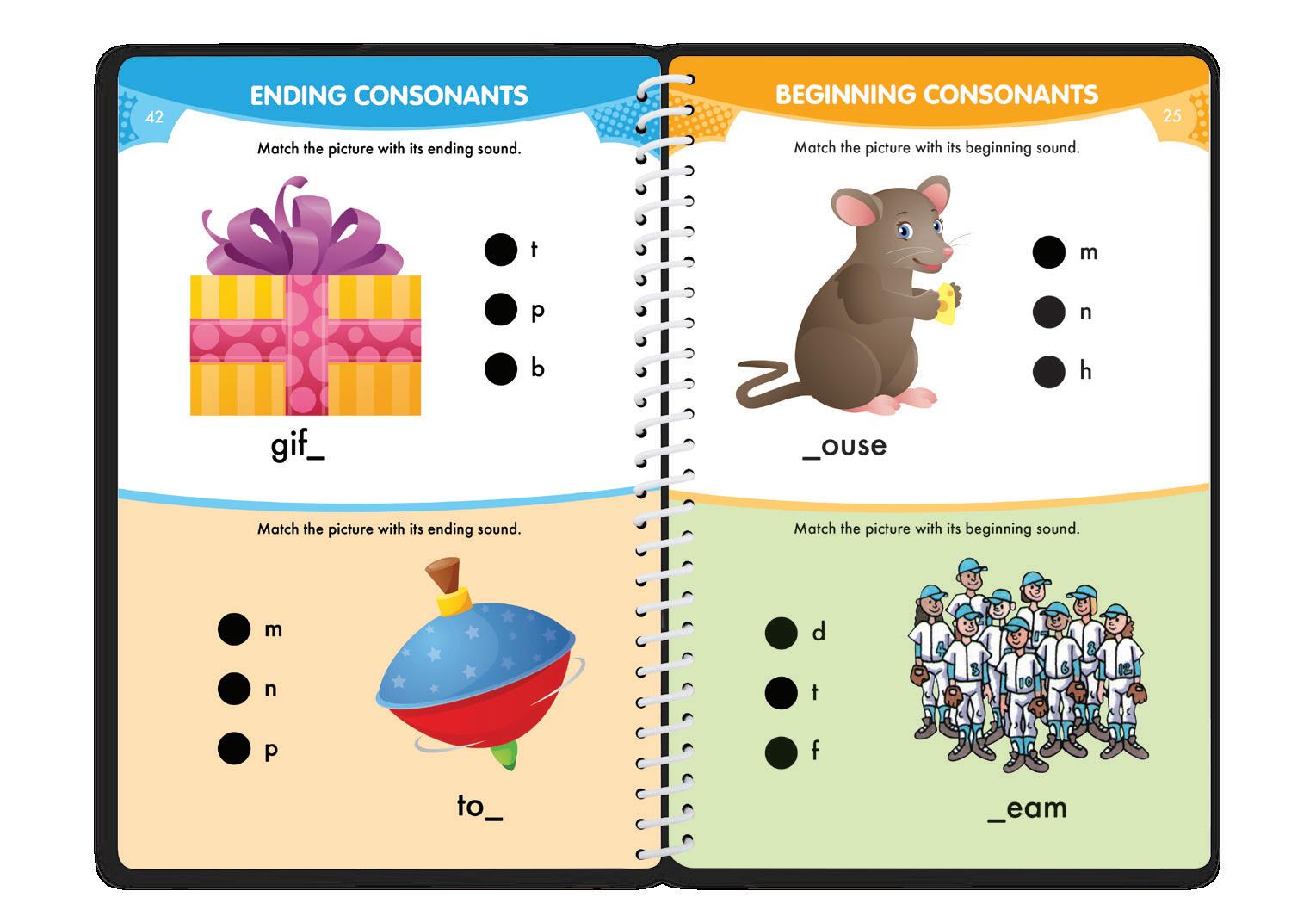
Age/Item
HD logo
Dot size 0.3”
Early Learning
Range Proposition
Bean Bags
Range Proposition
Branding
Digital
Dominoes
Range Proposition
Branding
Digital
Bubblebrix ™
Range Proposition
Branding
Digital
Early Learning
Range Proposition
Educational Insights’ early learning toys are hands-on, skill-building toys that teach key early learning concepts and build learning confidence. Kids can use these at home with parents or with teachers in the classroom to build school readiness skills.
Our core early learning items use the same branding, but some sublines (like Bean Bags) have their own special rules.
Bean Bags
Range Proposition
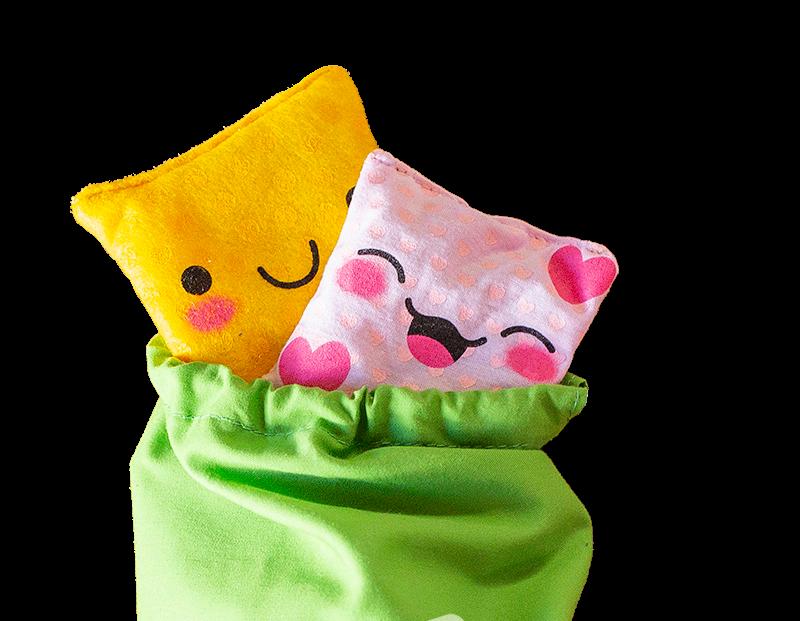
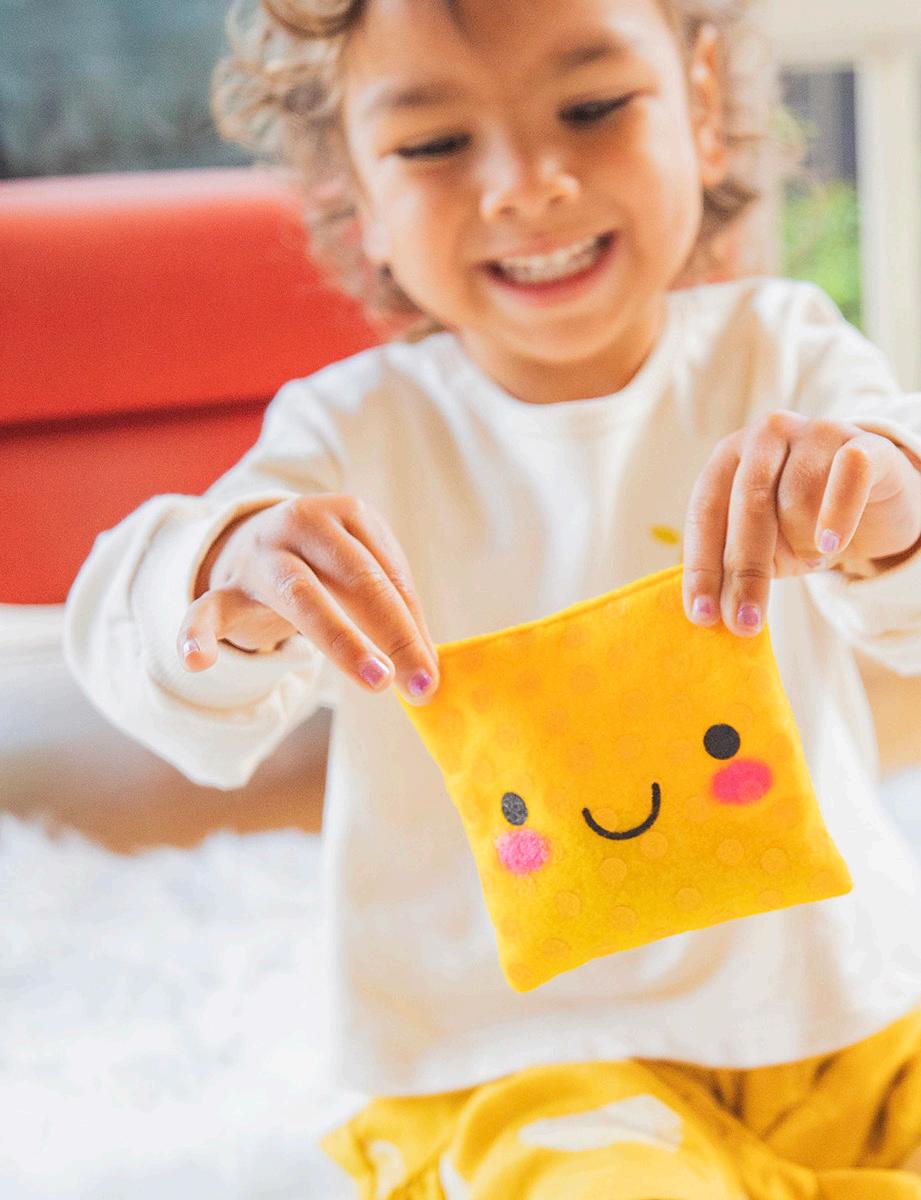
Educational Insights’ bean bags are a line of tactile learning tools that develop motor skills and early learning skills—each set focuses on a school-readiness skill.
Logos
Modified Fonts
We use a modified font for all early learning products to match the specific font that young kids will recognize. For example, some fonts use a q that goes straight down, which can look like other letters when flipped around. We use the modified font to remove any confusion
Colors
CMYK 6, 100, 62, 0
RGB 225, 027, 080
HEX #E11B50
CMYK 80, 10, 100, 0
RGB 45, 164, 74
HEX #2DA44A
CMYK 80, 80, 0, 0
RGB 82, 79, 161
HEX #524FA1
CMYK 0, 60, 100, 0
RGB 245, 130, 032
HEX #F58220
CMYK 100, 25, 15, 0
RGB 0, 142, 189
HEX #008EBD
CMYK 85, 0, 40, 0
RGB 0, 178, 173
HEX #00B2AD
CMYK 90, 70, 0, 0
RGB 42, 92, 170
HEX #2A5CAA
CMYK 2, 60, 13, 0
RGB 237, 132, 163
HEX #ED84A3
CMYK 35, 13, 100, 0
RGB 179, 193, 53
HEX #B3BD35
CMYK 49, 47, 1, 0
RGB 137, 134, 189
HEX #8986BD
CMYK 0, 28, 64, 0
RGB 253, 191, 111
HEX #FDBF6F
CMYK 56, 14, 8, 000
RGB 106, 179, 213
HEX #6AB3D5
CMYK 61, 0, 29, 0
RGB 87, 192, 192
HEX #57C4C0
CMYK 64, 43, 0, 0
RGB 100, 134, 196
HEX #6486C4
Packaging
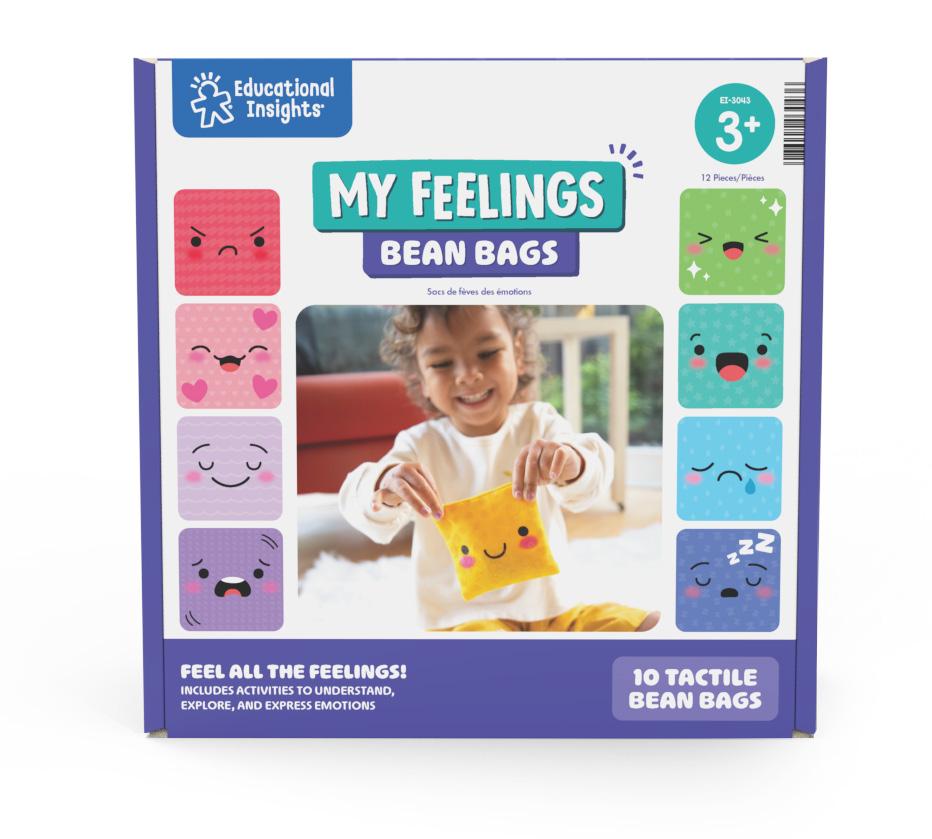
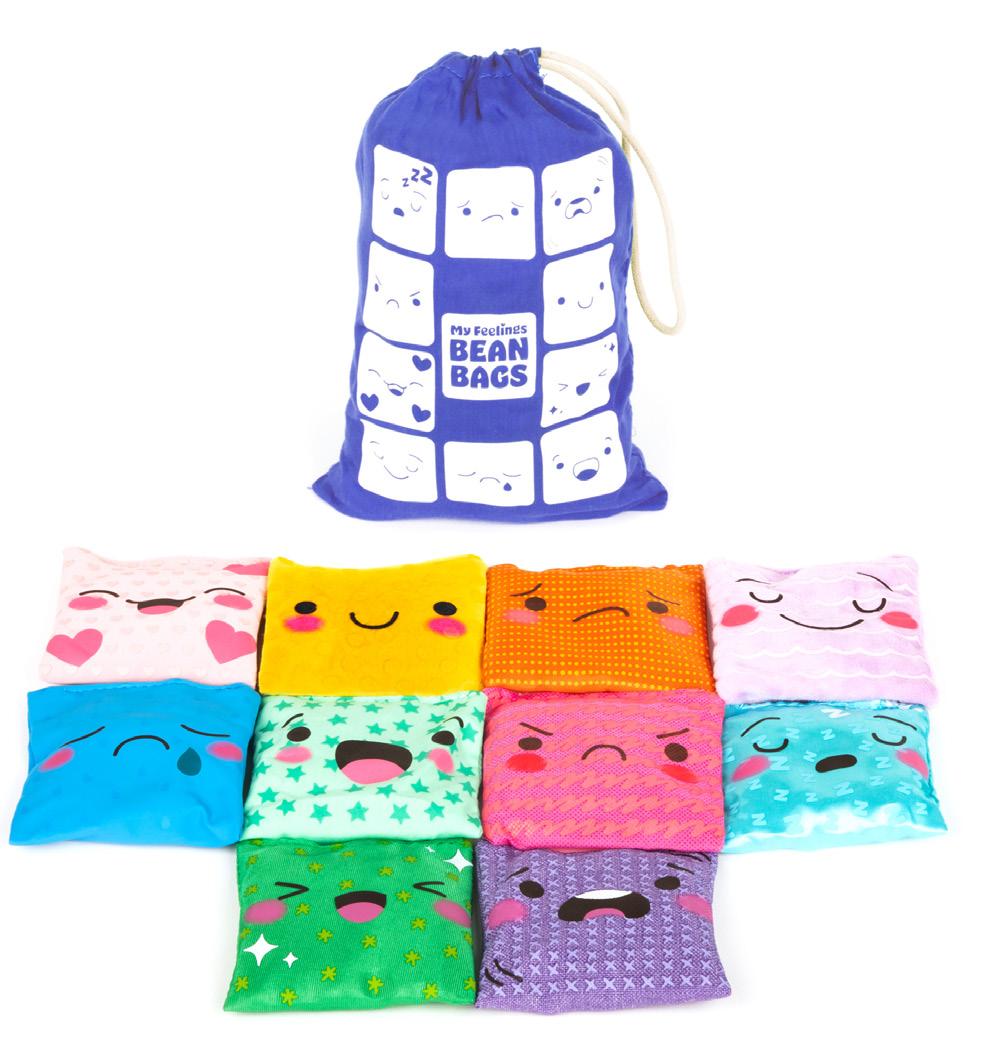
Packaging Components
Eduactional Insights Logo SKU/Age SKU/Age SKU/Age
Callout
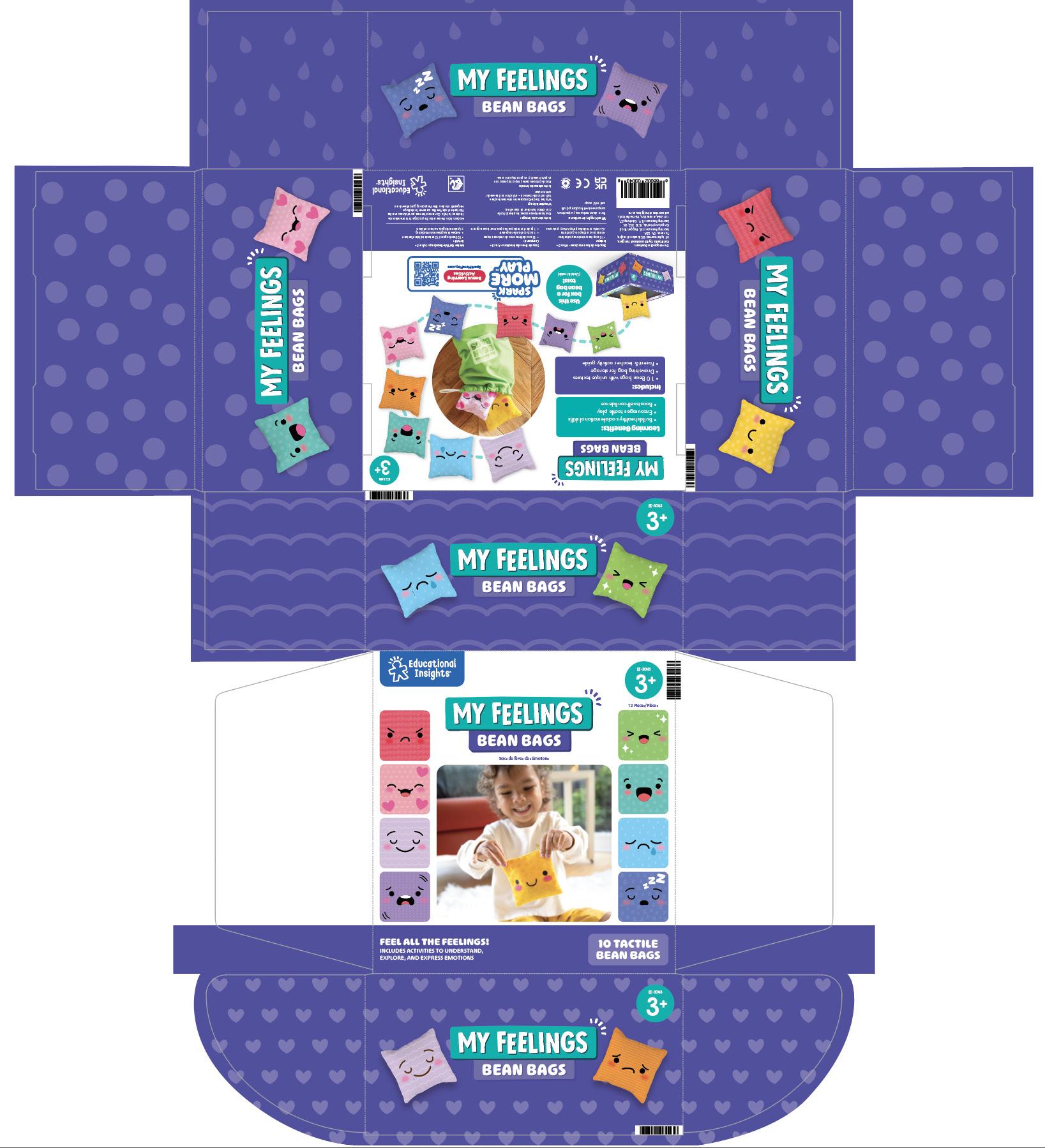
Packaging Components
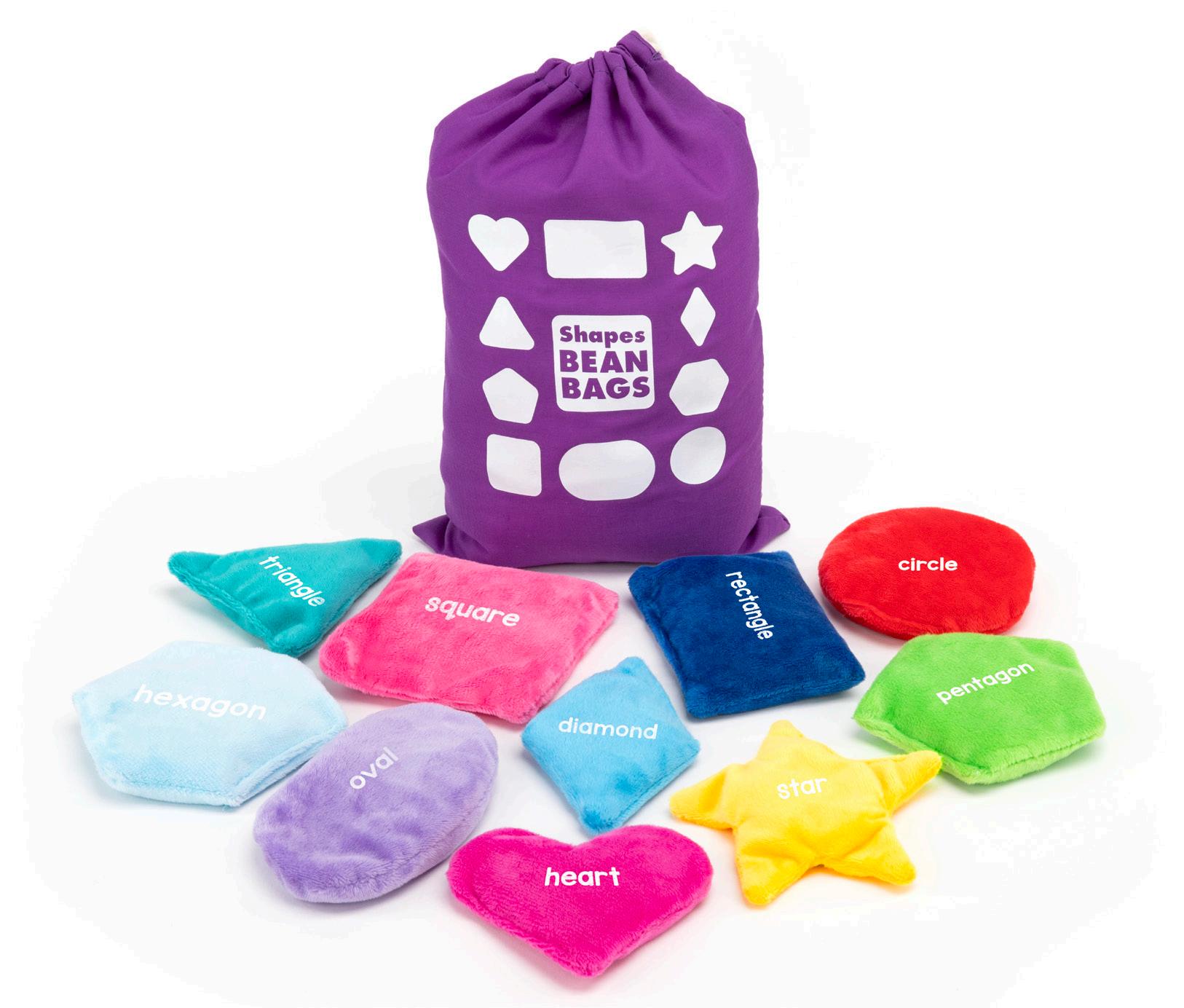
Drawstring bag
10 Bean Bag examples (Illustrations) Logo Educational Insights Logo
Product Logo FRONT BACK
Dominoes
Range Proposition
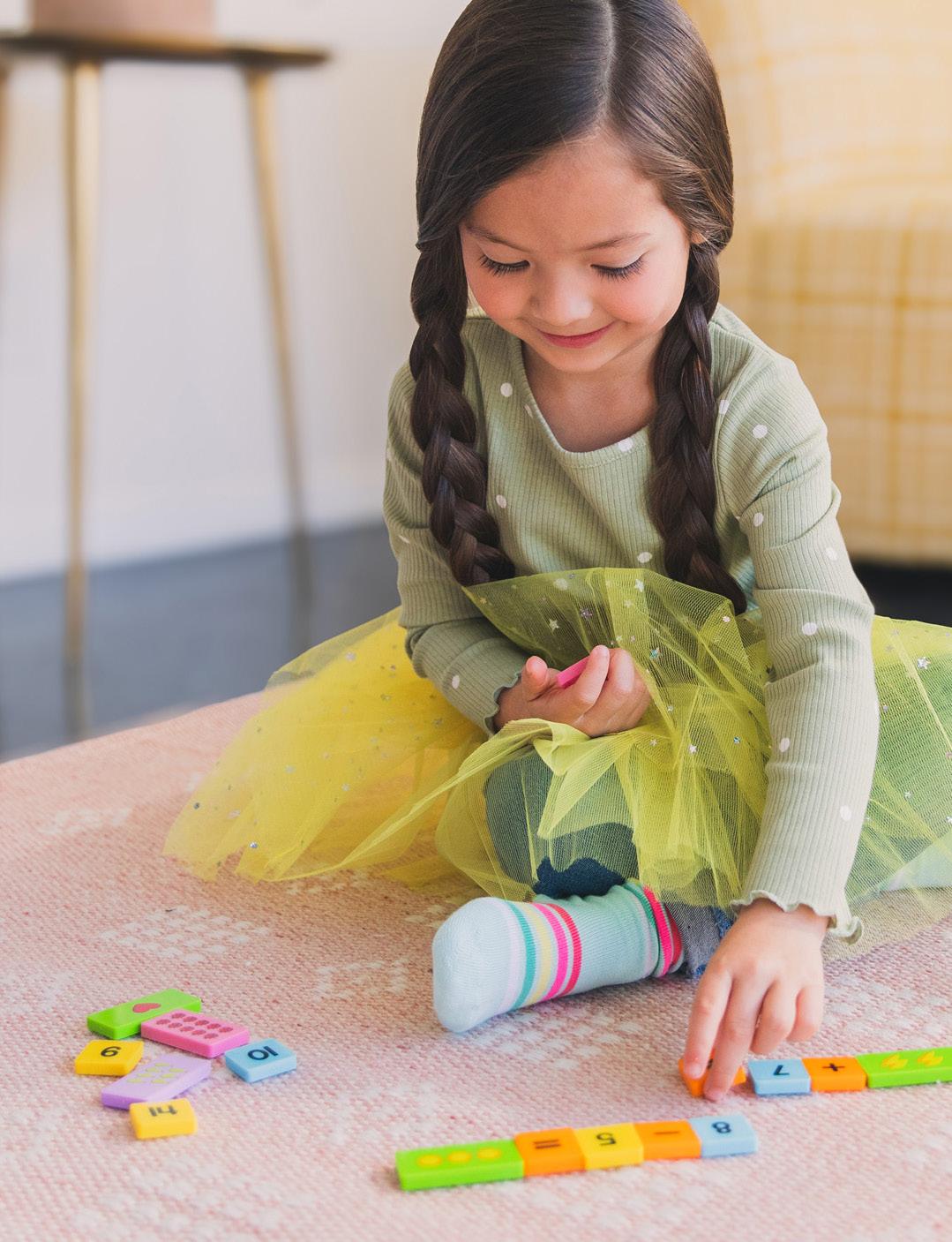
Educational Insights’ dominoes are a line of tactile learning tools that allow kids to combine elements to build stories, sentences, words, equations, and more.
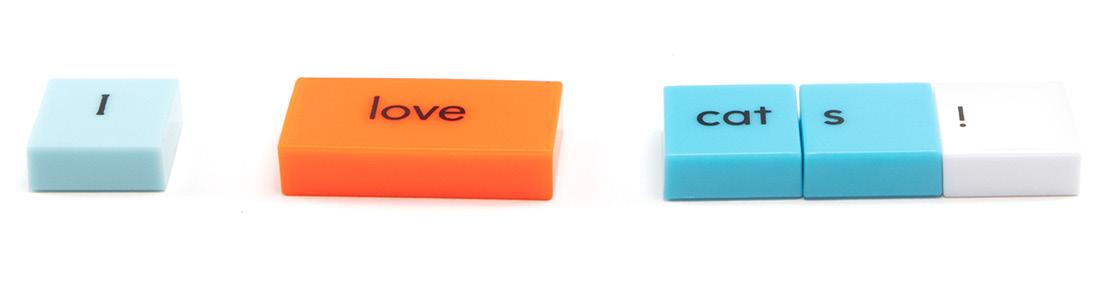
Logos
Colors
CMYK 90, 60, 0, 0
RGB 18, 104, 179
HEX #1268B3
CMYK 6, 100, 62, 0
RGB 225, 27, 80
HEX ## E11B50
CMYK 000, 000, 000, 000
RGB 255, 255, 255
HEX #FFFFFF
CMYK 63, 000, 18, 000
RGB 18, 104, 179
HEX #4BC3D1
Packaging
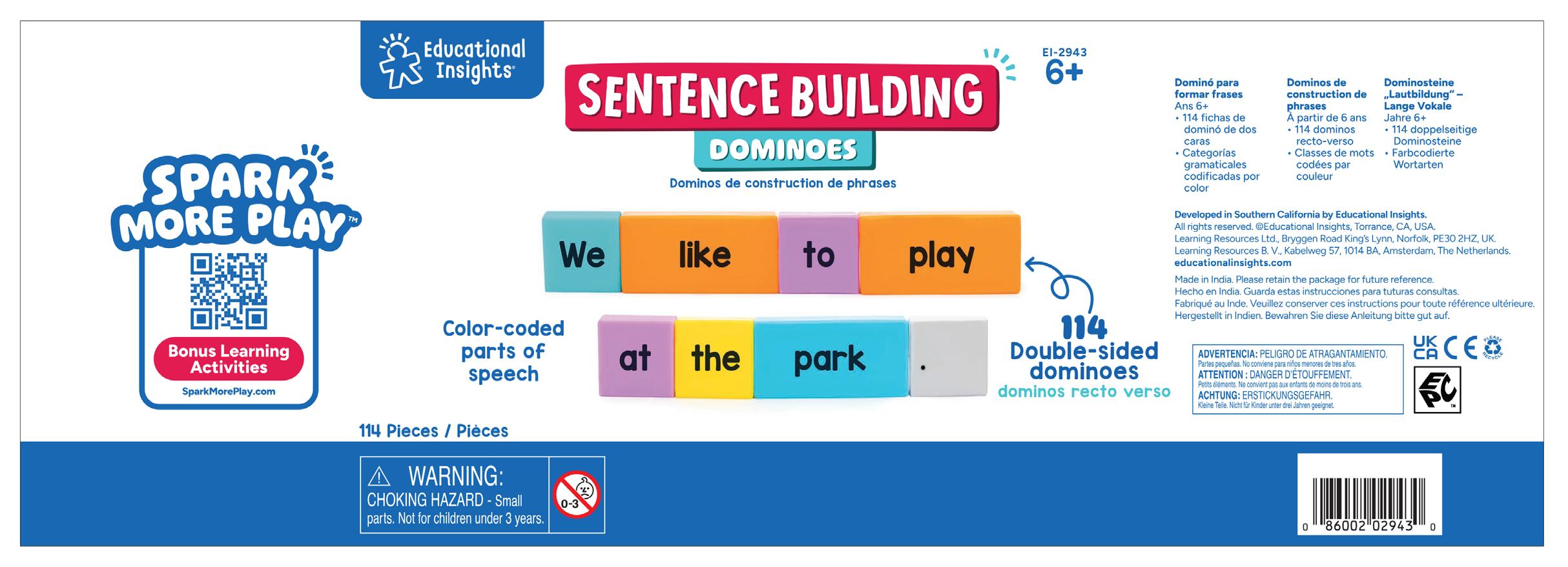
The Dominoes products use a wrap-around label on a clear, handled, storage bucket. It uses the core EI branding, as part of the Early Learning category.
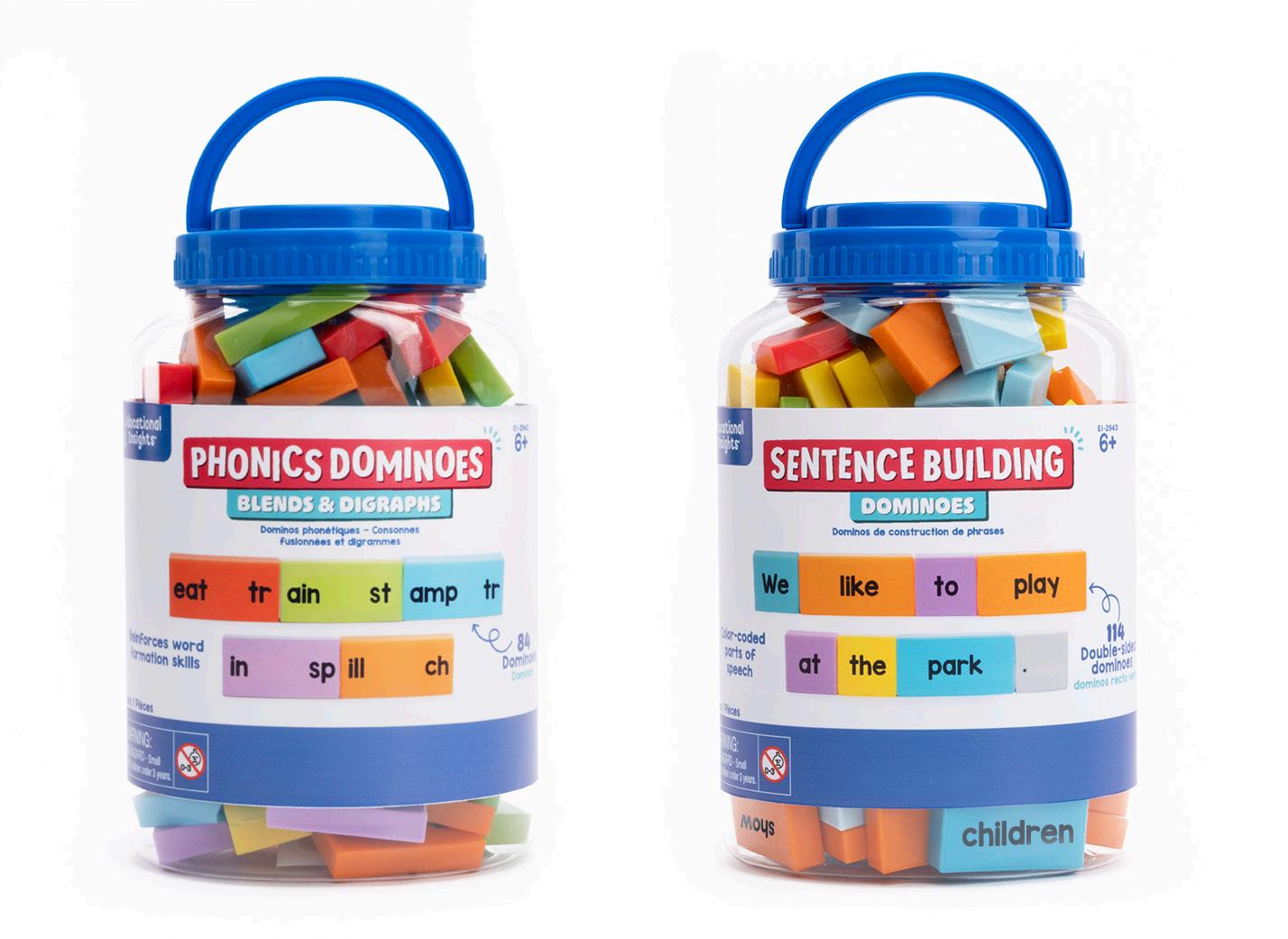
Wrap
Packaging Components Wrap
BubbleBrix™
Range Proposition
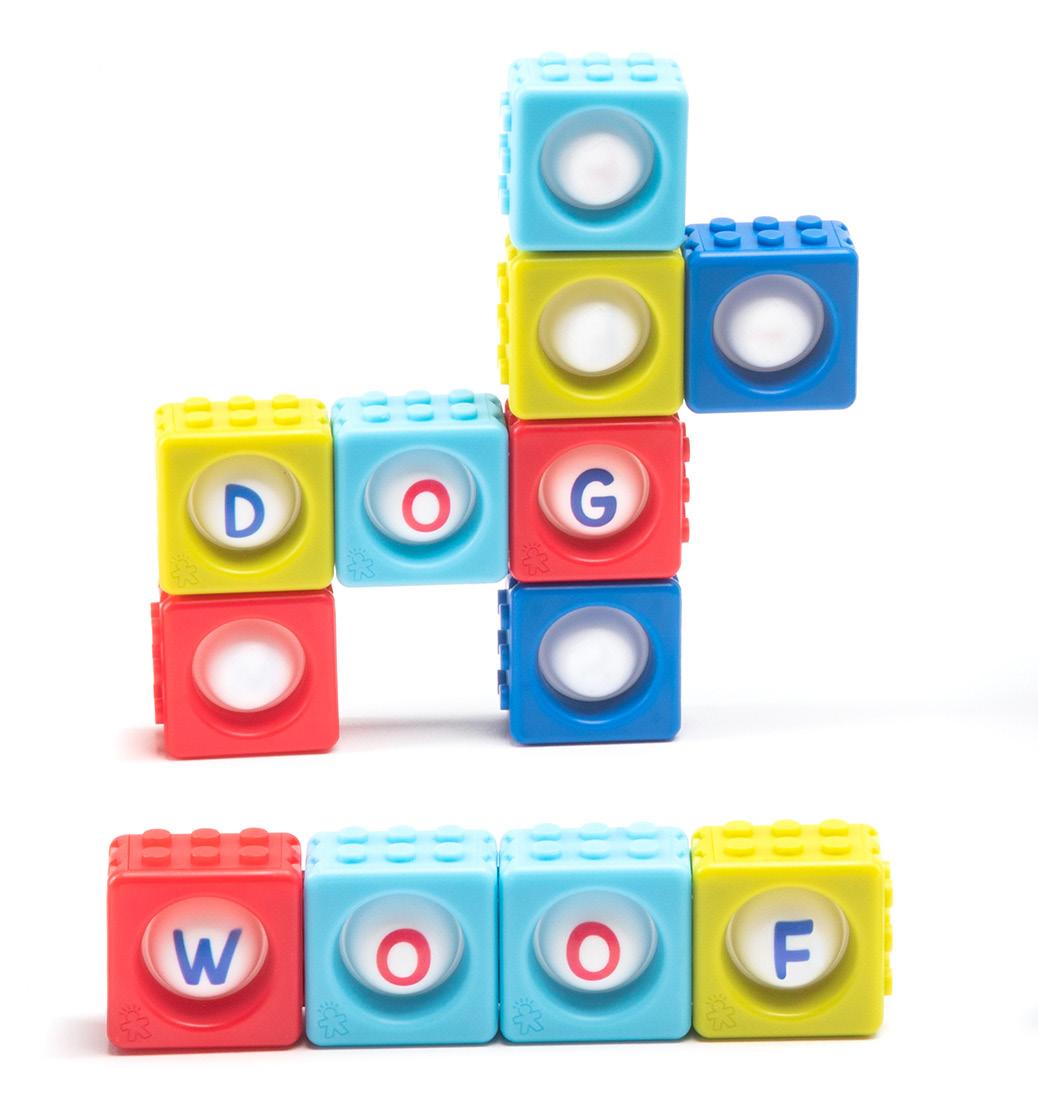
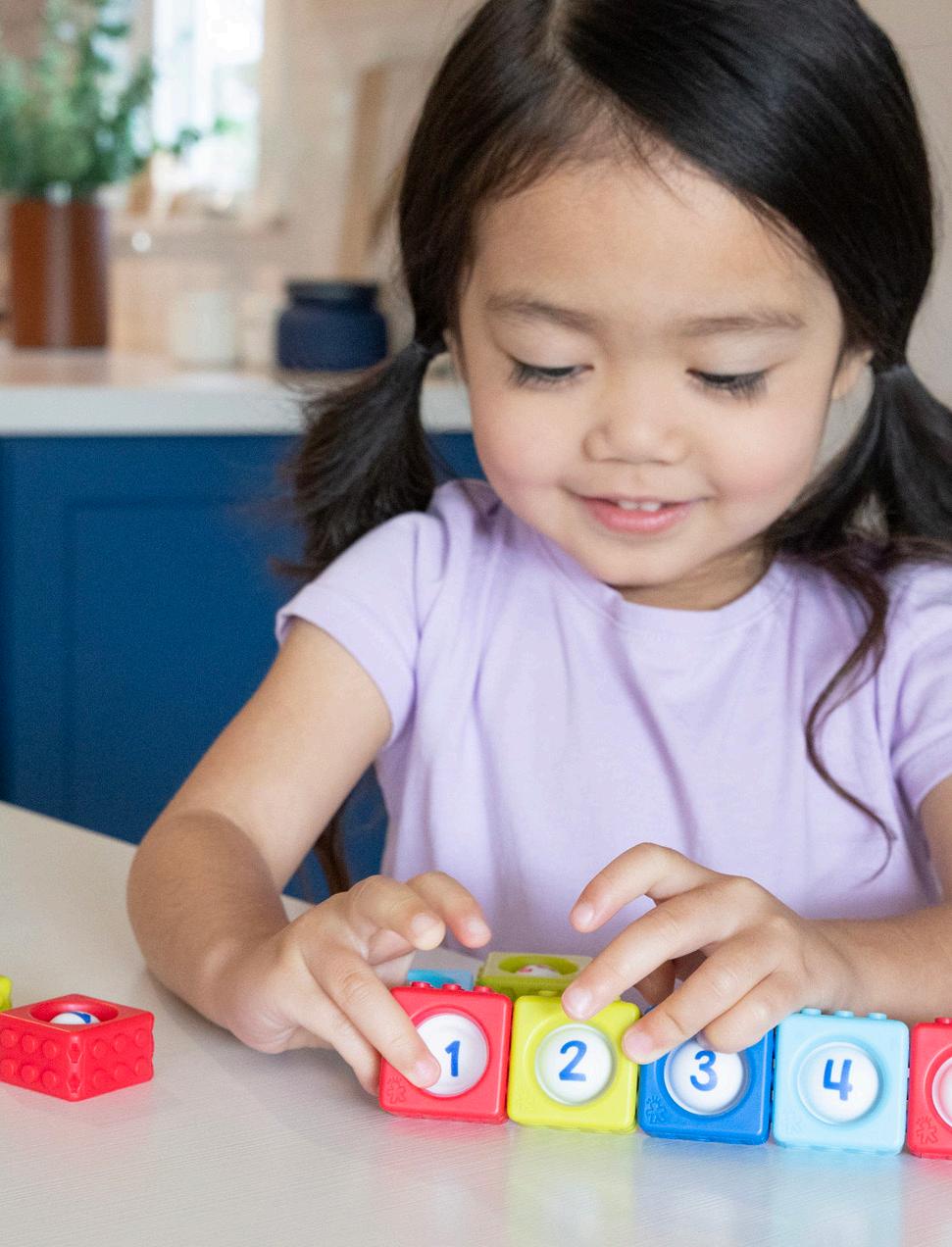
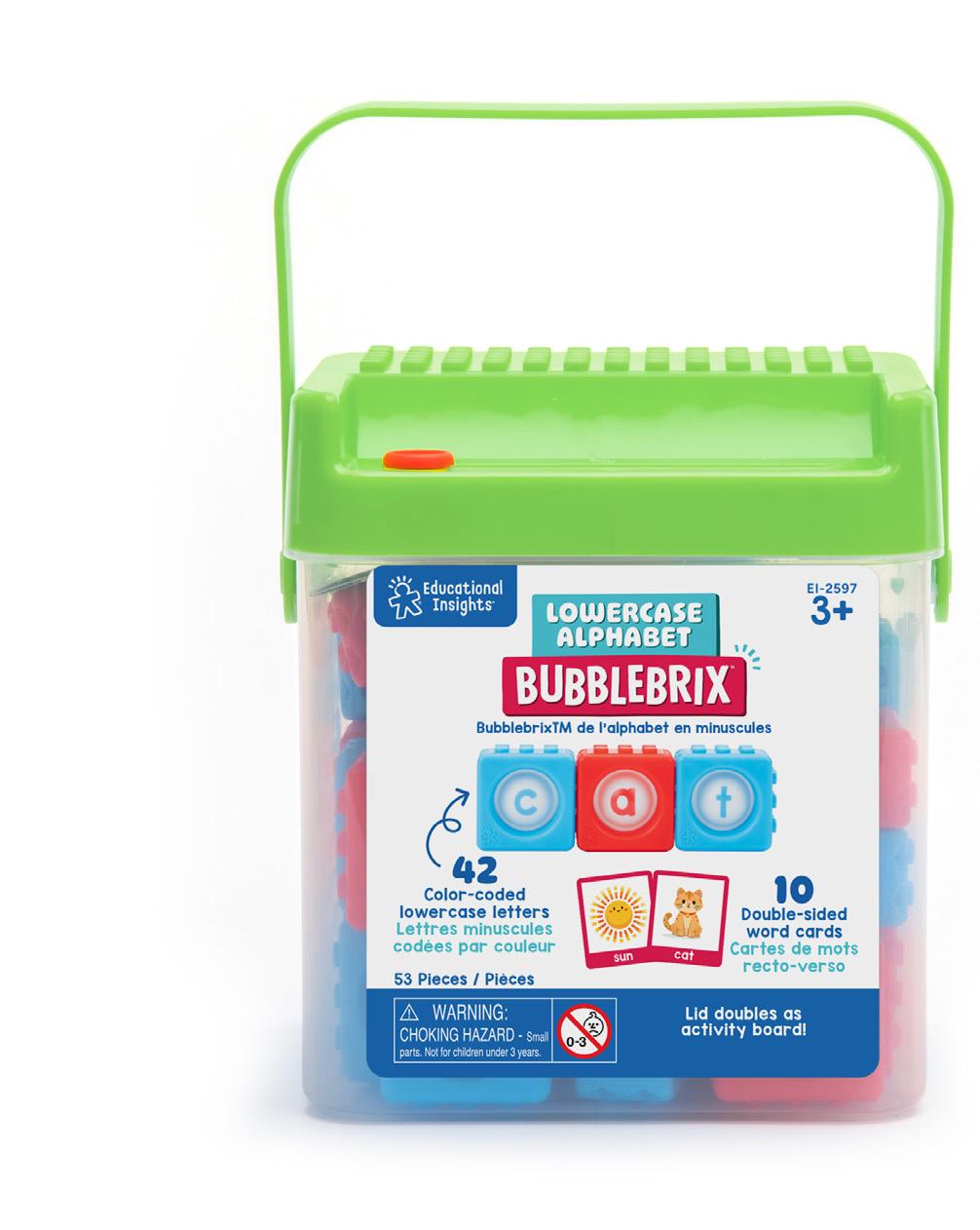
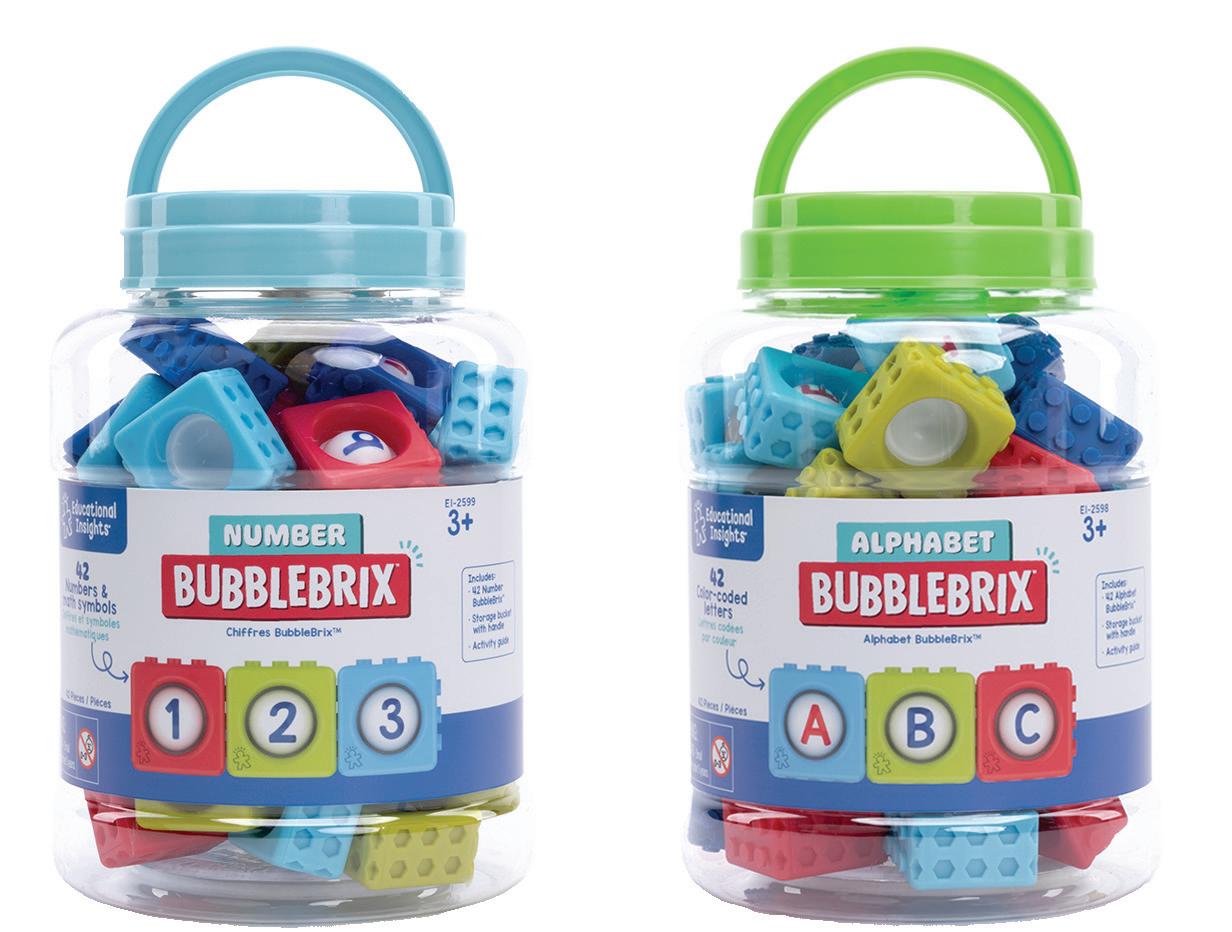
BubbleBrix™ are a line of sensory fidget blocks; pop the bubble, snap bricks together to build words, equations, and more. BubbleBrix provide a sensory element to hands-on learning.
Logos
Colors
CMYK 90, 60, 0, 0
RGB 18, 104, 179
HEX #1268B3
CMYK 6, 100, 62, 0
RGB 225, 27, 80
HEX ## E11B50
CMYK 000, 000, 000, 000
RGB 255, 255, 255
HEX #FFFFFF
CMYK 63, 000, 18, 000
RGB 18, 104, 179
HEX #4BC3D1
Packaging
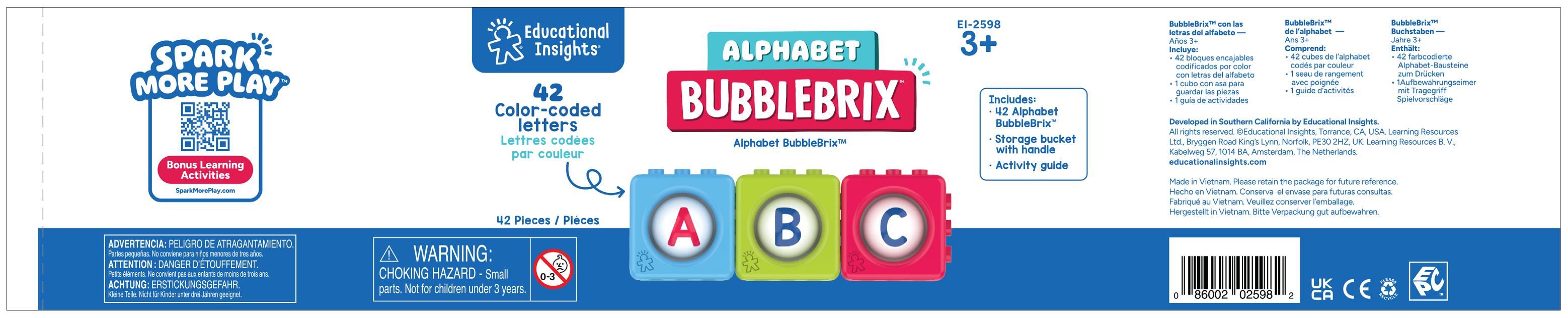
The BubbleBrix products use a wrap-around label on a clear, handled, storage bucket. It is EI branded as part of the Early Learning category.
Wrap
Packaging Components Wrap
Kanoodle ®
Range Proposition
Branding Logos
Fonts
Colors
Copy/Tone
Digital Landing Page
A+ Pages
Top 6
Video
Packaging Components
Range Proposition
Kanoodle® is a line of brain-teasing puzzle games that are small enough to fit in your pocket and challenging enough to stump even the most experienced gamers, packed with hundreds of addictive games for puzzle lovers ages 7–107 who are ready to take on the challenge..
Logo
In other cases black or white is acceptable
Make logo yellow on black when possible
Logo Clearance
Use letter stroke width to determine logo clearance
Things To Avoid
Do not rotate logo
Don’t stretch the logo
Do not use multiple colors in logo
Don’t use old logos
Do not apply effects to logo
Logo should always be high contrast
Colors
CMYK 75, 10, 0, 0
RGB 0, 174, 230
PMS 2202 C
CMYK 45, 0, 0, 0
RGB 130, 211, 234
PMS 305 C
CMYK 64, 5, 35, 0
RGB 99, 188, 70
PMS 3265 C
CMYK 65, 0, 100, 0
RGB 99, 188, 70
PMS 2287 C
CMYK 0, 77, 0, 0
RGB 240, 98, 164
PMS 2385 C
CMYK 70, 70, 0, 0
RGB 101, 93, 198
PMS 2725 C
CMYK 0, 35, 0, 0
RGB 247, 183, 211
PMS 230 C
CMYK 0, 87, 80, 000
RGB 255, 68, 56
PMS WARM RED C
CMYK 0, 42, 100, 0
RGB 255, 164, 0
PMS 137 C
CMYK 4, 3, 94, 0
RGB 251, 229, 31
PMS 102 C
CMYK 20, 20, 23, 0
RGB 203, 195, 187
PMS WARM GREY 2 C
CMYK 0, 0, 0, 0
RGB 255, 255, 255
PMS WHITE C
CMYK 14, 0, 44, 0
RGB 221, 233, 167
PMS 365 C
Copy/Tone
Kanoodle tone of voice is challenging, energizing, and age neutral. Whether you’re up against another player or the puzzle, Kanoodle is challenging you to solve it and level up your puzzle-solving skills.
Here are some key phrases to use when talking about Kanoodle:
• Can you solve all the puzzles?
• Are your skills up to the challenge?
• Ready for your next challenge?
• Take the #ShakeChallenge!
• How fast can you solve it?
• Race to solve the puzzle and send your opponent’s pieces flying!
• We call the puzzle pieces “Kanoodle pieces”. Do NOT call them noodles or oodles.
• We call the puzzles “puzzles” or “puzzle challenges”. Do NOT call them levels or games.
We often make “claims” in regards to Kanoodle being good for brain health and wellness.
We have to be careful not to make any direct health claims, so here are a few things we can and cannot say:
Approved Claims
• Kanoodle can help improve critical thinking skills like spatial reasoning, logic, and problem-solving.
• Kanoodle can help stimulate cognitive skills.
• Playing Kanoodle uses skills like spatial reasoning, logic and reasoning, and critical thinking.
• Kanoodle is a screen-free brainteaser that can help develop key logic skills.
DO NOT
1. Make direct health claims.
a. Ex: Kanoodle improves cognitive health.
b. Ex: Kanoodle can help prevent dementia.
2. Make cause and effect claims.
a. Playing Kanoodle improves logic skills.
(Also use “can help” or “can improve”)
Naming Guidelines
Kanoodle ALWAYS comes first (Kanoodle SudoQube, etc.)
• When referring to Kanoodle OG in external decks or comms, use “original Kanoodle”. Original is functioning as an adjective, NOT a product name.
The second word is the modifier (Genius, Head-to-Head, etc.). The modifier should:
• Describe the system of the gameplay
• Be abstract, but connected to the game
• Should focus on ONE aspect of game (don’t overcomplicate it)
• Cautions: Superlatives are limiting (ex: Genius vs Extreme, Ultimate Champion. XL)
Naming Flow Chart
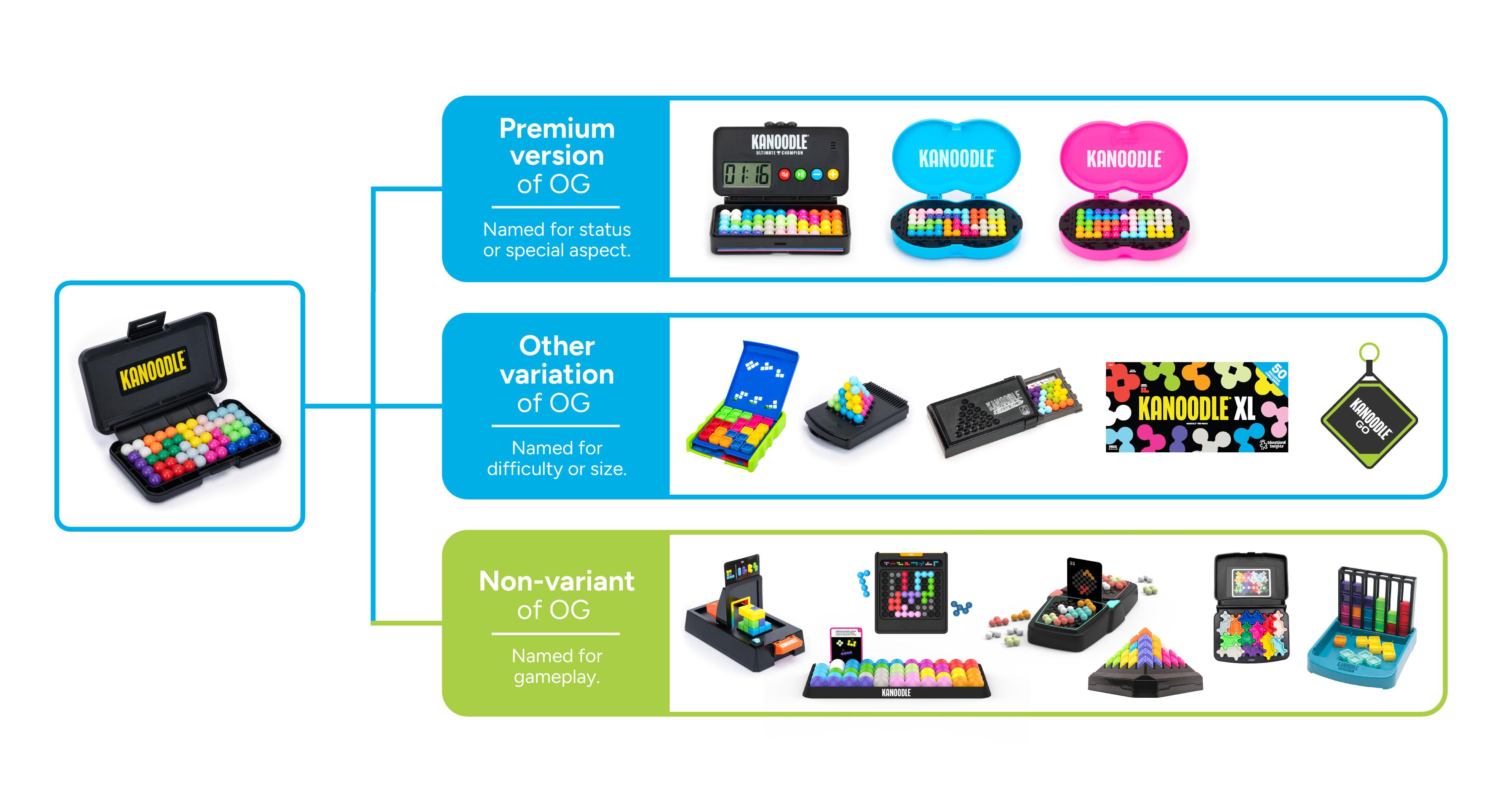
Naming Overview
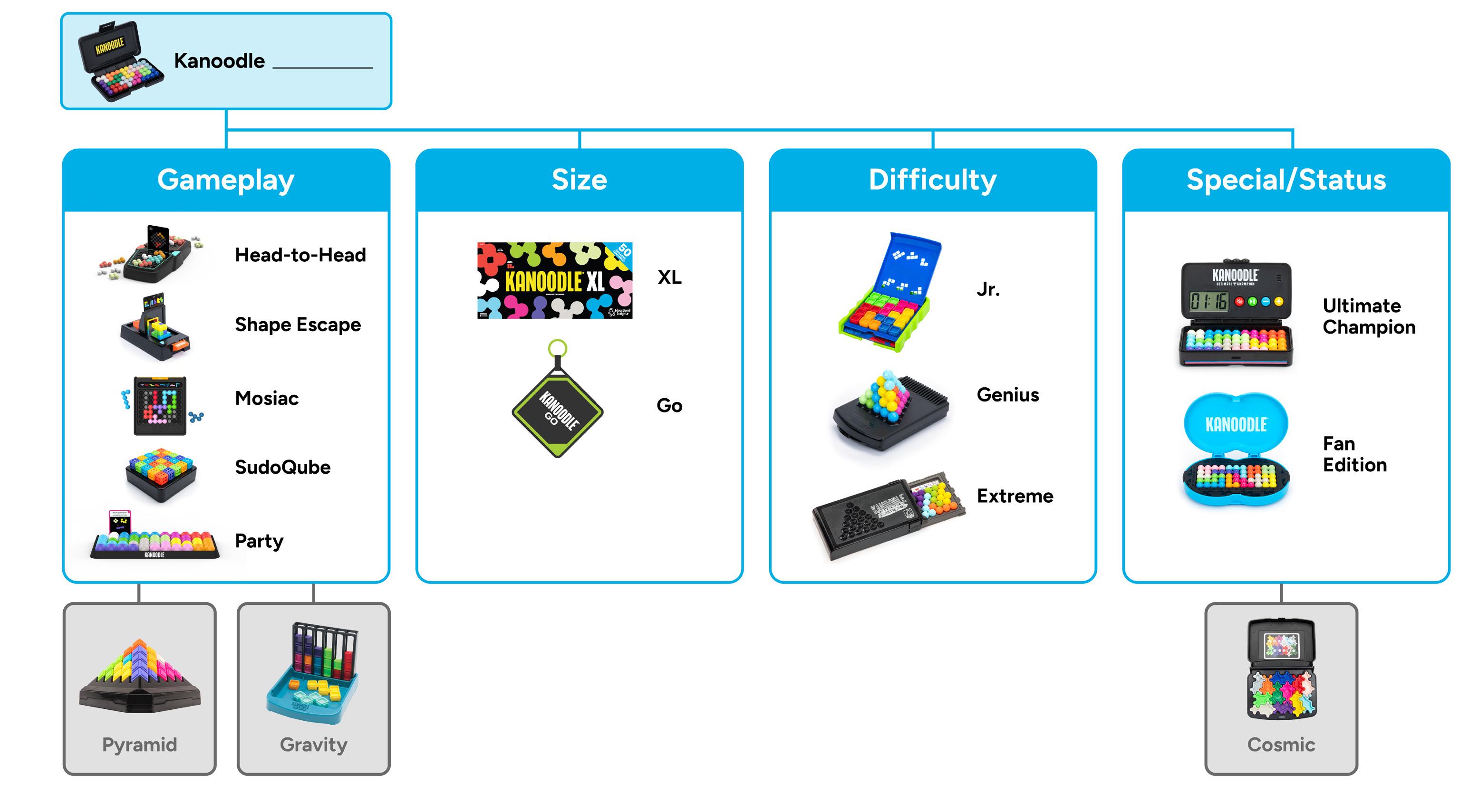
Note: Grayed out SKUs are outside of core Kanoodle line
Landing Page
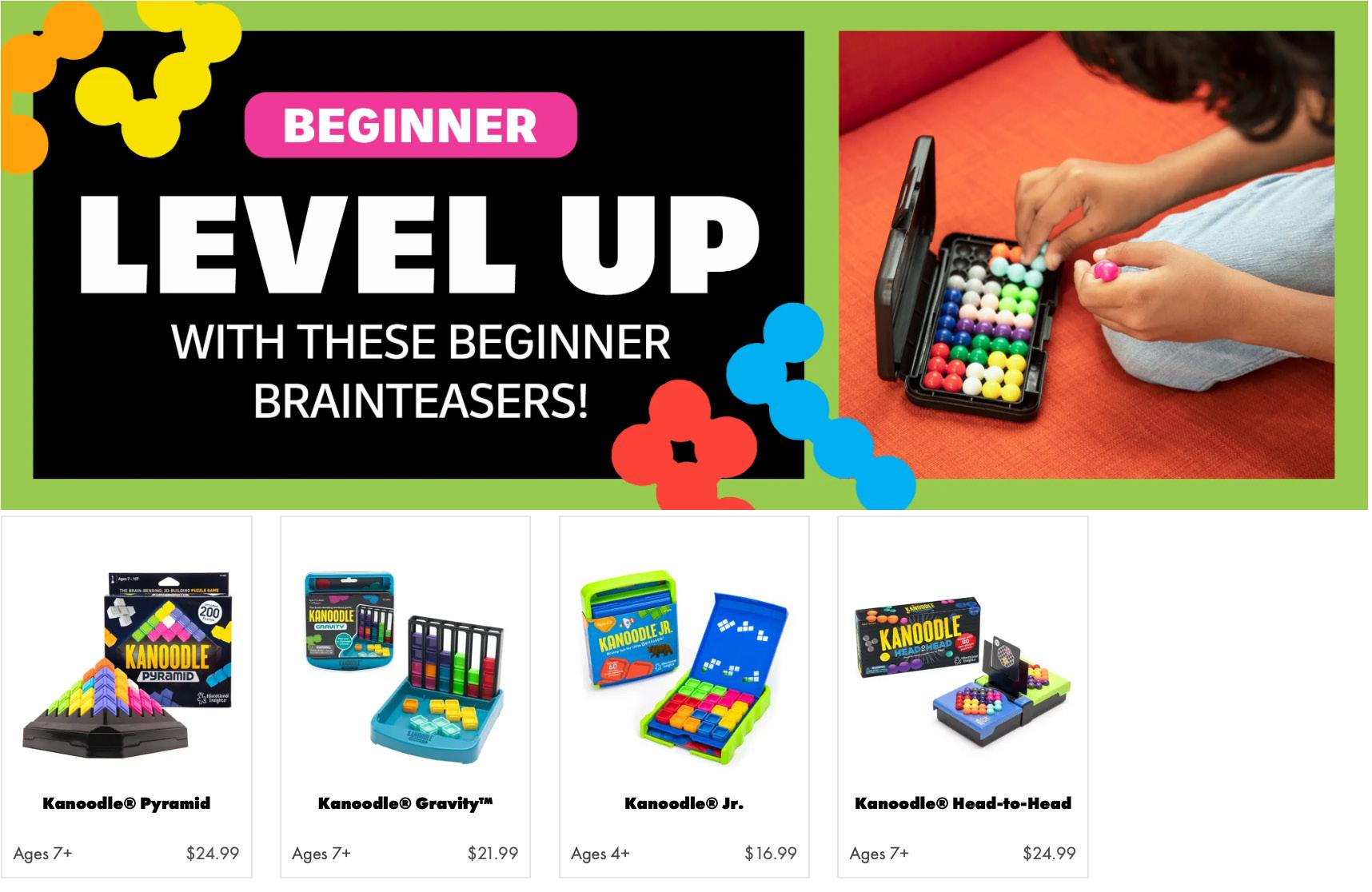
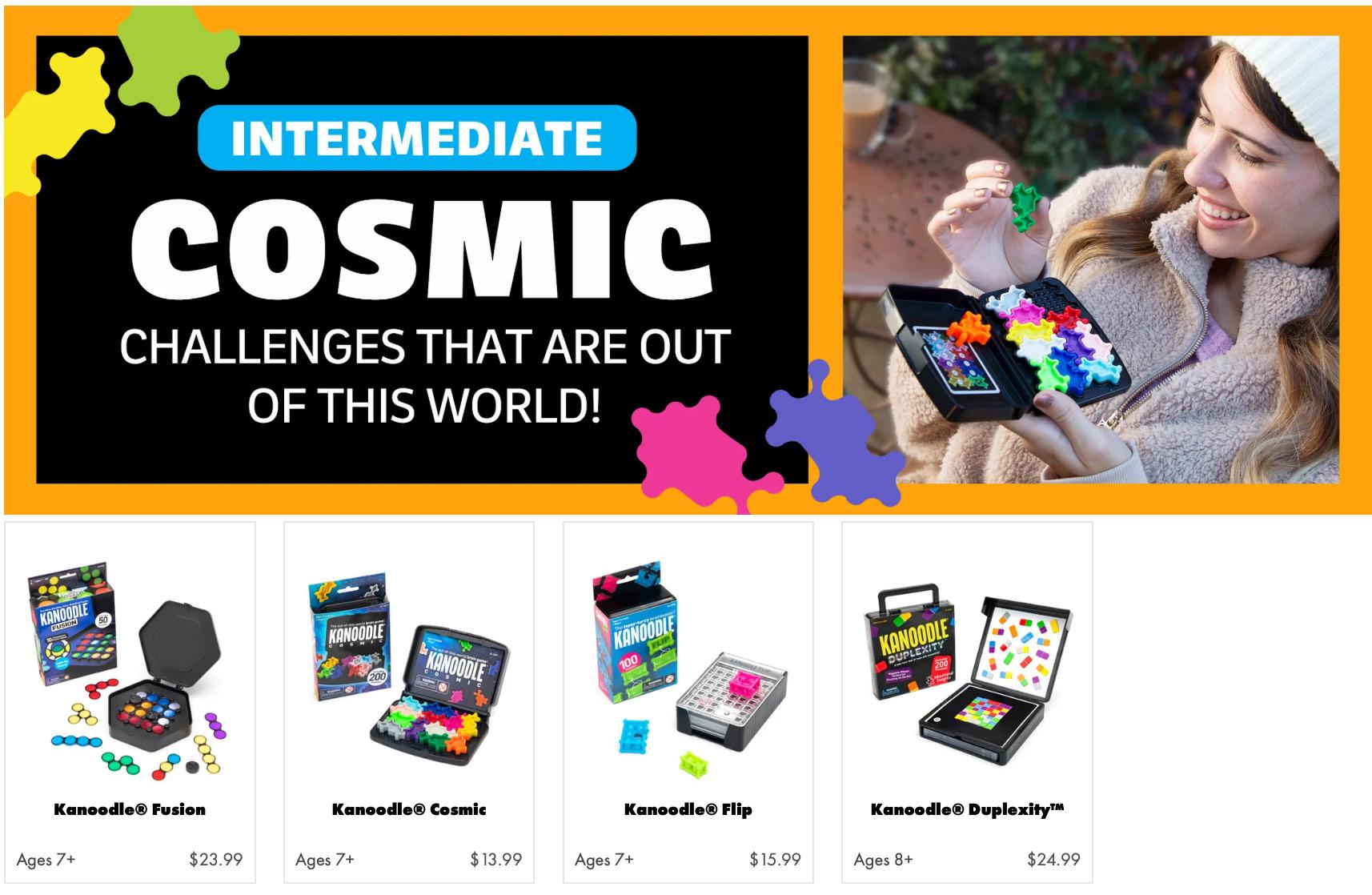
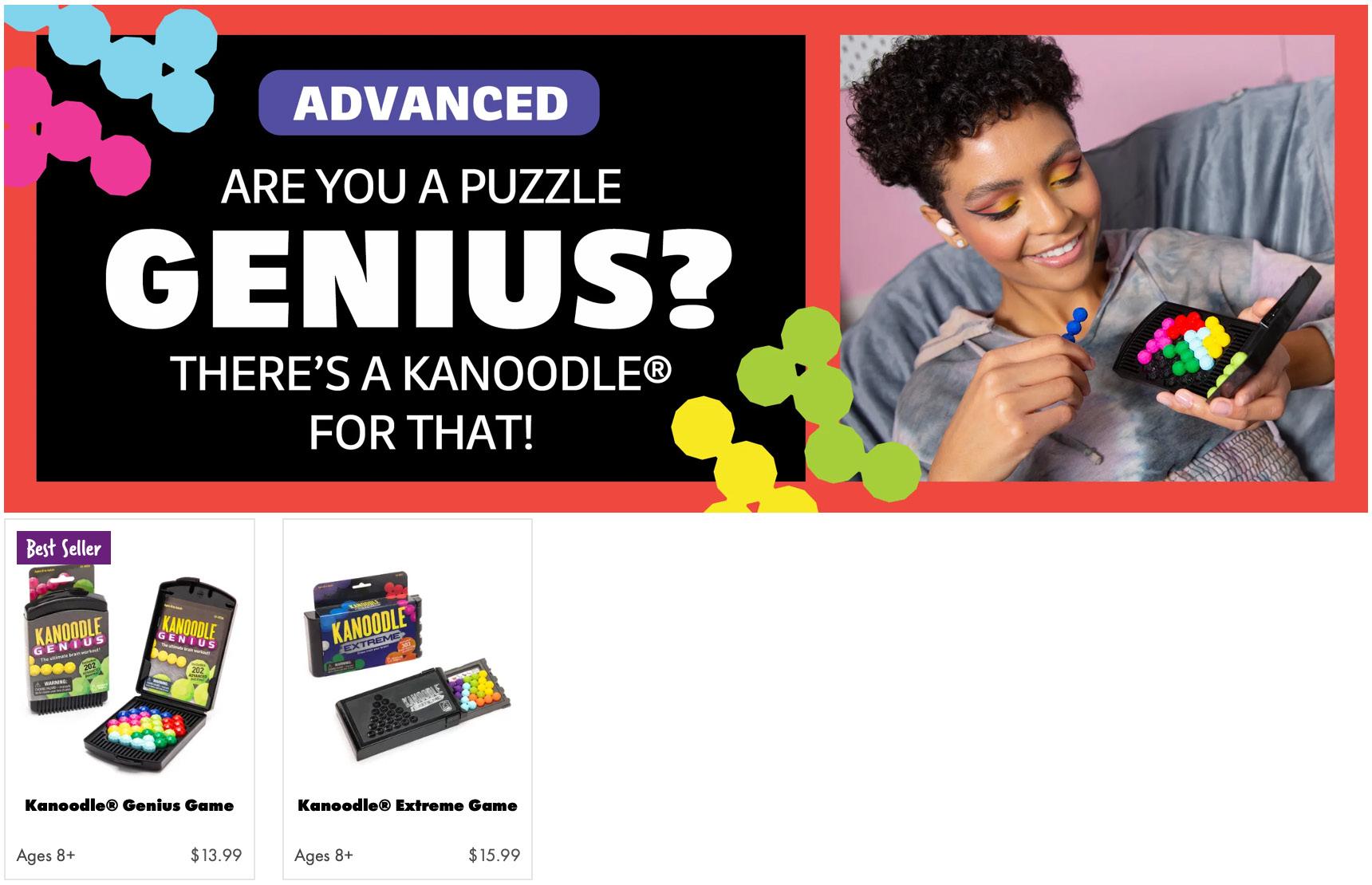
The Kanoodle landing page is designed to make the user feel like they’re leveling up their Kanoodle skills. To achieve this, each module is interactive; when the mouse hovers over the module, the image changes. The page is set up as a two column HTML grid.
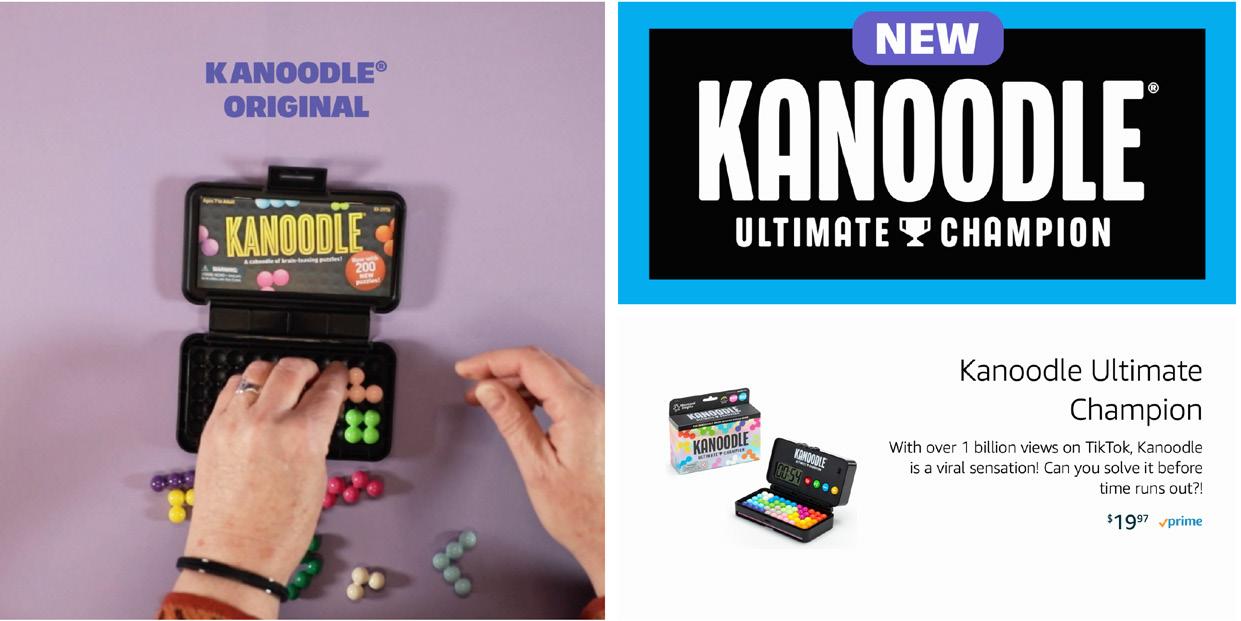
1 Hero Block
Autoplay video on a loop with a CTA that directs to the Kanoodle TikTok account
2 Featured Product Highlights an individual product, typically the newest Kanoodle SKU.
3 Level 1 Introduces our “beginner” level Kanoodle games.
Landing Page, cont.
4 Level 2 Introduces our “intermediate” level Kanoodle games.
5 Level 3 Introduces our “genius” level Kanoodle games.
6 Kanoodle Challenge Highlights the TikTok-viral Kanoodle Challenge with a CTA to play.
A+ Page
The A+ page of Kanoodle is NOT branded EI, but is Kanoodle-branded.
The colors that outline each module match the colors of the Kanoodle pieces.
1
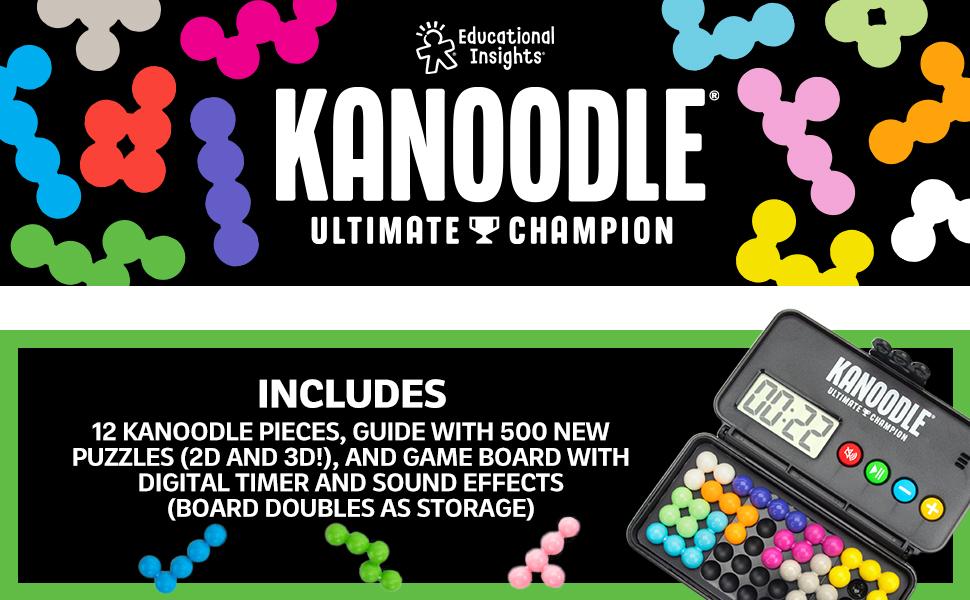
1 Kanoodle Header + What’s Included
In this case, the first two blocks (the header and the includes) are one module to make room for the cross-sell
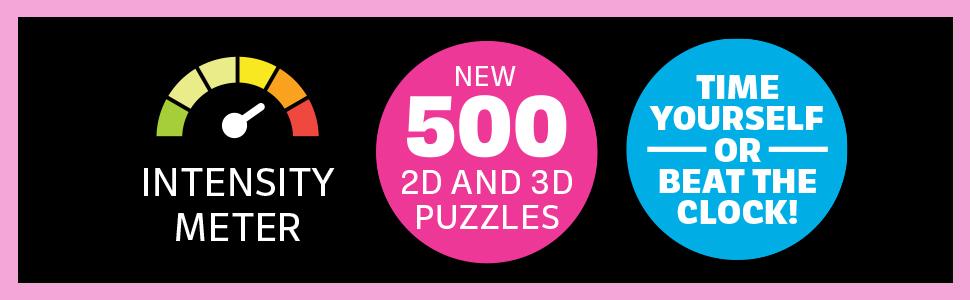
2 Intensity Meter
Show all components that is essential to the gameplay
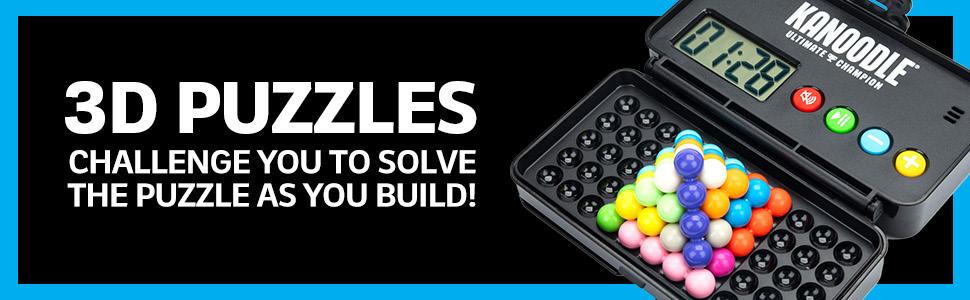
3 Features Callout
Here we showed the two different game modes
4 Photo
We recreated some of the viral #KanoodleChallenges that may appeal to the user.
5 Cross-Sell
Cross-sell with other Kanoodle products
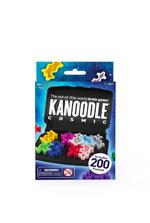
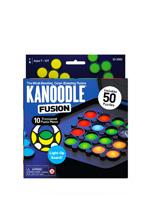
Top 6
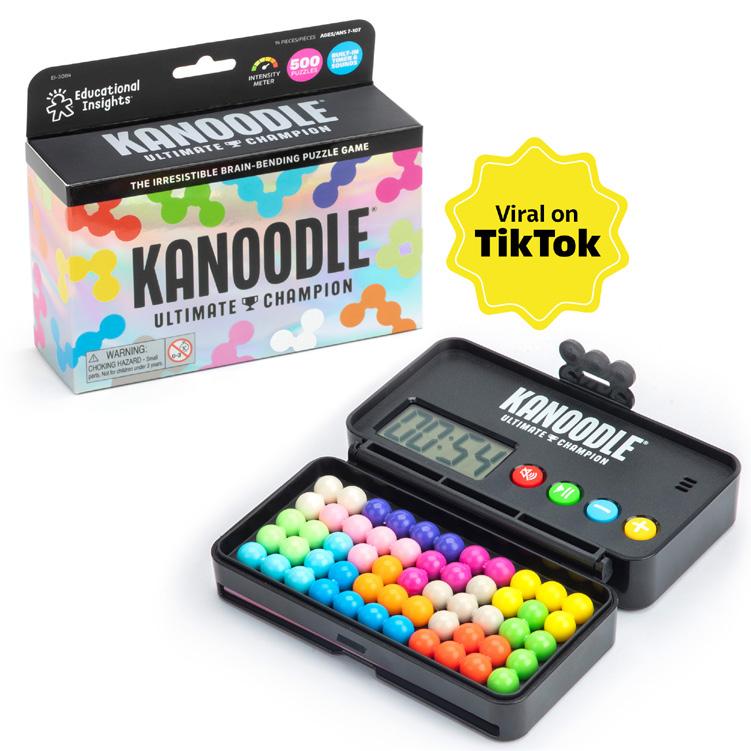
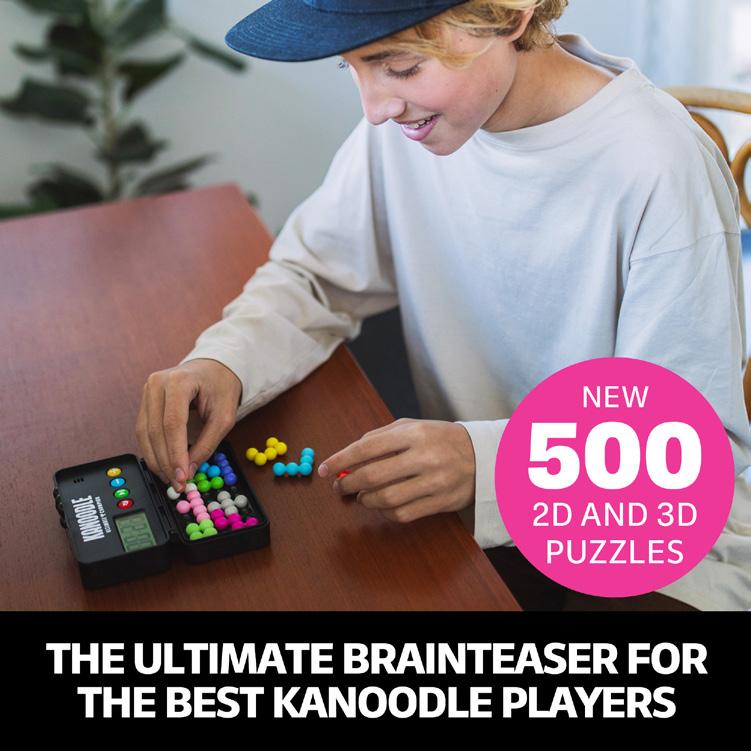
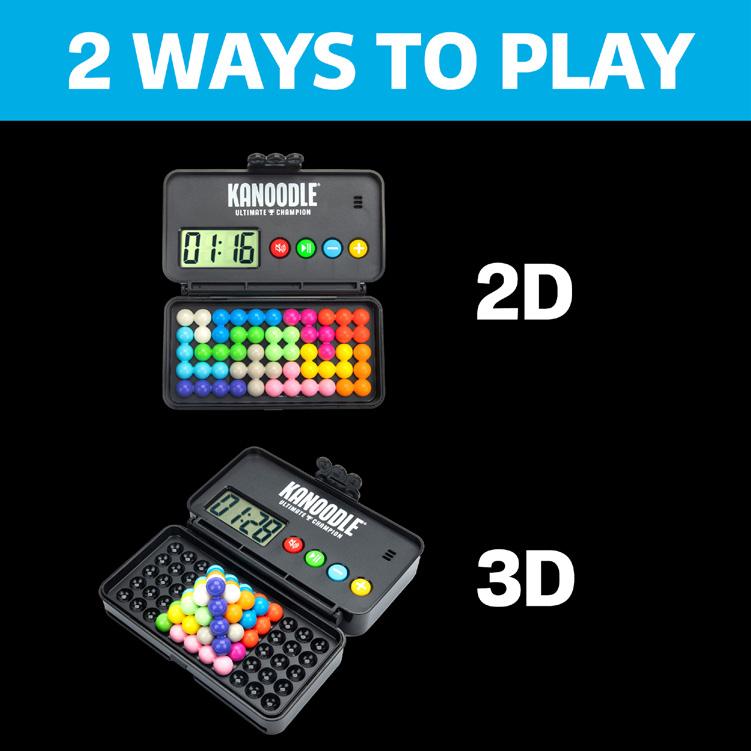
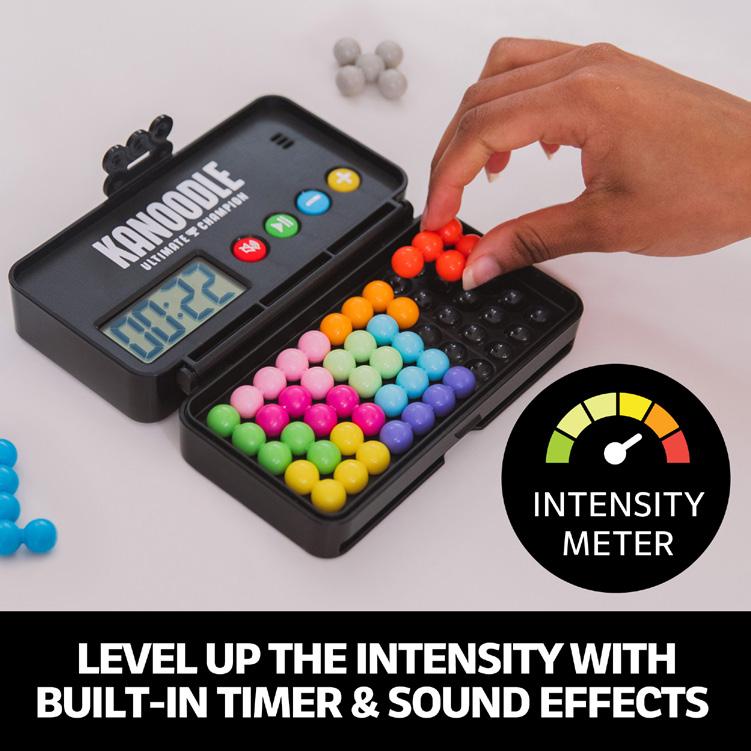
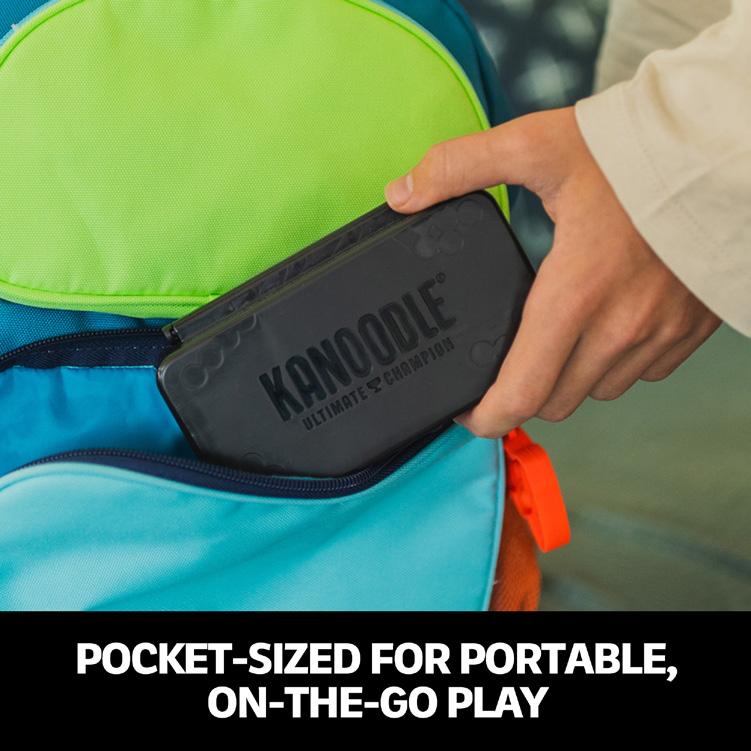
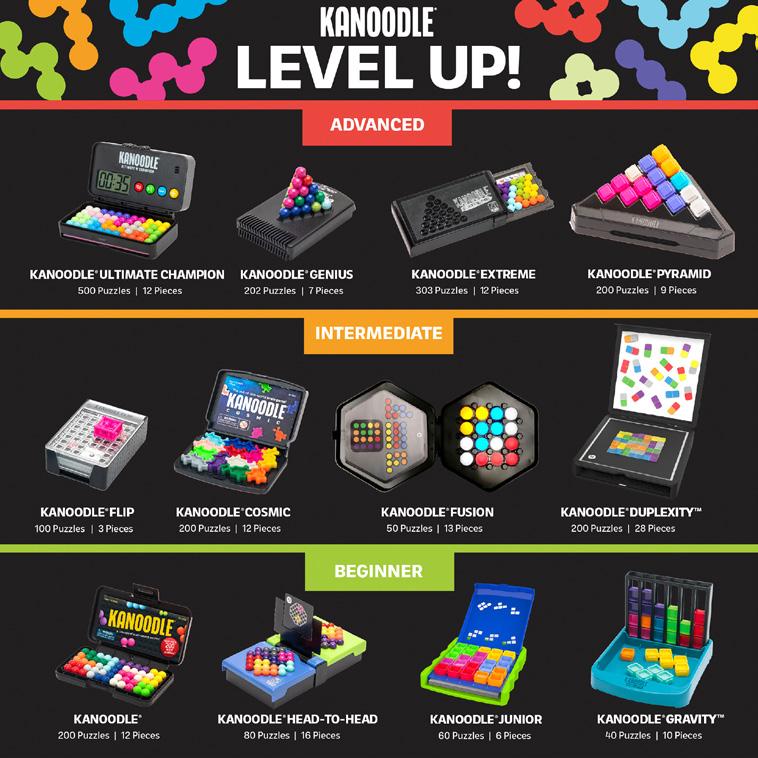
Product on white
# of Puzzles Burst and Tagline
Ways to Play or How to Play
Level Up/Intensity Meter
Extra features
Kanoodle Level Up Cross Sell
Video
Kanoodle® videos should alway include the following:
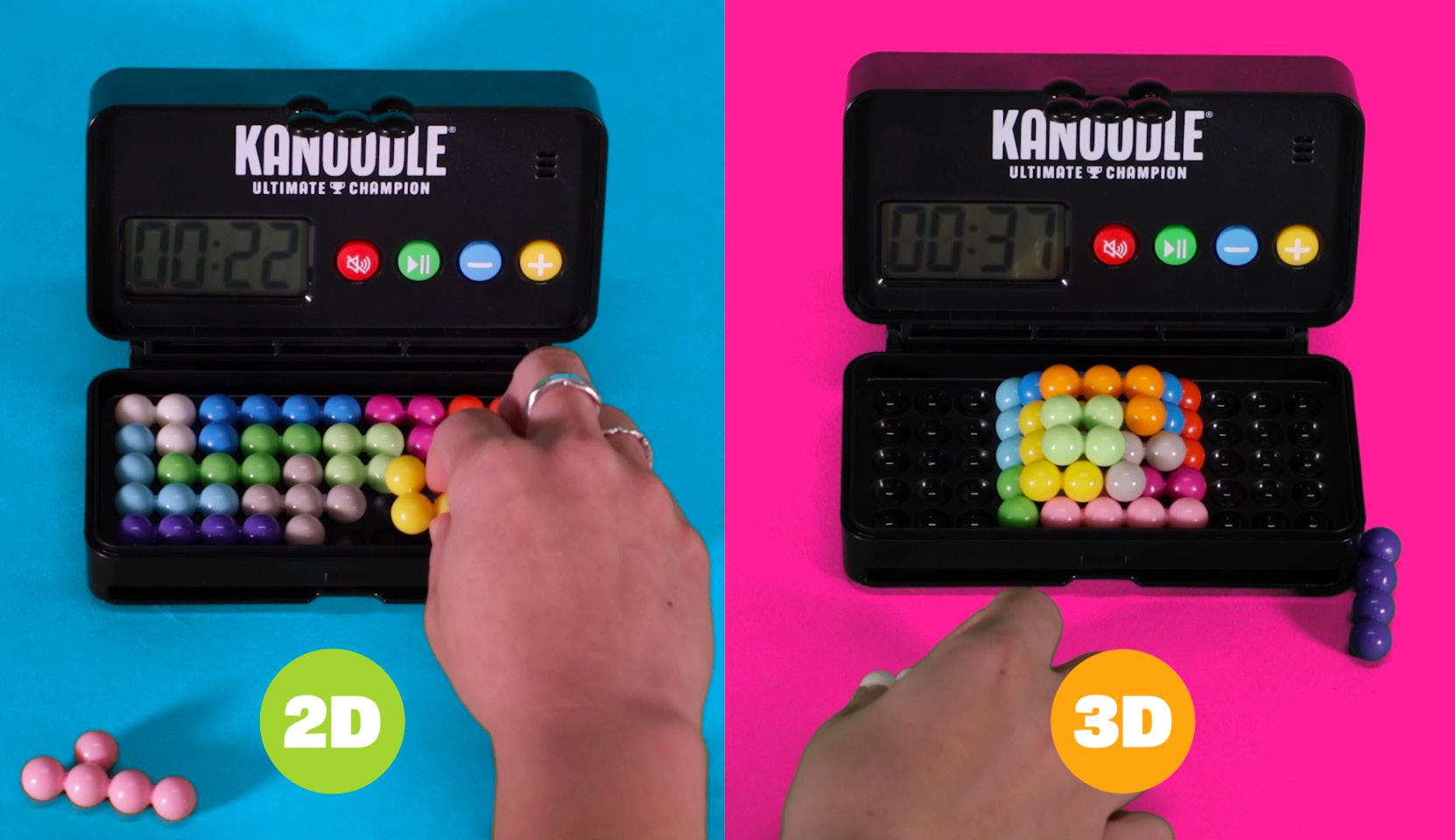
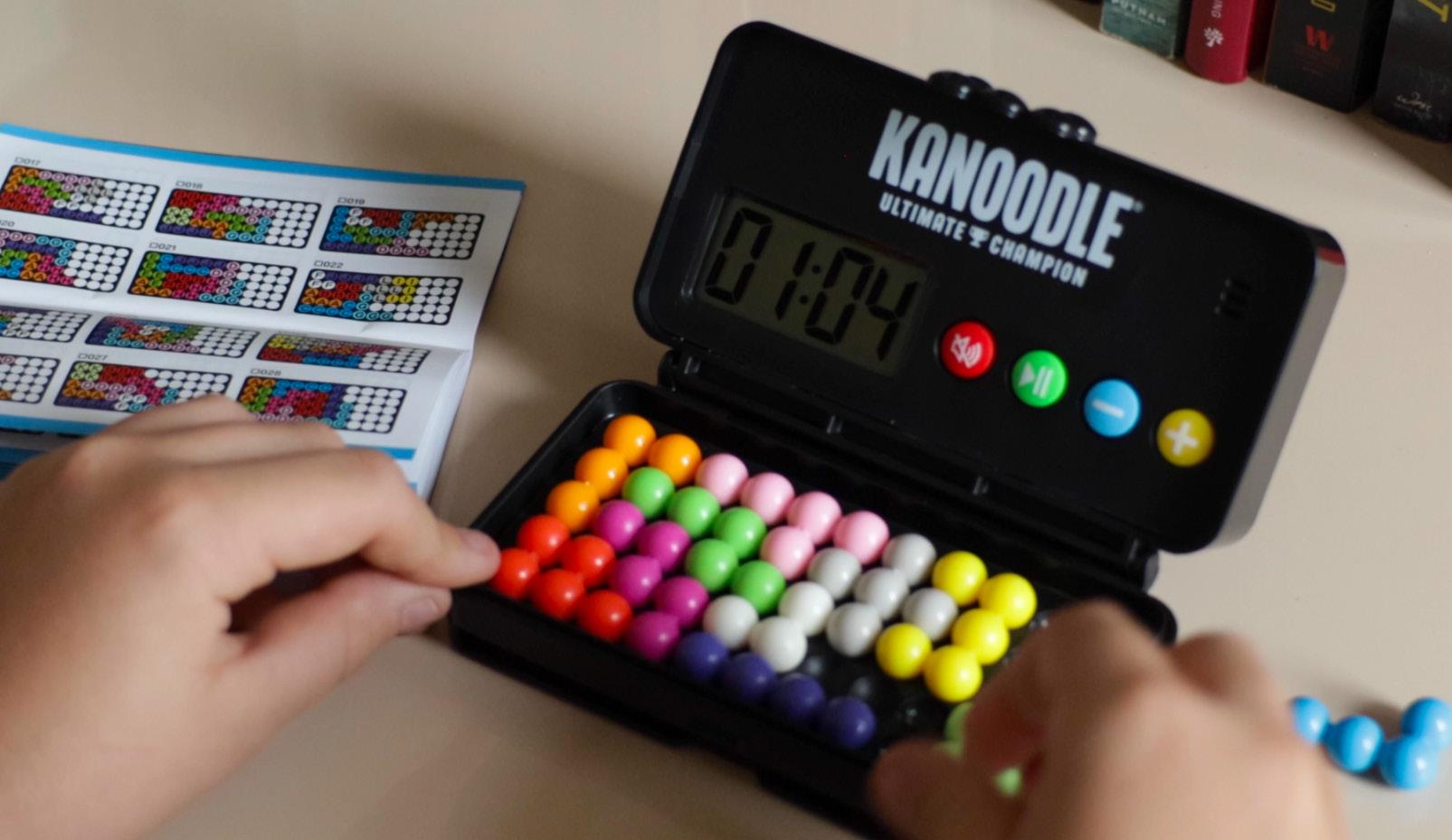
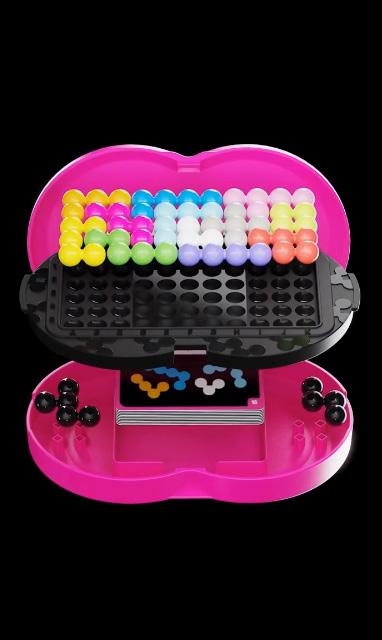
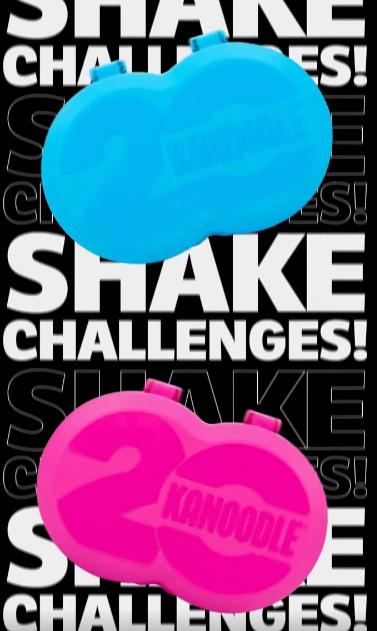
Show 2D and 3D puzzles when applicable
Show guide next to puzzle in at least one shot
Kanoodle Fan Edition Launch Video
Kanoodle Fan Edition Launch Video
Packaging
The Kanoodle line is currently being revamped. All packages moving forward should feature a black front panel , a black hangtag , a magenta top panel and triangle burst , and a cyan bottom panel . (Exceptions include Ultimate Champion and Fan Edition).
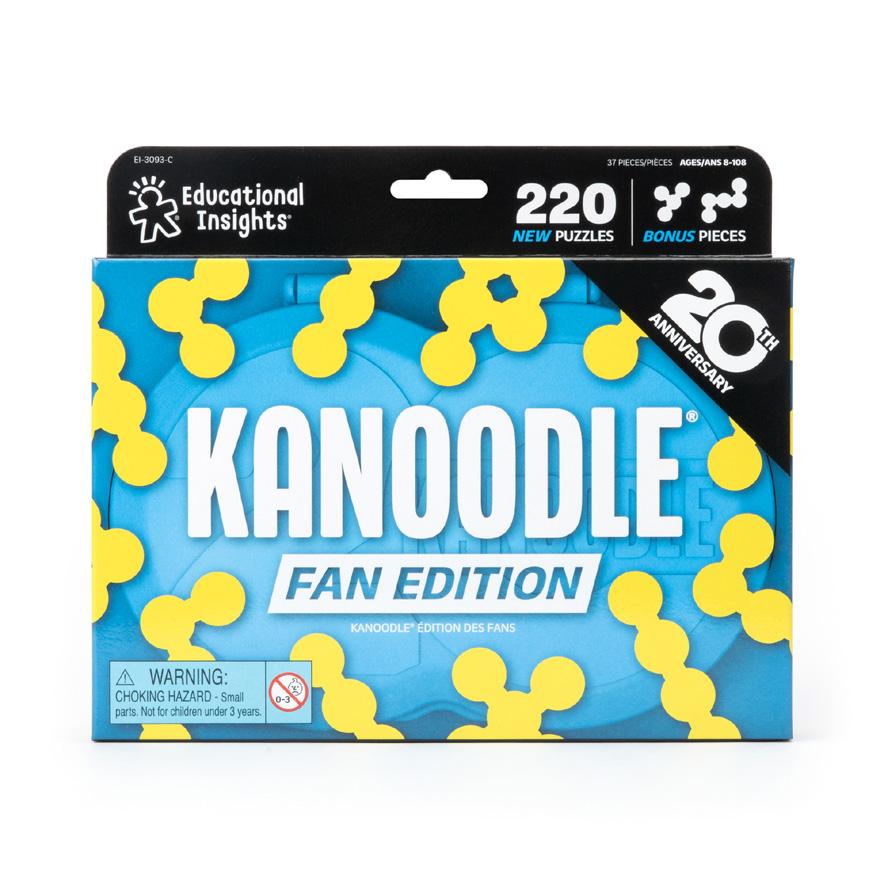
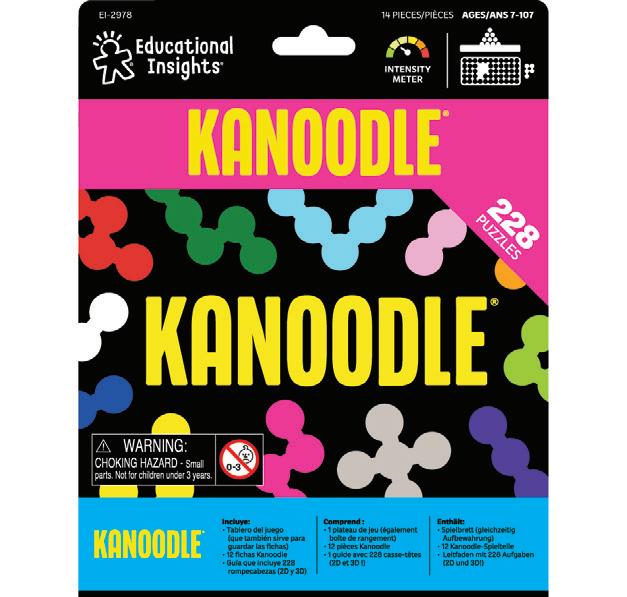
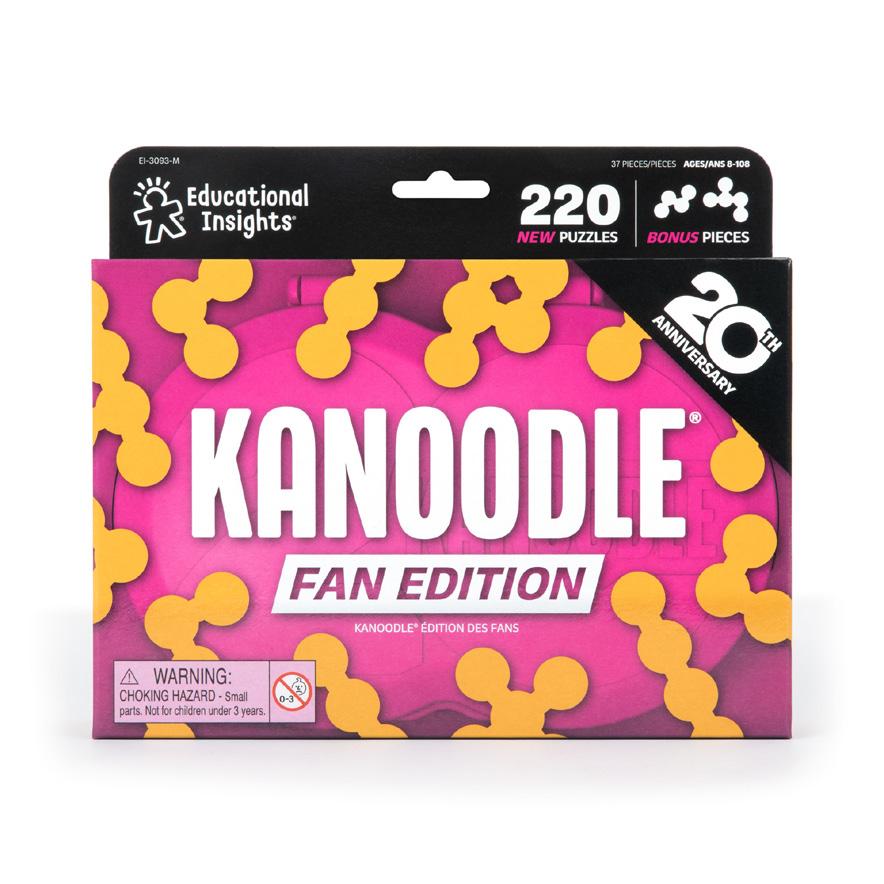
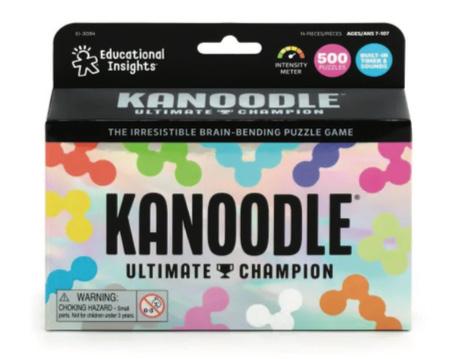
The triangle burst should highlight the differentiator for the SKU; for example, 2 Players for Head-to-Head, Kanoodle Meets Sudoku for SudoQube, etc.
The hangtag should be black and should reinforce the gameplay/differentiator . If there is room, it can also have an additional burst calling out the puzzle count.
Packaging Components
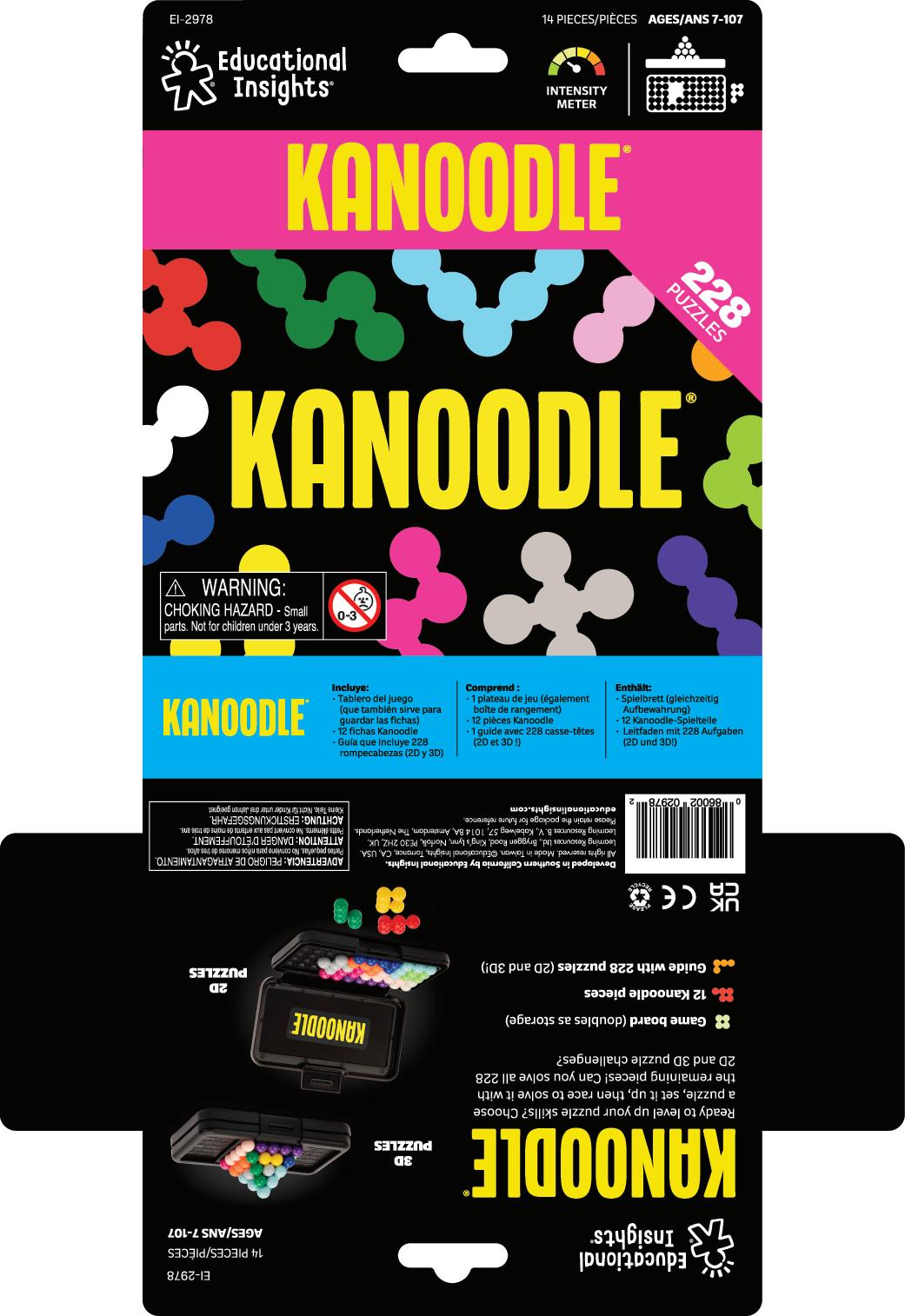
Packaging Components
Product explanation
Features
Use Kanoodle pieces as bullets
Adjust black to dark gray to stand out on background
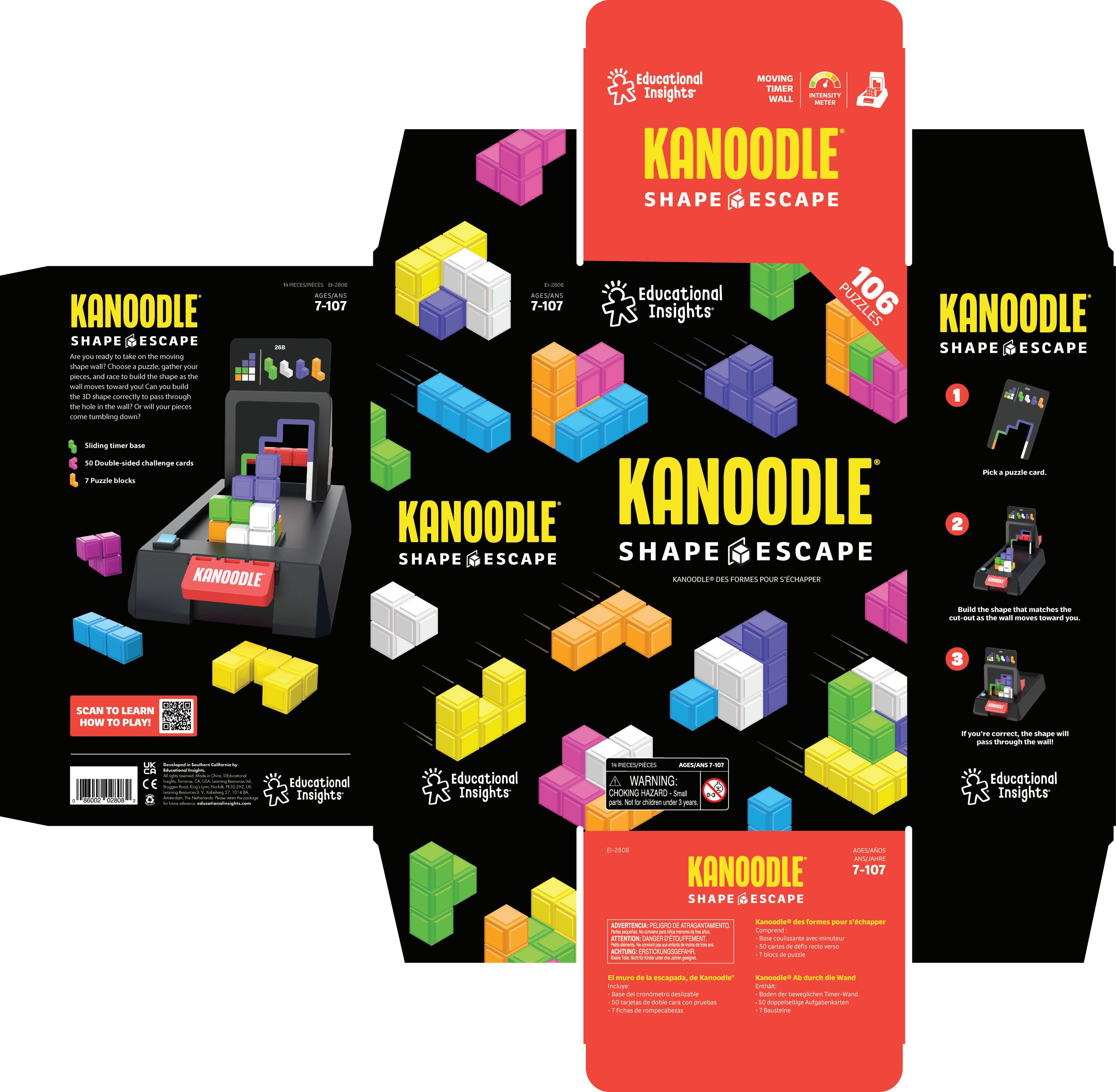
Feature
Intensity meter Unit diagram
Steps Adjust black to dark gray to stand out on background
Kanoodle lockup with French
18
Games
Early Learning Games
7+ Games
Brainteasers
The Slam Family
Games Category
We love gametime, which is why we make so many different types of games! There are some general guidelines that all of our games should follow, but we’ve broken it down into two main categories: Early Learning Games and 7+ Games. We’ll also cover a few key differences when it comes to Brainteasers and our line of Slam games.
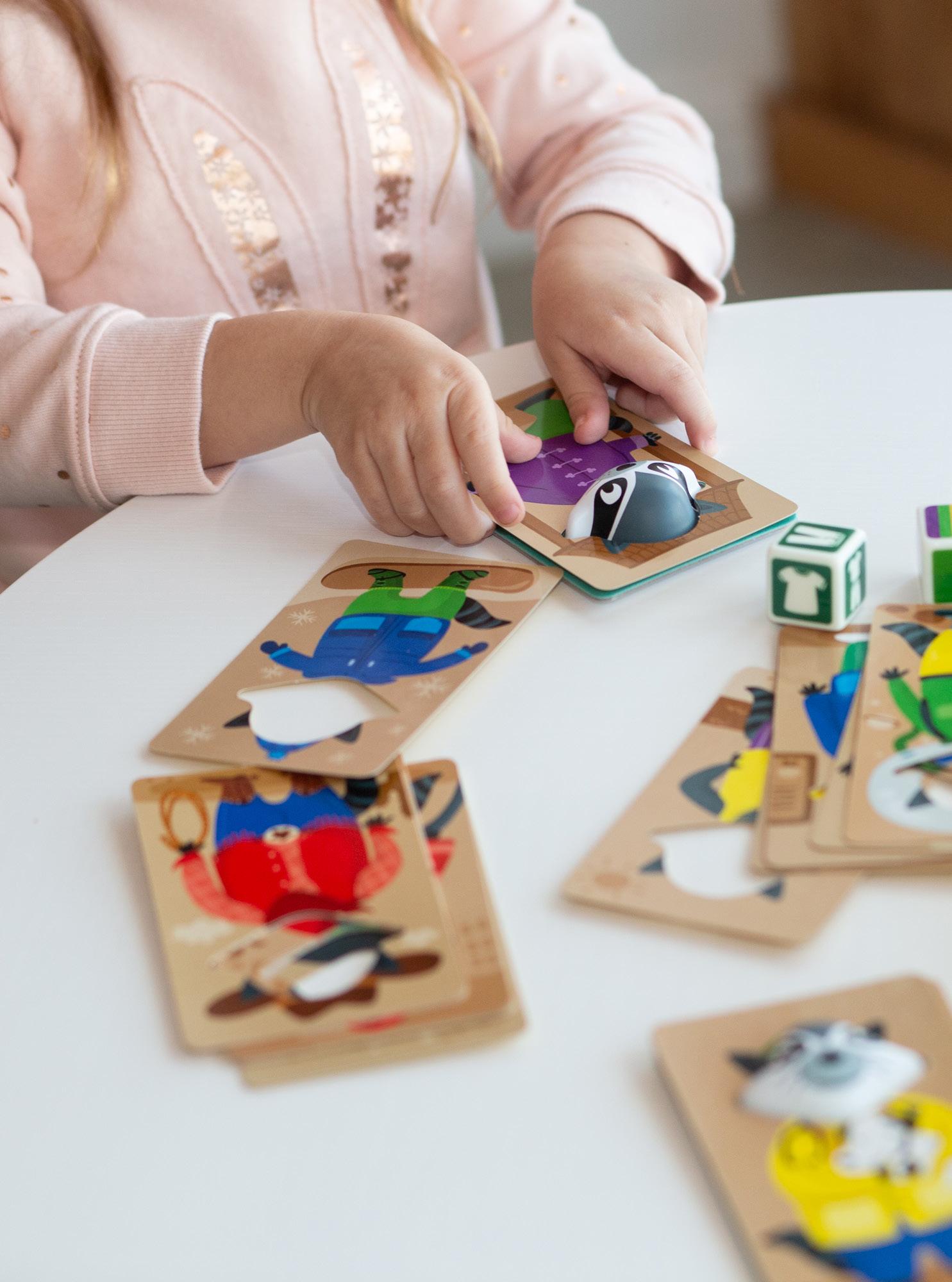
Amazon Storefront
1 Brand Header
This is the same for all of our Amazon Storefronts.
2 Banners & Sh oppable Images
The left side are banners that redirect to other Amazon pages or PDPs. These highlight hero products or seasonal promotions. The right side are shoppable images that use lifestyle images that direct the shopper directly to the PDP when clicked.
3 Category CTA
Directs users to more specific category pages when clicked.
4 Product Blocks
Products listed by our Amazon content team.
5 Brand Footer
Should feature a lifestyle image from that category.
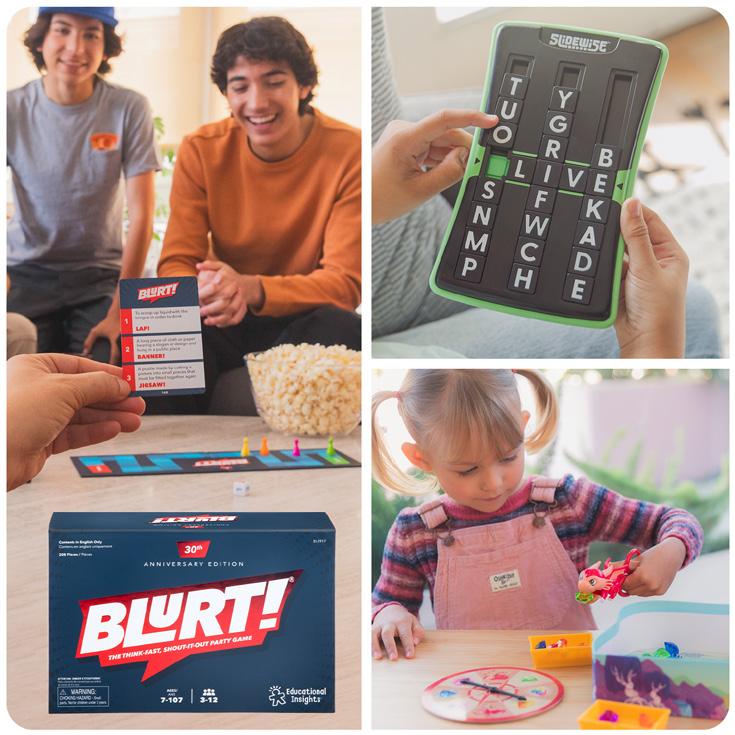
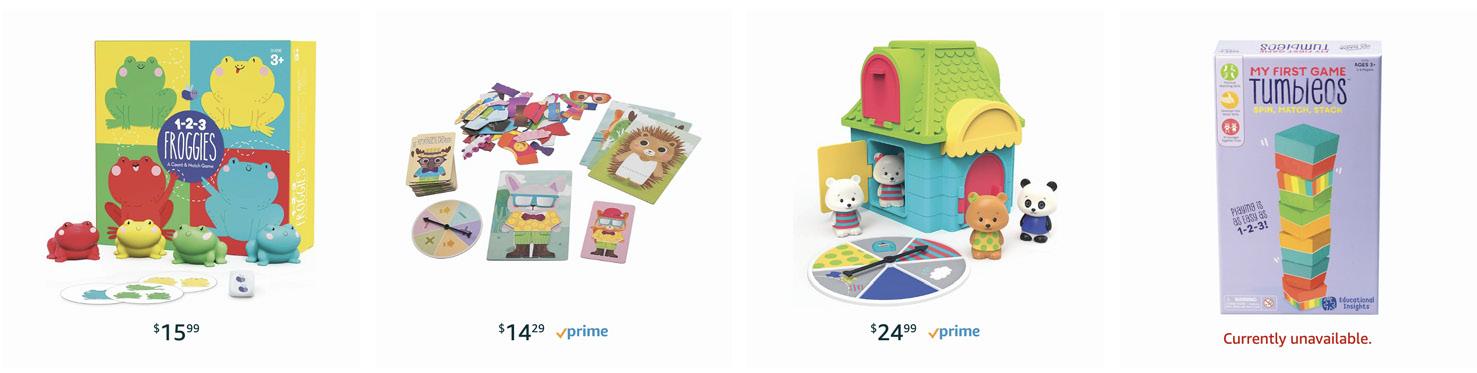
Early Learning Games
Range Proposition
Branding Logos
Copy/Tone
Digital A+ Pages
Top 6
Packaging Components
Range Proposition
Educational Insights’ early learning games are hands-on, engaging games that the whole family can play together. These games teach school readiness skills but feel like play!
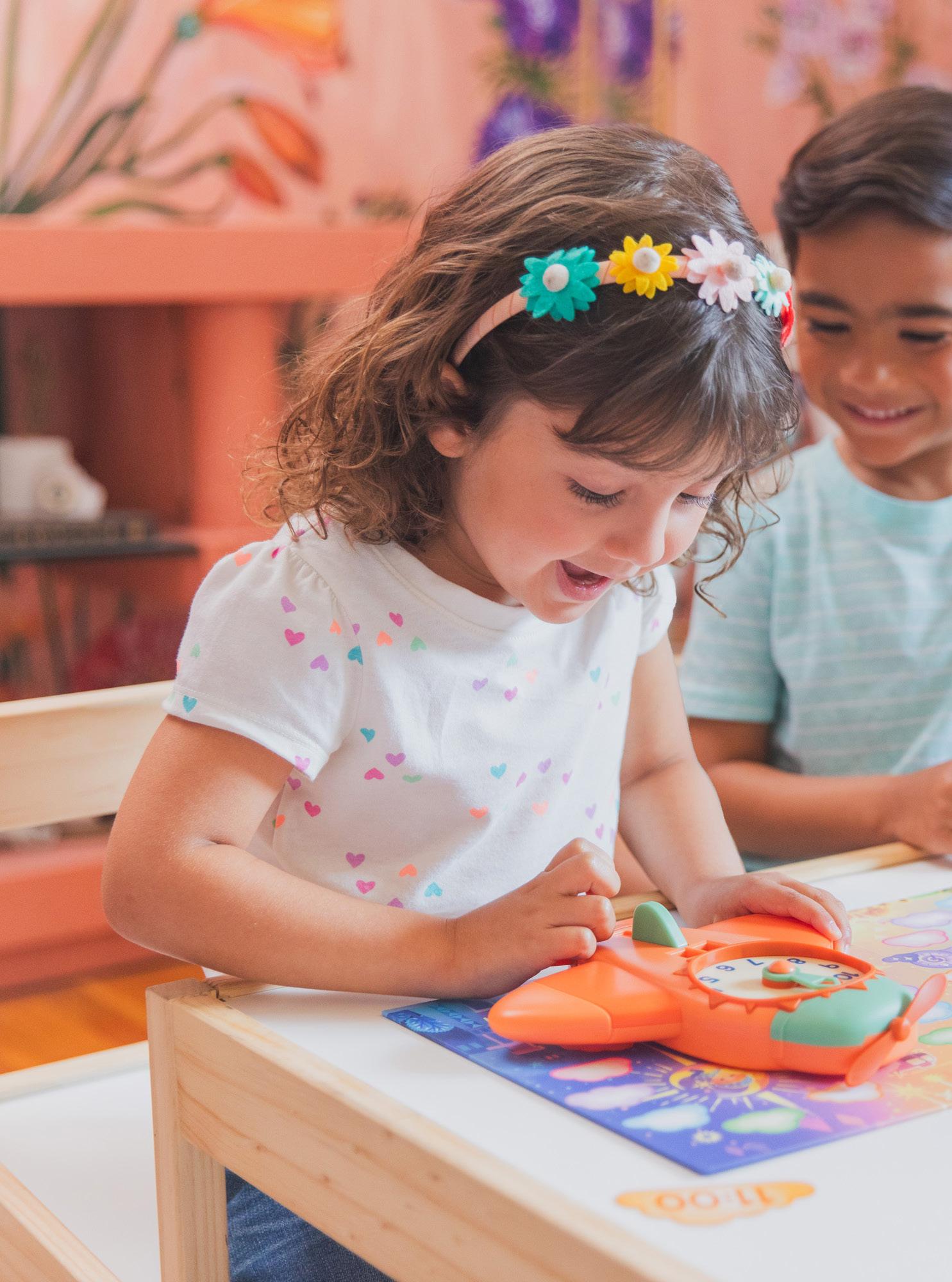
Logo
Logos typically are done by an illustrator for the game and match the overall packaging/vibe/concept. Colors will vary by game, but use child-friendly, exciting colors.
Copy/Tone
Copy for early learning games should appeal to both parents and young kids. Guides should be as language-free as possible (mostly visual), so kids can easily understand them. Copy about early learning games should highlight how games are family friendly and prepare kids for school with the learning benefits that each game has.
Here are some examples:
• Learn to properly use scissors with Ruby the Dragon!
• Help your forest friends stock up on acorns for the winter.
• Your animal friends are in a jungle jam! Help rescue them from the wrangly tangly vines.
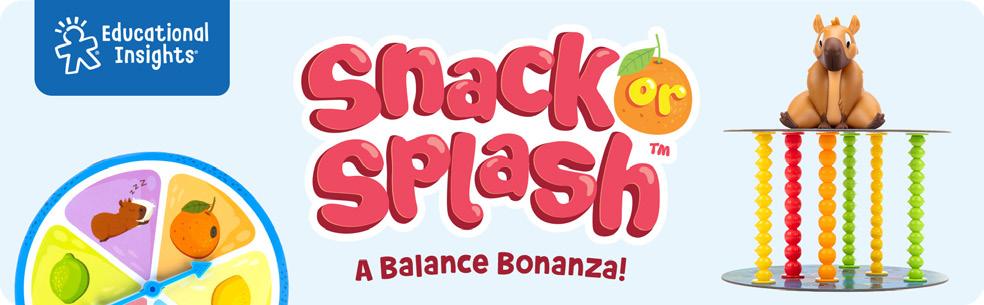
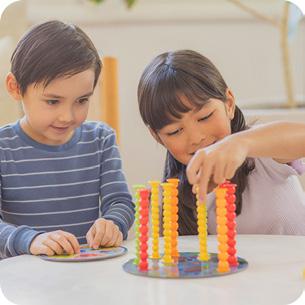
& Strategy Game
Cora the Capybara balanced as you remove stacks of fruit underneath the platform—one by one. This adorable preschool game builds color matching, strategy, hand-eye coordination, and fne motor skills!
Cora is ready for imaginative pretend play when you’re done.
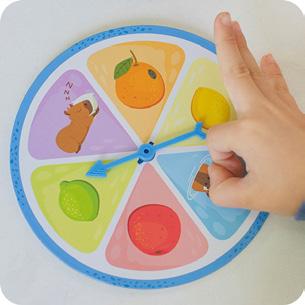
Game for Kids
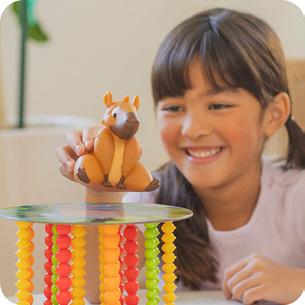
games for kids are designed to be easy to learn and quick to play, so you can get straight to the fun part! Each round takes approximately 10 minutes to play, so this game is the perfect time-fller for a quick activity or game night with kids. The stacks of fruit can be randomly arranged, so the game is diferent every time you play! Learn SEL Skills Games for preschoolers are a great way to teach social-emotional skills, which are essential for school readiness. Social-emotional skills infuence positive behavior, selfesteem, and relationships with others. Games help kids learn to take turns, share with others, be kind, and be a gracious winner or loser.
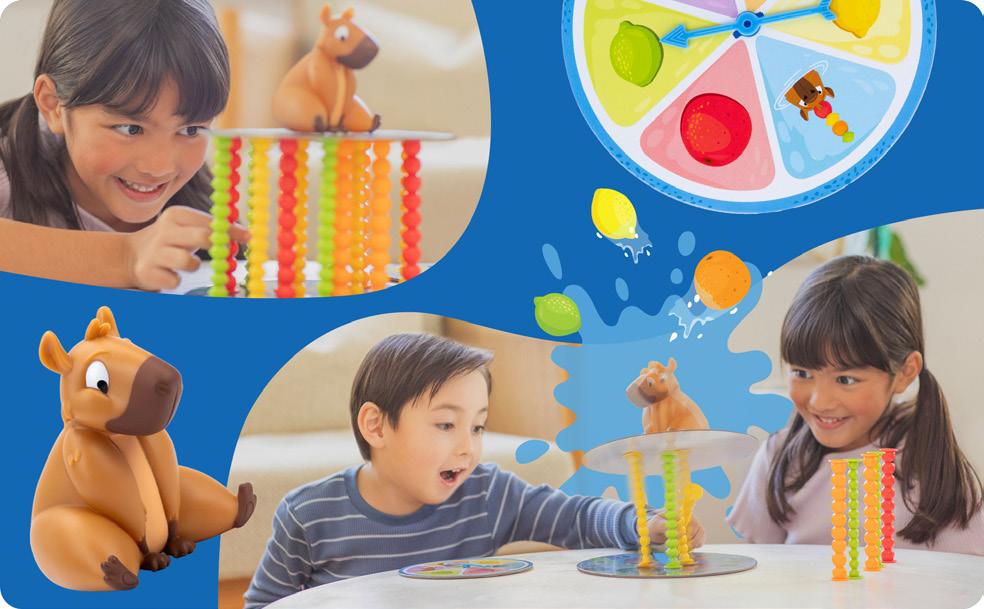
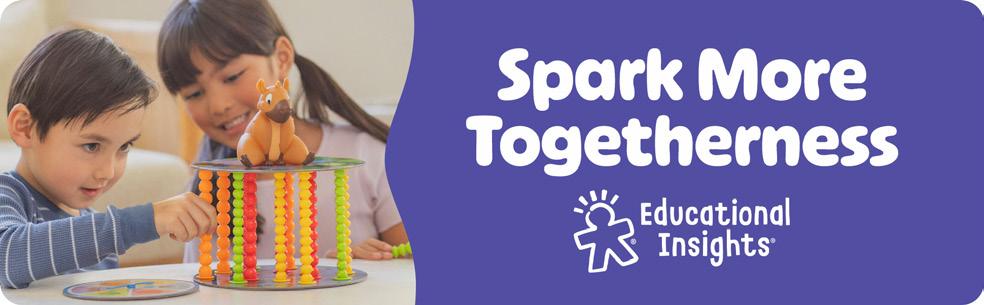
Top 6
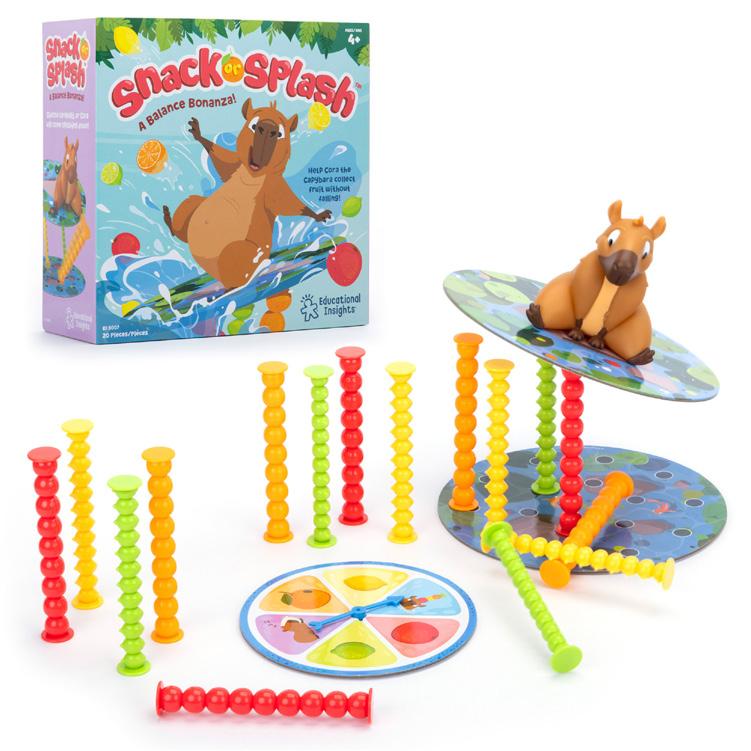
Product image
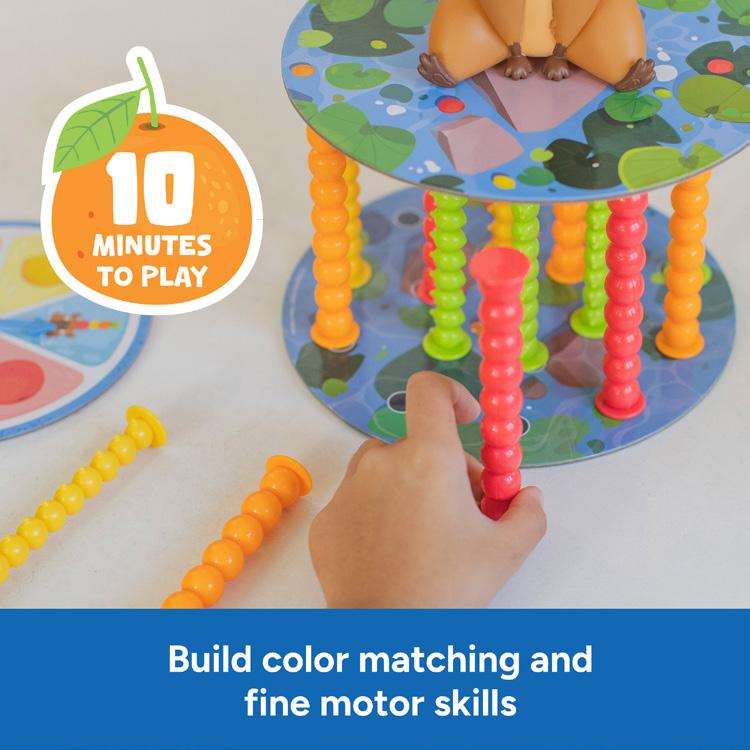
game “story”
Packaging
All early learning games should have “how to play” on the back as the primary focus (Step 1, Step 2, Step 3), includes should be secondary focus as a value proposition (what are they getting with this game).
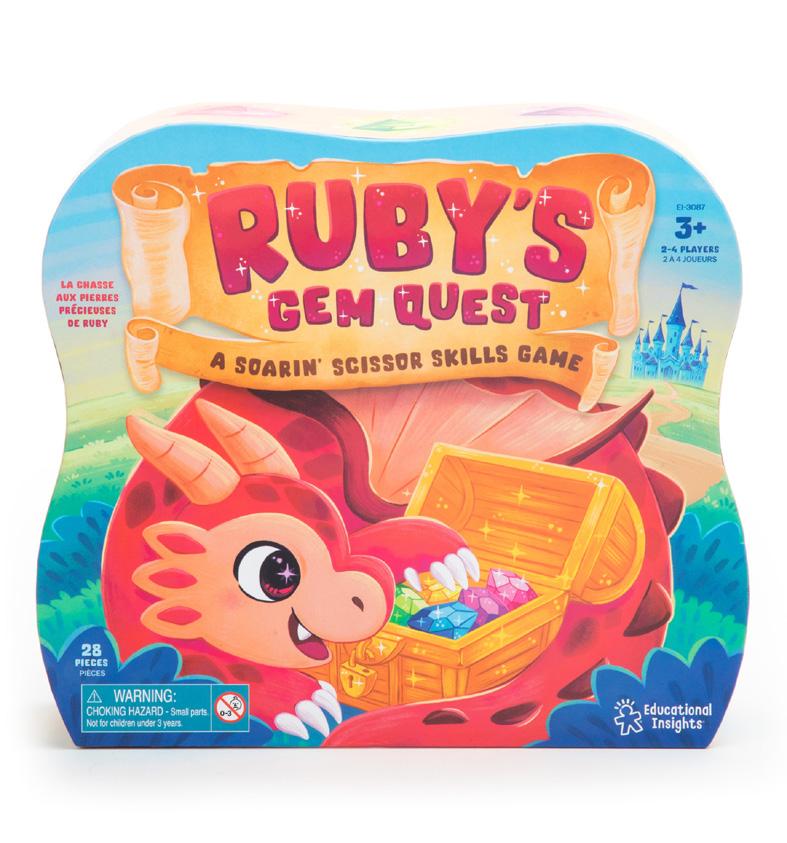
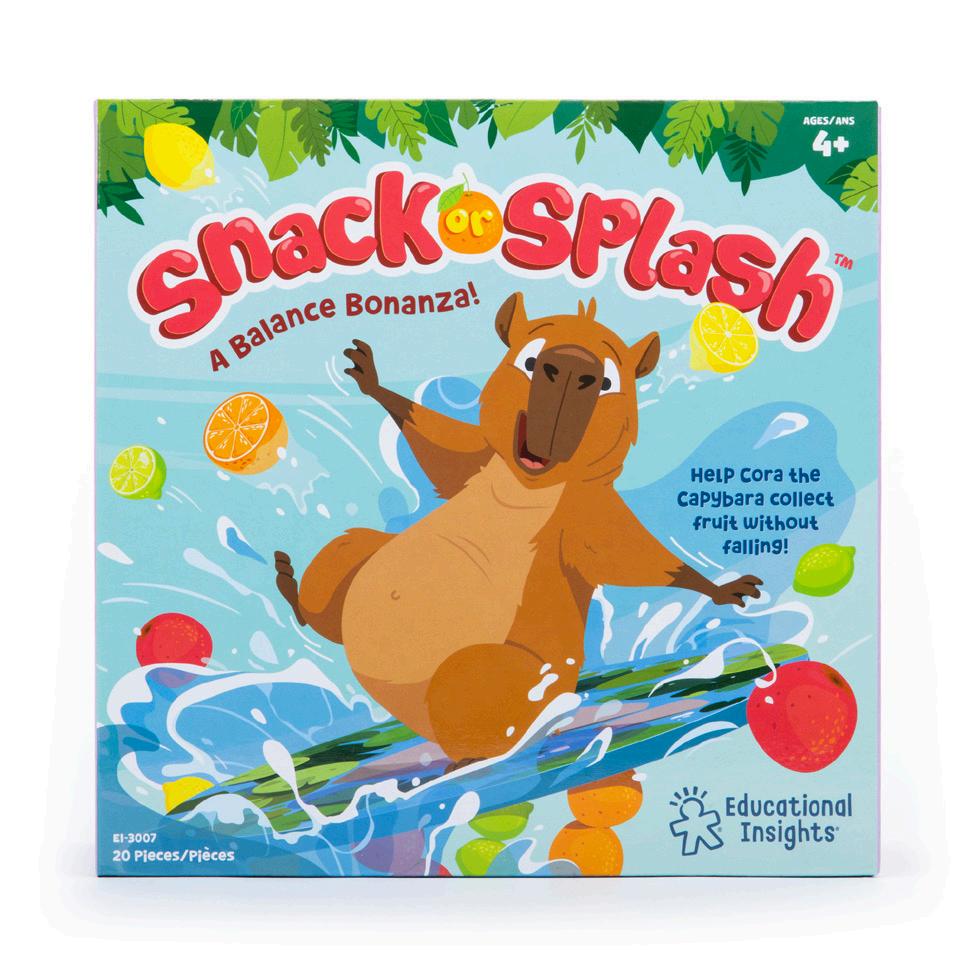
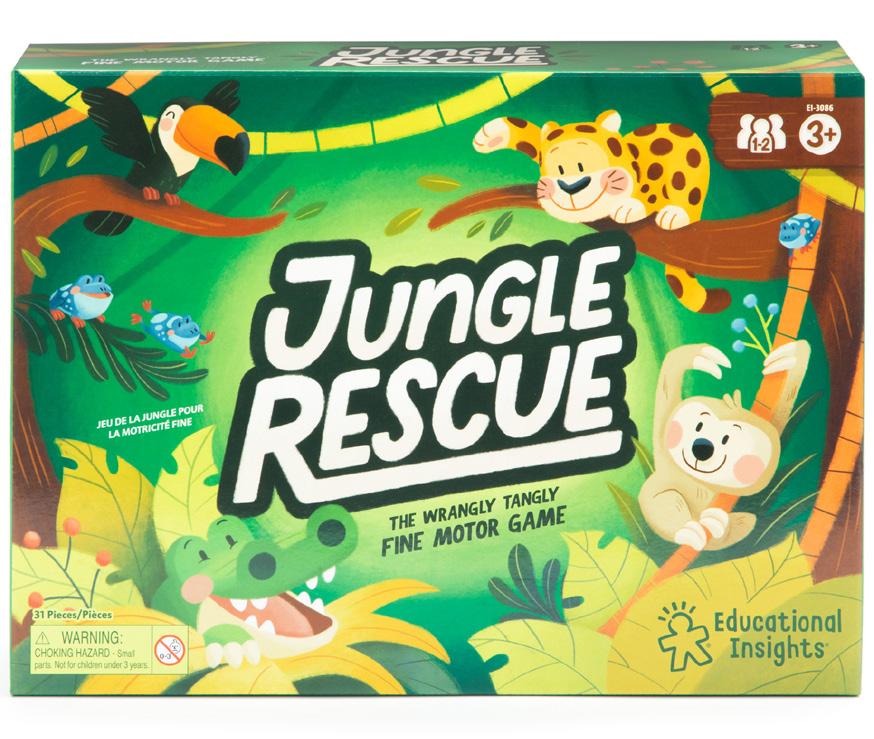
Packaging Components
Guide
• As language free as possible
• Stay in theme with language (view spinner games)
• With spinner games, break out the spinner options into an “if the spinner lands on” section if possible.
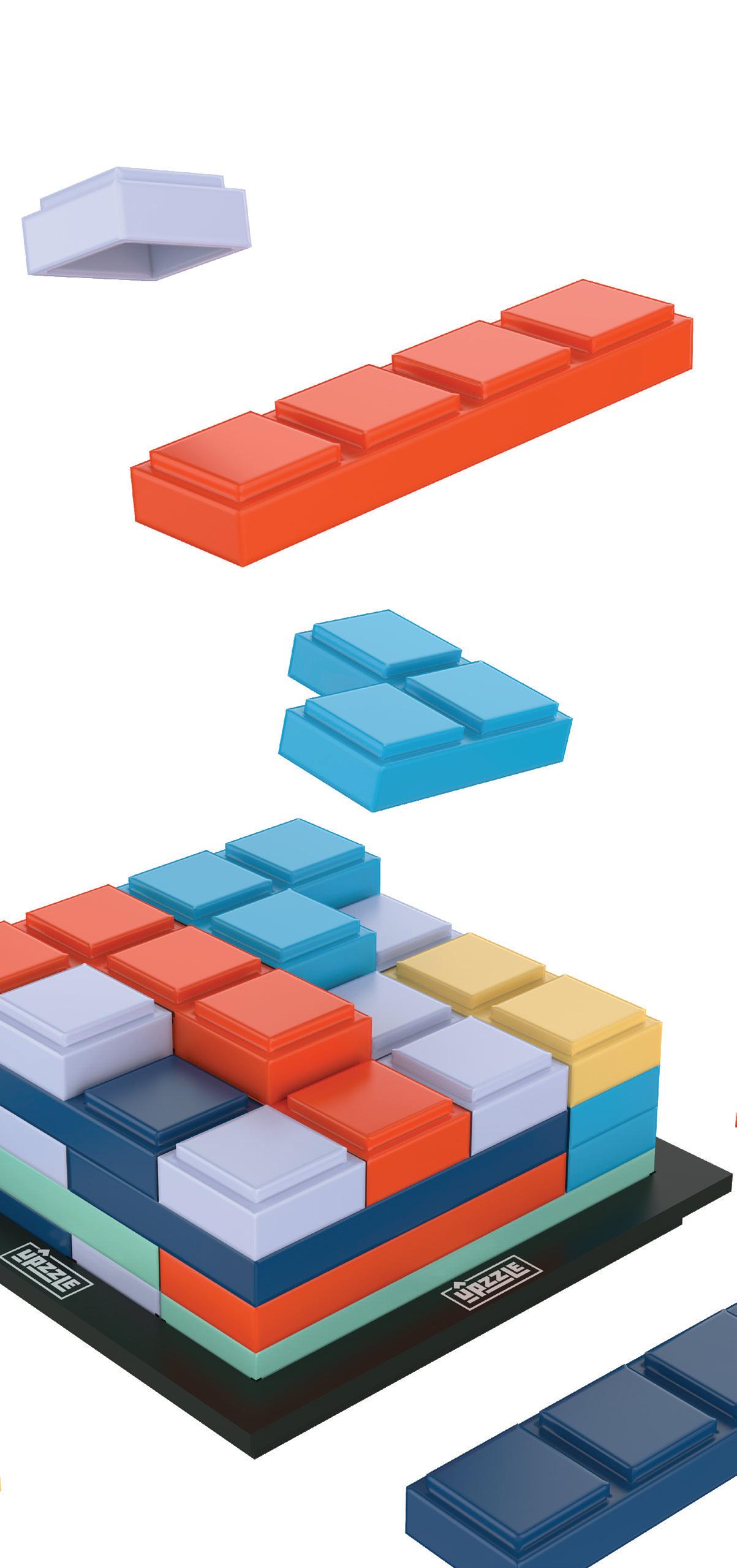
Range Proposition
Branding Logos
Copy/Tone
Digital
A+ Pages
Top 6
Packaging Components
Games Category
Educational Insights’ 7+ Games are a category of games, including party games, family games, and brainteasers that make the most out of spending time together and family game night with multigenerational play for players ages 7–107.
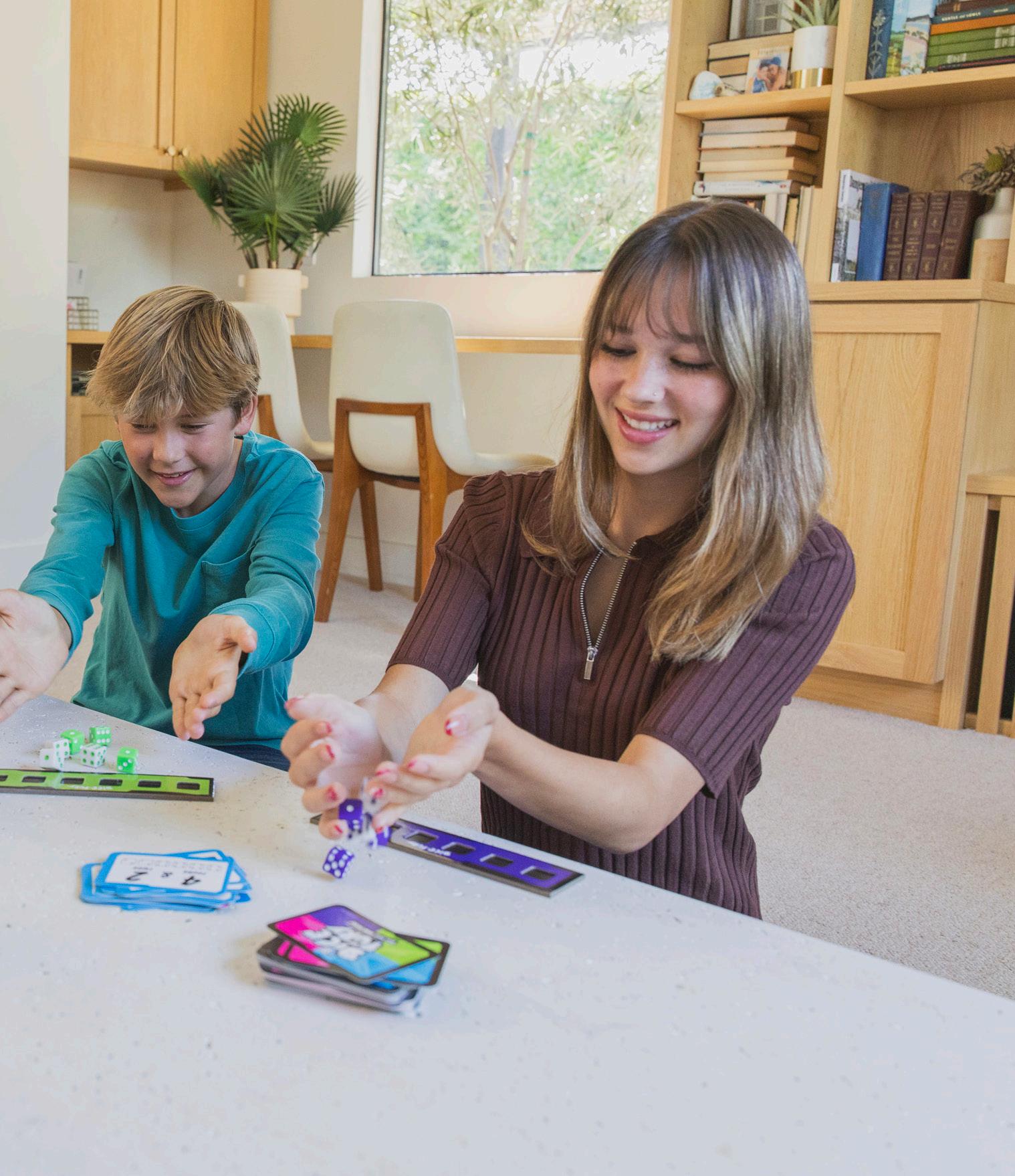
Logo
7+ Games should have exciting logos that appeal to an older audience than our early learning games.


Packaging
Box
Always feature “how to play” on the back of games packages, followed by an includes list.
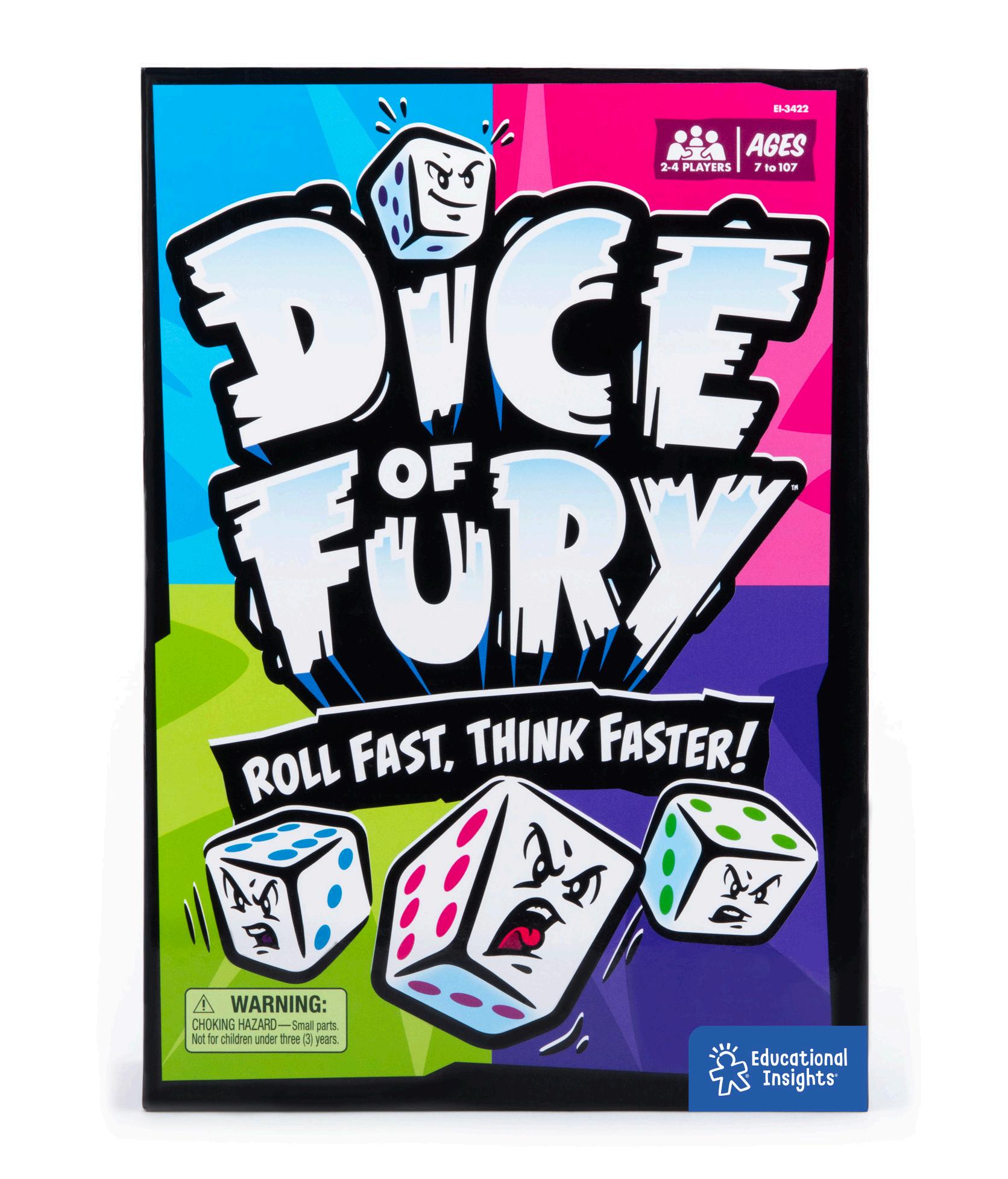
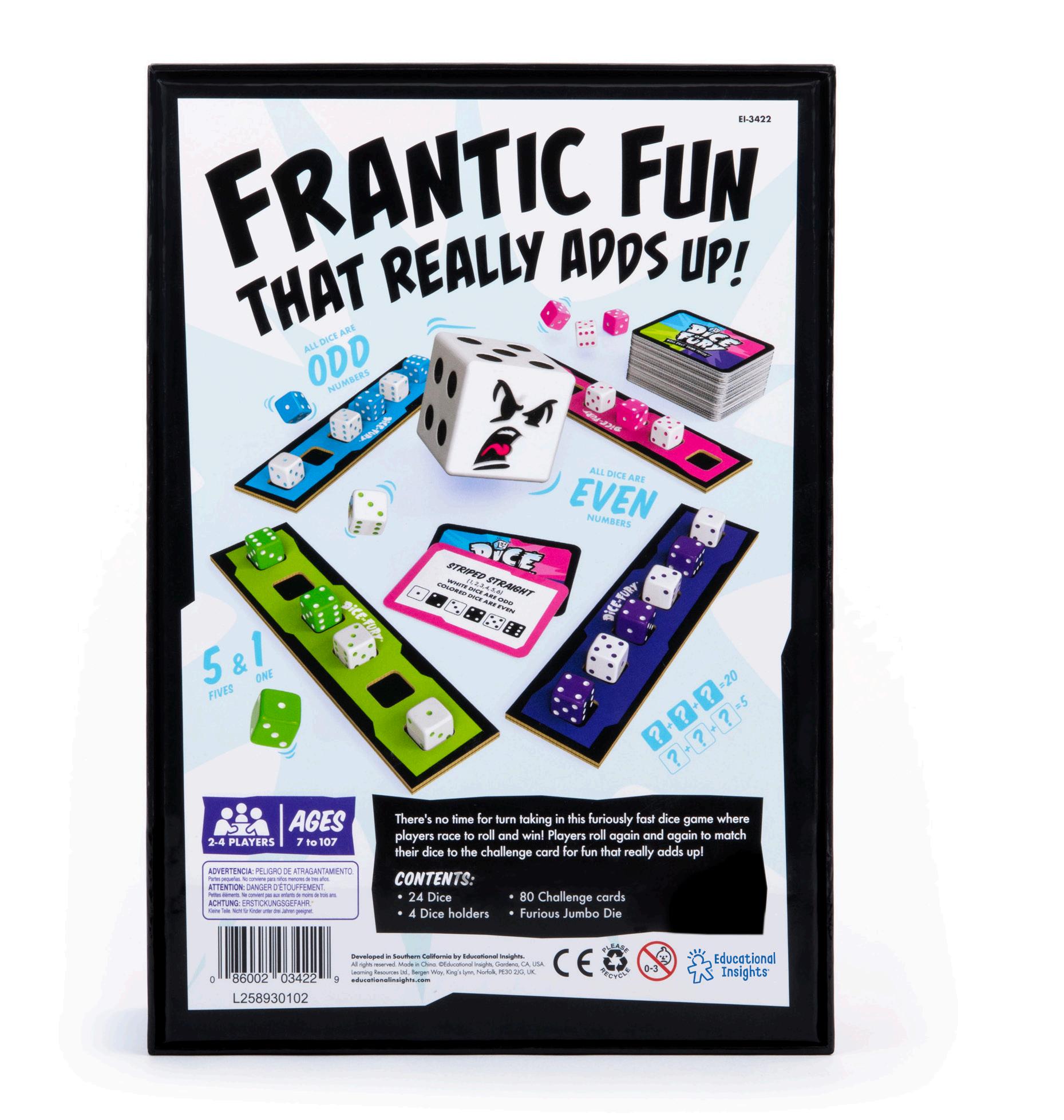
FPO
Packaging Components
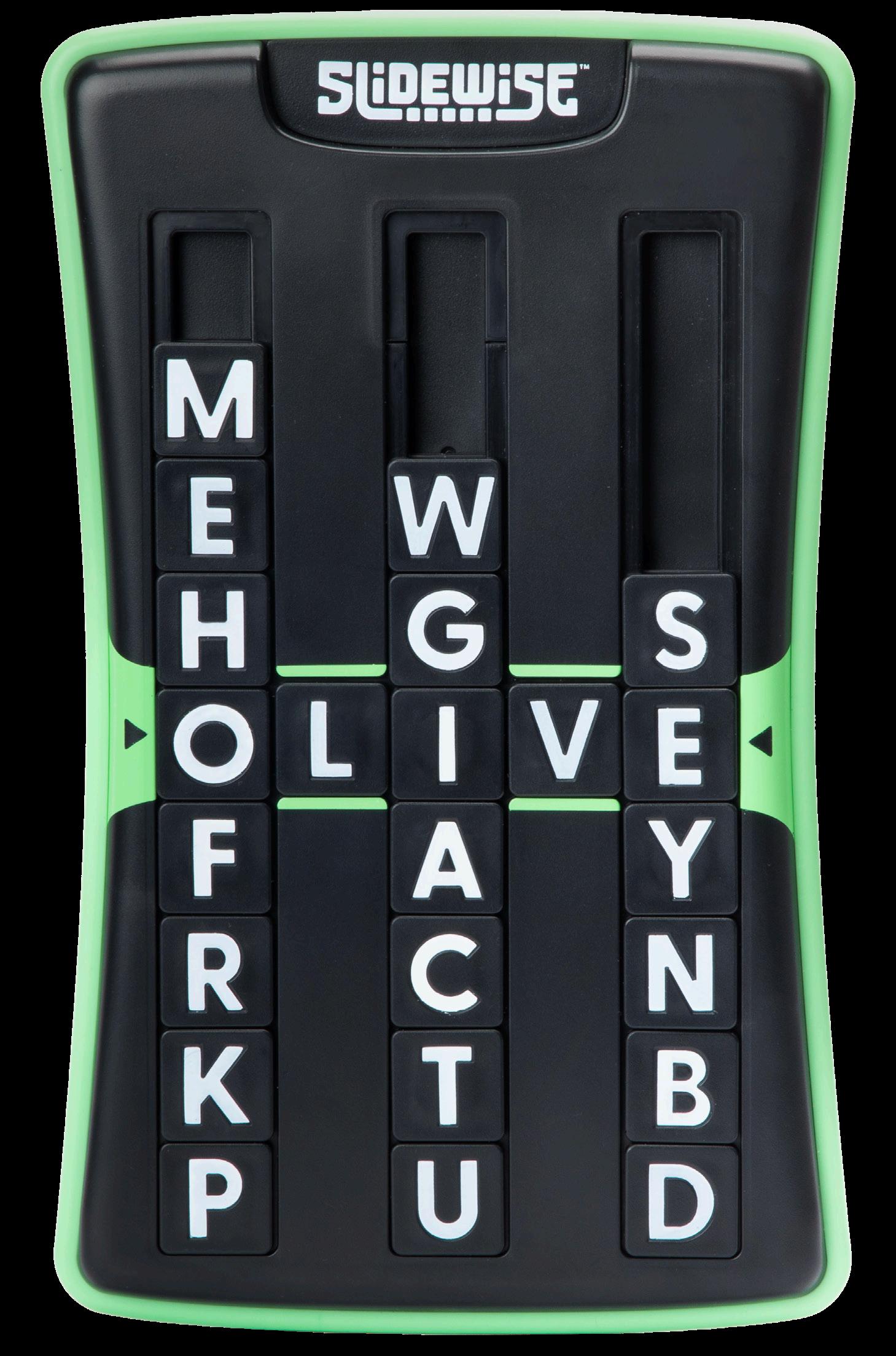
Brainteasers
Range Proposition
Branding Logos
Copy/Tone
Digital
A+ Pages
Top 6
Packaging Components
Range Proposition
Brainteasers are typically 7+, single player games that focus on improving critical thinking, logic, or spatial reasoning skills.
The brainteasers category includes games like Kanoodle, Slidewise, and Upzzle. Because Kanoodle has its own line look, we’ll focus on our other “From the brains behind Kanoodle” brainteasers.
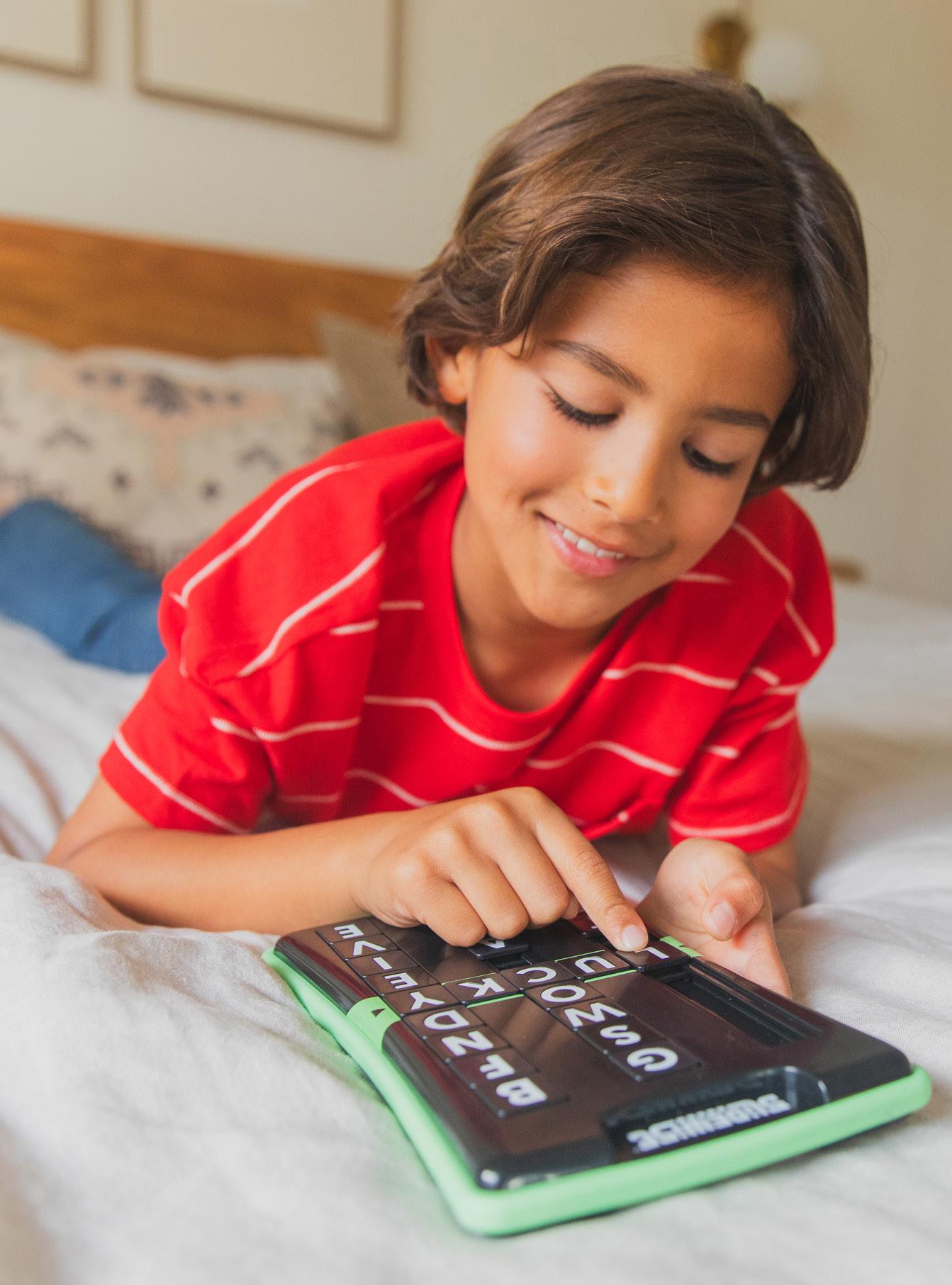
Logos

On dark background
On white
Copy/Tone
Brainteasers tone of voice is similar to Kanoodle. It’s exciting and all about the challenge of putting your brain to the test. The goal is to skew slightly less educational and lean more towards fun for items like Upzzle. Key terms and phrases will vary based on product, but it’s good to use words like:
• Mind-bending
• Brainteasing
• Problem-solving
• Visual and spatial reasoning
• Brainteasing game
• Multigenerational play
• Ages 7–107 (varies by product)
• Screen-free entertainment
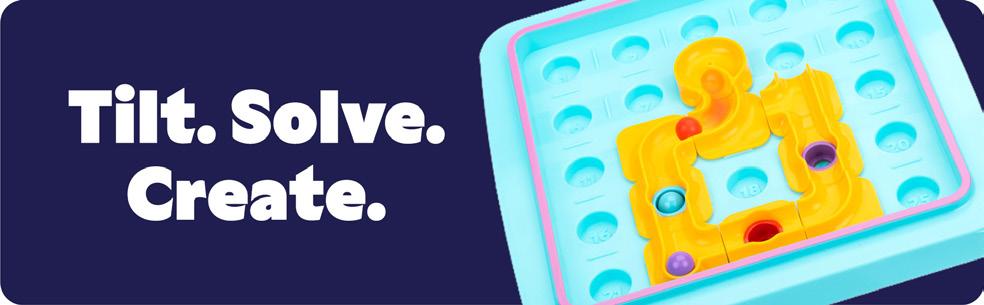
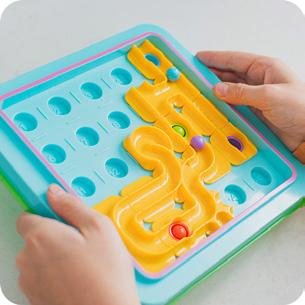
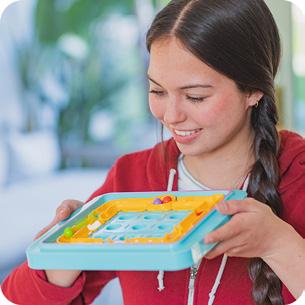
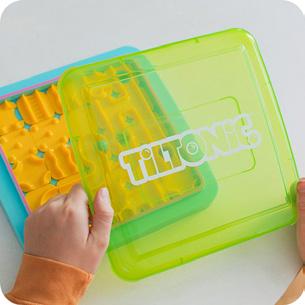
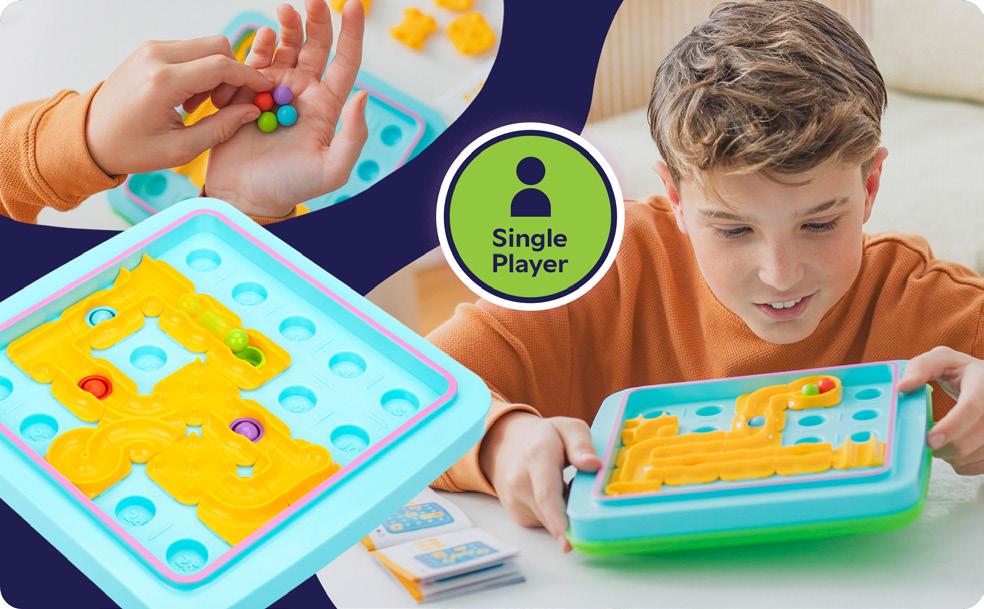
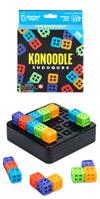
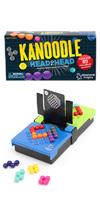
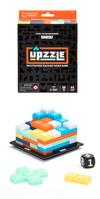
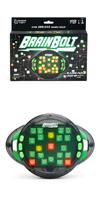
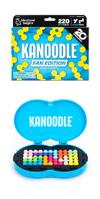
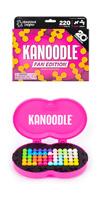
Top 6
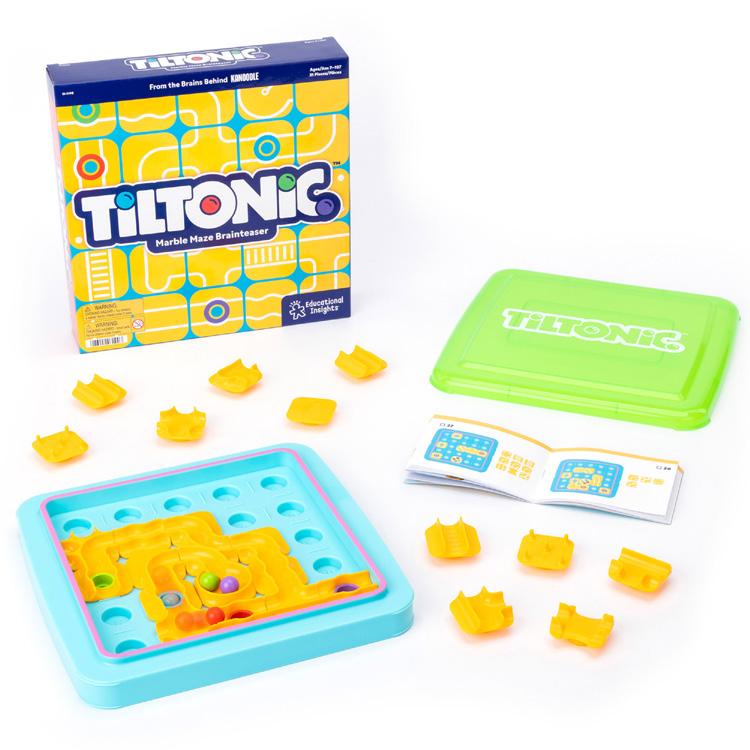
Product image
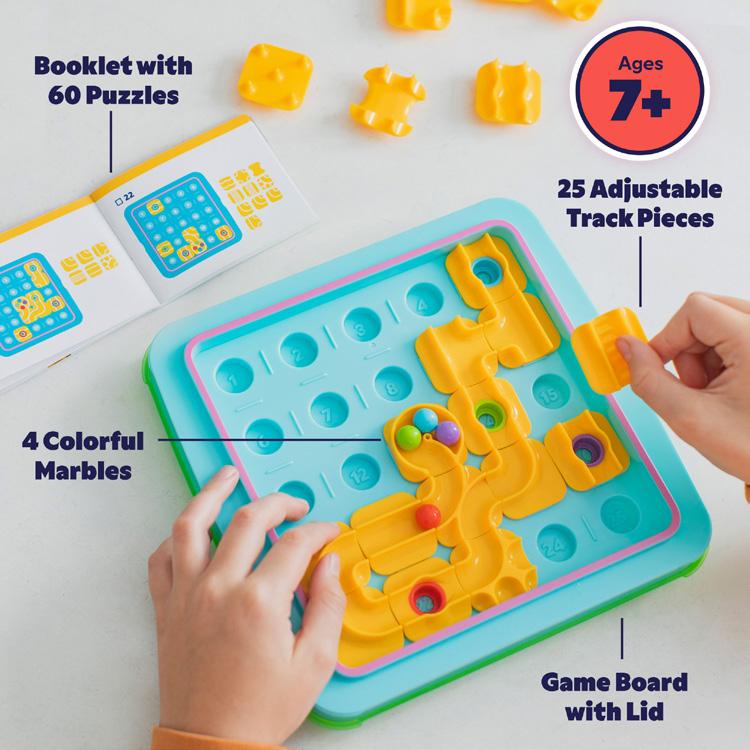
Skills, benefits, or includes
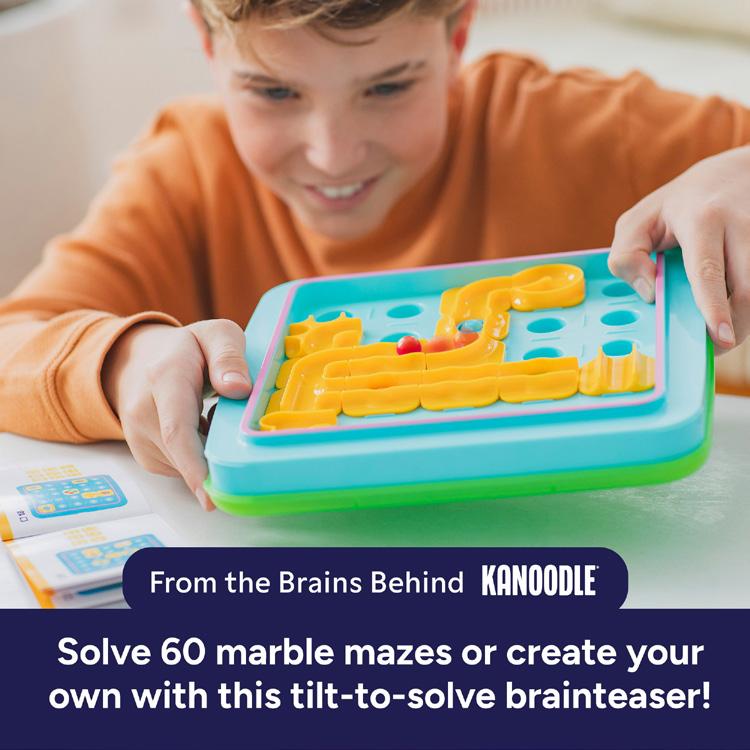
Introduce the game “story” and gameplay
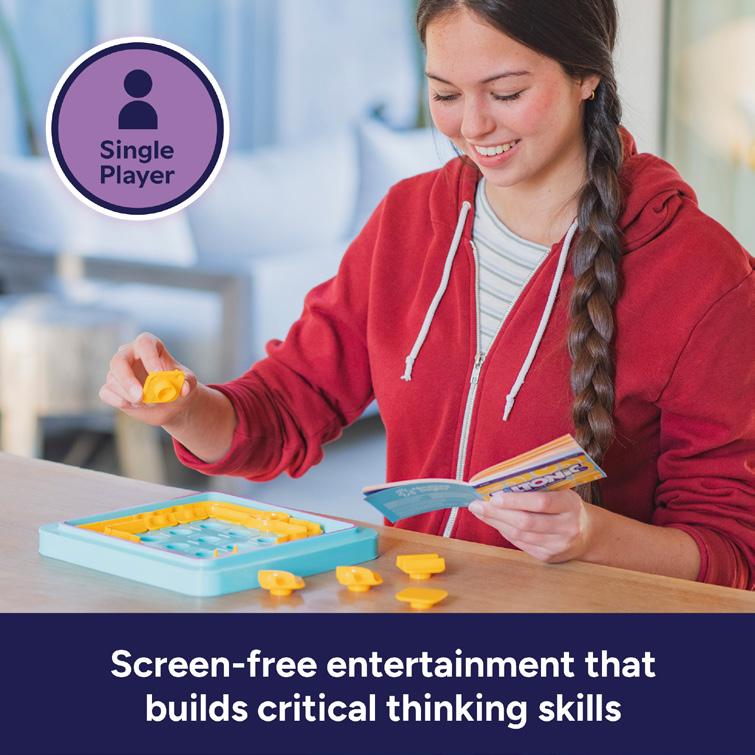
Additional skills or features
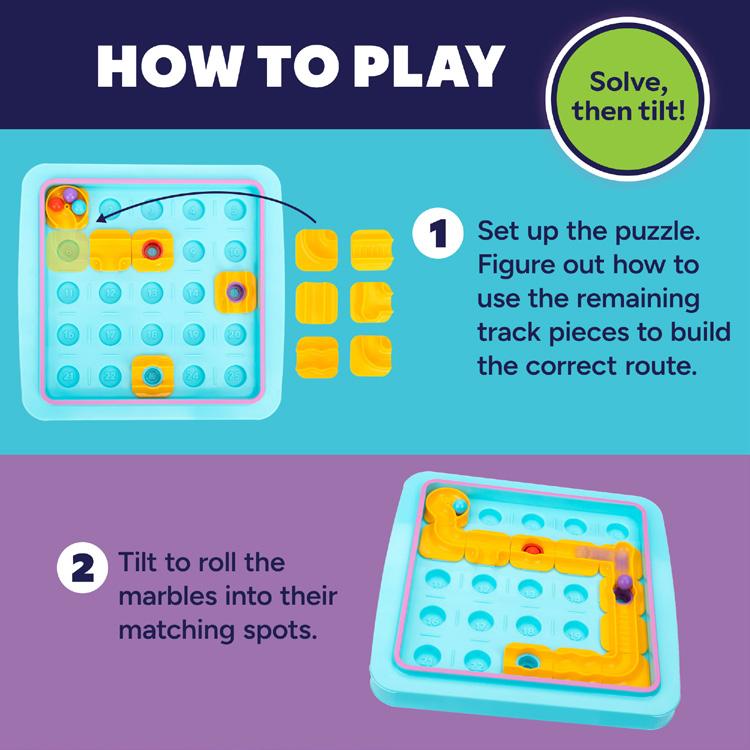
How to play
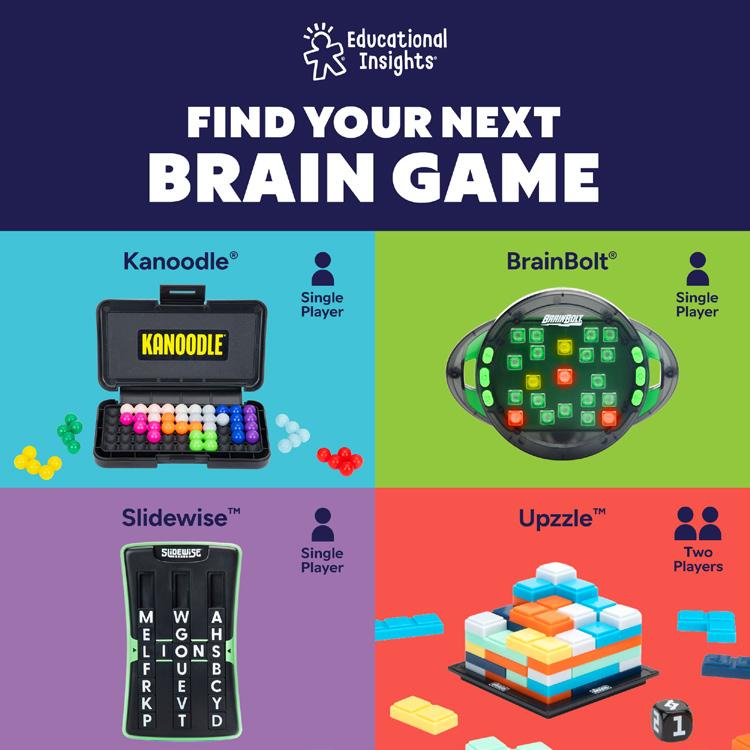
Cross sell
Packaging
Box
Packaging will vary by product, but all brainteasers should have “From the brains behind Kanoodle” on their package. They can visually share elements with Kanoodle, like having darker backgrounds, but be distinct from the Kanoodle line.
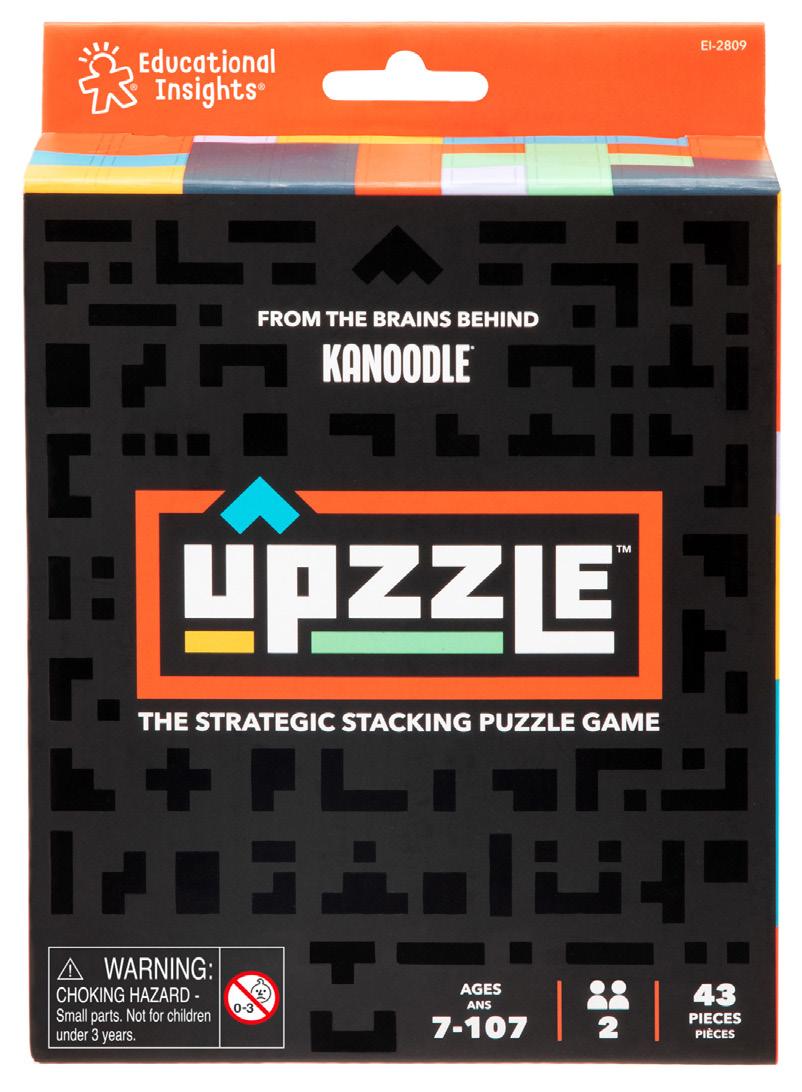
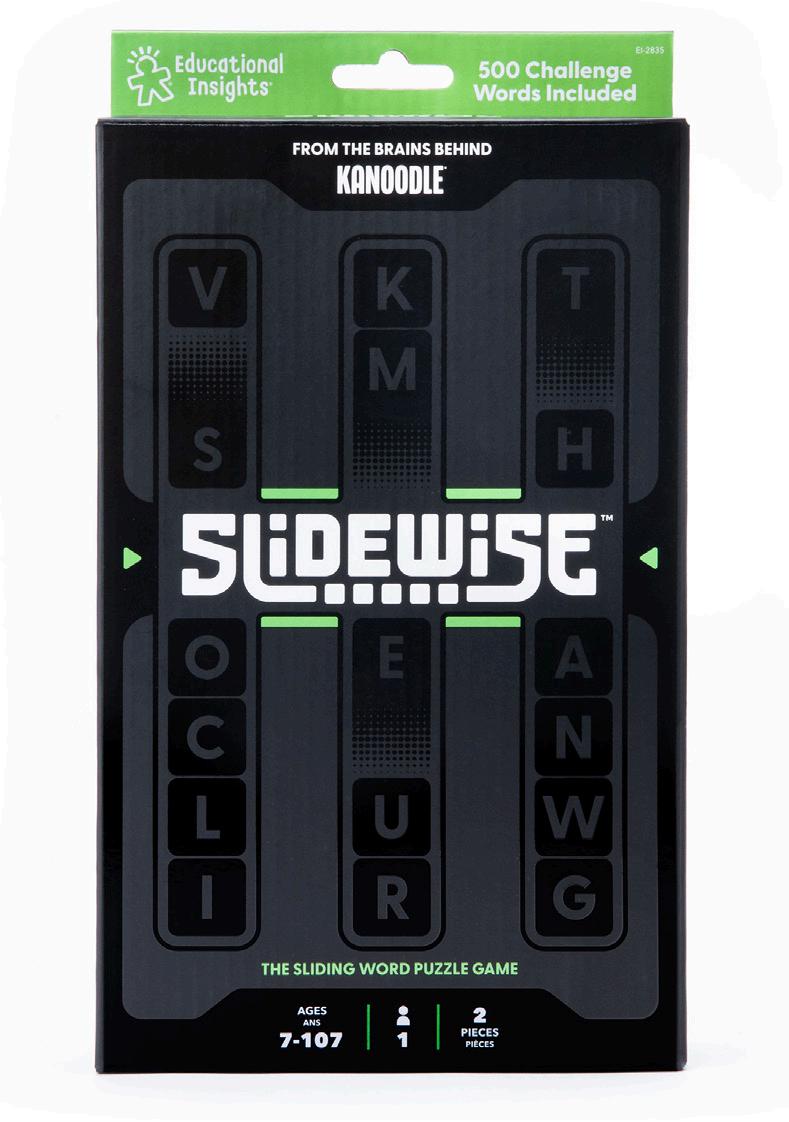
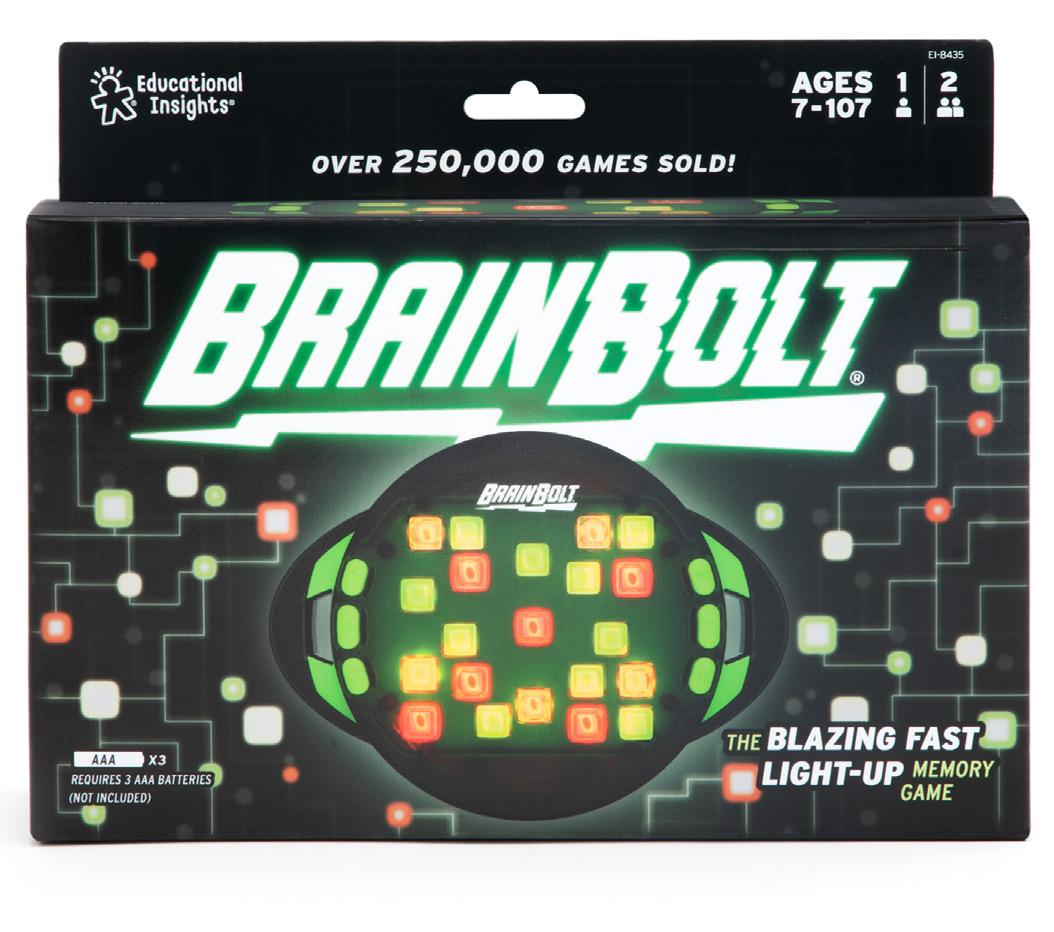
Packaging Components
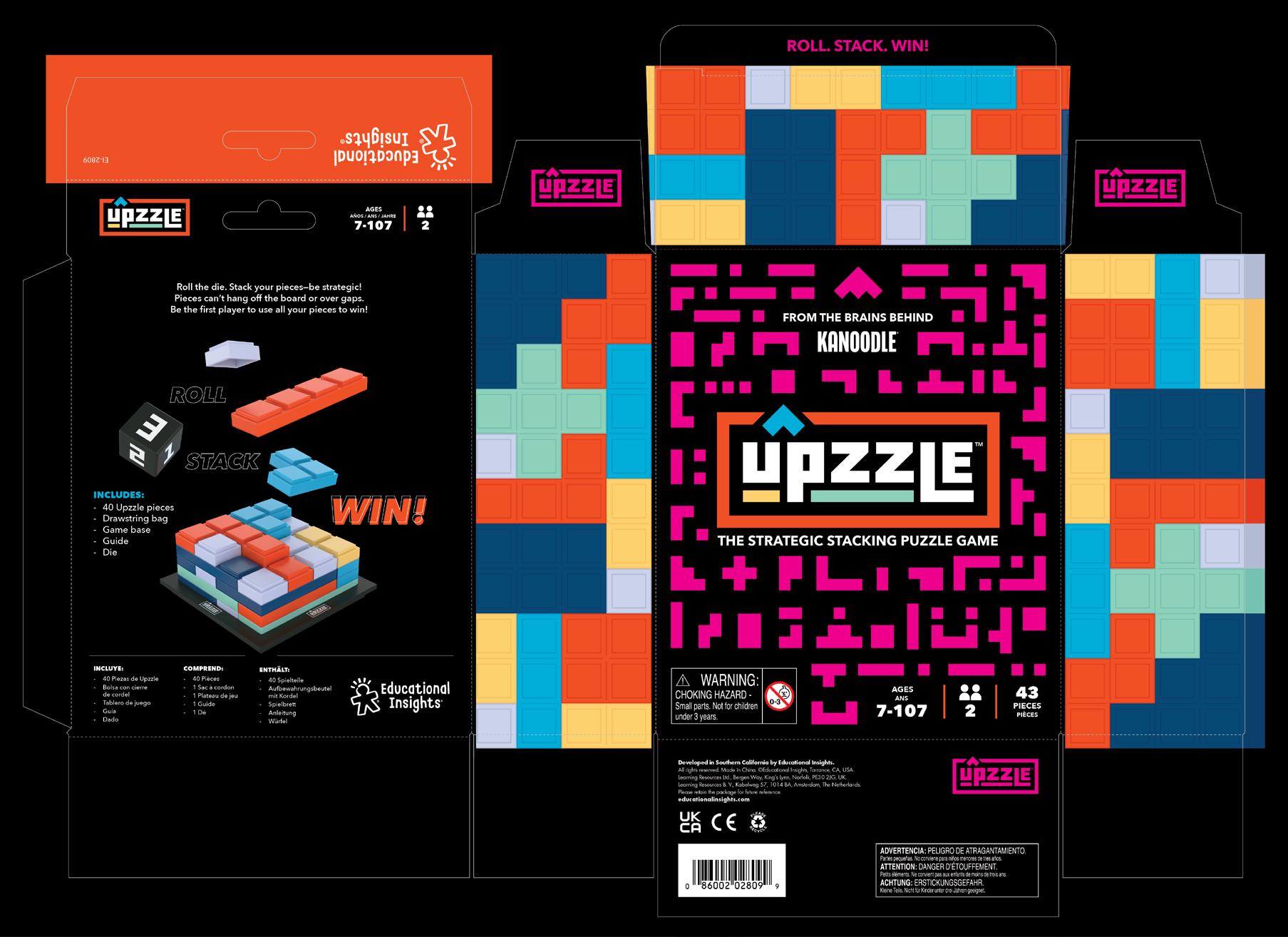
The Slam Family
The Slam games are a line of electronic games that share similar branding and style elements.
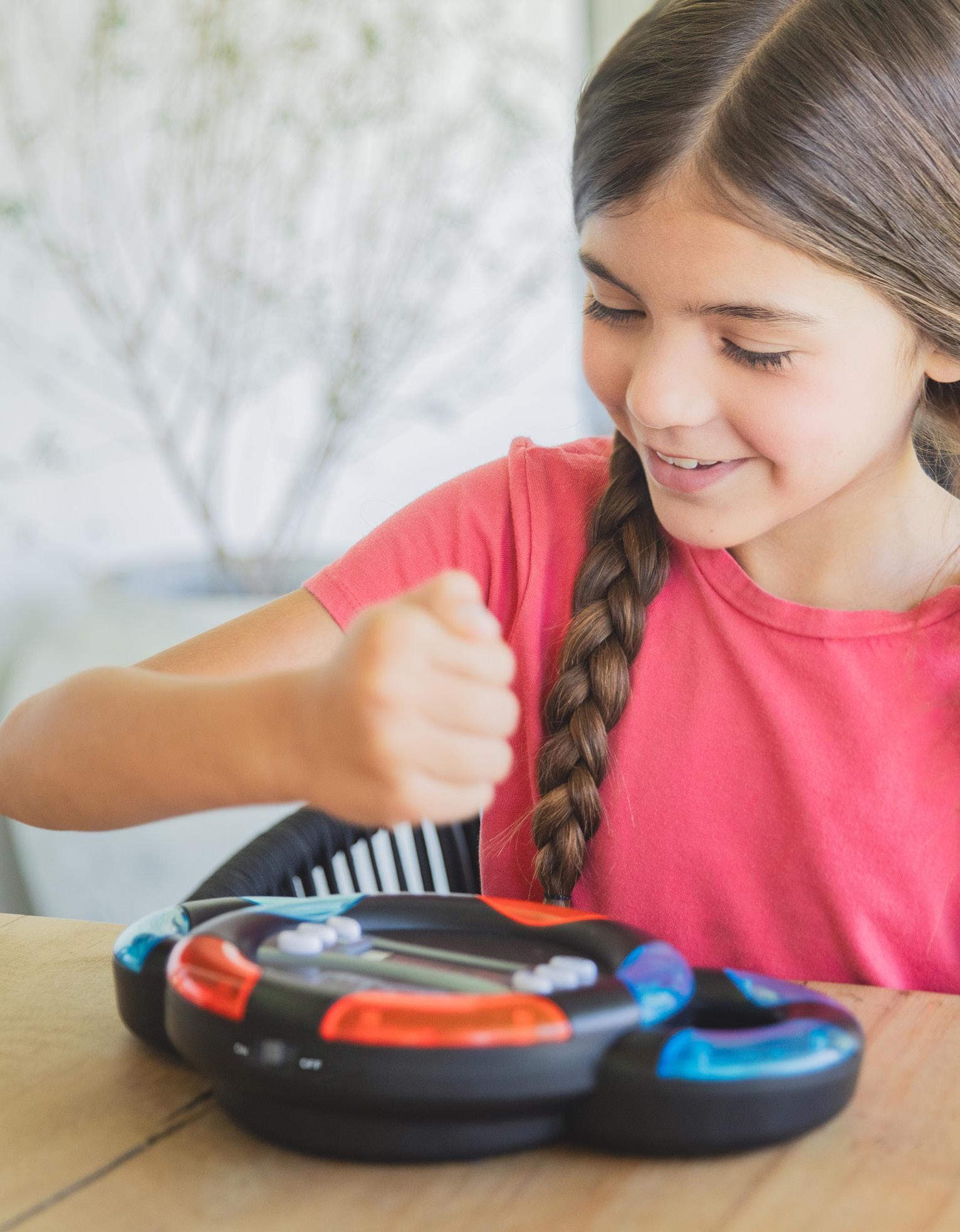
Logo



































Modified Railroad Gothic
Modified Redonda Black
Offset white
Outer Glow
75% of # 1e2e5d
Light to dark blue gradient
Drop shadow
50% of # 010101
Offset white
Packaging
Box
Here are the slam game packages side by side. Note their similar style. Our electronic games may look different from each other, but we align sub lines like this or BrainBolt.
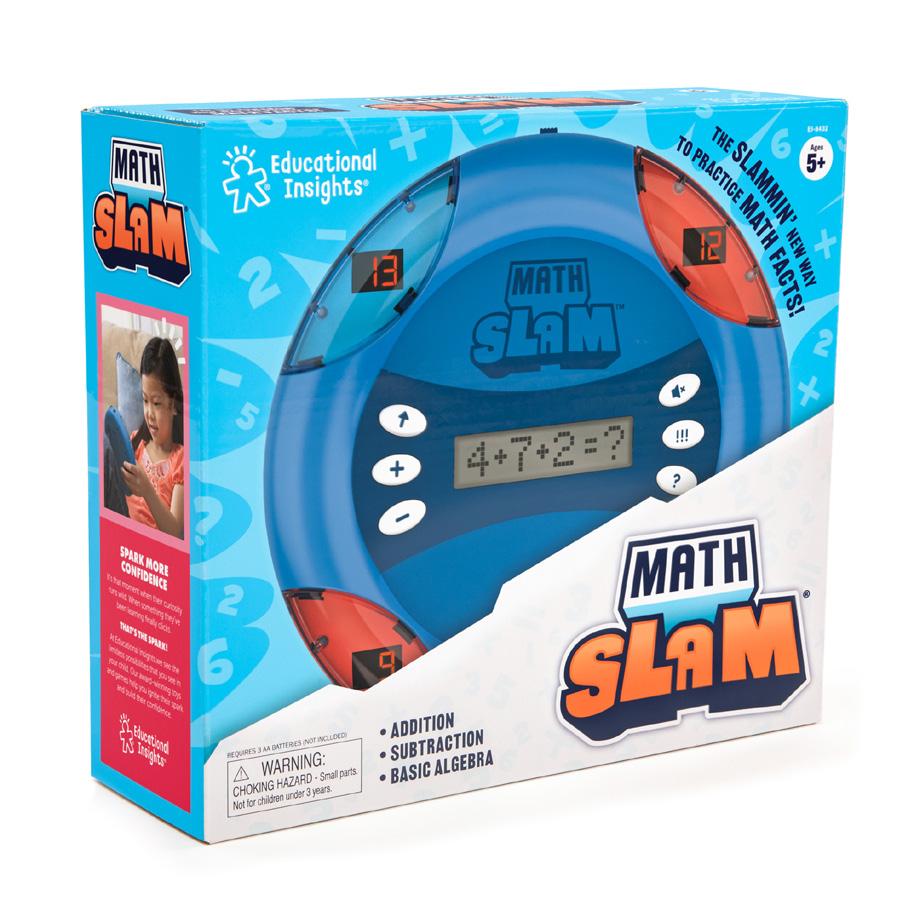
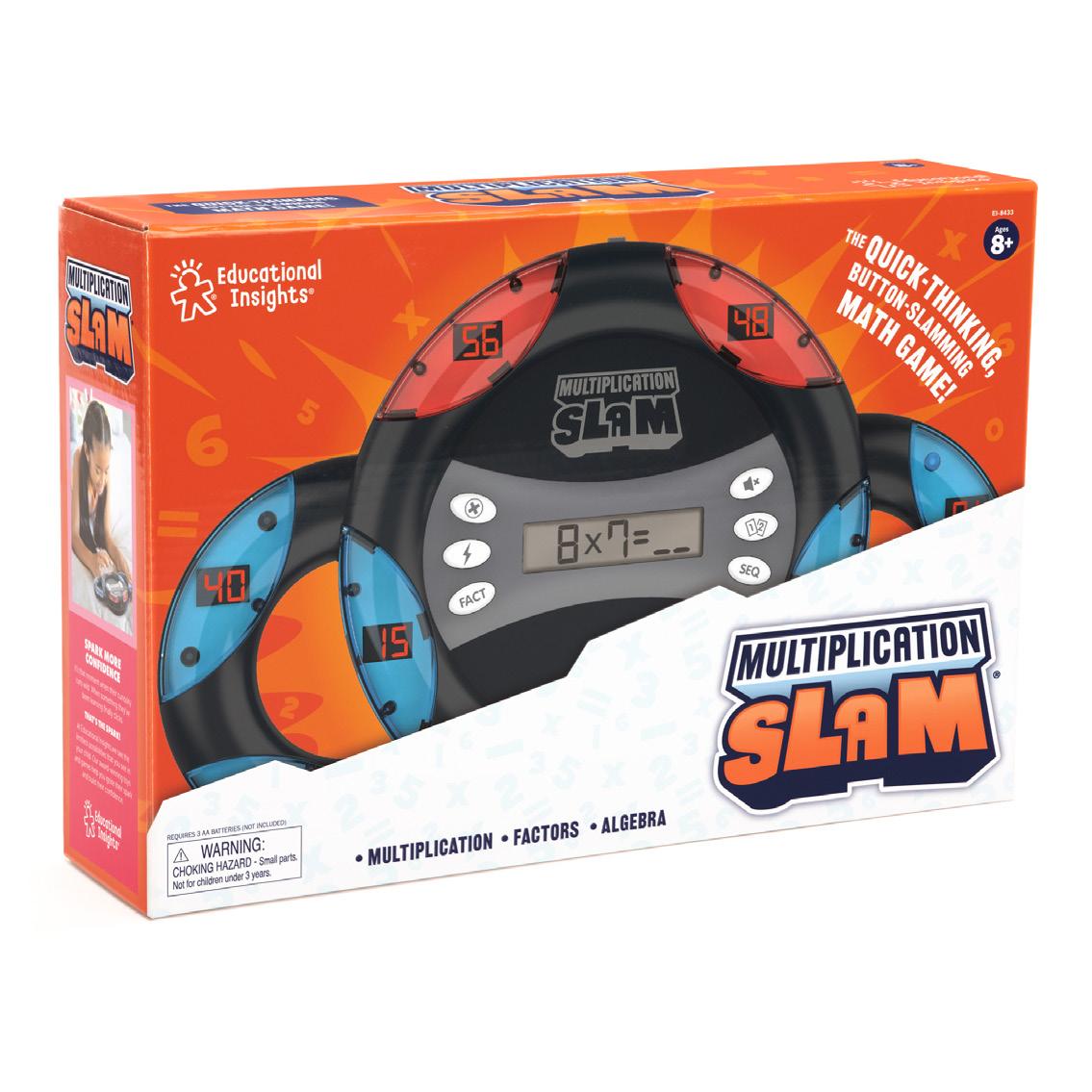
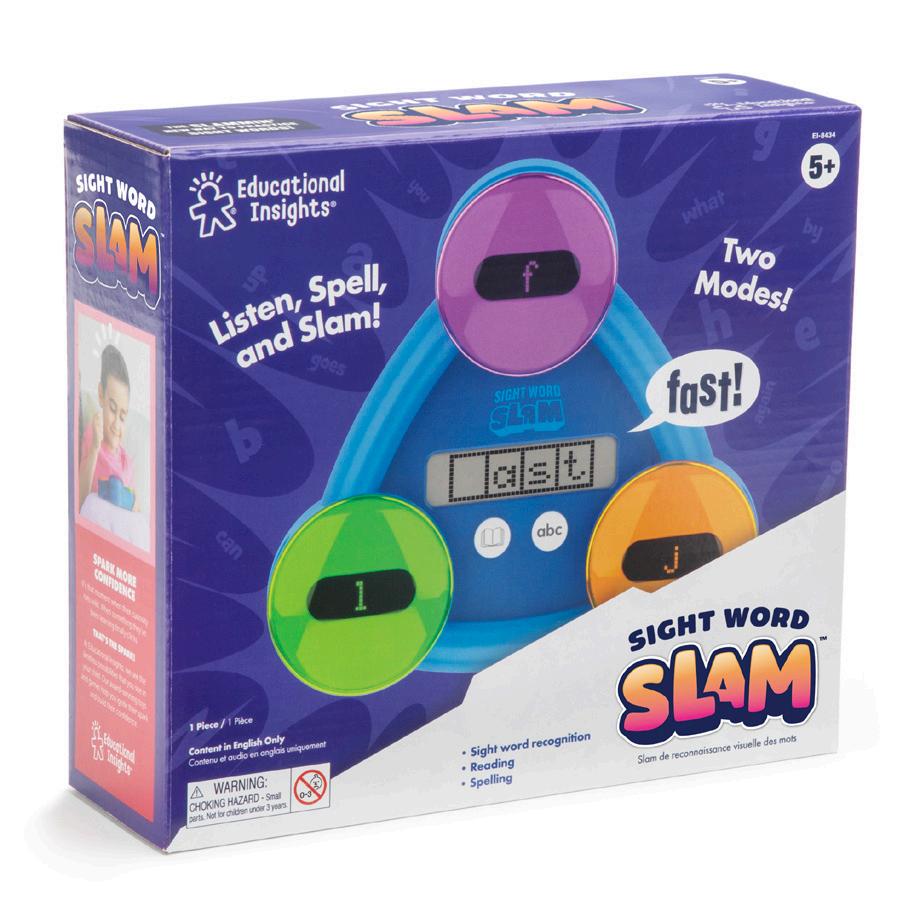
Packaging Components
Headline: Railroad Gothic
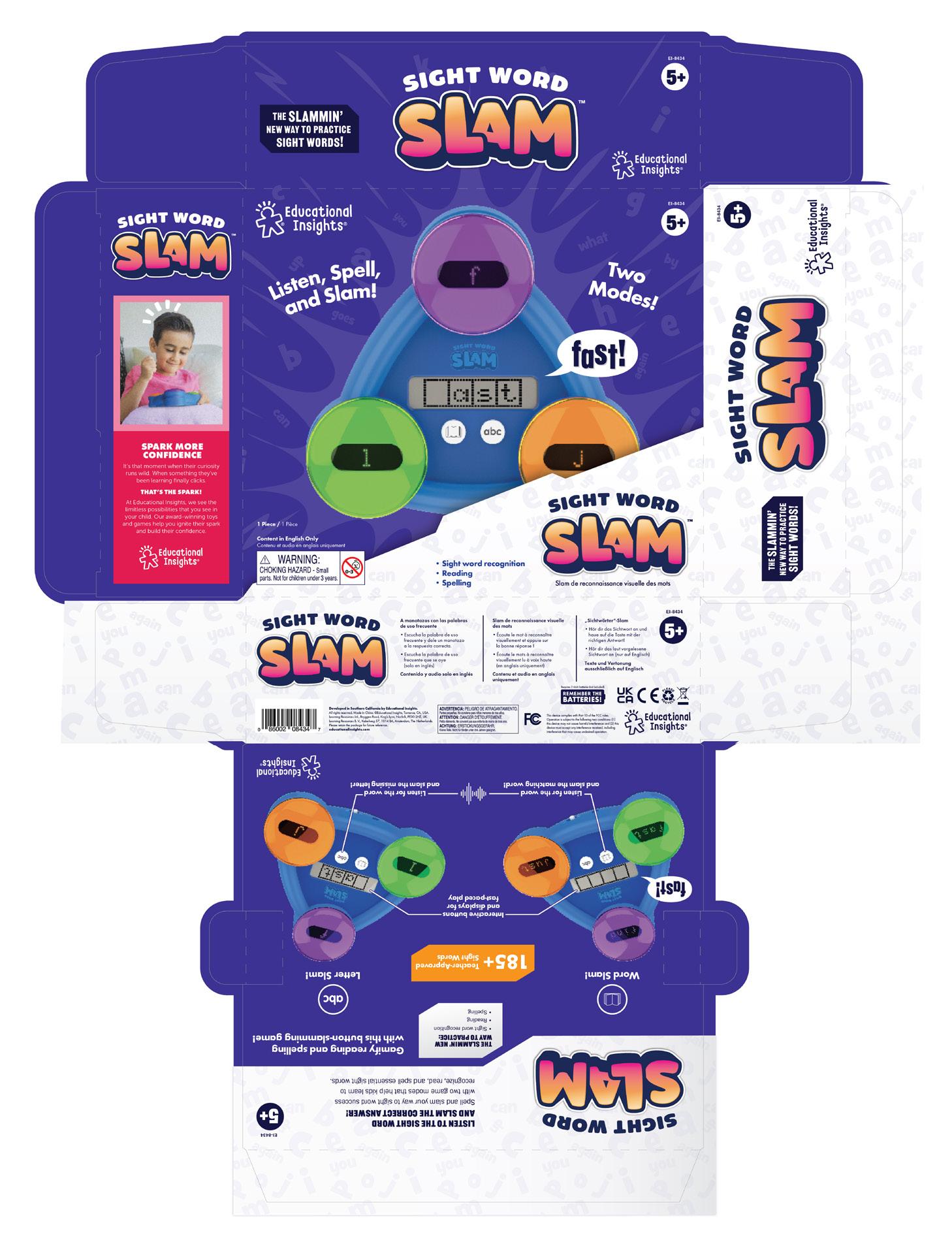
Pattern
20% of #b9e4ef Numbers are Grilled Cheese
Angled shape Light grey and white gradient
Learning benefits Railroad Gothic Medium
Feature call-outs
Learning benefits
Body: Franklin Gothic 7.5pt Copy block
Headline: Railroad Gothic 9pt
Arts & Crafts
Range Proposition
Branding Logos Fonts Colors Copy/Tone
Digital A+ Pages
Top 6
Packaging Components Guide
Range Proposition
Educational Insights’ crafts are unique, all-inclusive arts and crafts kits that put a kid-friendly, modern twist on viral adult activities for kids who love to express their creativity with hands-on, make-it-yourself, imaginative projects.
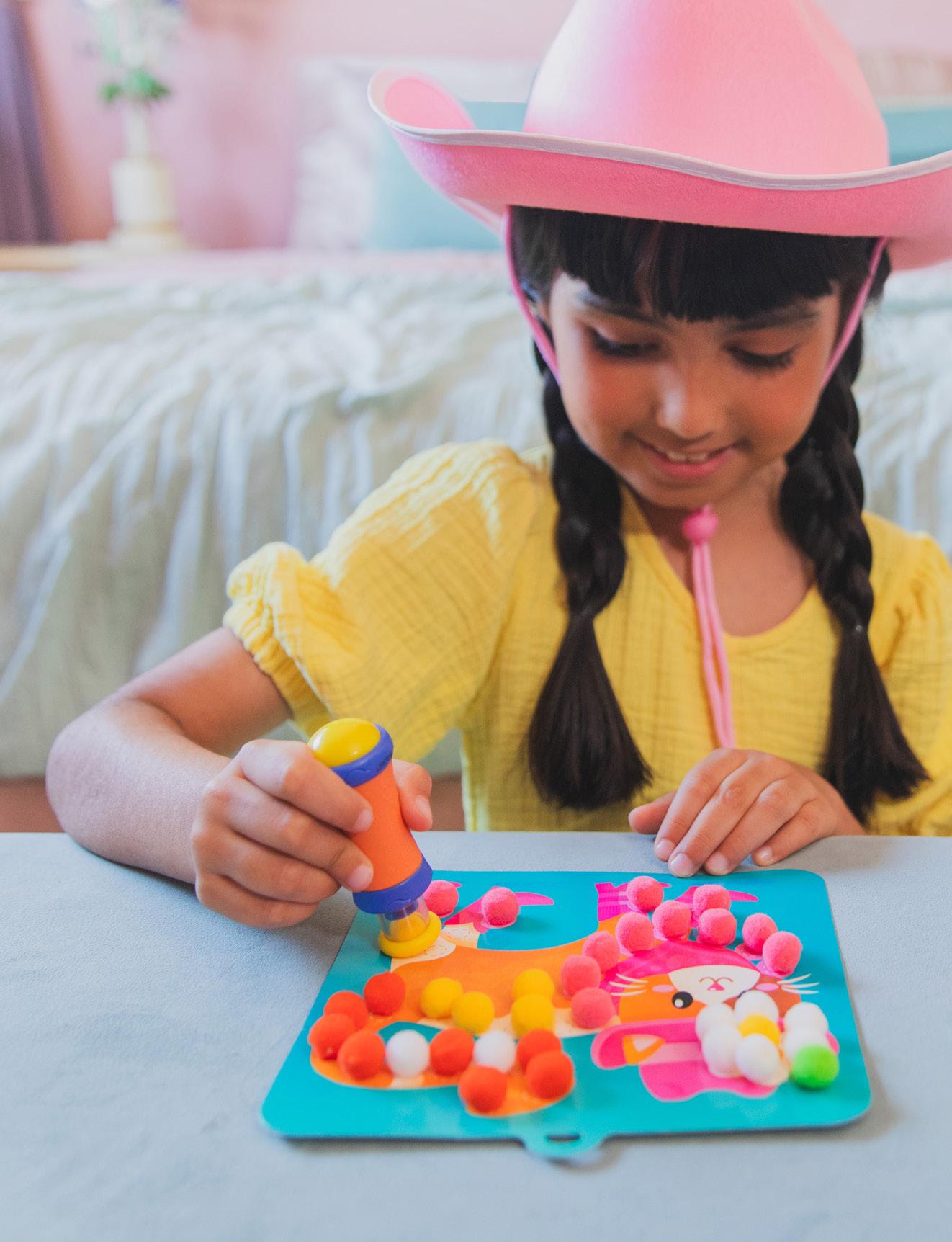
Logo
Primary Headline Styling
An im al dress-up
Colors
PRIMARY COLORS
CMYK 77, 55, 0, 0
RGB 68, 116, 186
HEX #4474BA
CMYK 75, 10, 0, 0
RGB 0, 174, 230
HEX 2202 C
SECONDARY COLORS
CMYK 0, 76, 1, 0
RGB 240, 100, 163
HEX #F064A3
CMYK 68, 1, 91, 0
RGB 86, 182, 84
HEX #56B654
CMYK 0, 73, 69, 0
RGB 242, 106, 83
HEX #F26A53
CMYK 73, 3, 26, 0
RGB 0, 182, 193
HEX #00B6C1
CMYK 3, 19, 92, 0
RGB 247, 202, 48
HEX #F7CA30
CMYK 33, 66, 0, 0
RGB 172, 111, 174
HEX #AC6FAE
for the front of package background and title halo on sides of box
3 Secondary Color
4 Tertiary Color





































Color Pairing Examples
Secondary Color
Tertiary Color
Arts & Craft Color
Tufting Kit
Jumbo Gem Kit
Pom Pom Kit
Sewing Kit
Primary Color
Copy/Tone
Crafts products are a modern twist on crafting that turn viral adult activities into kid-friendly arts & crafts. We want to emphasize creativity, imagination, and independence with these products while also highlighting the unique crafting tools that set our craft sets apart.
Here are some key terms:
Kid-friendly crafts
Viral crafting trends
Designed for kids
Kid-safe crafting tools
Unique & easy-to-use tools
Independent play
Creativity and imagination
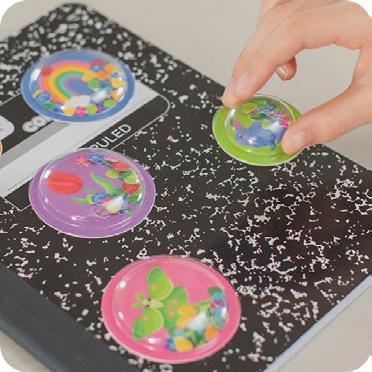
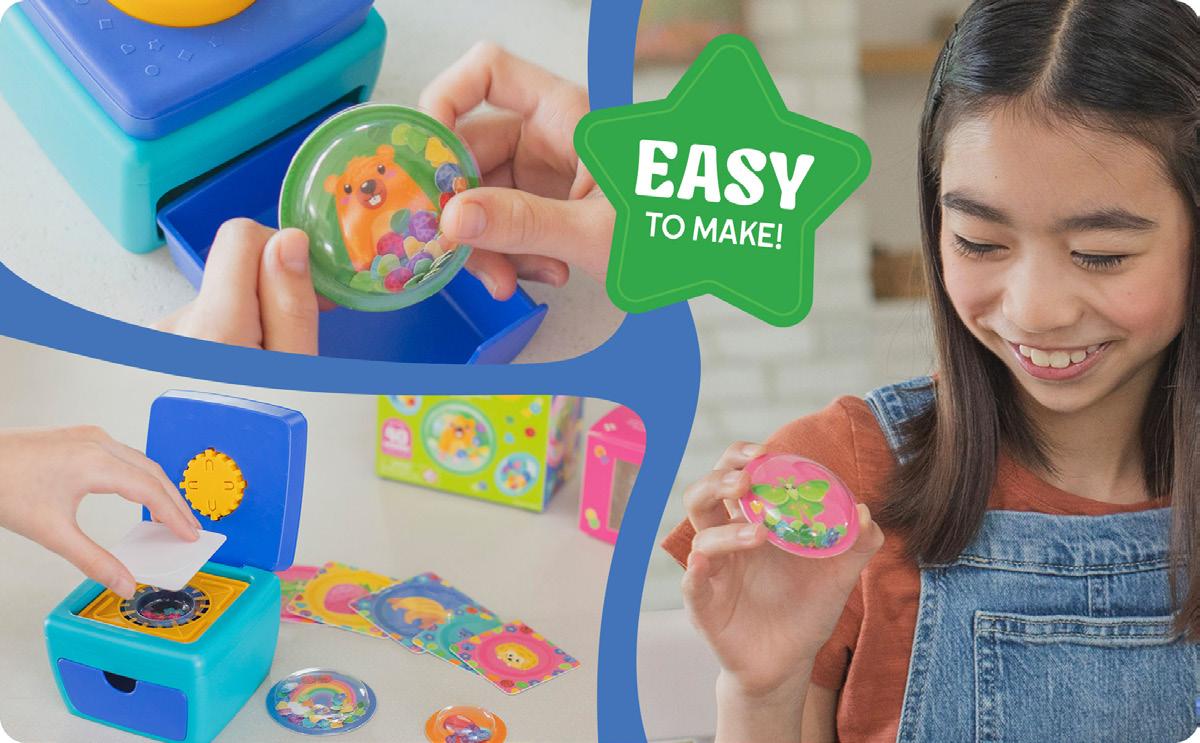
Top 6
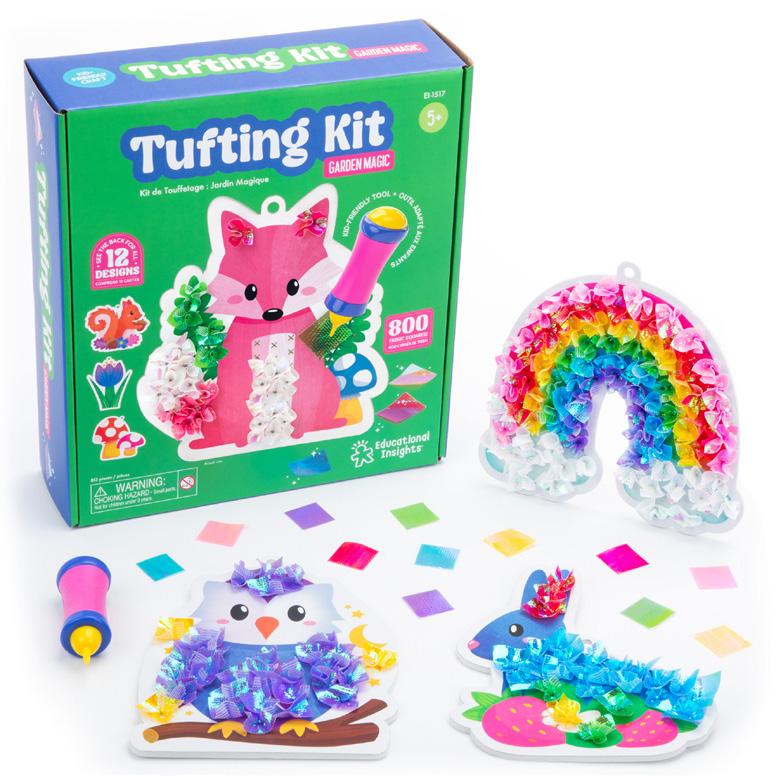
Product on white: Box with multiple cards
Infographic showing all the projects/designs
Lifestyle image and text that explains the craft/end product
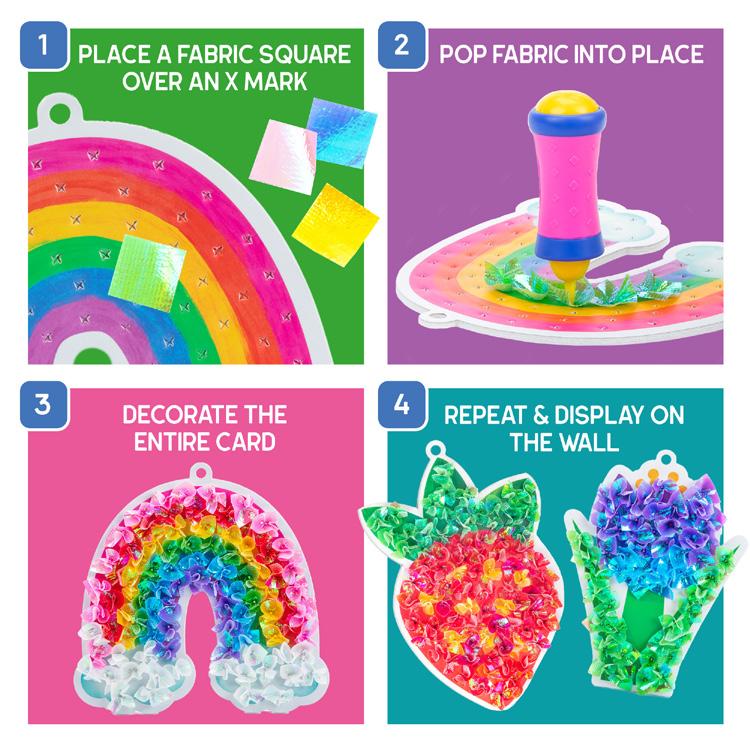
How-To Steps
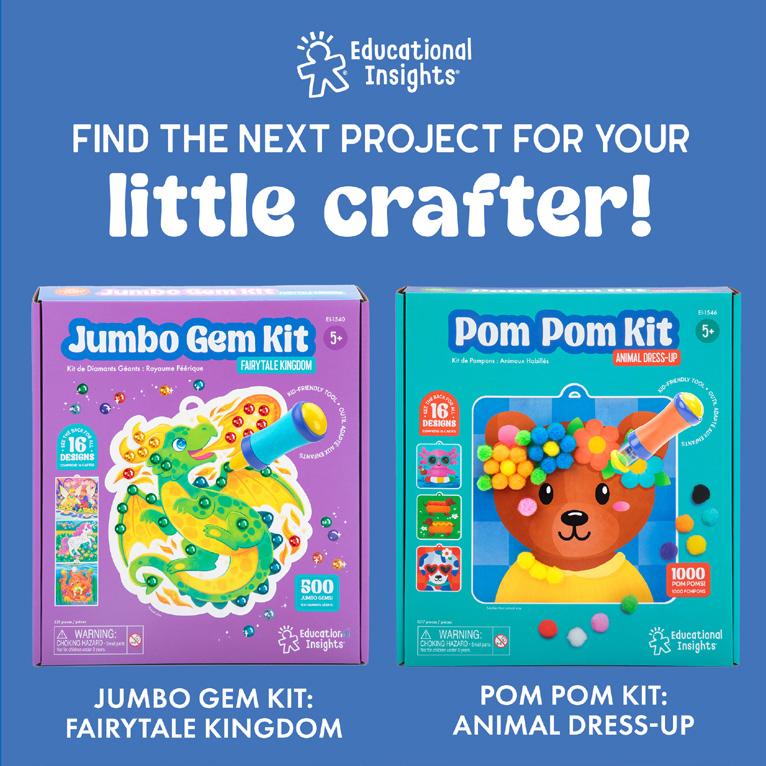
Packaging
Here are some examples of arts and crafts packaging. Package Height will always be 11in unless it’s a refill kit. Package type will vary by product size, contents, etc. Typically, the front of package will show the end product and the back of package will show what’s included.
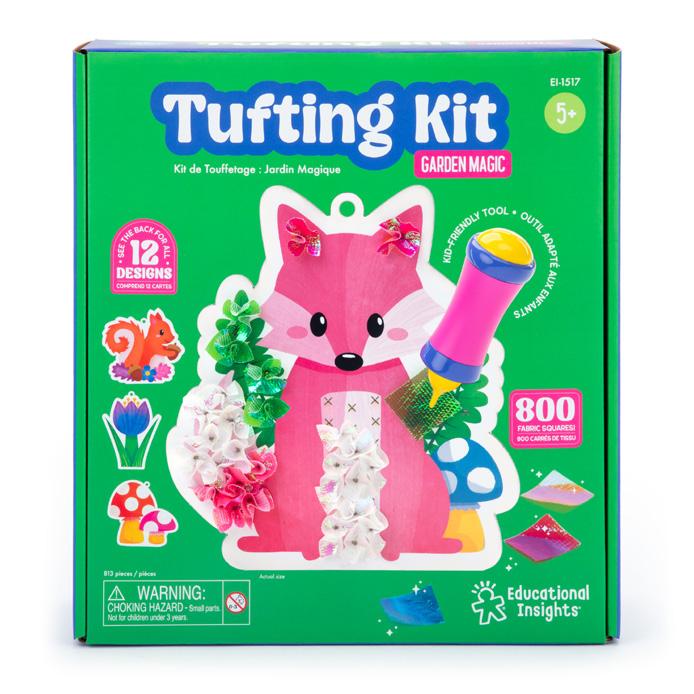
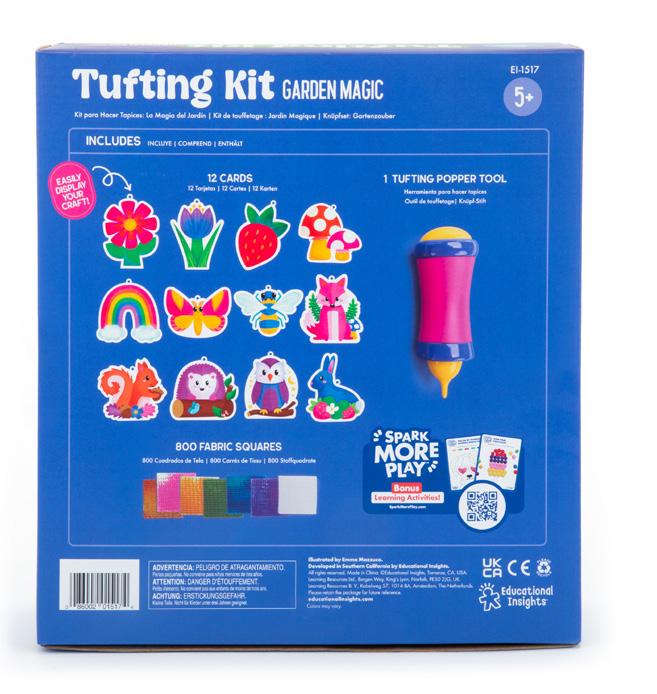
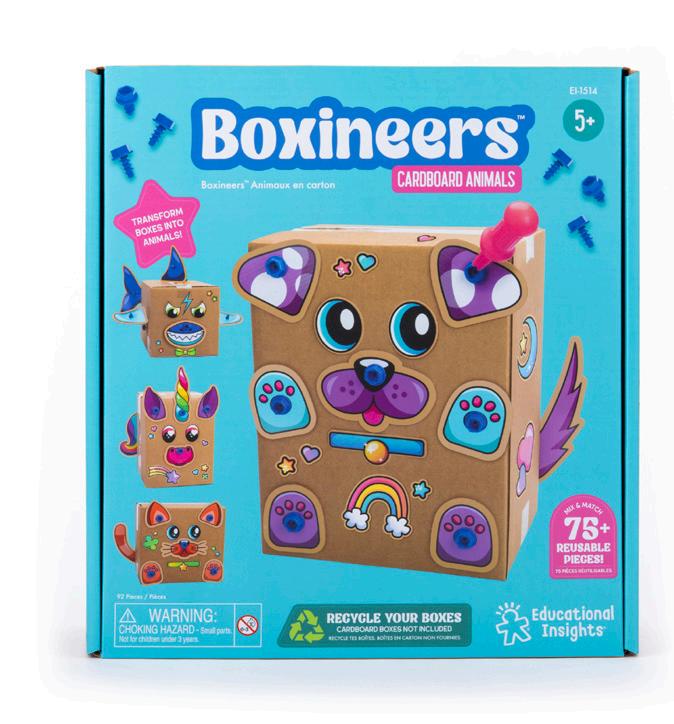
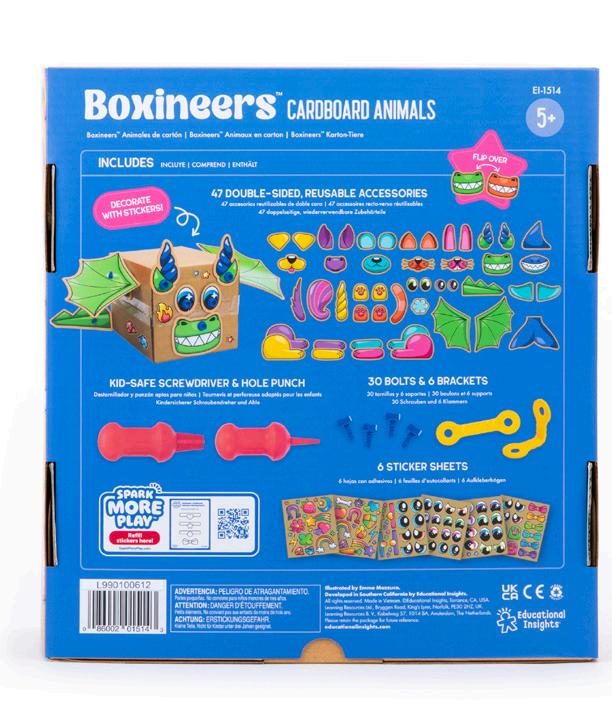
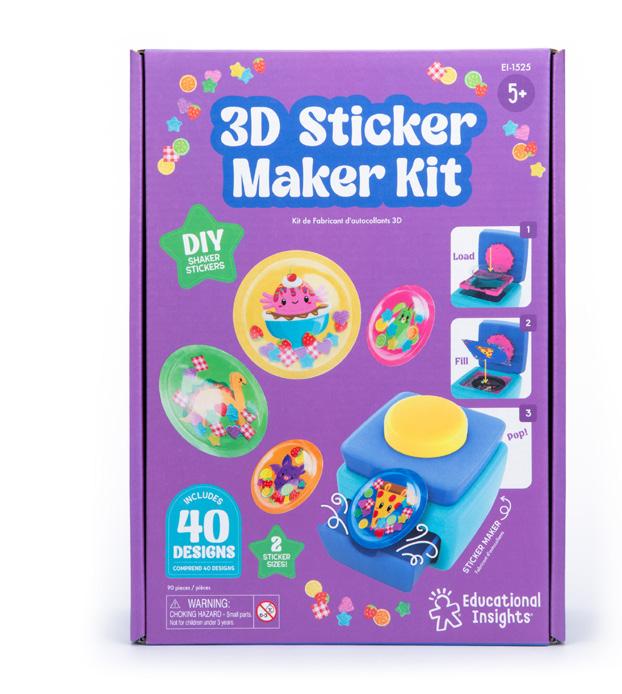
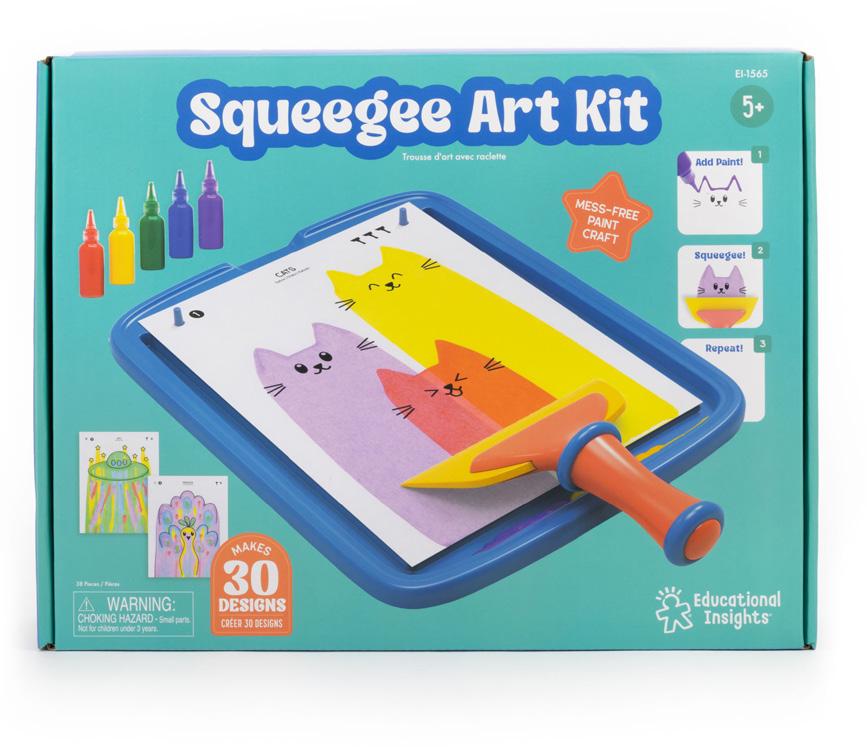
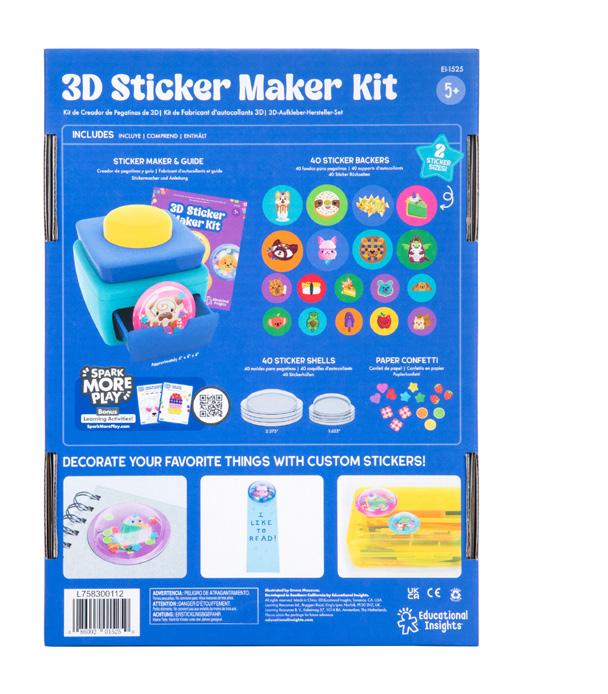
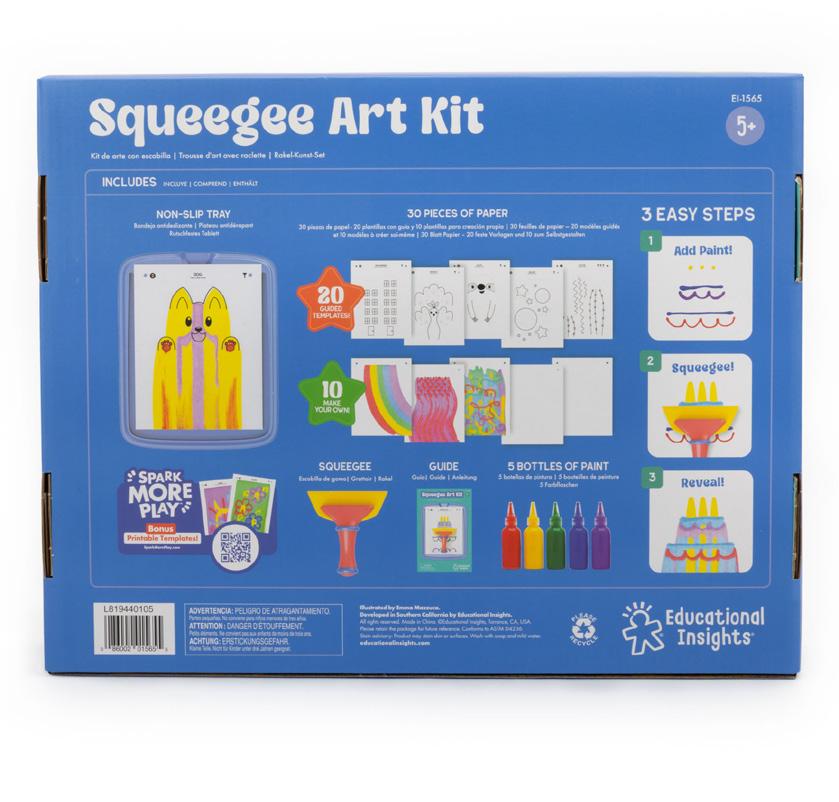
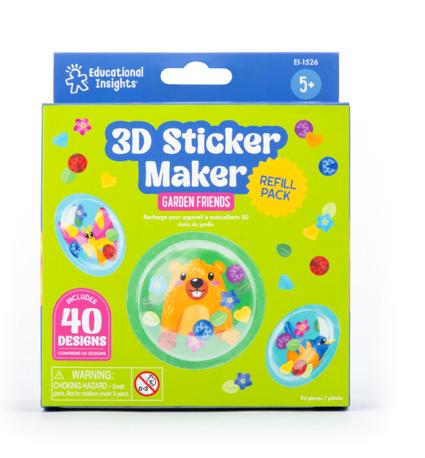
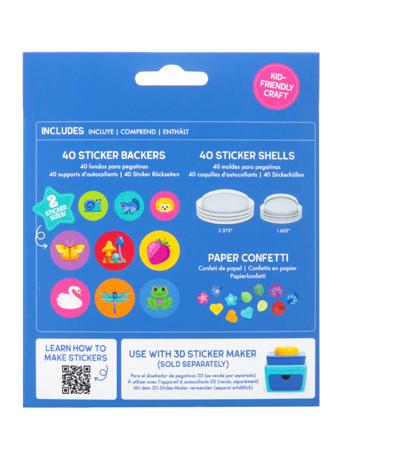
Packaging Components

















































Guide
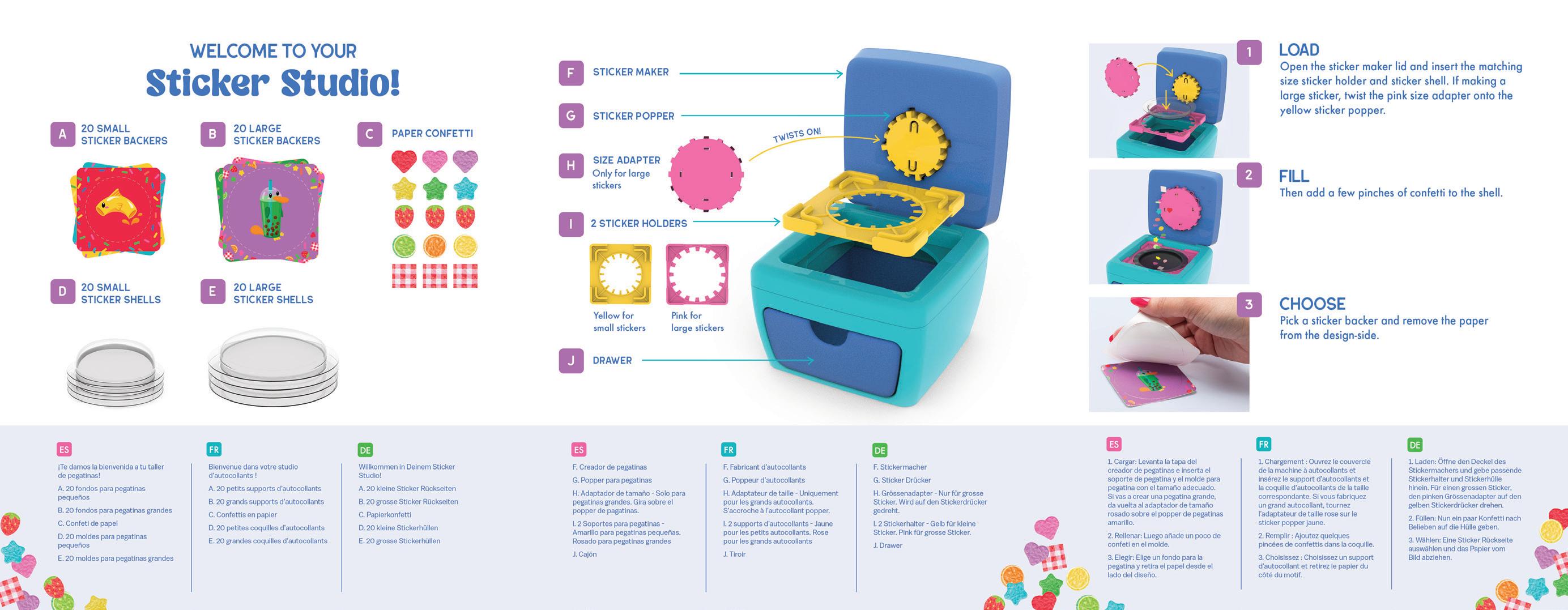
Guide
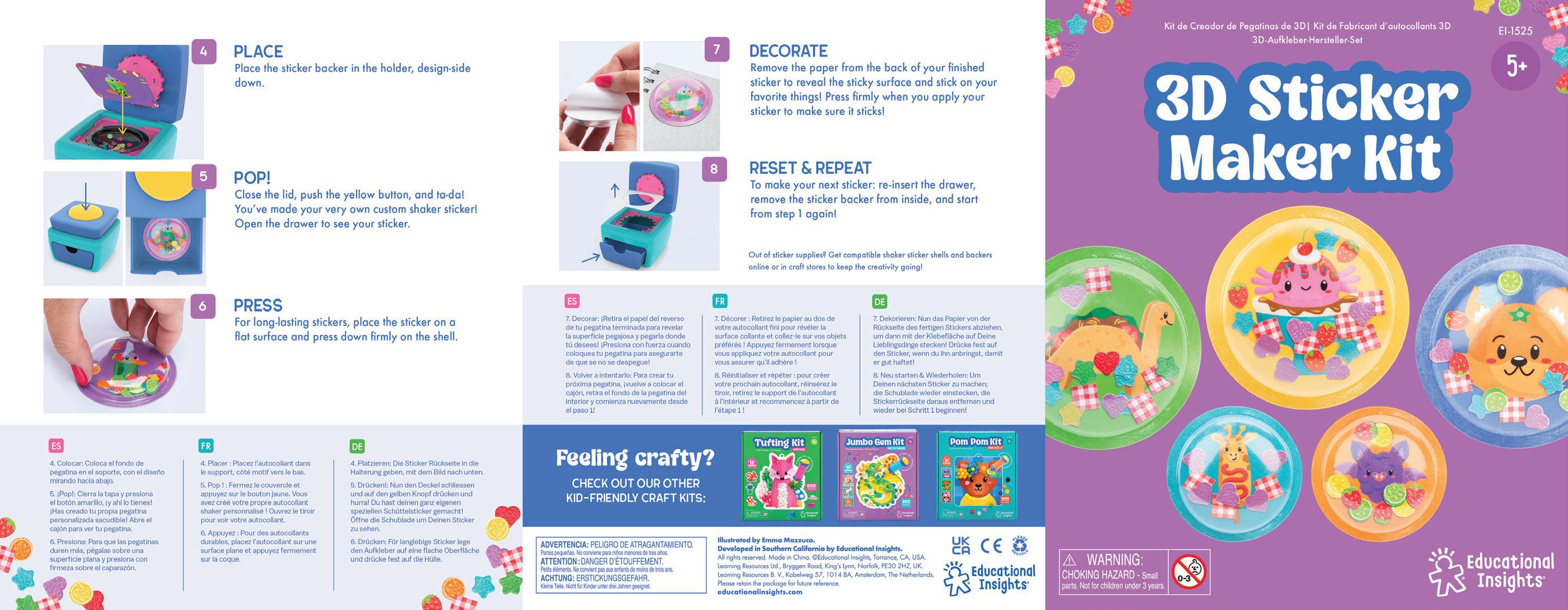
20 Trademarks
Trademarks and Registered Marks
Trademarks (™) and registered marks (®) should appear either the first time a marked item appears on a page or in the most prominent location (a logo, heading, etc.).
Punctuation should follow the trademark or registered mark in a sentence. When possible, place the mark in the logo or header so that it doesn’t have to appear in body copy.
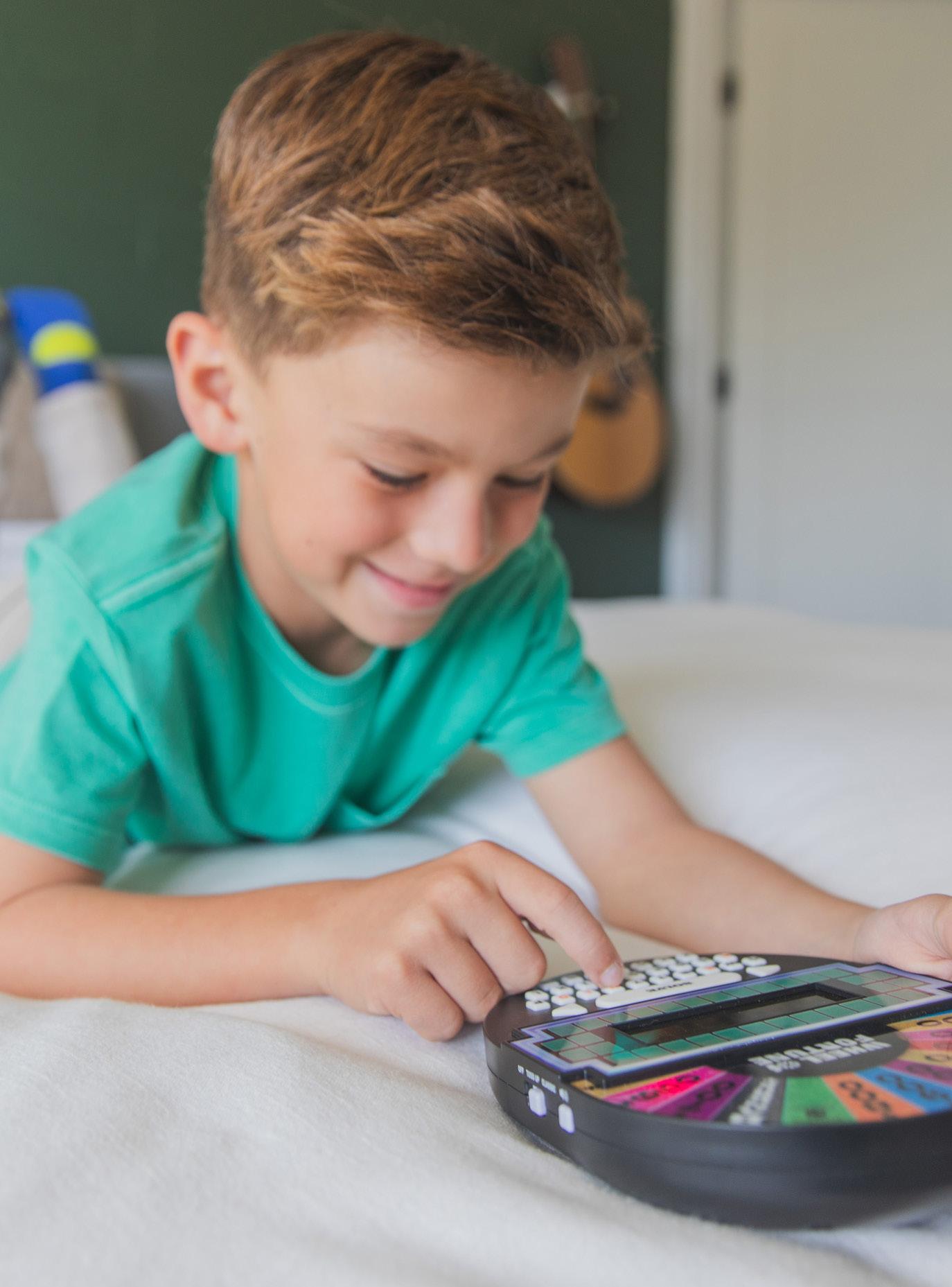
Marked Items
0000-1999
1099 Teacher Tote-All™
1125 Artie 3000™ The Coding Robot
1126 Artie Max™ The Coding Robot
1130 PYXEL™ The Coding Pet - A Coder’s Best Friend
1238 Pete the Cat ® Calming Light Filters
1250 No Yell Bell ®
1570
1628
1630
1631
1632
1633
1638
PaperCraft Pete the Cat ® Coloring Activity Set
AlphaMagnets ® GO! Spelling
AlphaMagnets ® —Multicolored Uppercase (42 pieces)
AlphaMagnets ® —Color-Coded Uppercase (42 pieces)
AlphaMagnets ® —Multicolored Lowercase (42 pieces)
AlphaMagnets ® —Color-Coded Lowercase (42 pieces)
AlphaMagnets ® & MathMagnets ® —Multicolored (214 pieces)
1639 AlphaMagnets ® & MathMagnets ® —Color-Coded (214 pieces)
1686 MathMagnets ® — Jumbo Multicolored (42 pieces)
1709 1-2-3 Froggies™
1732 Koala Capers™
1734 Raccoon Rumpus™
1768 SpinZone ® Magnetic Whiteboard Spinners (3 units)
1876 Playfoam ® Class Pack (16 Supersized pieces in 8 colors)
1900 Playfoam ® Classic 4-Pack
1906 Playfoam ® Combo 8-Pack
1907 Playfoam ® Party Pack (20 pods)
1908 Playfoam ® Glow in the Dark 4-Pack
1909 Playfoam ® Glow in the Dark 8-Pack
1910 Playfoam ® Sparkle 4-Pack
1914 Playfoam ® Shape & Learn Counting Cards
1915 Playfoam ® Shape & Learn Letter Sounds
1917 Playfoam ® Shape & Learn Alphabet Set
1918 Playfoam ® Shape & Learn Numbers Set
1927 Playfoam ® GO! Squishy Sandcastle
1930 Playfoam ® GO!
1936 Sculptapalooza™ (English and Spanish)
1937 Playfoam ® the Game
1940 Playfoam Pluffe™ 9 piece Counter Display
1941-A Playfoam Pluffle™ Red & Blue 2-Pack
1941-B Playfoam Pluffle™ Pink & Green 2-Pack
1942-A Playfoam Pluffle™ Purple, Green, Pink & Yellow 4-Pack
1942-B Playfoam Pluffle™ Black, Red, Blue & Orange 4-Pack
1943 Playfoam Pluffle™ Twist Glow in the Dark 2-Pack (Pink/Green)
1944 Playfoam Pluffle™ Twist Black & White 2-Pack
1945 Playfoam Pluffle™ Sensory Station
1946 Playfoam Pluffle™ Hide & Seek Sensory Set
1952 Playfoam ® Pals™ S8 Unicorn Magic 10 piece Display
1953 Playfoam ® Pals™ S8 Unicorn Magic 2-Pack
1955 Playfoam ® Pals™ S7 Space Squad 8 piece Display
1956
Playfoam ® Pals™ S7 Space Squad 2-Pack
1994 Playfoam ® Shape & Learn Fine Motor Fun
Marked Items
2000-2999
2038 Playfoam ® Cupcake Café
2039 Playfoam ® Pizza Parlor
2040 Color by Playfoam ® Dragon
2041 Color by Playfoam ® Unicorn
2045 Playfoam ® Mega Rainbow Pack
2050 Playfoam ® Putty 4-Pack
2230 Playfoam ® Sand 8-Pack
2231 Playfoam ® Sand Ice Cream Sundae Set
2232 Playfoam ® Sand Sensory Station
2233 Playfoam ® Sand ABC Cookies Set 2234 Playfoam ® Sand Sweets
Playfoam ® Shimmer
2250 Playfoam ® Build-A-Snowman Set of 10 2251 Playfoam ® Build-A-Snowman 10-Piece Counter Display
2270 Playfoam ® Naturals 4-Pack 2271 Playfoam ® Naturals Shape & Learn Letters & Numbers
2272 Playfoam ® Naturals Hide & Seek Sensory Set
2325 Hot Dots ® Jr. Princess Fairy Tales Interactive Storybook Set
2372 Hot Dots ® Jr. Let’s Master Pre-K Math with Ace Pen
2373 Hot Dots ® Jr. Let’s Master Kindergarten Math with Ace Pen
2374 Hot Dots ® Let’s Master Grade 1 Math Set with Hot Dots Pen
2375 Hot Dots ® Let’s Master Grade 2 Math Set with Hot Dots Pen
2384 Hot Dots ® Jr. Interactive Storybook Set with Ace Pen
2390 Hot Dots ® Jr. Let’s Master Pre-K Reading Set with Ace Pen
2391 Hot Dots ® Jr. Let’s Master Kindergarten Reading Set with Ace Pen
2392 Hot Dots
® Let’s Master Grade 1
Reading Set with Hot Dots Pen
2393 Hot Dots ® Let’s Master Grade 2 Reading Set with Hot Dots Pen
2394 Hot Dots ® Let’s Master Grade 3 Reading Set with Hot Dots Pen
2395 Hot Dots ® Jr. Let’s Learn the Alphabet Interactive Book & Pen Set
2438 Hot Dots ® Light-Up Interactive Pen 6-Pack
2439 Hot Dots ® Light-Up Interactive Pen
2440 Hot Dots ® Jr. Let’s Learn Pre-K Math!
2441 Hot Dots ® Jr. Let’s Learn Kindergarten Math!
2442 Hot Dots ® Preschool Essentials
Reading & Math Workbook
2443 Hot Dots ® Kindergarten Essentials
Reading & Math Workbook
2444 Hot Dots ® First Grade Essentials
Reading & Math Workbook
2445 Hot Dots ® Jr. Let’s Learn Pre-K Reading!
2446 Hot Dots ® Jr. Let’s Learn Kindergarten Reading!
2447 Hot Dots ® Let’s Learn Reading- 1st Grade
2448 Hot Dots ® Let’s Learn Math- 1st Grade
2451 Hot Dots ® Jr. Pete the Cat ® I Love Preschool! Set with Pete Pen
2452 Hot Dots ® Jr. Pete the Cat ® Preschool Rocks! Set with Pete Pen
2453 Hot Dots ® Jr. Pete the Cat ® I Love Kindergarten! Set with Pete Pen
2454 Hot Dots ® Jr. Pete the Cat ® Kindergarten Rocks! Set with Pete Pen
Marked Items
2540 Hot Dots ® Feelings and Friendships Set
2550 Hot Dots ® Numberblocks Activity Book 1-10 & Interactive Pen
2551 Hot Dots ® Numberblocks Activity Book 11-20 & Interactive Pen
2598 Alphabet BubbleBrix™
2599 Number BubbleBrix™
2830 Word on the Street ®
Word on the Street ® Junior
2889 Robot Face Race™ Game 2917 Blurt! ® 2978 Kanoodle ®
Kanoodle ® Counter Display (12 units)
Kanoodle ® Duplexity™
Kanoodle ® Extreme
3024 Kanoodle ® Extreme Counter Display (10 units)
3025 Pancake Pile-Up!™ Relay Game
3026 Kanoodle ® Genius
3036 Kanoodle ® Head-to-Head 3037 Kanoodle ® Cosmic
3038 Kanoodle ® Cosmic POP (10 units)
3049 Teachable Touchables ® Texture Squares
3063 Big Money™ 3-D Magnetic Coins and Bills
3068 T-REX Rumble™
3069 Spindoodle™
3074 Kanoodle ® Gravity™
Kanoodle ® Jr.
3082 Kanoodle ® Fusion
3083 Kanoodle ® Pyramid
3085 Teacup Pile-Up!™ Relay Game
3220 Fraction Formula™ Game
3405 The Sneaky, Snacky Squirrel Game! ® 3408 Shelby’s Snack Shack Game ®
Frida’s Fruit Fiesta Game™
Hoppy Floppy’s Happy Hunt™ Game 3414 Frankie’s Food Truck Fiasco Game!™ 3418 Sophie’s Seashell Scramble™ Game
3419 Pete the Cat ® I Love My Buttons Game 3422 Dice of Fury™
3424 The Sneaky, Snacky, Squirrel Game! ® 10th Birthday Edition
3470 Pete the Cat ® I Love My White Shoes Game
3550 Playfoam ® Shape & Learn Pete the Cat ® Groovin’ Alphabet
Mixaroo™
Design & Drill ® Gears Workshop
& Drill ® Marble Maze
Design & Drill ® Adventure Circuits
Design & Drill ® Shapes Workshop
Design & Drill ® Patterns & Shapes
Design & Drill ® Activity Center 4113 Design & Drill ® ABC’s & 123’s 4114 Design & Drill ® See-Through Creative Workshop 4117 Design & Drill ® Take-Along Toolkit
Marked Items
5095 Now You See It, Now You Don’t™ See-Through Compost Container 5101 Sprout & Grow™ Window
5111 GeoSafari ® Jr. Bug Viewer 5112 GeoSafari ® Jr. My First Microscope
5112-P GeoSafari ® Jr. My First Microscope Pink
5115 GeoSafari ® Jr. Underwater Explorer Boat
5117 GeoSafari ® Jr. Kidscope™
5129 GeoSafari ® Jr. My First Telescope
5129-P GeoSafari ® Jr. My First Telescope - Pink
5130 GeoSafari ® Jr. Walkie Talkies
5131 GeoSafari ® Jr. My First Telescope (redesign)
5131-P GeoSafari ® Jr. My First Telescope (redesign) - Pink
5133 GeoSafari ® Jr. Walkie Talkies
5141 GeoSafari ® Jr. Mighty Magnifier™
5144 GeoSafari ® Day ‘N’ Night Ant Factory
5147 GeoSafari ® Ant Factory™
5180 GeoSafari ® Jr. Dino Discovery Dig T-Rex
Marked Items
5181 GeoSafari ® Jr. Dino Discovery Dig Triceratops
5202 GeoSafari ® SeaScope ®
5217 GeoSafari ® Jr. Sneak & Peek Periscope™
5248 GeoSafari ® Vega 600 Refractor Telescope
5260 GeoSafari ® Jr. Kidnoculars ®
5260-P GeoSafari ® Jr. Kidnoculars ® Pink
5261 GeoSafari ® Jr. Kidnoculars ® Extreme™
5272 GeoSafari ® Pocket Scope
5273 GeoSafari ® Telescope & Microscope Set
5274 GeoSafari ® Compass Binoculars
5287 GeoSafari ® Motorized Solar System
5301 GeoSafari ® MicroPro™ 95-Piece Microscope Set
5303 GeoSafari ® Stereoscope
5304 GeoSafari ® Vega 360 Refractor Telescope
5305 GeoSafari ® Omega Refractor Telescope
5306 GeoSafari ® Omega Reflector Telescope
5340 GeoSafari ® Fossil Excavation Kit
5350 Nancy B’s Science Club ® Microscope
5351 Nancy B’s Science Club ® MoonScope™
5352 Nancy B’s Science Club ® AquaScope™
5353 Nancy B’s Science Club ® Binoculars
5355 Nancy B’s Science Club ® Black Light Illuminator
5356 Nancy B’s Science Club ® Stir-It-Up Chemistry Lab
5359 Nancy B’s Science Club ® Compost Kit
5360 Nancy B’s Science Club ® Bug Discovery Lab
5361 Nancy B’s Science Club ® Hydroponics Kit
5362 Nancy B’s Science Club ® Microbes Lab
5363 Nancy B’s Science Club ® Reflections Kaleidoscope
5390 GeoSafari ® Rockin’ Reactions™ Chemistry Set
6106 Hot Dots ® Jr. Getting Ready for School! Set with Ace Pen
8432 Math Slam™ (revamp)
8433 Multiplication Slam™ (revamp)
8435 BrainBolt ®
8436 BrainBolt ® Genius
8476 Math Slam™
8477 Multiplication Slam™
8490 MathShark ®
8801 GeoSafari ® Jr. Talking Microscope™
8801A GeoSafari ® Jr. Talking Microscope™ (Asia)
8807 GeoSafari ® Jr. Talking Space Explorer (Talking Tele redesign)
8808 GeoSafari ® Jr. Talking Wildlife Camera™
8888 GeoSafari ® Jr. Talking Globe™
8895 GeoSafari ® Talking Globe™
8897 Math Whiz™ (revamp)
8920 Freeze Up! ®
9627 Hot Dots ® The Alphabet Set 9628 Hot Dots ® Numbers and Counting
7887 Wireless Eggspert ® Extra Student Buttons (Set of 6)
Marked Items
9629 Hot Dots ® Beginning Phonics
9680 Playfoam ® Special Edition 4-Pack
9722 Playfoam ® Jumbo Individual Peggable Pod Sparkle Assortment of 12
9723 Playfoam ® Jumbo Individual Peggable Pod GID Assortment of 12
9724 Playfoam ® Jumbo Individual Peggable Pod, Classic Assortment of 12
9725 Playfoam ® Jumbo Individual Peggable Pod, Assortment of 12 (6 GID & 6 Classic)
9728 Playfoam ® Special Edition Unicorn Mane Assortment of 12 POP
9729 Playfoam ® Jumbo Individual Peggable Pod Unicorn Mane Special Edition Assortment of 12
9730 Playfoam ® Mermaid Magic Set of 12
Conclusion
Though we’ve been igniting the spark in kids for 60 years, we’re just getting started. Moving forward, our goal is to continue creating meaningful moments in play and innovating ways to be more sustainable and responsible. We’ll keep your child’s future in mind as we create more ways to learn through play.
Thanks for reading! I hope I can be a useful resource as you help bring our brand to life.