Maintenance and Tech Support Like all bakery machinery, your PhotoCake printer needs regular maintenance and occasional troubleshooting. The following pages will walk you through maintaining your printer, working through ink flow issues (the most common printer issue), and some helpful tips to keep your printer in great shape!
Ink Cartridges Pages 2 & 3: Installing Printer Ink Daily Maintenance
Page 4: Color Test Troubleshooting On Your Own Page 5: Print Head Cleaning Page 6: Color Bars Troubleshooting with DecoPac Tech Support Page 7: Deep Cleaning Useful Information on PhotoCake Printers
Calling Tech Support Tips
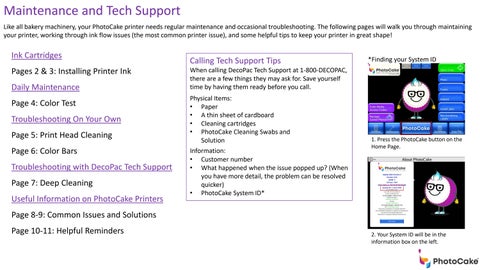
*Finding your System ID
When calling DecoPac Tech Support at 1-800-DECOPAC, there are a few things they may ask for. Save yourself time by having them ready before you call. Physical Items: • Paper • A thin sheet of cardboard • Cleaning cartridges • PhotoCake Cleaning Swabs and Solution Information: • Customer number • What happened when the issue popped up? (When you have more detail, the problem can be resolved quicker) • PhotoCake System ID*
1. Press the PhotoCake button on the Home Page.
Page 8-9: Common Issues and Solutions Page 10-11: Helpful Reminders
2. Your System ID will be in the information box on the left.