STEP-BY-STEP GUIDELINES HOW TO UPLOAD SUPPORTING DOCUMENTATION AFTER THE ONLINE APPLICATION SUBMISSION
Please contact the Call Centre: +27(0)21 959 6767, 086 123 2788, E-mail: info@cput.ac.za should require more information not covered in this document or the Online Application Frequently Asked Questions (FAQ’s)
GATHER AND PREPARE YOUR DOCUMENTATION
Prepare your supporting documentation that is required and save the documents
Take note of the following important information:
All documentation must be certified (certification may not be older than 3 months)
Please ensure that all uploaded documents are less than 2 MB in size, and in JPEG, PDF, TIFF or GIF format.
Save the documents separately
Please do not upload documents saved in MS Word or MS Excel format
Save each document separately in above formats.
ACCESS AND LOGIN
1. ACCESS TO THE CPUT WEBSITE
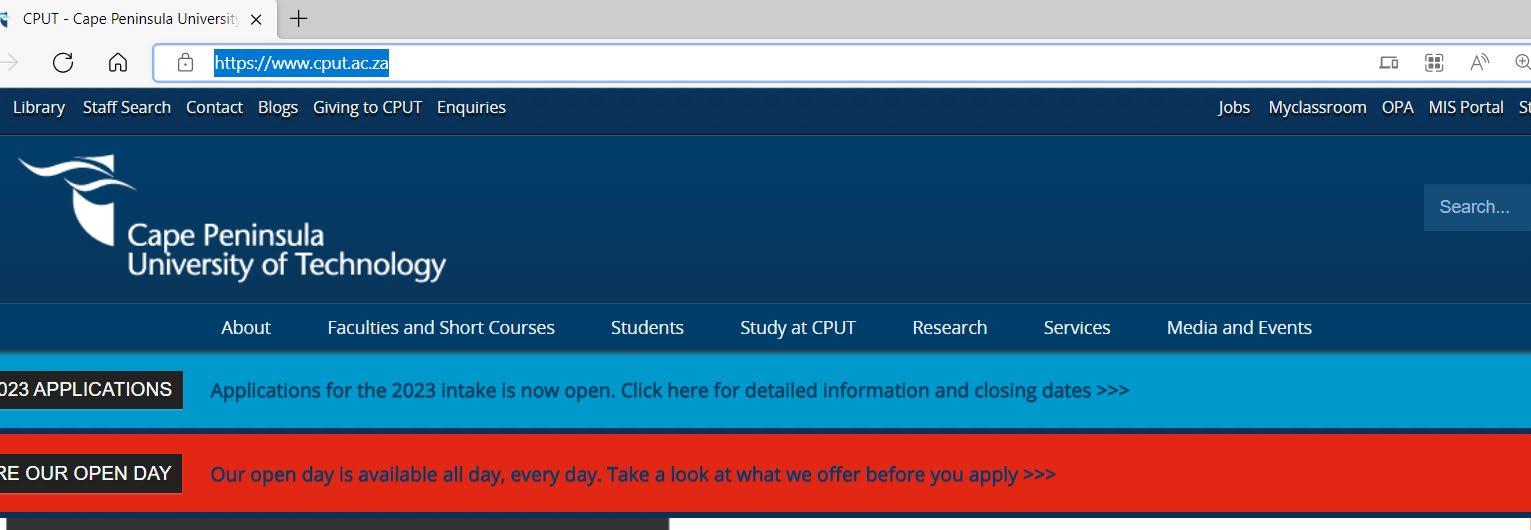
Visit the CPUT website page: https://www.cput.ac.za/
Select the STUDY AT CPUT tab

Select 2023 COURSE OFFERING AND APPLICATIONS from the drop-down list


The following website page will display:
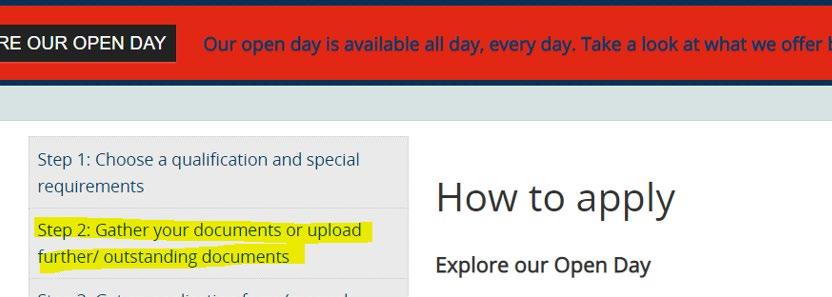
Select Step 2: Gather your documents or upload further/outstanding documents. The direct links is https://www.cput.ac.za/study/apply/step-2-gather-your-documentsor-upload-further-outstanding-documents

Scroll to the section - Should you have documents outstanding or need to upload additional supporting documents and click on the link provided

2. ACCESS TO THE SELF-SERVICE PORTALS

Click on on the link displayed as HERE and the following screen will display:
Get your student number and pin ready
If you are uncertain about your pin, you may request the pin by entering all the fields under the section FORGOTTEN STUDENT NUMBER.
Also be reminded that your pin is also displayed in the e-mail notification routed to you on your submission of your online application (if you have applied to CPUT for the first time)
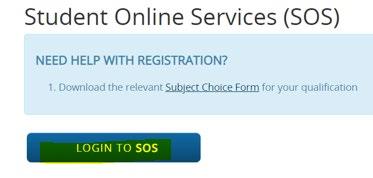
If you know your student number and your pin, then proceed by selecting the LOGIN TO SOS button


The following screen will appear:
Student Number: Enter your CPUT student number (e.g. 215003888)
Pin: Enter your 5-digit pin (.e.g 69321).
o The pin is also displayed in the application e-mail notification that was sent to your e-mail address that you have indicated when you have applied online.
o Rules of the pin:
Pin length must ONLY be 5 numbers long (e.g. 24683)
Must not start or end with a zero
Must not contain any alphabetical characters (e.g. Aa369)
No spaces allowed in the pin (e.g. 36 302)
No adjacent repeating numbers (e.g. 11234) or simple sequences (e.g. 23456)
Select the LOGIN button
Select the option on the left-hand side called RETURNING STUDENT APPLICATION

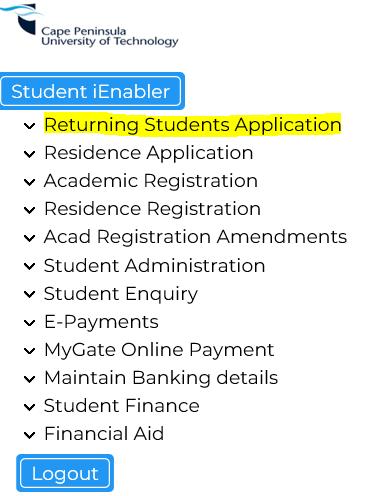
Select again RETURNING STUDENT APPLICATION from the expanded list
UPLOAD YOUR DOCUMENTATION
Scroll down to the section called UPLOAD DOCUMENTS
Select SHOW upload documents

A screen will display with a list of certificate codes, descriptions of documentation required
Select the UPLOAD button : The following screen will display:
For Minor Declaration submission – please select the Certificate ‘W3’ –Minor Applicant Declaration and click on the Load/ View Document to submit your document


Select the UPLOAD DOCUMENT button on the following screen:
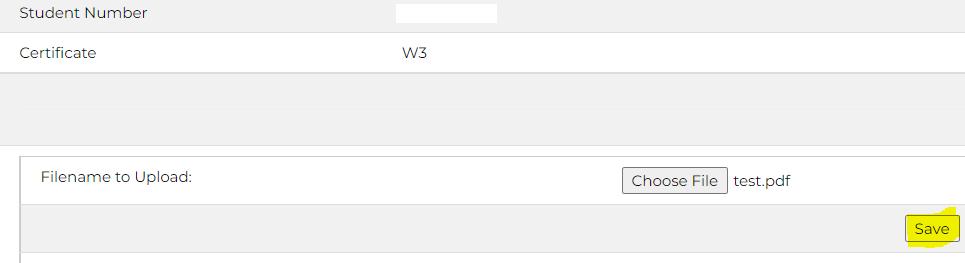
Select the BROWSE button to navigate to the document/s that you have saved separately
Select your document that you want to upload and select the OPEN button
Click SAVE button:
Click now on the CLOSE buttons:
Continue to upload further documents where required and exit the SOS system.