
2026 Marketing Training Tools
eCorcoran, Agent Studio, Presentations, CMA
Introducing eCorcoranYour New Business Command Center
This powerful new platform is replacing MyCorcoran and is designed to help you work smarter, faster, and more efficiently every day. eCorcoran is now live on corcoran.com and available for you to start using today on your desktop, tablet, or mobile device.

Log In to Your
Account
1. Go to corcoran.com
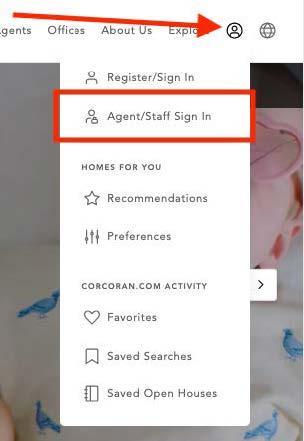
2. Click the icon in the upper right corner
3. Select Agent/Staff Login
4. Log in using your @corcoranGROUP.com credentials
5. You’ll be redirected to the Corcoran homepage
6. Click your initials in the upper right corner
7. Explore the new eCorcoran menu options: Applications, Files, and Favorites

Access Your Tools & FilesFaster Than Ever
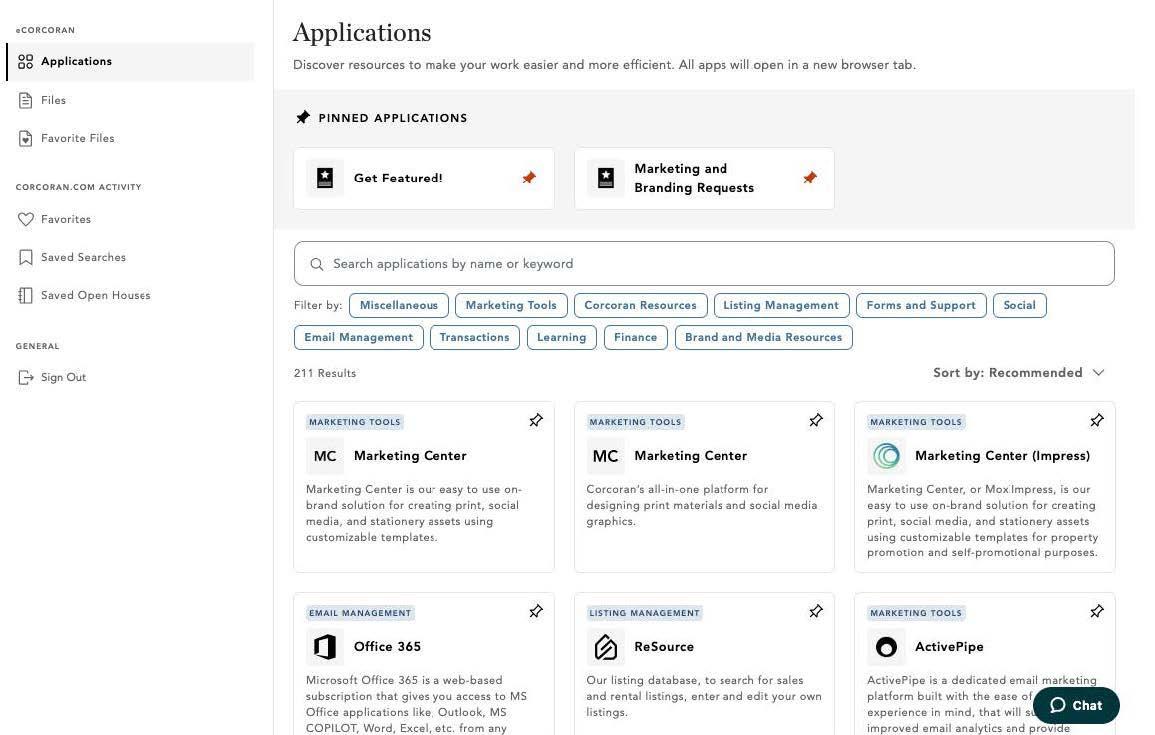
APPLICATIONS
1. Use Search - type a name or keyword to instantly located any app
2. Browse by Category - discover tools organized by function
3. Pin Your Favorites - keep your go-to apps front and center
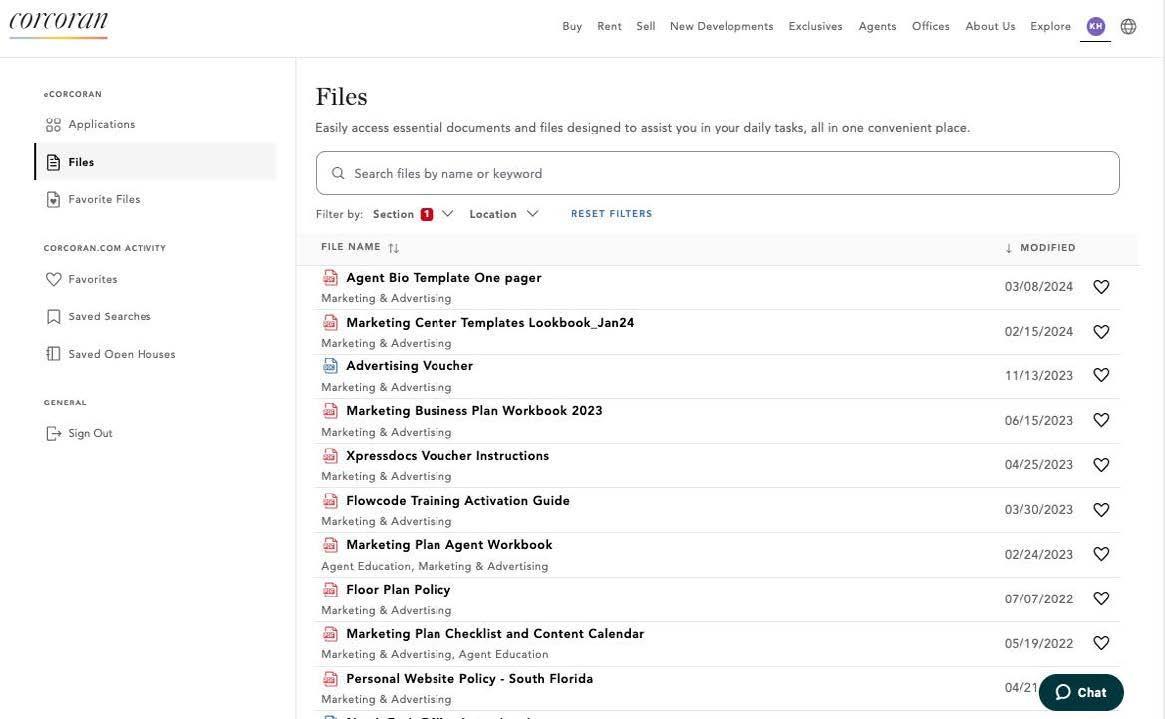
Access Your Tools & FilesFaster Than Ever FILES
1. Browse All Files - access essential documents, filtered by section
2. Enhanced Search - find what you need with powerful keyword search
3. Favorite Files - save frequently used docs for one-click access
Agent Studio
Agent Studio is Corcoran’s one-stop virtual training center, designed to give you the tools and support you need to stay on your A-game. Increase productivity with courses on proven techniques to grow your business, nurture your client base, and stand out in today’s market landscape - all developed and endorsed by top-producing real estate professionals.
Agent Studio: Signing Up for Classes
1. Sign Up Through Your Inbox
a. The Agent Learning team sends out Agent Studio emails with easy-to-access direct sign-up links to new class opportunities
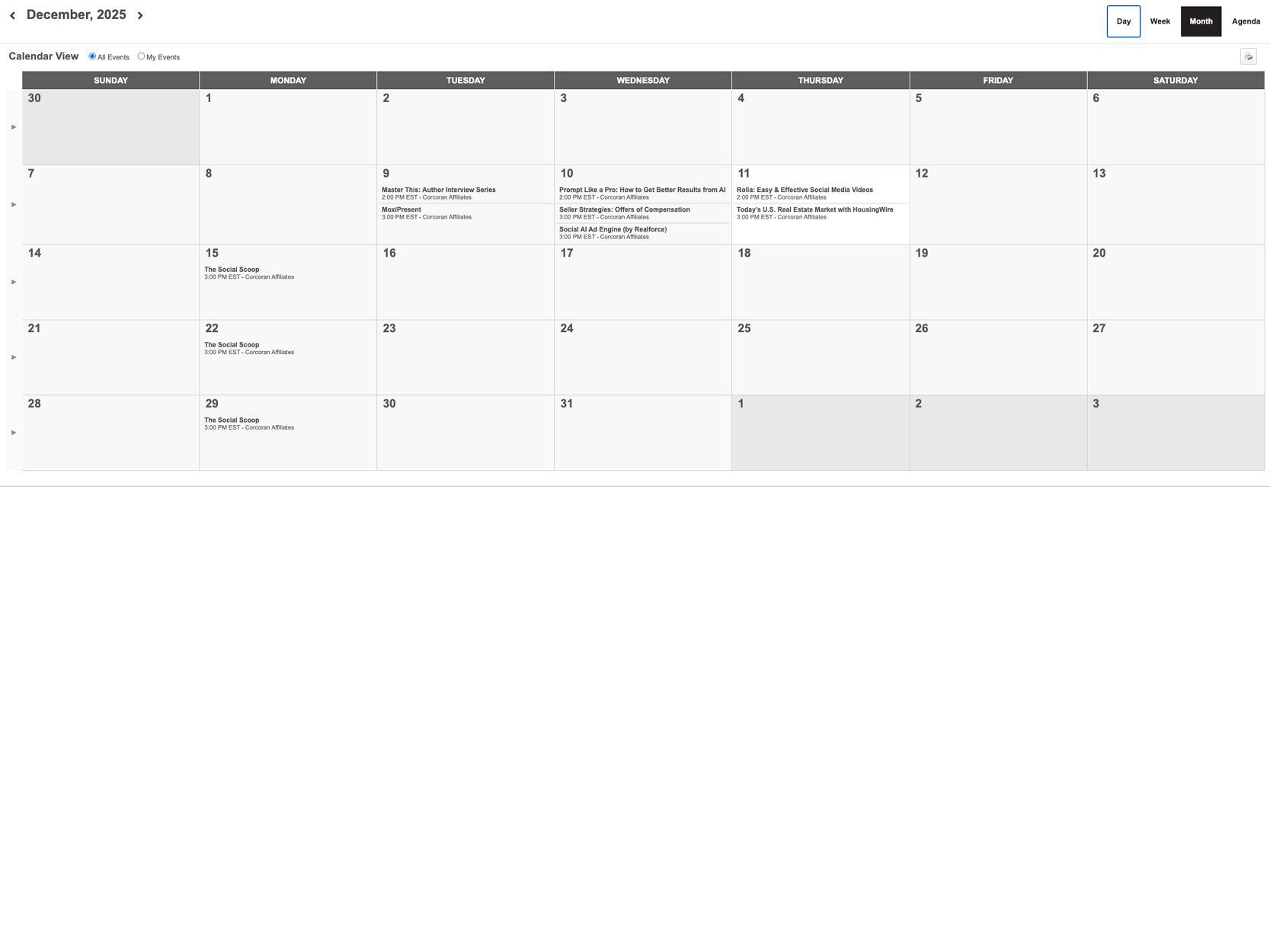
2. Sign Up Through the Calendar
a. Click Calendar on at the top to view each month’s scheduled classes

Agent Studio: Access Past Classes On Demand
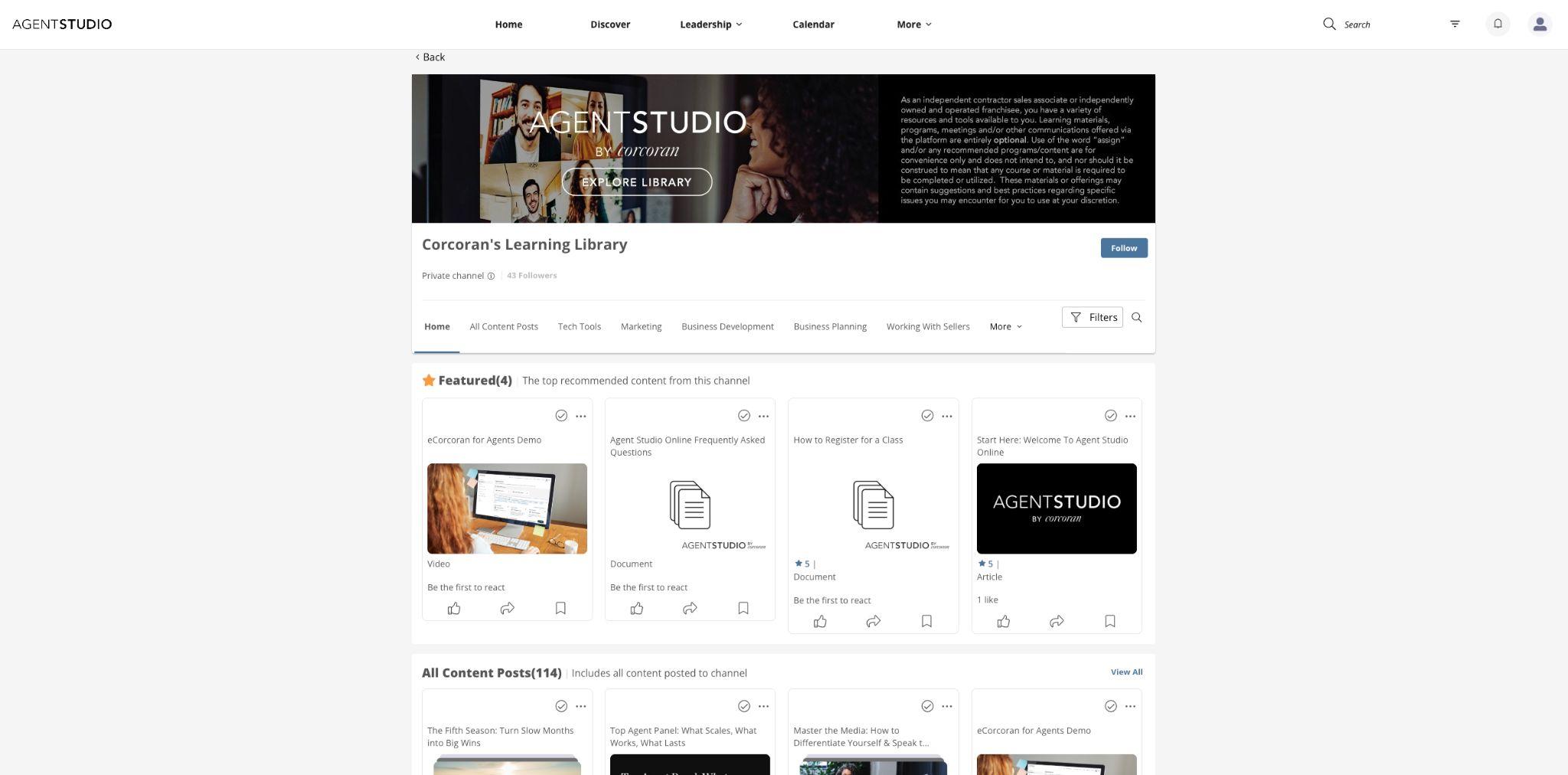
Miss a class? You can take full courses through our learning library and watch a missed class by navigating the video library. Aside from live classes, you’ll be able to watch videos from past sessions, access podcasts, and more. New learning resources are constantly being developed and added.
Listing Management: Presentations Tool
Build beautiful listing presentations many times faster. Using branded templates with auto-populated agent information and up-to-date marketing materials, you can easily persuade your new client with a print or digital presentation.
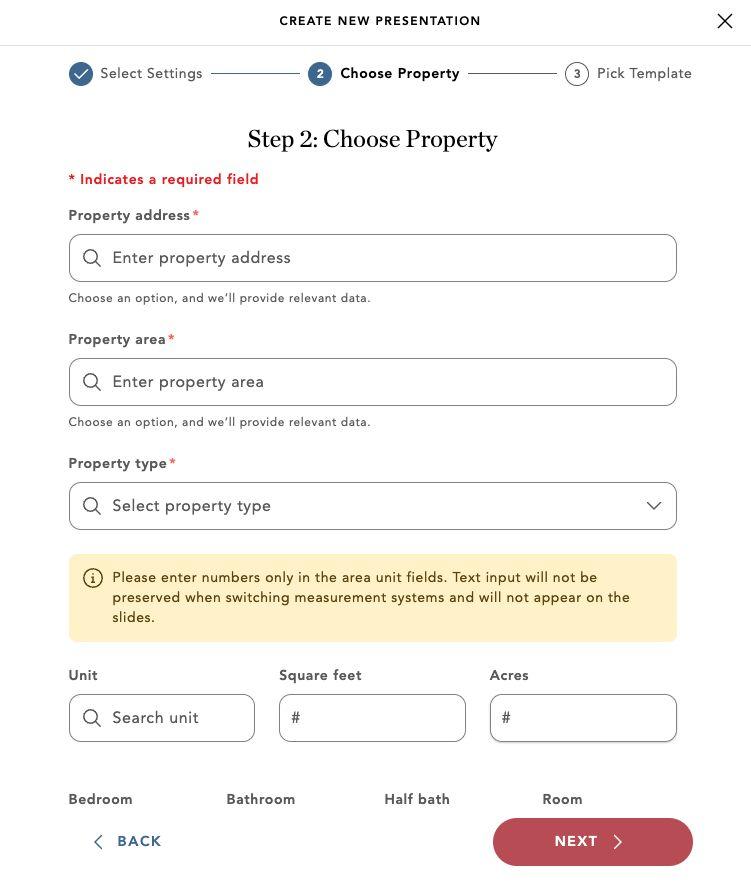
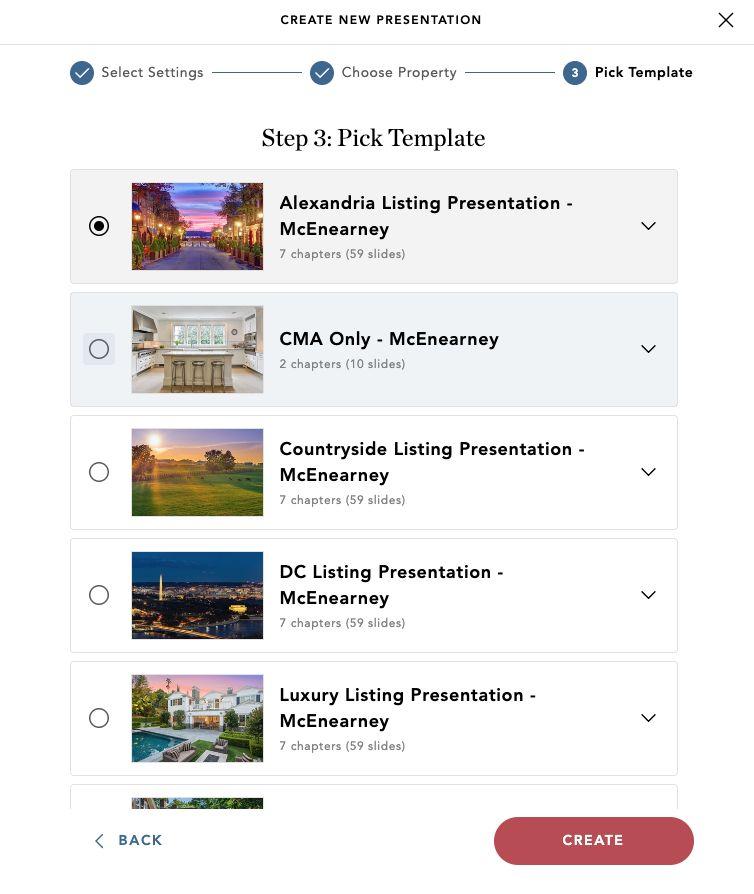
How to Create a Listing Presentation
1. Click the “Create New Presentation” button
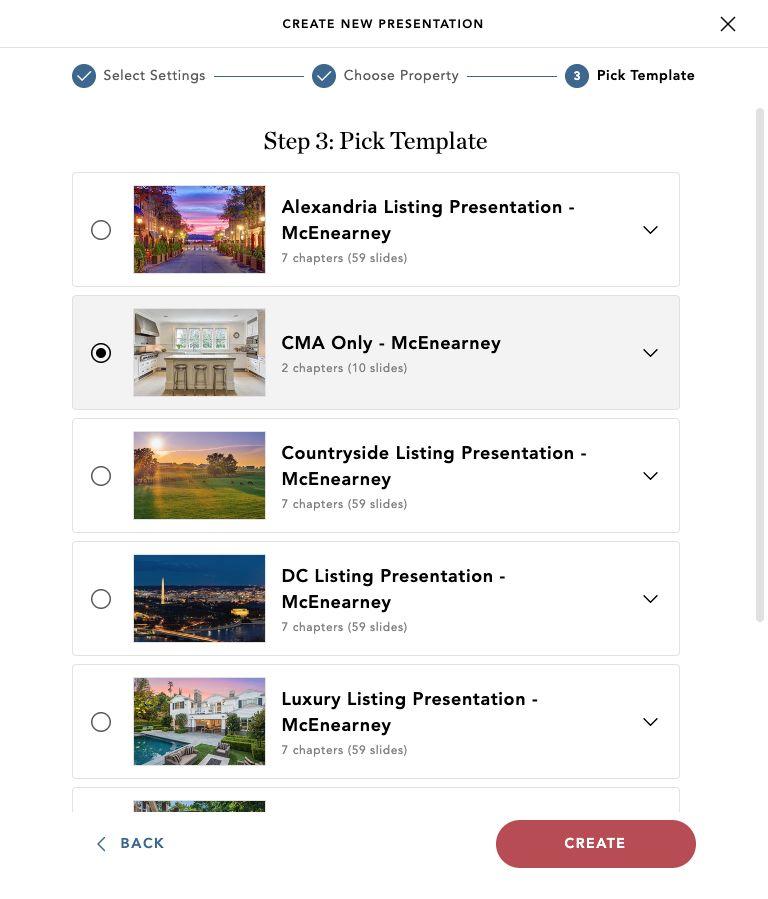
2. Follow the steps in the pop-up window
a. Step 1: Select Settings
b. Step 2: Choose Property
c. Step 3: Pick a Template

Listing Management: Comparative Market Analysis (CMA)
Build beautiful listing presentations many times faster. Using branded templates with auto-populated agent information and up-to-date marketing materials, you can easily persuade your new client with a print or digital presentation.
Listing Management: Comparative Market Analysis (CMA)
● Hand pick your comparables
● Provided pricing summaries
● Optional market stats, i.e. inventory, average days on market, closed sales
● Shareable via live link or downloadable as a branded PDF
● Our Comparative Market Analysis (CMA) tool helps you tell the story of the market - professionally and persuasively
How to Create a CMA
1. Click the “Create New Presentation” button
2. Follow the steps in the pop-up window
a. Step 1: Select Settings
b. Step 2: Choose Property
c. Step 3: Select “CMA Only - McEnearney”
Questions?
eCorcoran, Agent Studio, Presentations, CMA