HOW TO DOWNLOAD
Campus Groups App New Falcon Experience Hub
1
BEGIN BY SIGNING INTO CAMPUS GROUPS
2
DOWNLOAD THE CAMPUS GROUPS APP
3
SELECT YOUR CAMPUS
4
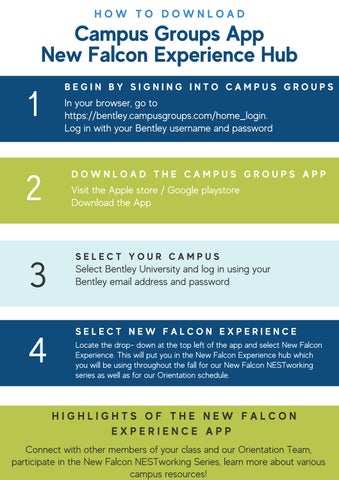
In your browser, go to https://bentley.campusgroups.com/home_login. Log in with your Bentley username and password
Visit the Apple store / Google playstore Download the App
Select Bentley University and log in using your Bentley email address and password
SELECT NEW FALCON EXPERIENCE Locate the drop- down at the top left of the app and select New Falcon Experience. This will put you in the New Falcon Experience hub which you will be using throughout the fall for our New Falcon NESTworking series as well as for our Orientation schedule.
HIGHLIGHTS OF THE NEW FALCON EXPERIENCE APP Connect with other members of your class and our Orientation Team, participate in the New Falcon NESTworking Series, learn more about various campus resources!