
1
2 Enter your email in lowercase in the "Your Username" field and click "Continue" below


3
To set a password (password) press the "Don't remember your password?"
Start by logging in here https://fleet.ayvens.com/el-gr (we recommend logging in via Chrome or Firefox) 1 Select the tab "Fleet Operations" and then the subcategory "Vehicle documents" 2


4 A few minutes later, you will receive an email containing a link to reset your password. Click on the link and set your password for My Fleet You can now log in to My Fleet! Download useful documents such as your insurance policy, Retail price (excl. VAT) certificates, accident declarations, etc.
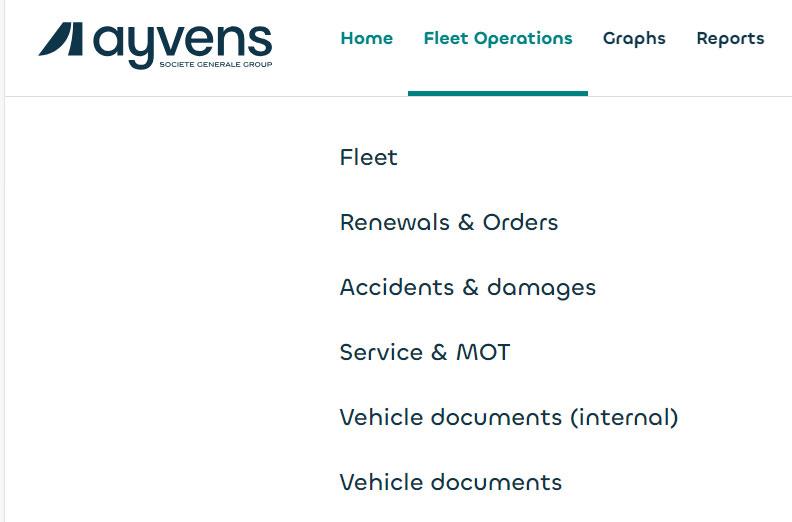

Click on search and all the documents of the vehicle you are interested in (including the insurance policy) will be displayed.