Searching for a Sub-Contractor
Introduction Local Supply Chain contains a database of Subcontractors and Consultants which are both accessed from the left-hand menu.
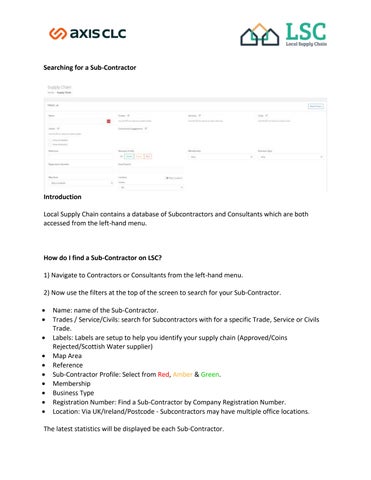
How do I find a Sub-Contractor on LSC? 1) Navigate to Contractors or Consultants from the left-hand menu. 2) Now use the filters at the top of the screen to search for your Sub-Contractor. • • • • • • • • • •
Name: name of the Sub-Contractor. Trades / Service/Civils: search for Subcontractors with for a specific Trade, Service or Civils Trade. Labels: Labels are setup to help you identify your supply chain (Approved/Coins Rejected/Scottish Water supplier) Map Area Reference Sub-Contractor Profile: Select from Red, Amber & Green. Membership Business Type Registration Number: Find a Sub-Contractor by Company Registration Number. Location: Via UK/Ireland/Postcode - Subcontractors may have multiple office locations.
The latest statistics will be displayed be each Sub-Contractor.