A GUIDE:
ON HOW TO SURVIVE ZOOM
FATIGUE FOR INDIVIDUALS WITH AUTISM SPECTRUM DISORDER

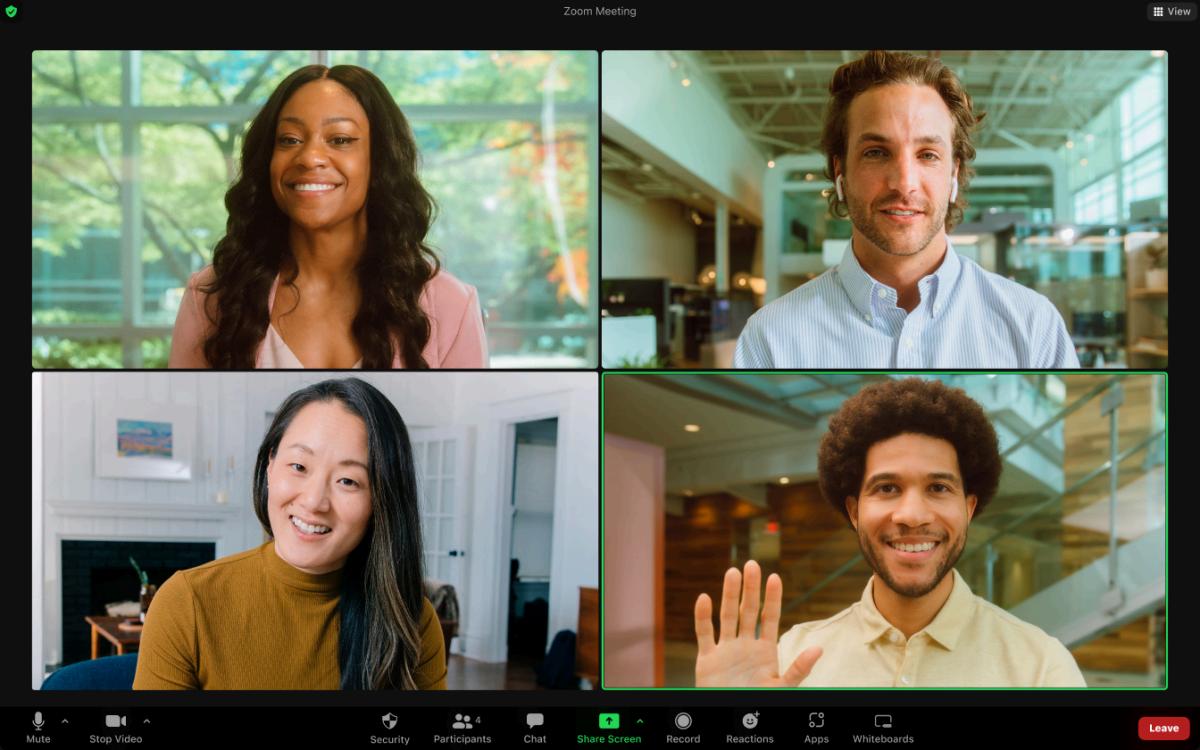
Important: Zoom fatigue must be tailored to the specific needs and preferences of individuals and organizations, and a combination of strategies may be most effective. The success of these interventions also depends on ongoing evaluation and adjustments based on individual and organizational feedback.
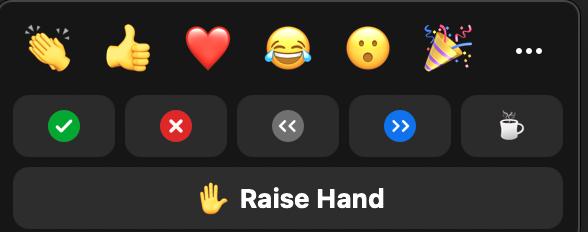
ReactionfeaturessonZoom:
ReactionfeaturesonZoomcanbe extremelyhelpfulinaidingindividualswith AutismSpectrumDisorderwith communicatingmoreeffectivelyasit allowsforstructuredinteractions,reduces socialpressure,andenablesusersto engageatapacethatsuitstheirneeds.
The ‘RaiseHand’featureminimizesthe cognitiveloadassociatedwithnavigating unstructuredconversations.Also,it reducesanxietyaboutmissingan opportunitytocontribute,andthevisual cuewillmakesureoneisacknowledged.
Theclarityandpredictablyofthe‘Raise Hand’featurecreatesalessstressfuland moremanageablecommunication environment,whichhelpstoreducethe overallstrainofvirtualinteractions.
The ‘Yes’ or ‘No’ features on Zoom provide a non-verbal means of communication when looking to share input on questions. This feature reduces mental effort required for verbal communication.
This simplification of interaction creates a more accessible and user-friendly environment, so that users with ASD stay engaged and avoid becoming overwhelmed or fatigued during virtual meetings.
This feature allows individuals with ASD to notify admins on Zoom that they might be struggling in keeping up with the conversation, which in result can be adjusted. This promotes better understanding and management, helping to alleviate zoom fatigue by tailoring the experience.
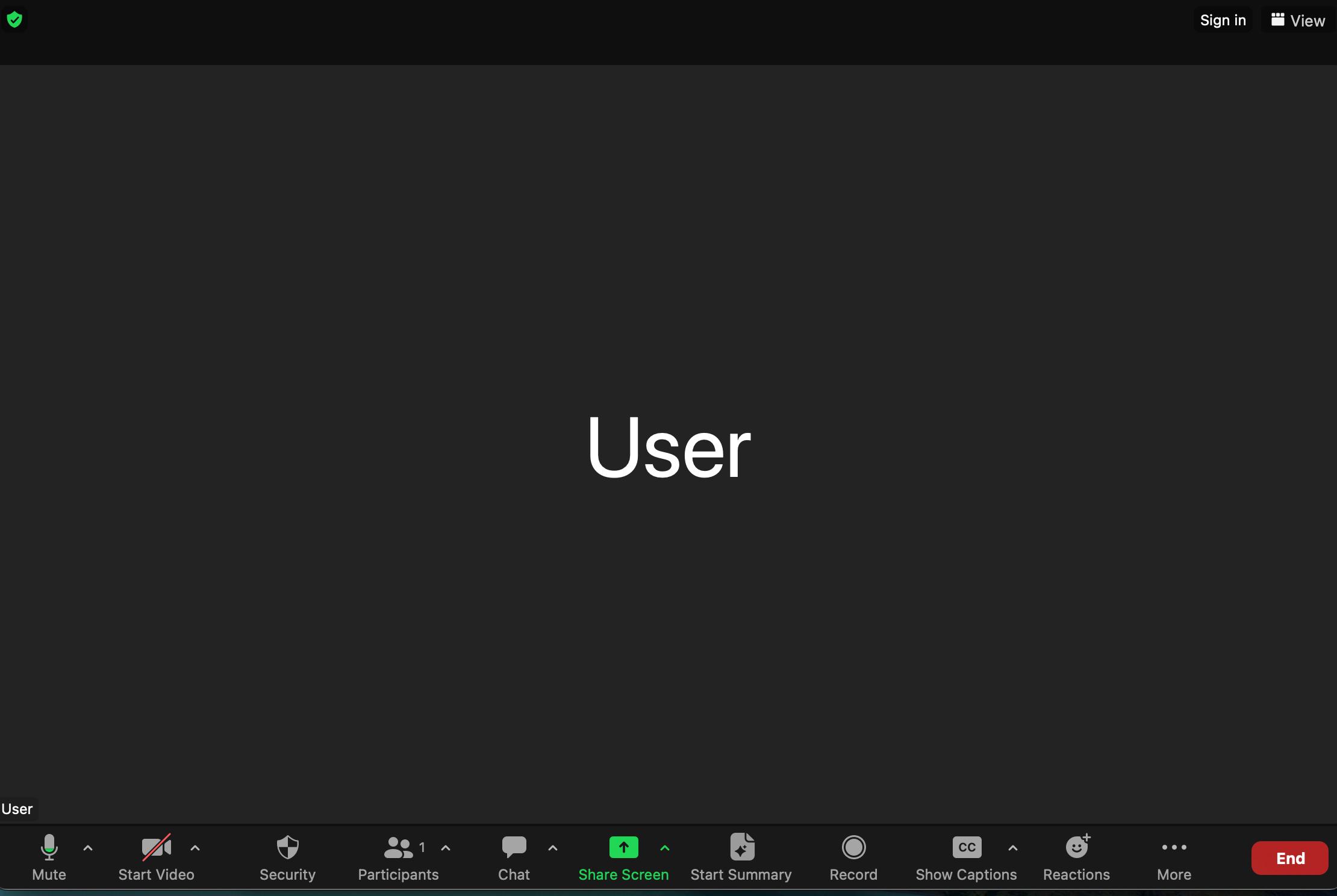
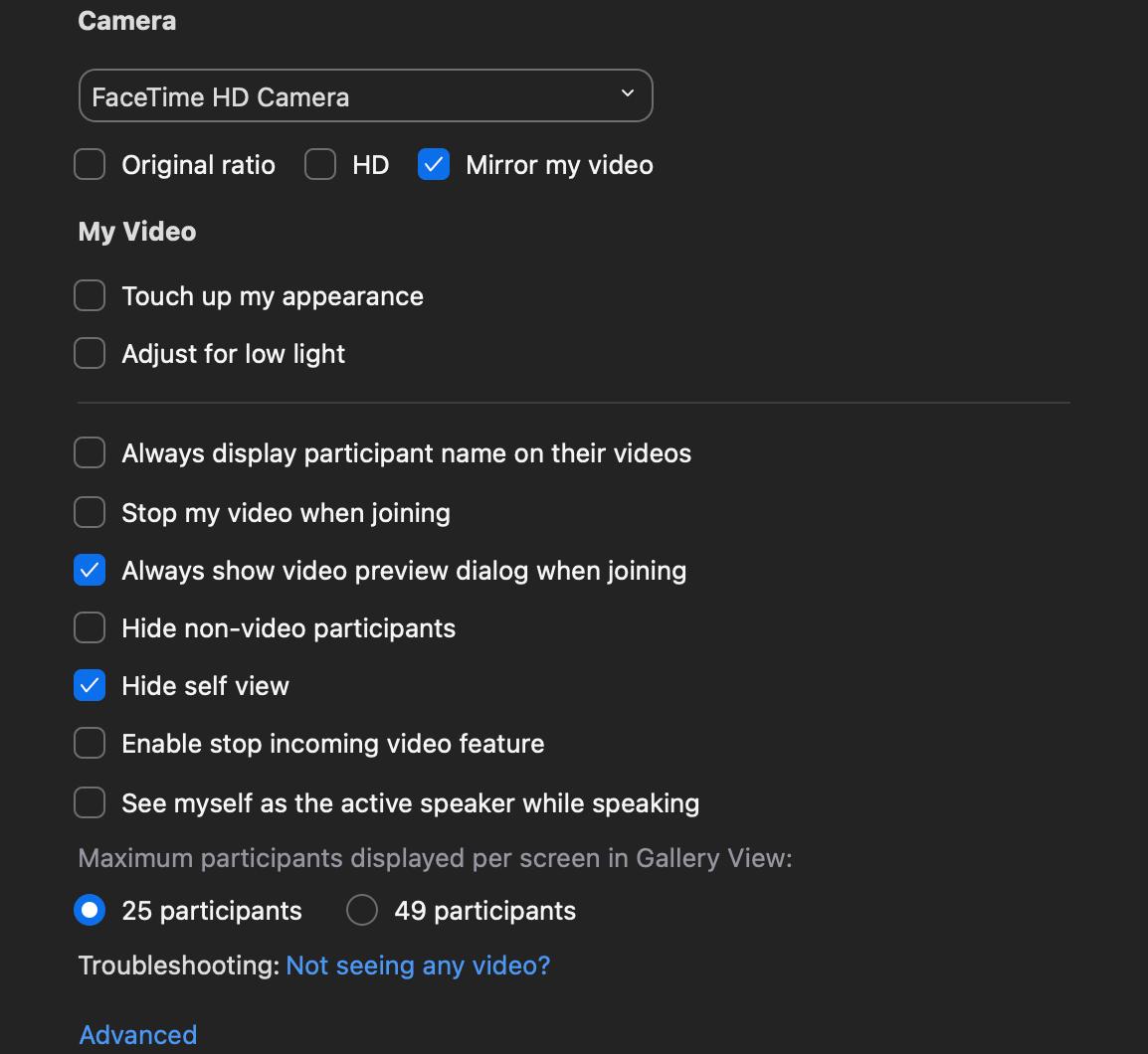
The‘HideSelf-View’optionon Zoomisatoolprovidedtoall usersthatallowsforthe removaloftheirownvideo feedfromone’sscreen, meanwhilestillbeingvisibleto otherparticipantsinthecall. Thisfeatureisbeneficial becausetheactofconstantly seeingoneselfforindividuals withAutismSpectrum Disorderhighetensselfawarenessandselfconsciousness,whichdirectly leadstosensoryoverload.
Sensory Overload can distract individuals and hinder their ability to properly engage in the virtual workplace environment. Thus, hiding self-view allows for a more immersive experience in the presented topic (whether a more visual or audio heavy presentation) via Zoom as it reduces over-monitoring of the self.
In all, this feature reduces visual sensory awareness, helping or create a more comfortable and less overwhelming virtual experience, which mitigates Zoom fatigue.



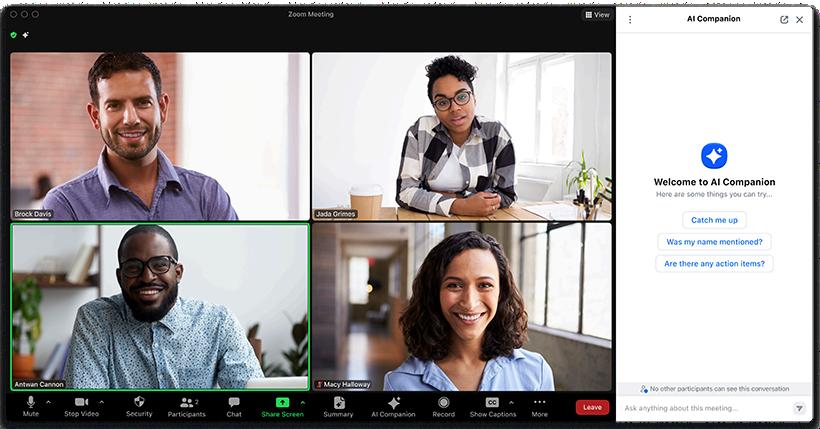
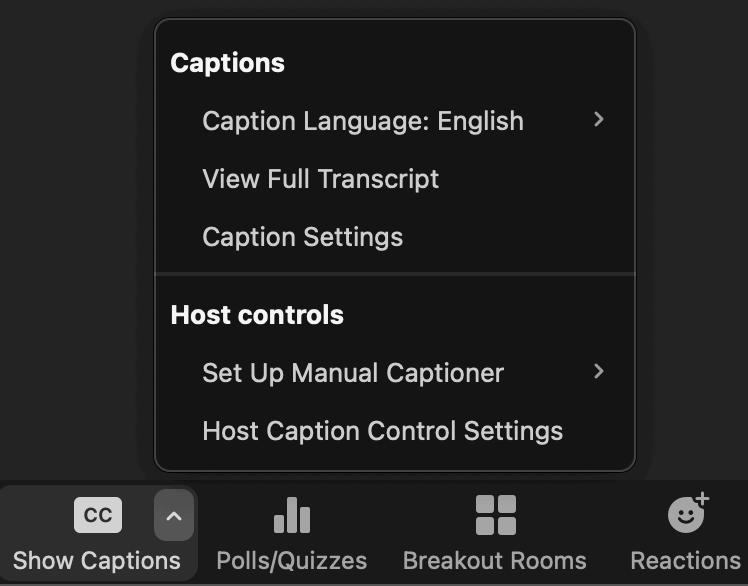
An available feature through Zoom is extremely helpful in summarizing discussions, emphasizing key points, and providing crucial context of the conversation, all aiding in conversational flow.
Further, this aids in cognitive strain as it allows individuals with ASD to place attention and focus on absorbing information rather than creating anxiety about keep track of the information.
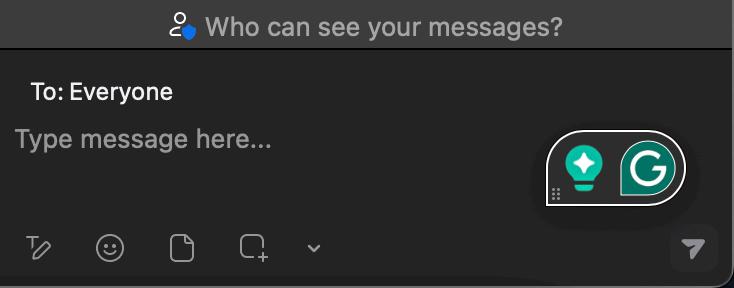
Grammarly is another AI tool that is specifically targeted towards helping improve writing.
Specifically, Grammarly can create clarity and accuracy in written communication, which is crucial for chat messages or document sharing during Zoom meetings. For individuals with ASD, this reduces stress about potential errors and enhances confidence.
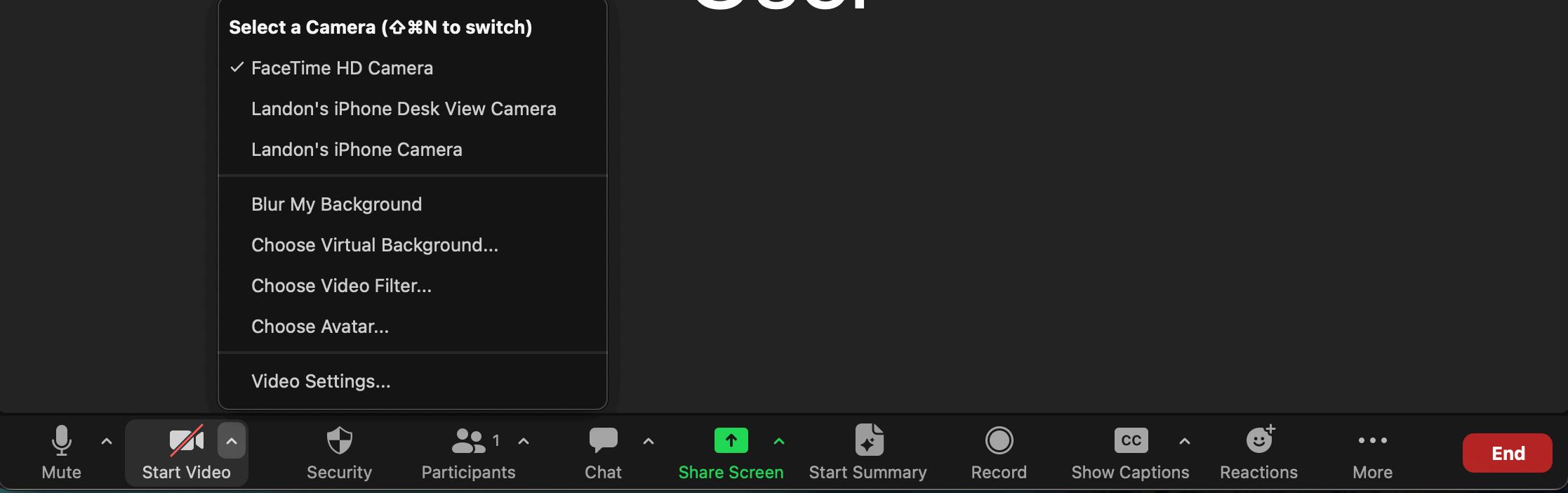
Blurringone'sbackgroundon Zoomcanbehelpfulfor individualswithASDasit minimizessensoryoverloadand distractions.
FormanywithASD,visual clutterorunpredictable movementinthebackgroundof avideocallcanbe overstimulatinganddivert attentionfromtheprimary speaker.
Ablurredbackgroundcreatesa neutralandlessoverwhelming environment,allowingthese individualstofocusbetteron communicationandthetaskat hand.
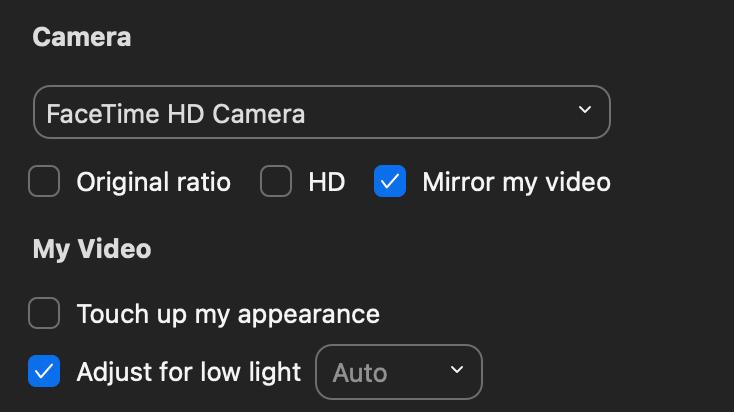
Use Natural Light When Possible: Sit facing a window for soft, flattering natural light. Avoid sitting with your back to a window, as this creates a silhouette.
Supplement with Artificial Lighting: If natural light isn't available, use lamps or ring lights. A ring light provides even illumination and reduces shadows.
Avoid Overhead Lighting: Overhead lights can cast unflattering shadows, especially under your eyes. Use side or front lighting for a more balanced effect.


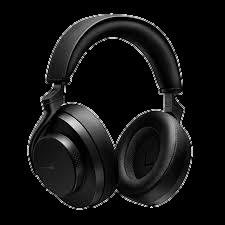
Noise-Canceling Headphones:
Individuals with Autism Spectrum Disorder experience sensitivities to sounds such as typing, eating, or even traffic noises during video calls, which can be distracting and cause shifts on focus from conversations.
Noise-canceling headphones can help to minimize these auditory distractions by blocking out unwanted background noise.
Sony WH-1000XM5 1.
Features: Superior noise cancellation, long battery life (up to 30 hours), excellent sound quality, and intuitive touch controls. a.
Price: Approximately $399.99. b. Bose QuietComfort Ultra 2.
Features: Exceptional comfort, excellent active noise cancellation (ANC), and robust design. a.
Price: Around $429.99. b. JBL Tune 760NC 3.
Features: 40+ hours of battery life, decent ANC, and a bass-heavy sound profile. Good microphone quality for calls. Lacks app customization options a.
Price: Around $99. b.
Images are not our own: Credit to the lawful owner
Zolyomi, Annuska, Andrew Begel, Jennifer Frances Waldern, John Tang, Mike Barnett, Edward Cutrell, Daniel McDuf, Sean Andrist, and Meredith Ringel Morris. "Managing Stress: The Needs of Autistic Adults in Video Calling " Proc ACM Hum -Comput Interact , vol 3, no CSCW, Nov 2019, pp 134:1-29, doi:10 1145/3359236